

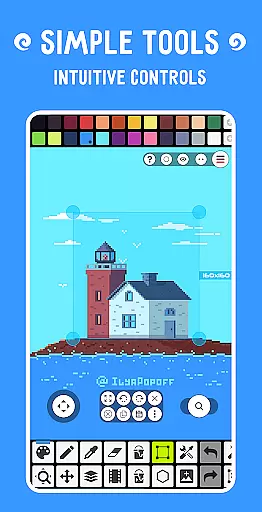
Pixel Studio PRO is a premier pixel art editor tailored for both budding artists and seasoned game developers. This special edition comes without ads or in-app purchases, offering all PRO features unlocked. With support for layers, animations, music integration, and MP4 video export, it provides a complete creative suite. The app facilitates cross-device work synchronization through Google Drive and fosters a vibrant community via Pixel Network™. With over 5,000,000 downloads globally and multilingual support, it stands as an essential tool for creating impressive pixel art anytime, anywhere.
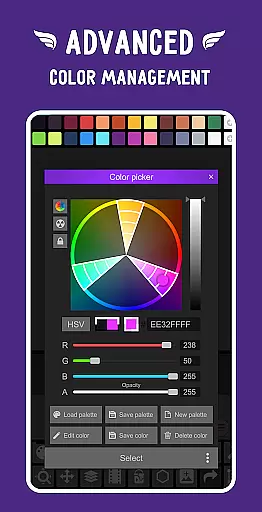
The application boasts an intuitive interface with advanced tools like custom palettes, RGBA and HSV color pickers, and precise zoom controls. It supports various formats including PNG, JPG, GIF, BMP, TGA, PSP, PSD, and EXR, ensuring compatibility across platforms. Additionally, features such as autosave, backup options, and customizable settings enhance user experience, making it a versatile choice for professionals and hobbyists alike.
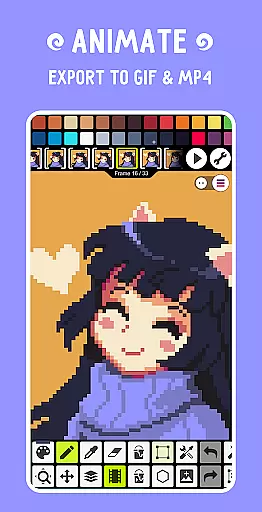
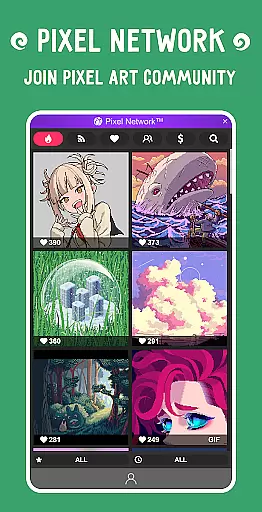
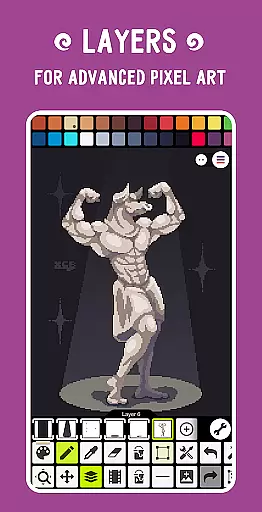
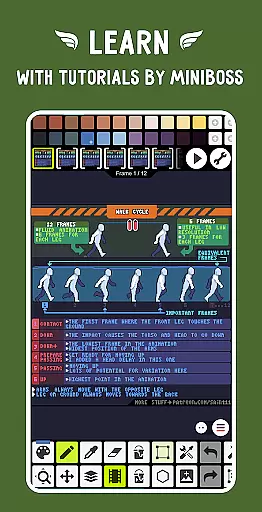
Pixel Studio PRO offers a rich array of features designed to elevate your pixel art projects. The inclusion of layers and frame-by-frame animation capabilities allows for intricate designs and dynamic visuals. Users can extend their animations with music tracks and export them as MP4 files, providing a multimedia dimension to their artwork. Sharing creations within the Pixel Network™ community or with friends is seamless, promoting collaboration and feedback.
Advanced functionalities include gradient and shape tools, custom brushes, and symmetry drawing modes. The text tool with varied fonts and dithering pen for shadows add depth to artworks. Specialized algorithms like Fast RotSprite for rotation and Scale2x/AdvMAME2x for scaling ensure high-quality transformations. Additional PRO features encompass dark theme settings, 256-color palettes, and extended project sizes, catering to demanding artistic requirements while maintaining performance efficiency.
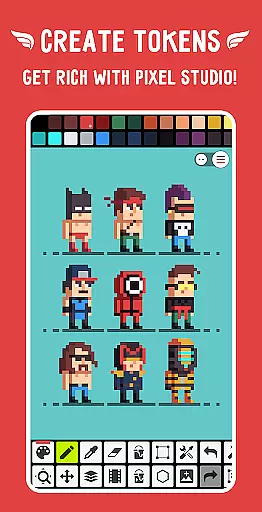
Pixel Studio PRO offers an extensive suite of creative tools that cater to both beginners and professional artists. The application supports layers, animations, and a variety of useful instruments for creating pixel art projects. With features like the Shape Tool for primitives, Gradient Tool, and custom brushes, users can explore different artistic techniques.
In addition to basic drawing, Pixel Studio PRO allows for advanced functionalities such as creating frame-by-frame animations, saving them as GIFs or sprite sheets, and even extending these animations with music in MP4 format. This versatility ensures that all your creative visions can be fully realized within a single platform.
The software is also equipped with professional features including support for various formats like PNG, JPG, GIF, BMP, TGA, PSP, PSD, EXR, and more. It provides options for unlimited canvas size, canvas resizing, rotation, customizable grid, and multithreaded image processing, making it a comprehensive tool for any pixel art project.
One of the standout features of Pixel Studio PRO is its remarkable flexibility in terms of canvas and format support. Users can work on an unlimited canvas size, allowing for grand-scale projects without any constraints. Additionally, the ability to customize the background color and grid enhances the adaptability of the workspace to fit individual preferences and project requirements.
Pixel Studio PRO supports all popular formats including PNG, JPG, GIF, BMP, TGA, PSP (Pixel Studio Project), PSD (Adobe Photoshop), and EXR. For professionals, extended format support includes AI, EPS, HEIC, PDF, SVG, WEBP (cloud read-only), and PSD (cloud read/write). This wide range of compatibility ensures that users can import and export their work across different platforms and software seamlessly.
Moreover, the application's autosave and backup feature guarantees that users never lose their progress. Coupled with multithreaded image processing and support for JASC Palette (PAL) format, Pixel Studio PRO delivers a robust and flexible environment for all pixel art enthusiasts.
User-friendly interface
Extensive format support
Powerful animation tools
Vibrant community network
Comprehensive PRO features
High system requirements
Limited free version
No iOS availability
Premium cost
Complex for beginners

Premium version of Shimeji-ee app with no ads & no limit active shimeji
 4.2
4.2
Customizable Outlined Fonts. Watch Face Format. Battery friendly Digital Clock.
4.20
Trace, draw, and create art with AR - from memes to masterpieces!
4.30
Paint with oils and sketch with natural tools on a realistic virtual canvas.
3.80
Draw beautiful mandala's very easily
4.60
Resize photos and print photos in exact size with our powerful photo printer!
3.80
Everything you need to create hand drawn animation, anywhere you go!
4.40
Kling AI is an image and video generation and editing studio powered by AI.
4.50
Turning simple sketches into captivating tales filled with life and motion
3.90
Your AI soulmate — meaningful chats, and unique emotional moments
4.70
Draw, fidget, and spin glow art! Relax and express your creativity with a finger
4.60
Photo blender app to create overlay photos & double exposure.
4.40
Digital Drawing: Draw & Paint
4.10
Get creative and make art with your Sesame Friends!
4.00
AI Art Generator transforms your words into AI generated art & paintings.
3.70
AI Assistant, powered by ChatGPT GPT-4 & GPT-4o. Your intelligent companion.
3.50
Pose and morph realistic male and female models! 3D poser app
3.00
Download now for a stylish and functional timepiece
4.1
A luxurious gold watch face for an elegant and refined look.
4.4


User Reviews