
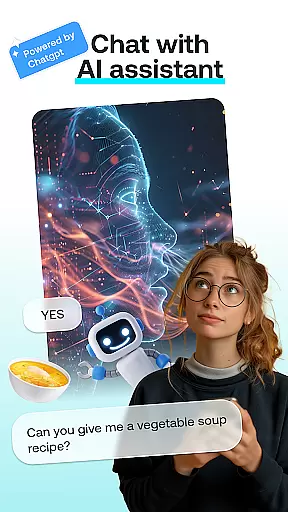
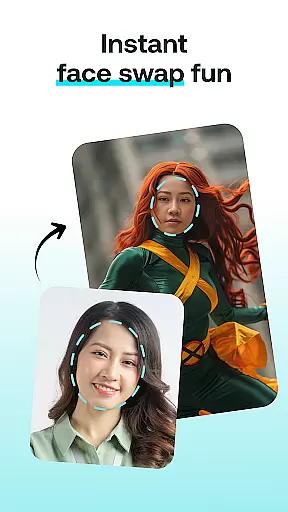
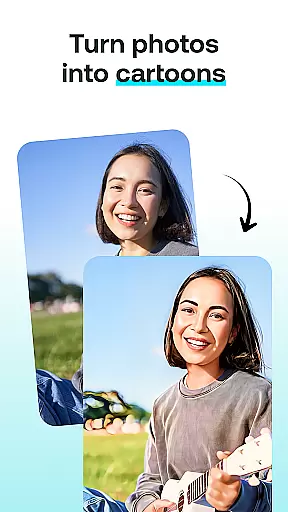
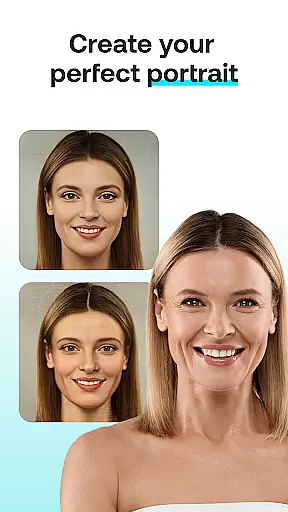
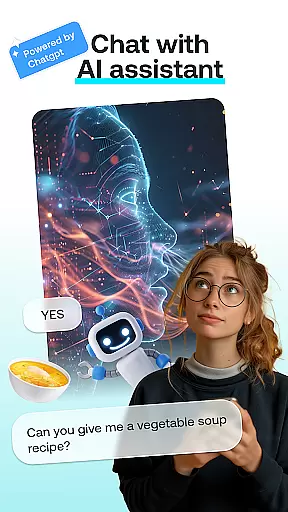
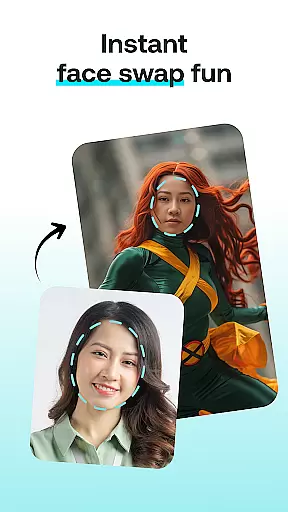
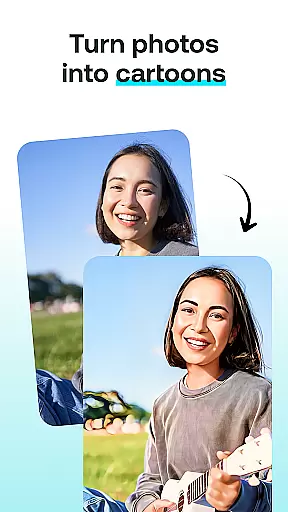
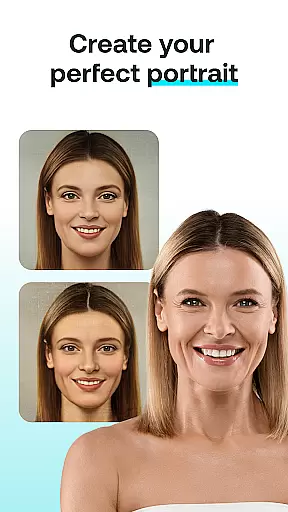
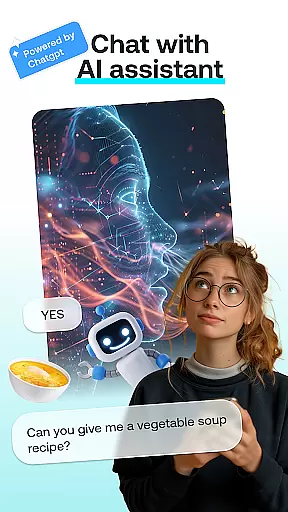
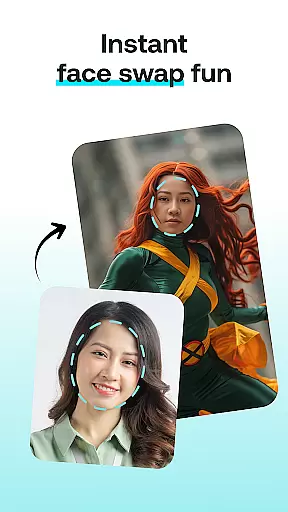
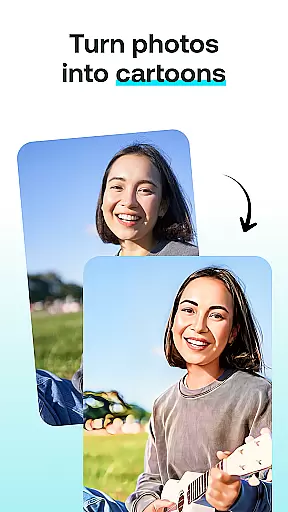
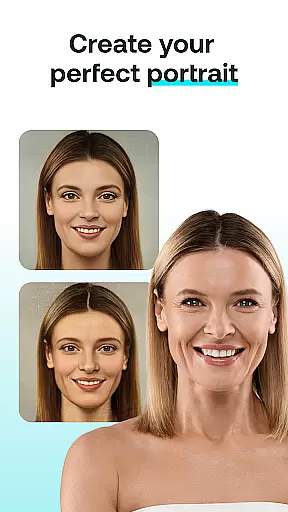
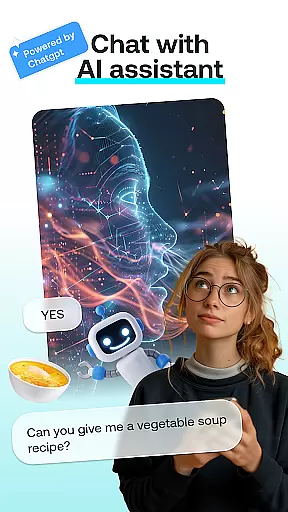
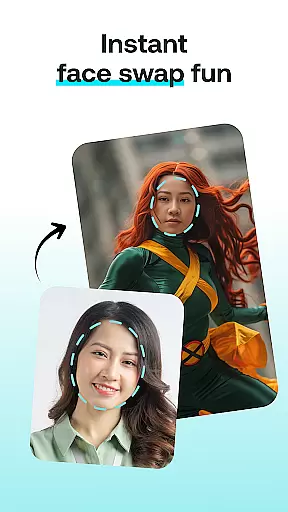
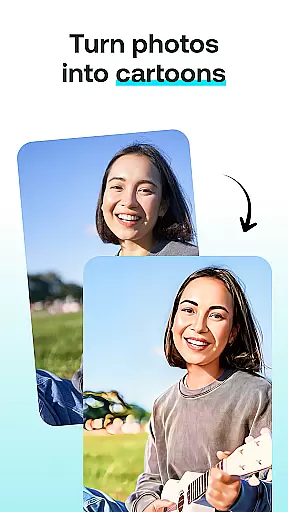
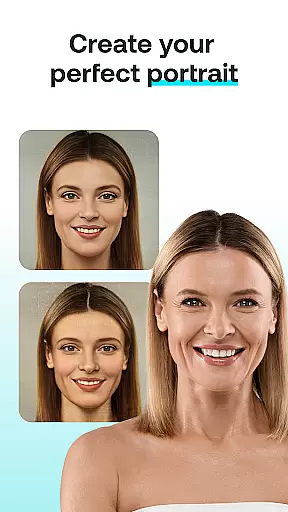
AI Chat is an innovative app that brings together the best of AI-driven conversations and creative tools in one place. Powered by advanced technologies like ChatGPT GPT-4 & GPT-4o, this app allows users to engage in intelligent discussions, create artistic transformations, and design personalized content with ease.
The app features multiple modules including AI Chat for insightful conversations, Face Swap for fun photo edits, Cartoon Effect to turn photos into whimsical characters, Portrait Maker for crafting stunning portraits, and AI Paintings for generating unique artwork. Whether you're looking to chat, create art, or transform images, AI Chat offers a seamless experience tailored to unleash your creativity.
Designed for both entertainment and productivity, AI Chat is perfect for anyone who enjoys experimenting with new ideas, creating personalized content, or simply having fun with cutting-edge AI technology. With its intuitive interface and powerful features, the app ensures effortless creation and exploration.
AI Chat stands out with its diverse range of creative tools and conversational capabilities. The AI Chat module is powered by ChatGPT GPT-4 & GPT-4o, ensuring engaging and insightful conversations that can provide advice, inspiration, or casual interaction.
In addition to chatting, the app includes several creative features. Face Swap lets users swap faces with friends or celebrities, while Cartoon Effect transforms photos into playful cartoon versions. The Portrait Maker tool helps craft detailed and customized portraits, and AI Paintings turns thoughts into visually stunning artworks. Each feature is designed to be user-friendly, offering high-quality results with minimal effort.
What sets AI Chat apart is its ability to combine these features into one cohesive platform. Users can easily switch between chatting, editing photos, or creating art, all within a single app. This versatility makes it ideal for those who want to explore different forms of creativity without needing multiple apps.
In the realm of digital creativity, having a comprehensive set of tools is paramount. AI Chat: Chatbot Assistant offers an impressive suite of creative modules that cater to various artistic needs. The app includes AI Chat for engaging conversations, Face Swap for playful image manipulations, Cartoon Effect for adding whimsical touches, Portrait Maker for crafting detailed portraits, and AI Paintings for generating stunning artworks.
Each module within the application is designed with advanced algorithms powered by technologies like ChatGPT GPT-4 & GPT-4o. This ensures that users can create high-quality content whether they are looking to generate realistic depictions or explore abstract concepts. With intuitive controls and customizable options, these tools empower users to express their creativity without limitations.
The true value of this complete toolkit lies in its ability to transform simple ideas into captivating visuals. Users can experiment with different styles and effects, from swapping faces in photos to turning snapshots into cartoon-like images. Such versatility not only enhances user experience but also broadens the scope of creative possibilities, making it an indispensable companion for anyone interested in art and design.
Flexibility in canvas and format options is crucial for unleashing full creative potential. AI Chat: Chatbot Assistant excels in providing diverse customization features that allow users to tailor their creations precisely as they envision. Whether you're designing a portrait or converting a photo into a cartoon character, the app supports various formats and sizes to suit your specific requirements.
This adaptability extends beyond just image dimensions; it encompasses style choices, artistic effects, and output preferences. For instance, when using the Portrait Maker or Cartoon Effect features, users can adjust settings to achieve desired outcomesu2014be it realistic portrayals or more imaginative interpretations. Additionally, seamless integration across different modules ensures consistent quality regardless of chosen format.
Ultimately, such flexibility empowers creators to visualize thoughts as tangible pieces of art effortlessly. By accommodating varied artistic expressions through adaptable canvas configurations, AI Chat: Chatbot Assistant stands out as a robust platform where imagination meets technical precision, enabling artists at all levels to produce work that truly reflects their vision.
User-friendly interface
Advanced AI technology
Versatile creative tools
High-quality results
Fun and engaging features
Limited offline functionality
Premium features require subscription
Dependent on internet connection
Some tools may need improvement
Free version has limitations

Transform photos into amazing monochrome dither art with professional algorithms
 4.4
4.4
Design your dream room with AI. Get decor ideas & plan home interiors
3.90
Text to Image, Image to Video & AI Chat
4.20
Photo blender app to create overlay photos & double exposure.
4.40
Draw anime easily with AR guidance, sketch templates & trace tools!
3.10
Powerful home decoration & house design that allows you to design dream home.
3.80
OneUI 8.5 icons ✨ Smooth, modern & based on the latest Play Store design ??
4.10
Inky runs Inkscape on Android devices and Chromebooks
2.90
Create cute cat emojis & PFPs! Fun, custom avatars for cat lovers.
3.70
Learn how to draw with step-by-step tutorials, fun lessons & multiplayer drawing
4.70
Photo editor for art, avatars, filters & fun transformations.
4.60
Turn your drawings into flipbook-style animations with simple creative tools
4.60
Discover Cartoon Dream : Unleash Your Creativity with CuttingEdge AI
4.50
800+ Drawing, Painting Lessons App to Practice, Sketch & Paint Art.
4.30
Floor Plan Creator lets you create, edit and share floor plans.
4.00
Art of Combination Wear OS Watch faces (for Wear OS 5+ devices)
3.90
AI Face Swap, Video Effects Editor, Realtime Morph, Funny Video FX,AI Filters
3.70
Pose and morph realistic male and female models! 3D poser app
3.00
Premium version of Shimeji-ee app with no ads & no limit active shimeji
4.5


User Reviews