

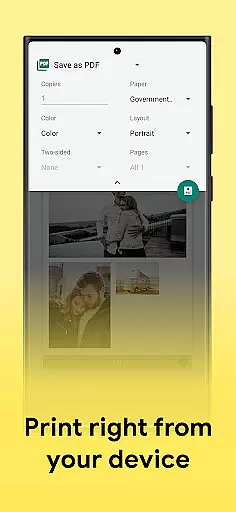
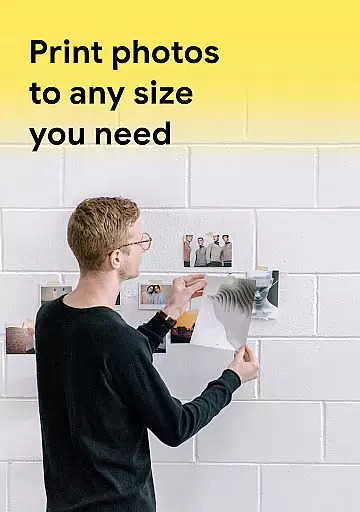
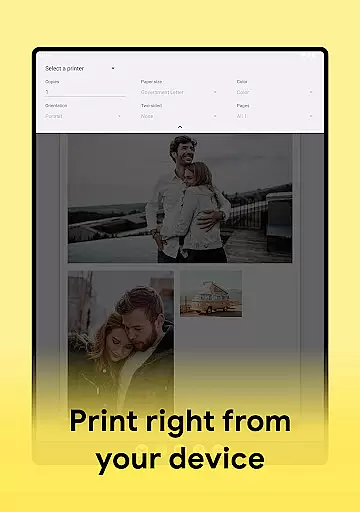
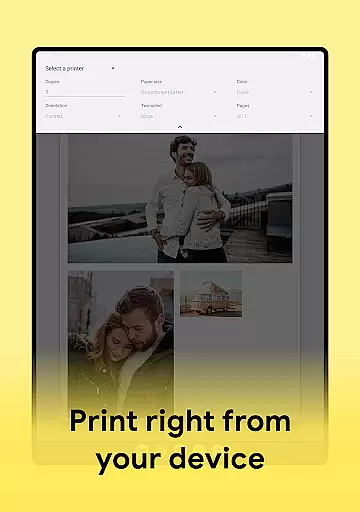
Print Photo is an innovative photo printing application designed for users who need to print high-quality photos, badges, labels, and passport-sized images directly from their mobile devices. The app supports a wide range of printers including HP Smart, Samsung Print, Canon Pixma, Brother iPrint, and Epson Print.
With its user-friendly interface, the app allows you to adjust print settings such as DPI and resolution, ensuring optimal photo quality. Whether you're printing single photos or creating multiple passport-sized images on one sheet, this app provides a fast and easy solution for all your photo printing needs.
The app's ability to save files in various formats (PDF, PNG, JPG) and send them to cloud storage makes it a versatile tool for both personal and professional use. Its compatibility with different paper sizes and customizable templates ensures that you can achieve the perfect print every time.
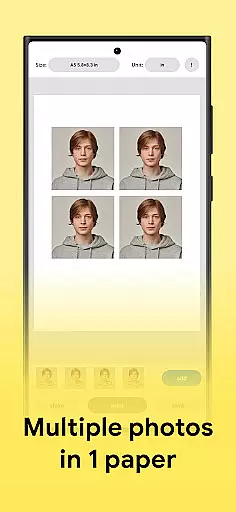
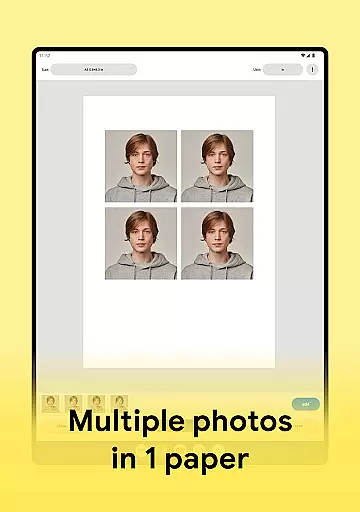
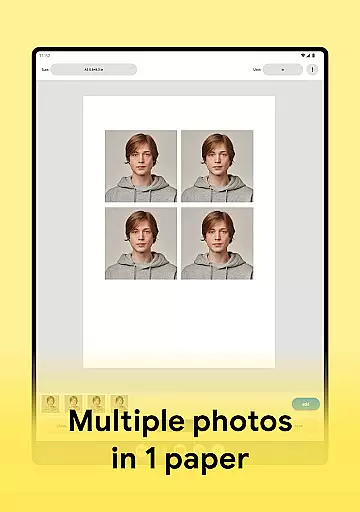
Print Photo offers a comprehensive set of features that cater to diverse photo printing requirements. One of its standout capabilities is the ability to create passport-sized photos with multiple images on a single sheet of paper, which is particularly useful for official document submissions.
The app provides precise control over print resolution and DPI settings, allowing users to achieve maximum print quality. It also supports saving edited photos in multiple formats including PDF, PNG, and JPG, while offering seamless integration with popular cloud storage services.
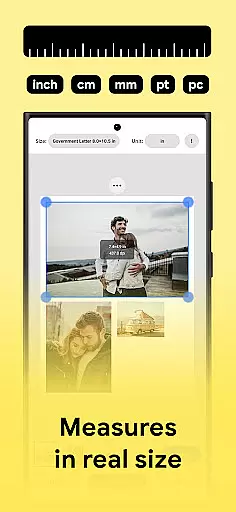
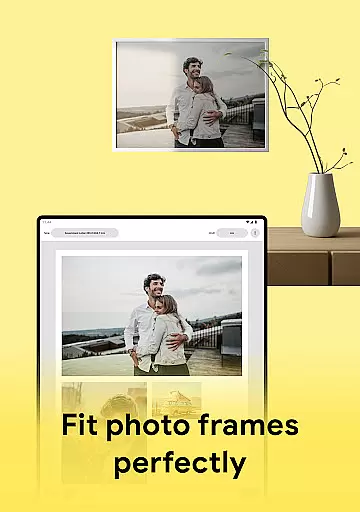
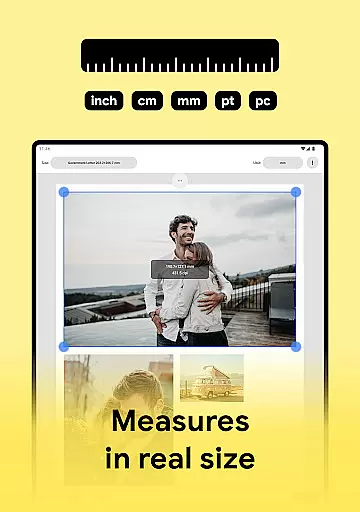
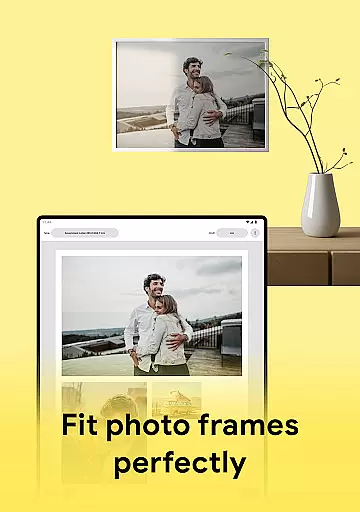
Another notable feature is the customizable paper size options. Users can either choose from pre-set templates or create their own formats, making it easier to adapt to different printing requirements. The app's compatibility with major printer brands ensures reliable performance across various devices.
In the realm of photo printing and editing, having a comprehensive set of creative tools is essential for unleashing your artistic potential. Print Photo rises to the occasion by offering an extensive suite of features that cater to all your photo manipulation needs.
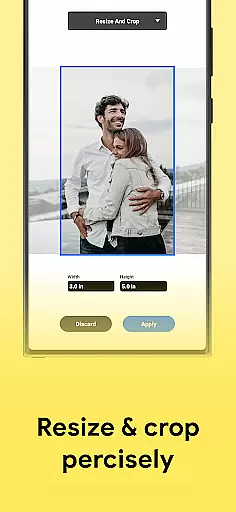
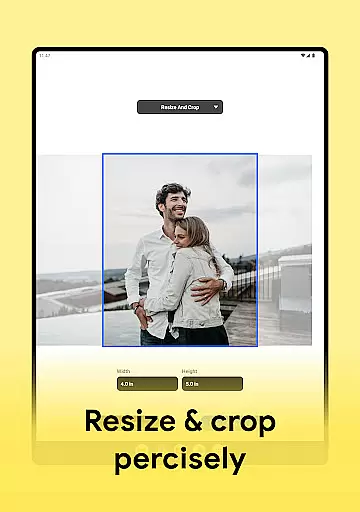
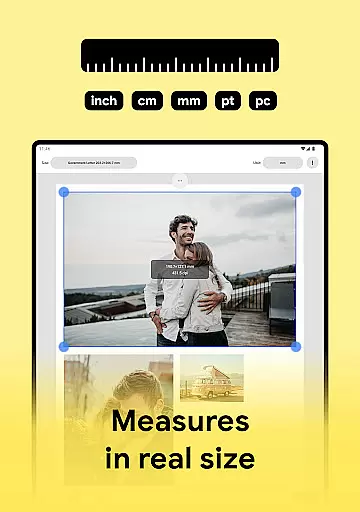
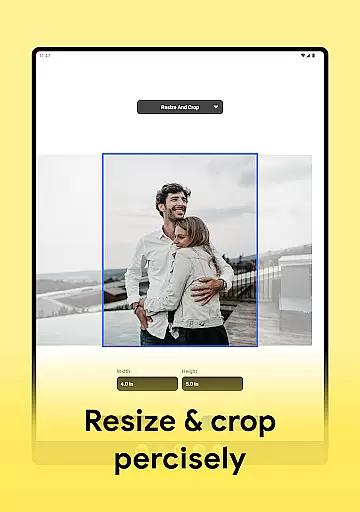
From adjusting dpi and print resolution to cropping and fitting pictures to size, this app ensures you have precise control over every aspect of your photo projects. The ability to create passport-sized photos with multiple images on a single sheet showcases its versatility and attention to detail.
The app's compatibility with various printer models including HP Smart, Samsung Print, Canon Pixma, Brother iPrint, and Epson Print demonstrates its commitment to providing a complete creative solution. This wide-ranging support allows users to seamlessly transition from digital editing to physical prints without limitations.
Furthermore, the inclusion of options to save projects as PDF, PNG, or JPG files, along with cloud storage integration, enhances workflow efficiency and file management. These robust creative tools collectively empower users to produce high-quality prints while maintaining complete creative control throughout the process.
Flexibility in canvas size and format options is crucial for accommodating diverse printing requirements and creative visions. Print Photo excels in this aspect by providing users with unparalleled freedom to customize their printing projects according to specific needs.
The application allows users to select from predefined paper sizes or create custom formats, ensuring perfect alignment with various printing materials and purposes. This feature proves particularly valuable when working on specialized projects such as badge creation, label printing, or producing standardized passport photographs.
Print Photo's intelligent system automatically adjusts image dimensions while maintaining aspect ratio integrity, preventing distortion during resizing operations. Users can fine-tune these automatic adjustments manually, guaranteeing optimal composition before finalizing prints.
Moreover, the app's support for multiple output formats including PDF, PNG, and JPG provides additional flexibility for both digital sharing and physical printing. This combination of customizable canvas options and versatile format support makes Print Photo an indispensable tool for anyone seeking precise control over their photo printing endeavors.
User-friendly interface
Wide printer compatibility
High-quality prints
Multiple file formats
Customizable templates
Limited advanced editing
No batch processing
Premium feature costs
Occasional connectivity issues
Basic color adjustments

Unleash your drawing and painting potential
 4.50
4.50
Convert image to JPG PNG HEIC PDF, support almost all kinds of image formats
4.70
Make your phone cooler and have a fantastic experience
4.80
800+ Drawing, Painting Lessons App to Practice, Sketch & Paint Art.
4.30
Turn your drawings into flipbook-style animations with simple creative tools
4.60
Minecraft & Roblox Clothes
4.70
Image resizer to resize, crop, rotate, flip, change dpi photo or picture in bulk
4.60
Inky runs Inkscape on Android devices and Chromebooks
2.90
Create cute cat emojis & PFPs! Fun, custom avatars for cat lovers.
3.70
Discover Cartoon Dream : Unleash Your Creativity with CuttingEdge AI
4.50
Digital illustration drawing & painting pad app to paint Anime and Manga art
4.50
Draw Trace image sketch by, AR art projector app, Easy to trace any image.
4.50
Just trace a projected picture on paper and color! Draw & Paint with AR drawing
4.40
OneUI 8.5 icons ✨ Smooth, modern & based on the latest Play Store design ??
4.10
Floor Plan Creator lets you create, edit and share floor plans.
4.00
Create sweet, cool and unique couple avatars easily, in just a few steps!
3.40
Art of Combination Wear OS Watch Faces
3.30
Retouch photos. Create or edit images. Endless capabilities.
2.70
Art of Combination Wear OS Watch faces
4.2


User Reviews