
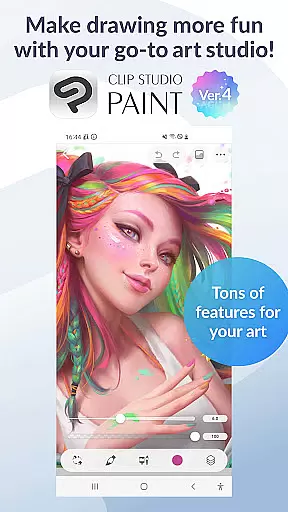
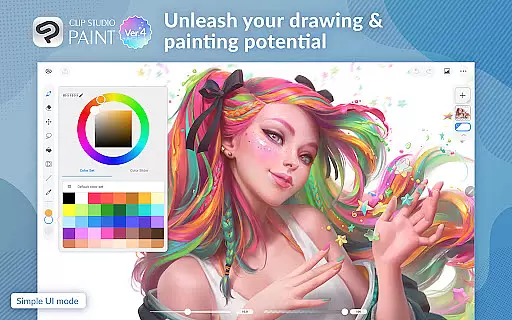
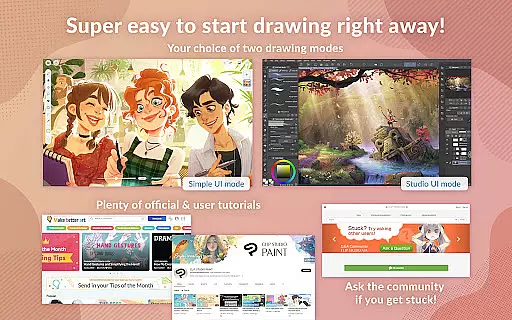
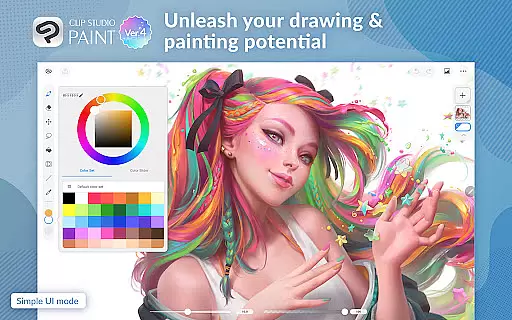
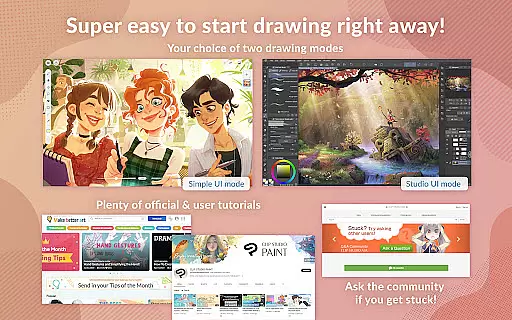
Clip Studio Paint is a comprehensive digital art application designed for artists of all levels. This app offers a free 30-day trial period, allowing users to explore its vast features without any initial investment. With capabilities ranging from creating detailed artwork with up to 10,000 layers to posing 3D models for complex angles, it stands out in the Art & Design category.
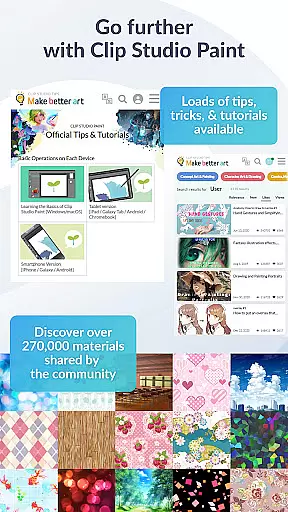
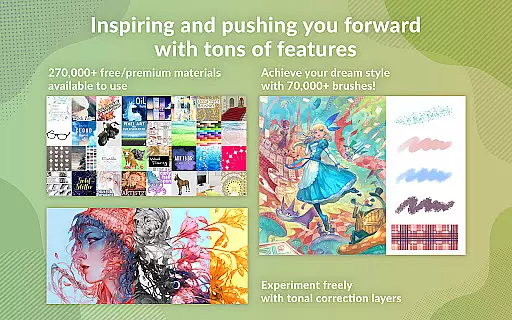
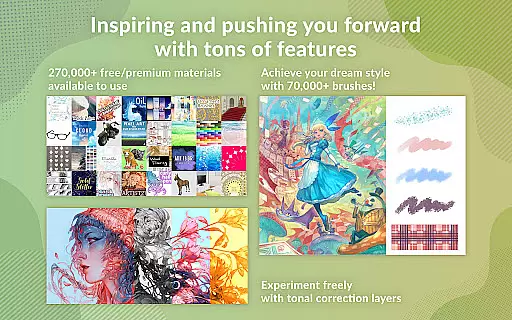
The app provides powerful drawing tools and an extensive library of over 270,000 materials, including brushes and textures. It supports both vector and raster graphics, ensuring high-quality outputs. Whether you're sketching characters or designing comics, Clip Studio Paint equips you with professional-grade features like gradient maps, puppet warp, and live video reference capturing.
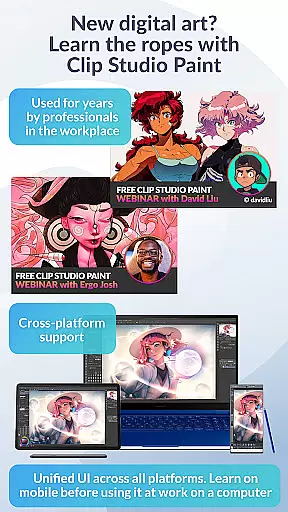
Available on tablets and smartphones, it caters to different user preferences and needs. The subscription model ensures access to the latest updates, cloud storage, and premium assets, making it an ideal choice for both beginners and professionals looking to enhance their digital art skills.
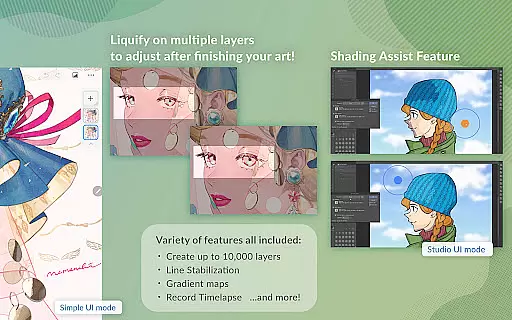
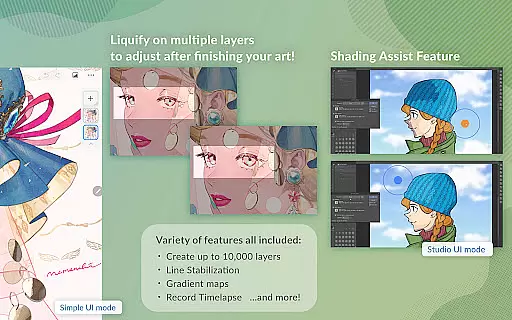
Clip Studio Paint boasts an impressive array of features tailored for digital artists. One standout feature is the ability to create up to 10,000 layers, providing unparalleled depth and detail in your artwork. Additionally, the app includes advanced tools such as Liquify for instant adjustments and Puppet Warp for flexible transformations.
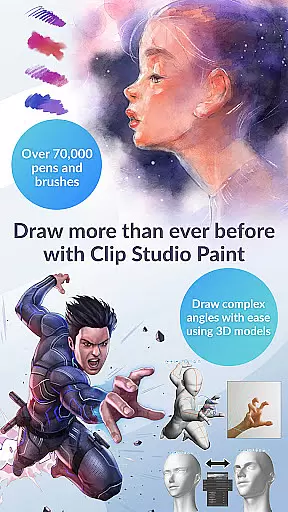
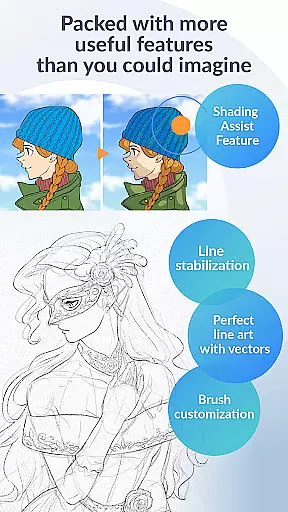
The app's brush engine is another highlight, offering over 70,000 customizable brushes created by artists worldwide. Users can also download more than 270,000 materials, including unique textures and effects, enhancing creativity and productivity. Features like Line Stabilization and Vector Layers ensure precision and scalability in every project.
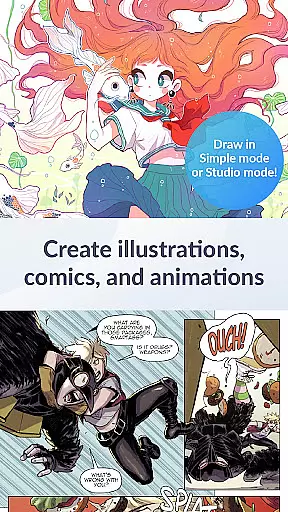
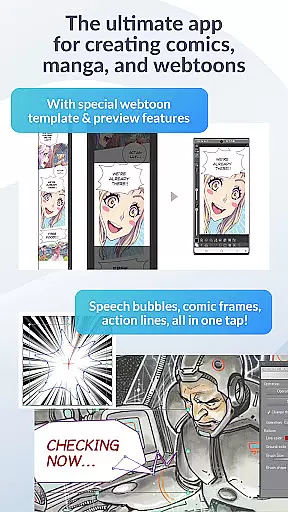
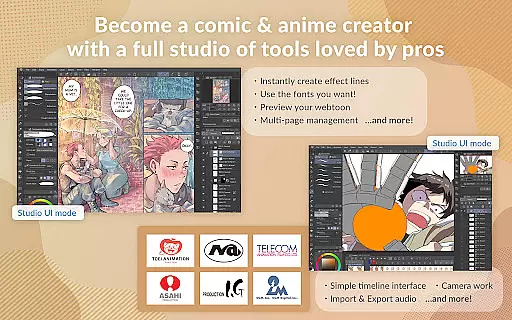
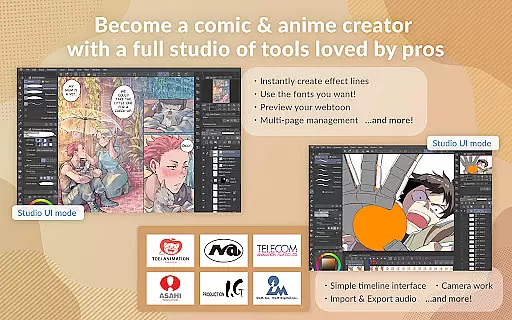
For comic and manga creators, Clip Studio Paint offers specialized tools for speech bubbles, frames, and action lines. Animators can produce anything from simple GIFs to full-length animations with sound and camera movements. These robust functionalities make Clip Studio Paint a versatile tool for various artistic endeavors.
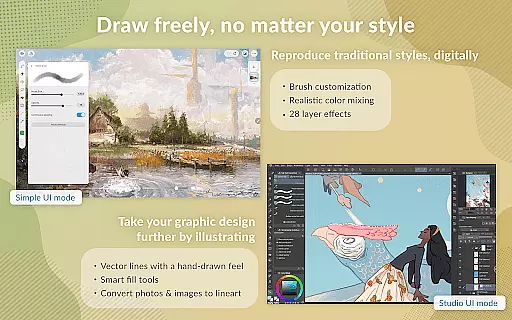
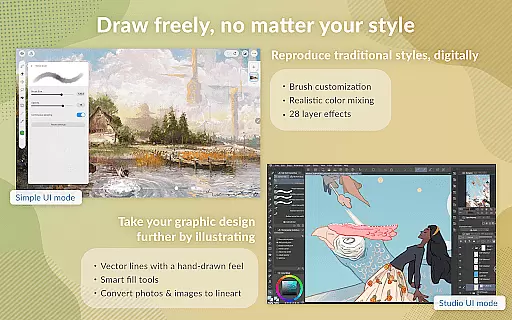
In the realm of digital art, having access to a comprehensive suite of creative tools is paramount. Clip Studio Paint excels in this area by offering an extensive array of features that cater to both amateur artists and seasoned professionals. With over 70,000 brushes available, including custom textures, shapes, and dual brush settings, users can craft their perfect brush for any artistic endeavor.
Moreover, the app provides advanced capabilities such as vector painting, which allows artists to scale up their work without losing qualityu2014a crucial feature when working on high-resolution projects or printing artwork. The inclusion of 28 layer effects further enhances the ability to refine and touch up creations with precision.
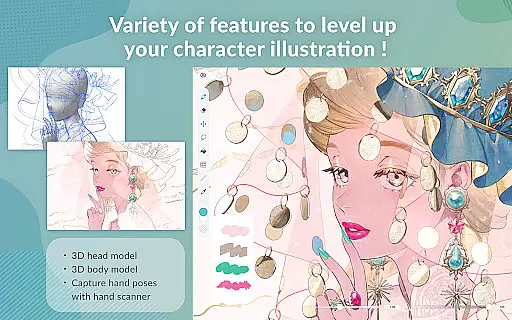
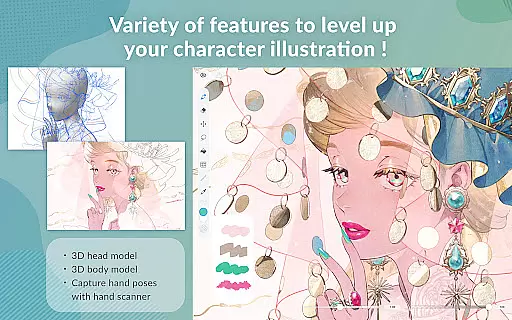
For those focused on character design, Clip Studio Paint supports the use of 3D models that can be posed to draw from tricky angles, alongside gradient maps for superior color control. Artists can also leverage live video capture to reference difficult hand poses, ensuring anatomical accuracy in their drawings.
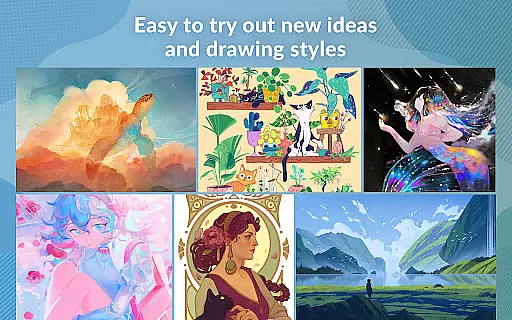
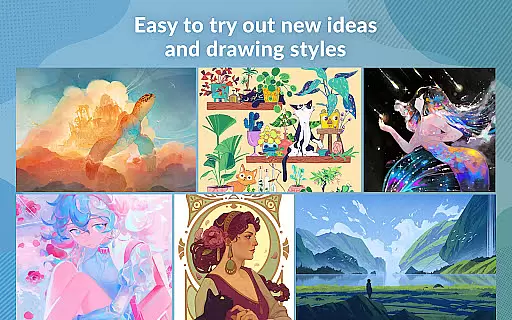
The versatility of these tools empowers creators not only to execute their vision but also to experiment with new ideas and styles. By integrating traditional drawing techniques with cutting-edge technology, Clip Studio Paint ensures that every artist has full control over their creative process.
Flexibility in canvas size and format options is essential for artists who need to adapt their work across various mediums and platforms. Clip Studio Paint addresses this need by providing unparalleled adaptability in its canvas settings. Users can create detailed artworks with up to 10,000 layers, allowing for intricate compositions that demand precision and depth.
The application's support for vector layers enables artists to adjust lines using control points, ensuring smooth and accurate line art that remains crisp at any scale. This feature is particularly beneficial when creating assets for different outputs, such as web graphics or print media, where resolution requirements may vary significantly.
Additionally, Clip Studio Paint facilitates the creation of perspective-correct backgrounds through snap guides, making it easier to lay down flat colors with the smart fill tool. Such functionality streamlines the workflow for comic, manga, or webtoon creators who require consistent visual elements throughout their multi-page works.
By combining these flexible canvas and format options with powerful drawing aids like perceptual color mixingu2014which mimics real paint blendingu2014Clip Studio Paint offers an intuitive yet sophisticated environment. Whether crafting animations or designing characters, artists have the freedom to explore diverse creative avenues while maintaining professional standards.
User-friendly interface
Extensive brush library
Powerful layer management
Advanced animation tools
Regular feature updates
Subscription required
High system requirements
Limited free usage
Complex for beginners
Occasional bugs

Customizable Outlined Fonts. Watch Face Format. Battery friendly Digital Clock.
 4.20
4.20
Art of Combination Wear OS Watch faces
4.0
Design your dream room with AI. Get decor ideas & plan home interiors
3.90
Digital Drawing: Draw & Paint
4.10
Your Essential Color Theory Guide: Red, Yellow, Blue (RYB)
4.1
Photo blender app to create overlay photos & double exposure.
4.40
Your AI soulmate — meaningful chats, and unique emotional moments
4.70
Create cute cat emojis & PFPs! Fun, custom avatars for cat lovers.
3.70
Kling AI is an image and video generation and editing studio powered by AI.
4.50
Learn how to draw with step-by-step tutorials, fun lessons & multiplayer drawing
4.70
Photo editor for art, avatars, filters & fun transformations.
4.60
Draw anime & manga drawing, art with templates to create stunning picture!
4.50
Digital illustration drawing & painting pad app to paint Anime and Manga art
4.50
AI Tattoo Generator: Create Tattoo Designs & Get Ideas! Ink & Stencil Maker
4.50
Beauty Camera - Selfie Camera is the ultimate beauty camera and selfie app
4.30
Meet the magic aı 3d photo generator and smart AI video generator app.
3.20
Art of Combination Wear OS Watch faces (for Wear OS 5+ devices)
3.00
Art of Combination Wear OS Watch Faces
4.1
Android 14 style widgets and wallpapers app.
4.2


User Reviews