
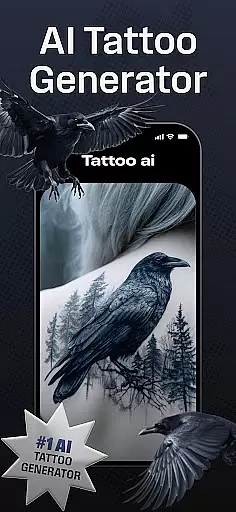
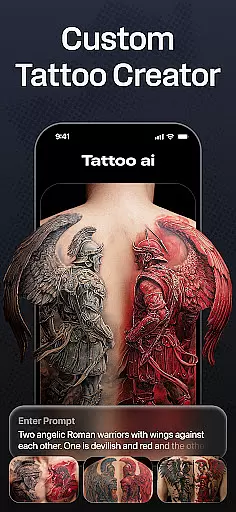
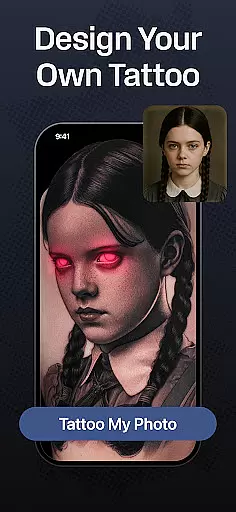
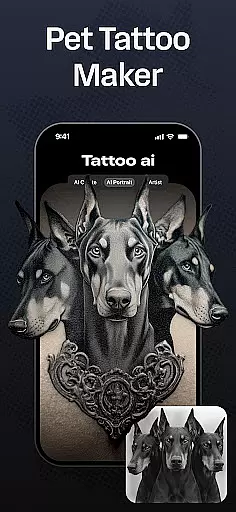
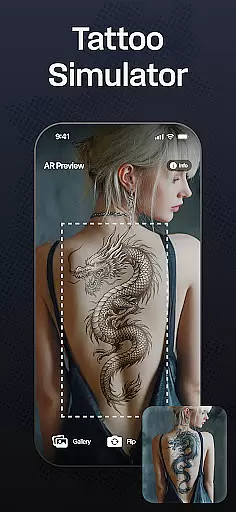
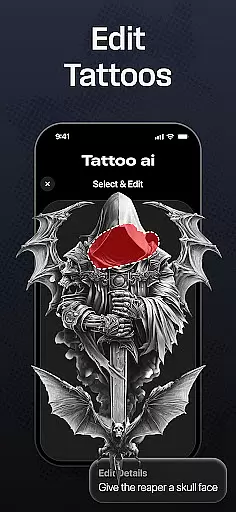
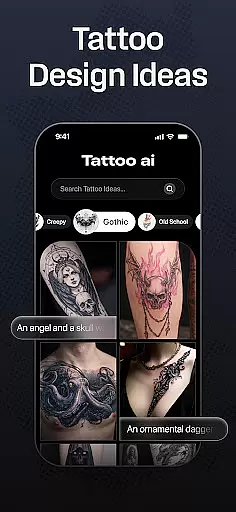
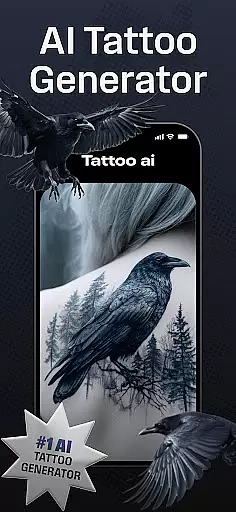
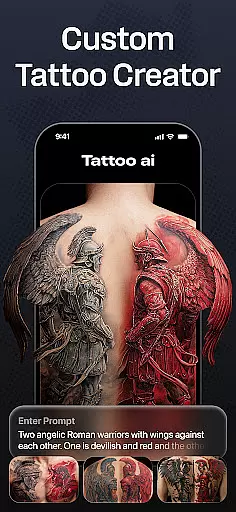
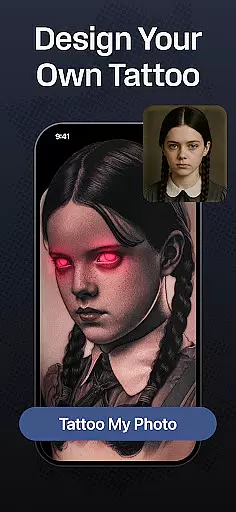
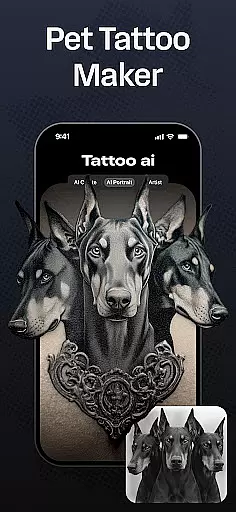
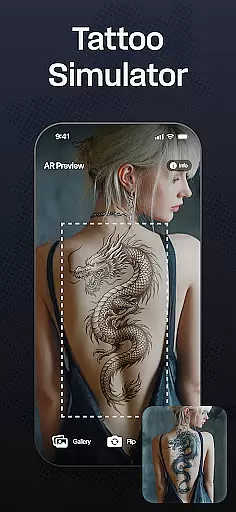
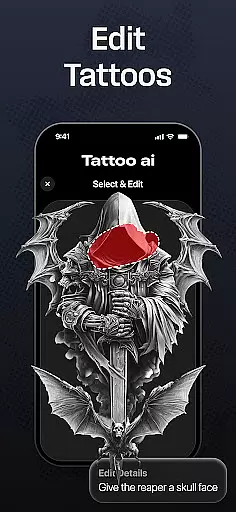
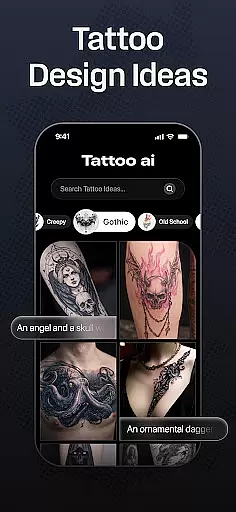
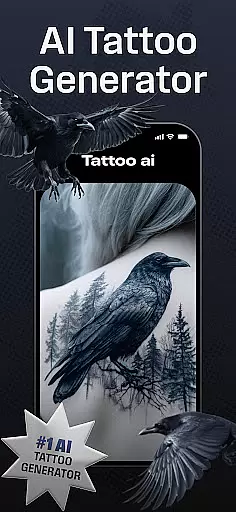
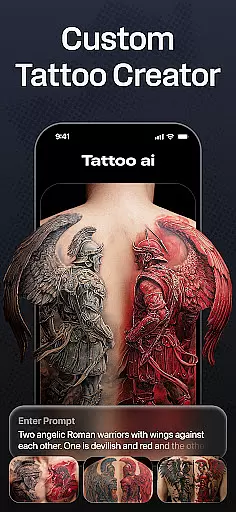
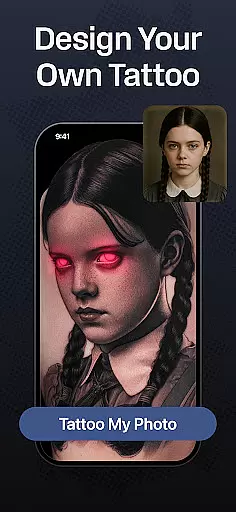
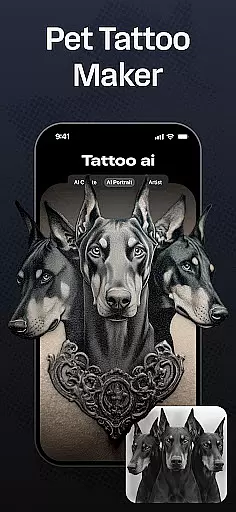
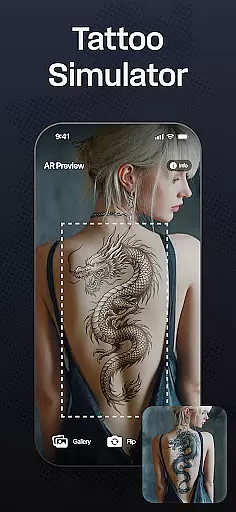
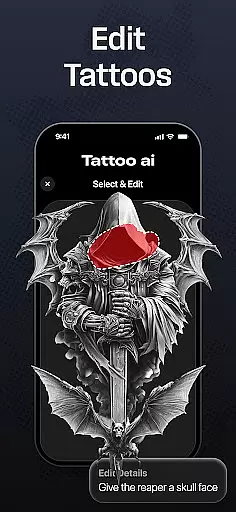
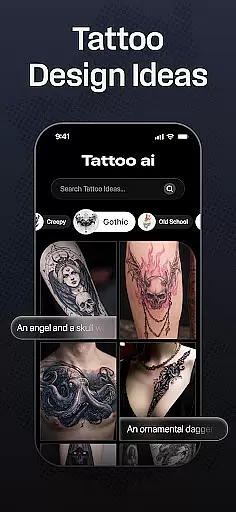
Tattoo AI is a revolutionary app in the Art & Design category, designed to assist both tattoo enthusiasts and professional artists in creating unique, personalized tattoo designs. The app's standout feature is its advanced AI tattoo generator, which allows users to input their ideas or themes and receive tailor-made designs that match their preferences.
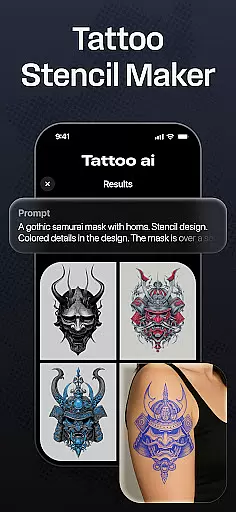
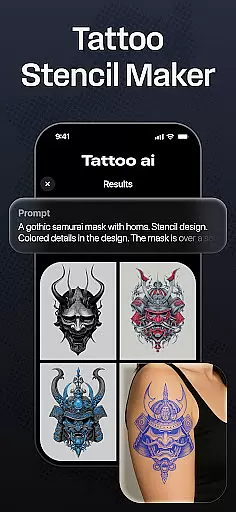
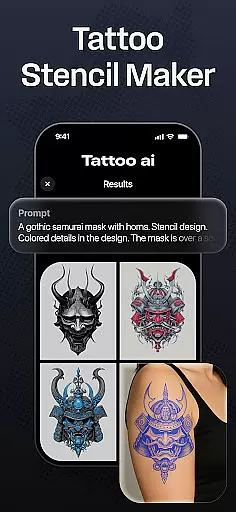
With Tattoo AI, you can explore a wide range of styles including black & white, Japanese, tribal, and even text-based tattoos with customizable fonts. The app also offers full-body customization options, enabling users to visualize how a tattoo will look on different body parts before making any commitments. Additionally, the high-quality tattoo stencil feature makes it easy to bring digital designs into the real world.
This app is particularly useful for those who are considering getting a tattoo but are unsure about design or placement. It saves time by generating endless custom design options and helps users make confident decisions through easy visualization tools. Whether you're looking for inspiration or ready to finalize your next tattoo, Tattoo AI provides the artistic freedom and creative support needed to make your vision a reality.
Tattoo AI stands out in the Art & Design space due to its innovative use of artificial intelligence to create personalized tattoo designs. At the core of the app is the AI tattoo generator, which uses sophisticated algorithms to interpret user inputs and generate unique designs that reflect individual style and preferences.
The app offers an impressive variety of tattoo styles, from classic black & white designs to intricate Japanese patterns and bold tribal art. Users can also create text-based tattoos with customizable fonts, allowing for meaningful quotes or phrases to be transformed into beautiful body art. Another key feature is the full-body customization tool, which lets users see how different designs will look on various body parts, ensuring they make informed decisions about size and placement.
Tattoo AI also includes a high-quality stencil creation tool, perfect for tattoo artists who want to bring digital designs to life. The app's save and share functionality allows users to store their favorite designs and get feedback from friends or professional tattoo artists. These features combine to create a comprehensive tattoo design platform that streamlines the creative process while offering unprecedented customization options.
In the realm of digital tattoo design, having access to comprehensive creative tools is essential. Tattoo AI offers an extensive suite of features that cater to both tattoo enthusiasts and professional artists. The app includes an advanced AI tattoo generator that transforms user inputs into unique designs, ensuring each piece is personalized and distinctive.
Additionally, Tattoo AI provides diverse style options ranging from classic black and white to intricate Japanese and tribal patterns. This versatility allows users to explore different aesthetics and find the perfect match for their preferences. For those interested in text-based tattoos, the app supports customizable fonts and styles, turning meaningful phrases into artistic expressions.
The app also enables full-body customization, letting users visualize how a tattoo will appear on various body parts. This feature helps in making informed decisions about size, placement, and overall design. Moreover, Tattoo AI facilitates the creation of high-quality tattoo stencils, bridging the gap between digital concepts and real-world application.
With these robust creative tools, Tattoo AI empowers users to bring their tattoo visions to life with precision and ease, enhancing both the creative process and final outcome.
Flexibility in canvas and format options is crucial for creating tattoos that meet specific artistic visions. Tattoo AI excels in this area by offering adaptable solutions that cater to a wide array of design needs. Users can experiment with different canvas sizes and shapes, ensuring their designs fit perfectly on intended body parts.
The app supports multiple file formats, allowing seamless integration with other design software and tools used by professional tattoo artists. This compatibility ensures that designs created in Tattoo AI can be easily exported and utilized in various professional settings without losing quality or detail.
Furthermore, Tattoo AI's interface is designed to provide intuitive control over design elements, enabling users to adjust every aspect of their creations. From minor tweaks to major overhauls, the app's flexible formatting options ensure that each tattoo design is exactly as envisioned.
By prioritizing canvas and format flexibility, Tattoo AI not only enhances the creative experience but also ensures that users can achieve their desired results with confidence and precision.
User-friendly interface
Wide style variety
Customizable options
AI-powered designs
Full-body preview
Limited free designs
Pro version costly
Learning curve
Occasional bugs
Device compatibility

Custom Character Creator & PFP Maker!
 4.20
4.20
Logo Generator powered by AI: Create stunning logos effortlessly!
4.70
Passport size photo maker, create ID photo and visa photo in seconds
4.80
Draw glowing spinners, relax, and spin your creative art
4.60
Novices can also easily complete diamond painting masters
4.70
Minecraft & Roblox Clothes
4.70
Resize photos and print photos in exact size with our powerful photo printer!
3.80
AI-powered photo & video creation—fast, fun, and effortless with Quick Actions
4.60
All-in-One art, logo & collage maker. Design photos and edit video backgrounds
4.80
Your AI soulmate — meaningful chats, and unique emotional moments
4.70
Painting, drawing, & sketching
4.50
Photo blender app to create overlay photos & double exposure.
4.40
Trace, draw, and create art with AR - from memes to masterpieces!
4.30
Remove Background, Magic Eraser, Photo Enhancer, Story Templates, Collage Maker
4.30
Beauty Camera - Selfie Camera is the ultimate beauty camera and selfie app
4.30
Create Logos, Tattoos, AI Art & more with our AI Photo Generator & Design Editor
4.20
Unleash the artist in you with our AR drawing and tracing tool for photo drawing
4.10
Sketch and paint on your device with the feel and freedom of drawing on paper
4.00
Pose and morph realistic male and female models! 3D poser app
3.00


User Reviews