
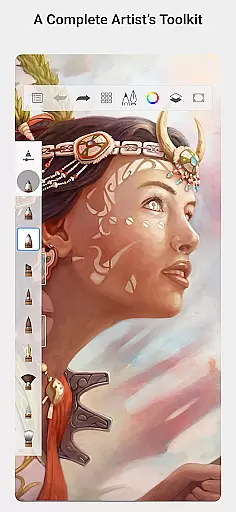
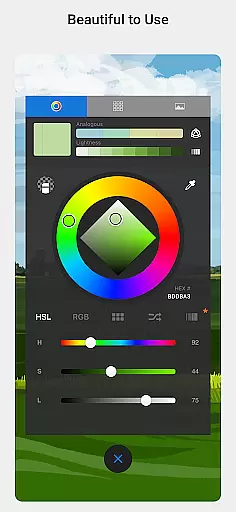
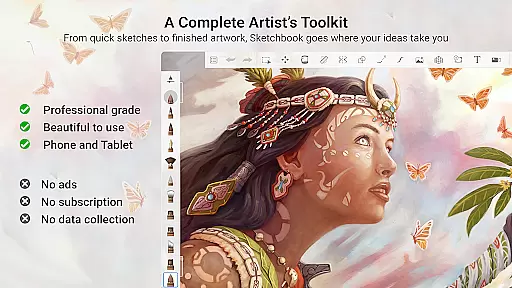
Sketchbook is a premier digital art studio designed for artists, illustrators, and creative enthusiasts who require professional-grade tools on the go. This application allows users to create anything from quick sketches to fully finished artwork with remarkable ease. Featuring an elegant interface that stays out of your way, Sketchbook provides a natural drawing experience free of distractions.
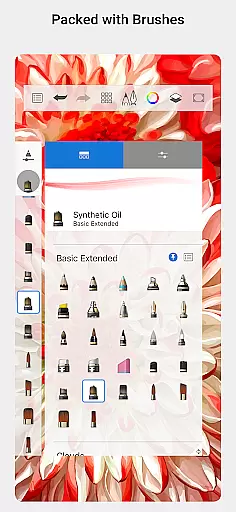
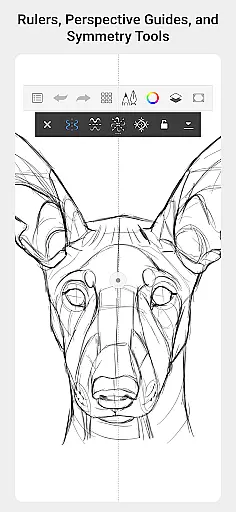
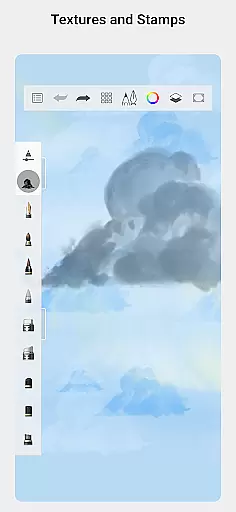
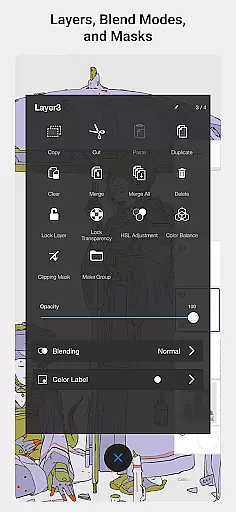
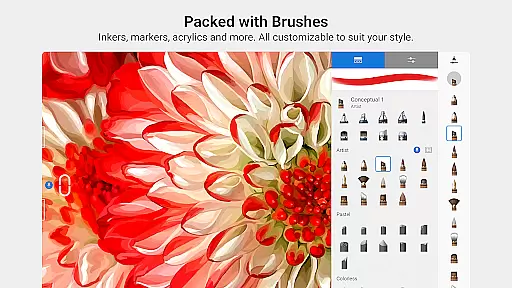
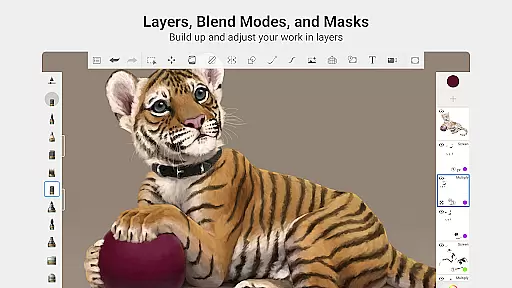
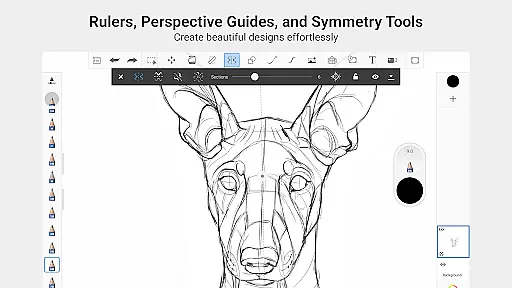
The app includes a full complement of brush types such as pencils, markers, airbrushes, and smear tools that mimic their physical counterparts. Additionally, it offers highly customizable brushes, guides, rulers, and stroke tools for precision work. With support for layers and blend modes, Sketchbook delivers the flexibility needed to explore drawings and colors in depth.
Whether you're an amateur artist or a seasoned professional, Sketchbook empowers your creative process by providing all the necessary tools to capture and express your ideas seamlessly.
Sketchbook stands out with its comprehensive set of features tailored for artistic expression. The app boasts a variety of brush types including pencils, markers, airbrushes, and smear tools, each designed to look and feel like their real-world equivalents. These brushes are not only diverse but also highly customizable, allowing artists to achieve their desired effects with precision.
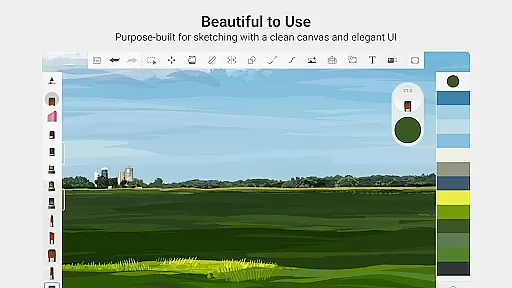
In addition to its impressive brush library, Sketchbook offers tools such as guides, rulers, and stroke controls that support meticulous drawing. The inclusion of layers with a full complement of blend modes enables users to build up complex drawings and experiment with color effortlessly. Purpose-built for sketching, the app's clean and unobtrusive interface ensures that nothing comes between you and your creativity.
With its award-winning design, Sketchbook caters to both casual doodlers and professional illustrators, making it the ideal choice for anyone looking to bring their artistic visions to life on a digital platform.
When it comes to digital art applications, the comprehensiveness of creative tools is paramount. Sketchbook excels in this area by offering a full complement of brush types that cater to various artistic needs. From pencils and markers to airbrushes and smear tools, each instrument is designed to mimic its physical counterpart with remarkable accuracy.
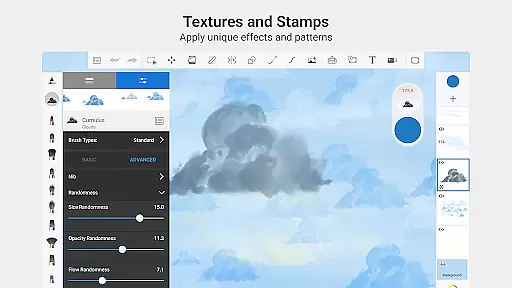
The app goes beyond basic brush offerings by providing highly customizable options for artists. Users can fine-tune their brushes to achieve specific effects, ensuring that their digital creations maintain a personal touch. This level of customization empowers artists to experiment and innovate without being constrained by predefined settings.
Additionally, Sketchbook supports precision work through guides, rulers, and stroke tools. These features are essential for detailed drawings where accuracy is key. The inclusion of layers with blend modes further enhances the creative process, allowing users to build up complex compositions while maintaining flexibility in their workflow.
Flexibility in canvas size and format options is crucial for digital artists who need to adapt their work for different mediums and platforms. Sketchbook addresses this need by providing purpose-built tools specifically designed for sketching and drawing. The application's interface is clean and unobtrusive, allowing artists to focus on their work without unnecessary distractions.
The app's canvas capabilities enable users to create everything from quick sketches to fully finished artwork. Whether working on small-scale illustrations or large-format designs, artists can adjust their canvas settings to suit their project requirements. This adaptability ensures that creativity is never limited by technical constraints.
Furthermore, Sketchbook's format compatibility extends to professional-grade features that support various file types and resolutions. Artists can export their work in formats suitable for both digital and print media, maintaining high-quality standards throughout. This versatility makes Sketchbook an ideal choice for professionals who demand excellence in every aspect of their artistic endeavors.
User-friendly interface
Highly customizable brushes
Professional-grade tools
Supports layers and blend modes
Clean and distraction-free design
Limited social sharing options
No built-in tutorials
Advanced features may overwhelm beginners
Occasional performance lags
Subscription fees apply for premium features

The ultimate tool for creating animations
 4.60
4.60
Transform photos into amazing monochrome dither art with professional algorithms
4.3
Art of Combination Wear OS Watch faces
4.1
Easy 3D drawing design maker & creator. Model designing, Sculpting. Create&paint
4.00
Digital illustration drawing & painting pad app to paint Anime and Manga art
4.50
Convert image to JPG PNG HEIC PDF, support almost all kinds of image formats
4.70
Powerful home decoration & house design that allows you to design dream home.
3.80
Your homescreen as an elegant glass with customized blur, lighting, and visuals.
3.70
Retouch photos. Create or edit images. Endless capabilities.
2.70
Novices can also easily complete diamond painting masters
4.70
Castle is social media for creating and playing games!
4.60
Create neon drawing with magic doodle and fun doodle art effects!
4.50
Painting, drawing, & sketching
4.50
Trace, draw, and create art with AR - from memes to masterpieces!
4.30
Remove Background, Magic Eraser, Photo Enhancer, Story Templates, Collage Maker
4.30
Create Logos, Tattoos, AI Art & more with our AI Photo Generator & Design Editor
4.20
Floor Plan Creator lets you create, edit and share floor plans.
4.00
AI Assistant, powered by ChatGPT GPT-4 & GPT-4o. Your intelligent companion.
3.50
Meet the magic aı 3d photo generator and smart AI video generator app.
3.20


User Reviews