
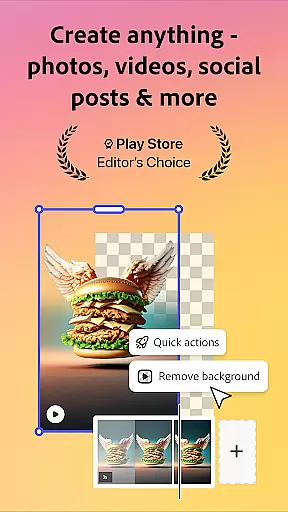
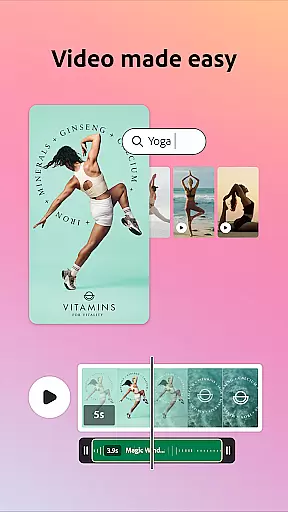
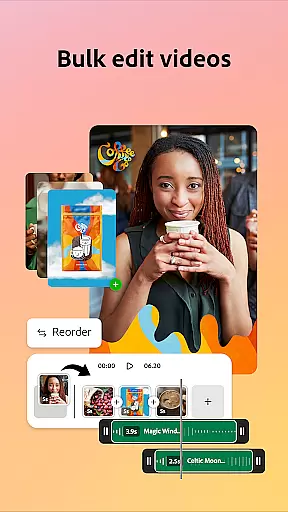
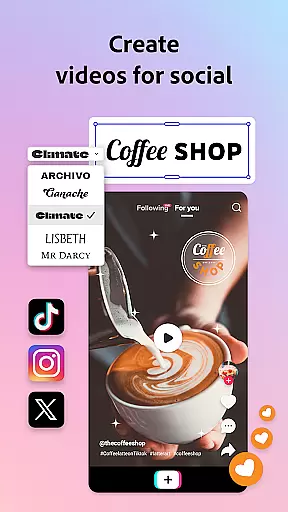

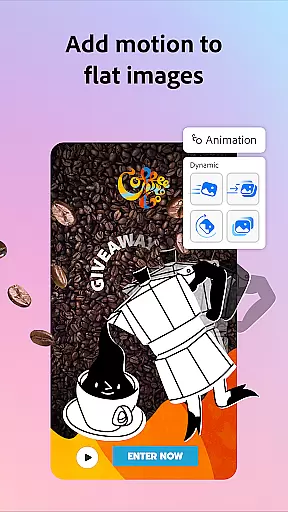
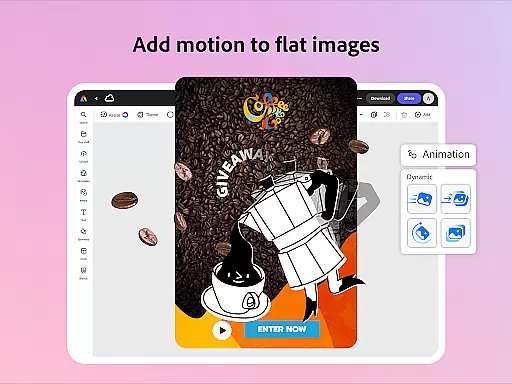
Adobe Express is a versatile design application tailored for both beginners and experienced creators. It enables users to produce high-quality marketing materials while maintaining brand consistency. The app offers an array of features including video editing, photo enhancement, background removal, QR code generation, and PDF editing.
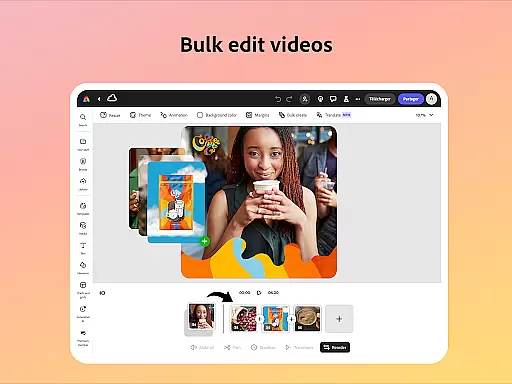
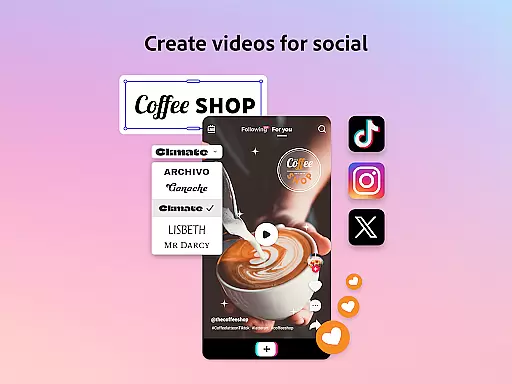
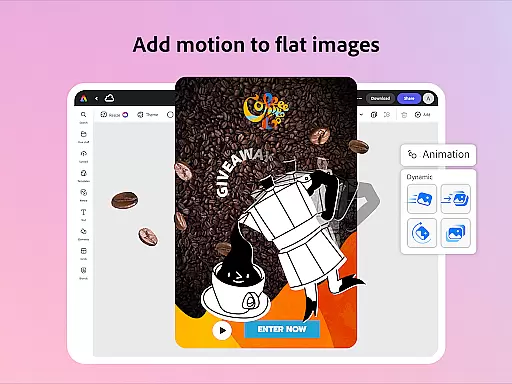
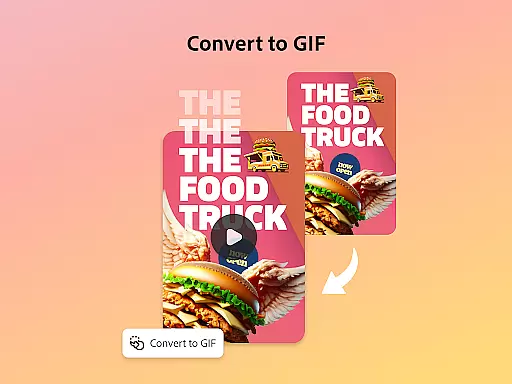
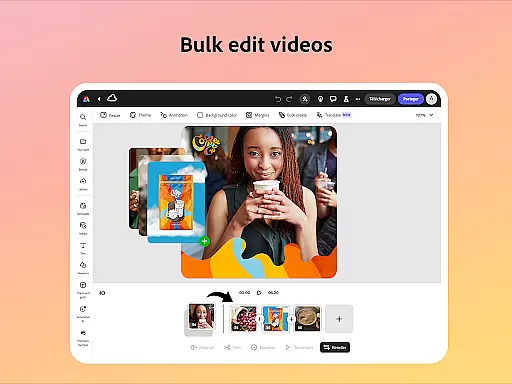
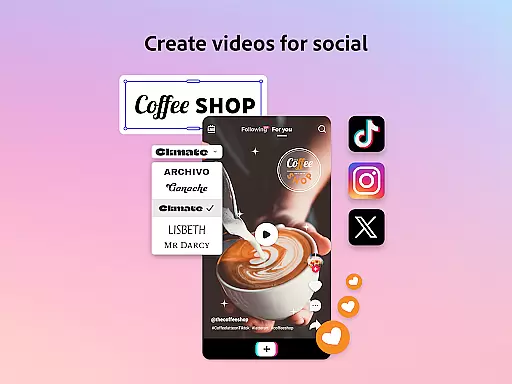
With customizable templates and AI-powered tools, Adobe Express simplifies complex tasks such as adding captions, reframing videos for social media, and creating photo art. Its Quick Action tools allow for effortless content resizing and format conversion, making it suitable for various digital platforms. Whether you need to animate characters, convert files to GIFs, or import PDFs, this app streamlines the process.
The true value of Adobe Express lies in its ability to empower teams to create cohesive, on-brand content efficiently. From trimming videos to generating stylish QR codes, the app ensures that your business communications are impactful and consistent across all channels.
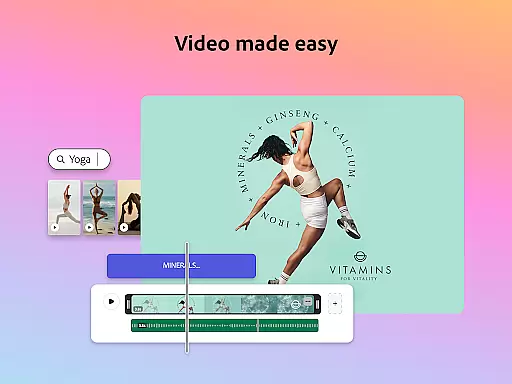
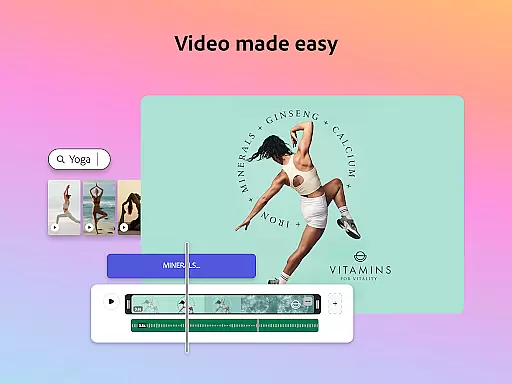
Adobe Express stands out with its comprehensive suite of creative tools. Video editing is made accessible through customizable templates where users can trim, combine footage, and add multimedia elements like music and transitions. The app's photo editing capabilities are equally impressive, featuring AI tools for object manipulation and Photoshop-powered filters that elevate image quality.
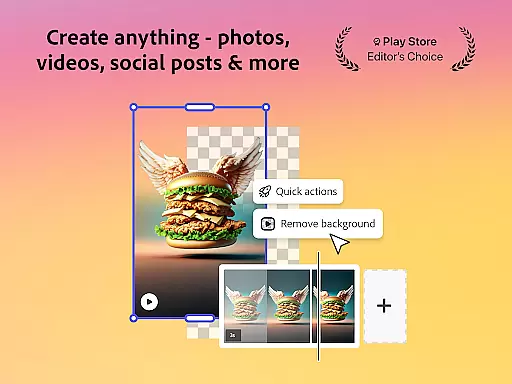
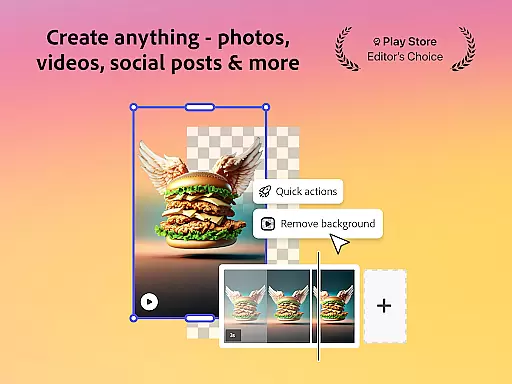
One innovative feature is the effortless background removal from photos and videos, alongside powerful Quick Actions that enable instant conversions between formats. Users can also generate branded QR codes and edit PDFs with ease, adjusting layouts and incorporating brand-specific visuals. These functions ensure content is optimized for any platform or audience.
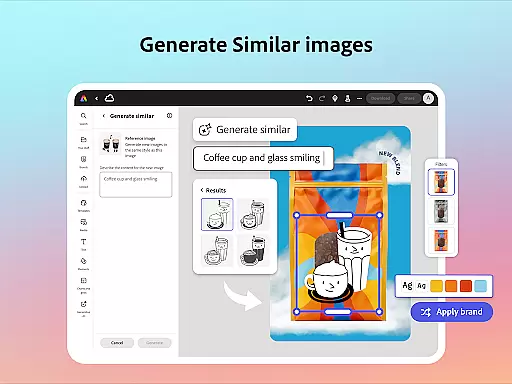
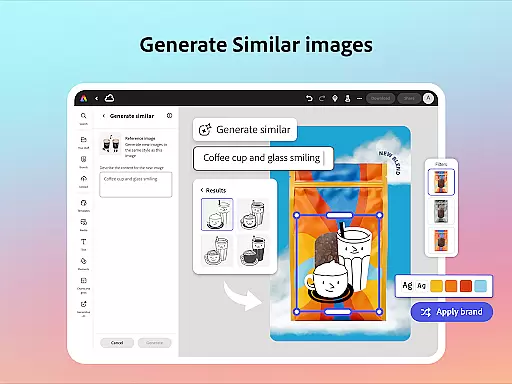
For businesses, Adobe Express provides brand kits to maintain consistency across designs. With Generate Similar functionality, refining projects becomes intuitive while preserving a uniform appearance. This combination of robust features positions Adobe Express as an essential tool for efficient and professional content creation.
In the realm of digital creativity, having a comprehensive suite of tools is paramount. Adobe Express stands out by offering an extensive array of features that cater to both novice and professional creators. The application provides customizable templates for video editing, allowing users to trim, combine footage, and add text or music with ease.
For photo editing, Adobe Express leverages AI technology to enhance images through intuitive tools. Users can apply Photoshop-powered filters, generate photo art, and even modify image content by adding or removing objects seamlessly. This ensures that whether you're enhancing personal photos or preparing marketing materials, the app delivers professional-grade results.
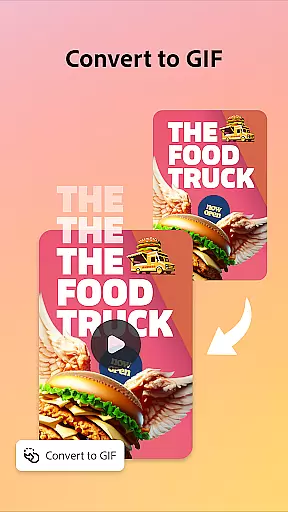
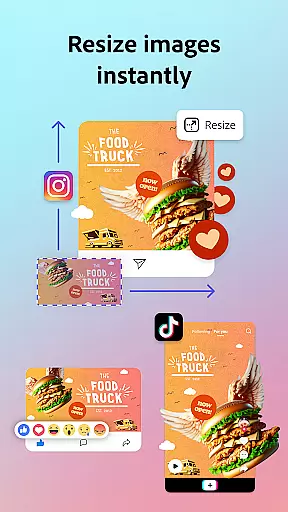
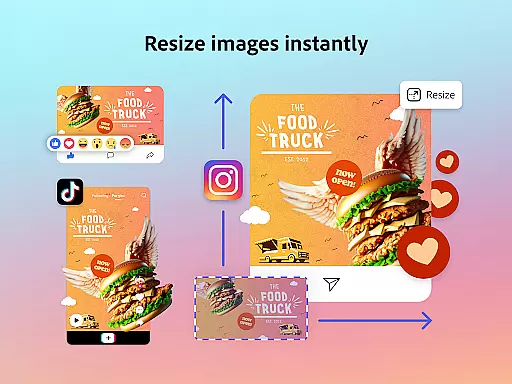
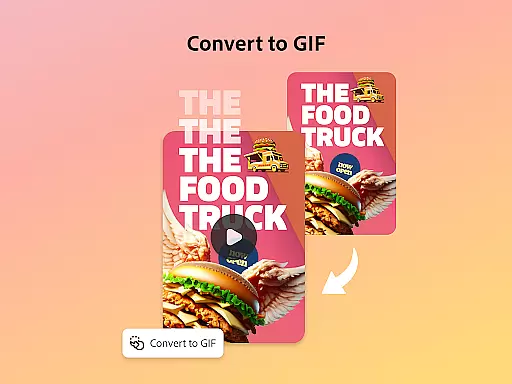
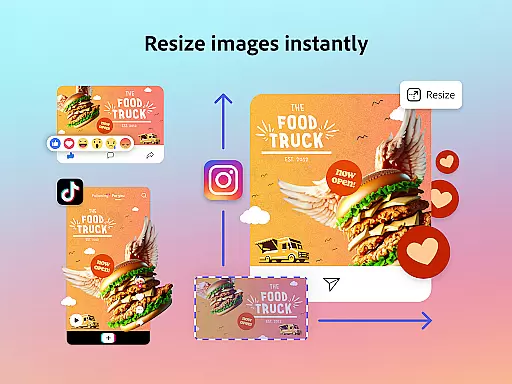
The utility extends beyond mere photo and video editing; it includes Quick Actions like background removal from images or videos, converting files to GIFs, and resizing content for various platforms effortlessly. These capabilities ensure that your creative workflow remains uninterrupted and efficient.
Moreover, Adobe Express supports PDF editing, enabling users to update content, swap images, refine layouts, and incorporate brand elements into documents swiftly. With these robust tools at your disposal, maintaining brand consistency across all forms of media becomes not just feasible but straightforward.
Flexibility in canvas and format options is crucial for adapting designs to different mediums and platforms. Adobe Express excels in this area by providing versatile solutions that accommodate a wide range of creative needs. Whether you're designing for social media, print, or web, the application allows you to tailor your canvas size and format precisely to your project requirements.
One standout feature is the ability to resize designs quickly for any channel using Quick Actions. This functionality ensures that your content looks polished and professional regardless of where it will be displayed. Additionally, Adobe Express offers tools to crop photos, convert image files, and transform images or videos into GIFs, further expanding your creative possibilities.
Brand kits within Adobe Express help maintain visual coherence across all your projects. By storing your preferred fonts, colors, and logos, the app enables you to apply these elements consistently with a single tap. This feature is particularly beneficial for teams looking to uphold brand integrity while streamlining their design processes.
Furthermore, the app's support for importing PDFs and converting files to PDF format adds another layer of flexibility. You can easily share updated documents with your team or audience without worrying about compatibility issues. Overall, Adobe Express empowers users to create adaptable, high-quality content that meets diverse platform specifications effortlessly.
User-friendly interface
Extensive template library
Advanced AI tools
Brand consistency features
Cross-platform functionality
Premium features locked
Limited free stock assets
Device support varies
Occasional bugs reported
Subscription cost involved

AI Assistant, powered by ChatGPT GPT-4 & GPT-4o. Your intelligent companion.
 3.50
3.50
AI Face Swap, Video Effects Editor, Realtime Morph, Funny Video FX,AI Filters
3.70
Unleash your drawing and painting potential
4.50
Paint with oils and sketch with natural tools on a realistic virtual canvas.
3.80
Make your phone cooler and have a fantastic experience
4.80
Photo editor for art, avatars, filters & fun transformations.
4.60
Mobile pixel art editor. Simple. Fast. Portable.
4.80
OneUI 8.5 icons ✨ Smooth, modern & based on the latest Play Store design ??
4.10
All-in-One art, logo & collage maker. Design photos and edit video backgrounds
4.80
Passport size photo maker, create ID photo and visa photo in seconds
4.80
The ultimate tool for creating animations
4.60
Turn your drawings into flipbook-style animations with simple creative tools
4.60
Image resizer to resize, crop, rotate, flip, change dpi photo or picture in bulk
4.60
Share the joy of painting with ibis Paint! Drawing anime and manga art.
4.50
AI Tattoo Generator: Create Tattoo Designs & Get Ideas! Ink & Stencil Maker
4.50
Vidu is an AI video generator made for creators and aspiring makers.
3.30
Art of Combination Wear OS Watch faces (for Wear OS 5+ devices)
3.00
Inky runs Inkscape on Android devices and Chromebooks
2.90
Premium version of Shimeji-ee app with no ads & no limit active shimeji
4.2


User Reviews