
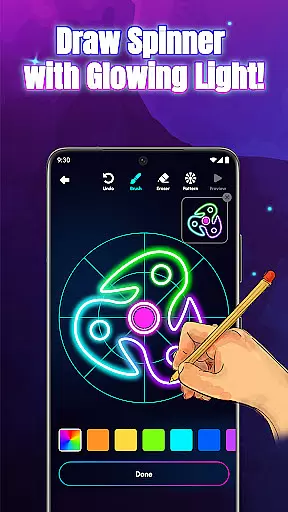
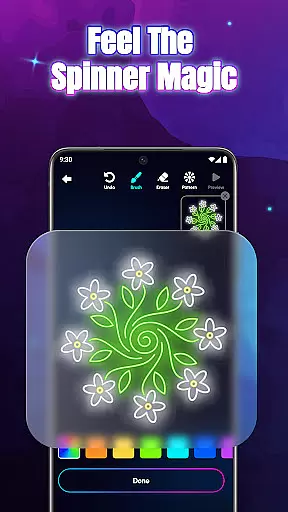
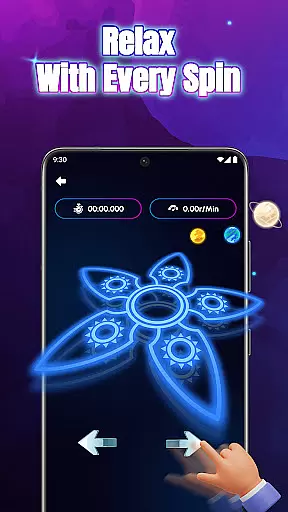
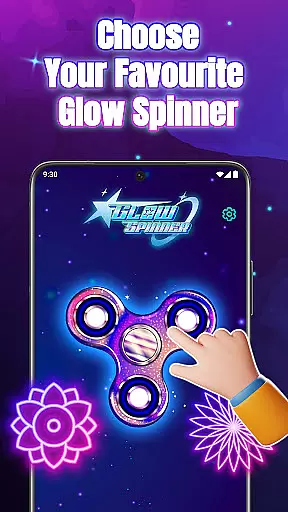
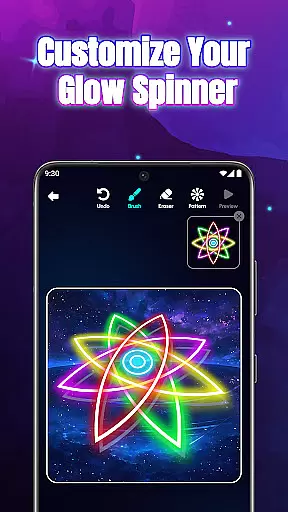
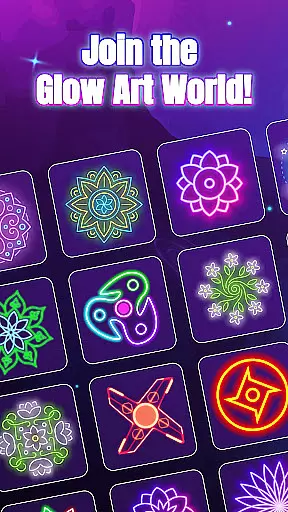
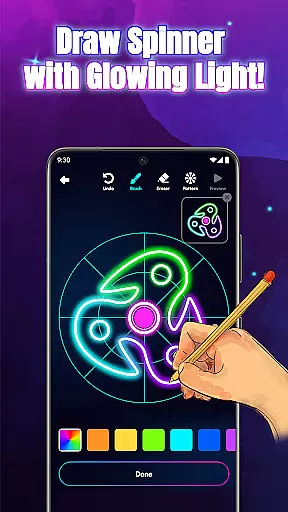
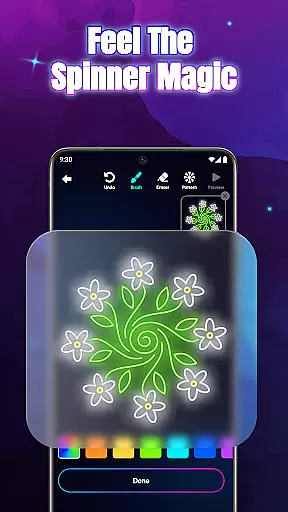
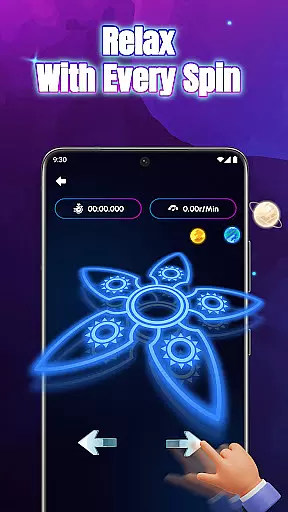
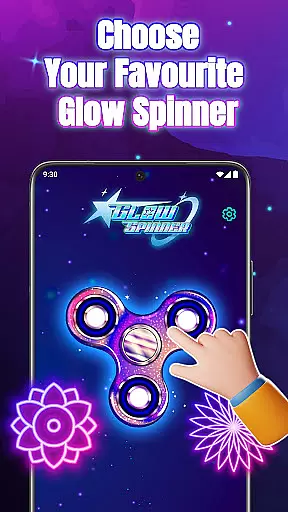
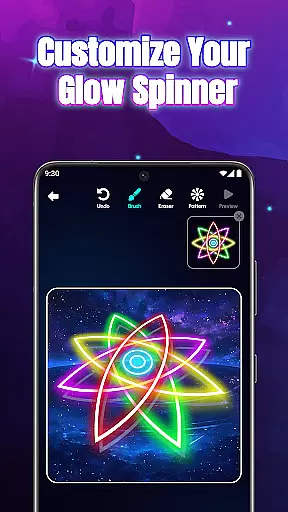
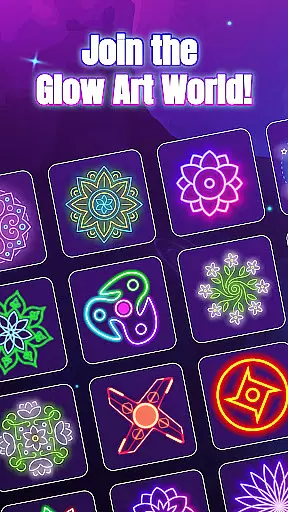
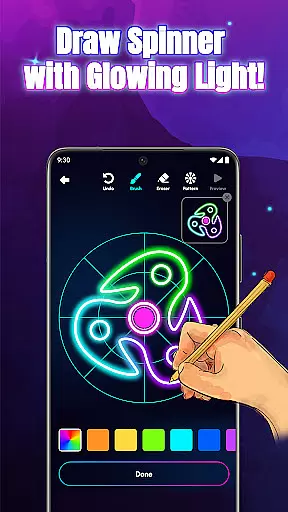
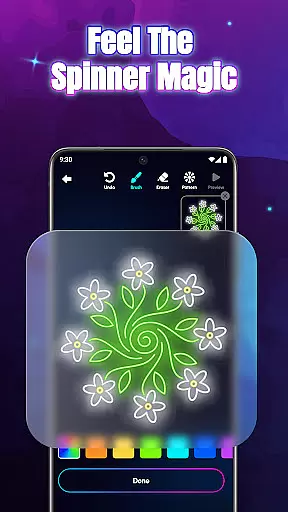
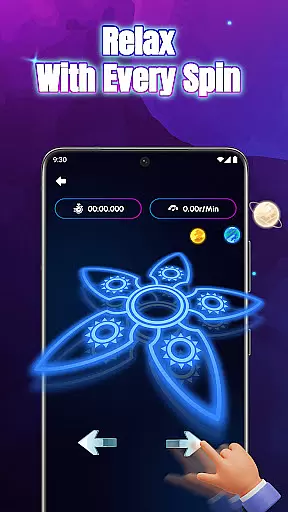
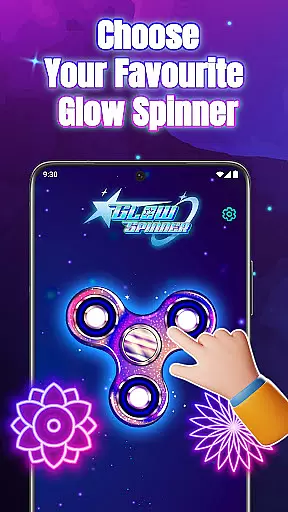
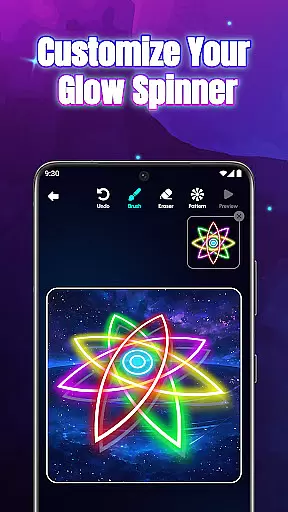
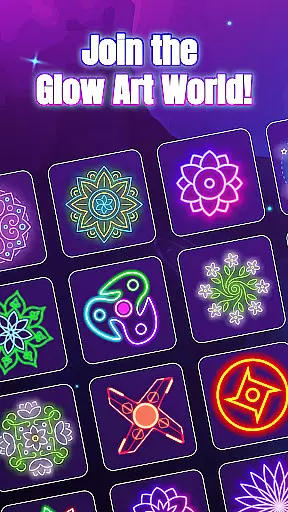
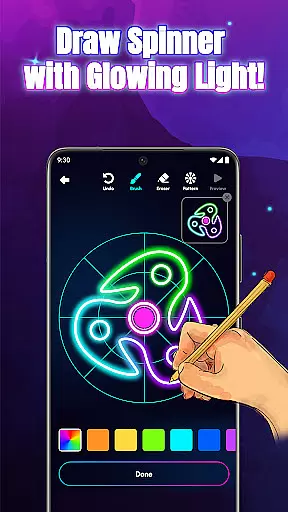
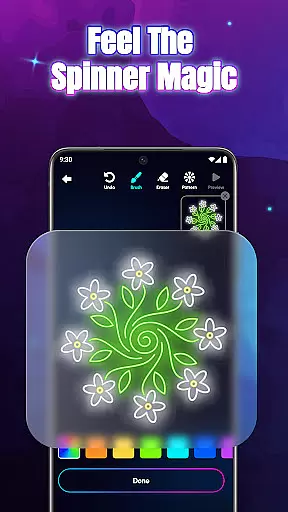
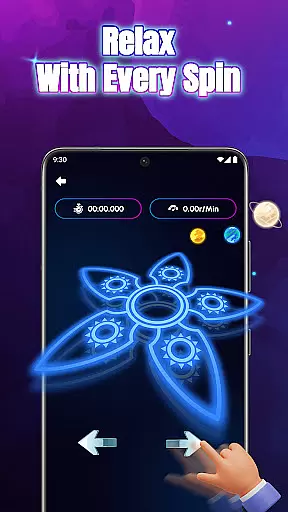
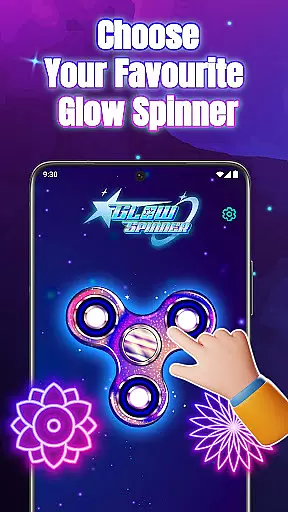
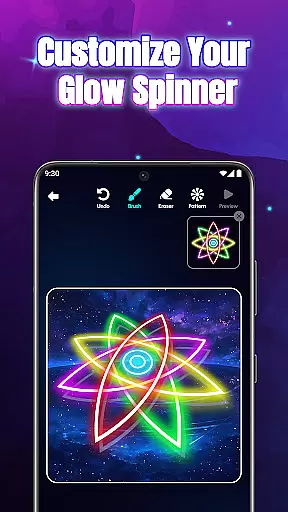
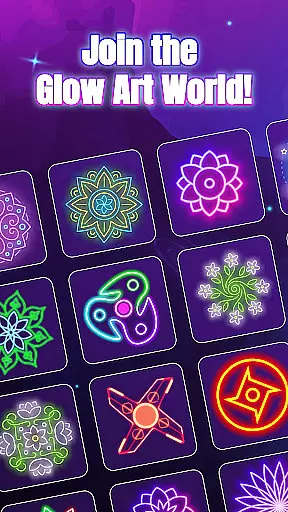
Glow Spinner: Finger Draw Art is a unique digital art application that combines creativity with relaxation. This app allows users to draw glowing spinner art using their fingers and watch it come to life through smooth motion and vibrant light effects. The app offers an immersive experience where users can explore their artistic side while enjoying calming visual and auditory elements.
Designed for both fun and stress relief, Glow Spinner provides intuitive finger drawing tools, customizable glow effects, and realistic 3D spinner motion powered by advanced physics engines. Whether you're looking to create intricate neon patterns or simply enjoy some mindful downtime, this app delivers a complete package of artistic expression and soothing entertainment.
The app's standout feature is its ability to transform simple drawings into dynamic, spinning works of art that produce mesmerizing visual effects. This makes it particularly useful for creative professionals seeking inspiration, or anyone wanting to unwind after a long day. With its combination of art, motion, and relaxation, Glow Spinner offers a truly unique digital experience.
Glow Spinner stands out with its innovative approach to digital art creation. The app's core feature is its intuitive finger drawing system, which lets users effortlessly create glowing lines and patterns that transform into spinning artworks. This functionality is enhanced by customizable glow effects, allowing artists to choose from various styles, patterns, and colors to make their creations truly unique.
Another remarkable aspect is the app's implementation of realistic 3D spinner design and physics-based motion. Each spinner comes alive with depth and light reflection, responding to user interactions with natural, lifelike movements. The built-in artwork gallery enables users to save, revisit, and re-spin their favorite designs, creating a personal collection of digital masterpieces.
The app also excels in providing a relaxing atmosphere through its carefully crafted ambient visuals and soundscapes. These elements work together to create an environment conducive to focus and stress relief, making Glow Spinner not just an art tool but also a therapeutic experience. The combination of these features establishes Glow Spinner as a comprehensive platform for creative expression and mindful relaxation.
In the realm of digital art, having a comprehensive set of creative tools is essential for unleashing an artist's full potential. Glow Spinner: Finger Draw Art offers an impressive array of features that cater to both novice and experienced artists. The app provides intuitive finger drawing capabilities, allowing users to effortlessly create glowing lines and shapes with a simple swipe.
One standout feature is the custom glow effects, which enable creators to choose from various glow styles, patterns, and colors. Whether you prefer calm ambient tones or vibrant neon bursts, the app accommodates all preferences, enhancing the visual appeal of your artwork. Additionally, the 3D spinner design functionality adds depth and realism to each creation, making them come alive with light reflection and dynamic motion.
The realistic spin physics powered by a responsive physics engine further elevates the user experience. This feature ensures that every flick results in natural and lifelike movement, adding an extra layer of authenticity to your glowing spinners. With these robust tools at your disposal, Glow Spinner empowers users to explore endless possibilities in digital art while enjoying a seamless and engaging creative process.
Flexibility in canvas and format options is crucial for artists who wish to express their creativity without limitations. Glow Spinner: Finger Draw Art excels in providing users with versatile canvas settings and adaptable formats. The app allows creators to design unique spinner shapes using their fingers, offering a blank slate for unlimited artistic exploration.
Moreover, the ability to save and revisit creations in the artwork gallery enhances the overall flexibility of the platform. Users can build their glowing art galleries, view animations, or re-spin their favorite designs whenever inspiration strikes. This feature not only preserves your work but also encourages continuous experimentation and refinement of your artistic skills.
Glow Spinner supports various neon colors and luminous patterns, ensuring that your imagination knows no bounds. By combining soft visuals and gentle soundscapes, the app creates a relaxing ambiance conducive to stress-free creativity. Whether you're looking to unwind or delve into intricate digital art projects, Glow Spinner offers the perfect blend of canvas and format flexibility to suit your needs.
Intuitive interface
Vibrant glow effects
Realistic 3D motion
Relaxing ambience
Customizable options
Limited free features
High system requirements
Occasional performance issues
Ads between sessions
Steep learning curve

Vidu is an AI video generator made for creators and aspiring makers.
 3.30
3.30
Premium version of Shimeji-ee app with no ads & no limit active shimeji
4.4
Create sweet, cool and unique couple avatars easily, in just a few steps!
3.40
Unleash your drawing and painting potential
4.50
Unleash Your Creativity with Draw Cartoon - AR Drawing App
4.10
Get creative and make art with your Sesame Friends!
4.00
Mobile pixel art editor. Simple. Fast. Portable.
4.80
Draw, fidget, and spin glow art! Relax and express your creativity with a finger
4.60
AI-powered photo & video creation—fast, fun, and effortless with Quick Actions
4.60
Discover Cartoon Dream : Unleash Your Creativity with CuttingEdge AI
4.50
Draw anime & manga drawing, art with templates to create stunning picture!
4.50
The perfect place to start sketching! Use Sketchbook to draw and paint sketches.
4.50
AI generated images & photos, turn your words into drawing, painting & pictures.
4.30
Beauty Camera - Selfie Camera is the ultimate beauty camera and selfie app
4.30
Floor Plan Creator lets you create, edit and share floor plans.
4.00
Resize photos and print photos in exact size with our powerful photo printer!
3.80
Apply cartoon, caricature, and portrait effects to make your photos stand out!
3.60
Pose and morph realistic male and female models! 3D poser app
3.00
Art of Combination Wear OS Watch faces (for Wear OS 5+ devices)
3.00


User Reviews