
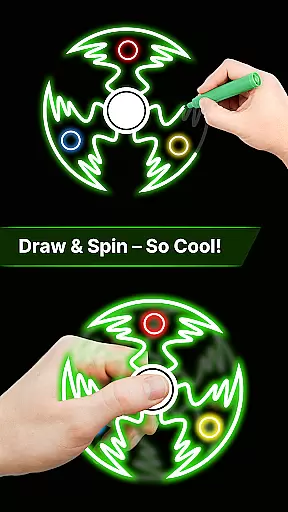
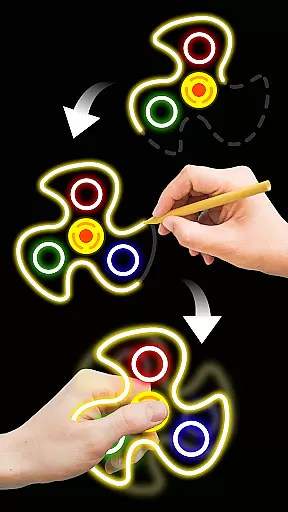
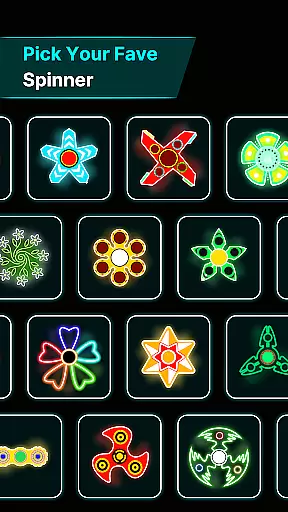
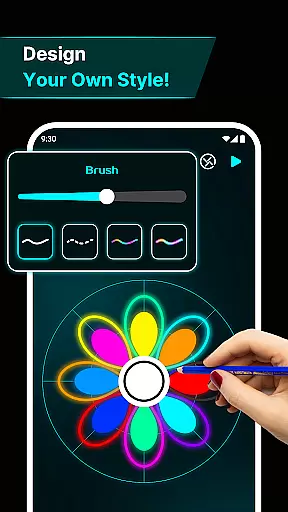
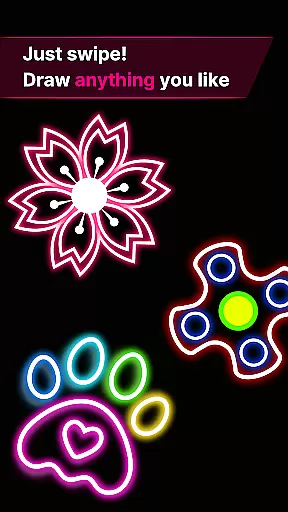
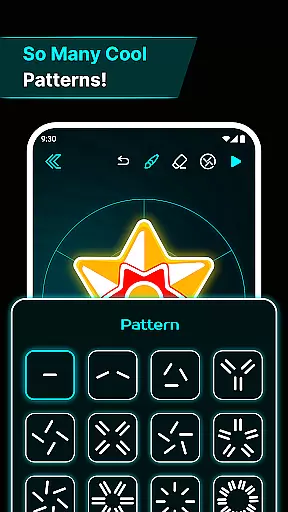
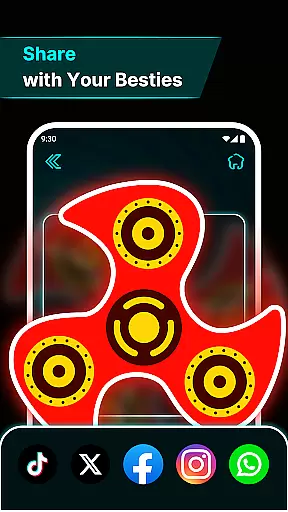
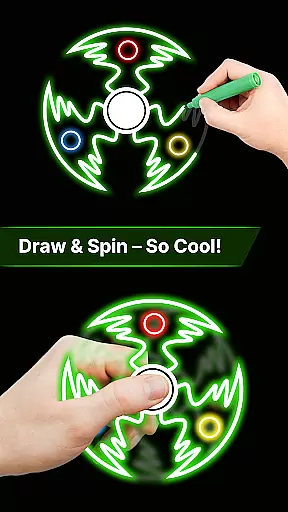
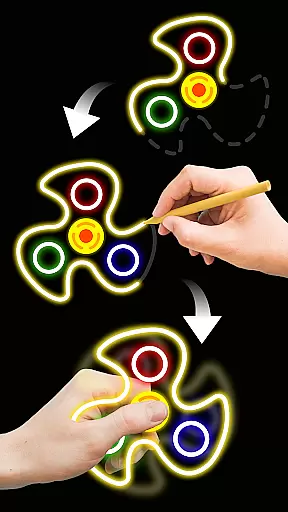
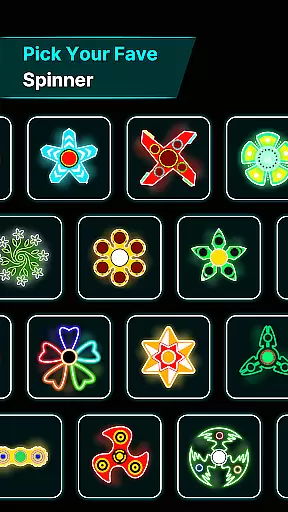

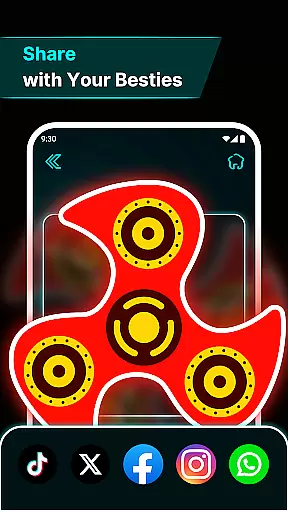
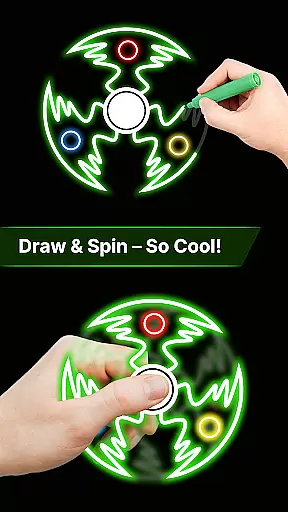
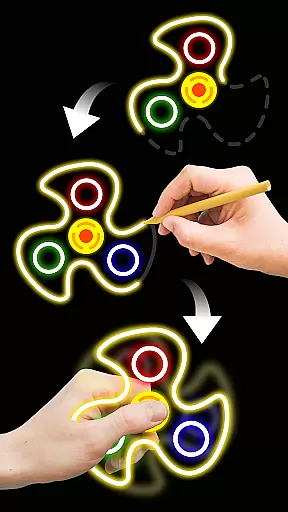
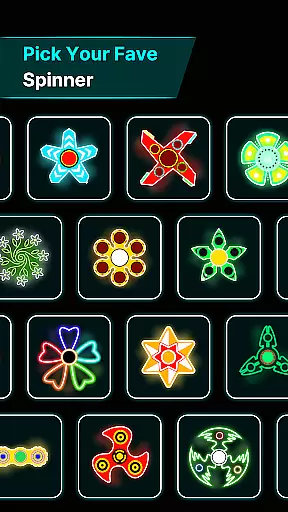
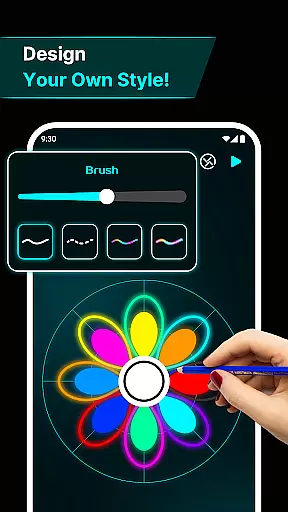
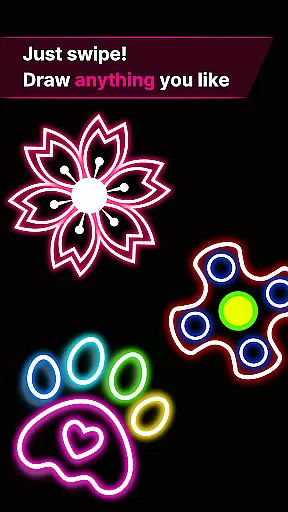
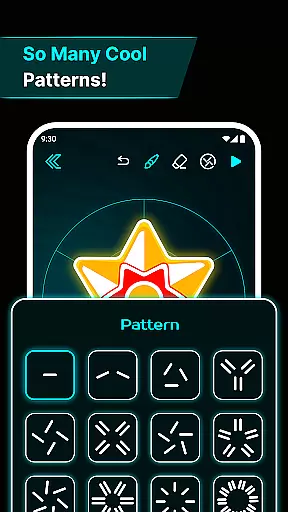
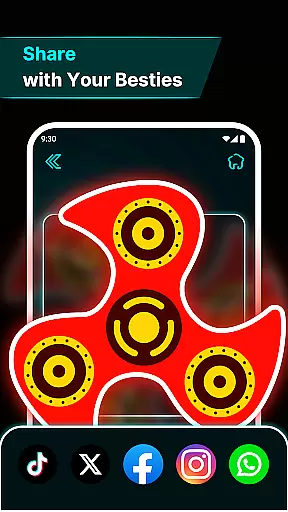
Finger Spinner: Glow Art Draw is an innovative app in the Art & Design category that combines creativity with relaxation. This app allows users to draw glowing designs using their fingers, which can then be spun like fidget spinners. The combination of artistic expression and stress-relief makes it a unique tool for unwinding while engaging in creative play.
With its soothing glow effects and realistic spin physics, Finger Spinner offers a meditative experience that helps clear the mind. Whether you're sketching simple shapes or intricate patterns, each creation comes to life as a 3D spinner that reacts naturally to your touch. The app's user-friendly interface ensures a calming experience, making it perfect for both casual doodlers and serious artists looking to relax.
This app is especially useful for those seeking a digital escape from daily stressors. Its interactive nature provides endless entertainment, allowing users to create, collect, and revisit their glowing masterpieces anytime they need a mental break.
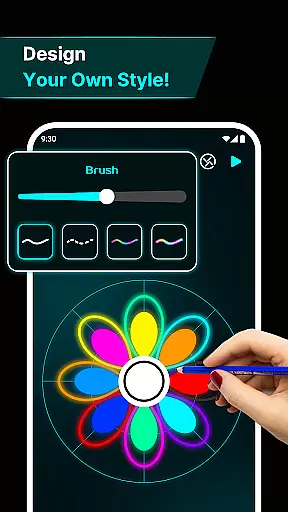
Finger Spinner stands out with its diverse range of features designed to enhance creativity and relaxation. One of its key highlights is the easy finger drawing functionality, where every touch on the screen translates into smooth, glowing lines. This feature lets users effortlessly create anything from sharp geometric patterns to soft, flowing curves, offering limitless possibilities for artistic expression.
The app also boasts brilliant glow effects and realistic 3D spinner designs. Each piece of art transforms into a dynamic, spinning object with vivid neon colors that light up the screen. Powered by advanced physics engines, these spinners move naturally when flicked, providing an immersive experience that mimics real-world motion. Additionally, users can save their creations in a personal collection, building a gallery of favorite designs to revisit anytime.
Another notable feature is the app's soothing interface, which enhances the overall user experience. With calming visuals and intuitive navigation, Finger Spinner creates an environment conducive to relaxation and focus. These elements work together to make the app not just a tool for drawing, but a complete sensory experience that blends art, technology, and mindfulness seamlessly.
In the realm of digital artistry, having a comprehensive set of creative tools is paramount. Finger Spinner: Glow Art Draw offers an impressive array of features that cater to both casual doodlers and serious artists. The app provides easy finger drawing capabilities, allowing users to craft smooth glowing lines with precision.
One standout feature is the brilliant glow effects. Artists can choose from a spectrum of vivid neon colors, adding depth and vibrancy to their creations. This flexibility ensures that each piece can be as unique and expressive as the artist desires.
The inclusion of 3D spinner designs elevates the creative process even further. Users can transform their two-dimensional sketches into dynamic three-dimensional spinners, offering a new level of interaction and realism. These design elements are crucial for those seeking to push the boundaries of traditional digital art.
Moreover, the realistic spin physics powered by an advanced engine adds life-like motion to every creation. Whether you're crafting sharp geometric patterns or fluid organic shapes, the app's complete toolkit ensures your artwork moves naturally in all directions. Such thoroughness in tool provision makes Finger Spinner: Glow Art Draw an indispensable asset for anyone passionate about art and design.
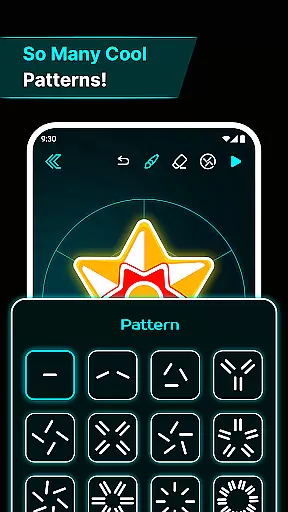
A versatile canvas is essential for unleashing creativity without constraints. Finger Spinner: Glow Art Draw excels in providing canvas and format flexibility, ensuring artists have the freedom to explore various dimensions of their craft. The app supports different drawing styles, from sharp edges to soft curves, accommodating diverse artistic expressions.
Users benefit from the ability to save their creations in a personal gallery known as 'My Collection.' This feature not only preserves each piece but also allows revisiting and refining previous works. It fosters a continuous creative process where ideas can evolve over time.
The soothing interface enhances user experience by presenting calming visuals and intuitive navigation. Such thoughtful design encourages prolonged engagement, making it easier for users to immerse themselves fully in their artistic endeavors. A serene environment promotes focus and inspiration.
Furthermore, the appu2019s support for transforming drawings into interactive spinners showcases its adaptability. Artists can experiment with how their designs behave when spun, introducing an element of playfulness and discovery. Overall, Finger Spinner: Glow Art Draw stands out by offering unparalleled canvas and format options, empowering creators to bring their visions to life seamlessly.
Easy to use
Stress-relieving
Creative freedom
Vivid glow effects
Realistic physics
Limited free options
Ads between uses
Small learning curve
No collaboration tools
Premium features costly

Sketch, plan, take notes and illustrate on an infinite canvas.
 4.20
4.20
Easy 3D drawing design maker & creator. Model designing, Sculpting. Create&paint
4.00
AI Face Swap, Video Effects Editor, Realtime Morph, Funny Video FX,AI Filters
3.70
Draw anime easily with AR guidance, sketch templates & trace tools!
3.10
Nano Banana AI Image Generator, Anime Filter, AI Portrait, AI Photo Generator
4.30
Novices can also easily complete diamond painting masters
4.70
2D animation studio for Android tablets - unlimited layers, infinite timeline
4.70
Inky runs Inkscape on Android devices and Chromebooks
2.90
Unleash your inner artist! Sketchar: AR Drawing for Limitless Creativity
4.40
Photo stitcher for automatically screenshot stitching into a long screenshot
4.70
Draw on screen: FP sDraw is a simple and lightweight drawing app
4.70
Turn your drawings into flipbook-style animations with simple creative tools
4.60
Image resizer to resize, crop, rotate, flip, change dpi photo or picture in bulk
4.60
Draw anime & manga drawing, art with templates to create stunning picture!
4.50
Unleash your drawing and painting potential
4.50
Video AI: Revolutionize Your Content Creation with Advanced Video Generation
4.50
Customizable Outlined Fonts. Watch Face Format. Battery friendly Digital Clock.
4.20
AR Anime Drawing: How to draw anime with AR drawing & sketching apps!
4.00
Apply cartoon, caricature, and portrait effects to make your photos stand out!
3.60


User Reviews