
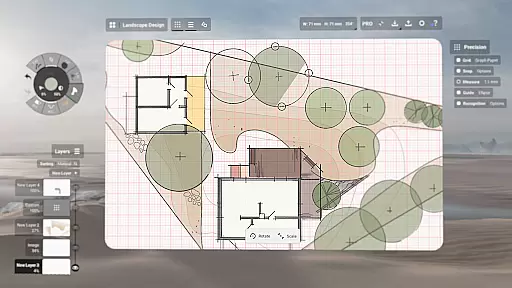
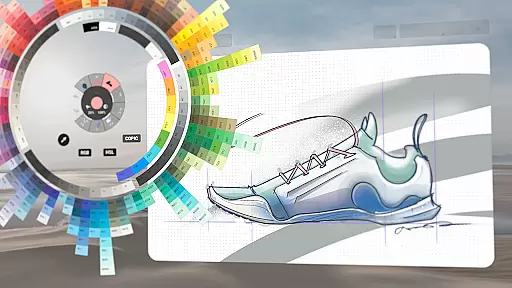
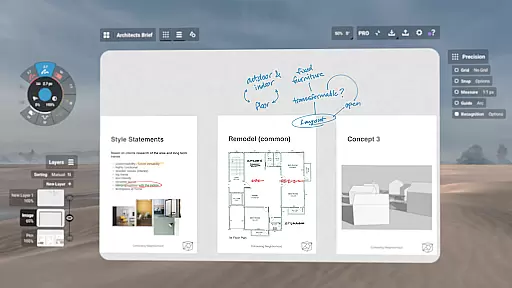
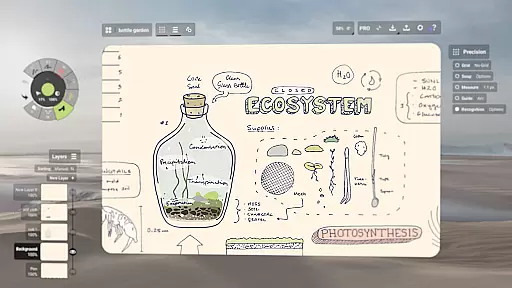
Concepts is a versatile vector-based creative workspace designed for artists, designers, and creators to bring their ideas to life. This digital sketchpad offers an infinite canvas where users can sketch plans, create storyboards, draw product designs, and even make mind maps. With its responsive tools that adapt to pressure, tilt, and velocity, Concepts provides a realistic drawing experience with adjustable live smoothing.
The app's powerful features include flexible vector-based sketching, allowing users to edit and scale every stroke effortlessly. Its intuitive interface supports customizable tool wheels, automatic layer sorting, and various color wheels like HSL, RGB, and COPIC. These professional-grade tools enable seamless ideation, iteration, and sharing of work across platforms such as Android, ChromeOS, iOS, and Windows.
Whether you're designing for Disney or working on personal projects, Concepts serves as an essential companion for creative professionals who value precision and flexibility in their workflow.
Concepts stands out with its robust set of features tailored for creative professionals. The app's vector-based system ensures every stroke is editable, scalable, and precise. Tools like Nudge, Slice, and Select allow users to modify elements without redrawing them entirely, saving time and enhancing productivity.
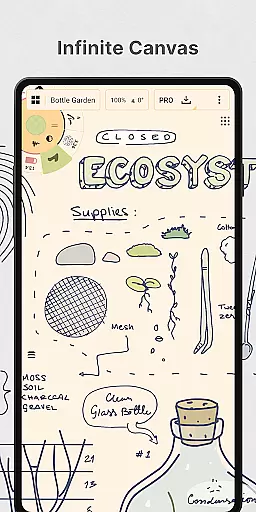
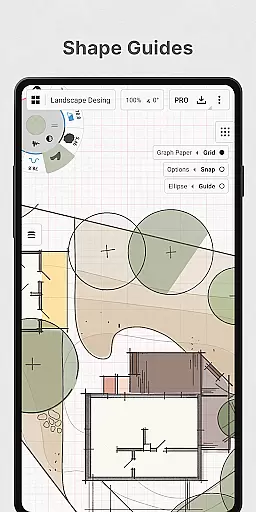
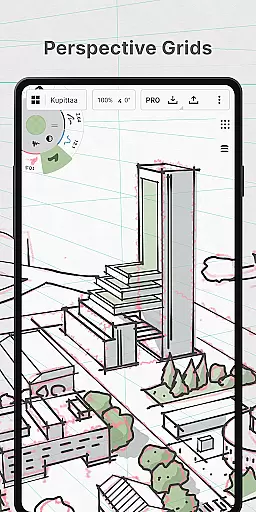
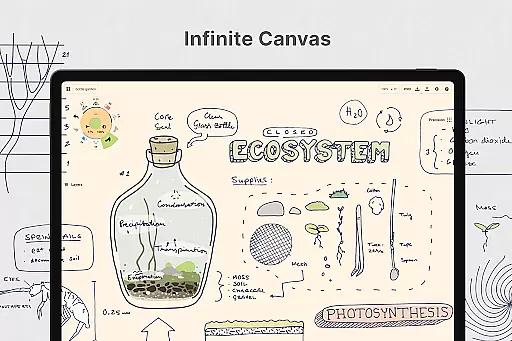
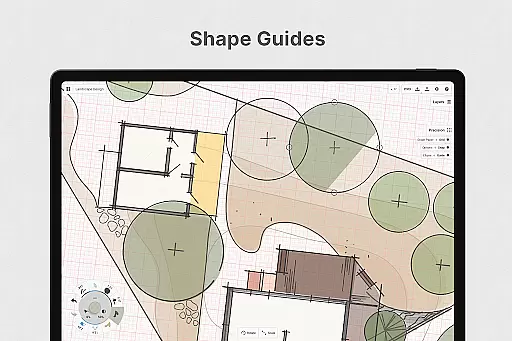
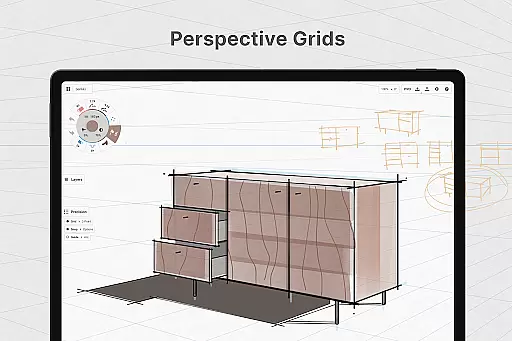
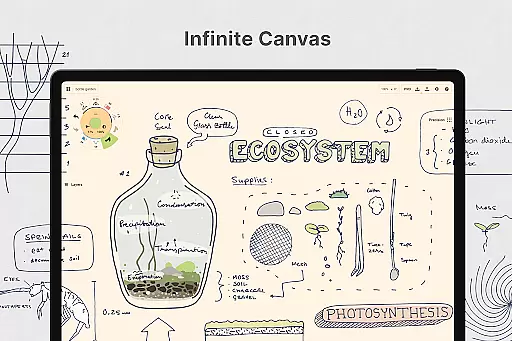
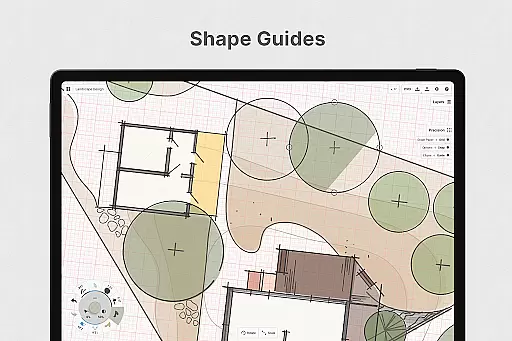
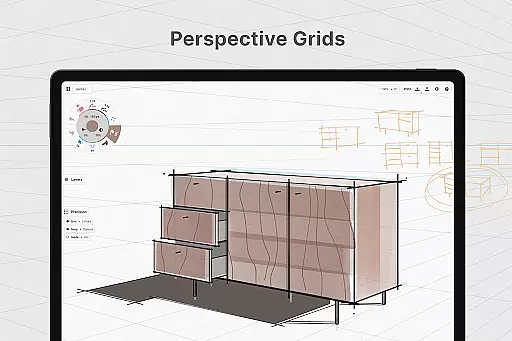
One of the key highlights is the infinite canvas, which supports multiple paper types and custom grids. Users can personalize their workspace by customizing tool wheels, adjusting gestures, and organizing layers with adjustable opacity. Additionally, advanced functionalities like shape guides, live snap, and measurement ensure clean and accurate sketches.
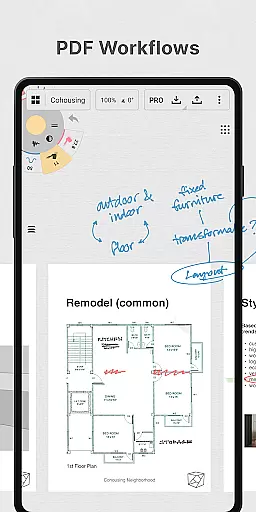
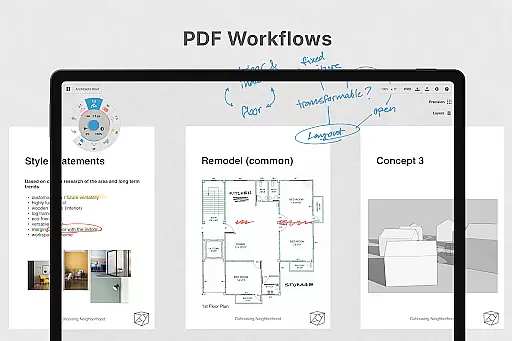
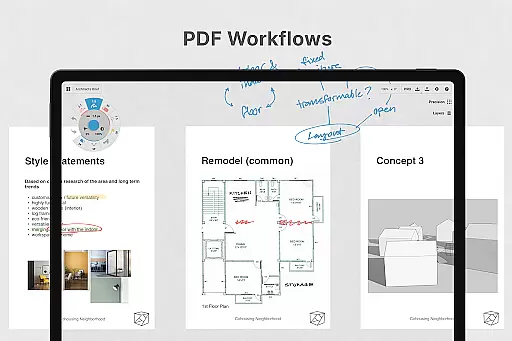
For those seeking premium capabilities, Concepts offers subscriptions unlocking unlimited layers, professional brushes, PDF workflows, and export options to formats like PNG, PSD, SVG, and DXF. This makes it ideal for both casual sketchers and professional designers looking to elevate their creative process.
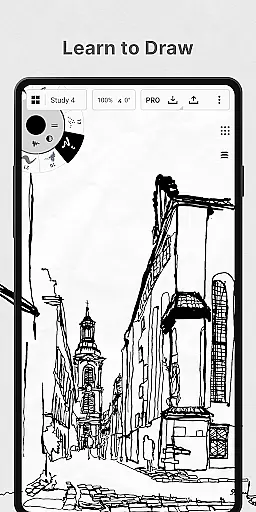
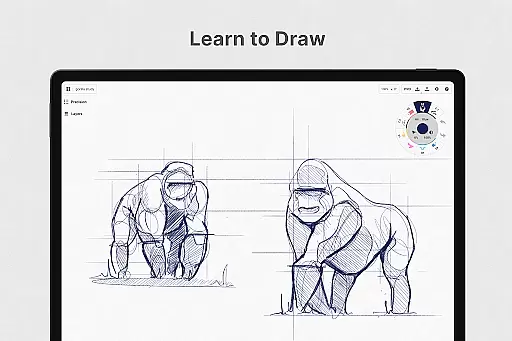
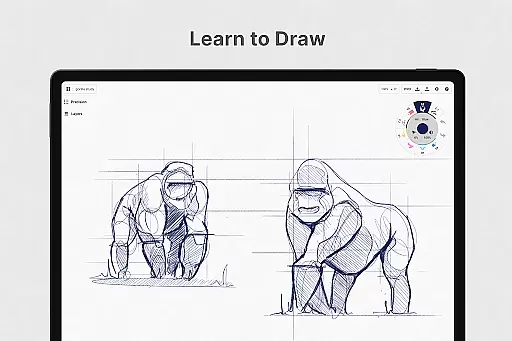
In the realm of digital art and design, having a comprehensive set of creative tools is paramount. Concepts offers an extensive array of instruments that cater to every artist's needs. The app provides realistic pencils, pens, and brushes that respond to pressure, tilt, and velocity, with adjustable live smoothing to refine your strokes.
Moreover, Concepts boasts an infinite canvas with various paper types and custom grids, allowing creators the freedom to explore vast creative landscapes without constraints. This feature is particularly beneficial for professionals who require flexibility in their workflow, enabling them to switch between different mediums seamlessly.
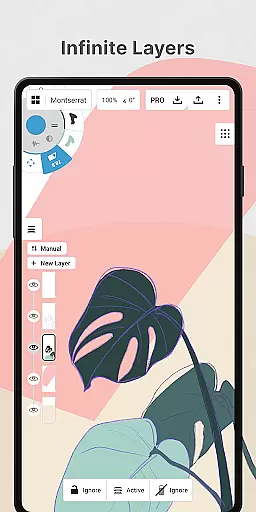
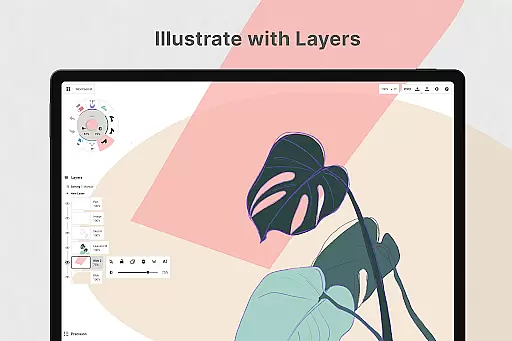
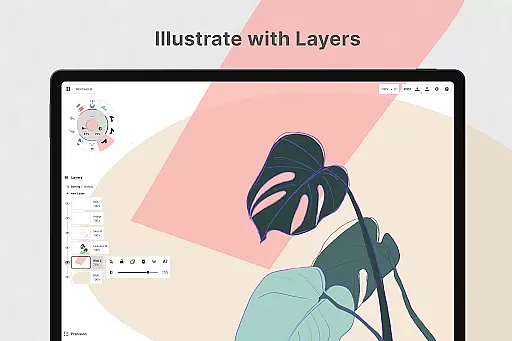
The inclusion of a customizable tool wheel or bar ensures that users can tailor their workspace according to personal preferences, enhancing productivity. With an infinite layering system featuring automatic sorting and adjustable opacity, artists have unparalleled control over their compositions, making it easier to manage complex projects.
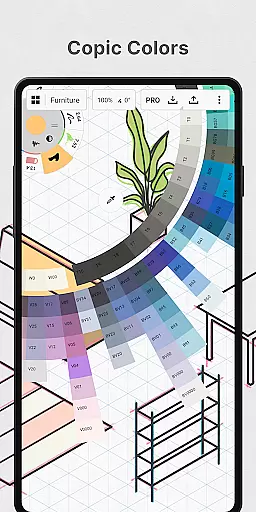
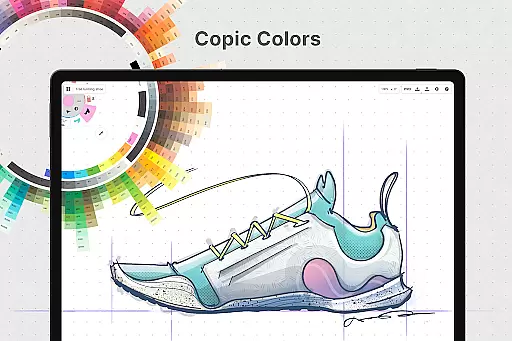
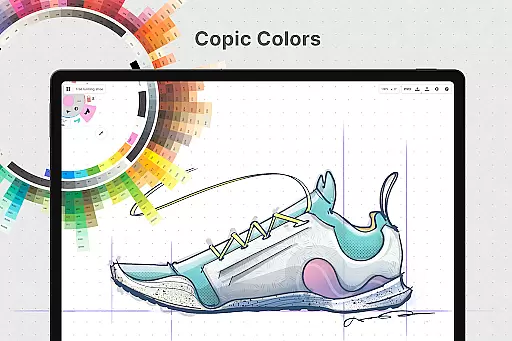
By offering HSL, RGB, and COPIC color wheels, Concepts empowers designers to choose colors that complement each other beautifully, elevating the quality of their work. These robust features collectively contribute to a complete creative toolkit, positioning Concepts as a top choice for artists seeking versatility and precision in their digital creations.
Flexibility in canvas and format options is crucial for artists and designers who need to adapt their work across various platforms and mediums. Concepts excels in this area by providing an infinite canvas that supports multiple paper types and custom grids. This adaptability allows users to create everything from quick sketches to detailed masterpieces without worrying about space limitations.
Furthermore, the app's vector-based sketching capability ensures that every element remains editable and scalable. Artists can easily modify any part of their drawing using intuitive tools like Nudge, Slice, and Select, eliminating the need for tedious redraws. This level of control is invaluable when working on intricate designs that demand precision.
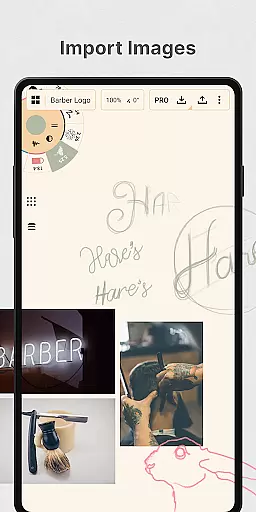
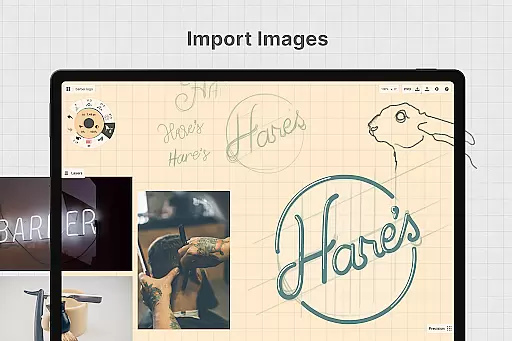
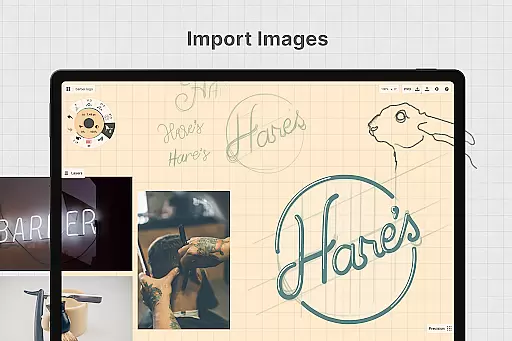
Concepts also supports drag-and-drop functionality for images, enabling users to incorporate references or trace existing visuals directly onto the canvas. This feature streamlines the creative process, allowing for rapid iterations and refinements. Additionally, the ability to export images, PDFs, and vectors caters to diverse professional requirements, whether for printing or sharing feedback with clients.
Overall, Concepts' commitment to canvas and format flexibility makes it an indispensable tool for creatives who value adaptability and efficiency in their workflows. By continuously updating based on user feedback, the app remains at the forefront of innovation in the art and design industry.
User-friendly interface
Highly customizable tools
Cross-platform compatibility
Realistic drawing experience
Infinite canvas feature
Premium features are costly
Steep learning curve
Limited free tools
Subscription required for full access
Performance depends on device

Floor Plan Creator lets you create, edit and share floor plans.
 4.00
4.00
AI Assistant, powered by ChatGPT GPT-4 & GPT-4o. Your intelligent companion.
3.50
Text to Image, Image to Video & AI Chat
4.20
See Color, Paint Color
4.90
Make your phone cooler and have a fantastic experience
4.80
Digital, Abstract, Classic - all types of color wheels in one app!
4.60
The perfect place to start sketching! Use Sketchbook to draw and paint sketches.
4.50
Photo editor for art, avatars, filters & fun transformations.
4.60
Inky runs Inkscape on Android devices and Chromebooks
2.90
Create stunning art with AI.
4.80
Logo Generator powered by AI: Create stunning logos effortlessly!
4.70
Minecraft & Roblox Clothes
4.70
Photo stitcher for automatically screenshot stitching into a long screenshot
4.70
Painting, drawing, & sketching
4.50
Stylish letters, Stylish Keyboard, Symbols, Emojis, Cool nickname
4.40
Image/ Text to Video Generator
4.40
Just trace a projected picture on paper and color! Draw & Paint with AR drawing
4.40
Unleash Your Creativity with Draw Cartoon - AR Drawing App
4.10
AI Face Swap, Video Effects Editor, Realtime Morph, Funny Video FX,AI Filters
3.70


User Reviews