
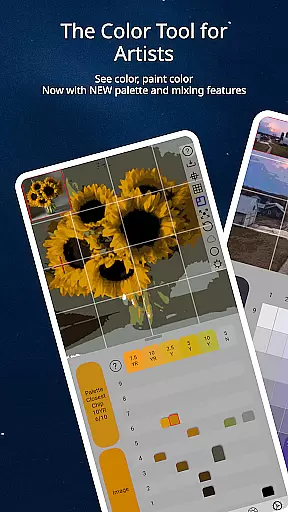
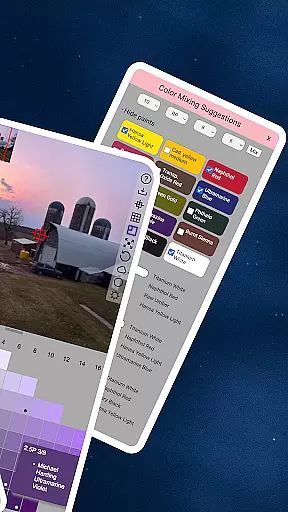
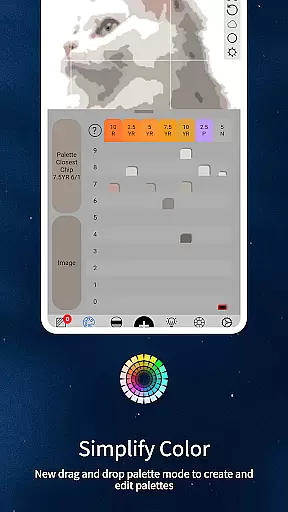
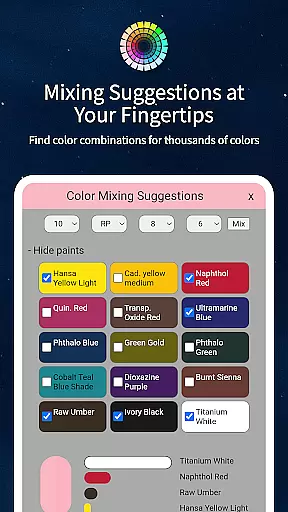
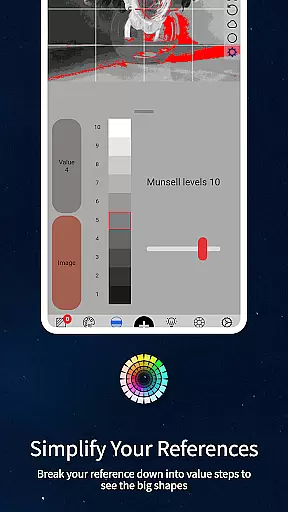
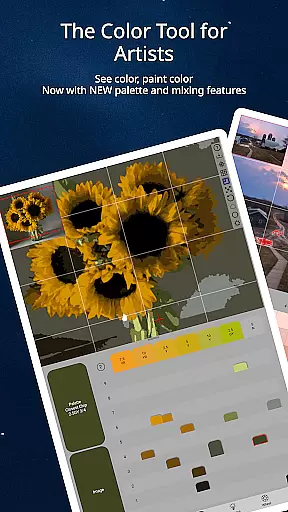
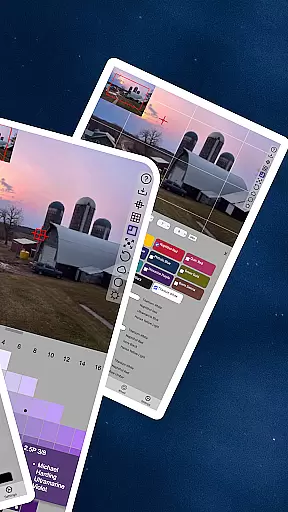
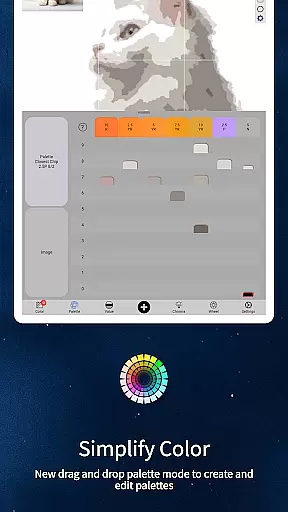
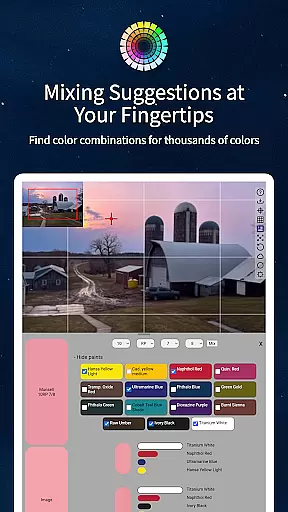
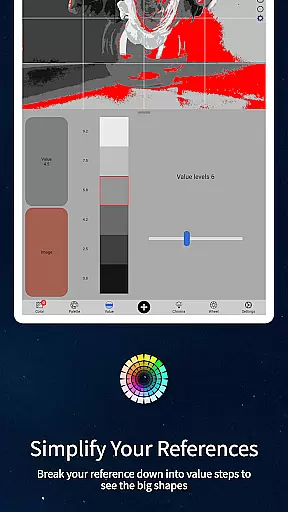
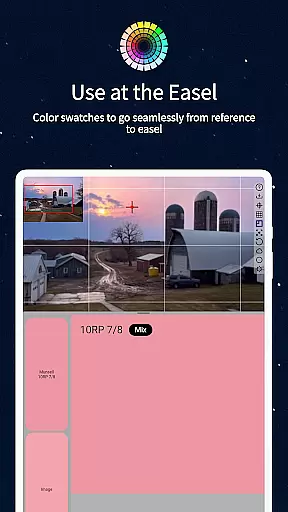
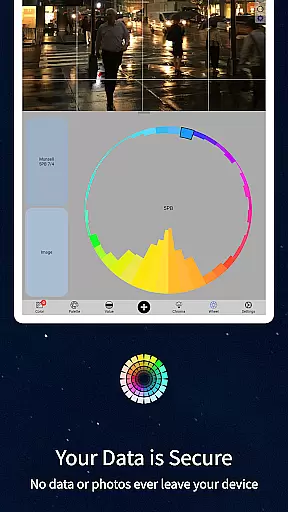
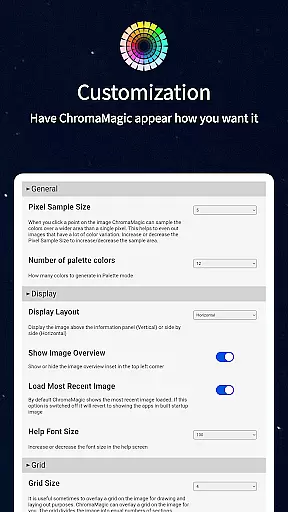
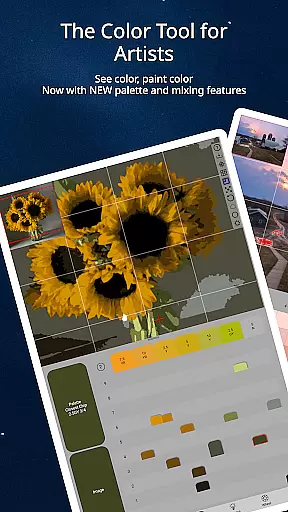
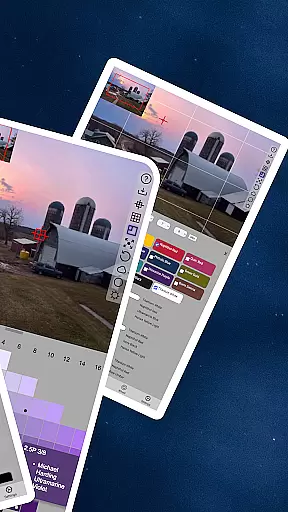
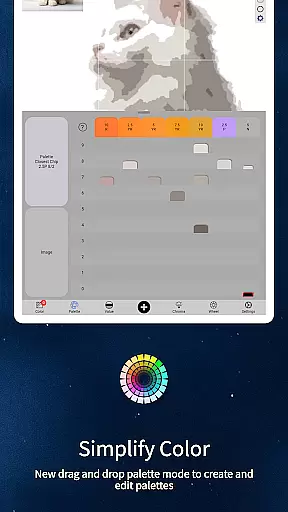
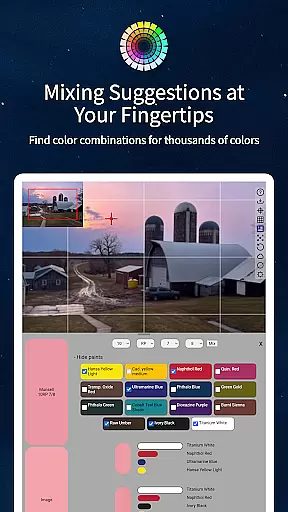
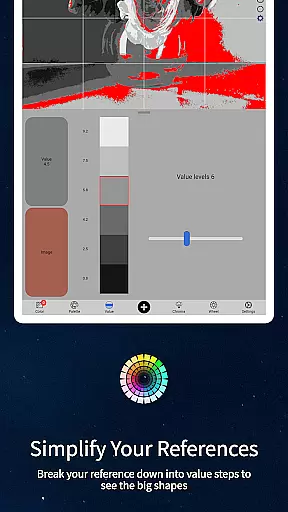
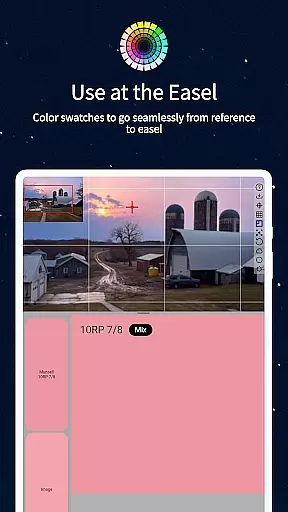
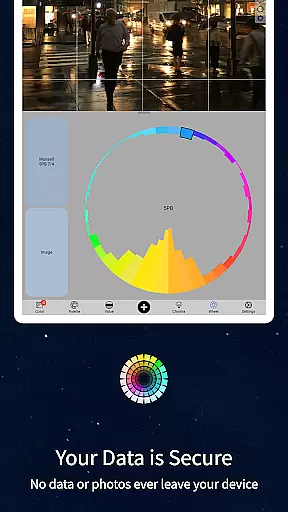
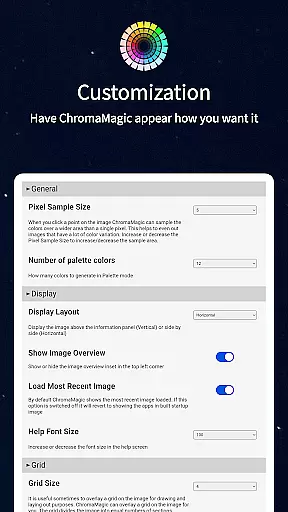
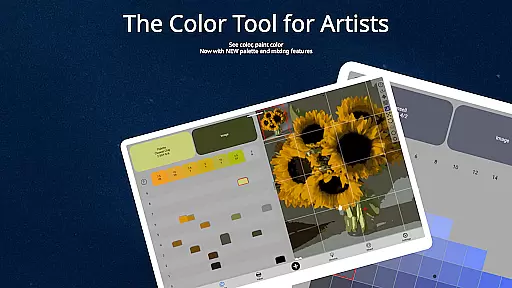
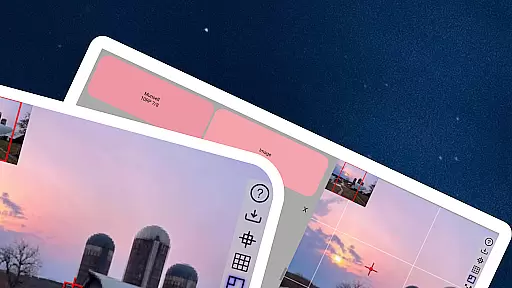
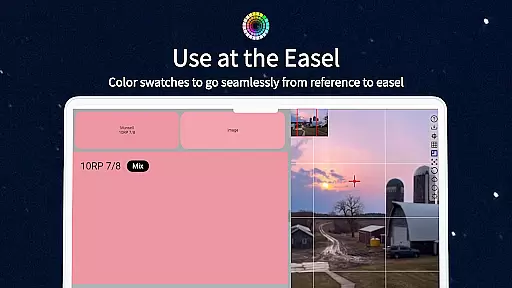
ChromaMagic is an innovative color analysis tool designed specifically for artists. This application helps users accurately identify and understand colors by breaking them down into hue, value, and chroma components. The app's unique approach moves beyond traditional color theory, enabling artists to see colors as they truly are.
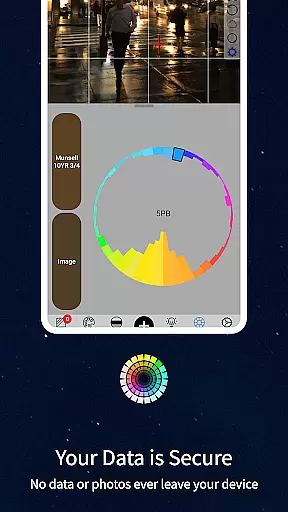
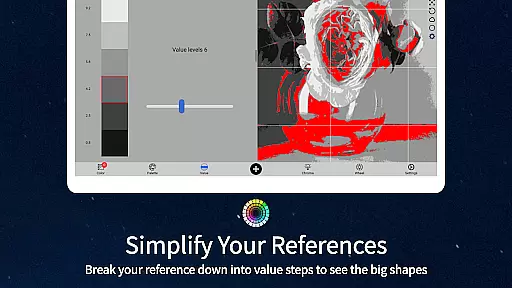
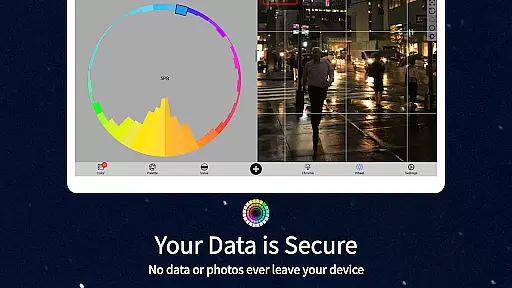
The application provides multiple viewing modes that allow artists to analyze their reference images in various ways. Users can view major value shapes, convert images to grayscale, assess color saturation, and visualize color distribution on the color wheel. With its intuitive interface and offline functionality, ChromaMagic proves invaluable for both studio work and plein air painting sessions.
ChromaMagic offers a comprehensive set of features that revolutionize how artists work with color. The application's Munsell color mode provides precise color readings using artist-friendly terminology. Additionally, the app includes four specialized viewing modes: Value mode for analyzing major value shapes, Grayscale mode for detailed value studies, Saturation mode for assessing color intensity, and Color Wheel mode for visualizing hue relationships.
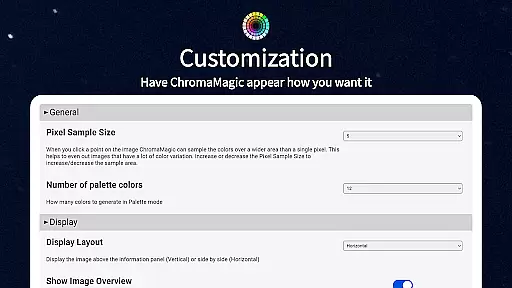
The app's interface is designed for maximum efficiency, featuring buttery-smooth zoomable and pannable images. Advanced functionality includes color averaging over multiple pixels, paint matching suggestions from hundreds of oil paint options, and desktop drag-and-drop functionality. The application works seamlessly across devices, from Android phones to tablets, and operates without requiring constant internet connection.
In the realm of digital artistry, having a comprehensive suite of creative tools is paramount. ChromaMagic stands out by offering artists an all-encompassing solution for color analysis and management. The application provides multiple modes such as Munsell, Value, Grayscale, and Saturation, which allow users to dissect and understand colors with precision.
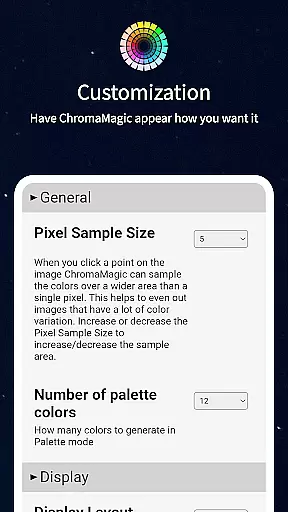
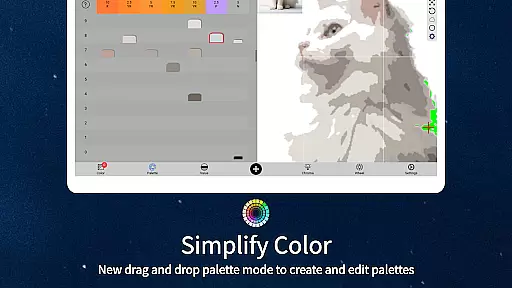
Furthermore, ChromaMagic enhances the painting process by integrating practical features like zoomable and pannable images, making detailed work more accessible. Artists can also average colors over large pixel areas, granting them the ability to simplify complex references into manageable palettes.
The inclusion of paint database links within ChromaMagic adds another layer of utility, connecting digital analysis with tangible art supplies. This seamless blend of technology empowers artists to make informed decisions about color choices, thus elevating their creative expression.
Flexibility in canvas and format options is essential for artists who need to adapt their workflow across different mediums and devices. ChromaMagic addresses this need by enabling artists to use the app on various platforms, including Android phones and tablets, ensuring that creativity is not confined to the studio.
The app's support for drag-and-drop functionality streamlines the user experience, allowing for swift file handling without the hindrance of cumbersome loading processes. This feature is particularly beneficial when working with numerous reference images or large files.
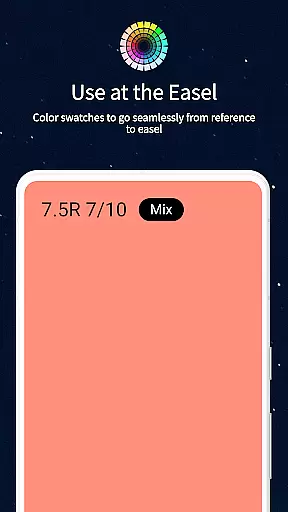
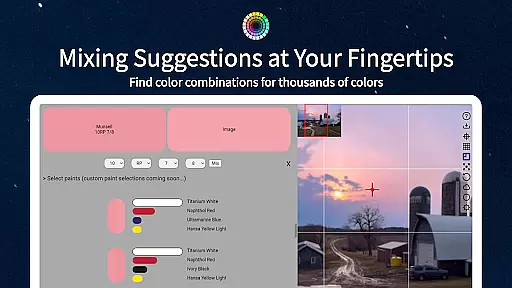
Additionally, ChromaMagic's calibration capabilities and mixing swatches provide artists with accurate color representation and blending guidance, which is crucial for maintaining consistency across different formats and surfaces. These tools collectively contribute to a versatile and dynamic artistic process.
Accurate color readings
Multiple analysis modes
Offline functionality
Cross-device compatibility
Intuitive user interface
Steep learning curve
Advanced features only
No basic mode
Premium price point
Artists niche only

Sketch, plan, take notes and illustrate on an infinite canvas.
 4.20
4.20
Custom Character Creator & PFP Maker!
4.20
Digital illustration drawing & painting pad app to paint Anime and Manga art
4.50
Unleash your drawing and painting potential
4.50
Draw on screen: FP sDraw is a simple and lightweight drawing app
4.70
Art of Combination Wear OS Watch faces
4.2
Novices can also easily complete diamond painting masters
4.70
Create Logos, Tattoos, AI Art & more with our AI Photo Generator & Design Editor
4.20
Explore future self face age filter & remove background image for a unique look.
3.50
Minecraft & Roblox Clothes
4.70
Create neon drawing with magic doodle and fun doodle art effects!
4.50
Turning simple sketches into captivating tales filled with life and motion
3.90
Paint with oils and sketch with natural tools on a realistic virtual canvas.
3.80
Resize photos and print photos in exact size with our powerful photo printer!
3.80
Experience next-gen icons with a modern liquid glass look.
3.60
Vidu is an AI video generator made for creators and aspiring makers.
3.30
Transform photos into amazing monochrome dither art with professional algorithms
4.1
Art of Combination Wear OS Watch faces
4.4
Art of Combination Wear OS Watch Faces
4.5


User Reviews