
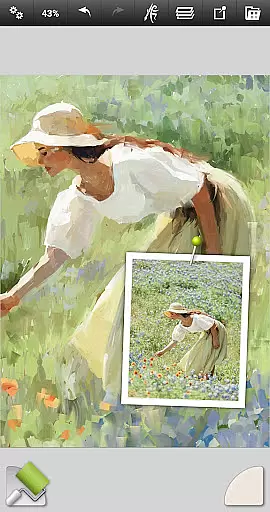
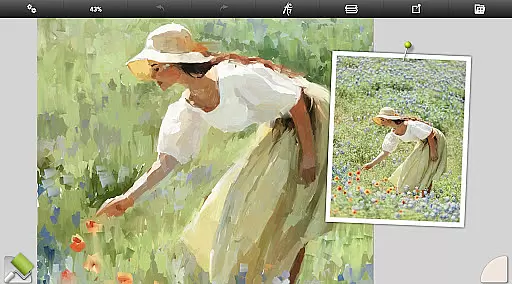
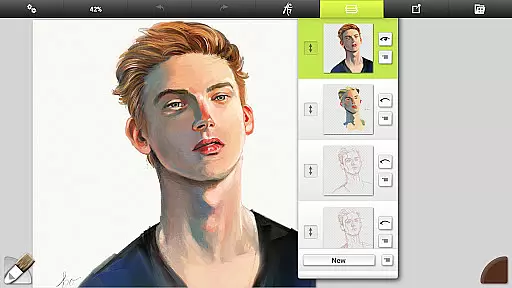
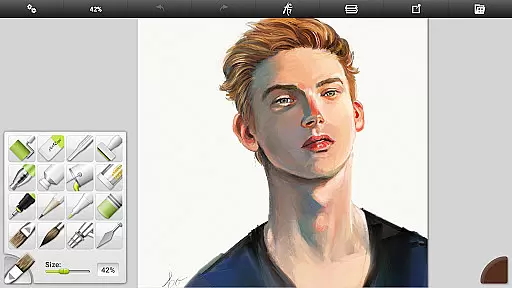
ArtRage Vitae Mobile Painting is a premium natural painting application designed for artists who want to create realistic artwork on mobile devices. The app offers an impressive range of professional-grade tools that mimic real-world art supplies, allowing users to mix oil paints, draw with pencils or pastels, and blend watercolors seamlessly. With support for layers, blend modes, and advanced layer options, this app caters to both beginners and professionals looking to unlock their creative potential.
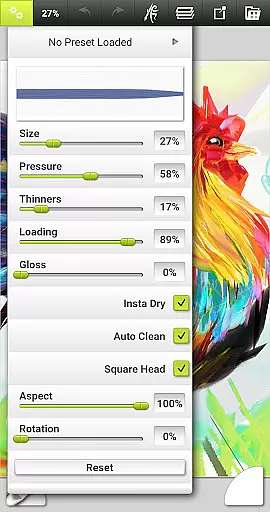
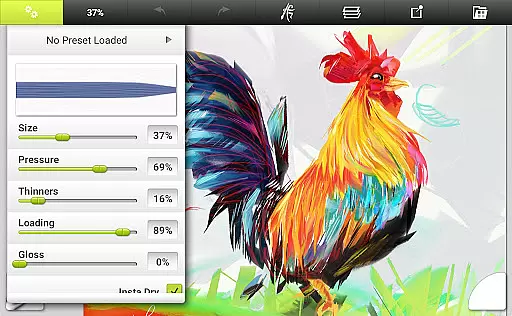
The app stands out with its realistic color blending, textured canvas options, and tool settings that reflect natural properties like paint thickness and pencil softness. Whether you're sketching, painting, or applying special effects, ArtRage Vitae provides countless variations through presets and customizable settings. Additionally, the app supports Android sharing systems, enabling users to export their work as JPG or PNG files and share them easily with others.
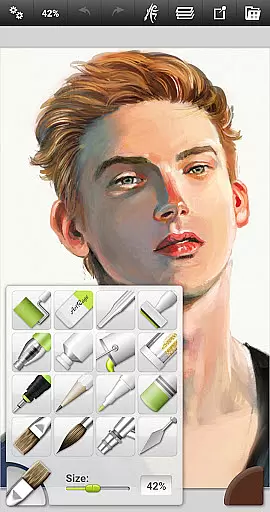
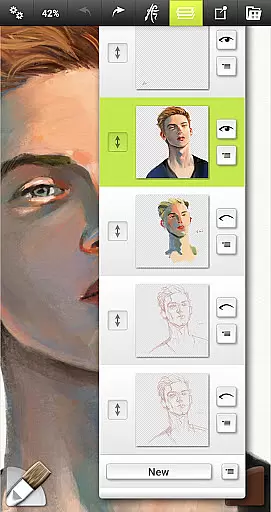
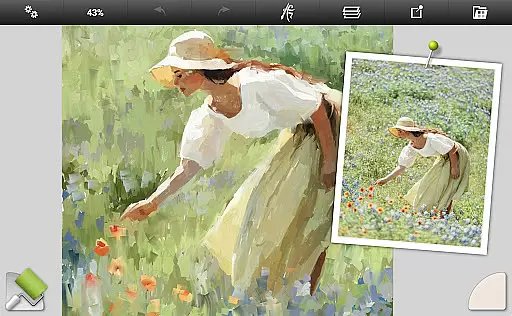
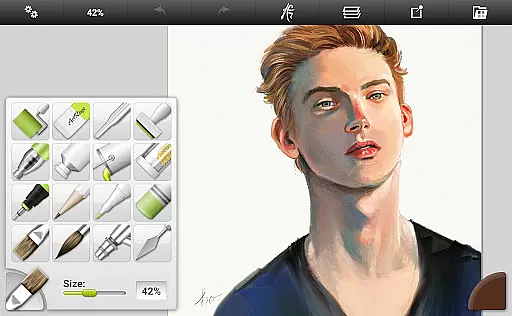
ArtRage Vitae boasts a comprehensive set of features tailored for digital artists. It includes 16 distinct tools such as Oil Brush, Watercolor, Palette Knife, Airbrush, Ink Pen, and more, each offering unique functionalities. These tools come with adjustable settings that allow users to replicate the behavior of real-world art materials, from controlling paint thickness to adjusting pencil softness. The app also supports advanced utilities like Layers, Blend Modes, Tracing Images, and Reference Images, which serve as valuable guides during the creative process.
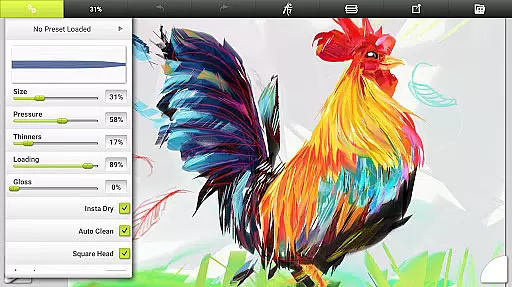
One of the standout features is the ability to store custom presets for frequently used tool settings, ensuring a personalized workflow. The app's interface is designed to maximize creative space while remaining intuitive and easy to navigate. Multi-touch canvas manipulation, stylus-only mode, and keyboard shortcut support further enhance usability. Additionally, ArtRage Vitae allows users to record scripts of their paintings for playback in desktop versions, bridging the gap between mobile and desktop creativity.
In the realm of digital art, having a comprehensive set of creative tools is paramount. ArtRage Vitae Mobile Painting excels in this area by offering 16 diverse tools with countless variations through presets and settings. These include natural painting tools like the Oil Brush, Watercolor, Palette Knife, Paint Roller, and Paint Tube.
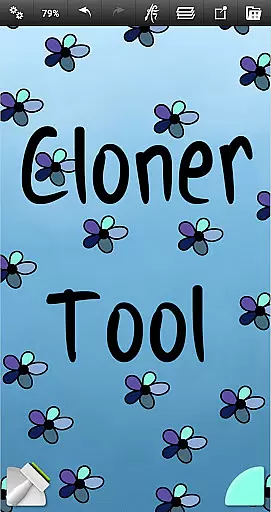
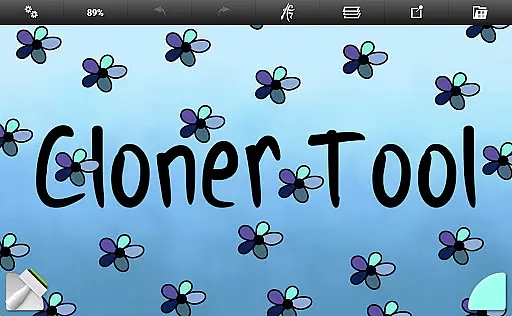
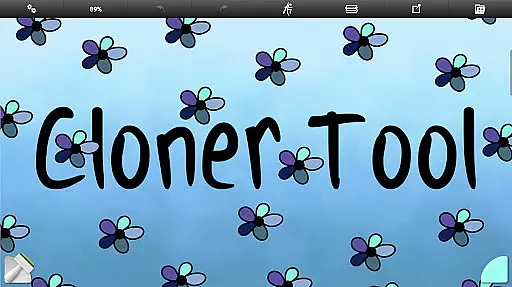
For those inclined towards sketching and drawing, the app provides an Airbrush, Ink Pen, Felt Pen, Pencil, Wax or Chalk Pastel, and an Eraser. Special effect tools such as the Cloner, Glitter Tube, and Gloop Pen add another layer of creativity. Each tool comes with settings that reflect natural properties, such as paint thickness or pencil softness, ensuring an authentic artistic experience.
ArtRage Vitae doesn't stop at just providing tools; it allows users to store their favorite settings as custom presets, thus streamlining the creative process. The inclusion of canvas texture adjustments means artists can simulate a variety of surfaces, from coarse to smooth, enhancing the realism of each stroke.
A versatile canvas is essential for artists who demand control over their work's presentation. ArtRage Vitae Mobile Painting understands this need and offers remarkable canvas and format flexibility. Users can adjust the canvas texture to mimic different types of surfaces, which is crucial for achieving the desired artistic effect.
The app supports maximum canvas sizes up to 4096px x 4096px across all devices, allowing for highly detailed artwork without limitations. This vast canvas size ensures that even the most intricate details can be captured without compromise, making it suitable for both quick sketches and elaborate masterpieces.
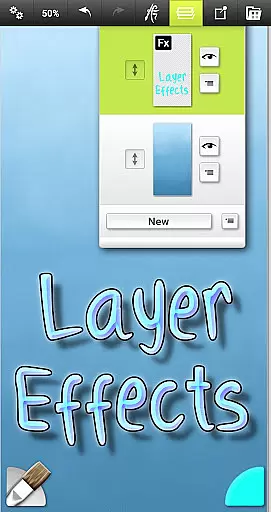
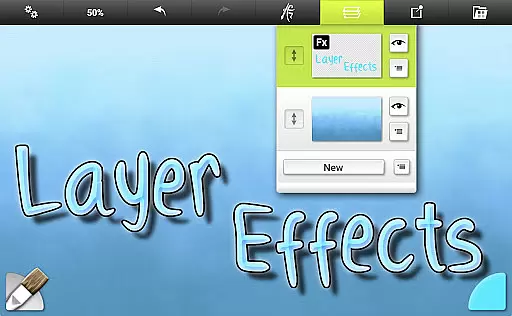
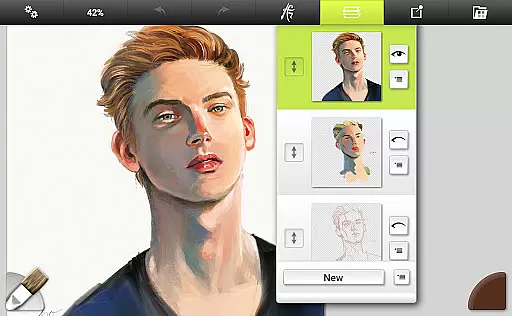
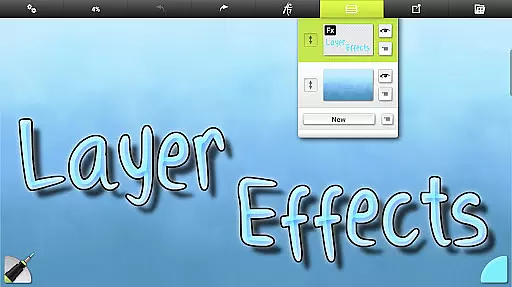
Furthermore, ArtRage Vitae includes utilities such as layers with opacity control and industry-standard Layer Blend Modes, giving artists the power to manipulate their work extensively. With unlimited undo/redo functions, creators have the freedom to experiment without fear of making irreversible mistakes, thus truly personalizing their canvas experience.
Realistic painting tools
Extensive customization options
User-friendly interface
Powerful layer utilities
Cross-platform compatibility
Higher cost compared to similar apps
Steep learning curve for beginners
Requires significant device storage
Limited free features
Occasional performance lags

Art of Combination Wear OS Watch faces
 4.5
4.5
Design your dream room with AI. Get decor ideas & plan home interiors
3.90
Remove Background, Magic Eraser, Photo Enhancer, Story Templates, Collage Maker
4.30
Unleash your drawing and painting potential
4.50
Convert image to JPG PNG HEIC PDF, support almost all kinds of image formats
4.70
Unleash Your Creativity with Draw Cartoon - AR Drawing App
4.10
Novices can also easily complete diamond painting masters
4.70
Android 14 style widgets and wallpapers app.
4.1
Sketch and paint on your device with the feel and freedom of drawing on paper
4.00
Passport size photo maker, create ID photo and visa photo in seconds
4.80
Photo stitcher for automatically screenshot stitching into a long screenshot
4.70
Castle is social media for creating and playing games!
4.60
Photo editor for art, avatars, filters & fun transformations.
4.60
Create color palette from Image, RGB & RYB Color wheel harmonies, Color Scheme
4.50
Video AI: Revolutionize Your Content Creation with Advanced Video Generation
4.50
Text to Image, Image to Video & AI Chat
4.20
AI Face Swap, Video Effects Editor, Realtime Morph, Funny Video FX,AI Filters
3.70
Create cute cat emojis & PFPs! Fun, custom avatars for cat lovers.
3.70
Art of Combination Wear OS Watch Faces
4.4


User Reviews