
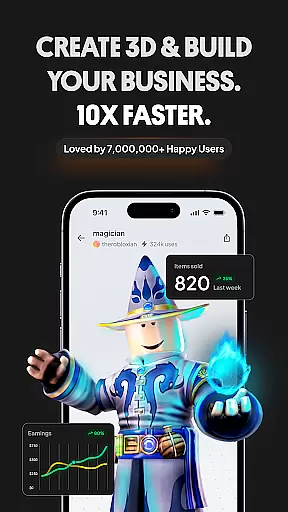
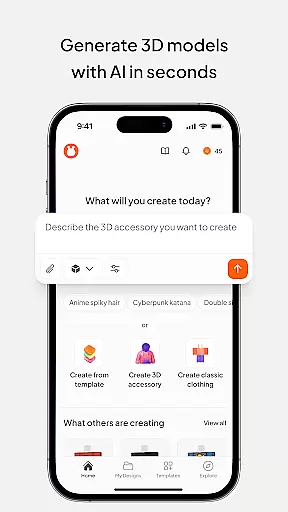
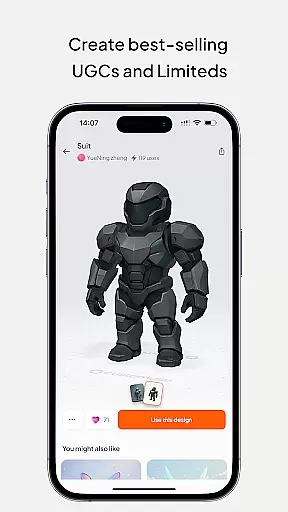
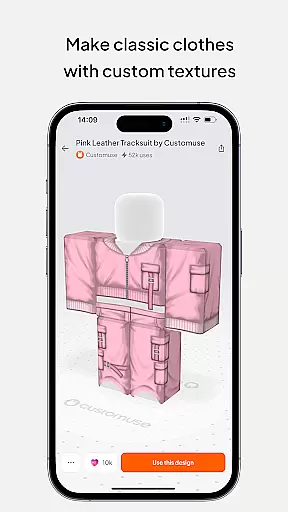
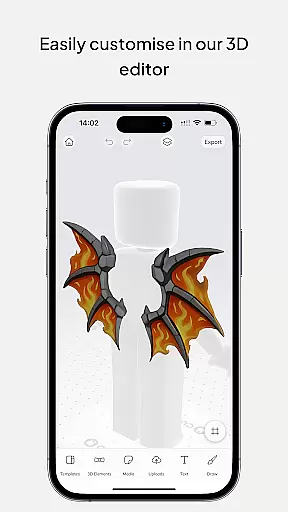
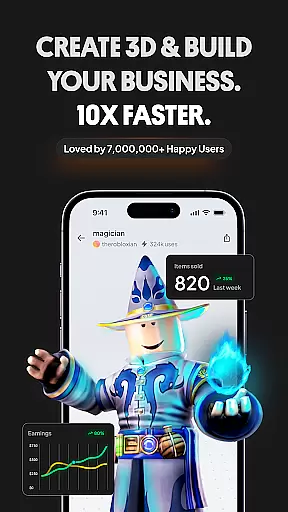
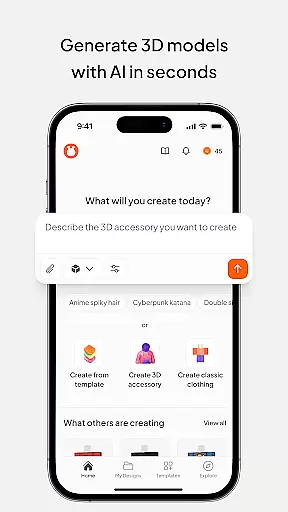
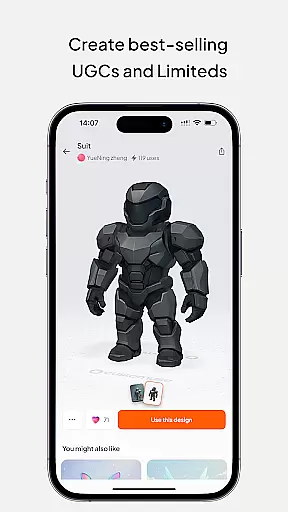
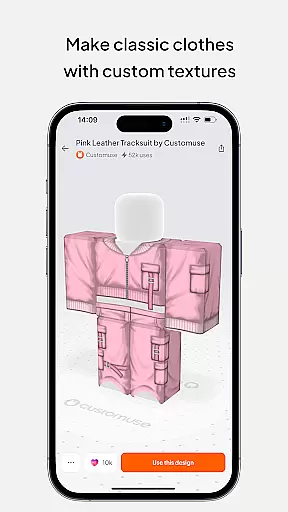
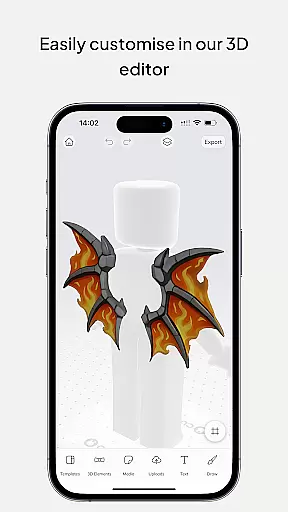
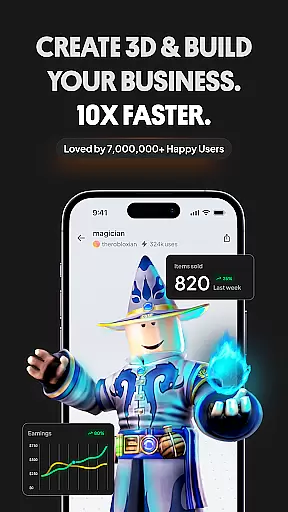
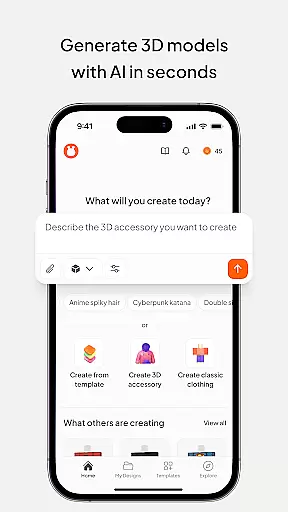
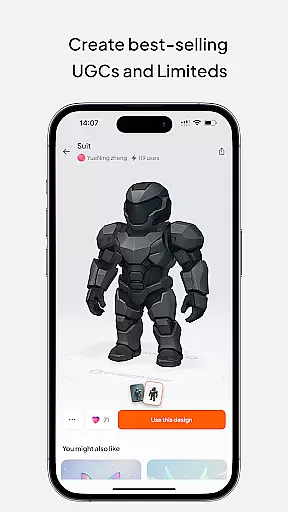
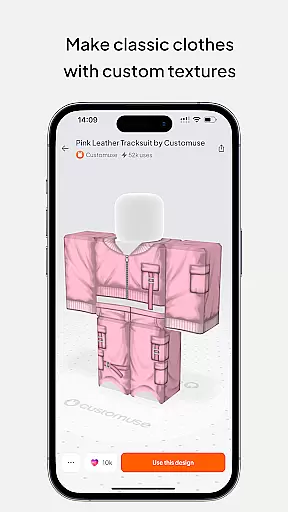
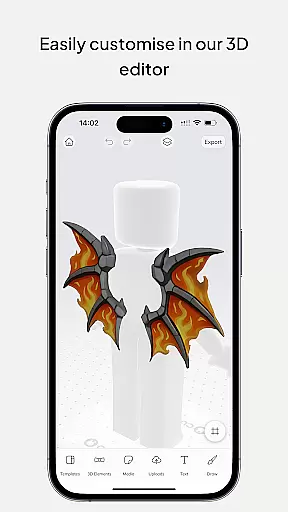
Customuse is a powerful 3D design tool tailored for creators and designers, offering an extensive range of features to enhance digital creativity. With over 2 million users, it provides tools to design unique Roblox skins, Zepeto clothes, Minecraft avatars, and custom AR filters for social media platforms like TikTok, Snapchat, and Instagram.
The app stands out with its AI-assisted design capabilities, virtual try-on features for clothing mockups, and seamless integration with popular gaming and social platforms. Whether you're a beginner or a professional designer, Customuse adapts to various skill levels while supporting multiple devices including iPhone and desktop.
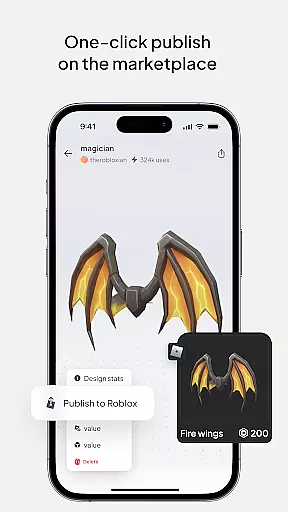
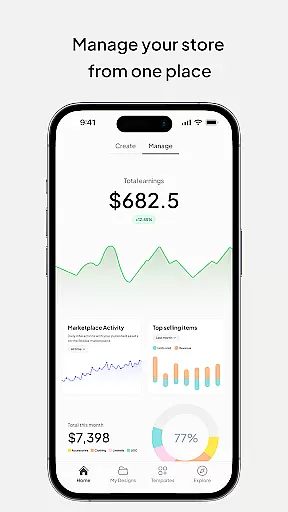
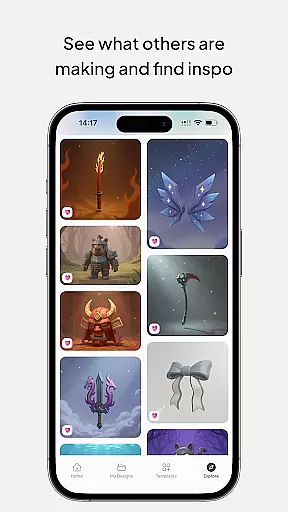
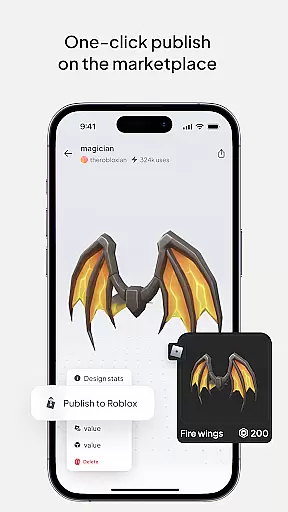
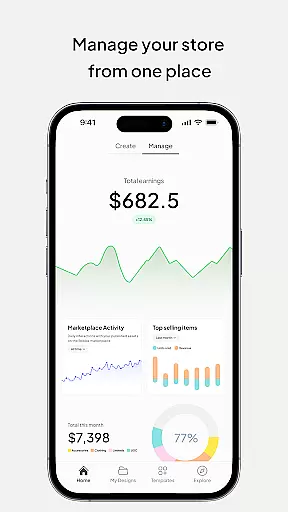
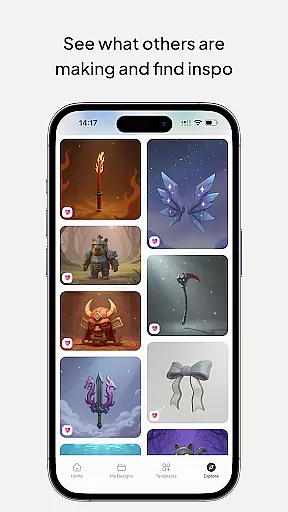
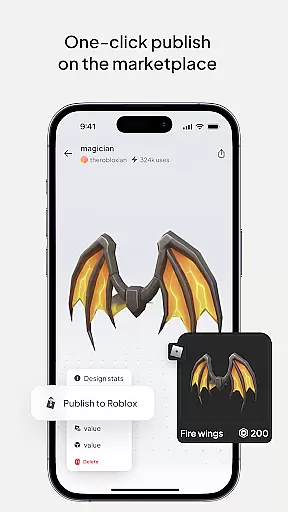
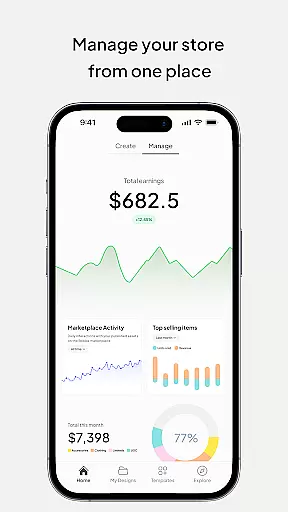
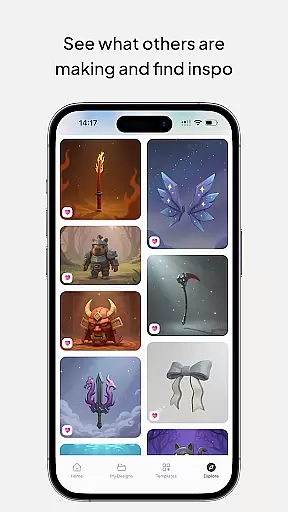
Designers can monetize their creations by publishing directly to marketplaces such as Roblox and Zepeto, earning Robux or ZEMs. The app also fosters a creative community through inspiration-sharing and collaboration opportunities, making it ideal for those looking to elevate their digital presence in the metaverse.
Customuse offers a diverse set of innovative features that cater to modern digital creators. One standout functionality is its AI-driven design tools, which allow users to generate Roblox and Minecraft skins using simple prompts, providing tailored suggestions to refine designs further. This positions Customuse as an essential tool for both novice and experienced 3D modelers.
Another key feature is the ability to create AR filters for Instagram, Snapchat, and TikTok. These filters are crafted using advanced AI tools, ensuring they capture attention on social media. Additionally, the app's virtual try-on feature lets users visualize how their custom-designed clothing will look in real-time, enhancing the design process for fashion enthusiasts.
Customuse also supports cross-platform compatibility, enabling users to work seamlessly across devices like iPads and iPhones. Its intuitive interface ensures accessibility for all skill levels, while direct publishing options to platforms like Roblox Studio streamline workflows, empowering creators to focus on innovation rather than technicalities.
In the realm of digital design, having a comprehensive suite of creative tools is essential for unleashing one's full potential. Customuse stands out by offering an extensive array of features tailored to 3D design enthusiasts and professionals alike. From crafting unique Roblox skins to designing Zepeto clothes, the app provides thousands of templates alongside the option to start from scratch, ensuring that every creative vision can be realized.
Moreover, Customuse empowers users with specialized tools for creating Minecraft avatars, customizing AR filters for social media platforms like TikTok, Snapchat, and Instagram, and even generating 3D clothing mockups. The inclusion of AI-driven design suggestions and virtual try-on capabilities further enriches the design process, making it not only more efficient but also more innovative.
The true value of Customuse lies in its ability to cater to both novices and experts in the field of 3D modeling. Whether you're looking to publish your designs directly to Roblox or seeking to explore new realms of creativity through AI-assisted features, this application serves as a robust platform for all your artistic endeavors. With Customuse, the possibilities are virtually limitless, allowing creators to push the boundaries of what's possible in the digital art space.
Flexibility in canvas and format options is crucial for designers who wish to express their creativity without limitations. Customuse addresses this need by providing a versatile platform where users can seamlessly switch between different project types, such as Roblox skins, Zepeto outfits, and Minecraft avatars. This adaptability ensures that no matter the task at hand, creators have the freedom to experiment with various styles and formats.
Beyond just versatility in project types, Customuse also excels in enabling detailed customization of designs. Users can add 3D accessories, incorporate branding elements, and adjust fabric textures, among other things. Such depth in editing capabilities allows for the creation of truly unique and personalized content that stands out across different platforms.
Furthermore, the app supports exporting designs in multiple formats suitable for various uses, including direct uploads to gaming and social media platforms. This ease of integration enhances workflow efficiency, letting designers focus more on the creative process rather than technical constraints. By prioritizing canvas and format flexibility, Customuse empowers artists to bring their visions to life exactly as they imagine, fostering a more engaging and fulfilling design experience.
User-friendly interface
AI-powered design tools
Monetization opportunities
Cross-platform support
Vibrant creator community
Limited free features
Requires learning curve
Premium subscription costs
Occasional bugs reported
Device compatibility issues

Create trending AI photos & videos with powerful effects and 3D styles.
 3.20
3.20
Image/ Text to Video Generator
4.40
Text to Image, Image to Video & AI Chat
4.20
Art of Combination Wear OS Watch Faces
4.4
Create color palette from Image, RGB & RYB Color wheel harmonies, Color Scheme
4.50
The perfect place to start sketching! Use Sketchbook to draw and paint sketches.
4.50
Painting, drawing, & sketching
4.50
2D animation studio for Android tablets - unlimited layers, infinite timeline
4.70
Your homescreen as an elegant glass with customized blur, lighting, and visuals.
3.70
See Color, Paint Color
4.90
Make your phone cooler and have a fantastic experience
4.80
Photo editor for art, avatars, filters & fun transformations.
4.60
Image resizer to resize, crop, rotate, flip, change dpi photo or picture in bulk
4.60
Discover Cartoon Dream : Unleash Your Creativity with CuttingEdge AI
4.50
Create Logos, Tattoos, AI Art & more with our AI Photo Generator & Design Editor
4.20
Floor Plan Creator lets you create, edit and share floor plans.
4.00
Design your dream room with AI. Get decor ideas & plan home interiors
3.90
Create stunning video, photo & magic from text with FlixAI GPT video generator.
3.10
Pose and morph realistic male and female models! 3D poser app
3.00


User Reviews