
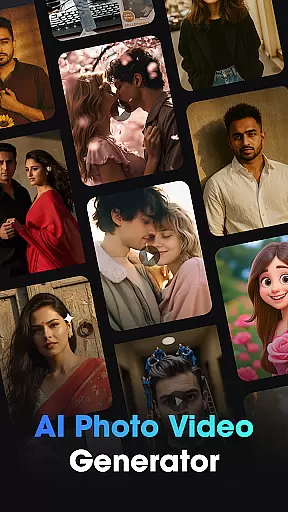
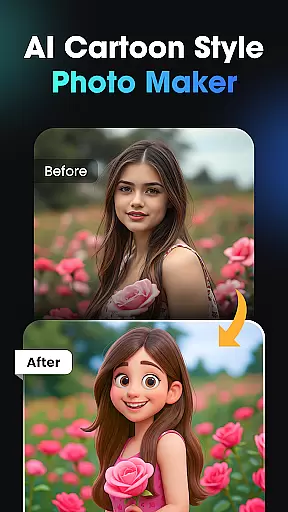
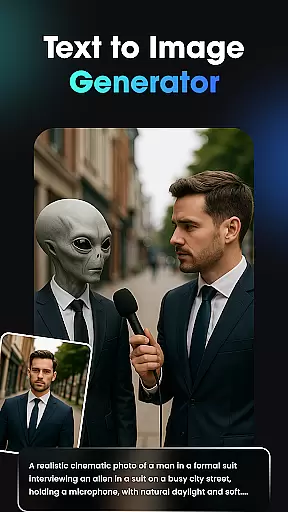
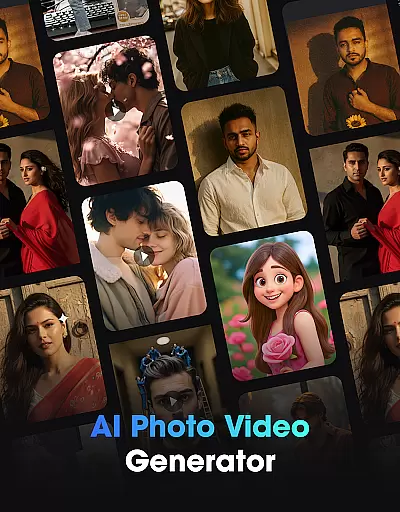
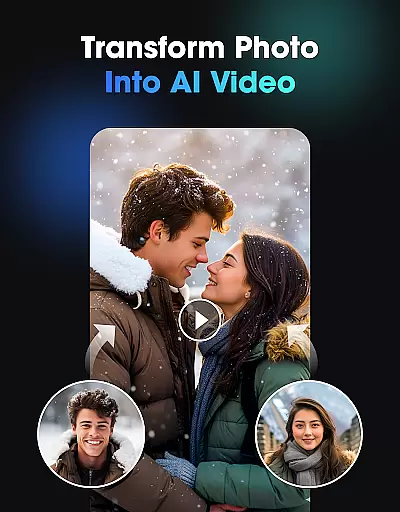
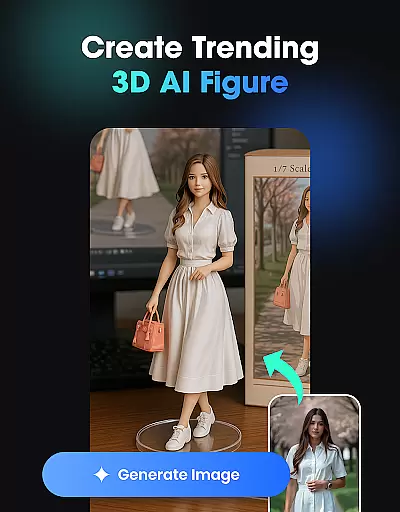
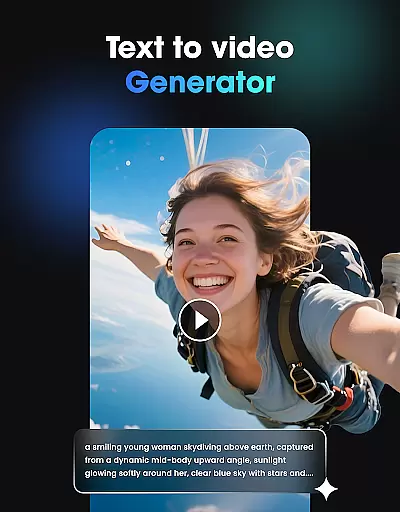
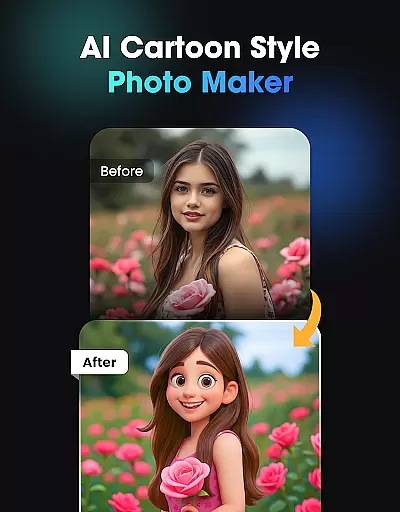
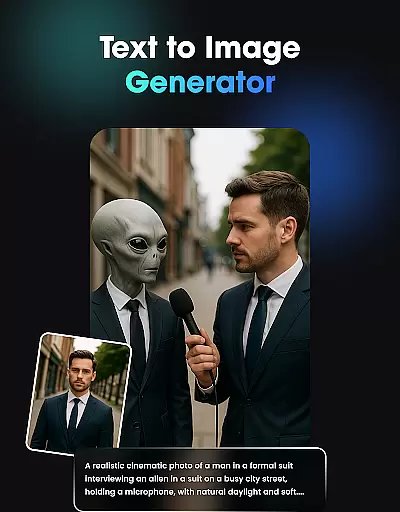
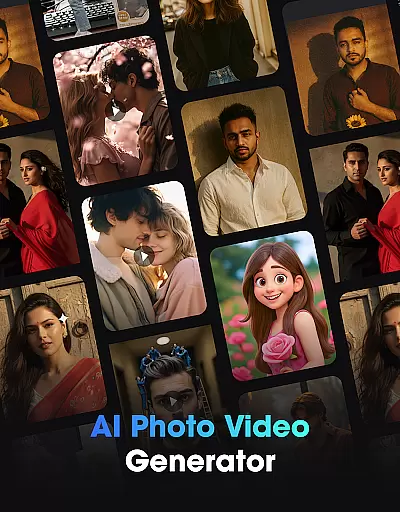
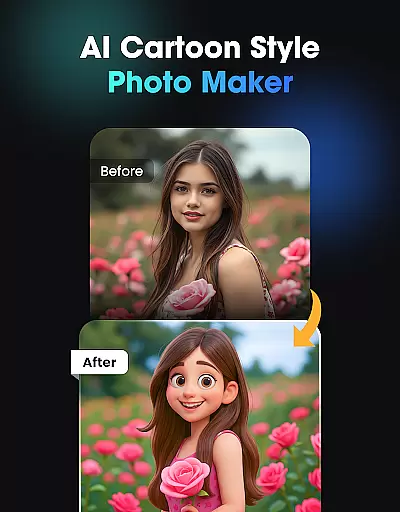
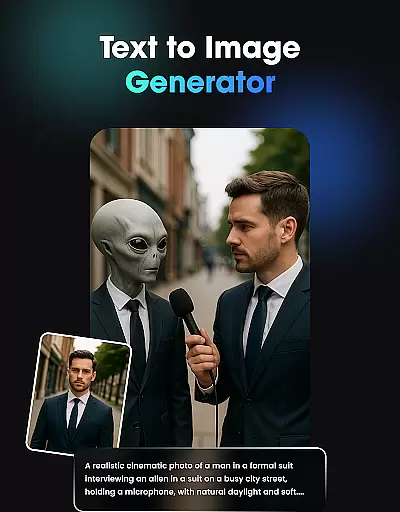
Vidix - AI Photo Video Generator is a revolutionary creative studio powered by artificial intelligence, designed to transform your photos or text ideas into stunning AI videos, 3D characters, and trending visual effects. Whether you're looking to create an AI reel, design a cartoon-style avatar, or generate realistic AI photos, Vidix offers all the tools you need in just a few taps. No editing skills are required, only your imagination.
This app is perfect for social media creators, models, influencers, and anyone who wants to unleash their creativity without the complexity of traditional editing software. With features like AI video generation, 3D AI figure creation, and text-to-image conversion, Vidix empowers users to produce high-quality content effortlessly.
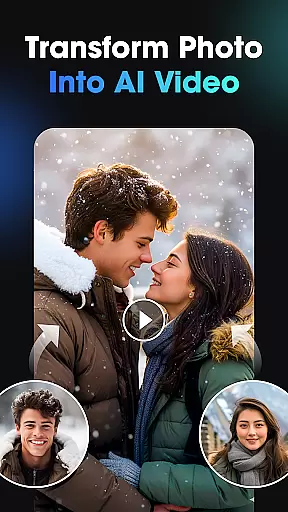
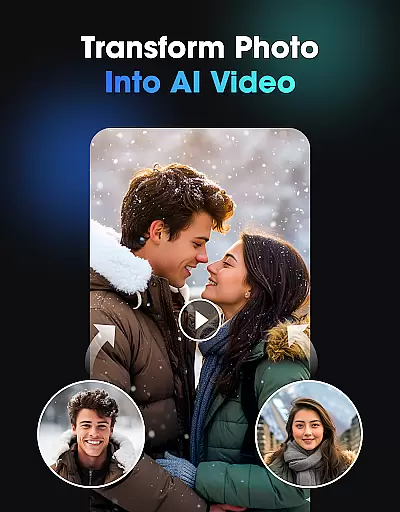
Vidix stands out with its powerful AI-driven features that cater to a wide range of creative needs. The AI Video Generator turns any image or selfie into lifelike videos, complete with natural movements and expressions. This feature is ideal for creating engaging short videos or story-style clips quickly.
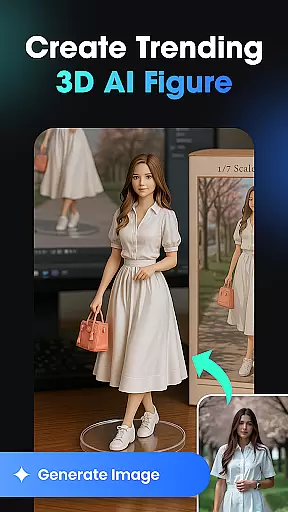
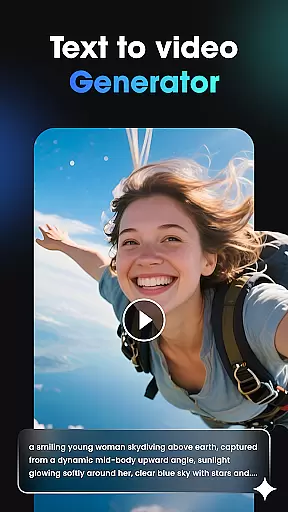
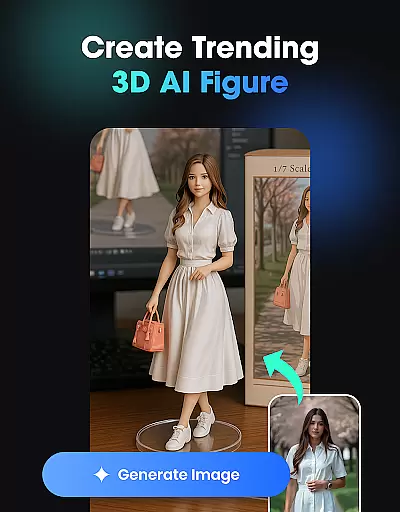
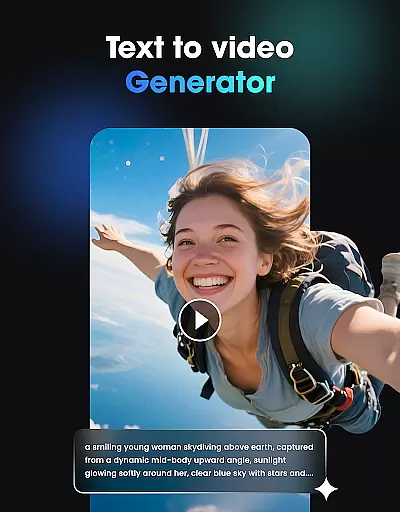
The 3D AI Figure & Avatar Creator allows users to generate personalized 3D characters with various poses, styles, and outfits. It's perfect for those looking to enhance their social media presence with unique avatars. Additionally, the Text-to-Image & Text-to-Video Generator converts textual descriptions into visually appealing content, making it easy to bring ideas to life.
Users can also explore trending AI filters, cartoon effects, and cinematic looks through the AI Effects feature. These regularly updated styles ensure that your creations remain fresh and captivating. Lastly, the AI Photo to Video Transformation tool enables users to animate still photos, adding dynamic motion and storytelling elements.
In the realm of digital creativity, having a comprehensive suite of tools is paramount. Vidix u2013 AI Photo Video Generator stands out by offering an all-in-one creative studio that harnesses the power of artificial intelligence. This app provides users with everything needed to transform simple photos or textual ideas into compelling AI-driven videos, 3D characters, and visually stunning effects without requiring any editing skills.
Vidix's capabilities extend across various creative processes. The AI Video Generator breathes life into static images, creating lifelike animations where subjects can move, smile, and express emotions. For those interested in character design, the 3D AI Figure & Avatar Creator allows for the generation of personalized avatars with customizable poses, styles, and outfits, making it ideal for social media influencers seeking unique online personas.
Moreover, Vidix doesn't stop at video; its Text-to-Image & Text-to-Video Generator interprets written descriptions and turns them into beautiful visuals or cinematic sequences. With regular updates to its library of AI Effects and Trending Styles, users have access to cutting-edge filters and effects that keep their content fresh and engaging. These robust features ensure that whether you're crafting a simple reel or an elaborate animated story, Vidix equips creators with complete control over their artistic vision.
The ability to work flexibly with different canvas sizes and formats is crucial for modern creators who need to adapt their work for various platforms and uses. Vidix u2013 AI Photo Video Generator excels in this area by providing versatile solutions that cater to diverse creative needs. Whether you're designing content for social media, professional portfolios, or personal projects, Vidix ensures your creations are optimized for every scenario.
One key feature is the AI Photo to Video Transformation tool, which allows users to upload any portrait and convert it into dynamic short clips or animated stories. This flexibility supports multiple input types, from classic portraits to more complex scenic shots, ensuring that no matter what format your original photo comes in, Vidix can animate it effectively. Additionally, the platformu2019s support for HD-quality exports means that final outputs maintain high resolution and clarity, suitable for both digital and print mediums.
Beyond just image manipulation, Vidix also offers extensive customization options through its AI Effects & Trending Styles. Users can experiment with different visual aesthetics, such as cartoon effects or cinematic looks, knowing that these enhancements will be applied seamlessly regardless of the underlying format. By prioritizing canvas and format flexibility, Vidix empowers artists and designers to push boundaries and explore new creative possibilities without being constrained by technical limitations.
User-friendly interface
High-quality AI effects
Fast processing speed
Versatile content creation
Regular updates
Limited free features
Subscription costs
Occasional bugs
Learning curve
Export limitations

Sketch, plan, take notes and illustrate on an infinite canvas.
 4.20
4.20
Meet the magic aı 3d photo generator and smart AI video generator app.
3.20
Digital illustration drawing & painting pad app to paint Anime and Manga art
4.50
AI Assistant, powered by ChatGPT GPT-4 & GPT-4o. Your intelligent companion.
3.50
Remove Background, Magic Eraser, Photo Enhancer, Story Templates, Collage Maker
4.30
Unleash the artist in you with our AR drawing and tracing tool for photo drawing
4.10
Inky runs Inkscape on Android devices and Chromebooks
2.90
Create cute cat emojis & PFPs! Fun, custom avatars for cat lovers.
3.70
Unleash your inner artist! Sketchar: AR Drawing for Limitless Creativity
4.40
See Color, Paint Color
4.90
The ultimate tool for creating animations
4.60
Get an overview over all your embroidery threads, projects and more.
4.60
The perfect place to start sketching! Use Sketchbook to draw and paint sketches.
4.50
Create and Design Custom Logos in Seconds with AI-Powered Tools!
4.40
Create stylish invitation cards using templates for weddings, birthdays & RSVP.
4.20
Digital Drawing: Draw & Paint
4.10
Create sweet, cool and unique couple avatars easily, in just a few steps!
3.40
Sketch, trace and master AR drawing with awesome anime art!
3.30
Your Essential Color Theory Guide: Red, Yellow, Blue (RYB)
4.2


User Reviews