
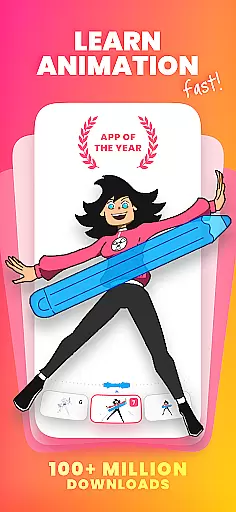
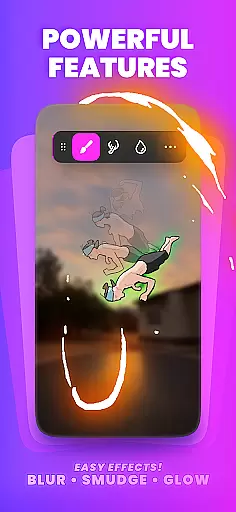
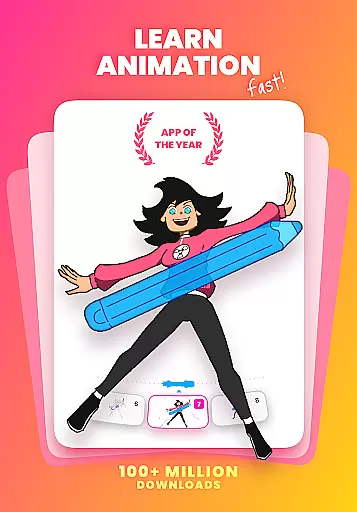
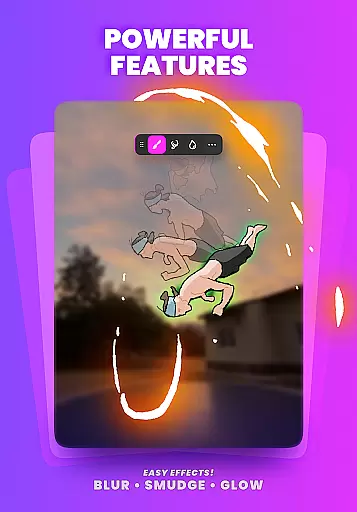
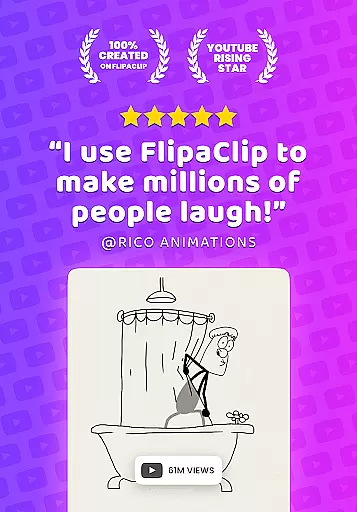
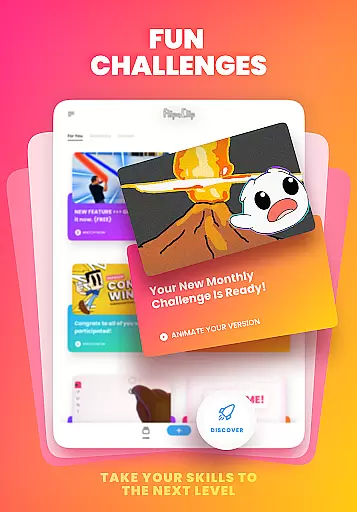
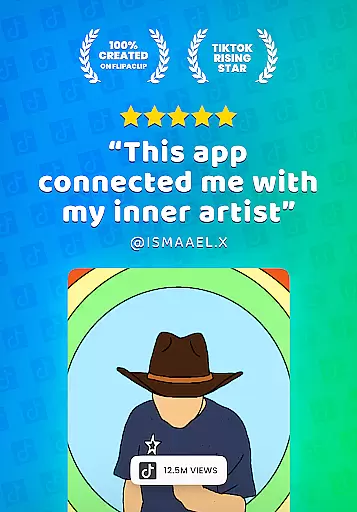
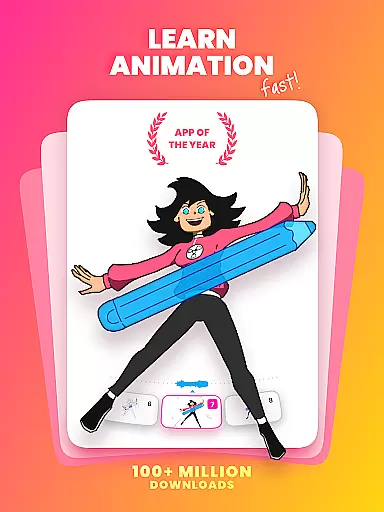
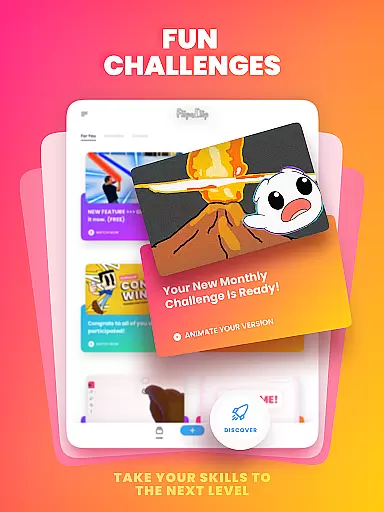
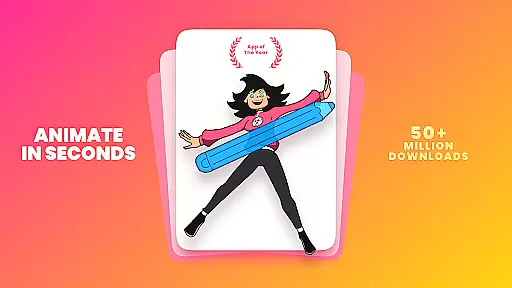
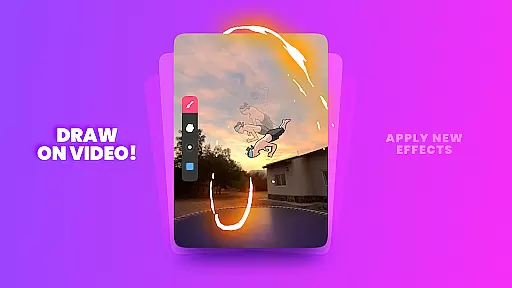
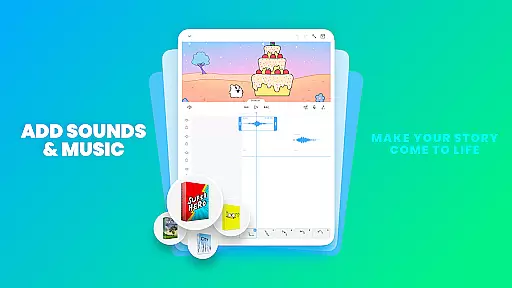
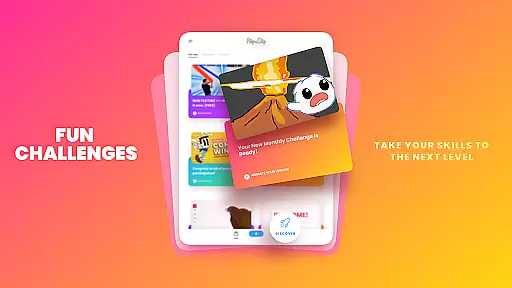
FlipaClip is a leading 2D animation app designed for both amateur and professional artists. This versatile tool allows users to create frame-by-frame animations, cartoons, anime, and storyboards with remarkable ease. The app offers an intuitive interface that combines the simplicity of flipbook-style drawing with advanced animation tools, making it accessible for beginners while still providing depth for experienced animators.
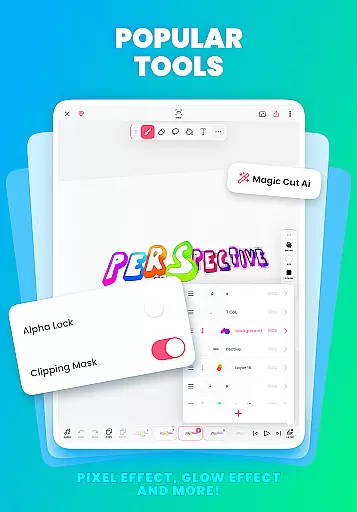
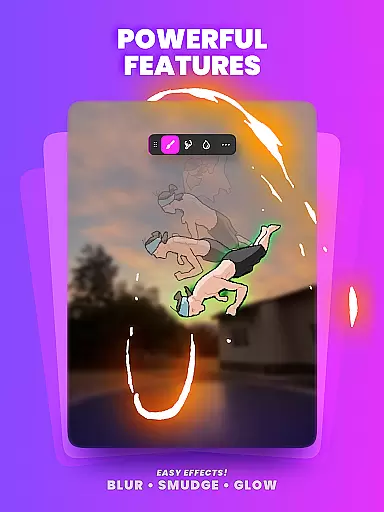
With features like onion skinning, multi-layer support, and AI-powered tools such as Magic Cut, FlipaClip empowers creators to produce high-quality animations. Users can export their work in various formats including MP4, GIF, and PNG sequences. Whether you're creating short animated films, learning animation techniques, or participating in the vibrant creator community, FlipaClip provides everything needed to bring drawings to life.
FlipaClip distinguishes itself through its comprehensive suite of professional-grade animation tools. The app's frame-by-frame timeline gives animators precise control over their work, while onion skin functionality ensures smooth transitions between frames. Artists can work with up to 10 layers (3 free) for complex compositions and utilize advanced features like glow effects and blending modes without additional cost.
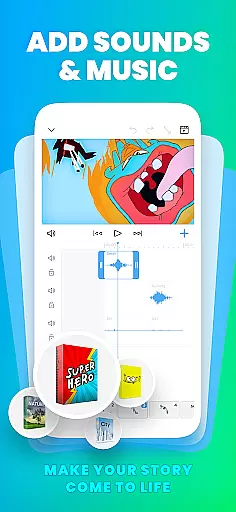
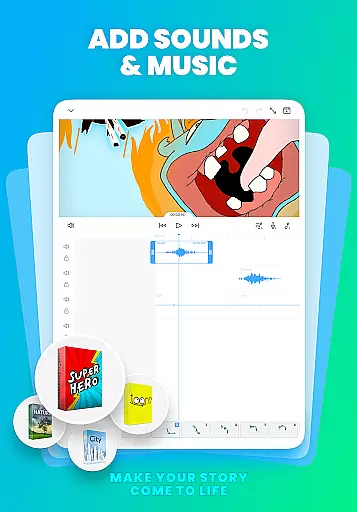
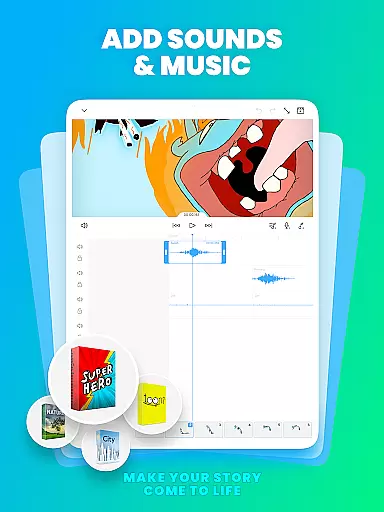
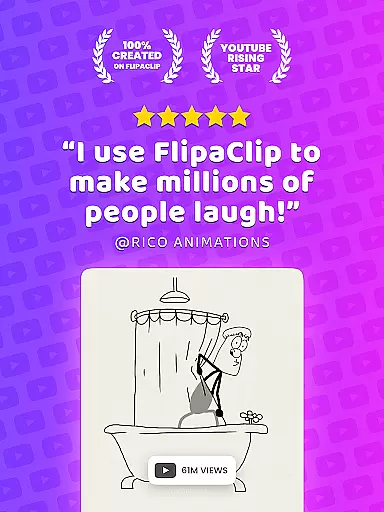
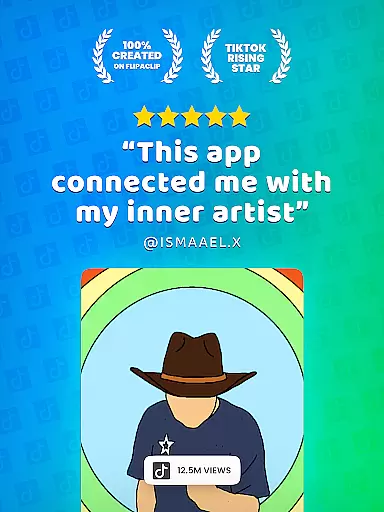
The application supports pressure-sensitive styluses, enabling natural and accurate drawing experiences. Its innovative AI tools, including Magic Cut for object separation and AI Voice Maker for lifelike narration, enhance the creative process. With support for multiple audio tracks and synchronization capabilities, animators can create fully realized multimedia projects. These robust features make FlipaClip suitable for various applications, from educational purposes to professional content creation across platforms like YouTube and TikTok.
In the realm of digital art and animation, having a comprehensive set of creative tools is essential for bringing ideas to life. FlipaClip excels in this area by offering a full suite of drawing and animation instruments designed for both beginners and professionals.
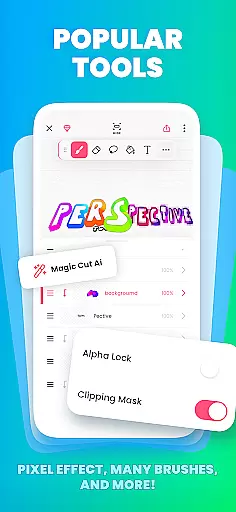
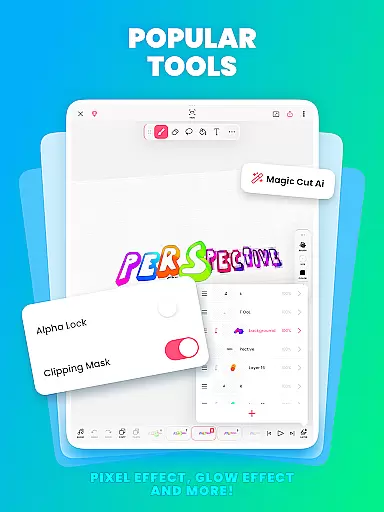
Users can access brushes, fill options, lasso, eraser, ruler, text, and shape tools, allowing them to sketch and refine their ideas with precision. The app supports up to 10 layers, providing the ability to create complex drawings and animations with ease.
Additionally, FlipaClip includes innovative features such as onion skinning for smooth transitions between frames, pressure-sensitive stylus support for natural drawing, and Magic Cut, an AI-powered tool that simplifies object slicing from frames.
This extensive toolkit empowers creators to produce everything from simple doodles to professional-grade animations, making FlipaClip a versatile choice for artists looking to explore the world of 2D animation.
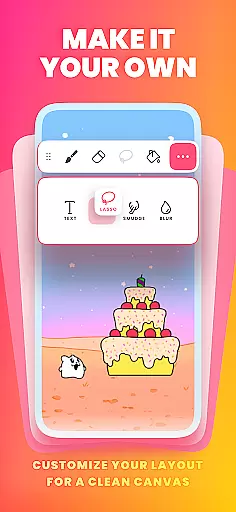
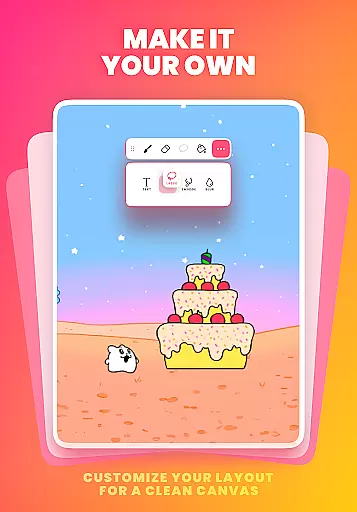
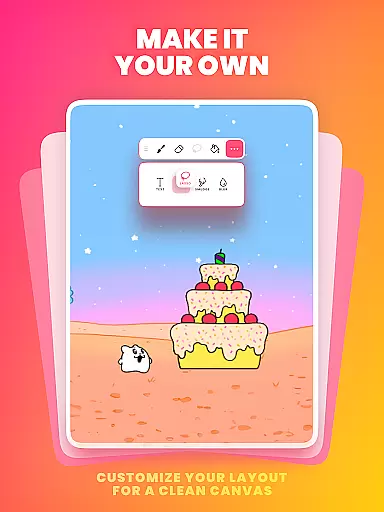
Flexibility in canvas size and format compatibility is crucial for artists who wish to explore various styles and mediums within their creative projects. FlipaClip addresses this need by providing customizable canvas sizes, enabling users to tailor their workspace according to specific project requirements.
The app allows exporting animations in multiple formats including MP4 for videos, GIFs for web-friendly content, and PNG sequences with transparency for professional editing workflows. This versatility ensures that creations can be seamlessly integrated into different platforms such as YouTube or Instagram.
Moreover, FlipaClip's support for importing photos or videos facilitates rotoscope animation techniques while its frame-by-frame timeline control offers precise editing capabilities.
By combining these flexible canvas and format options with intuitive design principles, FlipaClip stands out as an adaptable solution that caters to diverse artistic expressions across the Art & Design spectrum.
User-friendly interface
Powerful animation tools
Active creator community
Multi-format export options
Regular feature updates
Limited free layer count
Premium features locked
Steep learning curve
Occasional performance lag
Subscription required

Sketch, trace and master AR drawing with awesome anime art!
 3.30
3.30
Draw anime & manga drawing, art with templates to create stunning picture!
4.50
Your Essential Color Theory Guide: Red, Yellow, Blue (RYB)
4.3
Draw anime easily with AR guidance, sketch templates & trace tools!
3.10
Create stunning video, photo & magic from text with FlixAI GPT video generator.
3.10
Turn your drawings into flipbook-style animations with simple creative tools
4.60
Mobile pixel art editor. Simple. Fast. Portable.
4.80
AI Tattoo Generator: Create Tattoo Designs & Get Ideas! Ink & Stencil Maker
4.50
Draw, fidget, and spin glow art! Relax and express your creativity with a finger
4.60
Draw on screen: FP sDraw is a simple and lightweight drawing app
4.70
Draw beautiful mandala's very easily
4.60
Discover Cartoon Dream : Unleash Your Creativity with CuttingEdge AI
4.50
Photo blender app to create overlay photos & double exposure.
4.40
Trace, draw, and create art with AR - from memes to masterpieces!
4.30
Customizable Outlined Fonts. Watch Face Format. Battery friendly Digital Clock.
4.20
Digital Drawing: Draw & Paint
4.10
Resize photos and print photos in exact size with our powerful photo printer!
3.80
Create cute cat emojis & PFPs! Fun, custom avatars for cat lovers.
3.70
Create trending AI photos & videos with powerful effects and 3D styles.
3.20


User Reviews