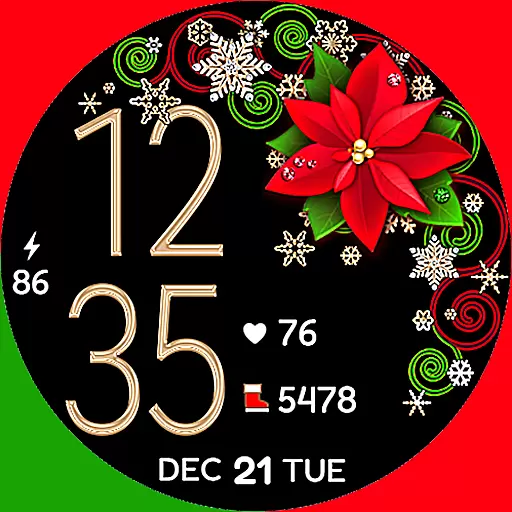
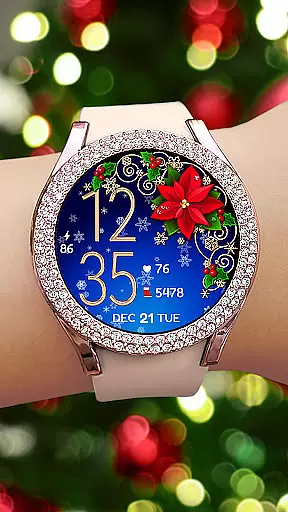
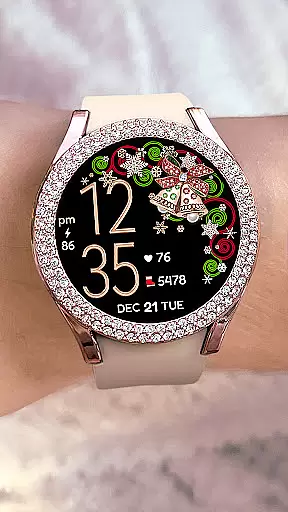
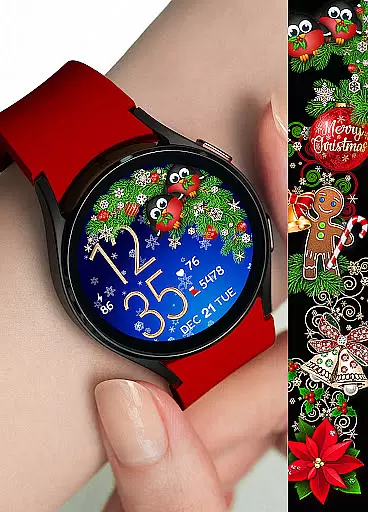
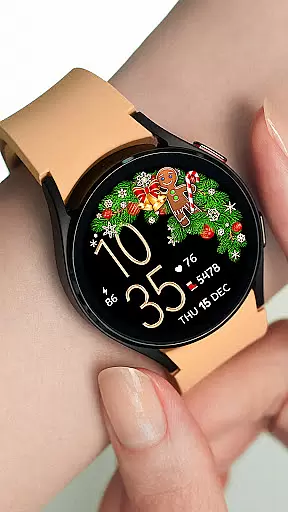

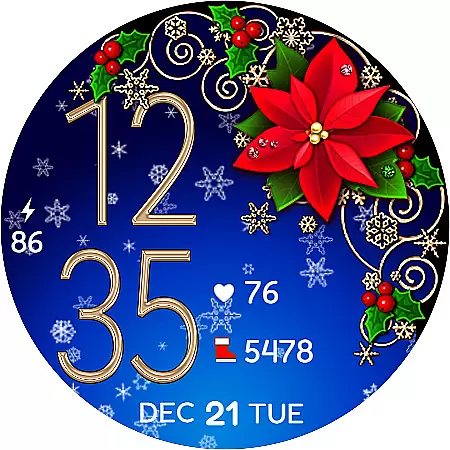
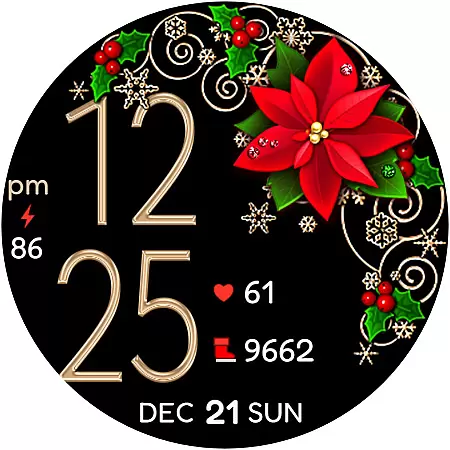
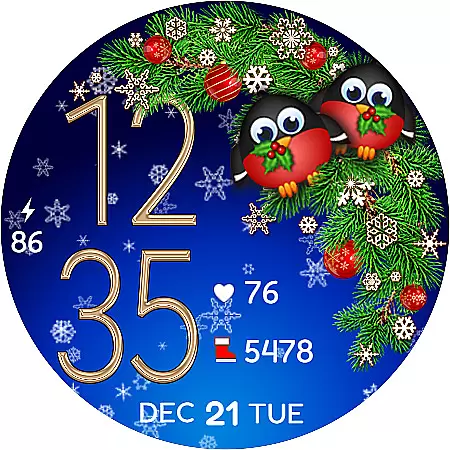
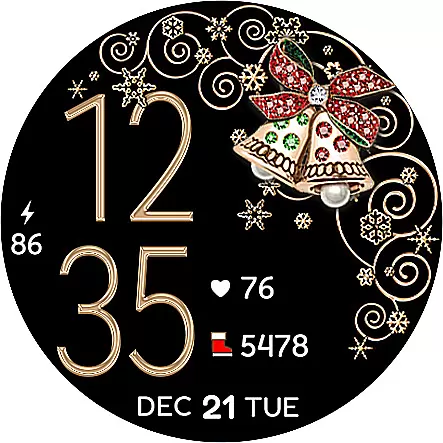
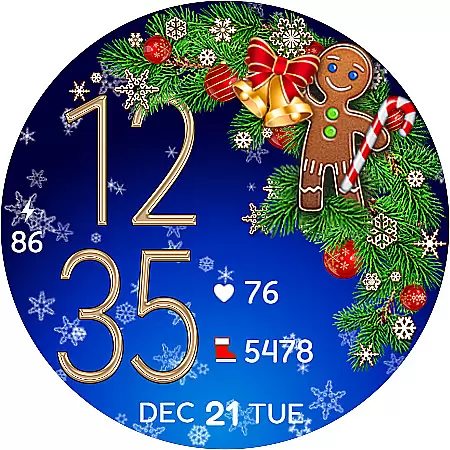
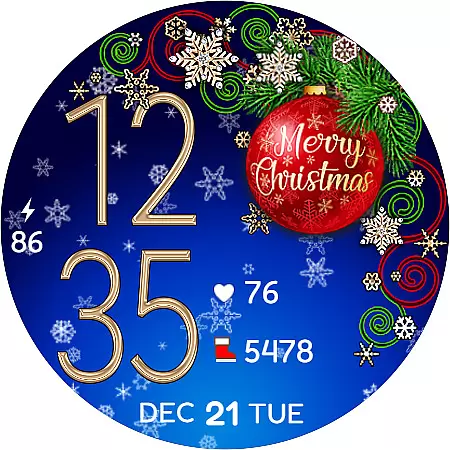
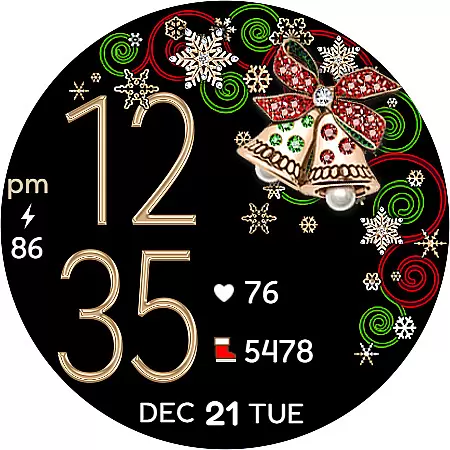
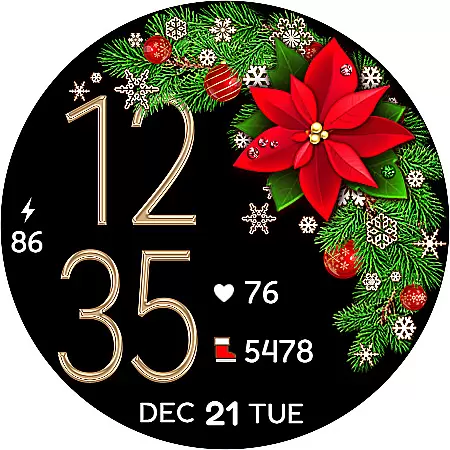
Christmas Snow On/Off Watch is a charming Wear OS watch face that brings festive cheer to your smartwatch. This digital timepiece offers both 12 and 24-hour formats, automatically syncing with your phone's time settings. The unique feature of toggling background snow animation on or off makes it battery-friendly while providing customization options.
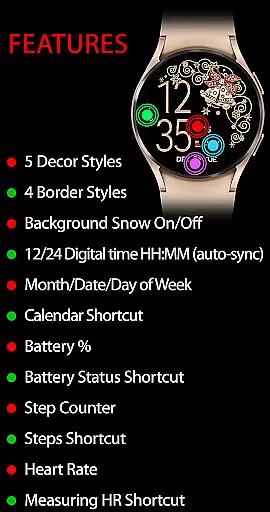
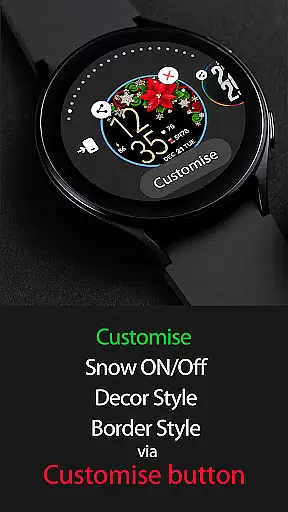
With over 30 style combinations available through 5 decor styles, 4 border styles, and black or snowing backgrounds, users can personalize their watch face using the 'Customise' button. It includes active mode features like calendar shortcuts, battery status, step counter, heart rate monitoring, and always-on display functionalities, making it not only visually appealing but also highly practical for daily use.
This Christmas-themed watch face stands out with its versatile customization options. Users can choose from multiple decor and border styles combined with the choice between a black or animated snowfall background, resulting in over 30 unique combinations. The ability to toggle the snow animation helps conserve battery life while maintaining aesthetic appeal.
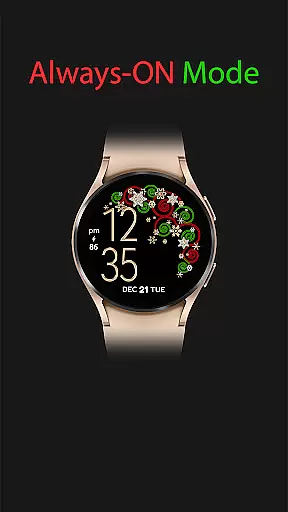
In active mode, the watch face displays essential information such as day, date, month, battery percentage, and even health metrics like step count and heart rate. Shortcuts to various functions including calendar, battery status, SHealth steps, and heart rate measurement enhance usability. Additionally, the always-on feature ensures time and basic details are visible at a glance, combining functionality with festive design seamlessly.
For the Christmas Snow On/Off Watch, companion app integration is crucial for a seamless wearable experience. This feature ensures that your watch face settings are perfectly synced with your smartphone.
The application automatically synchronizes time settings between your phone and the watch face, ensuring accurate time display. This includes the correct display of 12/24-hour formats without leading zeros in the 12-hour mode.
Users can customize their watch faces using the 'Customize' button on their mobile app. This allows for personalization of backgrounds, decorations, and widget displays according to individual preferences.
This synchronization extends to functional features like step counting, heart rate monitoring, and battery status, providing users with a comprehensive and cohesive wearable experience across devices.
Ensuring broad compatibility with various Wear OS devices, the Christmas Snow On/Off Watch supports an extensive range of smartwatches. This compatibility guarantees that users can enjoy the festive-themed watch face regardless of their device model.
The application provides detailed installation instructions, advising users to allow sync time between the Google Play Store and their watch device post-purchase.
In cases where the new watch face does not appear automatically, users are guided through steps to locate it within their device's interface, ensuring ease of access and setup.
With support for active and always-on display modes, this watch face maintains functionality and aesthetics across different devices, offering users consistent performance and visual appeal.
Highly customizable
Festive design
Battery efficient
Health tracking
User-friendly interface
Limited to Wear OS
Requires synchronization
Paid features
No leading zero option
Installation delay

Christmas Theme Watch Face for Wear Os
 5.00
5.00
Rose gold watch face with festive lights & customizable features.
4.60
A modern premium sporty hybrid watch face for Wear OS by Ballozi
4.70
Be an elegant and classy secret agent, with this carefully detailed watch face
4.70
3 Complications. All shadow on/off. 30 Themes color palette...
4.4
The most customizable minimal watch face. For Wear OS 5.0, API 34+ and later
4.70
Connect to your Bluelink equipped Hyundai vehicle from your smartphone.
4.50
A digital watch face that celebrates Christmas.
4.00
Fitbit is dedicated to helping people lead healthier, more active lives.
4.10
Real-time weather radar with temperatures, warnings, hurricanes, and widgets
4.80
Hyperlocal rain alerts by MyRadar using patent-pending technology, radar & more
4.80
The most customizable hybrid watch face. For Wear OS 5.0, API 34+ and later
4.70
Kia Access makes getting your vehicle information easier than ever
4.60
Simple, helpful messaging by Google
4.60
Embrace the holiday spirit with this magical animated watch face!
4.40
The ultimate destination for kids ages 3-8 to explore the Marvel Universe!
4.30
Embrace the festive spirit with our Christmas Countdown watchface for Wear OS
4.10
Christmas is near, let's count together the days left until Santa comes
4.4
Minimalistic design modern digital watch face.
4.2


User Reviews