
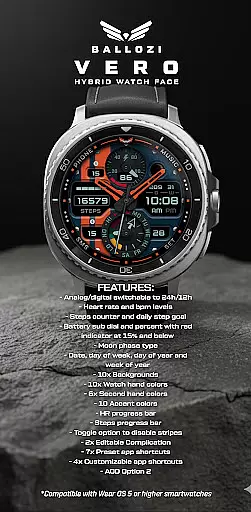
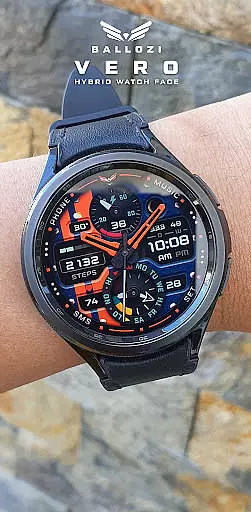
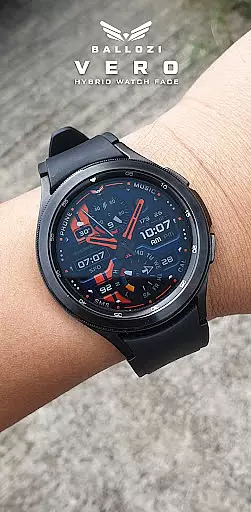
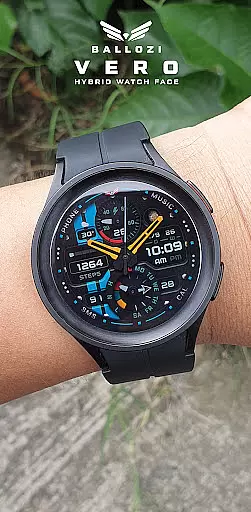
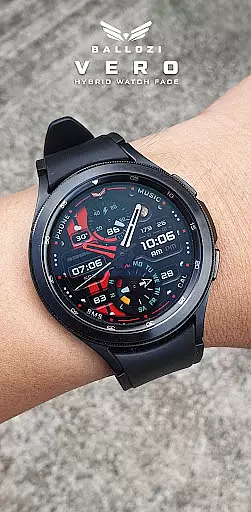
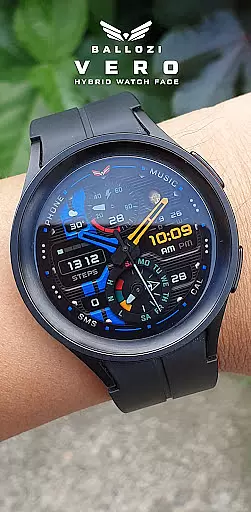
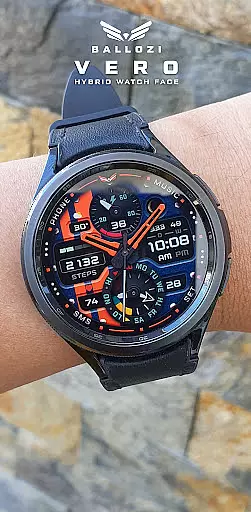
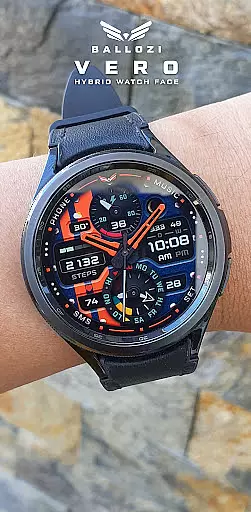
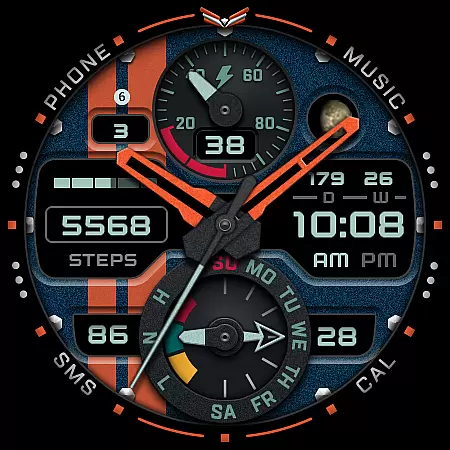
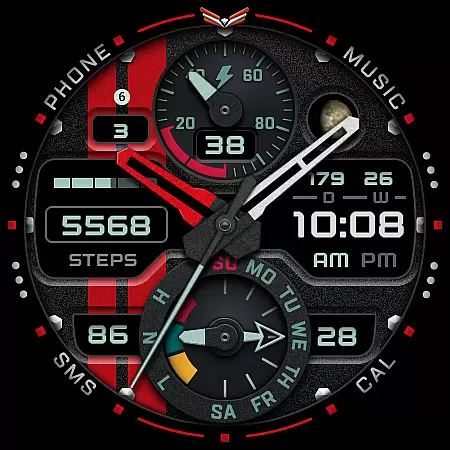
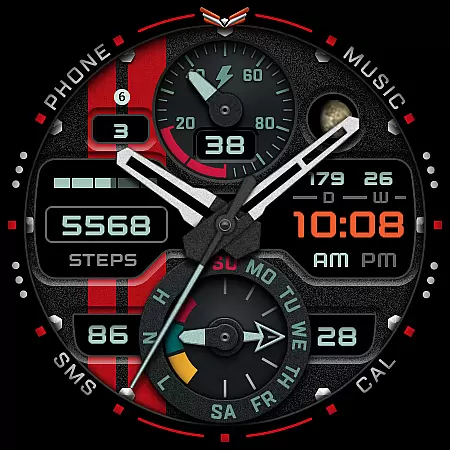
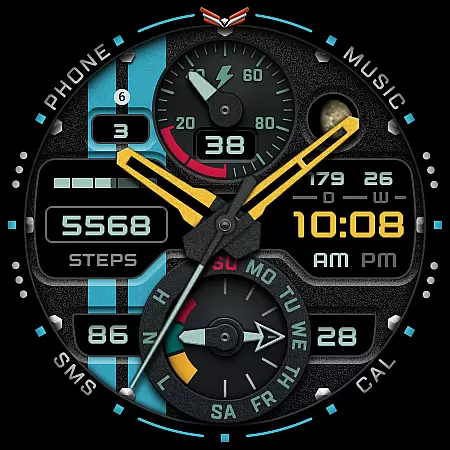
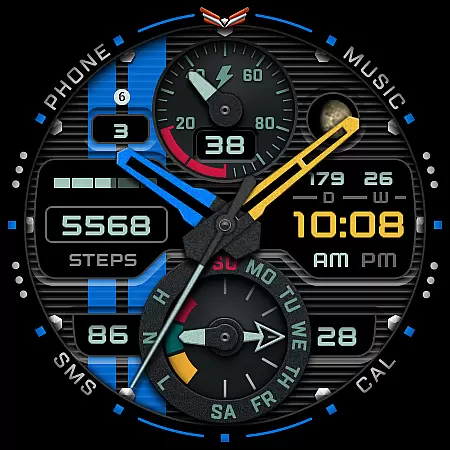
Ballozi VERO is a versatile hybrid watch face designed for Wear OS devices, offering both analog and digital display options. This military-style timepiece stands out with its sporty design and customizable features, making it ideal for round watches.
The watch face provides essential fitness tracking elements including heart rate monitoring, step counting, and progress indicators. With support for complications and app shortcuts, users can personalize their experience while enjoying practical functionalities like moon phase tracking and battery status display.
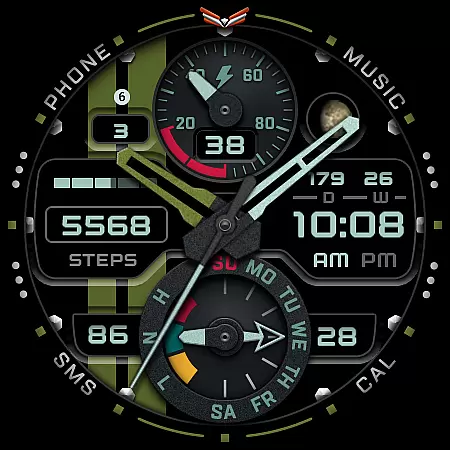
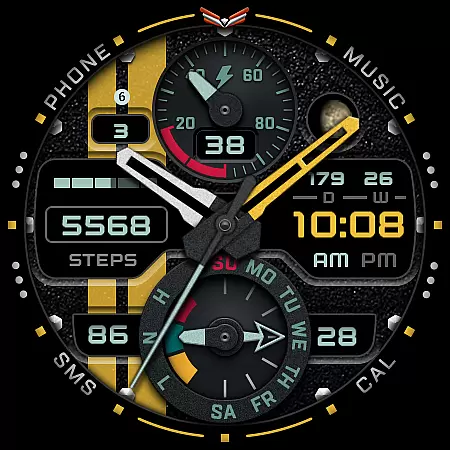
This watch face boasts an impressive array of customization options, featuring switchable 24h/12h analog/digital displays and multiple color choices for backgrounds, watch hands, and accents. The inclusion of ten background options and various color schemes allows for personalized aesthetics.
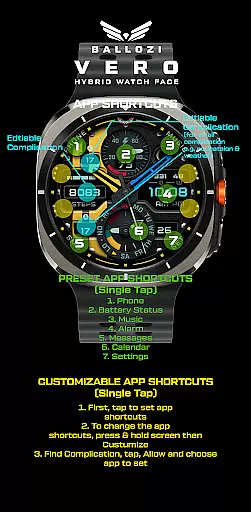
Functionality-wise, Ballozi VERO excels with features like heart rate monitoring, step tracking with progress bars, and battery level indicators. Users can also take advantage of two editable complications, eleven app shortcuts, and an always-on-display option, creating a truly tailored smartwatch experience.
Companion app integration is crucial for wearable devices as it ensures seamless synchronization between the watch and paired smartphone. BALLOZI VERO excels in this area by providing users with multiple installation options tailored to different devices.
The application supports both Samsung's Galaxy Wearable app and other brand-specific companion apps on Wear OS. This allows users to easily manage their watch faces, customize settings, and apply new designs directly from their smartphones.
With clear instructions provided for various smartwatch brands, users can conveniently locate and activate the newly installed watch face. The app also offers a comprehensive customization menu accessible through a simple tap-and-hold gesture on the watch display.
This level of integration enhances user experience by providing quick access to essential features and shortcuts, making daily interactions with the smartwatch more efficient and personalized.
Device compatibility is a fundamental aspect of any Wear OS application, determining which devices can effectively run the software. BALLOZI VERO explicitly states its compatibility requirements, ensuring users understand its operational parameters.
This watch face is designed specifically for Wear OS devices running version 5.0 or higher (API level 34+), guaranteeing optimal performance on supported devices like Galaxy Watch 4 and Galaxy Watch 5 Pro. The developer has thoroughly tested the application on these devices to ensure reliability.
While optimized for round watches, BALLOZI VERO may not perform as well on rectangular or square watch models. This targeted approach allows developers to focus on delivering exceptional quality for specific form factors.
By clearly communicating these compatibility details, including a dedicated support email, users can make informed decisions about whether this watch face suits their device configuration.
User-friendly interface
Extensive customization
Comprehensive fitness tracking
Versatile complication support
Regular feature updates
Not suitable for square watches
Limited Wear OS compatibility
No built-in weather info
Complex setup process
Requires phone connection

Christmas and New Year - Themed Watchface
 4.4
4.4
MyNISSAN® lets you remotely control your car from your phone.*
4.50
Digital watch face with big numbers and many customization for Wear OS devices
4.40
Fitness interactive virtual pet super fighter boy watch face
4.5
Get helpful reminders, take progress photos and find answers to your questions.
3.90
Stylish, Energizing and Modern Watch Face crafted by Dominus Mathias.
4.50
A modern hybrid informative watch face for Wear OS designed by BALLOZI
4.80
From periods to pregnancy & perimenopause, Flo helps you track it all. Try now.
4.70
Toyota app currently supports 2010 or newer vehicles (2018 or newer for Hawaii).
4.50
Digital, flexibly customizable watch face. For Wear OS 5.0, API 34+ and later.
5.00
Bold, Modern Hybrid Watch Face for Wear OS. 10 Colors, Rich Info Display.
4.30
Elegant animated Christmas tree with multiple customization options
4.20
"PER27 Galaxy Digital" is a digital Wear OS watch face designed by PERSONA
4.10
Embrace the festive spirit with our Christmas Countdown watchface for Wear OS
4.10
Connect, create, and collaborate with Gmail, part of Google Workspace.
4.10
Hyper-Realistic Airplane Dashboard Watch Face With 10 Skins and Custom AOD
4.00
an Analog Watch Face for winter season with freeze winter background for Wear OS
4.4
Sleek, highly customizable watch face inspired by Galaxy Watch Circle Dashboard.
4.2
3 Complications. All shadow on/off. 30 Themes color palette...
4.1


User Reviews