
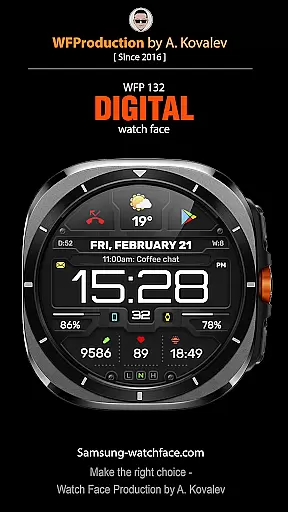
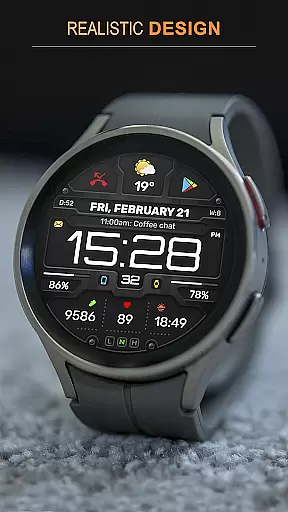
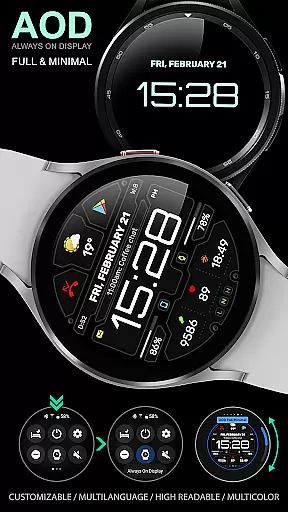
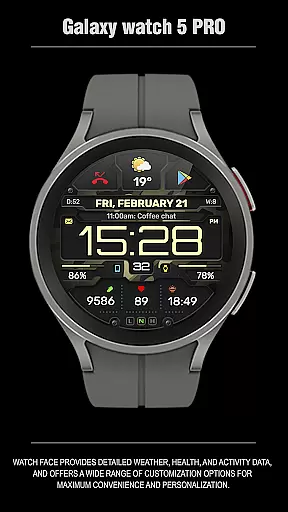
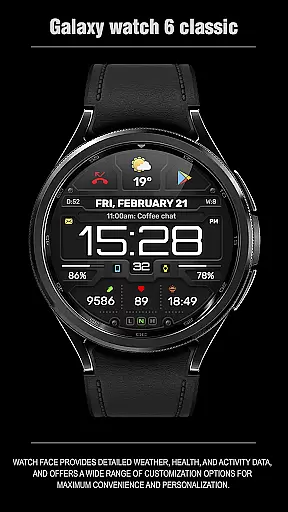
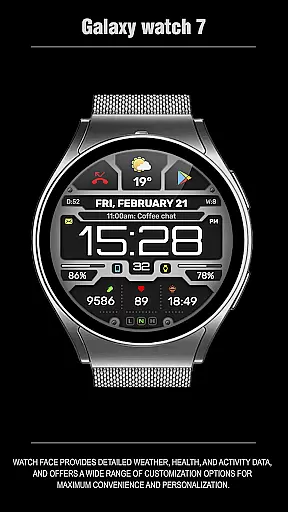
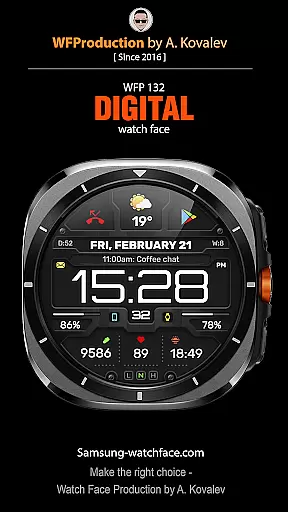
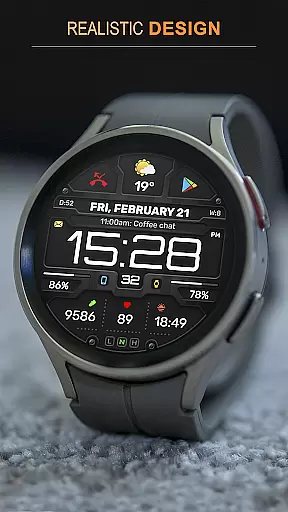
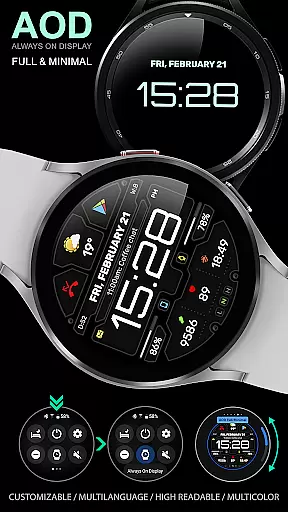
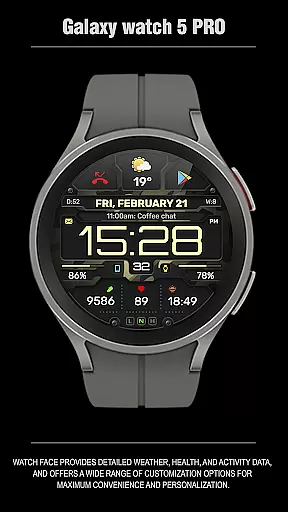
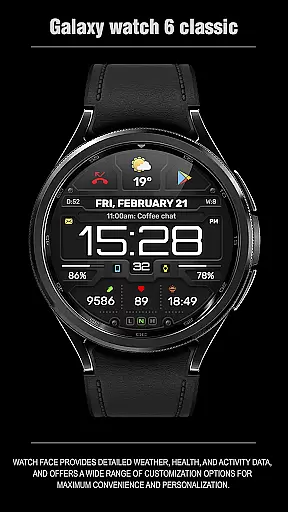
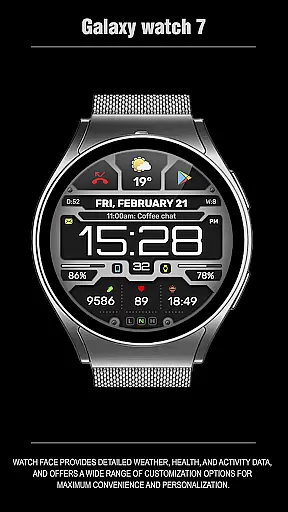
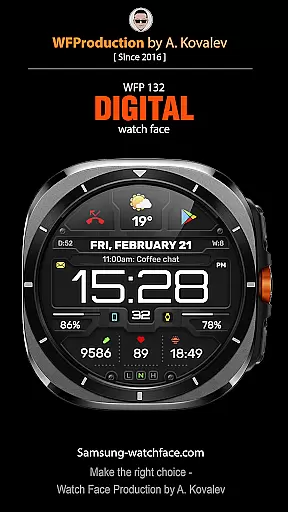
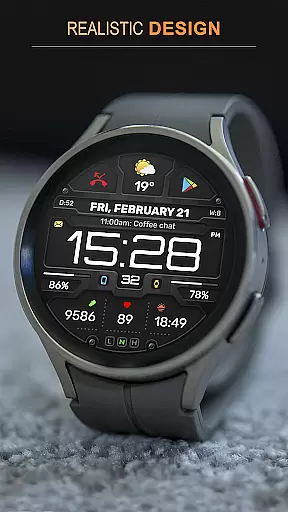
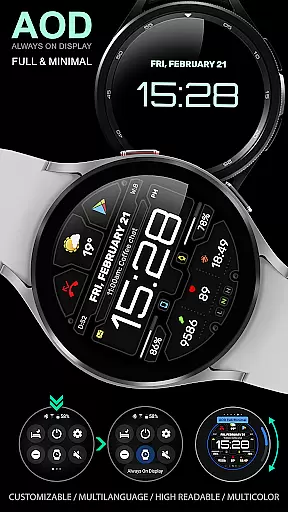
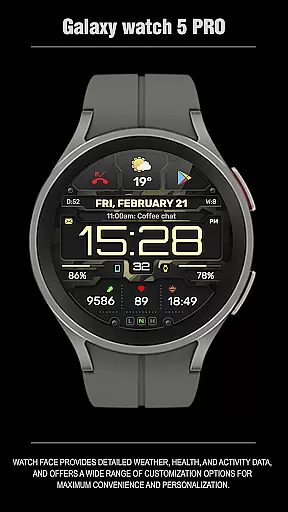
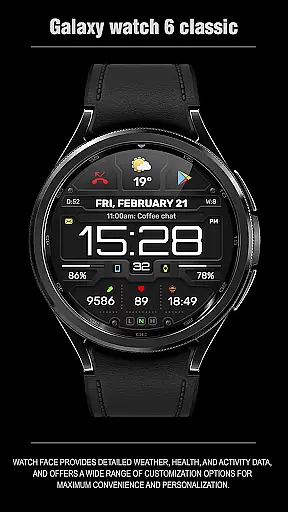
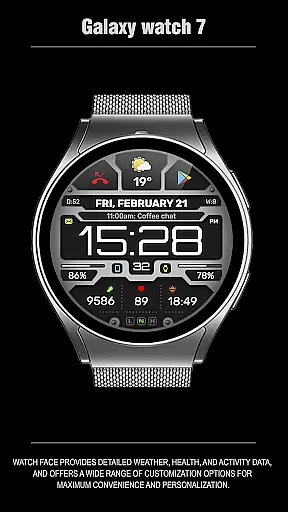
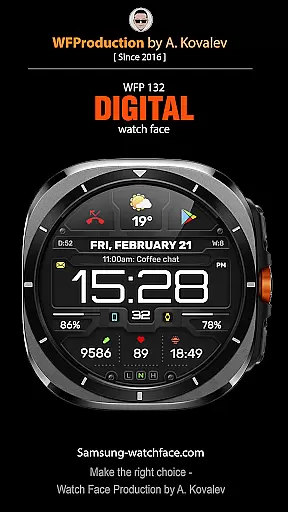
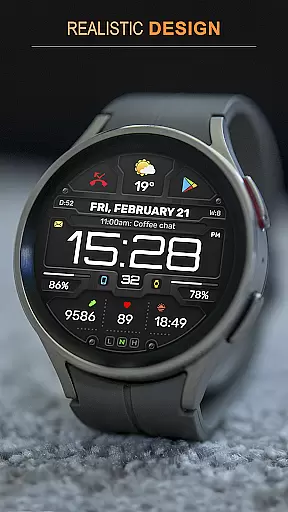
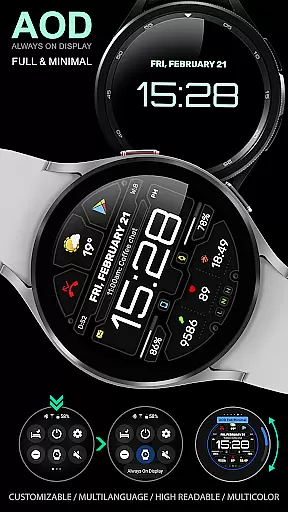
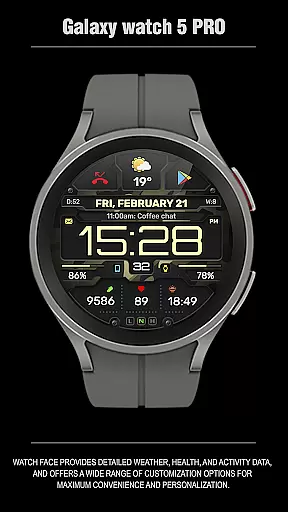
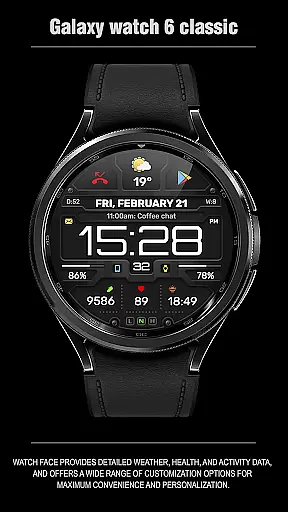
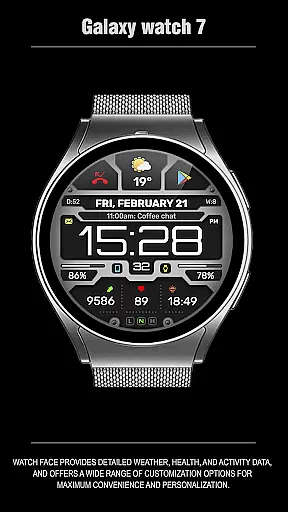
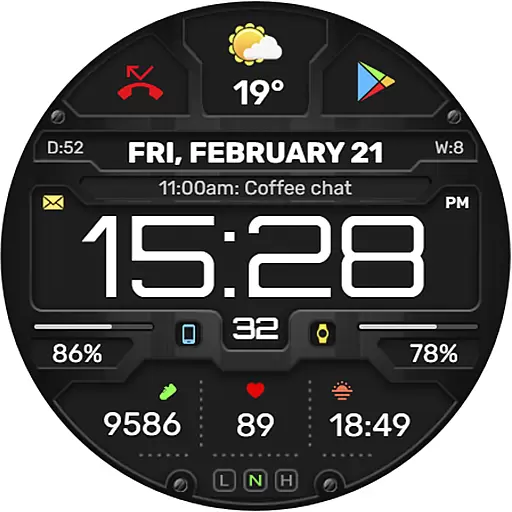
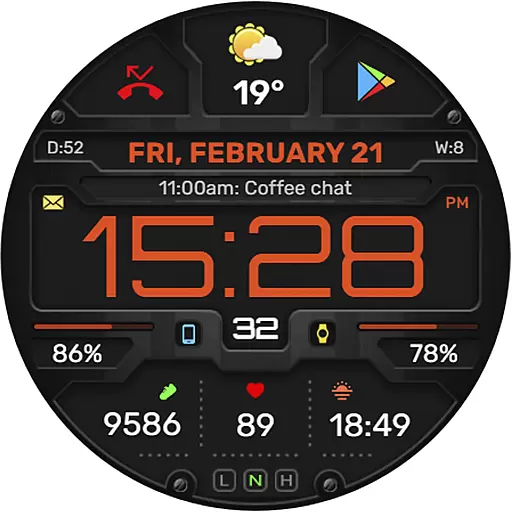
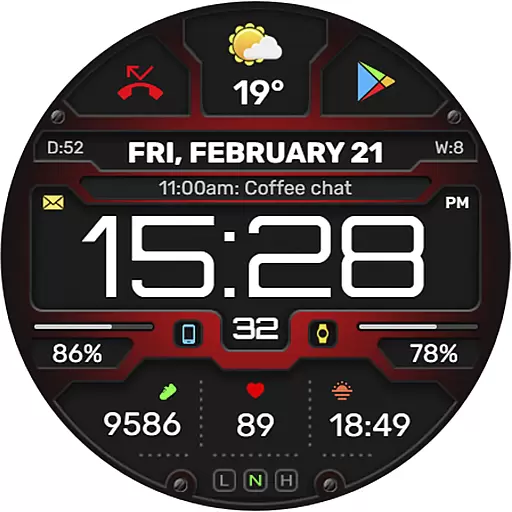
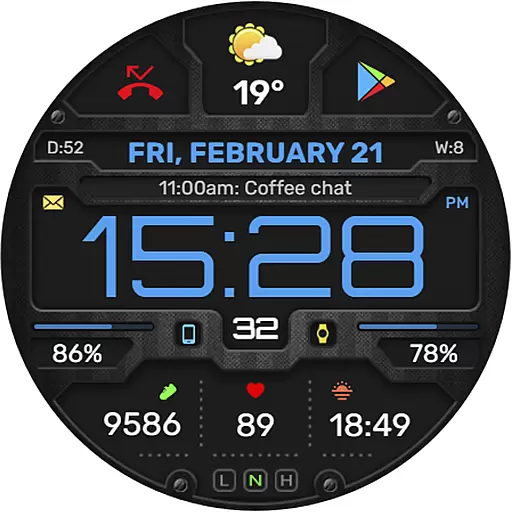
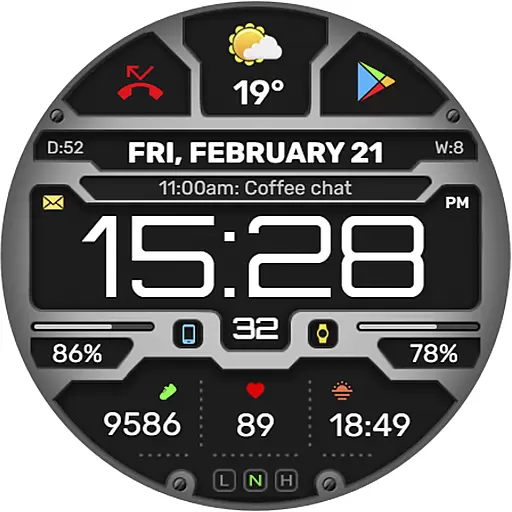
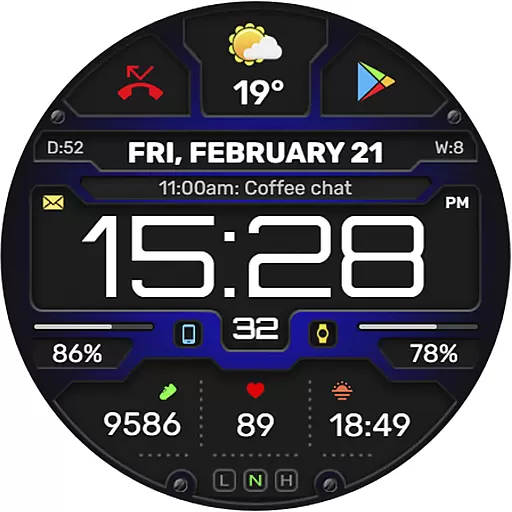
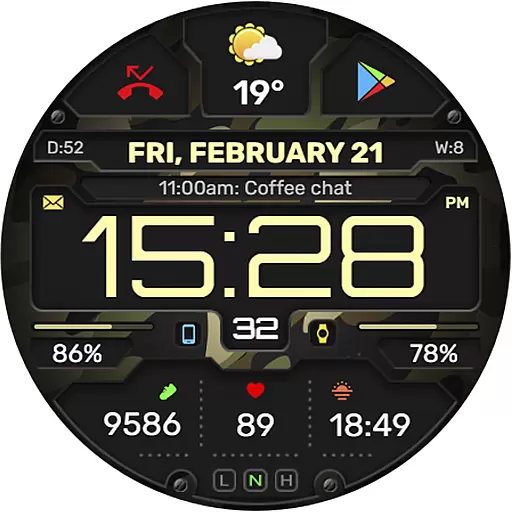
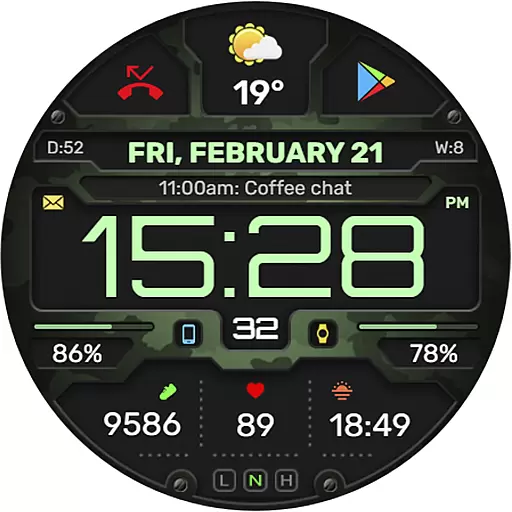
The WFP 132 Digital watch face is a stylish and functional accessory for your smartwatch, offering users an enhanced experience with its detailed weather forecasts, health tracking, and activity monitoring. Compatible with devices running API 34+ and later, this digital watch face provides extensive customization options to suit individual preferences.
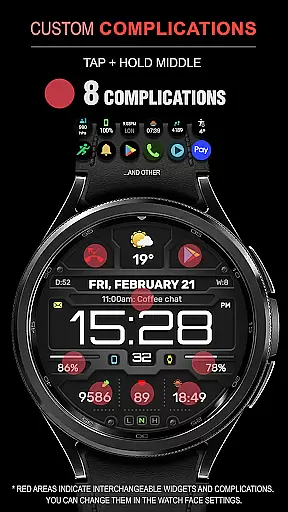
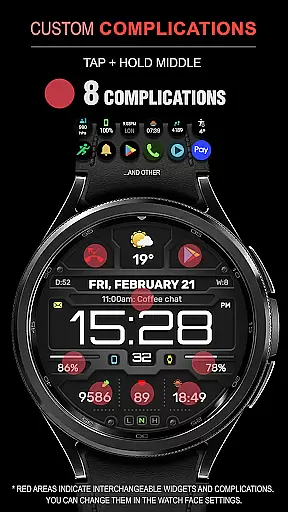
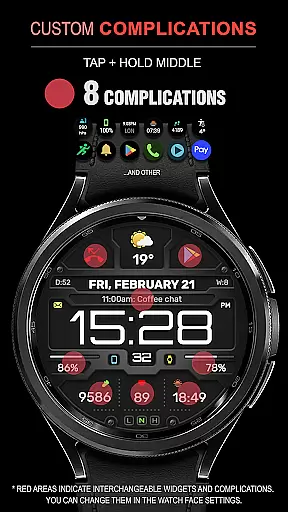
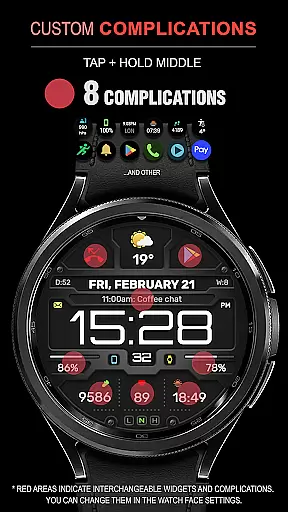
With features like 8 complications and widgets, changeable backgrounds, and customizable Always-On Display (AOD) modes, the WFP 132 ensures both convenience and personalization. Its high resolution and optimization guarantee clear visuals and efficient battery usage, making it a reliable choice for everyday wear.
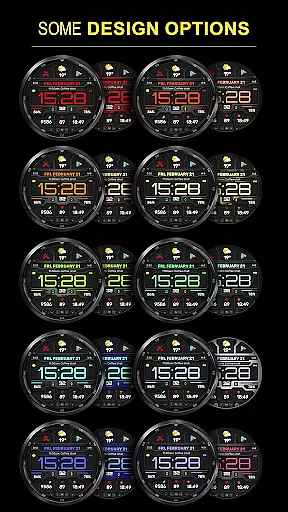
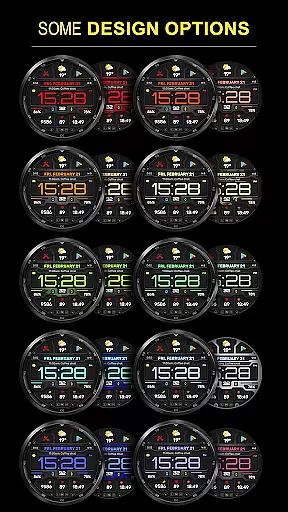
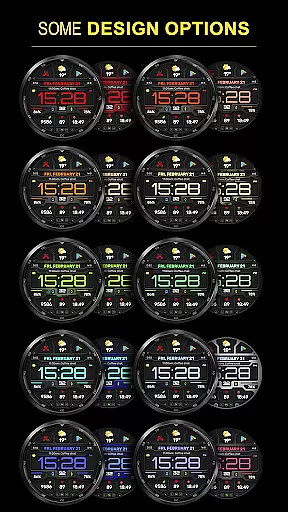
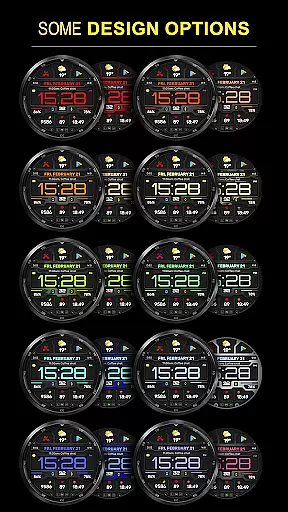
The WFP 132 Digital watch face stands out with its comprehensive feature set designed to provide maximum utility and personalization. Users can choose from many color combinations and benefit from the highly optimized, low battery consumption design that supports a wide range of functionalities without compromising on performance.
Key features include detailed weather forecasts in Fahrenheit or Celsius, multilingual support, and customizable AOD modes that offer both full and minimal display options. Additionally, the watch face boasts high-resolution graphics and a variety of widgets such as phone charge indicators and health statistics like calories and floors climbed, ensuring that all essential information is readily accessible at a glance.
Companion app integration is essential for a seamless wearable experience. The WFP 132 Digital watch face excels in this area by offering users the ability to sync and interact with their smartphone applications effortlessly.
This digital watch face supports a wide array of functionalities that are accessible directly from your wrist. With companion app features, you can receive notifications, control music, and even use smart replies, ensuring that you stay connected without needing to reach for your phone.
Furthermore, the customization options available through the companion app allow for an unprecedented level of personalization. Users can tailor everything from color schemes to data displays, making sure their watch face not only looks good but also shows the information most relevant to them.
The synchronization between the WFP 132 and its companion app is designed for ease of use and reliability. This means whether you're tracking your fitness goals or getting the latest weather updates, the transition of data is smooth and efficient, enhancing both the functionality and user experience.
Compatibility with various devices and operating systems is crucial for any wearable technology. The WFP 132 Digital watch face is designed to work seamlessly with Wear OS, ensuring broad device support and optimal performance.
With compatibility for devices running API 34+ and later, this watch face caters to a wide audience of tech-savvy users who demand high standards from their gadgets. It guarantees that whether you have a newer model or one that's a couple of years old, you'll still enjoy full access to all features.
In addition to supporting multiple devices, the WFP 132 boasts extensive language support and adaptable settings such as weather display in Fahrenheit or Celsius. These aspects make it versatile enough to accommodate individual preferences while maintaining excellent usability across different regions and cultures.
Ultimately, the focus on Wear OS and device compatibility ensures that every user enjoys a tailored yet consistent experience regardless of their specific hardware choice. By prioritizing these elements, WFP 132 stands out as a reliable option within the Android Wear ecosystem.
Highly customizable
Low battery usage
High resolution display
Wide compatibility
Comprehensive weather data
Limited to Android Wear
Requires newer devices
Complex setup for beginners
Premium features need purchase
Occasional sync issues

Calming & relaxing sounds for sleeping and stress relief. Stay focused all day!
 4.20
4.20
Watch the sharpness of the sky on your wrist..
3.70
Embrace the holiday spirit with this magical animated watch face!
4.40
Get helpful reminders, take progress photos and find answers to your questions.
3.90
Stay in touch with your friends and family using LINE!
3.40
Want to take charge of your health? Let Google Fit help you reach your goals.
3.50
Track your active life in one place and share the journey with friends.
4.40
Back up your contacts & access them anywhere
4.30
Toyota app currently supports 2010 or newer vehicles (2018 or newer for Hawaii).
4.50
A modern premium sporty hybrid watch face for Wear OS by Ballozi
4.70
Be an elegant and classy secret agent, with this carefully detailed watch face
4.70
Hybrid watch face for Wear OS with customizable complications by Matteo Dini MD
4.70
Highly customizable hybrid watch face for Wear OS, perfect for everyday use.
4.60
Real-time results, stats, schedules and player profiles for all leagues
4.60
Bold weather Digital watchface with forecast & optional animated background
4.40
Let's celebrate Thanksgiving - Wear Os watch face
4.20
Wear Os Watch Face - Animated Snow Effect & Magic Spark - 6 Scenes
4.10
sleep, alarm, snoring, stress, healing, focus, sound therapy, circadian rhythm
4.10
Animated Watch Face and Customizable with 24 Backgrounds. Perfect for Christmas!
3.90


User Reviews