
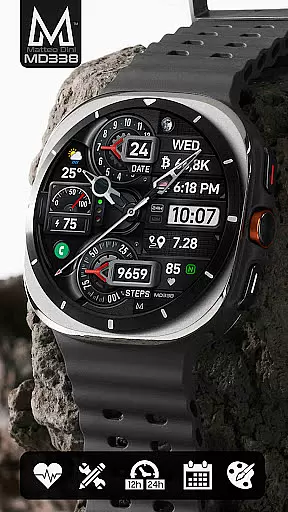
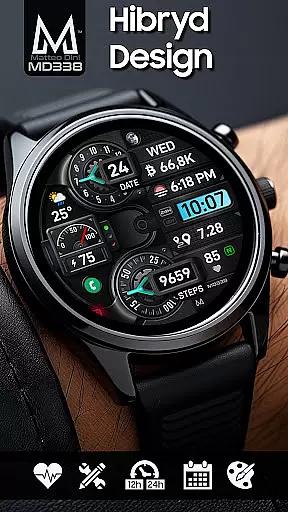
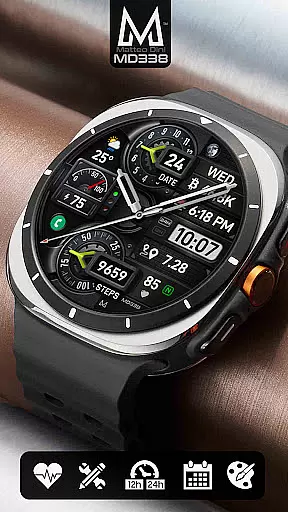
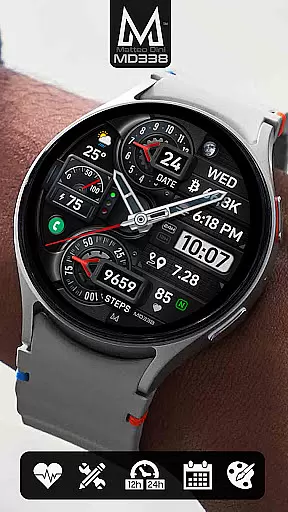
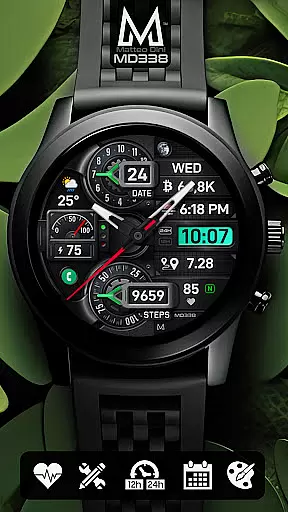
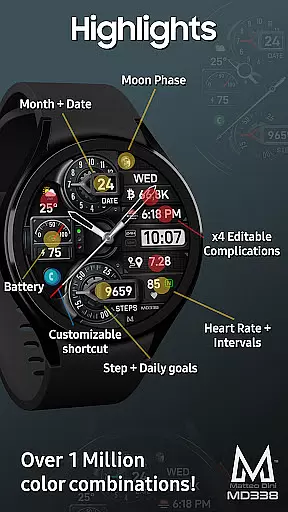
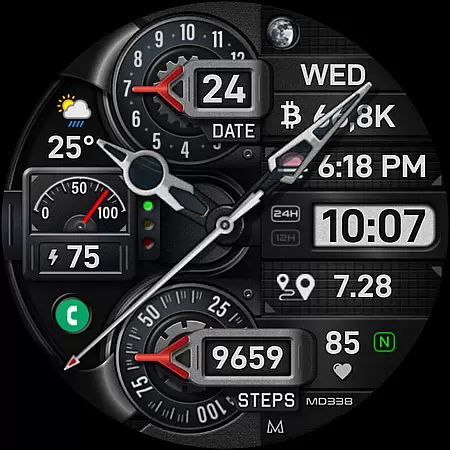
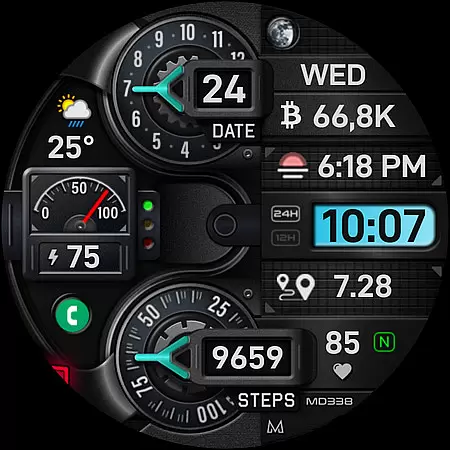
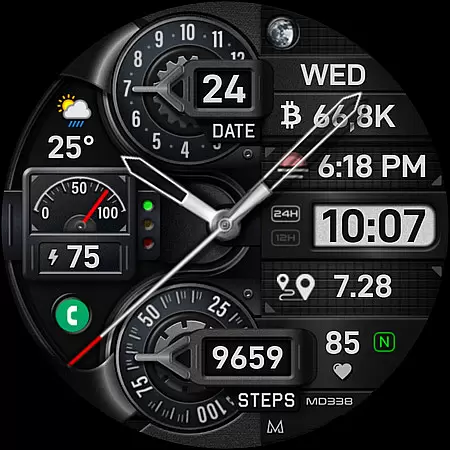
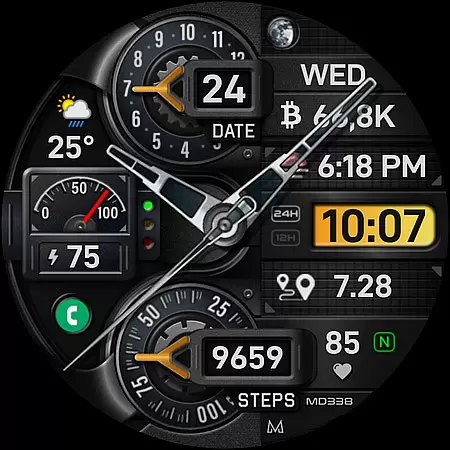
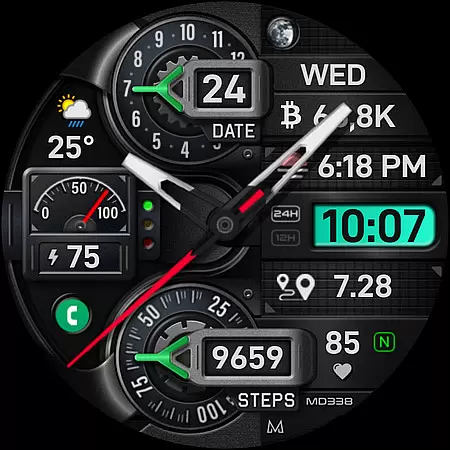
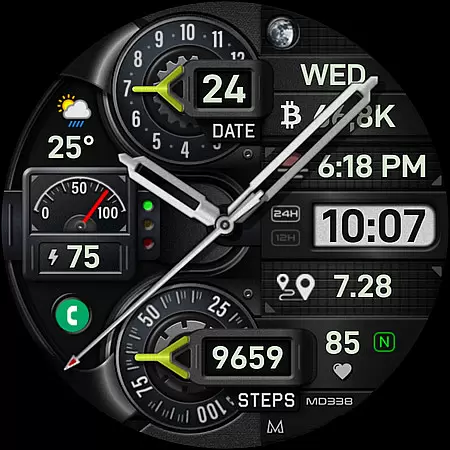
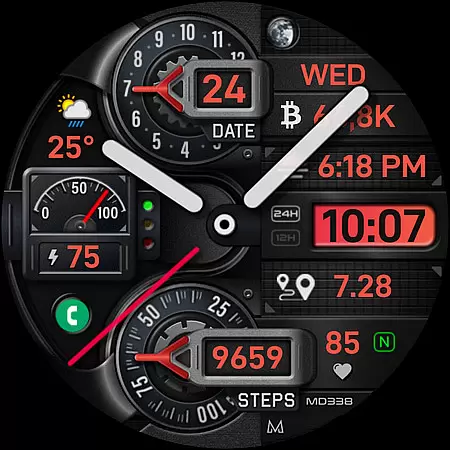
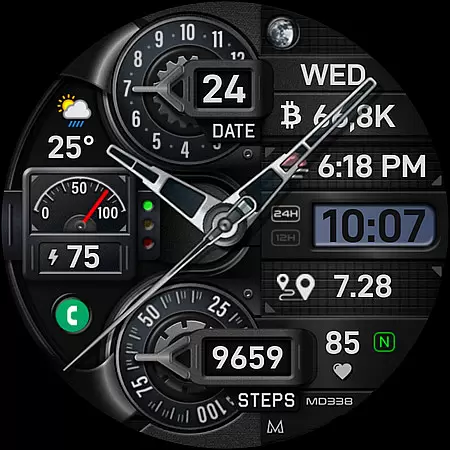
MD338 Hybrid watch face offers a sophisticated and customizable experience for Wear OS users. This advanced watch face supports devices with API Level 33+ and includes features like 4 preset app shortcuts, 1 customizable shortcut, and 4 customizable complications that display data such as weather, barometer readings, and more.
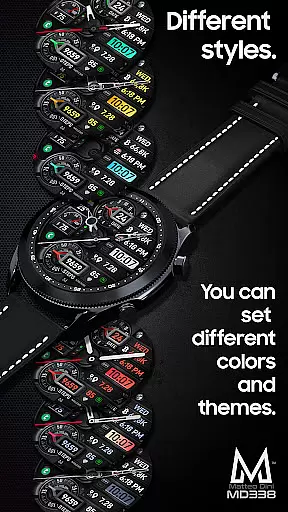
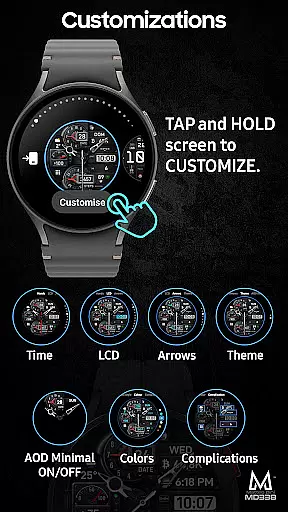
The design is highly adaptable, offering up to 1 million color combinations and various display modes including Always On Display. Users can personalize their watch faces directly on their device by tapping and holding the screen, then selecting 'customize'. With its hybrid design and compatibility across Samsung Galaxy Watch models and Pixel Watches, MD338 ensures both functionality and style.
MD338 Hybrid stands out with its extensive customization options. The watch face allows users to choose from 4 preset app shortcuts like Calendar and Battery, while also providing a customizable shortcut option. It supports up to 4 complications, which can show metrics such as calories burned or distance walked.
With 9 sets of hands, steps tracking, daily step goals, and multiple color customizations for LCD, arrows, theme, and general colors, this watch face caters to individual preferences. The Always On Display feature offers minimal and full modes, ensuring visibility even when the watch is idle. Additionally, hideable hands provide further personalization.
Companion app integration is essential for a seamless wearable experience. The MD338 Hybrid watch face offers robust connectivity with its companion app, ensuring that users can easily customize and manage their watch face settings directly from their smartphone.
This integration allows for real-time synchronization of preferences such as color combinations, app shortcuts, and complications. Users can choose from up to 1 million color options and configure up to 4 customizable complications displaying data like weather, health metrics, and more, all from the convenience of their mobile device.
The ability to sync these settings not only enhances user convenience but also ensures that the watch face remains personalized to individual tastes and needs. This level of customization empowers users to tailor their wearable experience precisely how they want it, making daily interactions more engaging and efficient.
Device compatibility is crucial for ensuring that a watch face functions optimally across various devices. The MD338 Hybrid watch face supports all Wear OS devices with API Level 33+ (Wear OS 4 and later versions), including popular models like Samsung Galaxy Watch 4-8, Ultra, and Pixel Watch.
This wide compatibility ensures that users with different devices can enjoy the advanced features of this watch face without any compromise in performance or functionality. Key features such as 12/24hr format syncing, hybrid design, date and month display, battery and heart rate monitoring are consistently available across supported devices.
By adhering to the latest watch face format required by Google Play, the MD338 guarantees a reliable and high-quality experience on all compatible devices. This commitment to compatibility underscores the watch face's versatility and reliability, providing users with peace of mind that their chosen design will work seamlessly regardless of their specific Wear OS device.
Highly customizable
Wide device compatibility
Extensive color options
User-friendly interface
Comprehensive health tracking
Complex setup process
Limited Samsung editor support
Requires additional apps for some features
Potential battery drain
Not all features available on every device

Christmas Theme Watch Face for Wear Os
 5.00
5.00
Stunning modern digital watch face with 7 complications and strong contrast
4.0
Bold, Modern Hybrid Watch Face for Wear OS. 10 Colors, Rich Info Display.
4.30
Stylish digital watch face for Wear OS devices with customizable features
4.0
Structured watch face with seven complications and modular UI elements
3.90
Kia Access makes getting your vehicle information easier than ever
4.60
Nutrition, Macro tracker: Food, fitness & healthy diet tracking for weight loss
4.60
To-Do List: daily schedule planner, task organizer, to do reminder app, calendar
4.60
Bold weather Digital watchface with forecast & optional animated background
4.40
Period, ovulation & pregnancy tracker. Fertility insights & menstrual calendar.
4.90
Real-time weather radar with temperatures, warnings, hurricanes, and widgets
4.80
Easy Voice Recorder is your everyday companion to record important moments.
4.70
Hybrid watch face for Wear OS with customizable complications by Matteo Dini MD
4.70
Fast and smart typing with Emojis, GIFs, and more
4.50
Digital watch face. For Wear OS devices.
4.40
Calming & relaxing sounds for sleeping and stress relief. Stay focused all day!
4.20
The #1 source of faces for your smartwatch!
4.00
A digital watch face that celebrates Christmas.
4.00
Authentic military-tactical design with ZULU time! Realistic and functional!
3.80


User Reviews