
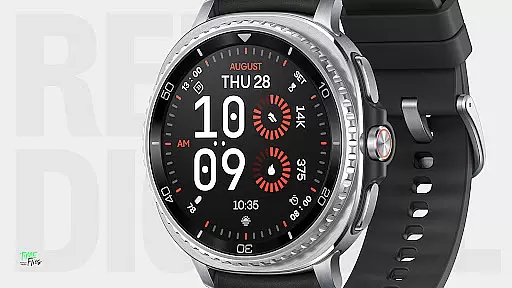
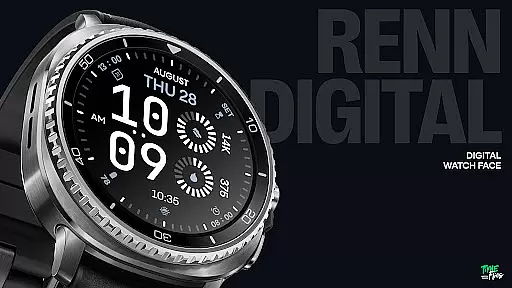
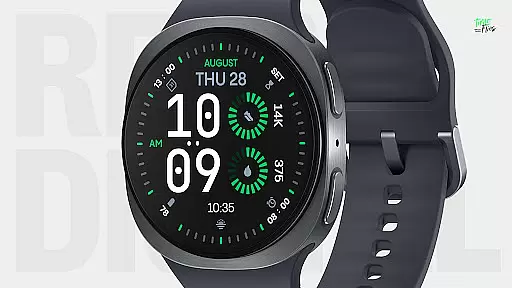
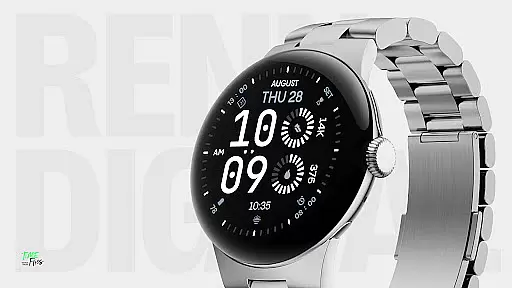
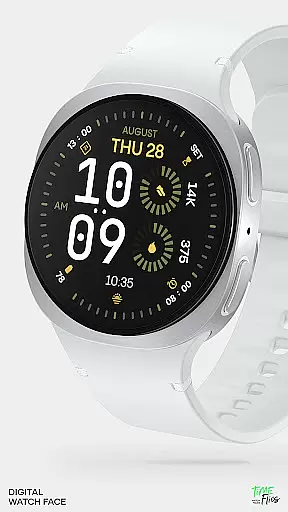
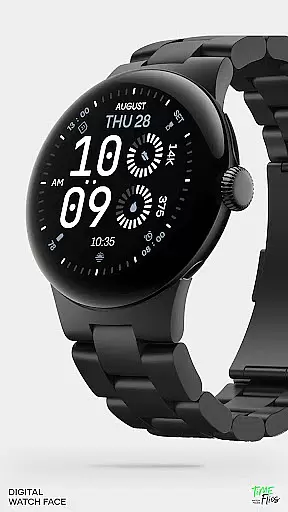
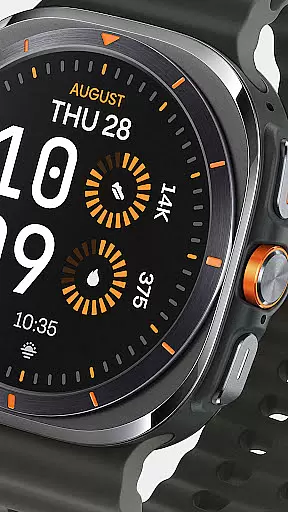
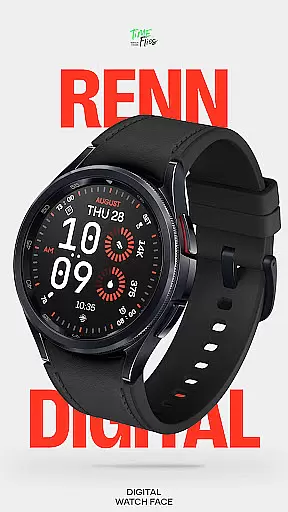
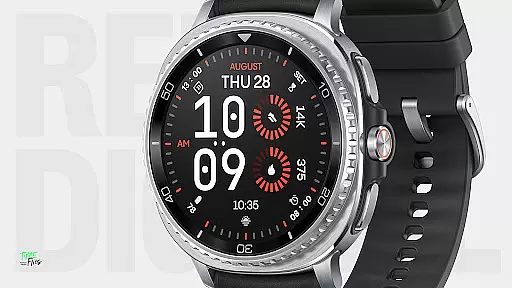
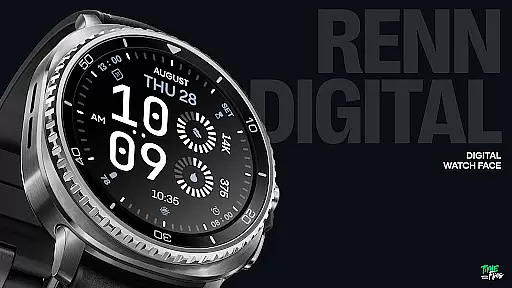
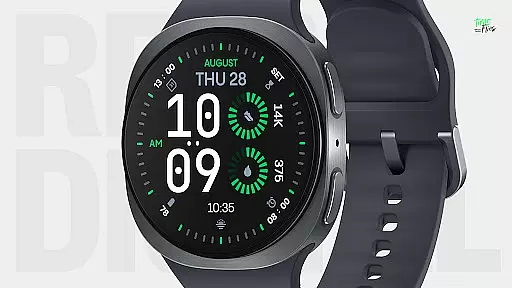
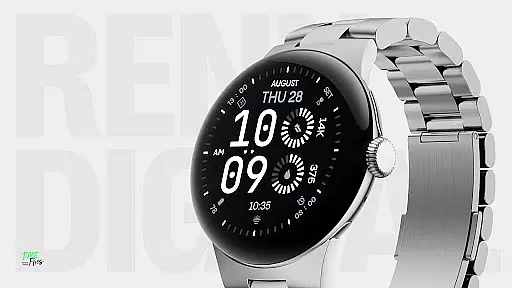
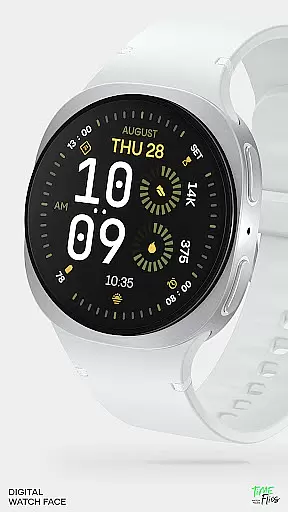
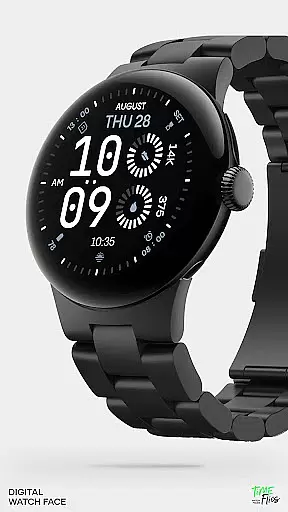
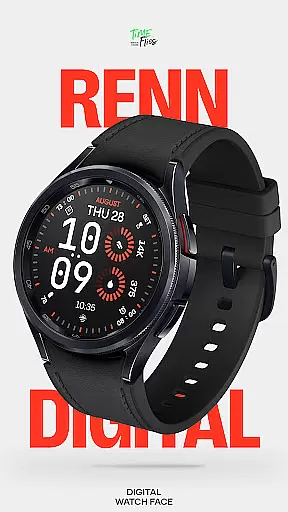
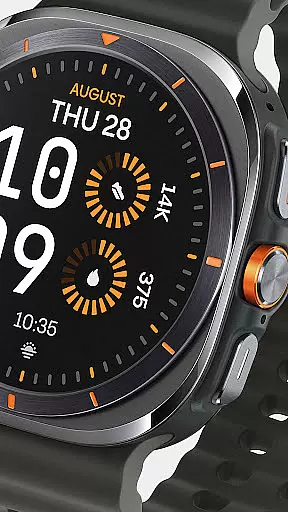
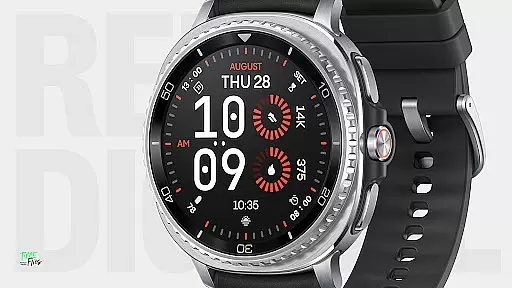
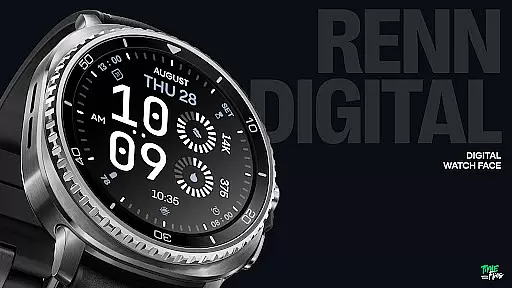
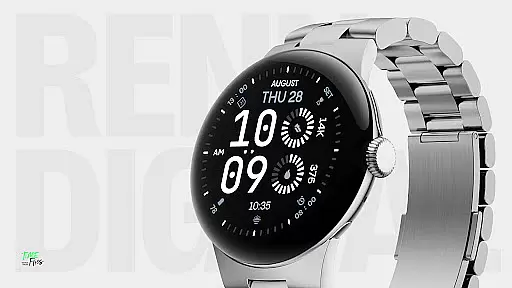
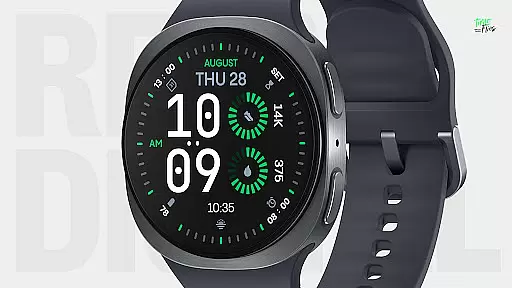
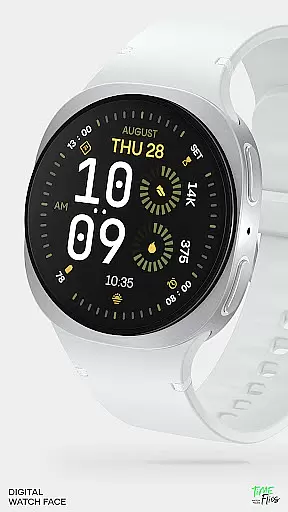
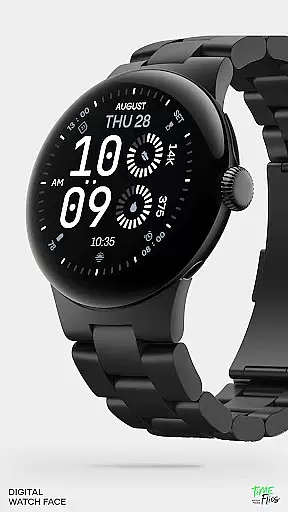
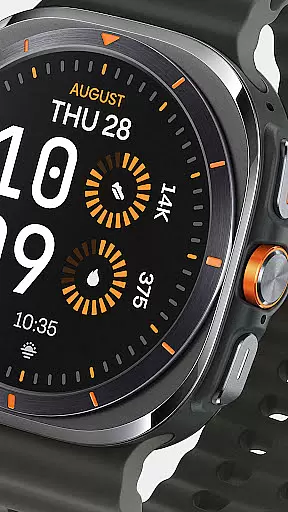
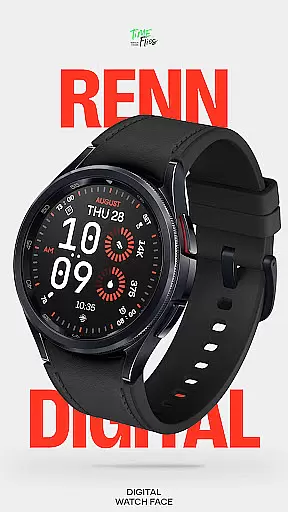
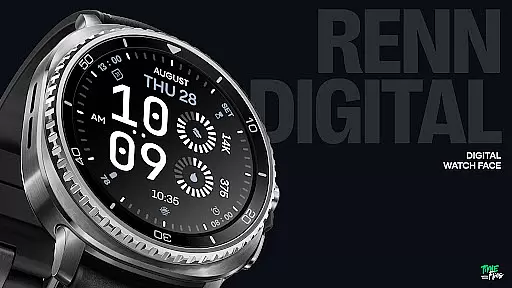
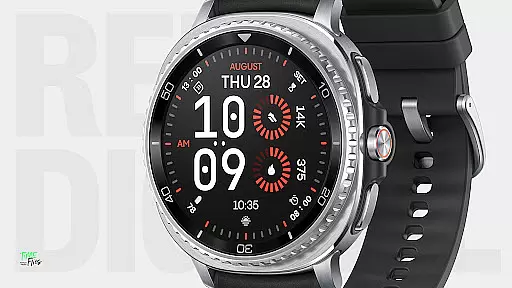
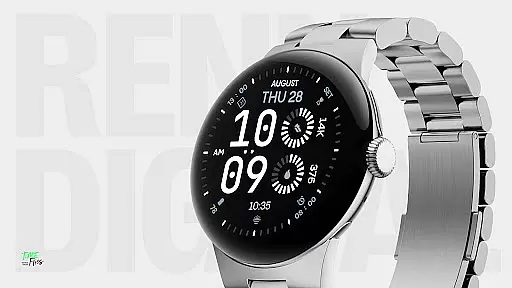
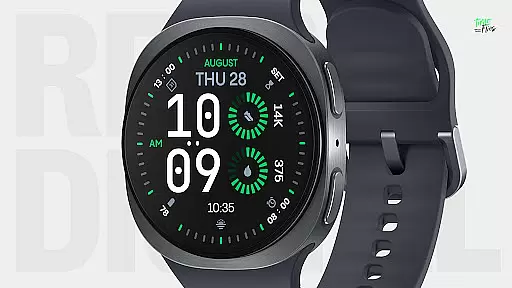
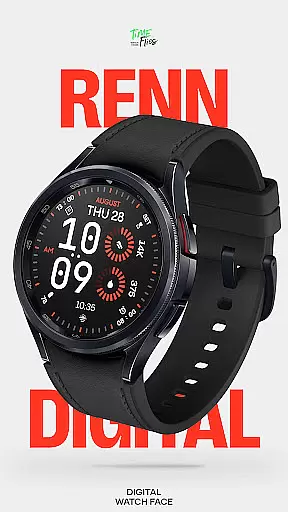
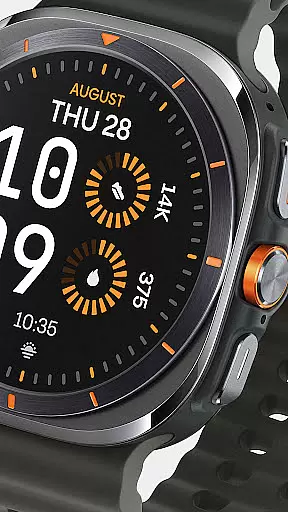
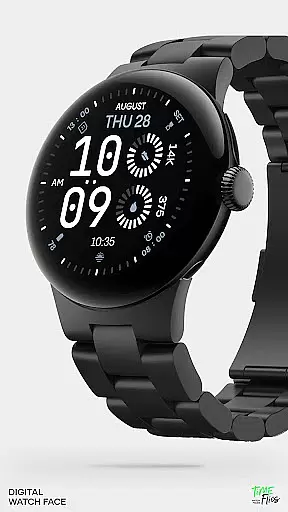
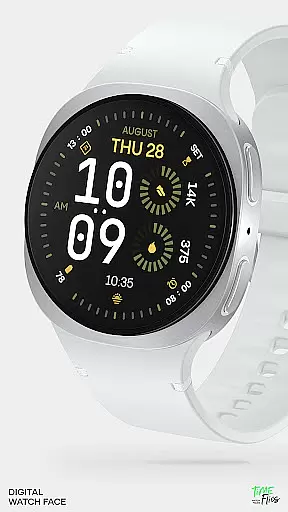
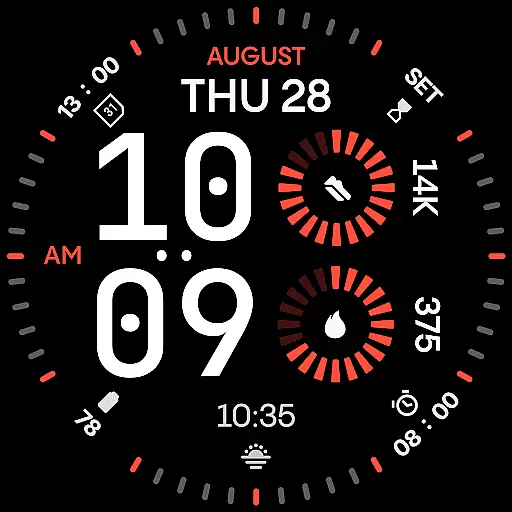
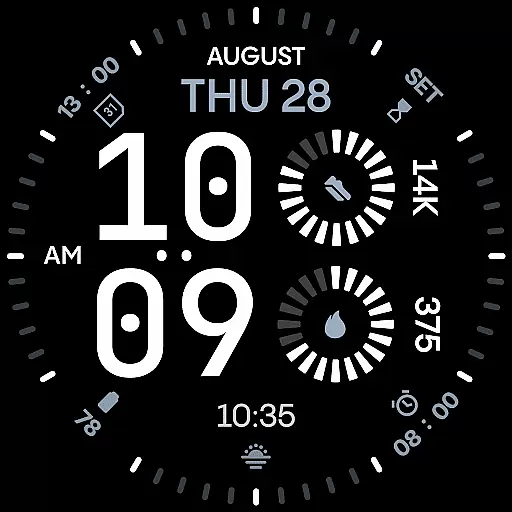
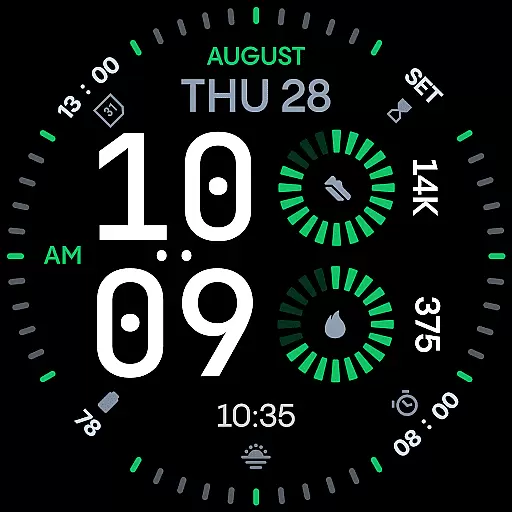
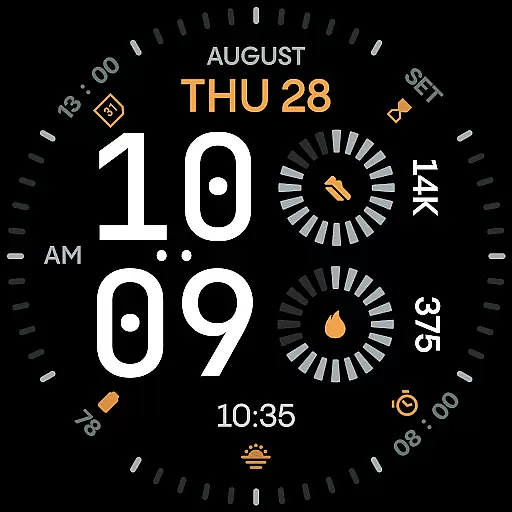
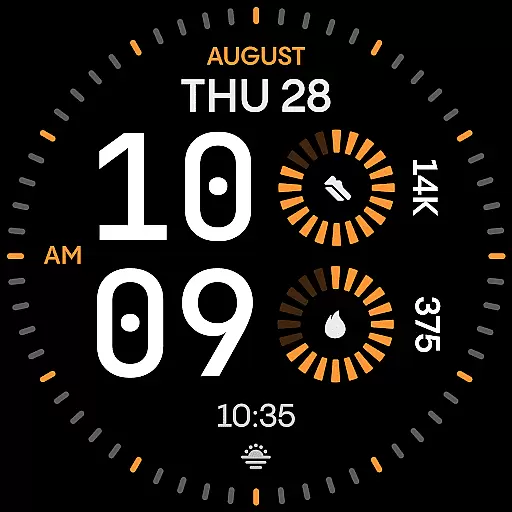
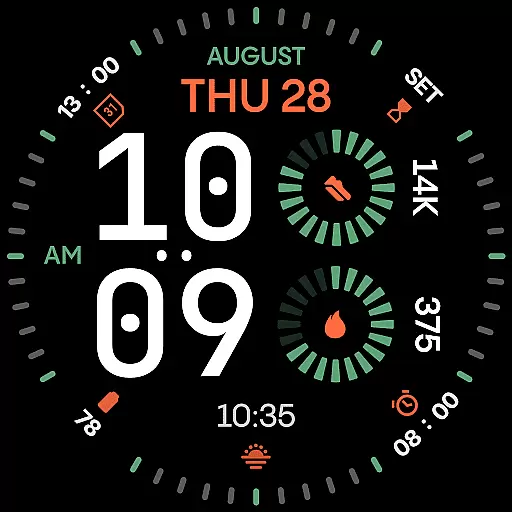
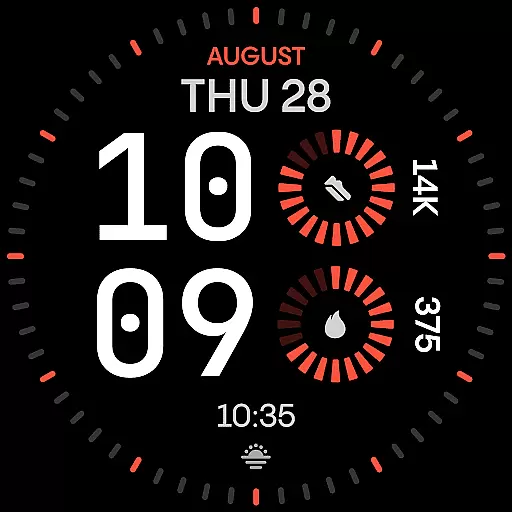
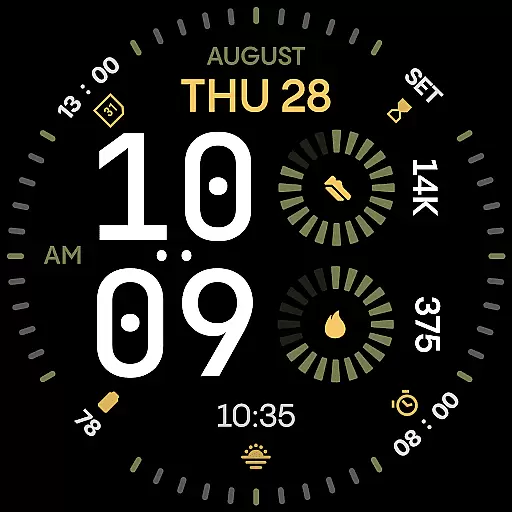
Renn Digital Watch Face is a modern digital watch face designed specifically for Wear OS smartwatches. It features bold, geometric typography and a clean layout optimized for clarity and performance. The design emphasizes legibility with large numerals and precise outer dials, while offering customization options like 7 complications, 30 color themes, and optional tic marks.
This watch face is ideal for users who value both aesthetics and functionality. Its high-contrast color schemes and radial progress indicators provide a dynamic visual experience, while battery-friendly optimizations ensure efficient energy usage. Whether you're at work or the gym, Renn Digital delivers a stylish yet practical solution tailored to your active lifestyle.
Renn Digital stands out with its customizable and performance-driven features. The watch face includes 7 fully customizable complication slots, allowing users to display real-time data such as steps, heart rate, weather, and calendar events in bold formats. Its oversized digital typography ensures maximum readability, while an optional AM/PM indicator caters to 12-hour format users.
With 30 striking color themes and 5 Always-On Display (AoD) modes, users can personalize their experience without sacrificing battery efficiency. Built using the latest Watch Face File format, Renn Digital offers smooth interactions and reduced power consumption. Additionally, support for the Time Flies companion app enhances usability by simplifying updates and installations.
Companion app integration is a crucial feature for smartwatch applications as it enhances the overall user experience by enabling seamless interaction between the wearable and its paired mobile device. For Renn Digital Watch Face, this integration allows users to easily manage their watch face settings, receive update notifications, and explore new customization options through the dedicated Time Flies companion app.
The Time Flies app serves as a central hub where users can conveniently access all features of Renn Digital. It provides an intuitive interface for adjusting complications, selecting color themes, and toggling additional display elements like tic marks or the blinking colon. This ensures that personalization is not only possible but also effortless.
By leveraging the capabilities of the companion app, Renn Digital offers extended functionalities beyond what can be achieved directly on the watch. Users benefit from real-time previews of changes, making it easier to fine-tune their preferences without repeatedly applying settings on the limited screen space of a smartwatch. The result is a more dynamic and user-friendly customization process.
Ultimately, strong companion app integration translates into greater control and convenience for users. With Renn Digital's support for the Time Flies app, individuals can enjoy a cohesive ecosystem that maximizes both style and functionality while ensuring they stay up-to-date with new features and improvements.
Wear OS and device compatibility are essential considerations when choosing a smartwatch application, as they determine how well the software integrates with your hardware and operating system. Renn Digital Watch Face has been meticulously designed using the latest Watch Face File format to ensure broad compatibility across Wear OS devices, providing users with consistent performance regardless of their specific model.
This digital watch face supports high-resolution displays commonly found in modern smartwatches, delivering crisp visuals that maintain clarity even at smaller sizes. By optimizing graphical elements such as large geometric numerals and radial progress indicators, Renn Digital guarantees an impactful visual identity without compromising legibility or battery efficiency.
In addition to supporting diverse screen types, Renn Digital includes five Always-On Display (AoD) modes tailored for various usage scenarios. These range from detailed designs ideal for office environments to ultra-minimal styles perfect for conserving power during workouts. Such versatility ensures that every user can find an AoD setting that suits their lifestyle while maintaining optimal device performance.
Overall, robust Wear OS and device compatibility make Renn Digital a reliable choice for anyone seeking a bold yet practical watch face. Its ability to adapt seamlessly across different devices underscores its commitment to delivering both aesthetic appeal and functional excellence within the Wear OS ecosystem.
Highly customizable
Excellent readability
Battery-efficient design
Modern aesthetic appeal
Versatile complication options
Limited analog features
No advanced fitness tracking
Premium-only themes
Companion app required
Wear OS exclusive

Diet tracker for weight loss - track calories, food and macros. Simple and easy!
 4.70
4.70
WTW M17 is a premium and luxurious hybrid watch face
4.70
Current temperature, weather hourly, weather radar by the weather forecast app
4.40
Elegant animated Christmas tree with multiple customization options
4.20
Beautiful, colorful and practical watch face. For Wear OS devices.
5.00
Real-time weather radar with temperatures, warnings, hurricanes, and widgets
4.80
A digital watch face that celebrates Christmas.
4.00
Hybrid Vibrant Health Watch Face for Wear OS
4.3
Daily Weather forecast with 15 weather images for Day & Night plus Big Bold time
4.10
Gym Log & Workout Tracker | Fitness Journal, Training & Weight Lifting Planner
4.90
Hyperlocal rain alerts by MyRadar using patent-pending technology, radar & more
4.80
Be an elegant and classy secret agent, with this carefully detailed watch face
4.70
Walking app for weight loss: walk & step tracker, pedometer, indoor treadmill
4.60
Bold weather Digital watchface with forecast & optional animated background
4.40
Your music, your playlists, and more—offline and unlimited.
4.20
"PER27 Galaxy Digital" is a digital Wear OS watch face designed by PERSONA
4.10
Structured watch face with seven complications and modular UI elements
3.90
Watch the sharpness of the sky on your wrist..
3.70
A watch face that fuses motorsport precision with contemporary smartwatch design
4.0


User Reviews