
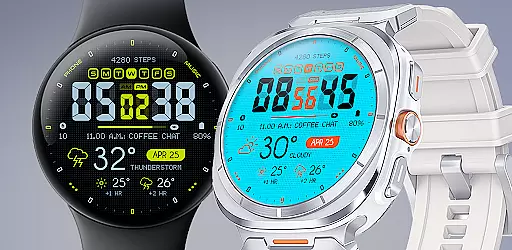
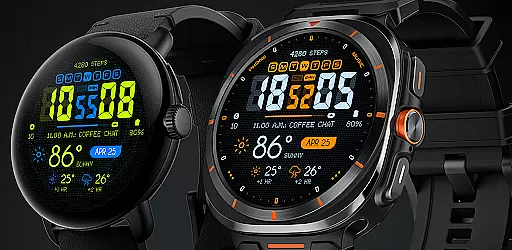
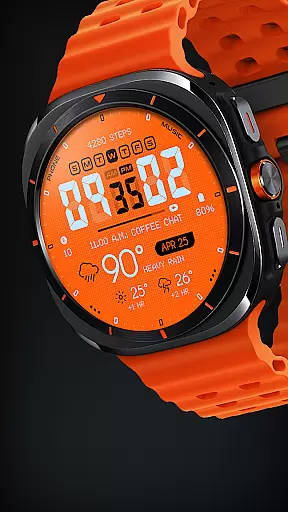
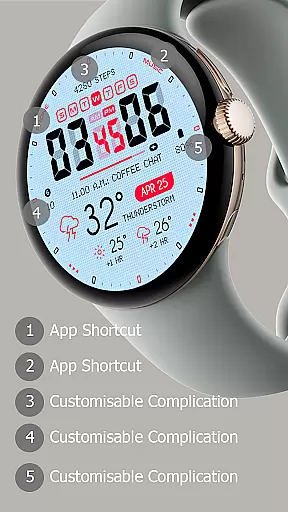
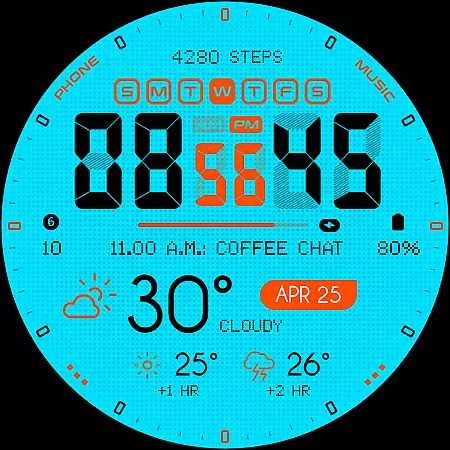
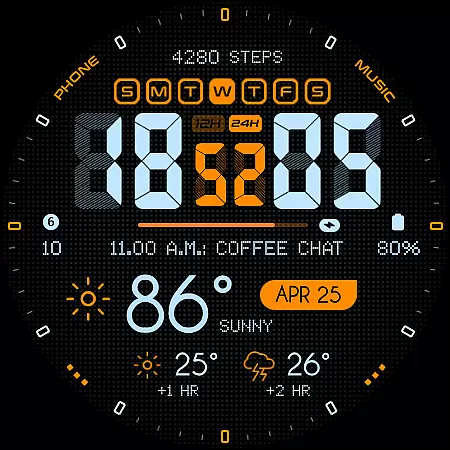
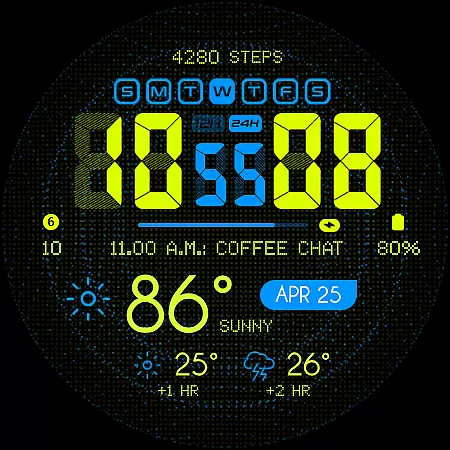
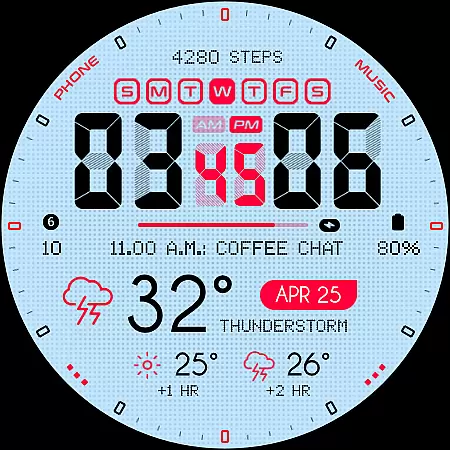
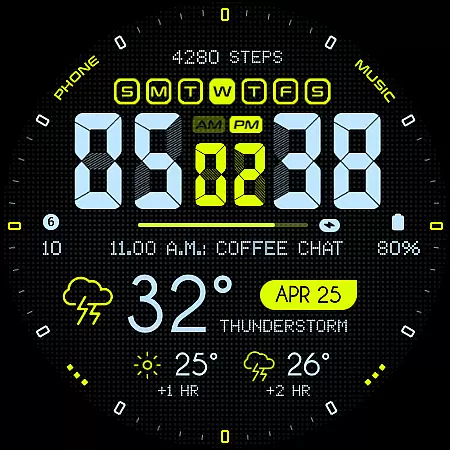
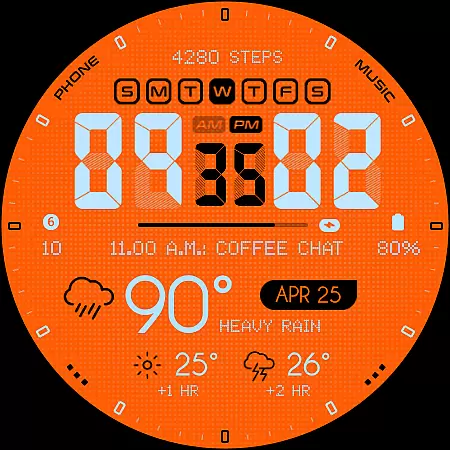
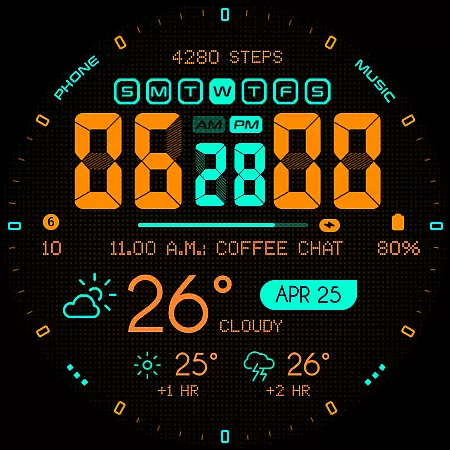
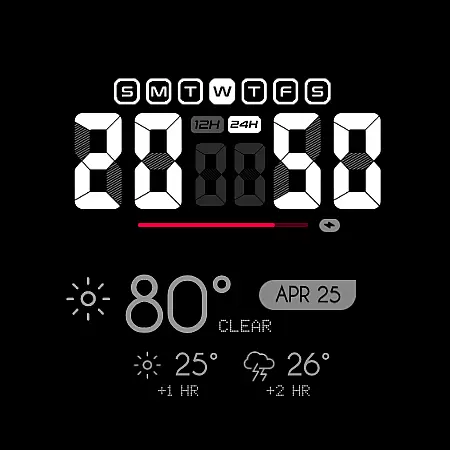
Oogly Atmos is a dynamic weather-themed watch face designed for Wear OS devices. This visually striking app brings current weather conditions and a 2-hour forecast directly to your wrist, combining style with practical functionality. The interface features vivid colors and an intuitive layout that displays essential weather information at a glance.
Users can customize their experience through various settings including animated backgrounds, 12/24 hour format options, and index display controls. These features make Oogly Atmos suitable for both casual users who appreciate aesthetic design and professionals who need quick access to weather data. Compatible with Galaxy Watch 5 or newer, Pixel Watch, Fossil, and other Wear OS devices running API 30 or higher.
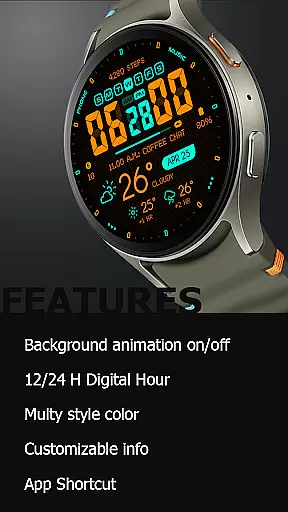
Oogly Atmos offers a comprehensive set of features that enhance the smartwatch experience. The app supports both 12 and 24-hour time formats, catering to user preferences worldwide. Its unique background animation feature can be toggled on or off, allowing users to choose between a dynamic or static display based on their mood or activity level.
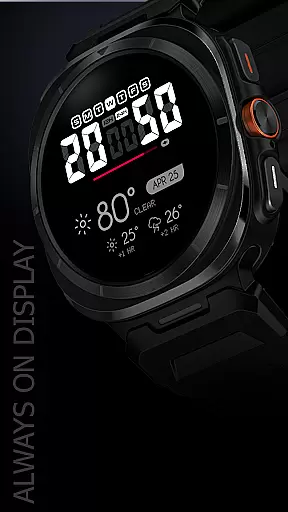
The watch face includes customizable information fields and an innovative app shortcut function for quick access to frequently used applications. The always-on display ensures users can check the time and weather without waking their device. These features collectively create a personalized and efficient wearable experience while maintaining optimal battery performance.
All features are designed with user convenience in mind, making Oogly Atmos a versatile choice for those seeking both functionality and visual appeal in their smartwatch interface.
Companion app integration is essential for a seamless wearable experience. Oogly Atmos ensures that all features are perfectly synchronized between your smartphone and smartwatch.
The watchface offers real-time weather updates and customizable settings that can be easily managed through its companion app. This allows users to tailor their experience without hassle.
With just one tap, you can activate or deactivate the animated background, adjust time formats, and customize displayed information. This level of control enhances user satisfaction and convenience.
By integrating advanced features like app shortcuts and always-on display, Oogly Atmos provides an unmatched blend of style and functionality on your wrist.
Ensuring broad device compatibility is crucial for any Wear OS application. Oogly Atmos is designed for WEAR OS API 34+, supporting devices such as Galaxy Watch 5 or newer, Pixel Watch, Fossil, and other Wear OS with minimum API 30.
This wide compatibility range guarantees that most smartwatch users can enjoy the vivid colors and clean layout of this weather-themed watchface. The design displays current conditions and a 2-hour forecast effortlessly.
Real-time visuals keep users informed and inspired throughout the day. Whether you prefer movement in your watchface or need focus, options like animated backgrounds can be toggled on or off easily.
Features such as 12/24 hour format, index visibility, and customizable information ensure that Oogly Atmos caters to diverse user preferences while maintaining high performance standards across various devices.
Visually appealing design
Customizable features
Real-time weather updates
Wide device compatibility
User-friendly interface
Limited to Wear OS
Requires API 30+
Animation may drain battery
No iOS support
Premium features may cost extra

Highly customizable hybrid watch face for Wear OS, perfect for everyday use.
 4.60
4.60
A Wintery Snow Globe on Your Wrist; now celebrating Christmas!
4.2
Contemporary digital watch face with five complications
4.0
Watch face for Wear OS.
4.20
Let's celebrate Thanksgiving - Wear Os watch face
4.20
Ideal for surviving in the wasteland left after nuclear fallout
4.50
Hybrid Vibrant Health Watch Face for Wear OS
4.1
Hybrid watch face for Wear OS with customizable complications by Matteo Dini MD
4.70
Toyota app currently supports 2010 or newer vehicles (2018 or newer for Hawaii).
4.50
The most customizable hybrid watch face. For Wear OS 5.0, API 34+ and later
4.70
Easy Voice Recorder is your everyday companion to record important moments.
4.70
Walking app for weight loss: walk & step tracker, pedometer, indoor treadmill
4.60
Premium hybrid watch face with many customizations for Wear OS devices.
4.40
Christmas watch face. For Wear OS devices.
4.30
The ultimate destination for kids ages 3-8 to explore the Marvel Universe!
4.30
Hyper-Realistic Airplane Dashboard Watch Face With 10 Skins and Custom AOD
4.00
Want to take charge of your health? Let Google Fit help you reach your goals.
3.50
Stylish digital watch face for Wear OS devices with customizable features
4.5
Funny animated watch face for Thanksgiving
4.2


User Reviews