
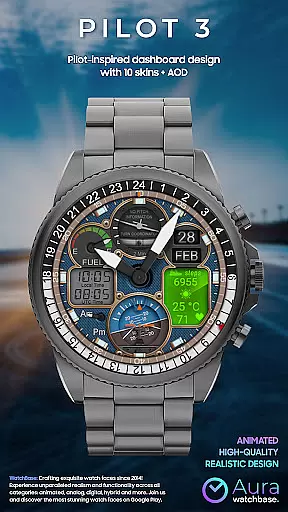
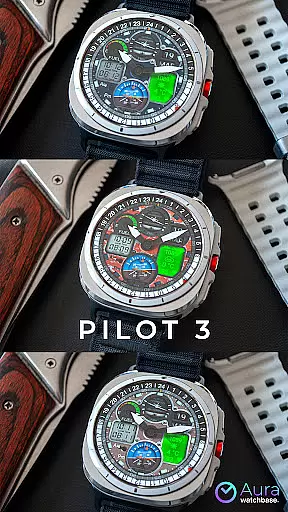
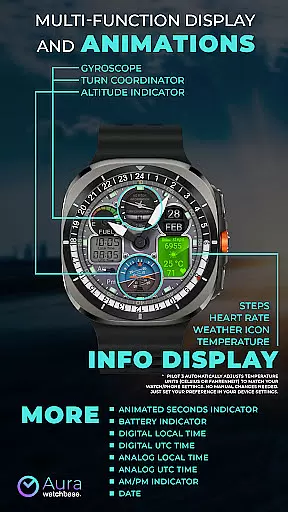
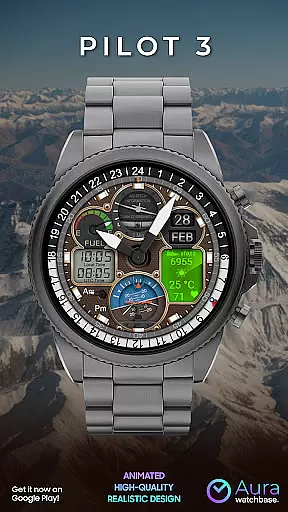
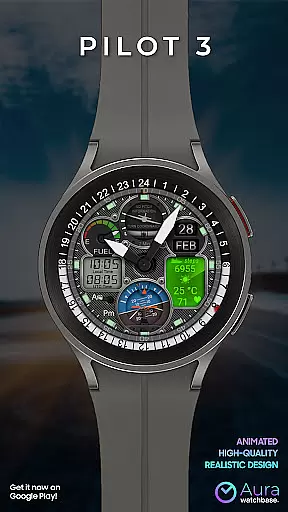
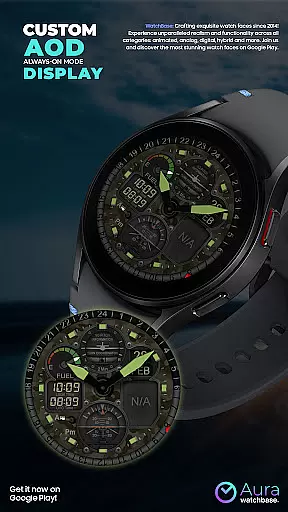
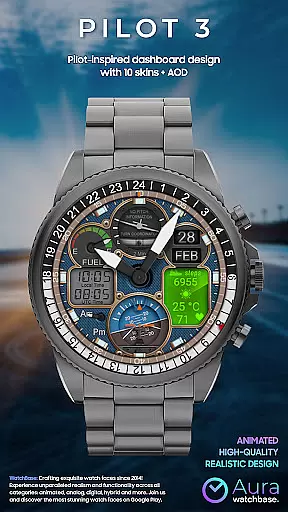
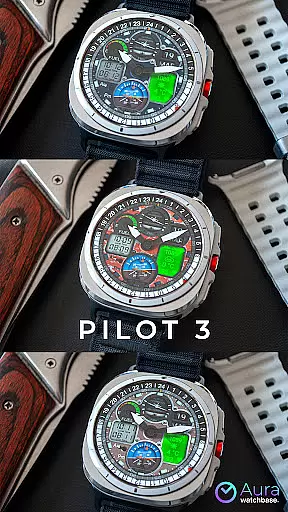
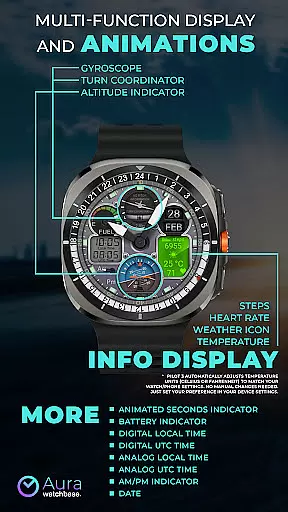
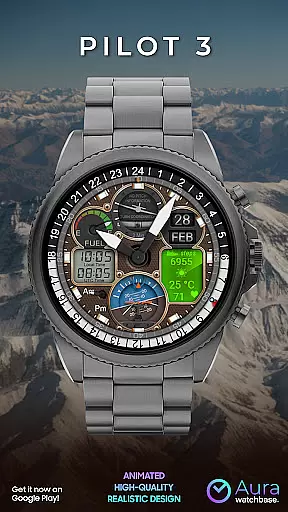
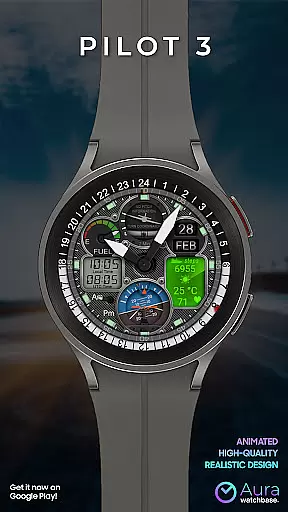
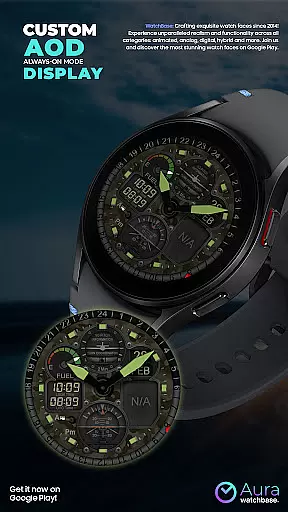
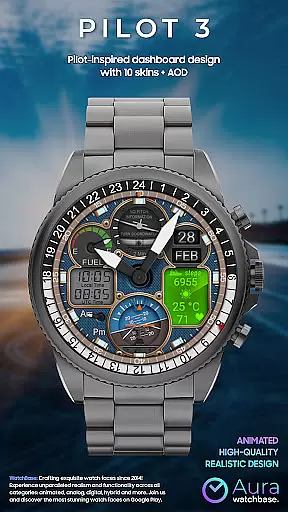
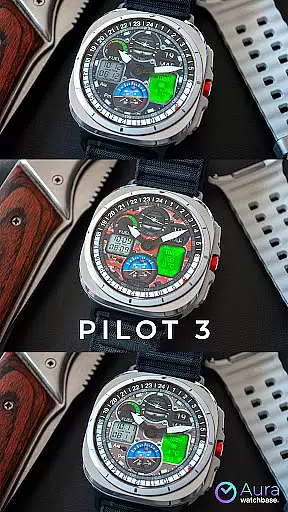
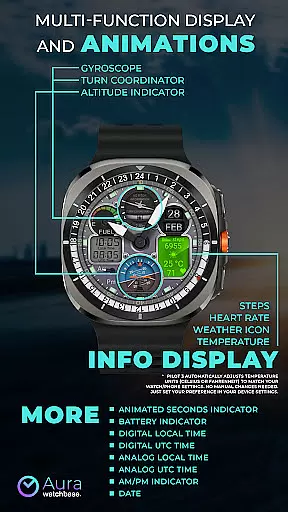
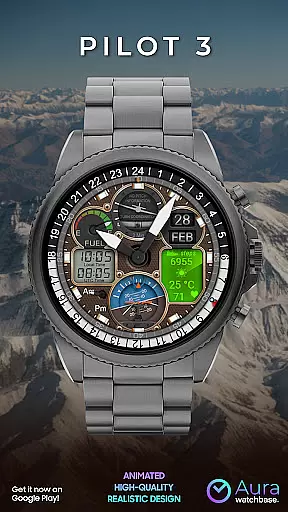
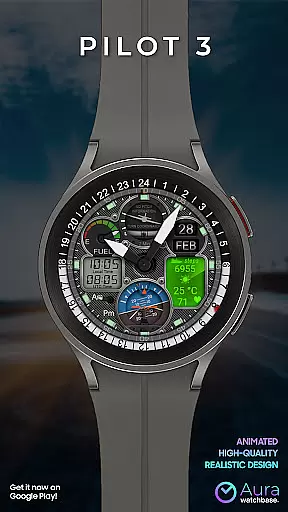
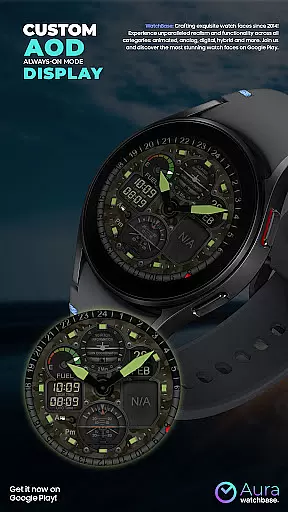
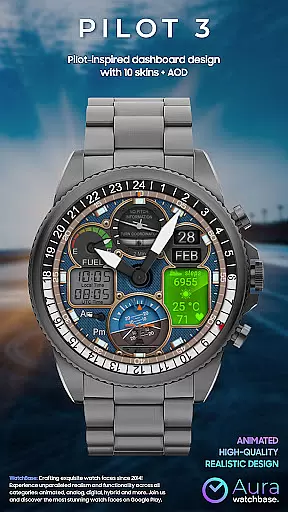
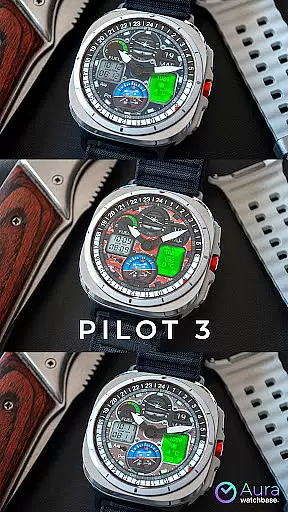
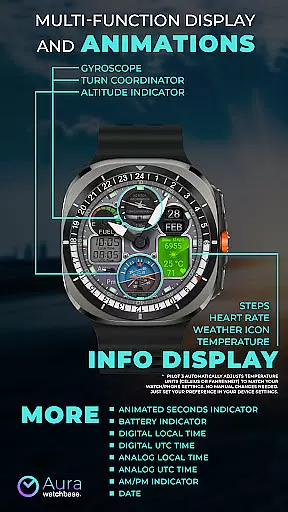
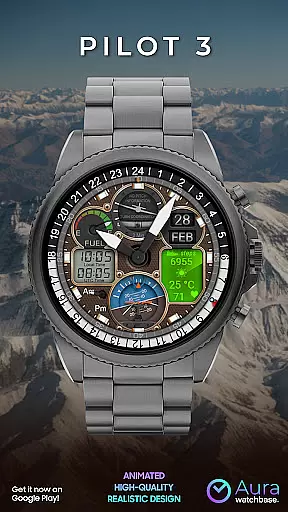
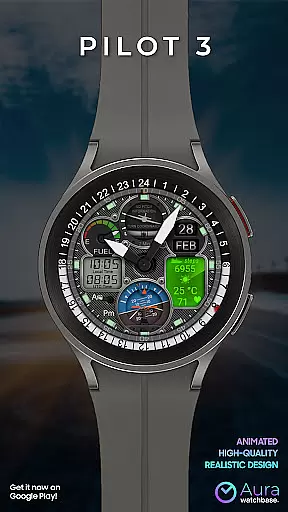
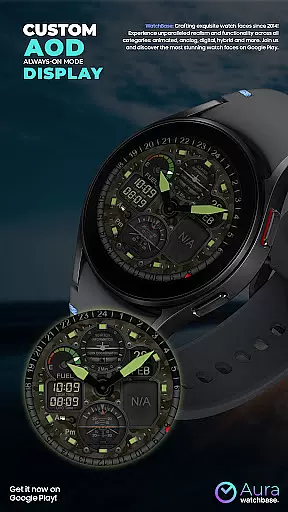
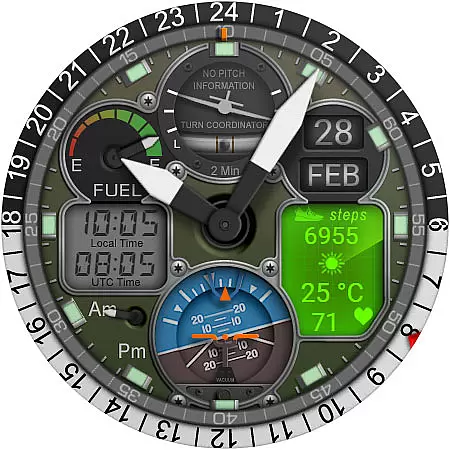
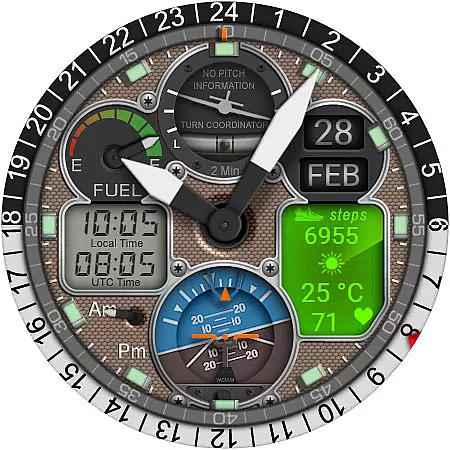
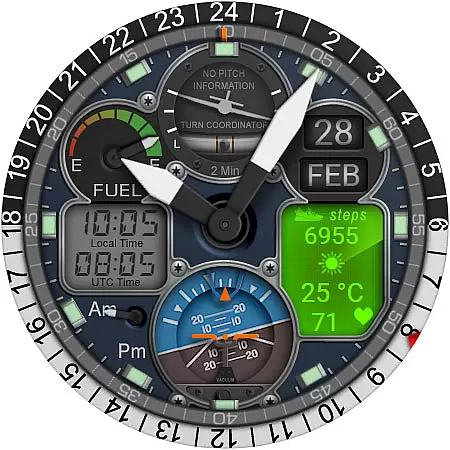
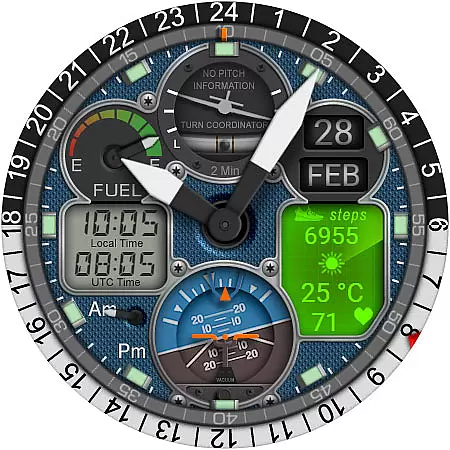
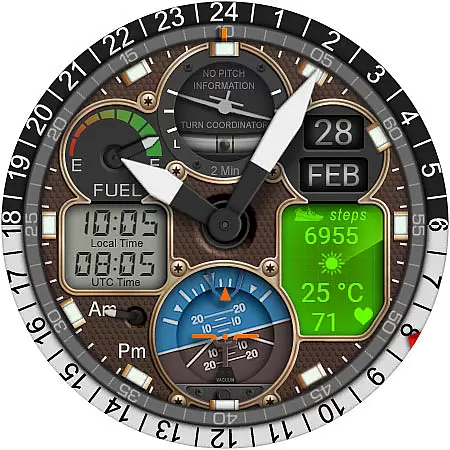
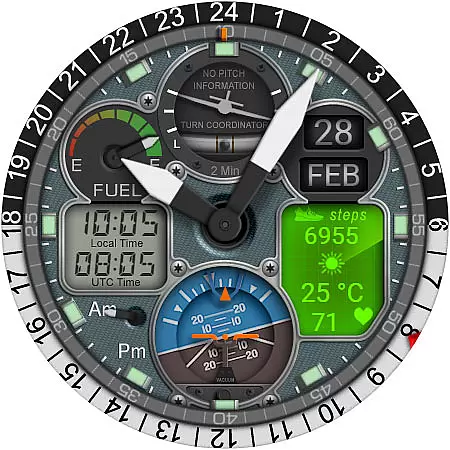
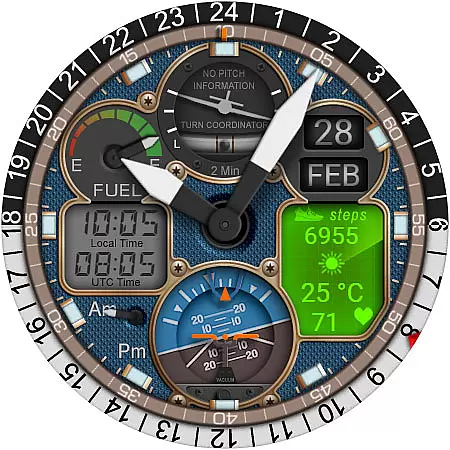
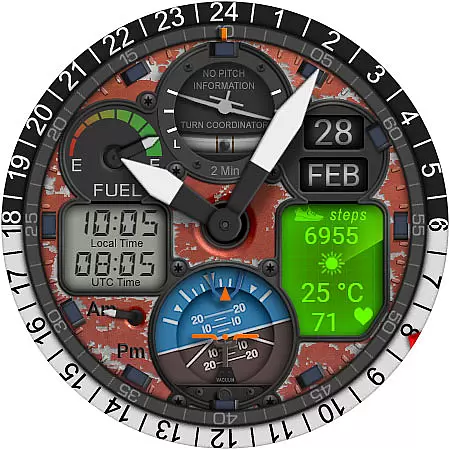
WB PILOT 3 Animated Watch Face brings the thrill of aviation to your smartwatch by offering an immersive cockpit experience with its remarkable graphics and animations. Compatible exclusively with Wear OS 5 and higher, this hybrid watch face combines both digital and analog timekeeping, catering to diverse user preferences. With features like animated elements such as Turn Coordinator and Altitude Indicator, users can enjoy a realistic pilot experience while accessing practical information like local and UTC time, battery status, and health metrics.
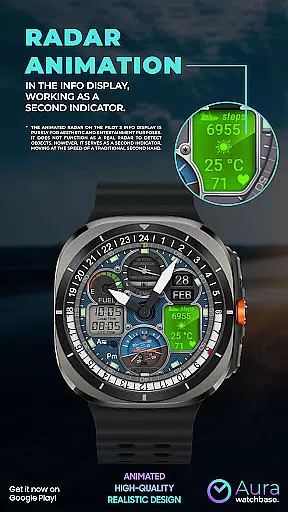
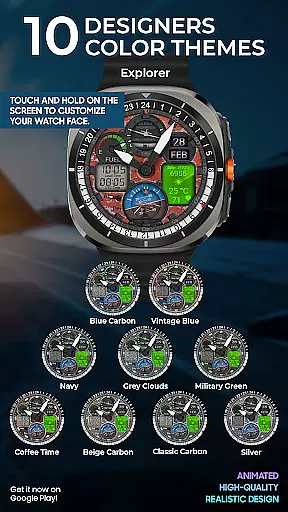
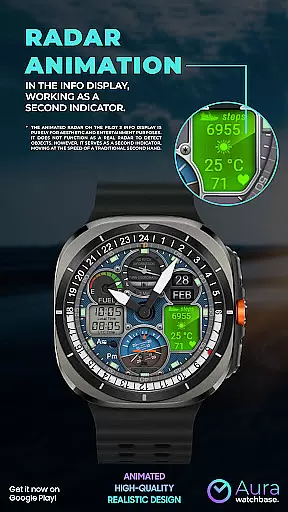
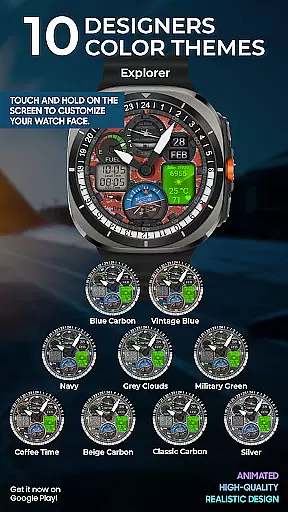
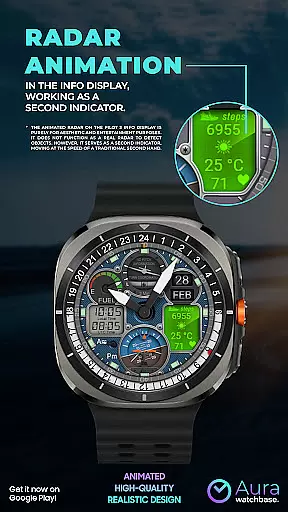
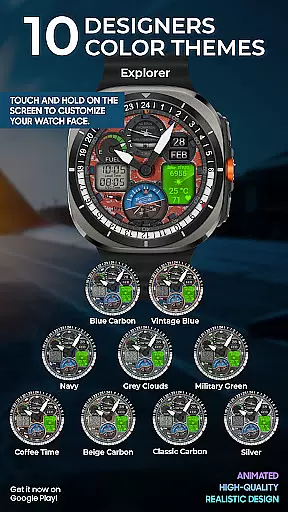
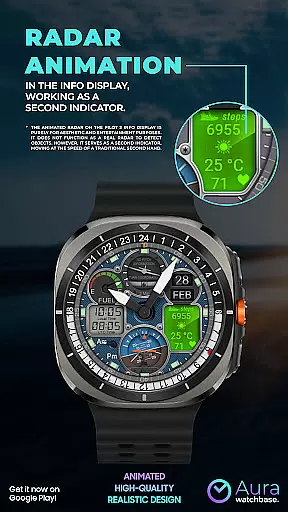
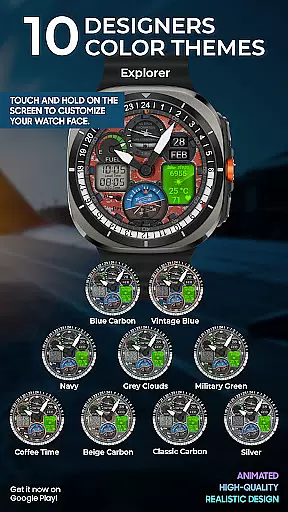
This watch face stands out through its customizability and attention to detail. Users can choose from 10 unique skins and access various data points including steps, heart rate, and weather updates. The animated radar, while purely aesthetic, adds a touch of sophistication, serving as a second hand. Additionally, the automatic temperature unit adjustment ensures seamless integration with your device settings, providing convenience without manual intervention. Whether you're an aviation enthusiast or simply looking for a dynamic watch face, WB PILOT 3 offers both style and functionality.
WB PILOT 3 Animated Watch Face boasts an array of distinctive features designed to enhance user experience. One of its standout characteristics is the inclusion of animated elements like the Turn Coordinator, Altitude Indicator, and Gyroscope, which mimic real cockpit instruments. These animations not only provide visual appeal but also create an engaging user interface that sets it apart from static watch faces. Furthermore, the hybrid display allows users to view both digital and analog time formats simultaneously, catering to different preferences and increasing usability.
Customization is at the core of WB PILOT 3's design philosophy. With 10 available skins, users can personalize their watch face to match their style. Practical features such as AM/PM indicators, battery status, date display, and info panels for steps, heart rate, and weather ensure that users have quick access to essential information. Notably, the automatic temperature unit adjustment simplifies usage by syncing with device settings, eliminating the need for manual changes. This combination of aesthetics, functionality, and personalization makes WB PILOT 3 a versatile choice for smartwatch users seeking a premium experience.
Companion app integration is crucial for a seamless smartwatch experience. The WB PILOT 3 Animated Watch Face utilizes a companion app to simplify the installation and customization process across your devices.
This application ensures that users can easily install and activate the watch face through their smartphones. After purchasing, users can tap the install button within the companion app, which triggers the appearance of the watch face on their smartwatch. This intuitive approach eliminates unnecessary steps and potential confusion during setup.
The companion app also addresses common synchronization issues. If users encounter prompts to repurchase the watch face on their smartwatch, they can rest assured knowing this is merely a syncing issue. Restarting the watch or waiting briefly often resolves these concerns without incurring additional charges.
By streamlining the installation and ensuring smooth functionality between devices, the companion app enhances user satisfaction and allows wearers to enjoy the stunning aviation-themed animations and features of the WB PILOT 3 with minimal hassle.
Device compatibility is a fundamental aspect of any Wear OS application. The WB PILOT 3 Animated Watch Face is meticulously designed to be compatible with devices running on Wear OS 5 and higher, ensuring optimal performance on supported smartwatches.
This compatibility ensures that users benefit from the latest advancements in wearable technology. By requiring Wear OS 5 or newer, the watch face leverages enhanced graphics rendering capabilities and system integrations that older versions may not support. This results in fluid animations and reliable functionality, such as animated elements like the Turn Coordinator and Altitude Indicator.
Moreover, the watch face automatically adjusts settings based on device preferences. For instance, temperature units are synchronized with the user's phone or watch settings, providing a personalized experience without manual adjustments. This intelligent adaptation underscores the importance of choosing a watch face aligned with your deviceu2019s operating system.
Ensuring compatibility with current Wear OS versions not only guarantees access to all features but also aligns with ongoing security updates and improvements, offering peace of mind alongside an engaging visual experience.
Realistic animations
Hybrid time display
Customizable skins
Automatic temperature adjustment
Comprehensive info display
Limited OS compatibility
Potential sync issues
No functional radar
Installation complexity
Higher system requirements

Christmas Theme Watch Face for Wear Os
 5.00
5.00
MyNISSAN® lets you remotely control your car from your phone.*
4.50
A watch face that fuses motorsport precision with contemporary smartwatch design
4.1
Artistic Digital Watchface
4.1
Beautiful, colorful and practical watch face. For Wear OS devices.
5.00
Digital, flexibly customizable watch face. For Wear OS 5.0, API 34+ and later.
5.00
Digital watch face with big numbers and many customization for Wear OS devices
4.40
Start and succeed with PAP
4.10
Control your Samsung Smart TVs, appliances, and SmartThings-compatible devices
4.60
To-Do List: daily schedule planner, task organizer, to do reminder app, calendar
4.60
Deck out your Wear OS Watch face with a beautifully decorated pine wreath!
4.50
Embrace the holiday spirit with this magical animated watch face!
4.40
Digital watch face. For Wear OS devices.
4.40
Bold weather Digital watchface with forecast & optional animated background
4.40
Calming & relaxing sounds for sleeping and stress relief. Stay focused all day!
4.20
Wear Os Watch Face - Animated Snow Effect & Christmas Lights
4.4
Christmas and New Year - Themed Watchface
4.3
A heartwarming Christmas scene featuring a cute image of Santa and Rudolf
4.1
Fitness interactive virtual pet super fighter boy watch face
4.0


User Reviews