
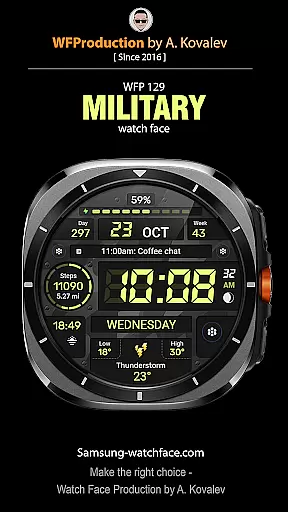
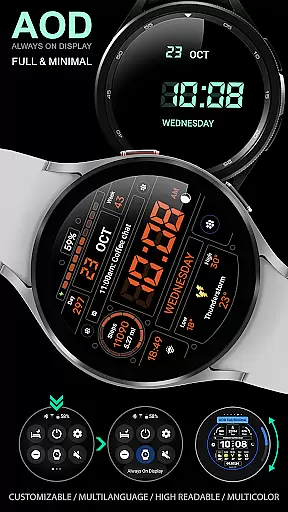
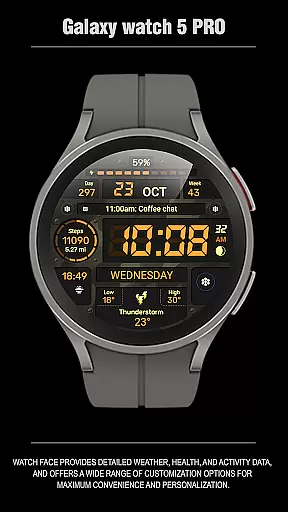
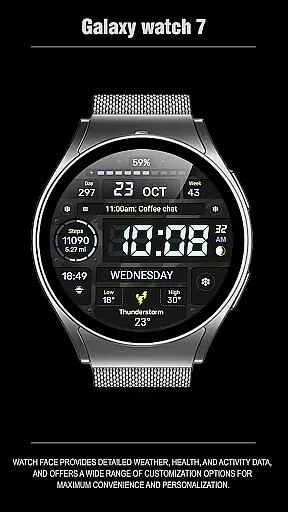
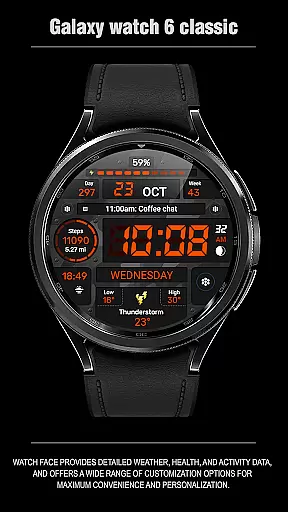
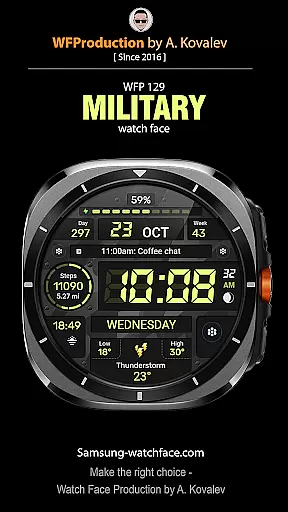
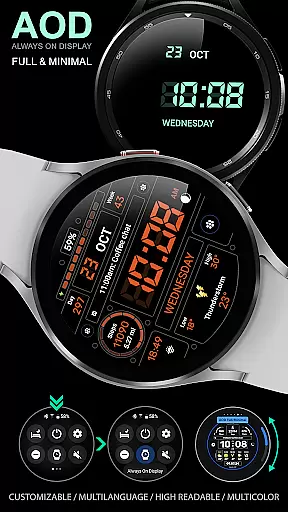
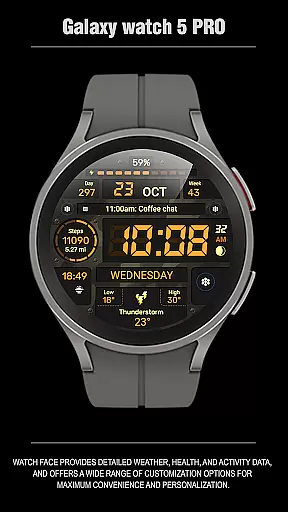
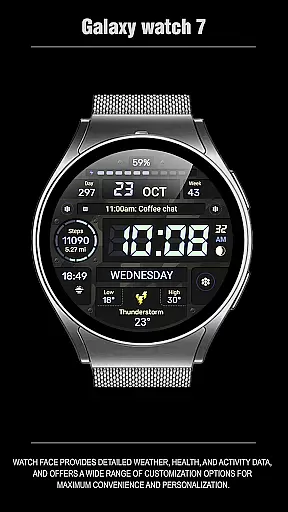
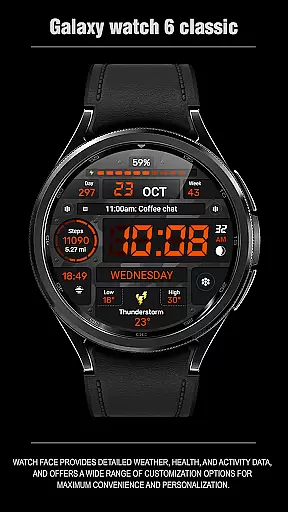
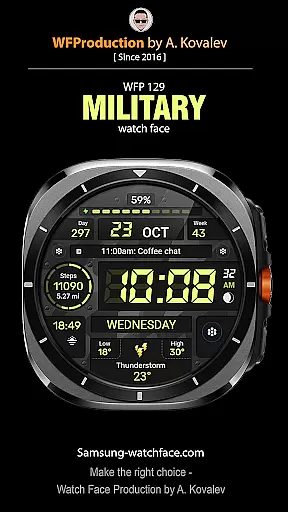
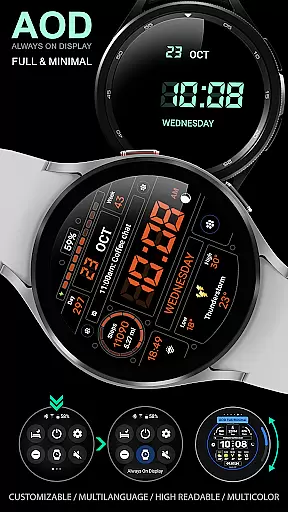
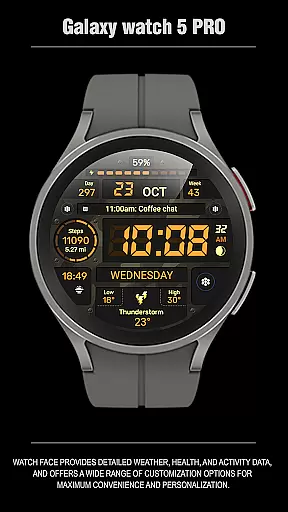
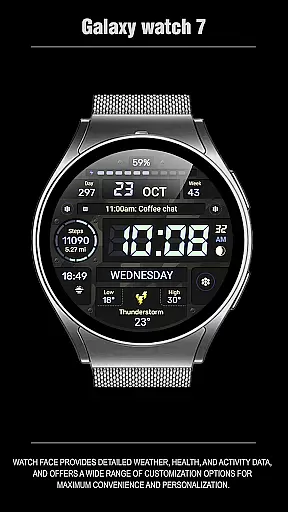
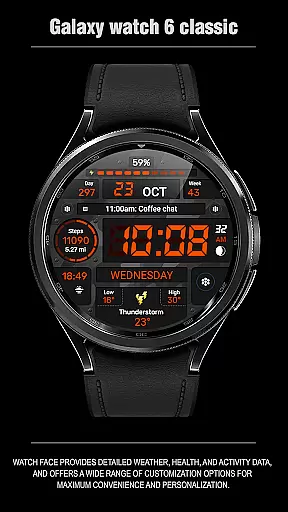
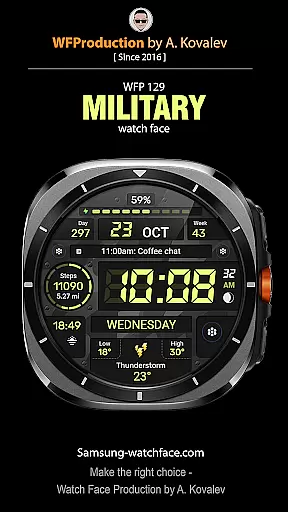
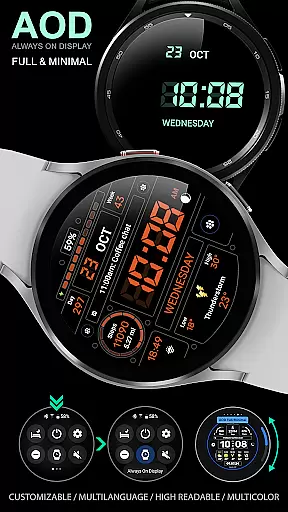
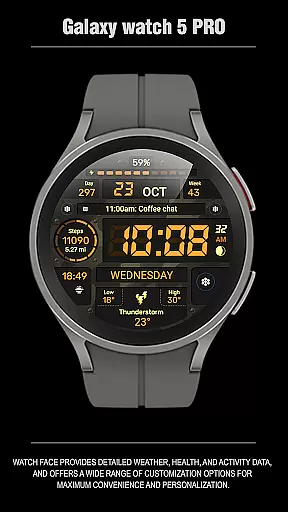
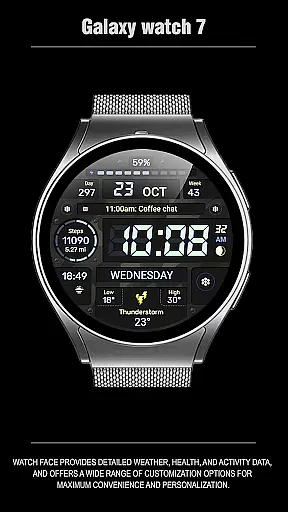
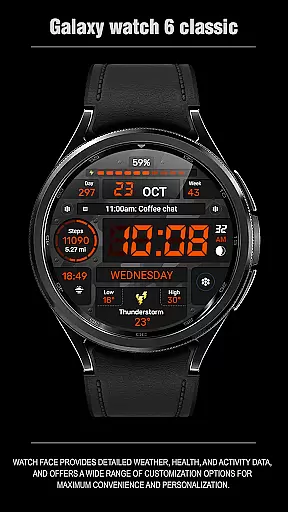
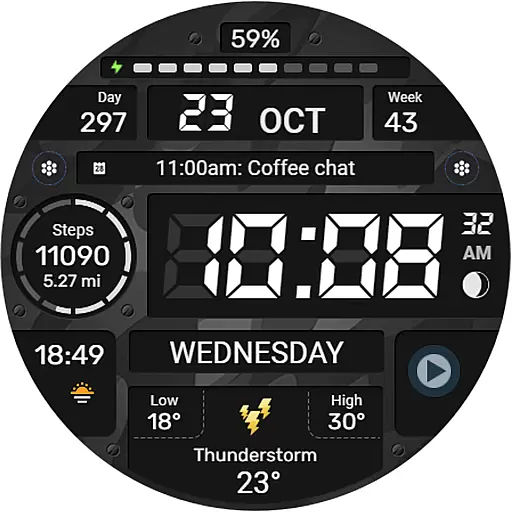
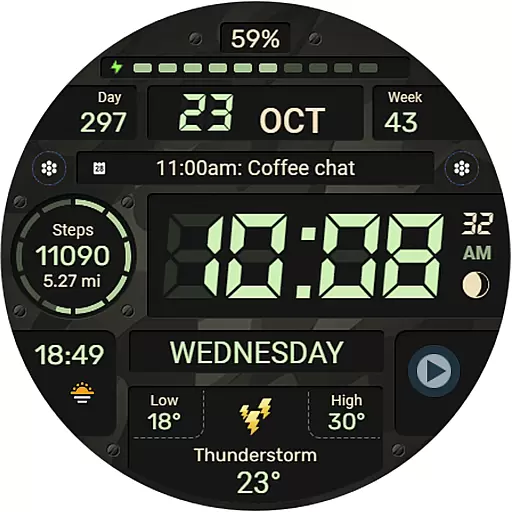
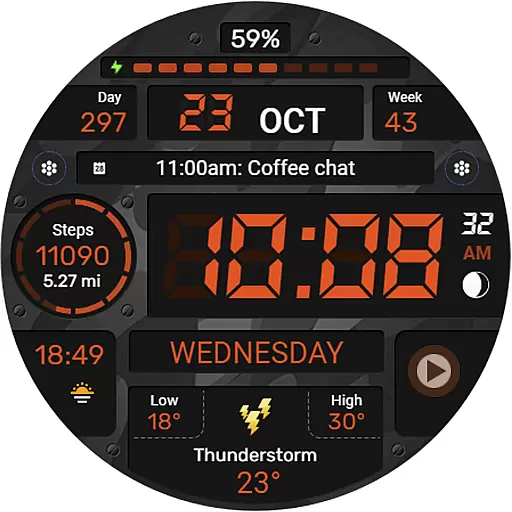
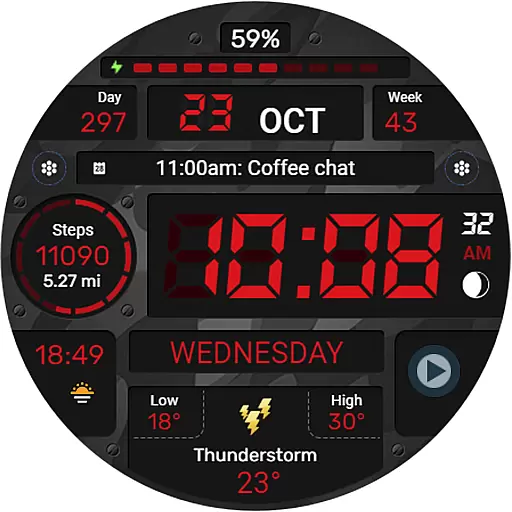
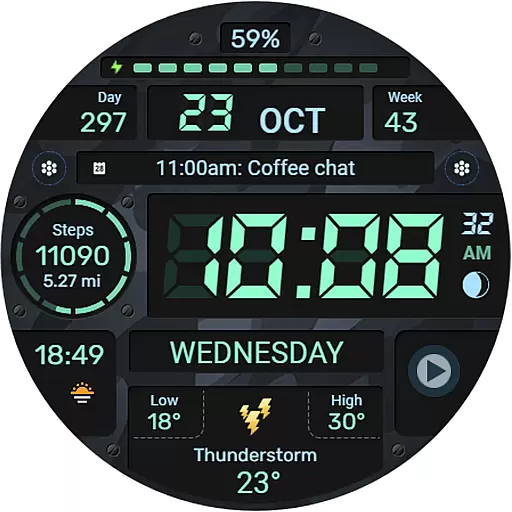
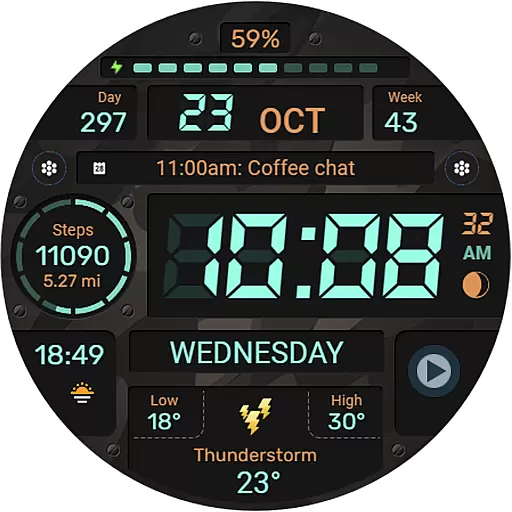
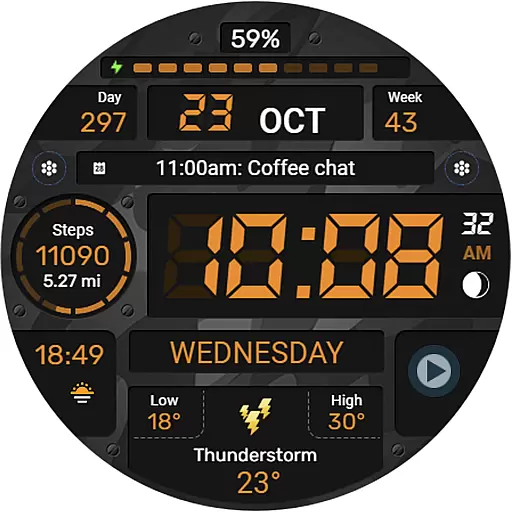
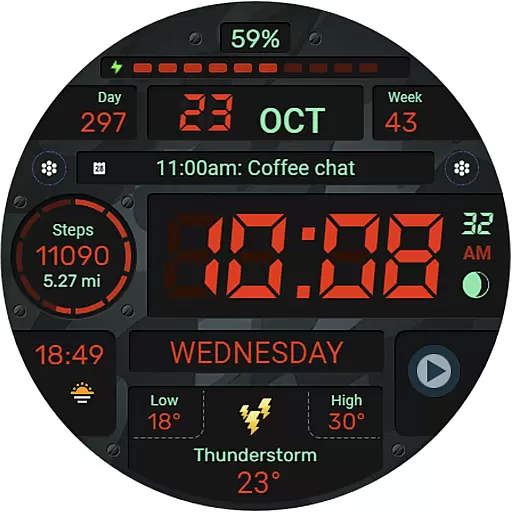
WFP 129 Military watch face is a versatile and customizable digital watch face designed for WearOS devices. It supports advanced features like API Level 30+ compatibility, ensuring optimal performance on the latest smartwatches.
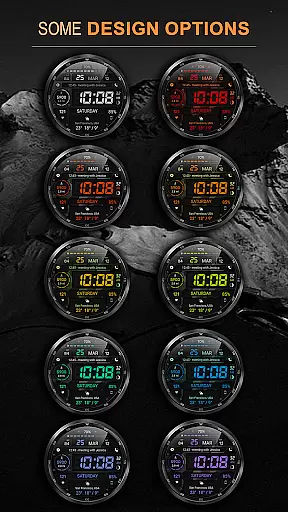
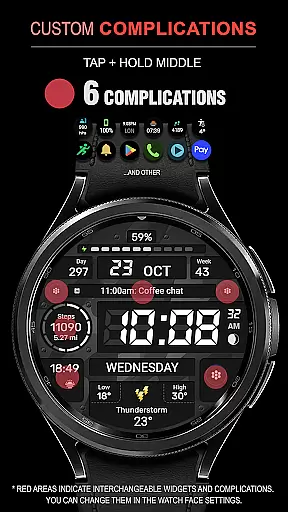
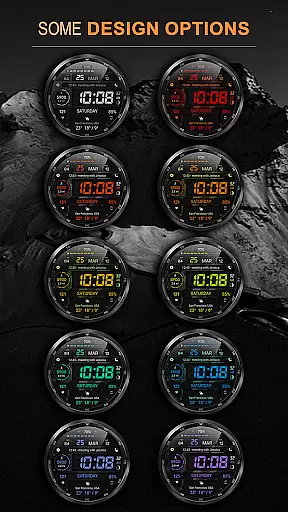
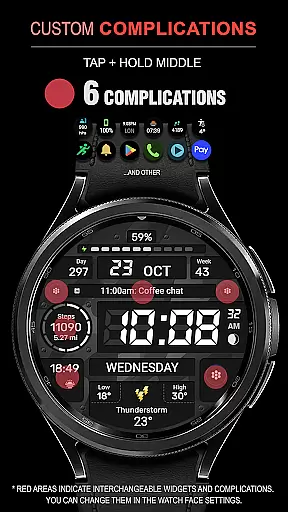
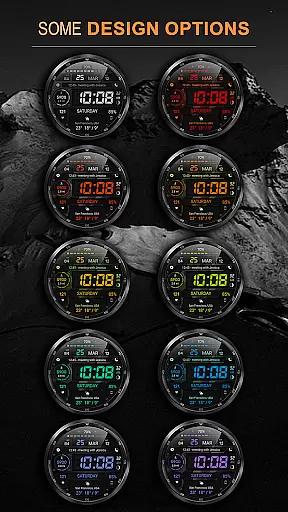
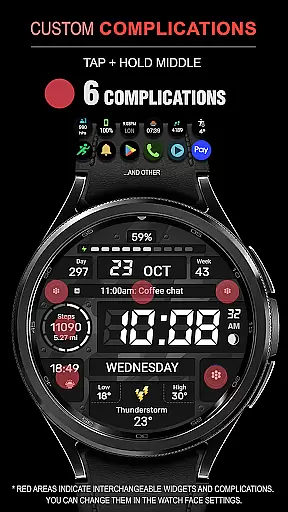
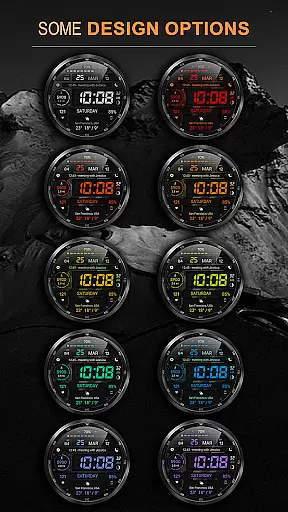
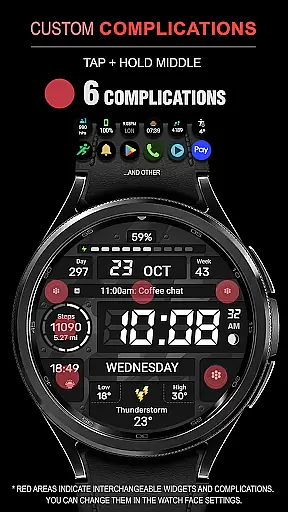
The watch face offers an array of customization options including 6 complications and widgets, 30 background color combinations, and support for both Km/Miles distance measurements. With high resolution graphics, multilingual support, and optimized battery consumption, it provides users with both functionality and style.
Perfect for fitness enthusiasts and tech-savvy users, this watch face allows tracking of essential metrics such as calories, floors climbed, and weather updates in Fahrenheit or Celsius. Its AOD mode can be customized for full or minimal display, making it ideal for various usage scenarios.
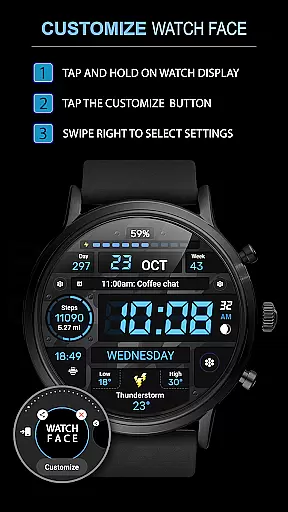
One of the standout features of WFP 129 Military watch face is its extensive customization capabilities. Users can choose from 30 background color combinations and switch between 12/24 hour time formats, with an option to remove leading zeros for a cleaner look.
The watch face includes 6 complications and widgets that provide quick access to important information like weather updates, distance traveled, and phone charge status. The high-resolution design ensures clarity, while the optimization techniques result in low battery consumption, extending the life of your device.
Additional features include multilingual support, Fahrenheit/Celsius temperature display, and two AOD modes (Full and Minimal). These functionalities make the watch face adaptable to different user preferences and environments, enhancing both usability and aesthetic appeal.
Companion app integration is essential for a seamless wearable experience. The WFP 129 Military watch face ensures that all features are perfectly synced with your smartphone. This includes real-time updates of complications and widgets, providing users with accurate information at a glance.
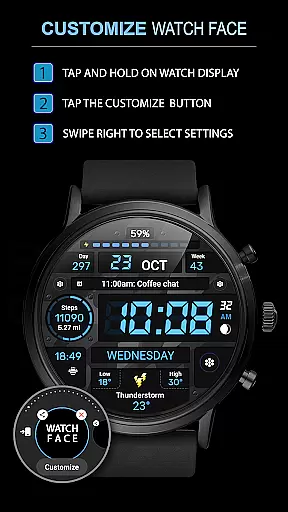
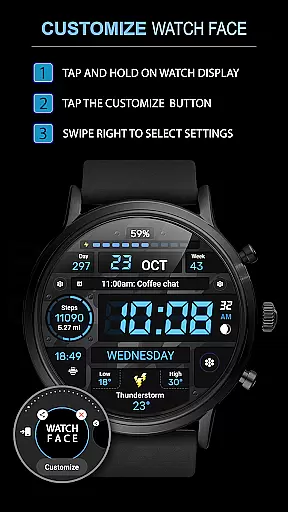
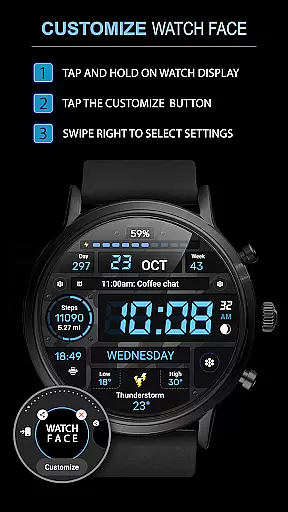
The watch face supports devices with WearOS 4, API Level 30+, ensuring compatibility and optimal performance. Users can follow simple installation instructions available on samsung-watchface.com to set up the watch face effortlessly. This guarantees that every feature, from weather updates to fitness tracking, functions smoothly across devices.
For those interested in advanced functionalities like phone charge widgets or detailed fitness stats, comprehensive guides are provided. These resources ensure that users can maximize the potential of their smartwatch by integrating additional data streams from their phones.
Ensuring broad device compatibility is crucial for any Wear OS application. The WFP 129 Military watch face is designed to work seamlessly with a range of devices, supporting WearOS 4 and API Level 30+. This compatibility ensures that users experience high optimization and low battery consumption regardless of their device model.
With support for multiple features such as 6 complications, 30 background color combinations, and customizable AOD modes, this watch face caters to diverse user preferences. Whether you prefer a full or minimal AOD mode, the customization options allow personalization according to individual tastes.
Additionally, multilingual support and flexible time formats enhance accessibility. Users can choose between 12/24 hour time formats and toggle leading zeros, making it adaptable to various regional standards. Such versatility ensures that the WFP 129 Military watch face remains a top choice for Wear OS users worldwide.
Highly customizable
Low battery usage
Multilingual support
Optimized performance
Modern design
Complex setup
Limited free options
Requires WearOS 4
No built-in GPS
Premium features locked

A full-featured Amazon Alexa voice assistant that can show you things.
 3.70
3.70
A watch face that fuses motorsport precision with contemporary smartwatch design
4.0
A modern premium sporty hybrid watch face for Wear OS by Ballozi
4.70
3 Complications. All shadow on/off. 30 Themes color palette...
4.3
Hyperlocal rain alerts by MyRadar using patent-pending technology, radar & more
4.80
Hyper-Realistic Airplane Dashboard Watch Face With 10 Skins and Custom AOD
4.00
Retro digital watch face with customizable colors and a unique lighting effect
4.60
A modern hybrid informative watch face for Wear OS designed by BALLOZI
4.80
Fast and smart typing with Emojis, GIFs, and more
4.50
Diet tracker for weight loss - track calories, food and macros. Simple and easy!
4.70
WTW M17 is a premium and luxurious hybrid watch face
4.70
Monitor health with the stress test and pulse checker in the heart rate app.
4.60
To-Do List: daily schedule planner, task organizer, to do reminder app, calendar
4.60
Christmas watch face. For Wear OS devices.
4.30
Let's celebrate Thanksgiving - Wear Os watch face
4.20
Embrace the festive spirit with our Christmas Countdown watchface for Wear OS
4.10
Wear Os Watch Face - Animated Snow Effect & Magic Spark - 6 Scenes
4.10
Watch face designed for Thanksgiving Day. 7 Background Styles included.
3.20
Simple Analog-Digital Watchface For Wear OS 3.0 and Up Smartwatches
4.3


User Reviews