
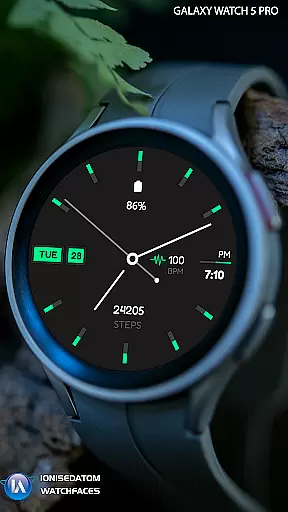
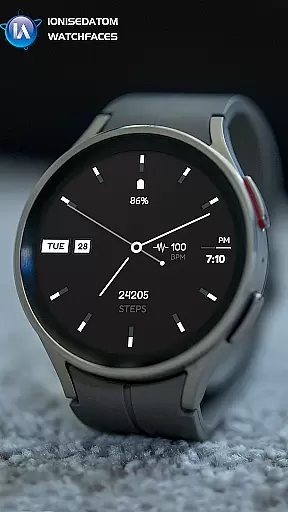
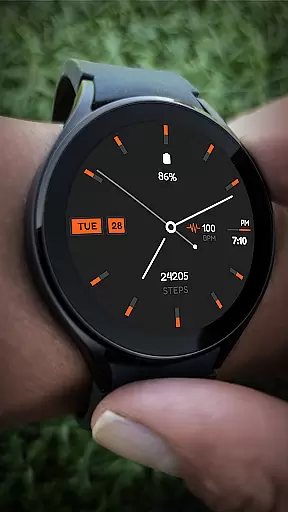
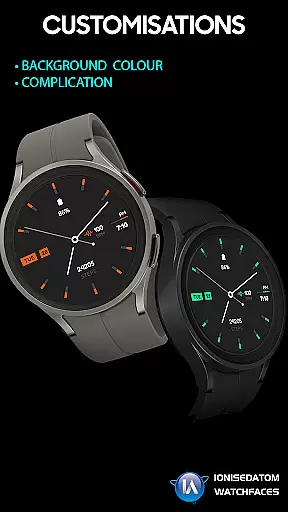
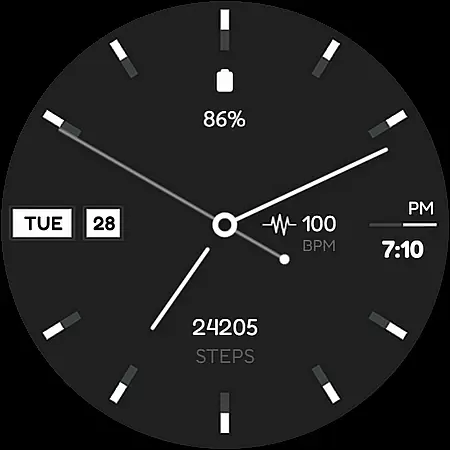
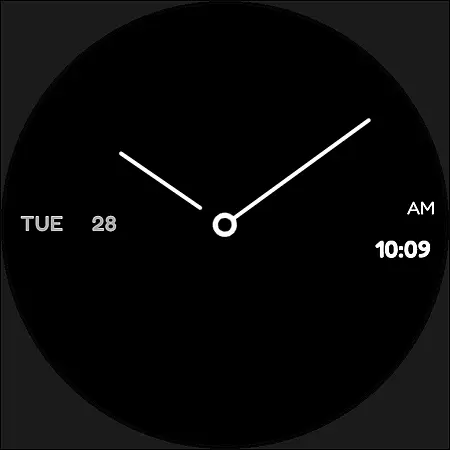
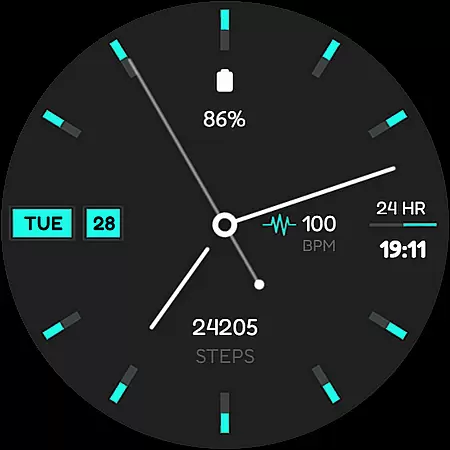
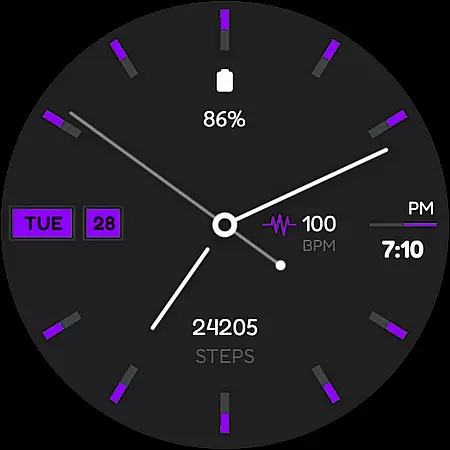
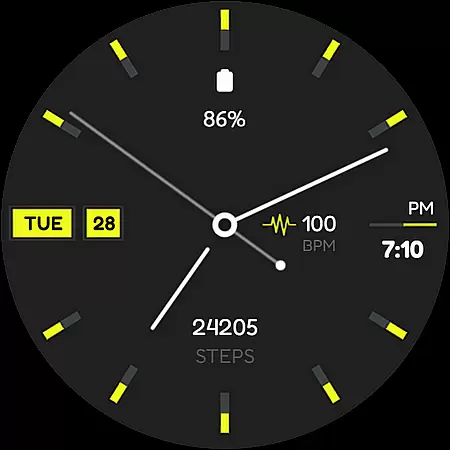
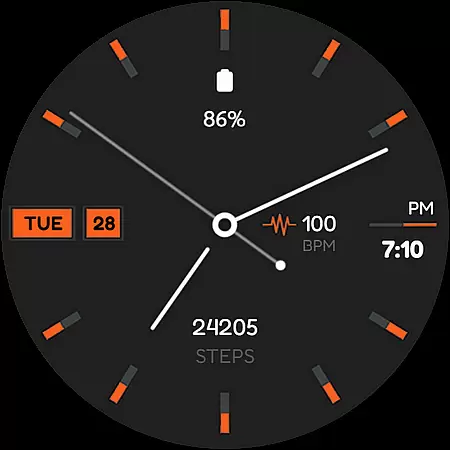
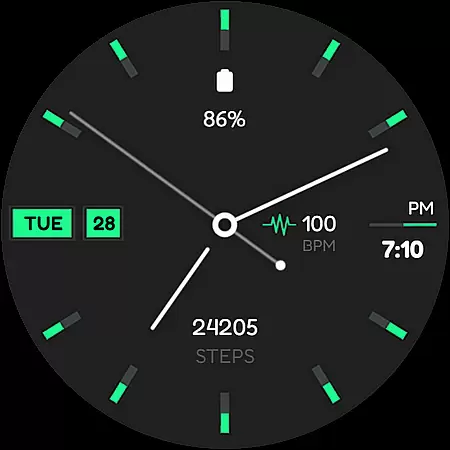
Minima 4 Minimal Watchface is a hybrid analog-digital watch face designed for Wear OS 3.0 and above devices. It combines classic analog hands with modern digital features, offering users the best of both worlds. The watch face displays time in either 12 or 24-hour format alongside AM/PM indicators, making it suitable for any preference.
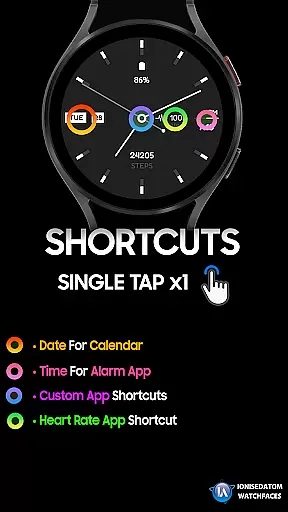
In addition to telling time, Minima 4 provides practical functionalities such as date and day display in multiple languages, a step counter to track daily activity, and customizable complications. Users can also benefit from default and custom shortcuts, enhancing their wearable experience by providing quick access to frequently used apps or features.
One of the standout features of Minima 4 is its versatile design that caters to various user needs. With analog hands, a digital clock, and multilingual support for date and day, it ensures clear readability while maintaining an elegant appearance on your smartwatch screen.
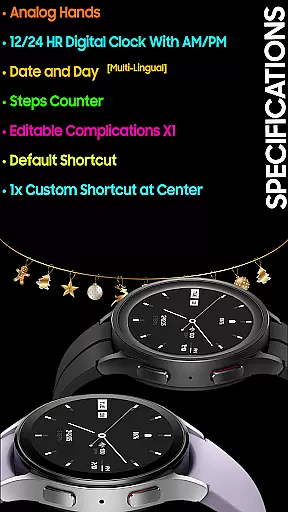
The inclusion of a step counter promotes an active lifestyle by helping users monitor their daily steps directly from their wrist. Moreover, the editable complications offer personalized information at a glance, allowing users to tailor the watch face according to their preferences. Default and custom shortcuts further enhance convenience by enabling instant access to essential functions or applications right from the main interface.
For a wearable device like Minima 4 Minimal Watchface, seamless companion app integration is crucial. This ensures that the watch face not only displays time but also syncs effortlessly with your smartphone to provide real-time updates and notifications.
The Minima 4 watch face is designed to work in tandem with the Galaxy Wearable app, allowing users to customize settings directly from their phone. This includes adjusting complications, shortcuts, and other preferences without needing to interact with the watch interface directly.
By fully closing and exiting the Play Store apps on both the phone and watch, users can resolve any continuity issues that may arise during setup or usage. This troubleshooting step highlights the importance of maintaining a stable connection between the companion app and the wearable device.
Device compatibility is a key consideration for any Wear OS application. Minima 4 Minimal Watchface supports Wear OS 3.0 and above (API 28+), ensuring it works seamlessly across a range of modern smartwatches.
This compatibility extends to popular models such as the Galaxy Watch 4/5/6 series, where users can find and apply the watch face from the 'Downloads' category in the Galaxy Wearable app. The multi-lingual support for date and day features further enhances its usability across different regions and languages.
With specifications including analog hands, digital clock, steps counter, and customizable complications, Minima 4 offers a versatile experience tailored to various user preferences and device capabilities. This ensures that regardless of the specific Wear OS device, users receive a consistent and optimized performance.
Hybrid Analog-Digital Design
Multilingual Date & Day Support
Customizable Shortcuts
Step Counter Integration
Editable Complications
Potential Payment Bug
Limited to Wear OS 3+
Requires Companion App
No Advanced Health Metrics
Basic Customization Options

Christmas and New Year - Themed Watchface
 4.3
4.3
Elegant animated Christmas tree with multiple customization options
4.20
Wear Os Watch Face - Animated Snow Effect & Magic Spark - 6 Scenes
4.10
A modern premium sporty hybrid watch face for Wear OS by Ballozi
4.70
Sleek, highly customizable watch face inspired by Galaxy Watch Circle Dashboard.
4.2
Bold, Modern Hybrid Watch Face for Wear OS. 10 Colors, Rich Info Display.
4.30
Daily Weather forecast with 15 weather images for Day & Night plus Big Bold time
4.10
Your local weather forecast, storm tracker, radar maps & live weather news
3.40
Start and succeed with PAP
4.10
Christmas - Festive - Christmas Village - Winter - Christmas lights
5.00
Hybrid watch face for Wear OS with customizable complications by Matteo Dini MD
4.70
Kia Access makes getting your vehicle information easier than ever
4.60
A realistic hybrid watch face with many customization options.
4.60
MyNISSAN® lets you remotely control your car from your phone.*
4.50
Find EV charging stations
4.30
Your music, your playlists, and more—offline and unlimited.
4.20
Authentic military-tactical design with ZULU time! Realistic and functional!
3.80
an Analog Watch Face for winter season with freeze winter background for Wear OS
4.4
3 Complications. All shadow on/off. 30 Themes color palette...
4.1


User Reviews