

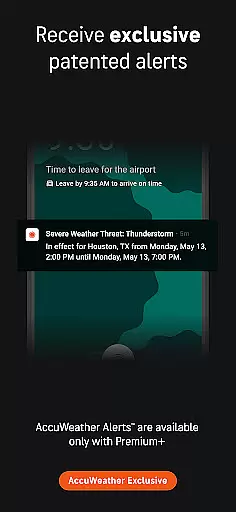
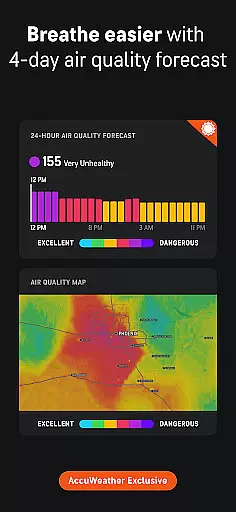
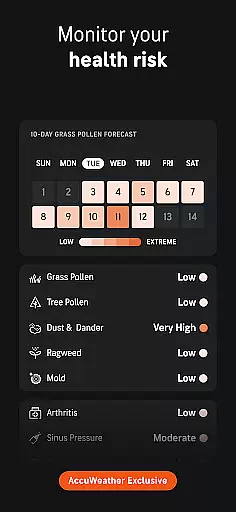
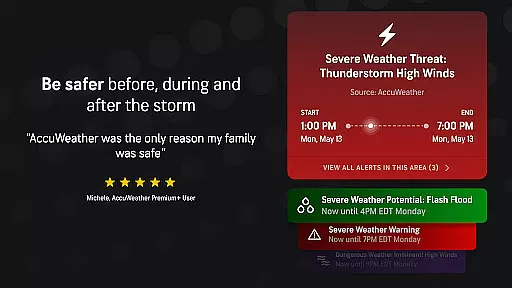
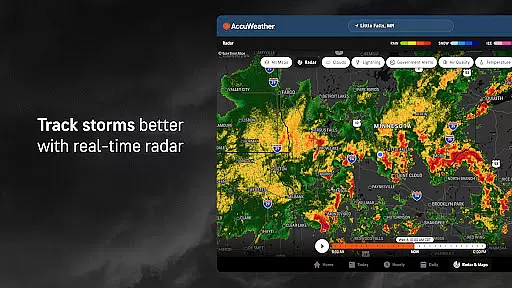
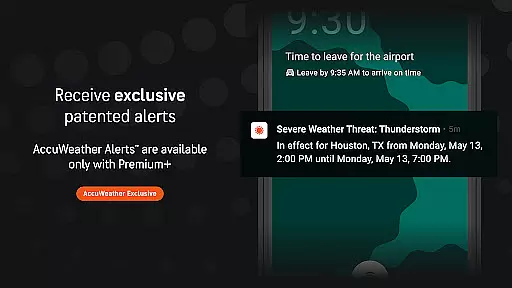
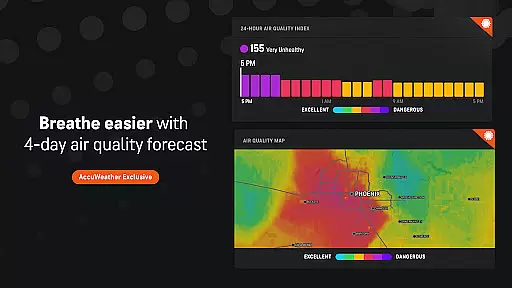
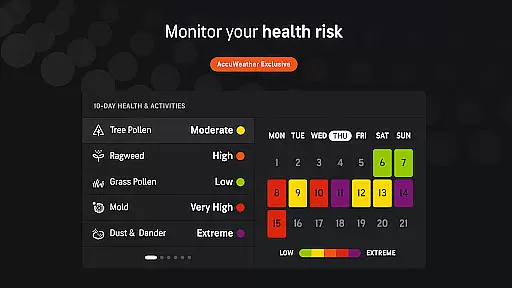
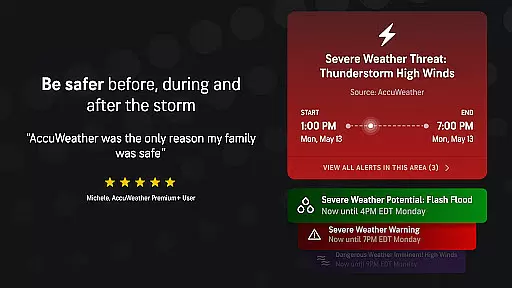
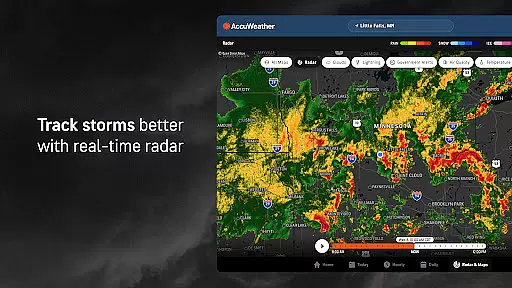
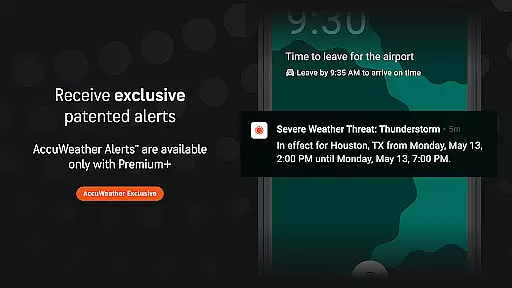
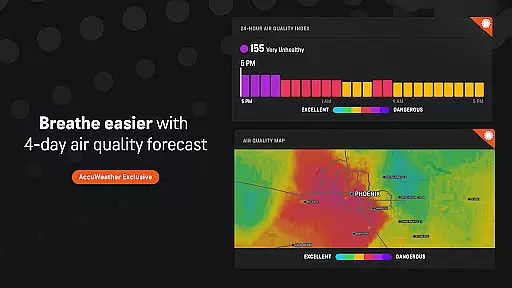
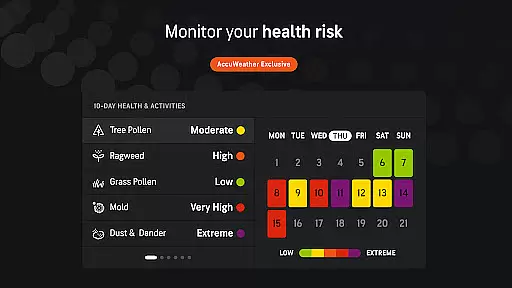
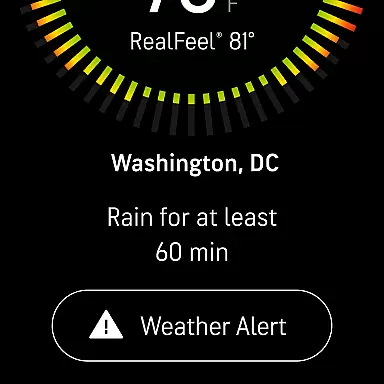
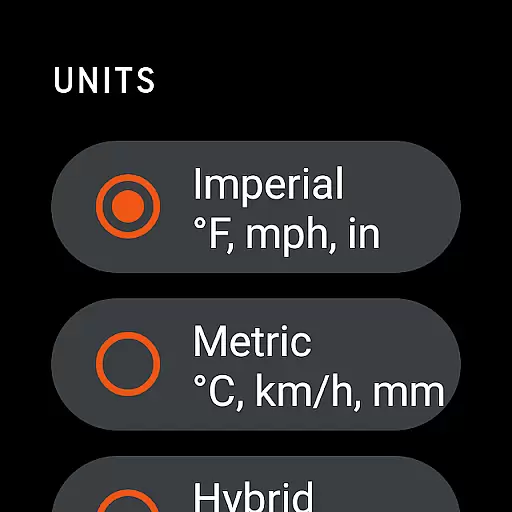
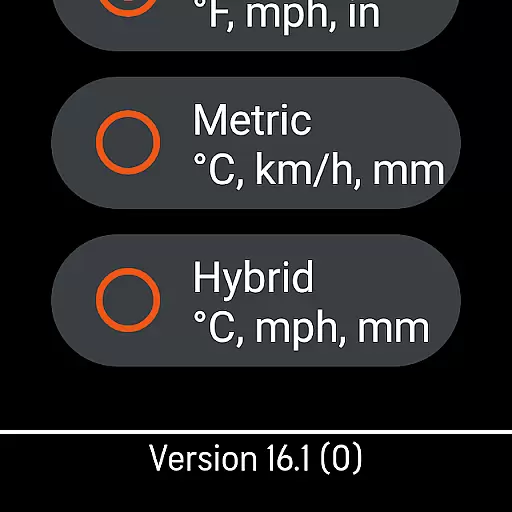
AccuWeather is the most trusted weather app, providing real-time weather alerts and hyperlocal updates with proven Superior Accuracy™. The app helps users make informed decisions by offering detailed weather information for any location, including severe weather tracking, animated radar, and exclusive features like MinuteCast® and RealFeel® Temperature.
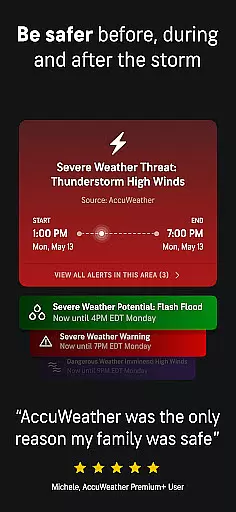
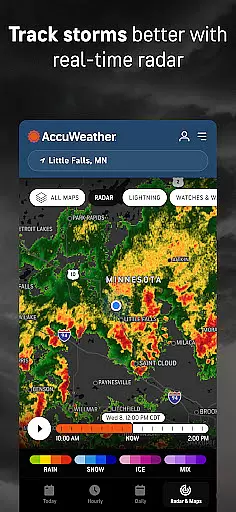
The application stands out through its advanced forecasting capabilities, such as hurricane tracking, live radar, and storm warnings that offer greater advance notice and more detail than other sources. AccuWeather's superior accuracy extends to predicting snowfall, rainfall, wind speed, and temperature changes down to a street-level address in over 210 countries and territories.
Whether planning outdoor activities or preparing for extreme weather events, AccuWeather equips users with the necessary tools to stay safe and better protect their families. Its intuitive interface and customizable alerts ensure users remain informed about changing weather conditions at all times.
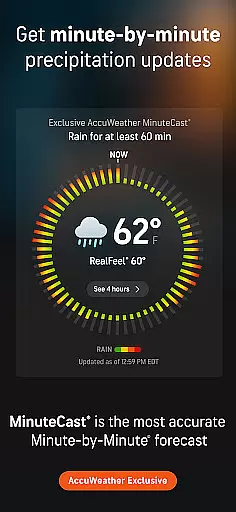
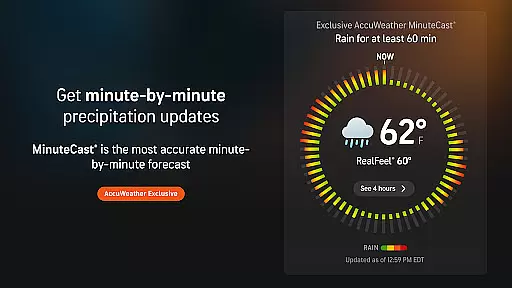
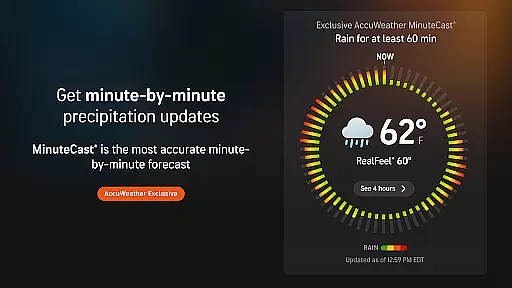
AccuWeather offers an array of innovative features designed to provide users with the most accurate and actionable weather data available. One standout feature is MinuteCast®, which delivers hyperlocal forecasts detailing precipitation type, intensity, start, and end times for the next four hours at an exact street address or GPS location across 210 countries.
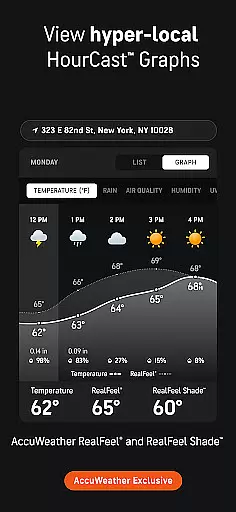
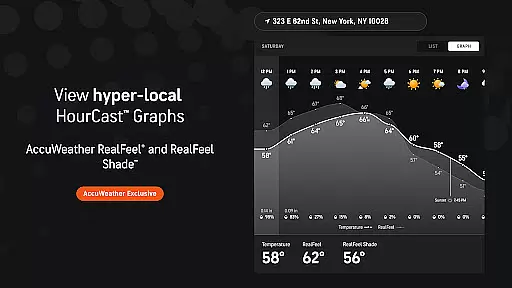
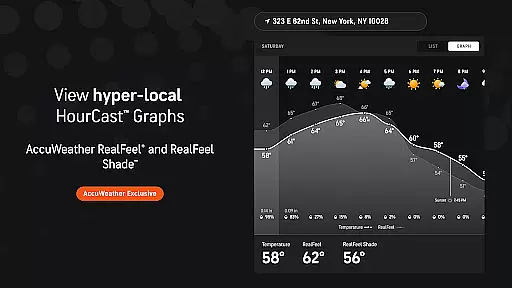
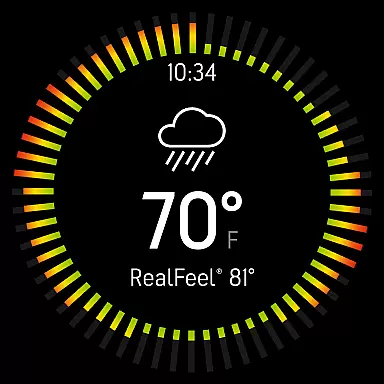
The app also includes proprietary technologies like the AccuWeather RealFeel® Temperature, which considers multiple factors such as wind, humidity, and sunshine intensity to describe how the temperature actually feels. Additionally, features like the AccuWeather Lightning Network™ and WinterCast® allow users to track lightning proximity and anticipate snowfall amounts in inches, ensuring they are prepared for specific weather impacts.
For those seeking extended insights, upgrading to Premium Plus unlocks advanced functionalities, including 90-day forecasts, 10-day hourly graphics, and ad-free navigation. These premium features enhance long-term planning while maintaining ease of access to critical weather details.
For AccuWeather, the integration with its companion app on Android Wear devices ensures that users have access to critical weather information right on their wrists. This seamless connection allows for real-time updates and alerts without the need to check one's phone constantly.
The app provides hyperlocal forecasts and severe weather warnings tailored to the user's exact location, which is particularly useful when wearing a smartwatch. With just a glance, users can stay informed about changing weather conditions, ensuring they are always prepared.
This companion app functionality extends the Superior Accuracyu2122 of AccuWeather to wearable technology, offering MinuteCastu00ae precipitation forecasts and other exclusive features directly on the wrist. Such immediate access to detailed weather data empowers users to make swift decisions based on the most current information available.
By maintaining consistent data sharing between mobile devices and wearables, AccuWeather guarantees that whether you're commuting, exercising, or simply walking outside, your smartwatch becomes an essential tool for staying ahead of the weather.
AccuWeather's compatibility with Wear OS and various devices ensures that no matter what type of Android wearable you own, you can benefit from its advanced weather forecasting capabilities. The app is optimized to function smoothly across different hardware, providing a reliable experience regardless of your device model.
Users will find that the app's interface is specifically designed to be intuitive on smaller screens without sacrificing any vital information. This optimization for Wear OS means quick loading times and efficient battery usage, which are crucial factors for maintaining performance throughout the day.
In addition to supporting a wide range of devices, AccuWeather also offers exclusive features like the AccuLumen Brightness Indexu2122 and WinterCastu00ae through these wearables. These specialized tools help users plan outdoor activities better while being aware of potential weather-related health risks.
Whether it's monitoring lightning proximity with the AccuWeather Lightning Networku2122 or receiving expert meteorologist-crafted alerts, this cross-device reliability makes AccuWeather an indispensable companion for anyone relying on accurate weather data delivered directly to their smartwatch.
Superior Accuracy™
Hyperlocal Forecasts
Real-Time Alerts
Exclusive Features
Global Coverage
Premium Costs
Ad-Supported Free Version
Complex Interface
Limited Offline Use
Resource Intensive

Highly customizable hybrid watch face for Wear OS, perfect for everyday use.
 4.60
4.60
A Wintery Snow Globe on Your Wrist; now celebrating Christmas!
4.4
3 Complications. All shadow on/off. 30 Themes color palette...
4.3
The most customizable minimal watch face. For Wear OS 5.0, API 34+ and later
4.70
Structured watch face with seven complications and modular UI elements
3.90
Find EV charging stations
4.30
Locate your family members by GPS phone location tracker everywhere and anytime
4.30
Viewer for Wyze/Yi/Eufy/Arlo/ONVIF/RTSP/P2P IP cams w/ adv. features & DIY DVR
4.00
Premium hybrid watch face with many customizations for Wear OS devices.
4.40
Christmas - Festive - Christmas Village - Winter - Christmas lights
5.00
Hyperlocal rain alerts by MyRadar using patent-pending technology, radar & more
4.80
Walking app for weight loss: walk & step tracker, pedometer, indoor treadmill
4.60
Monitor health with the stress test and pulse checker in the heart rate app.
4.60
Christmas watch face. For Wear OS devices.
4.30
sleep, alarm, snoring, stress, healing, focus, sound therapy, circadian rhythm
4.10
Connect, create, and collaborate with Gmail, part of Google Workspace.
4.10
Animated Watch Face and Customizable with 24 Backgrounds. Perfect for Christmas!
3.90
Watch the sharpness of the sky on your wrist..
3.70
Fitness interactive virtual pet super fighter boy watch face
4.5


User Reviews