
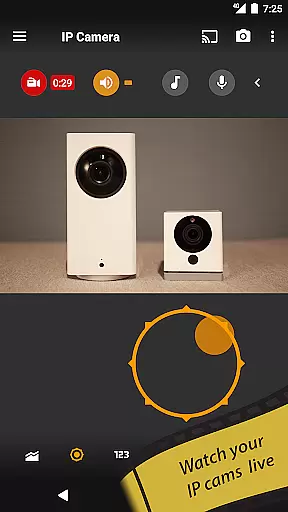
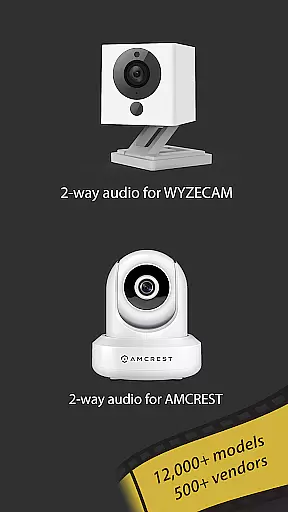
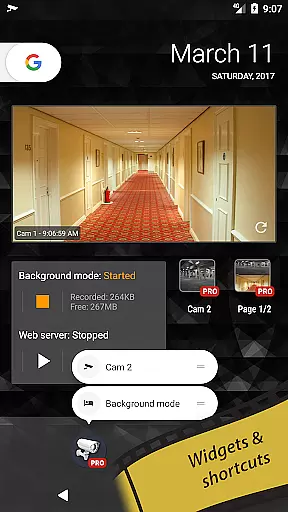
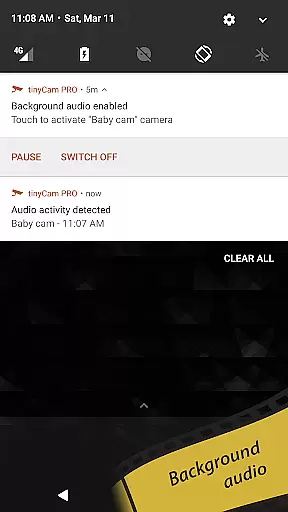
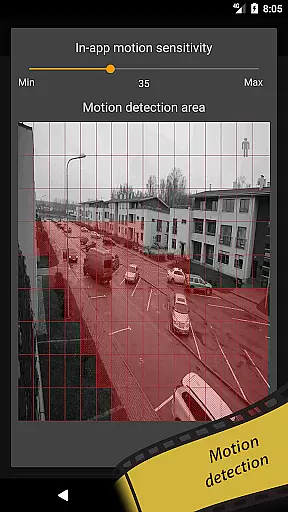
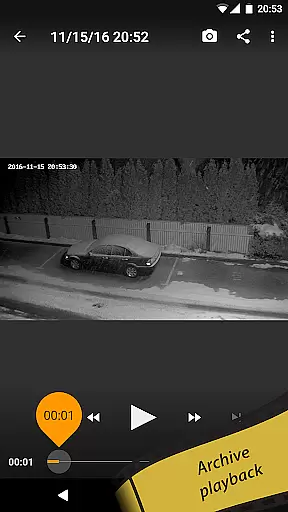
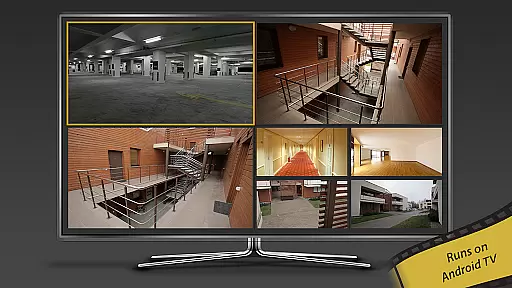
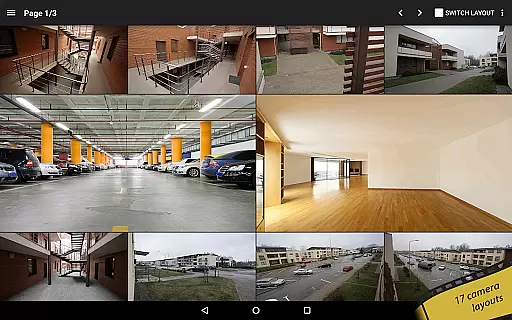
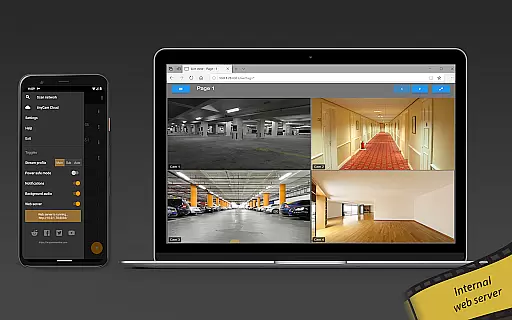
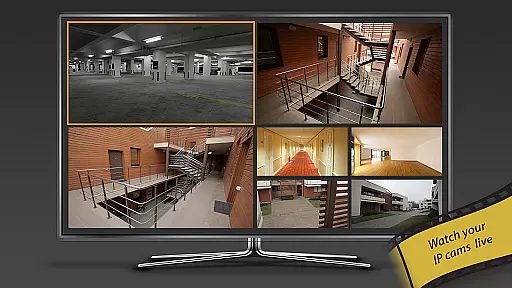
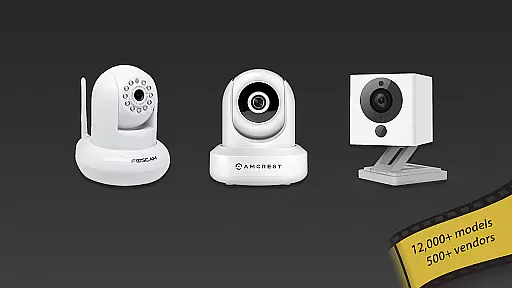
tinyCam Monitor PRO is the ultimate Android application for remote surveillance and video recording, designed to monitor IP cameras, DVRs, and CCTV systems. With support for over 12,000 camera models including popular brands like Foscam and Amcrest, it offers an intuitive interface with advanced features such as ONVIF Profile S compatibility and MJPEG/H264/H265/RTSP protocols.
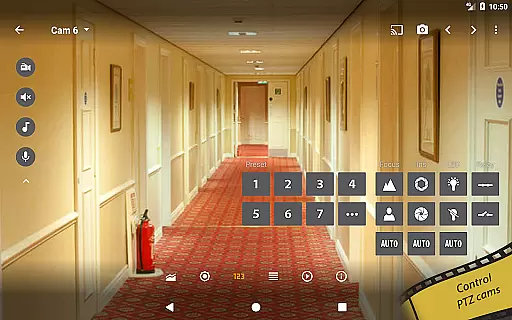
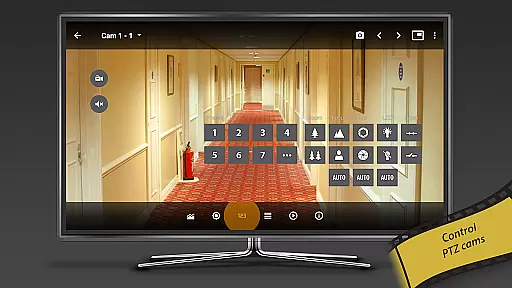
This app allows users to securely monitor their homes, businesses, or any location remotely. It provides unique functionalities like background recording, time-lapse options, and AI object detection for identifying persons, pets, or vehicles. The ability to control PTZ (pan-tilt-zoom) enabled cameras and access detailed analytics makes it a comprehensive security solution.
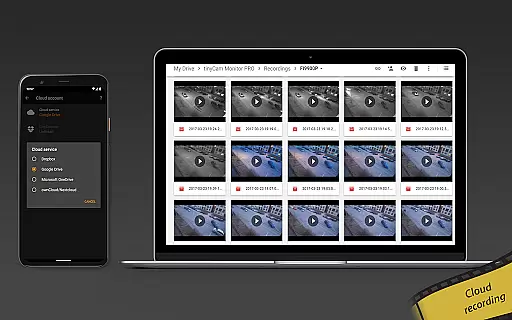
With its extensive feature set, tinyCam Monitor PRO delivers exceptional value by enabling 24/7 MP4 video recording on local storage or cloud services like Dropbox and Google Drive. Its versatility extends to using the app itself as an IP camera or dashcam, making it suitable for various monitoring needs while ensuring top-notch security through SSL encryption.
tinyCam Monitor PRO stands out with its rich feature set tailored for both casual users and professional surveillance needs. The app supports multiple video protocols including MJPEG, H264, H265, and RTSP, catering to a wide range of IP cameras from brands like Wyze, Eufy, Blink, Arlo, KAMI/Yi, and Neos. This ensures broad compatibility and high-quality video streaming.
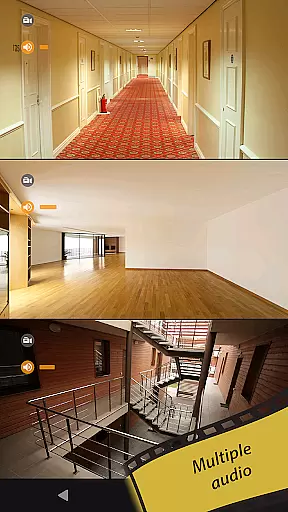
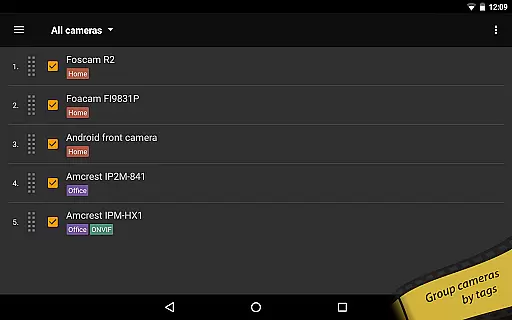
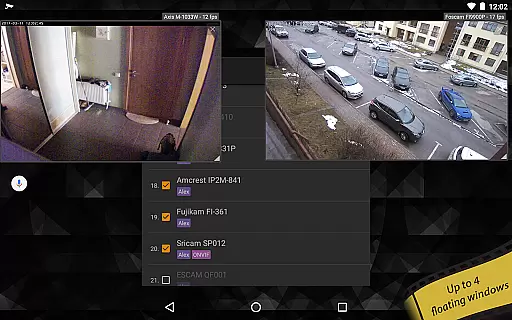
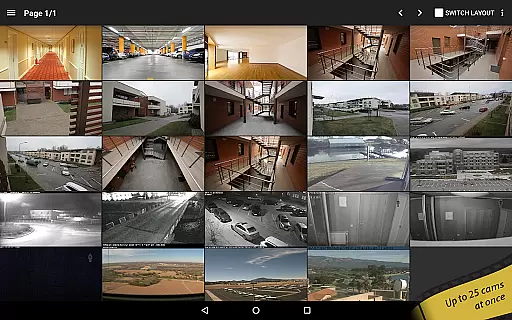
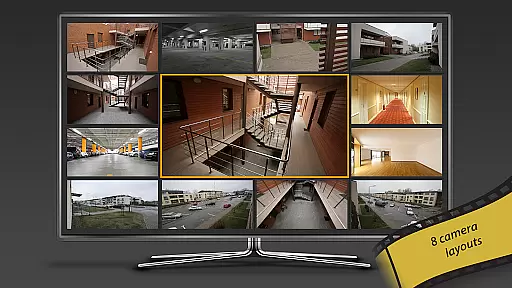
One of the key highlights is the ONVIF Profile S support that covers more than 12,000 camera models, allowing seamless integration with numerous devices. Advanced functionalities such as two-way audio communication, SSL encryption for secure monitoring, and 19 different customizable layouts provide users with flexibility in managing their surveillance setup effectively.
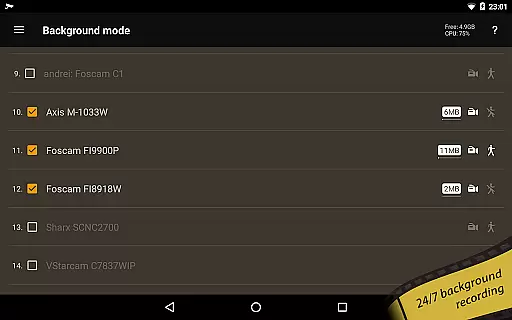
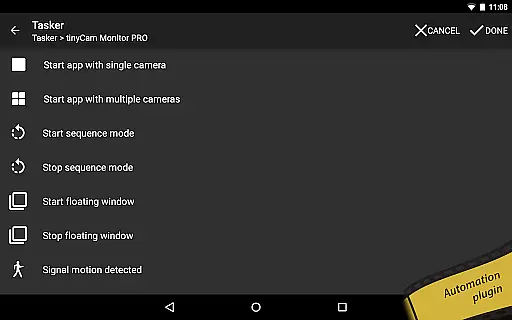
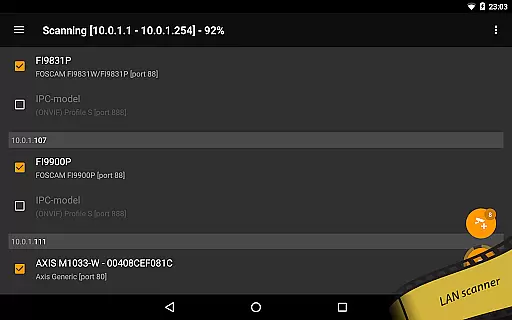
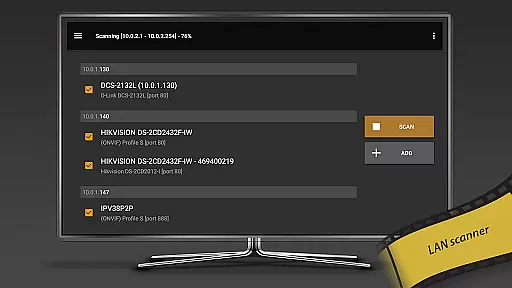
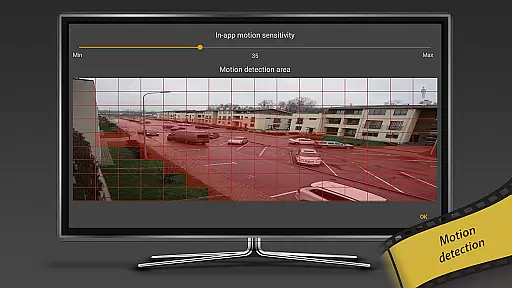
Unique features include background recording with automatic deletion of old records, creating your own DVR system. Additionally, smart capabilities like AI object detection and face detection enhance security measures significantly. Users can also benefit from motion detection alerts via webhooks and utilize built-in tools like LAN scanners and tasker plugins for home automation purposes.
Companion app integration is essential for users who want seamless connectivity between their mobile devices and wearable technology. tinyCam Monitor PRO ensures that all features available on your smartphone are also accessible on your Wear OS device.
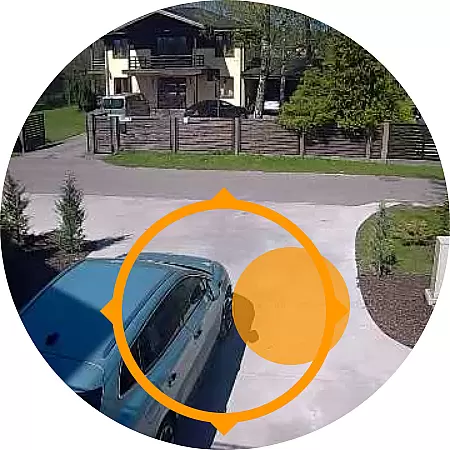
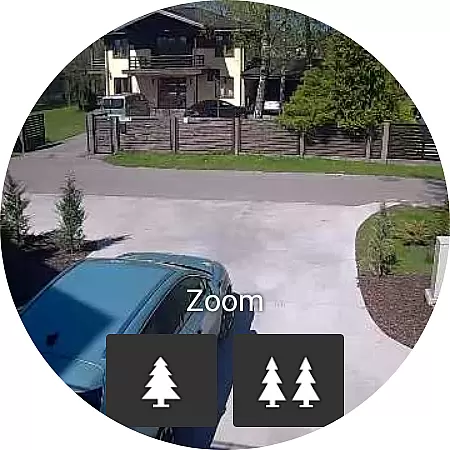
The application provides real-time video streaming to your smartwatch, allowing you to monitor your cameras directly from your wrist. This feature is particularly useful when you need quick access to camera feeds without having to take out your phone.
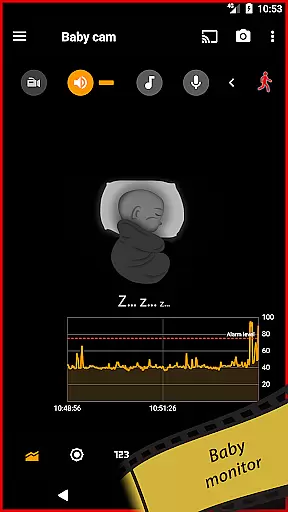
In addition to video streaming, the app supports notifications for motion detection and other alerts. This means you can receive instant updates on your Wear OS device, ensuring you're always aware of any activity captured by your cameras.
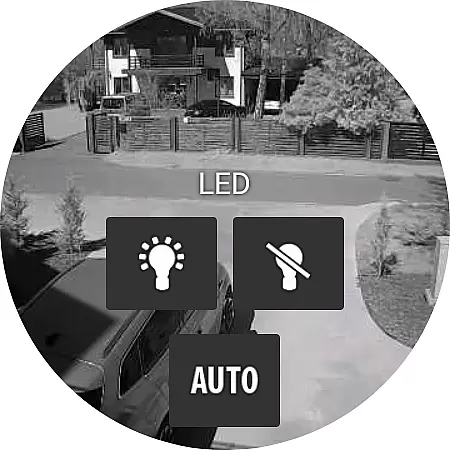
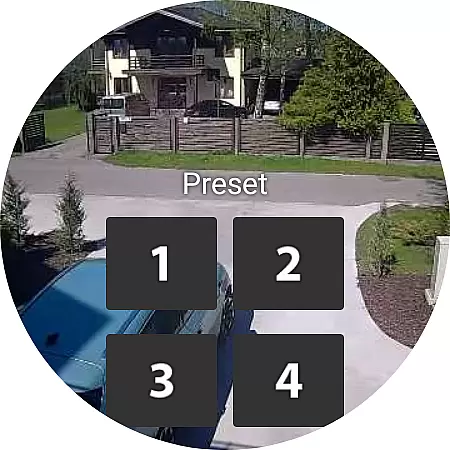
Furthermore, tinyCam Monitor PRO allows control over various camera functions through your wearable device. You can manage recordings, adjust settings, and even communicate via two-way audio if your camera supports it. This comprehensive integration enhances user convenience and maximizes the utility of both your mobile and wearable devices.
Ensuring compatibility with Wear OS and a wide range of devices is crucial for an application like tinyCam Monitor PRO. The app is designed to work seamlessly with different models of smartwatches running on Wear OS, providing users with flexibility in choosing their preferred wearable technology.
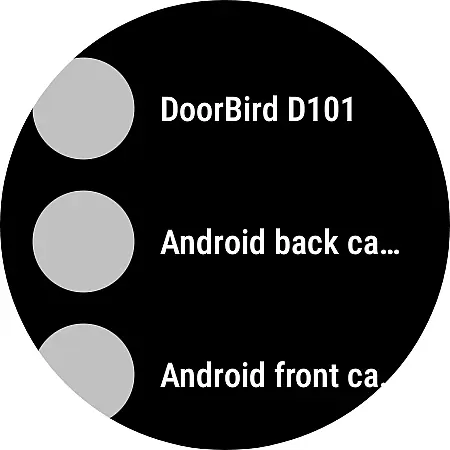
tinyCam Monitor PRO supports a variety of devices, including popular brands such as Foscam, Amcrest, Wyze, Eufy, Blink, Arlo, KAMI/Yi, and Neos. This extensive compatibility list ensures that regardless of the brand or model of your IP camera, you can easily integrate it with your Wear OS device.
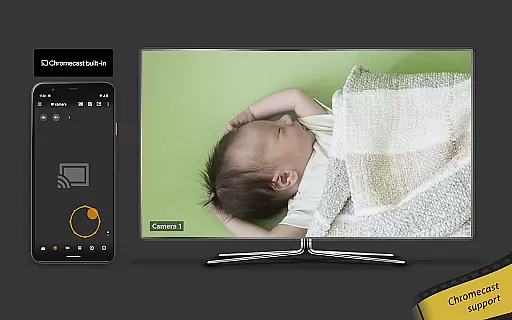
Moreover, the app's ability to cast to Wear OS devices enhances its versatility. Users can stream live footage directly to their smartwatches, making it convenient to keep an eye on their properties while on the go. This feature is especially beneficial for those who require constant surveillance but prefer not to carry their phones at all times.
Lastly, tinyCam Monitor PRO leverages the capabilities of Wear OS to offer advanced functionalities such as receiving notifications, controlling PTZ cameras, and managing recordings. By doing so, it guarantees that users enjoy a full range of features on their wearable devices, maintaining the same level of control and awareness they have on their smartphones.
User-friendly interface
Extensive camera support
Advanced security features
Flexible recording options
Smart detection capabilities
High cost for full features
Complex setup process
Limited free version functionality
Occasional connectivity issues
Resource-intensive operation

Embrace the holiday spirit with this magical animated watch face!
 4.40
4.40
Animated Watch Face and Customizable with 24 Backgrounds. Perfect for Christmas!
3.90
Precision analog watch face with 7 complications and style options
4.5
A Wintery Snow Globe on Your Wrist; now celebrating Christmas!
4.3
Analog watch face with 8 complications and expedition styling
4.4
Wear Os Watch Face - Animated Snow Effect & Magic Spark - 6 Scenes
4.10
Watch face for Wear OS.
4.20
Get helpful reminders, take progress photos and find answers to your questions.
3.90
Your local weather forecast, storm tracker, radar maps & live weather news
3.40
Digital, flexibly customizable watch face. For Wear OS 5.0, API 34+ and later.
5.00
Christmas - Festive - Christmas Village - Winter - Christmas lights
5.00
Easy Voice Recorder is your everyday companion to record important moments.
4.70
A customizable Christmas watch face for Wear OS with a countdown.
4.20
Your music, your playlists, and more—offline and unlimited.
4.20
Wear Os Watch Face - Animated Snow Effect & Christmas Lights
4.4
A heartwarming Christmas scene featuring a cute image of Santa and Rudolf
4.4
Simple Analog-Digital Watchface For Wear OS 3.0 and Up Smartwatches
4.4
Stylish digital watch face for Wear OS devices with customizable features
4.4
Fitness interactive virtual pet super fighter boy watch face
4.3


User Reviews