
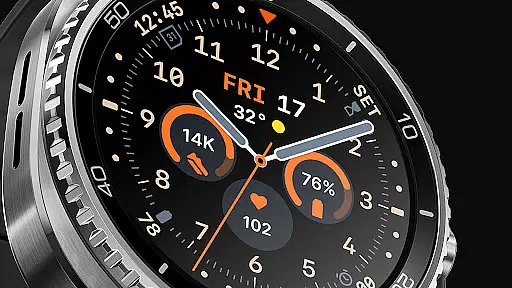
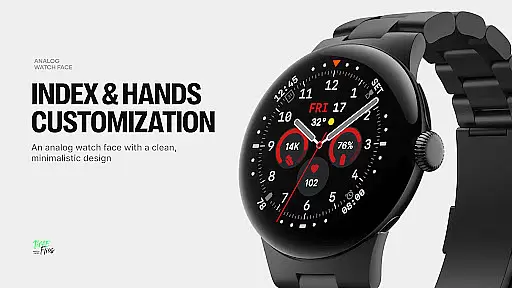
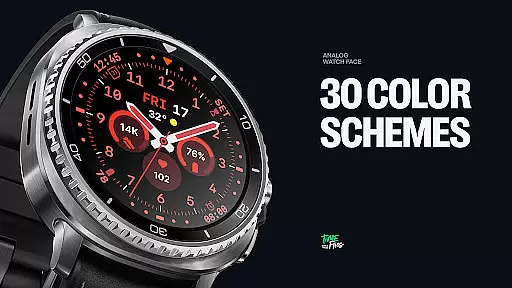
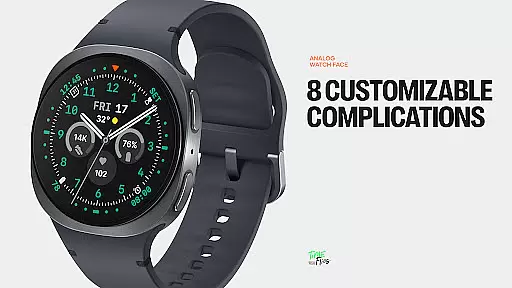
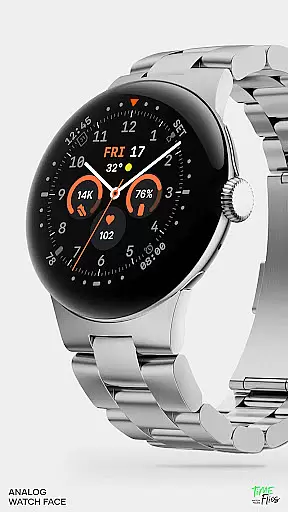
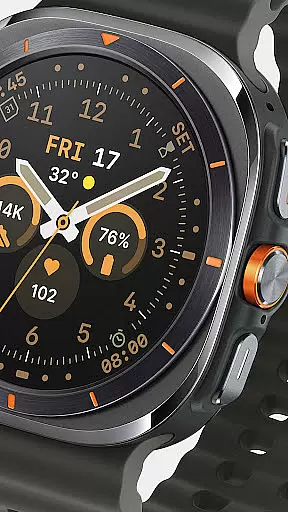
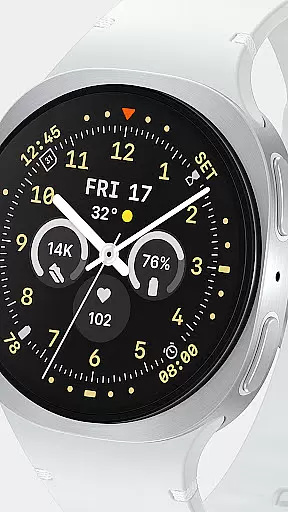
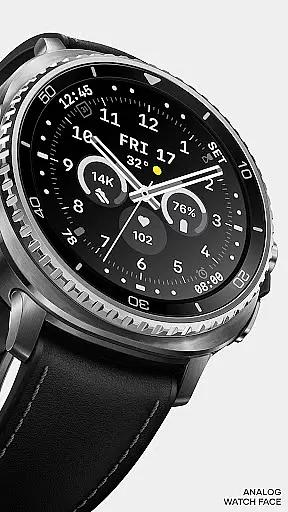
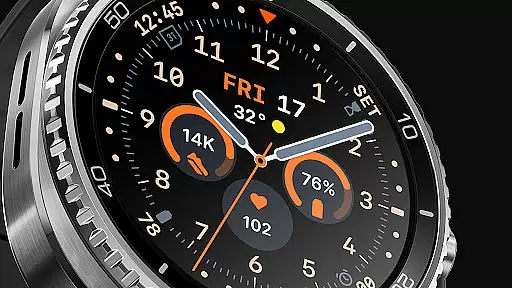
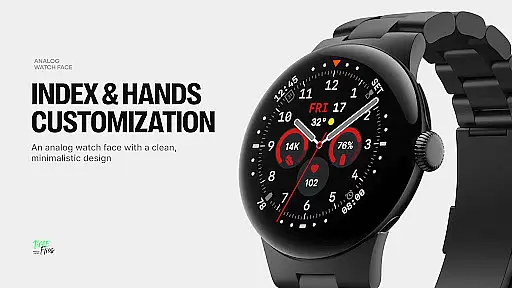
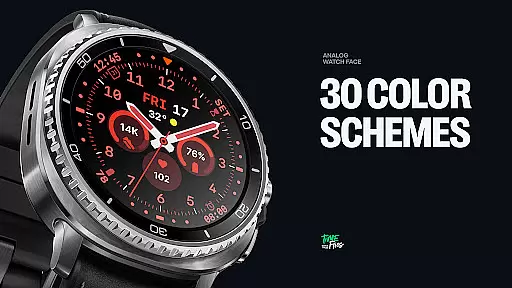
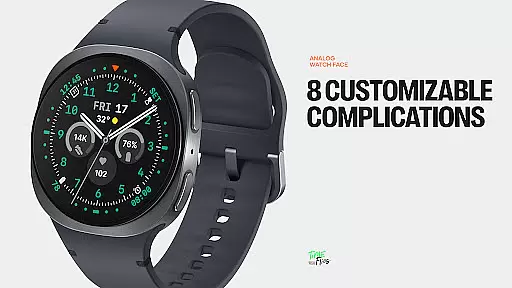
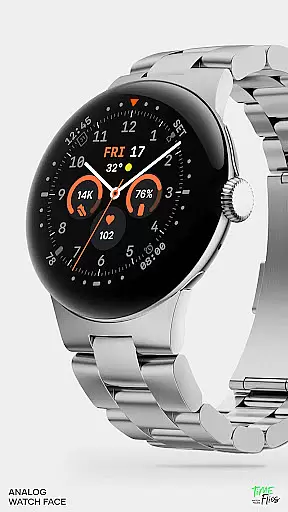
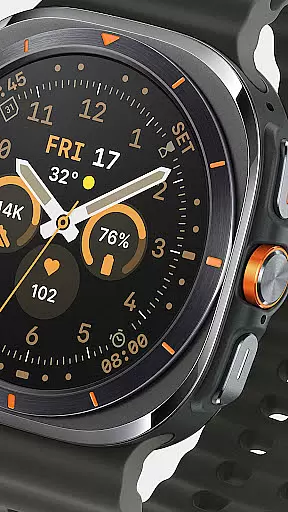
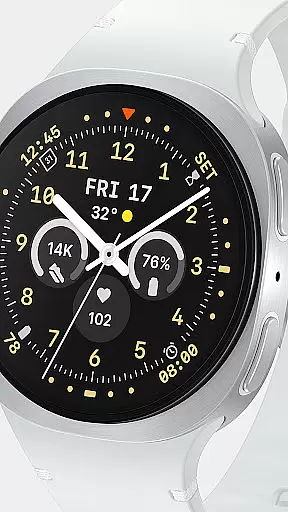
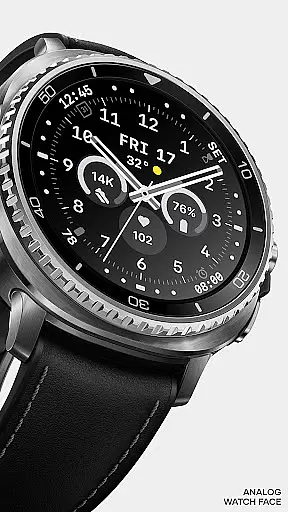
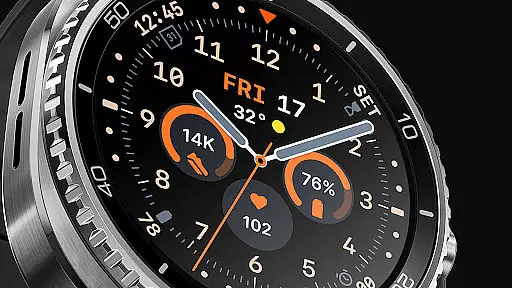
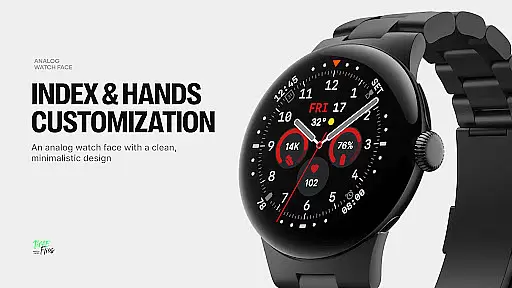
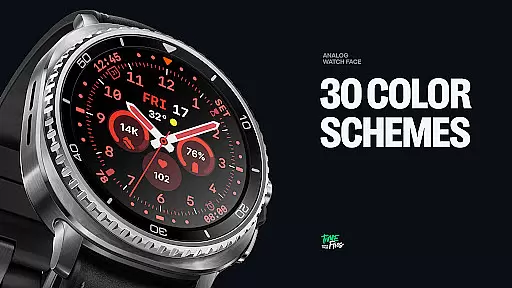
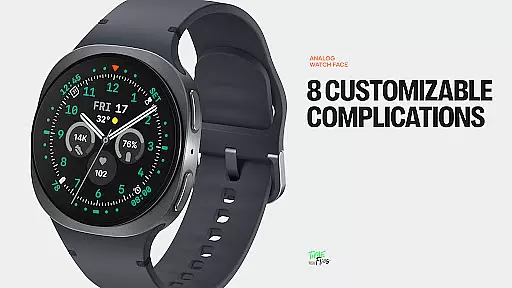
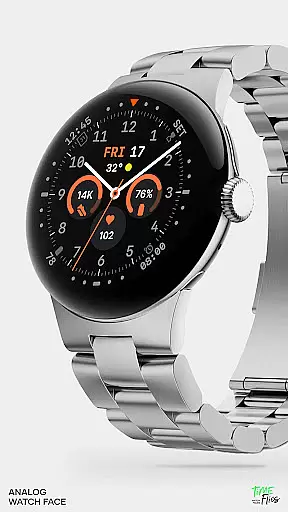
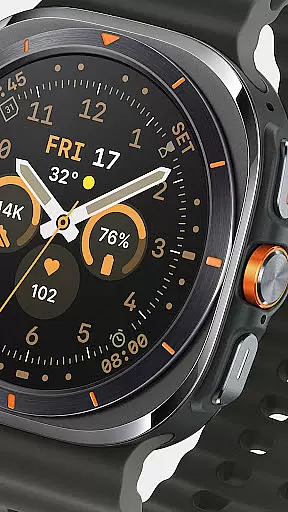
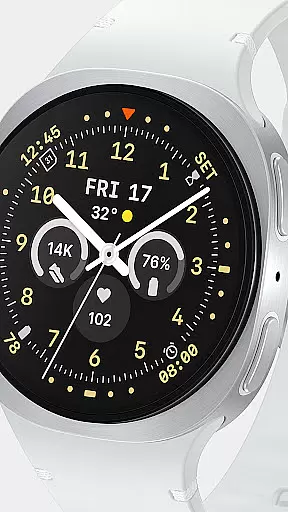
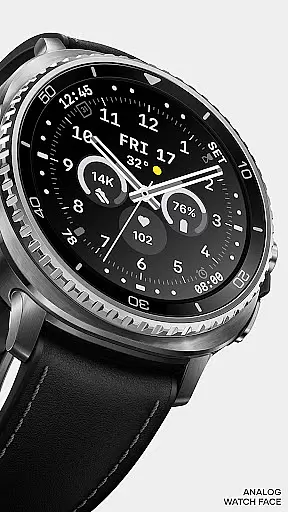
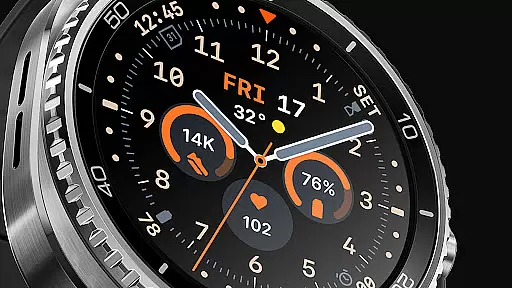
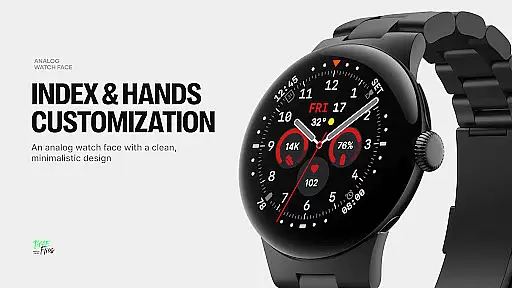
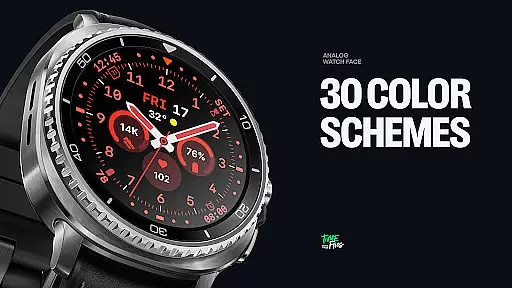
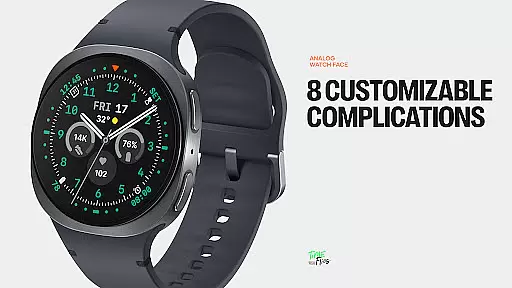
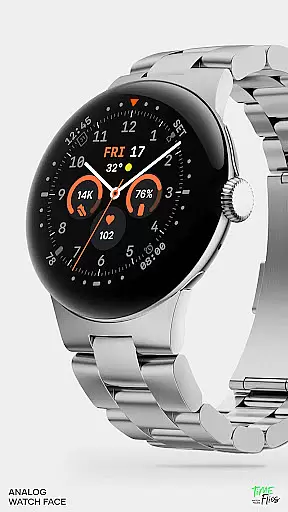
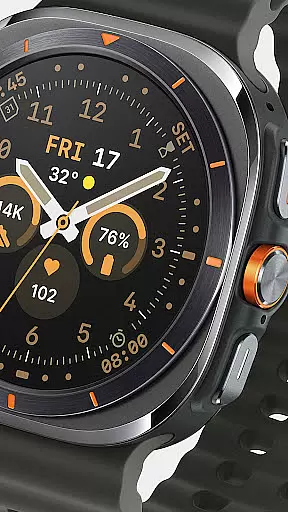
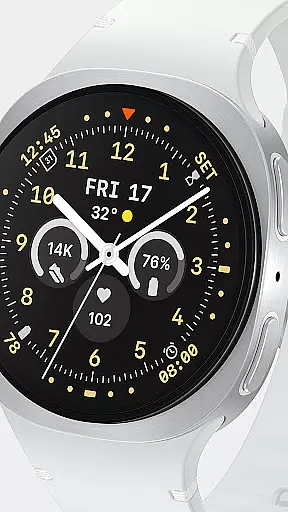
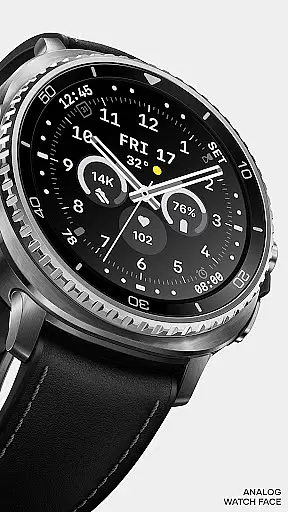
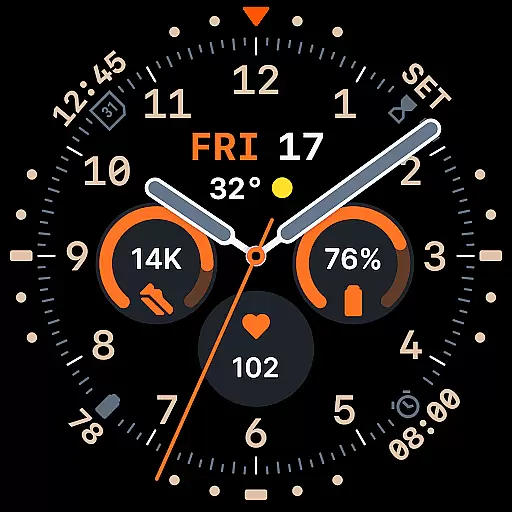
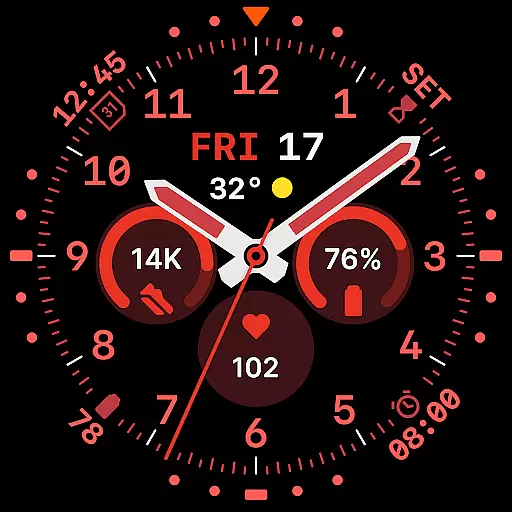
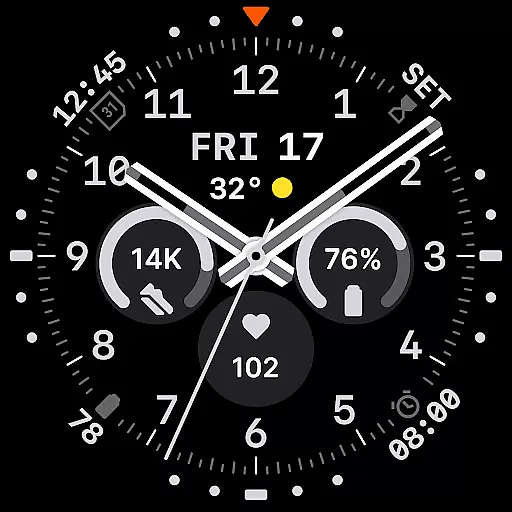
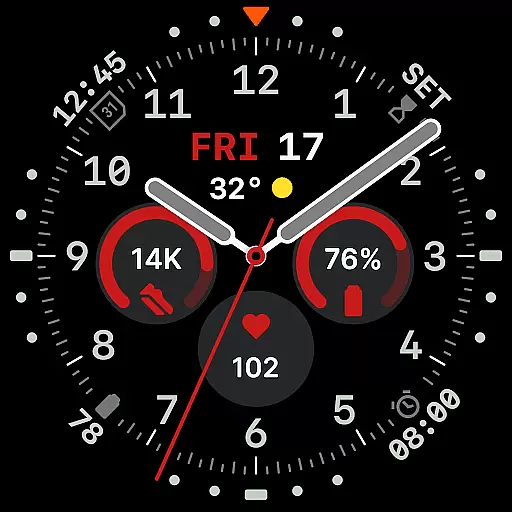
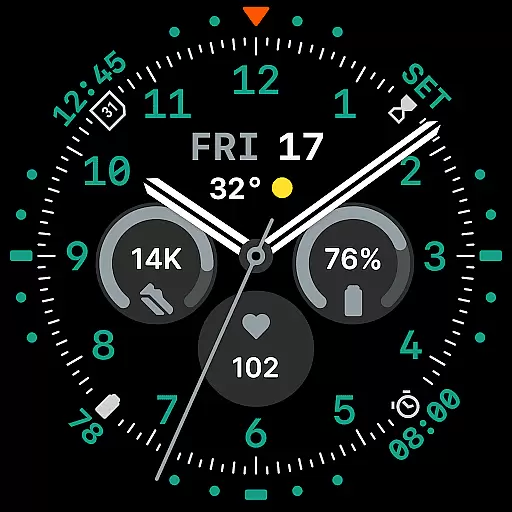
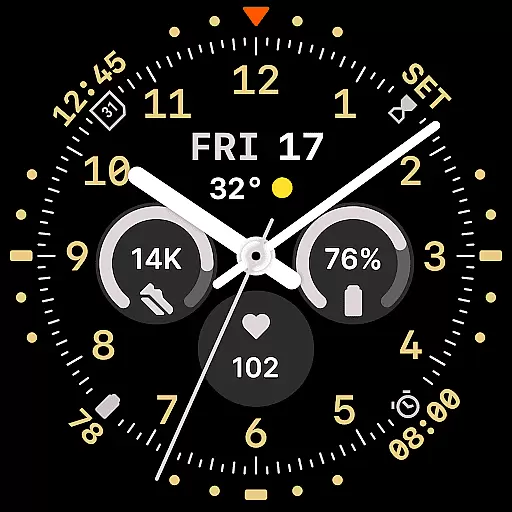
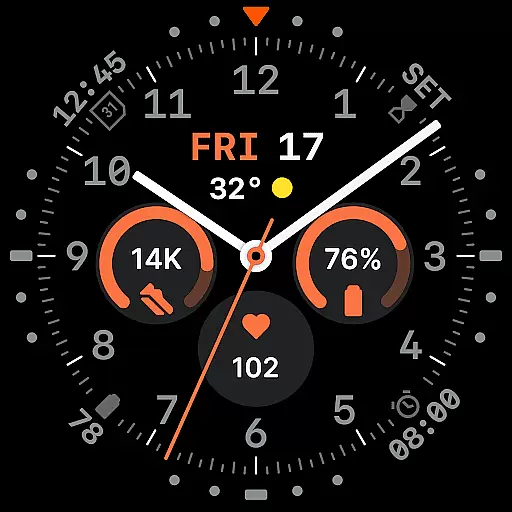
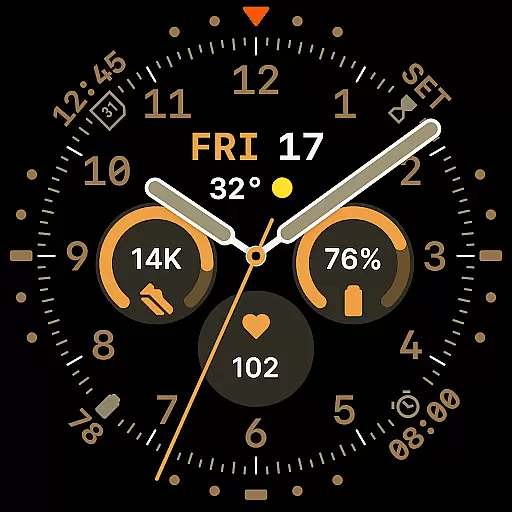
Way To Go Analog is a meticulously crafted Wear OS watch face that combines the charm of traditional field tools with modern digital functionality. Designed for adventurers and explorers, it features a symmetrical layout with 8 customizable complications integrated across the dial. The time display includes a day and date window, while 10 hand styles offer versatile viewing options. With 30 color schemes and 6 Always-on Display modes, users can tailor the appearance to their preferences while maintaining optimal battery efficiency.
This watch face stands out through its thoughtful design details. Circular slots anchor key information at the center, while additional complications are subtly embedded around the dial. The optional companion app provides convenient access to customization features, allowing users to adjust settings directly from their Android phone. Built using the energy-efficient Watch Face File Format, Way To Go Analog delivers both aesthetic appeal and reliable performance for smartwatch users.
Way To Go Analog offers an impressive array of features designed to enhance usability and personalization. The watch face supports up to 8 complications distributed strategically across the dial - three central circular slots, one short-text complication below the hands, and four peripheral options. This arrangement ensures essential information remains accessible without compromising visual balance.
Customization is a core strength of this Wear OS face. Users can choose from 10 distinct hand styles, each optimized for different lighting conditions and viewing preferences. The inclusion of 30 color schemes - ranging from utilitarian tones to high-contrast and monochromatic options - allows for extensive personalization. Six Always-on Display modes provide flexibility in ambient mode behavior, including minimalist and dimmed settings that help conserve battery life while maintaining functionality.
The optional companion app enhances the user experience by enabling quick adjustments to colors and complications directly from an Android device. Built with the efficient Watch Face File Format, the design maintains visual precision while optimizing performance, making Way To Go Analog a compelling choice for those seeking both style and substance in their smartwatch interface.
Companion app integration is a crucial feature for modern smartwatch applications, providing users with enhanced control and customization options. Way To Go Analog offers an optional Android companion app that allows wearers to fine-tune their watch face settings directly from their mobile device.
This integration enables seamless synchronization between the Wear OS watch face and the companion app. Users can easily adjust color schemes, choose from 30 available options, and modify any of the 8 customizable complications across the dial. These adjustments ensure that the watch face remains personalized to individual preferences while maintaining optimal readability.
The companion app streamlines the customization process by offering quick access to all configuration options. This includes selecting from 10 different hand styles and choosing among six Always-on Display modes, allowing users to balance visual appeal with battery life considerations.
By providing this level of integration, Way To Go Analog ensures that users can maintain their preferred watch face aesthetic without needing to interact directly with the wearable interface. This approach not only enhances convenience but also preserves the clean design language inspired by classic field tools.
Device compatibility is essential for ensuring that a Wear OS application performs optimally across various smartwatch models. Way To Go Analog has been meticulously designed to work seamlessly with Wear OS devices, guaranteeing users a consistent experience regardless of their specific hardware.
The watch face utilizes the energy-efficient Watch Face File Format, which ensures both visual precision and performance optimization. This technical foundation allows the application to deliver crisp graphics and smooth animations while minimizing battery consumption, making it suitable for extended use in adventure and expedition scenarios.
With support for up to 8 customizable complications and 6 Always-on Display modes, the application maintains its full feature set across compatible devices. Users can expect identical functionality whether they're using a newer Wear OS model or an older version that meets the minimum system requirements.
Way To Go Analog's compatibility extends beyond just technical specifications. The thoughtful design, inspired by classic field instruments, adapts well to various screen sizes and resolutions while preserving its distinctive character. This ensures that the watch face maintains its utility and aesthetic appeal across different Wear OS devices.
Highly customizable
Energy-efficient design
Versatile color options
Thoughtful layout
Optional companion app
Limited to Wear OS
No iOS companion app
Premium features may cost extra
Complex for beginners
Battery optimization varies

Wear Os Watch Face - Animated Snow - Sesonal for Christmas & Winter
 4.4
4.4
Snowflake Rose Gold Watch Face - Digital, modern, & sleek with GYRO effect.
4.10
A watch face that fuses motorsport precision with contemporary smartwatch design
4.4
The ultimate destination for kids ages 3-8 to explore the Marvel Universe!
4.30
The Chevron App allows you to pay for fuel from the comfort of your car!
4.80
Hyper-Realistic Airplane Dashboard Watch Face With 10 Skins and Custom AOD
4.00
Daily Weather forecast with 15 weather images for Day & Night plus Big Bold time
4.10
Want to take charge of your health? Let Google Fit help you reach your goals.
3.50
Spam call blocker and caller ID for automatic call protection!
4.40
Kia Access makes getting your vehicle information easier than ever
4.60
Nutrition, Macro tracker: Food, fitness & healthy diet tracking for weight loss
4.60
Embrace the holiday spirit with this magical animated watch face!
4.40
Bold, Modern Hybrid Watch Face for Wear OS. 10 Colors, Rich Info Display.
4.30
Locate your family members by GPS phone location tracker everywhere and anytime
4.30
A customizable Christmas watch face for Wear OS with a countdown.
4.20
Wear Os Watch Face - Animated Snow Effect & Magic Spark - 6 Scenes
4.10
A digital watch face that celebrates Christmas.
4.00
Watch face designed for Thanksgiving Day. 7 Background Styles included.
3.20
Simple Analog-Digital Watchface For Wear OS 3.0 and Up Smartwatches
4.3


User Reviews