
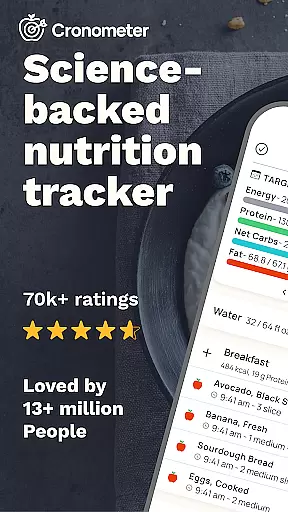
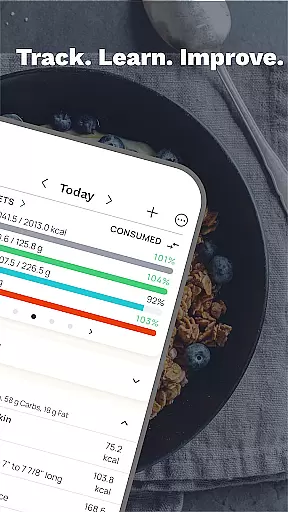
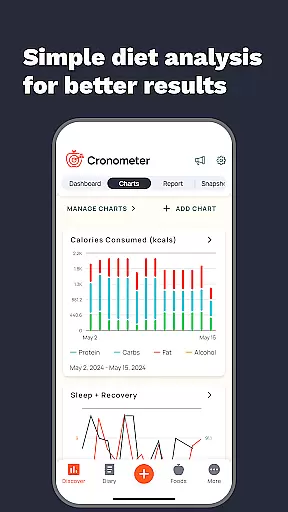
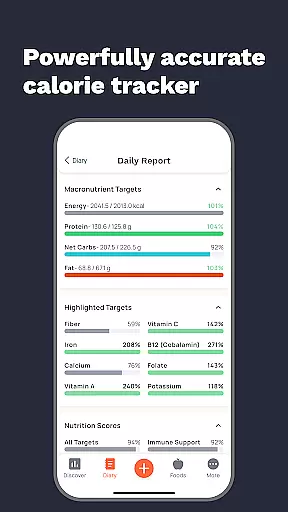
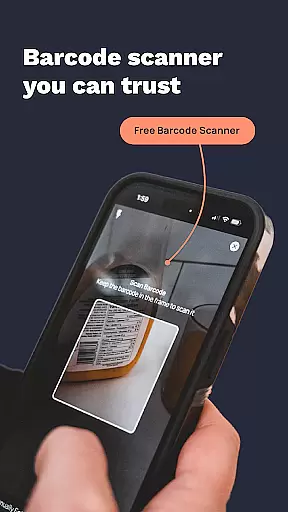
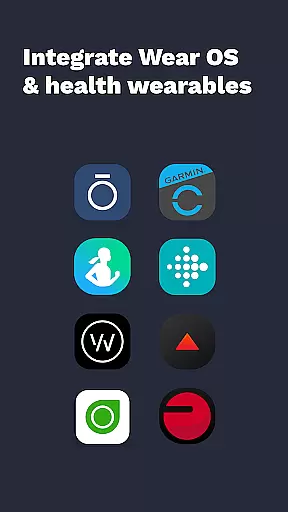
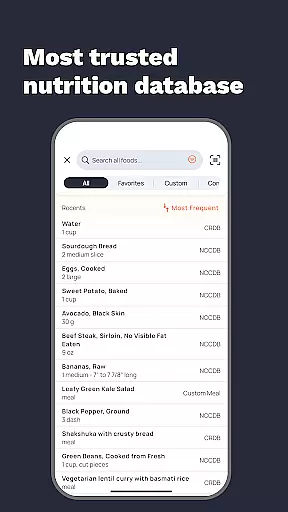
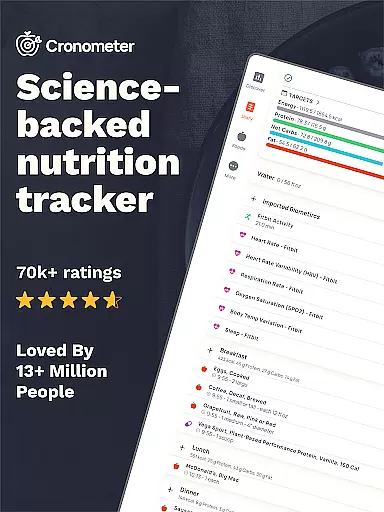
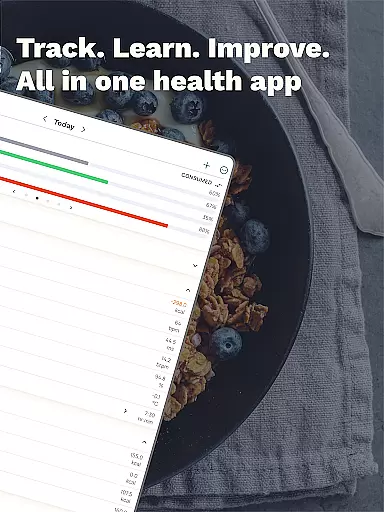
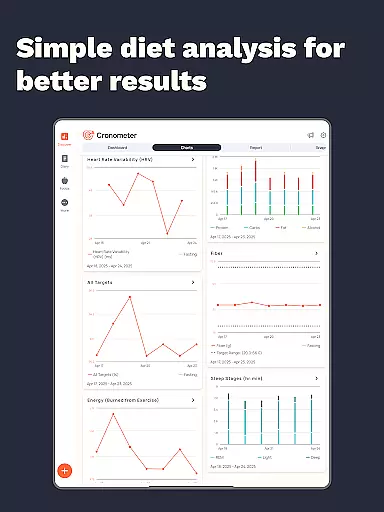
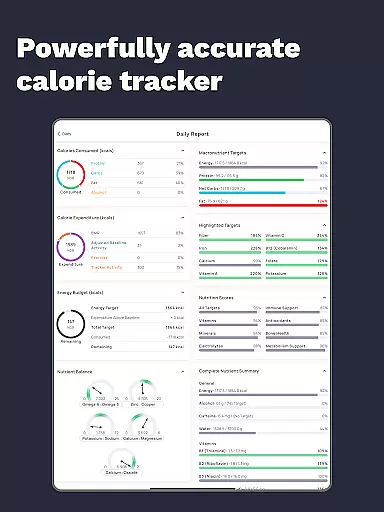
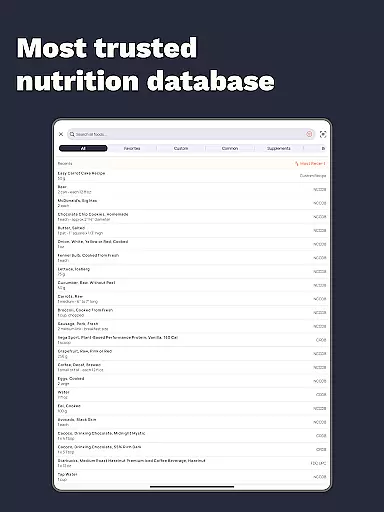
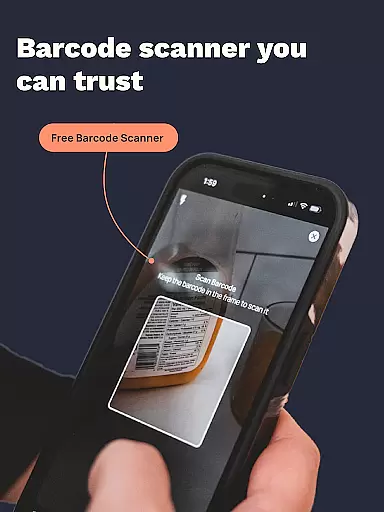
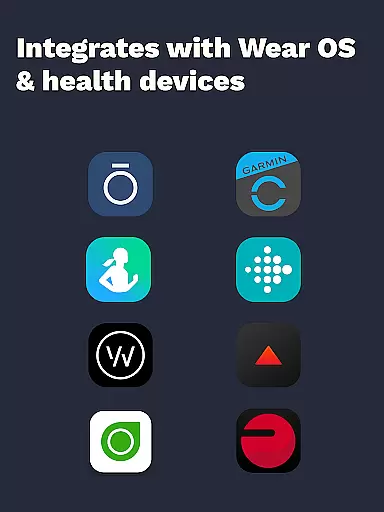
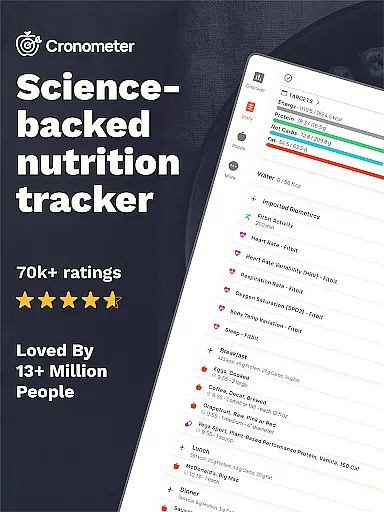
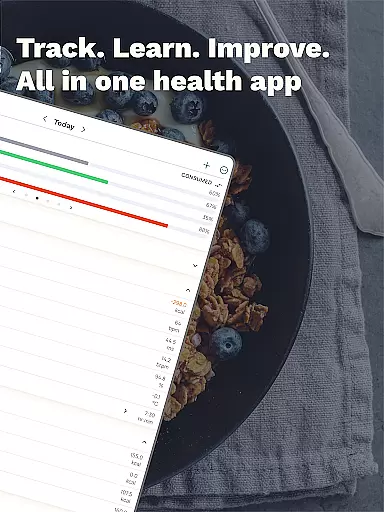
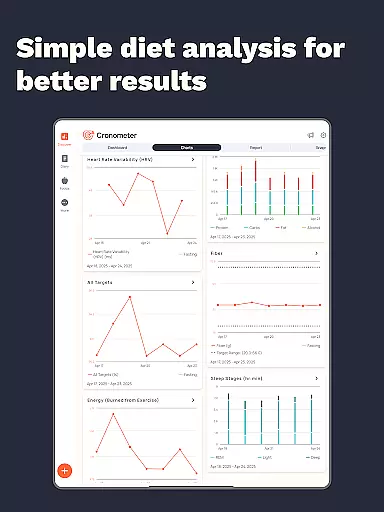
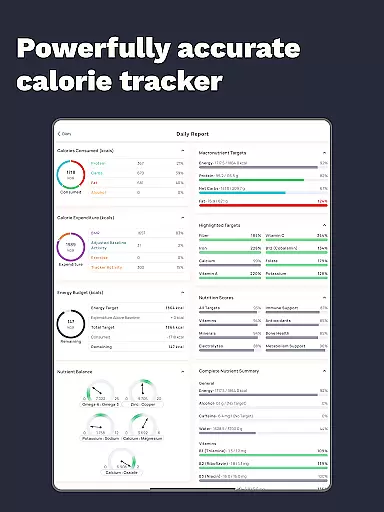
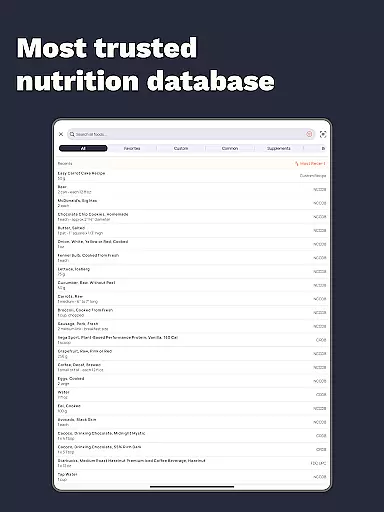
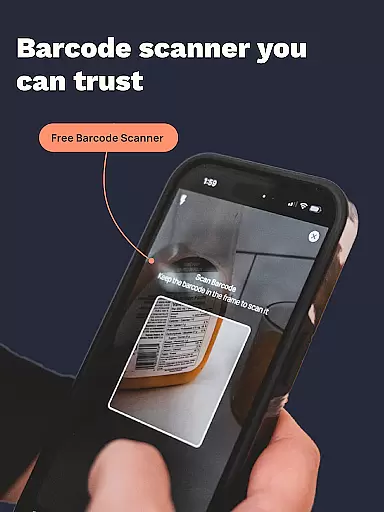
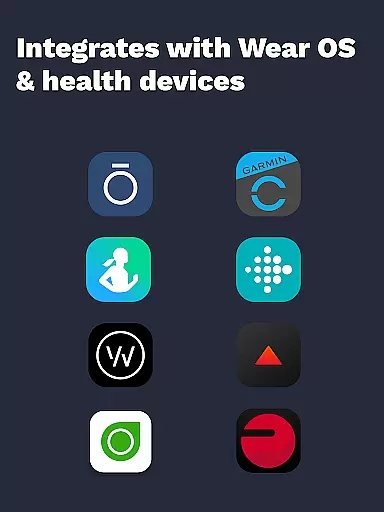
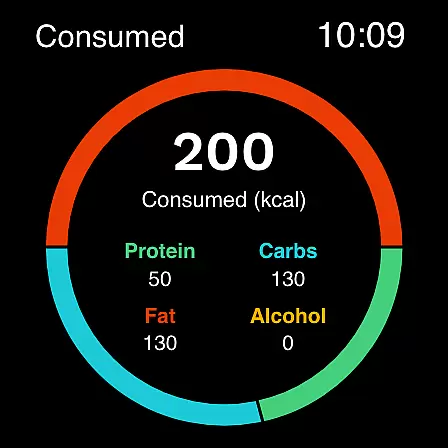
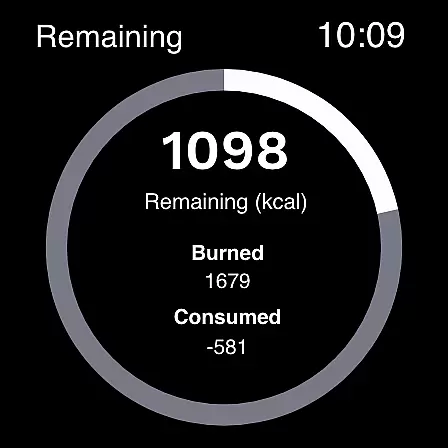
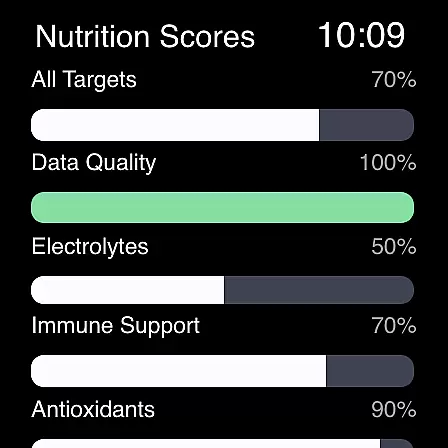
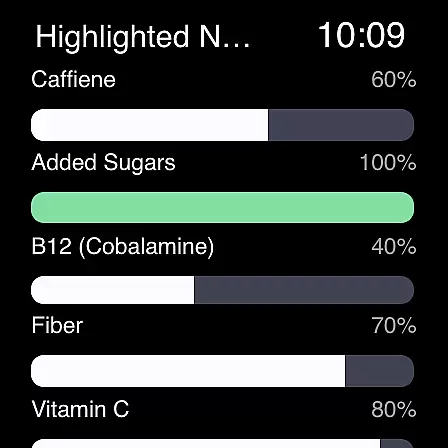
Cronometer is a comprehensive health and nutrition tracking app designed for Android Wear devices. This calorie counter and macro tracker goes beyond basic food logging by providing verified nutrient data, AI-powered photo logging, and integration with wearable devices like Fitbit and Garmin. Users can track calories, macronutrients, micronutrients, hydration, sleep patterns, and even custom biometrics.
The app's standout feature is its extensive database of 1.1 million lab-analyzed foods, ensuring unparalleled accuracy in nutrition tracking. Cronometer also offers advanced tools through its Gold subscription, including nutrient scores, food suggestions, and professional-grade reporting capabilities. Whether you're focused on weight loss, muscle gain, or general wellness, this app provides a holistic approach to health tracking that professionals trust.
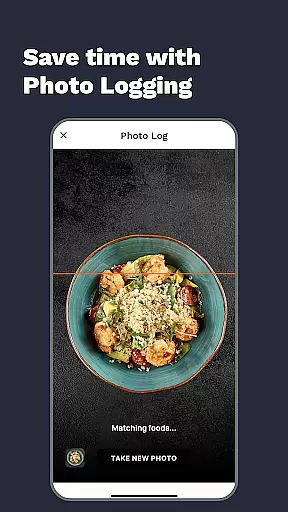
Cronometer distinguishes itself through several innovative features tailored for health-conscious users. The AI-powered photo logging allows users to snap meal photos, automatically identifying ingredients and estimating portions while maintaining nutritional accuracy through the NCC database. The app's integration capabilities are exceptional, connecting with various wearable devices to create a unified health monitoring system.
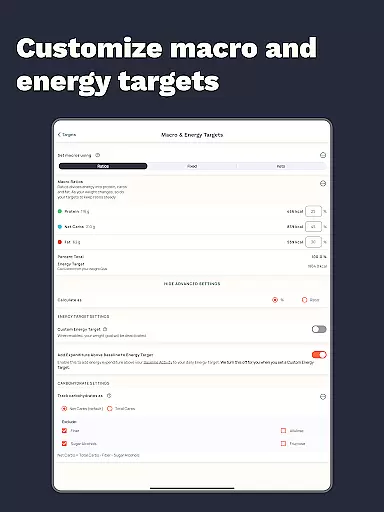
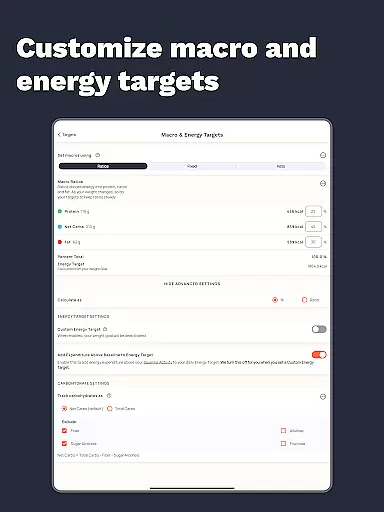
Advanced users will appreciate the customizable tracking options, including unique biometric measurements and detailed nutrient analysis across eight key areas. The Nutrient Oracle feature helps identify top contributors to specific nutrients, while the ability to share custom foods and recipes fosters community engagement. With professional-grade PDF reports and extensive charting capabilities, Cronometer offers both casual users and health professionals powerful tools for managing nutrition and wellness.
Companion app integration is essential for users who want a seamless experience between their mobile devices and wearables. Cronometer excels in this area by offering robust synchronization capabilities with its Wear OS application. This ensures that all data logged on your phone, such as calorie intake, macronutrients, and micronutrients, are effortlessly mirrored on your smartwatch.
The app supports real-time updates, which means any changes made on one device are immediately reflected on the other. Whether you log meals using the AI-powered photo logging feature or track hydration and sleep patterns, the information is accessible across all linked devices. This interconnected ecosystem allows for an uninterrupted flow of data, empowering users to stay informed about their nutritional status at all times.
Furthermore, Cronometer's companion app integration extends to third-party wearable devices like Fitbit, Garmin, and others. By connecting these devices, users can consolidate their health metrics into a single platform, providing a holistic view of their wellness journey. This level of integration not only simplifies the tracking process but also enhances the overall user experience by reducing the need to switch between multiple apps.
For users invested in the Wear OS ecosystem, having an app that is fully compatible with their smartwatches is crucial. Cronometer addresses this need by ensuring its application is optimized for Wear OS devices. This compatibility allows users to track calories and macros directly from their wrists, making it convenient to log meals and monitor nutritional goals without needing to reach for their phones.
The Wear OS version of Cronometer retains the core functionalities of the mobile app while adapting them to the smaller screen size and different interaction methods inherent to smartwatches. Users can easily navigate through the app, review their daily nutrient intake, and even receive reminders to log meals or track hydration. The intuitive design ensures that despite the limited interface, users do not miss out on any critical features.
Beyond basic compatibility, Cronometer leverages the strengths of Wear OS to enhance user engagement. For instance, the app may utilize notifications and haptic feedback to prompt users to log their food intake or remind them of fasting timers. Such features make the tracking process more engaging and less intrusive, ultimately supporting users in maintaining consistent and accurate records of their dietary habits.
Highly accurate nutrient tracking
Extensive verified food database
AI-powered photo logging
Comprehensive wearable integrations
Professional-grade reporting tools
Premium features require subscription
Complex interface for beginners
Advanced tools may overwhelm casual users
Limited free version capabilities
Requires consistent input for best results

Christmas watch face. For Wear OS devices.
 4.30
4.30
MyNISSAN® lets you remotely control your car from your phone.*
4.50
Watch face for Wear OS.
4.20
Sleek, highly customizable watch face inspired by Galaxy Watch Circle Dashboard.
4.0
Digital, flexibly customizable watch face. For Wear OS 5.0, API 34+ and later.
5.00
The #1 source of faces for your smartwatch!
4.00
Get helpful reminders, take progress photos and find answers to your questions.
3.90
Stay in touch with your friends and family using LINE!
3.40
Connect, create, and collaborate with Gmail, part of Google Workspace.
4.10
WTW M17 is a premium and luxurious hybrid watch face
4.70
A modern premium sporty hybrid watch face for Wear OS by Ballozi
4.70
Be an elegant and classy secret agent, with this carefully detailed watch face
4.70
Monitor health with the stress test and pulse checker in the heart rate app.
4.60
Stylish, Energizing and Modern Watch Face crafted by Dominus Mathias.
4.50
Reliable phone calls with spam protection, caller ID and more helpful features
4.40
"PER27 Galaxy Digital" is a digital Wear OS watch face designed by PERSONA
4.10
Hyper-Realistic Airplane Dashboard Watch Face With 10 Skins and Custom AOD
4.00
Animated Watch Face and Customizable with 24 Backgrounds. Perfect for Christmas!
3.90
Professional weather radar and more
3.90


User Reviews