
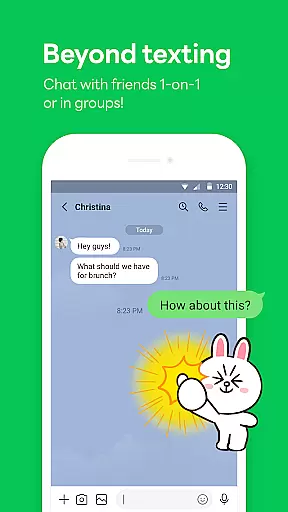
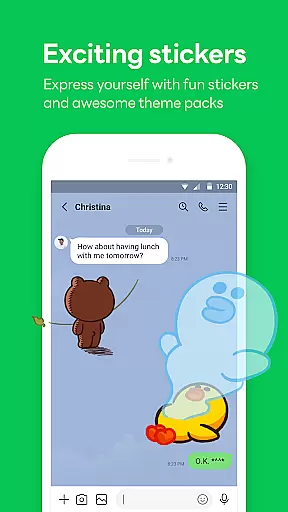
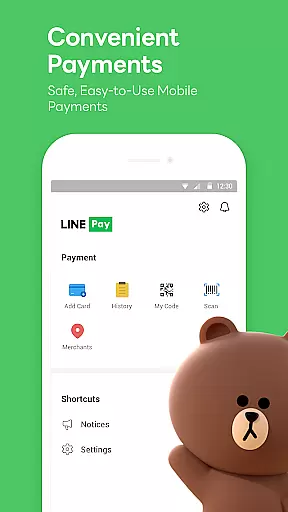
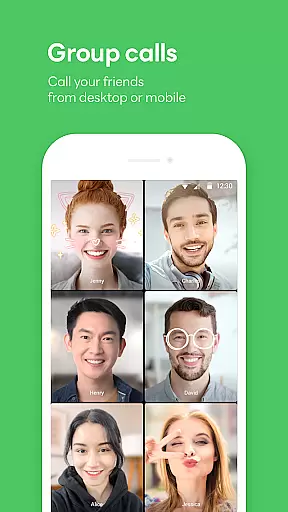
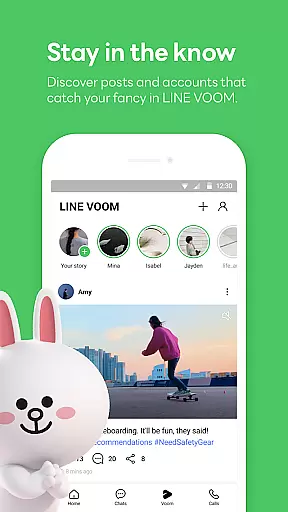
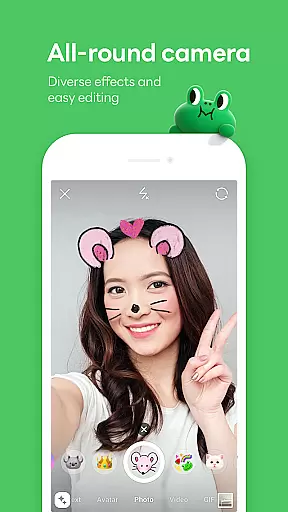
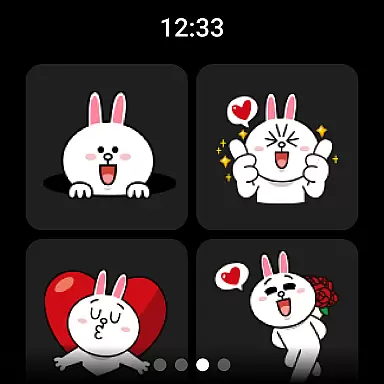
LINE is a comprehensive communication app that bridges the gap between family, friends, and loved ones through free voice and video calls, messages, and an extensive range of exciting stickers. Available globally on mobile, desktop, and Wear OS, LINE continues to expand its platform with new services and features that enhance both fun and convenience in daily life.
The app offers seamless connectivity across various devices, ensuring you can chat anytime and anywhere. With unique features like Keep Memo for personal information storage and Letter Sealing for enhanced message encryption, LINE prioritizes both user experience and privacy. Whether you're communicating with friends or customizing your app with themes, LINE provides a versatile platform for modern communication needs.
LINE stands out with its diverse communication options including high-quality voice and video calls, text messaging, and a vast selection of expressive stickers. The app's Home feature provides quick access to essential functions such as friend lists, birthday reminders, and the sticker shop, while offering various services and content within the LINE ecosystem.
One of LINE's key strengths is its cross-platform compatibility, allowing users to stay connected through smartphones, Wear OS devices, and desktop computers. The inclusion of Keep Memo creates a personal space for temporary storage of messages, photos, and videos. Additionally, the implementation of Letter Sealing ensures top-level security for all communications, encrypting messages, call history, and location data for complete peace of mind.
Companion app integration is essential for a seamless user experience across multiple devices. LINE excels in this area by offering consistent functionality whether you're on a mobile device, desktop, or Wear OS smartwatch.
The app ensures that all your messages, calls, and even sticker collections are synchronized in real-time. This means you can start a conversation on your phone during your commute and continue it on your desktop when you arrive at the office without missing a beat.
For users, this translates to enhanced flexibility and convenience. You're no longer tethered to a single device but can enjoy uninterrupted service wherever you are, making communication more fluid and adaptable to different environments.
This level of integration not only simplifies daily communications but also enriches the overall user experience by providing a cohesive ecosystem that supports various aspects of modern life.
LINE's compatibility with Wear OS and other devices ensures that users can stay connected regardless of the technology they use. The platform is designed to work seamlessly across Android ecosystems, including smartphones, tablets, and Wear OS smartwatches.
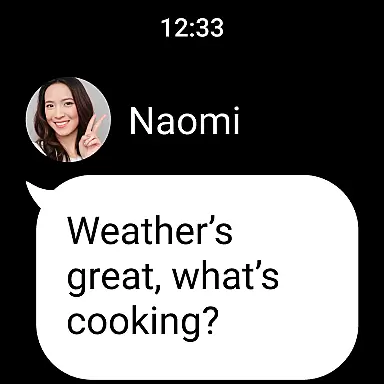
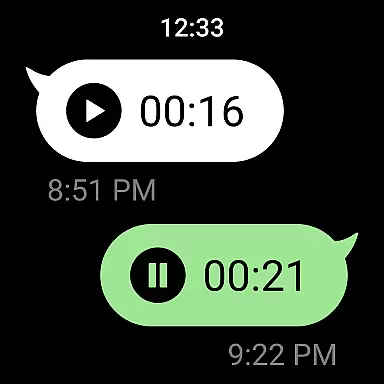
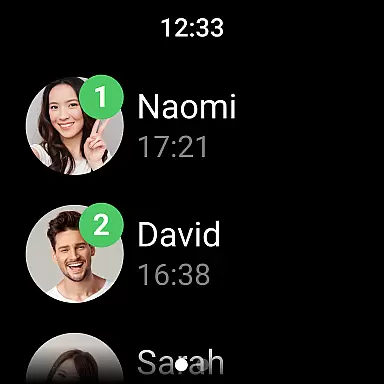
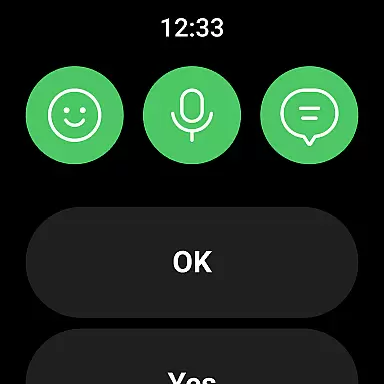
With support for Wear OS, LINE allows users to receive notifications, check messages, and even respond directly from their smartwatches. This feature is particularly useful for those who lead busy lifestyles and need quick access to their communications without having to pull out their phones.
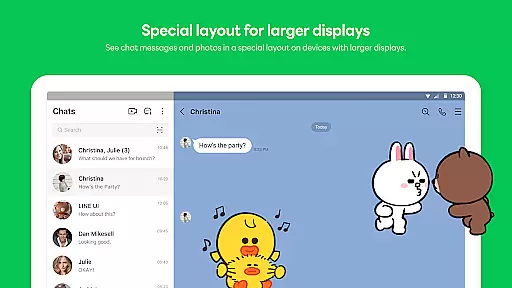
Moreover, the app's optimization for different screen sizes and input methods guarantees an intuitive user interface on every device. Whether you're swiping through messages on your phone or glancing at your watch for a notification, LINE provides a smooth and responsive interaction.
This cross-device compatibility underscores LINE's commitment to accessibility and convenience, ensuring that users can maintain their connections effortlessly, no matter where they are or what device they have at hand.
User-friendly interface
High-quality calls
Versatile sticker options
Strong security features
Cross-platform support
Storage-intensive app
Requires stable connection
Limited offline functionality
Occasional update issues
Privacy concerns with permissions

"PER27 Galaxy Digital" is a digital Wear OS watch face designed by PERSONA
 4.10
4.10
Christmas - Festive - Christmas Village - Winter - Christmas lights
5.00
Christmas and New Year - Themed Watchface
4.0
MyNISSAN® lets you remotely control your car from your phone.*
4.50
Easy Voice Recorder is your everyday companion to record important moments.
4.70
Simple Analog-Digital Watchface For Wear OS 3.0 and Up Smartwatches
4.2
Watch face designed for Thanksgiving Day. 7 Background Styles included.
3.20
Minimalistic design modern digital watch face.
4.2
Hybrid watch face for Wear OS with customizable complications by Matteo Dini MD
4.70
Be an elegant and classy secret agent, with this carefully detailed watch face
4.70
To-Do List: daily schedule planner, task organizer, to do reminder app, calendar
4.60
Current temperature, weather hourly, weather radar by the weather forecast app
4.40
Digital watch face with big numbers and many customization for Wear OS devices
4.40
Digital watch face. For Wear OS devices.
4.40
Hyper-Realistic Airplane Dashboard Watch Face With 10 Skins and Custom AOD
4.00
A digital watch face that celebrates Christmas.
4.00
Professional weather radar and more
3.90
Stunning modern digital watch face with 7 complications and strong contrast
4.0
Fitness interactive virtual pet super fighter boy watch face
4.3


User Reviews