
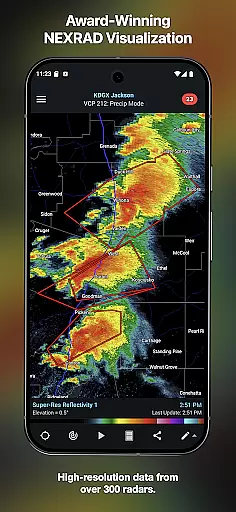
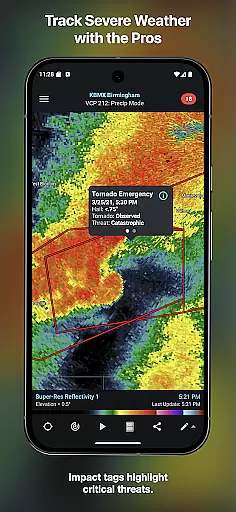
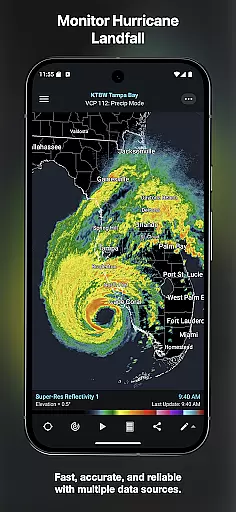
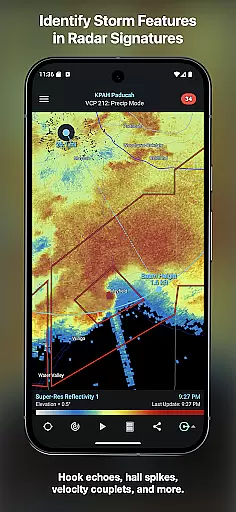
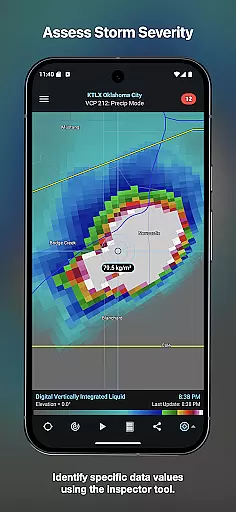
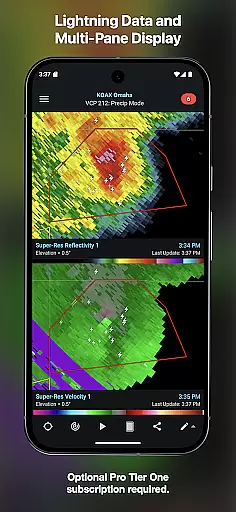
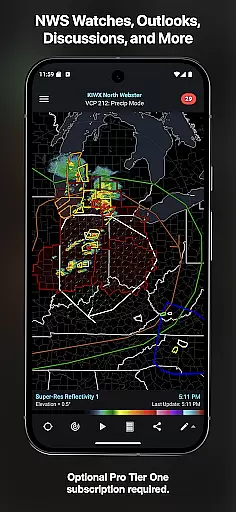
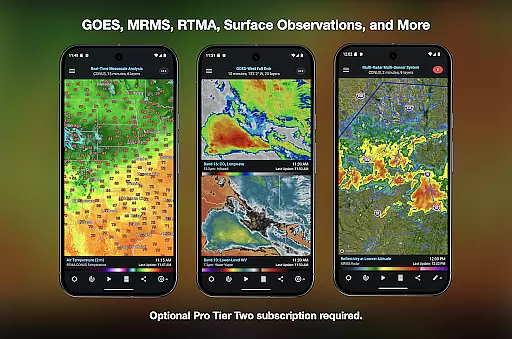
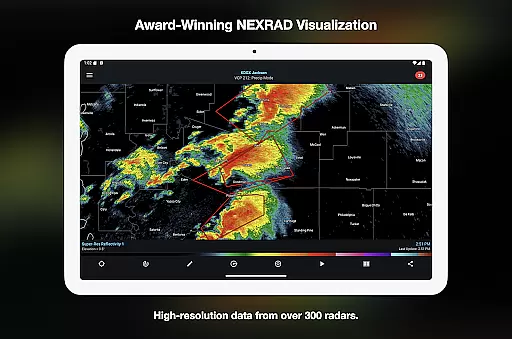
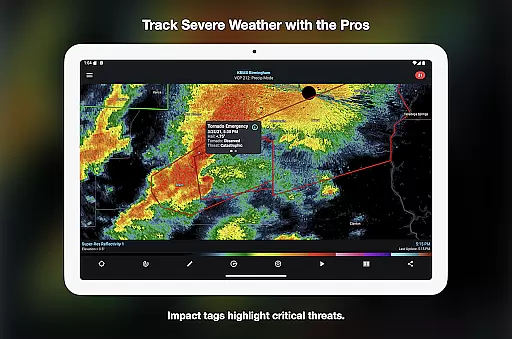
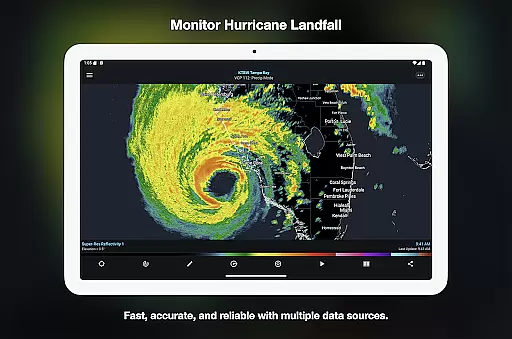
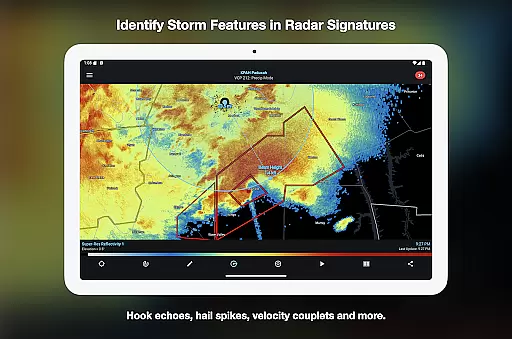

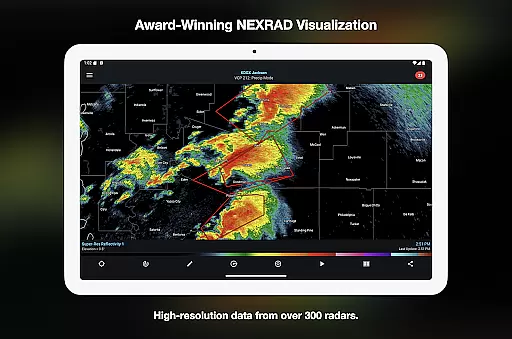
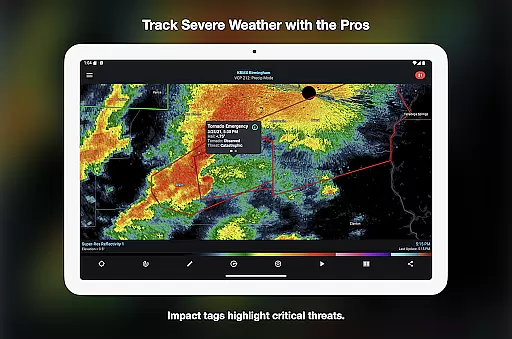
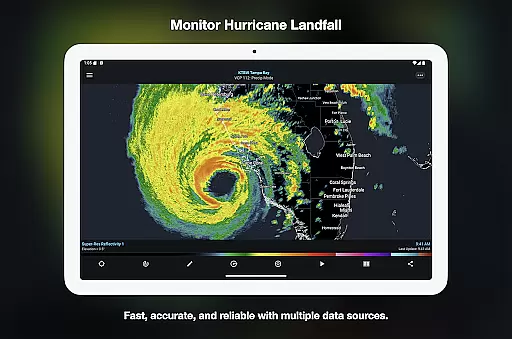
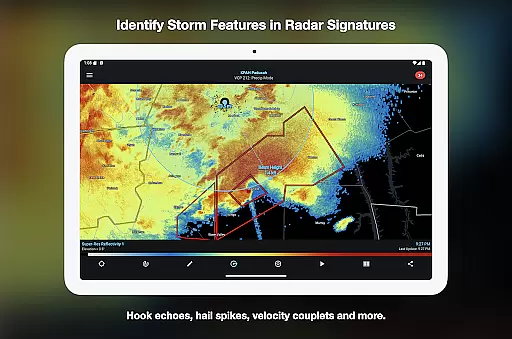
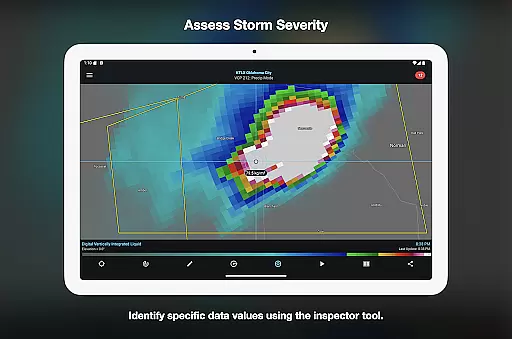
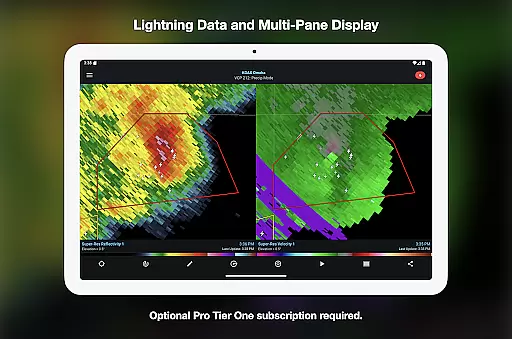
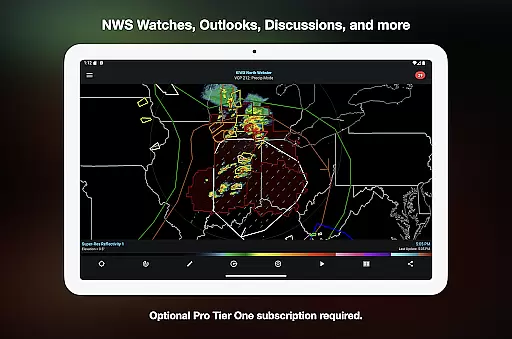
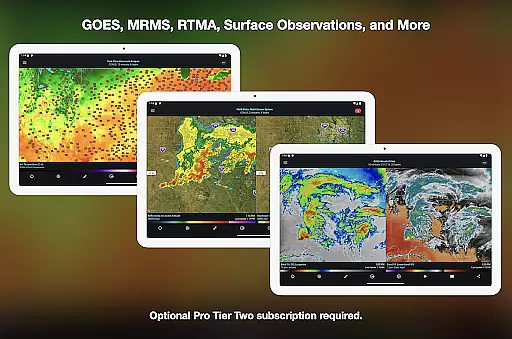
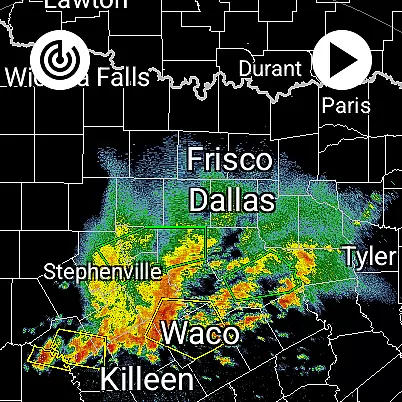
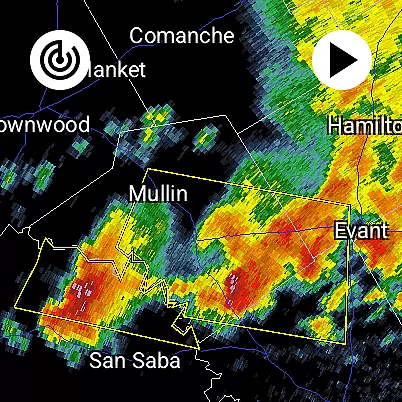
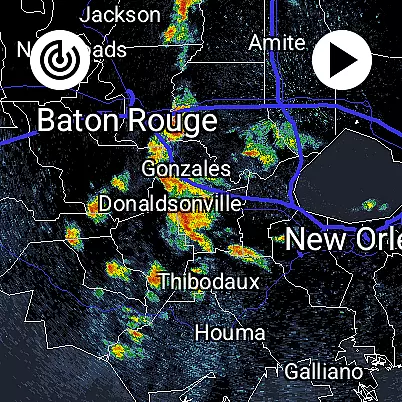
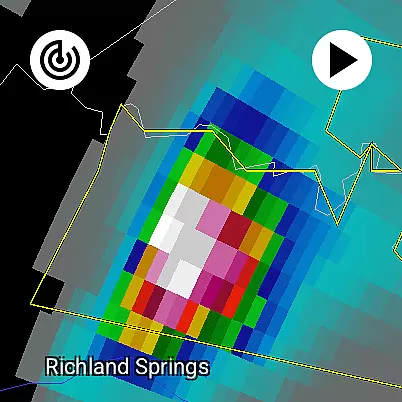
RadarScope is a professional weather visualization application designed for meteorologists and weather enthusiasts. It provides real-time access to a comprehensive suite of radar data products from multiple countries, displayed in their original radial format. The app's core functionality lies in its ability to deliver near-instantaneous radar updates every 2-10 minutes, making it an essential tool for tracking severe weather events.
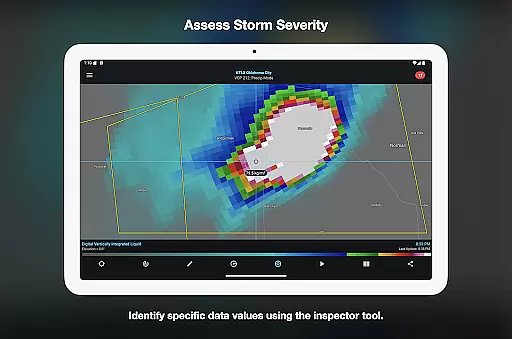
The application stands out with its detailed weather analysis tools and customizable features. Users can view tornado warnings, storm tracks, and hail signatures while utilizing advanced tools like the Inspector and distance measurement functions. Its support for Wear OS devices makes it particularly valuable for professionals who need immediate weather information on the go.
RadarScope offers an impressive array of features that cater to both casual users and weather professionals. The app provides access to single-site radar products from multiple countries including the US, Canada, and several European nations. Its unique selling point is the display of native radar data in radial format, ensuring users see exactly what the radar sees without any modifications.
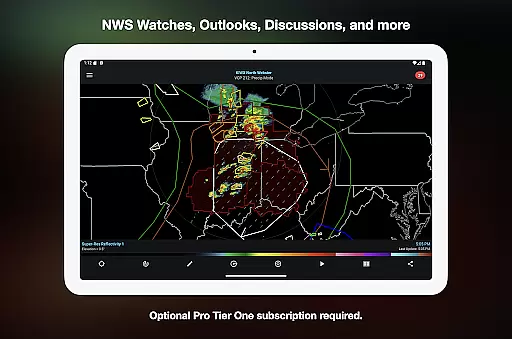
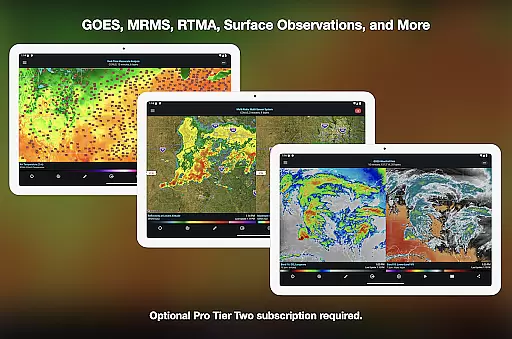
Advanced users can take advantage of optional Pro subscriptions that significantly expand the app's capabilities. These include extended radar loops up to 50 frames, NEXRAD Level II data with historical archives, and specialized weather products like GOES satellite imagery and MRMS data. The app also integrates with various weather reporting networks and supports custom color palettes, multi-pane displays, and server-sent event notifications for radar updates.
For users who require weather data on the go, RadarScope offers seamless companion app integration. This feature ensures that all your weather visualization needs are met across multiple devices without missing a beat. The app is designed to sync data effortlessly between your primary device and Wear OS gadgets, providing real-time updates wherever you are.
The synchronization process is smooth and reliable, allowing meteorologists and weather enthusiasts to access vital radar information directly from their wrists. With just a glance, you can stay informed about developing weather patterns, ensuring you're always prepared for what's ahead.
This integration enhances productivity by enabling quick access to radar loops, severe weather warnings, and other critical data points right from your wearable device. Whether you're in the field or on the move, having this level of connectivity means you'll never miss an important update again.
RadarScope stands out with its robust Wear OS and device compatibility, making it an essential tool for those invested in weather tracking. Designed to work seamlessly across Android and Wear OS platforms, this app provides a consistent experience whether you're using a smartphone or a smartwatch.
The universal design of RadarScope ensures that all features are accessible regardless of the device you choose. From viewing single-site radar products to receiving tornado warnings, every function is optimized for performance on both mobile and wearable technology.
Moreover, the app supports Family Library, allowing shared access among family members while maintaining individual preferences and settings. This flexibility makes RadarScope not only versatile but also user-friendly, catering to diverse needs within the meteorological community.
Real-time radar updates
Professional-grade data
Customizable features
Wear OS support
Global radar coverage
Complex for beginners
Subscription required
High data usage
Limited free features
Technical knowledge needed

Gym Log & Workout Tracker | Fitness Journal, Training & Weight Lifting Planner
 4.90
4.90
Calming & relaxing sounds for sleeping and stress relief. Stay focused all day!
4.20
A customizable Christmas watch face for Wear OS with a countdown.
4.20
WTW M17 is a premium and luxurious hybrid watch face
4.70
Christmas - Festive - Christmas Village - Winter - Christmas lights
5.00
A heartwarming Christmas scene featuring a cute image of Santa and Rudolf
4.5
Be an elegant and classy secret agent, with this carefully detailed watch face
4.70
Watch face for Wear OS.
4.20
Hyperlocal rain alerts by MyRadar using patent-pending technology, radar & more
4.80
Digital, flexibly customizable watch face. For Wear OS 5.0, API 34+ and later.
5.00
Diet tracker for weight loss - track calories, food and macros. Simple and easy!
4.70
Your second brain for organizing your life: to-do, calendar, reminder.
4.70
Animated video-game inspired “secret agent” simulation, right on your wrist!
4.20
Your music, your playlists, and more—offline and unlimited.
4.20
Daily Weather forecast with 15 weather images for Day & Night plus Big Bold time
4.10
A digital watch face that celebrates Christmas.
4.00
Watch the sharpness of the sky on your wrist..
3.70
A full-featured Amazon Alexa voice assistant that can show you things.
3.70
Watch face designed for Thanksgiving Day. 7 Background Styles included.
3.20


User Reviews