
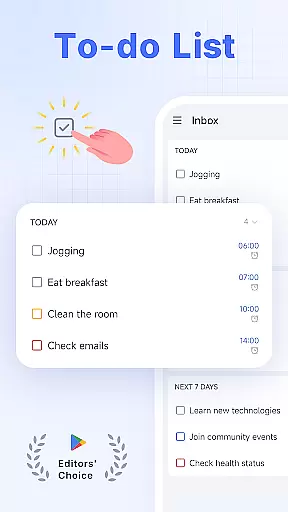
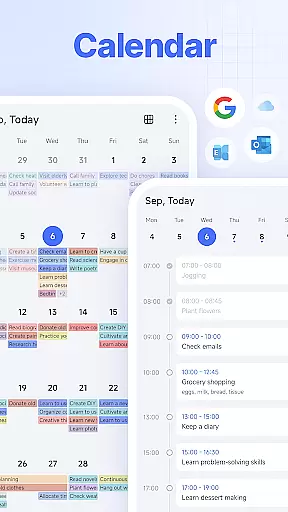
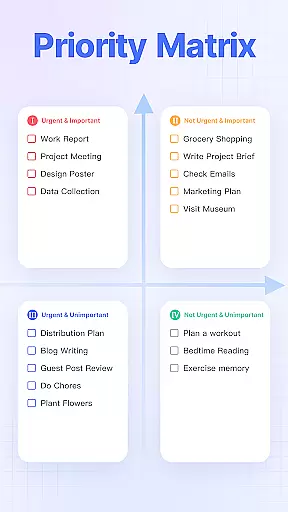
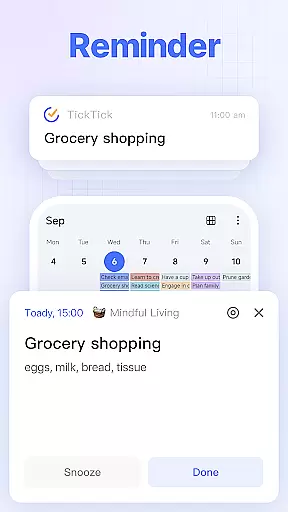
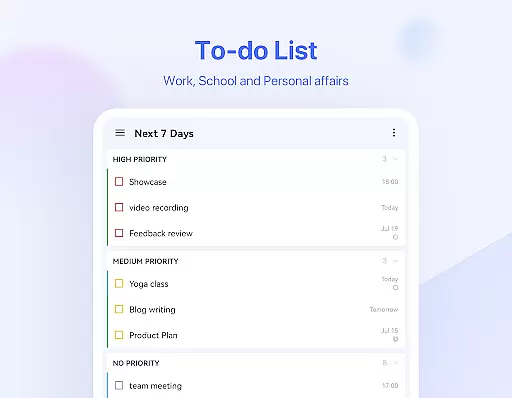
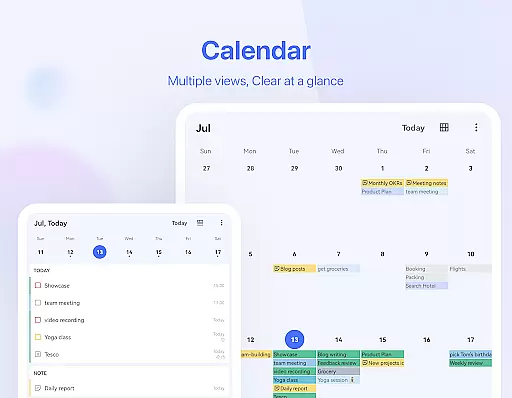
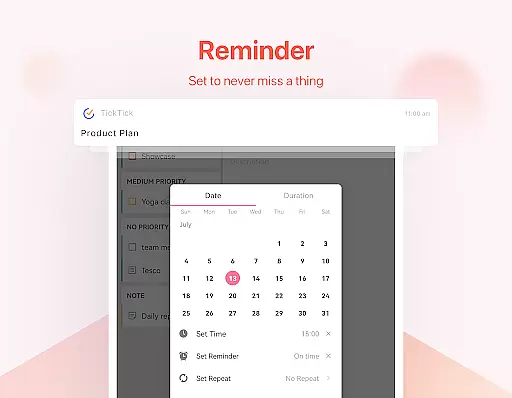
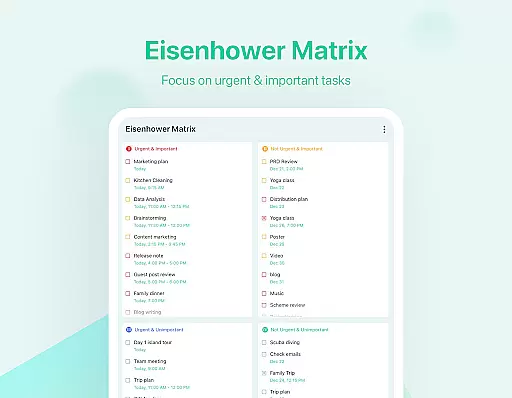
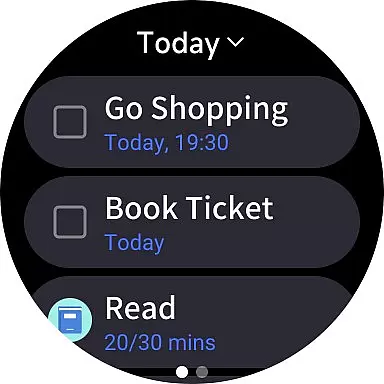
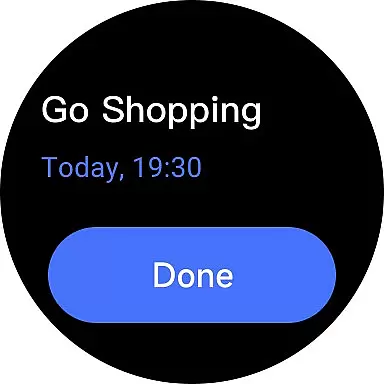
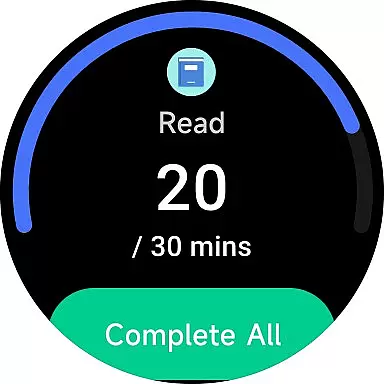
TickTick is a comprehensive productivity app designed to help users manage their tasks, schedules, and habits efficiently. As a multi-dimensional task manager, it consolidates all your to-dos, reminders, and calendars into one intuitive platform. Whether you're at home, in the office, or on the move, TickTick ensures seamless organization of your daily activities.
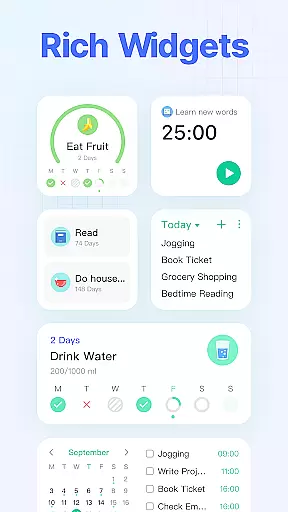
The app offers powerful features like Pomodoro timers for focus, habit trackers for personal development, and cross-platform syncing across Android, iOS, Mac, PC, and Wear OS devices. With its sleek calendar view, handy widgets, and smart date parsing capabilities, TickTick provides a complete solution for time management and productivity enhancement.
Users can benefit from TickTick's collaboration tools that allow sharing lists and assigning tasks within teams. The premium version unlocks additional features such as beautiful themes, advanced list management, and enhanced third-party calendar integration. This makes TickTick an ideal choice for both individual productivity enthusiasts and collaborative work environments.
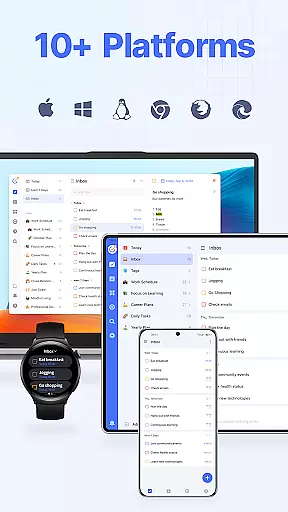
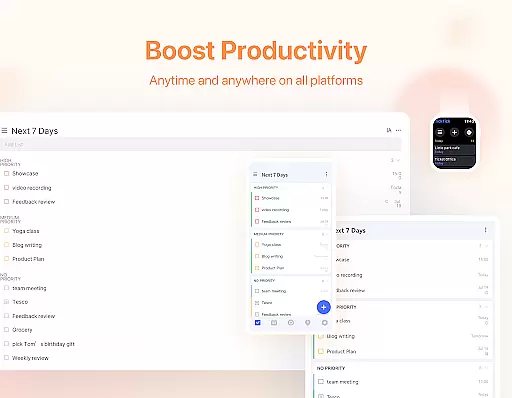
TickTick stands out with its rich feature set tailored for productivity enthusiasts. One of its key strengths is the ability to sync data across multiple platforms including Web, Android, iOS, and Wear OS, ensuring users have access to their tasks anywhere, anytime. The app's intuitive interface allows for quick task creation using either typing or voice commands, while its Smart Date Parsing automatically sets due dates and reminders.
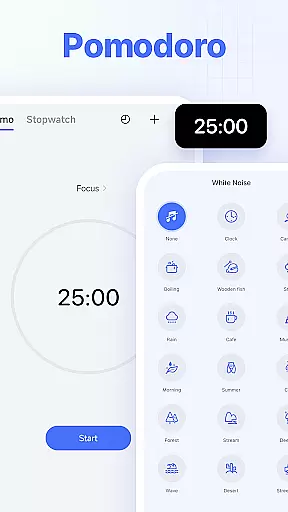
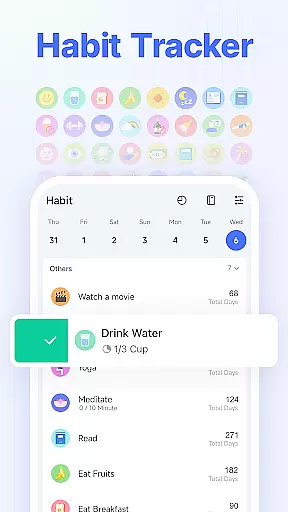
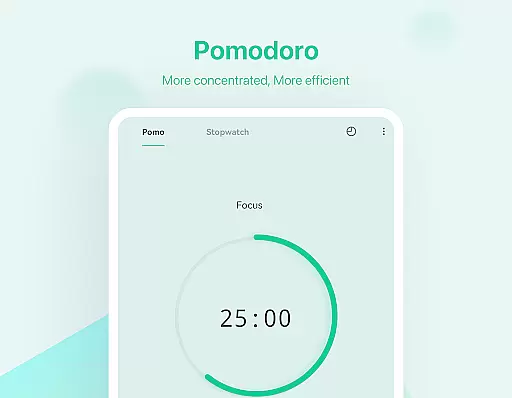
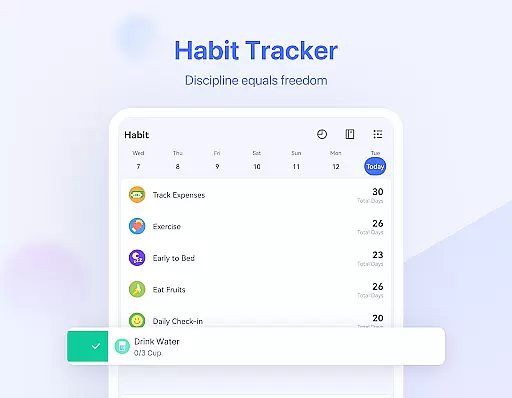
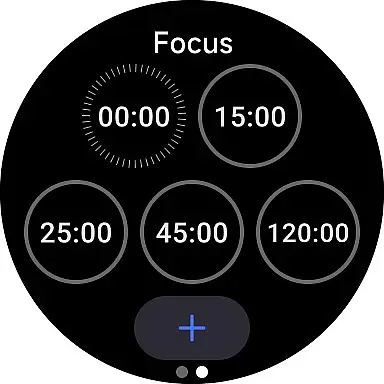
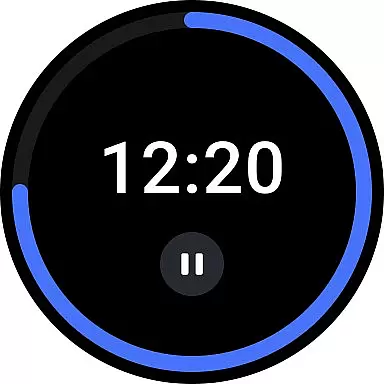
Another notable feature is the built-in Pomodoro timer, which helps users maintain focus during work sessions. The app also includes white noise functionality for better concentration and a habit tracker for building positive routines. Users can create recurring tasks with customized repetition patterns, making it perfect for managing regular commitments like meetings or personal routines.
For team environments, TickTick offers seamless collaboration tools. You can share task lists, assign responsibilities, and track progress with colleagues or family members. The premium subscription unlocks advanced features like grid-format business calendars, extended list capacities, and enhanced reminder options. These features collectively make TickTick a versatile tool for both personal and professional productivity management.
Companion app integration is crucial for users who rely on wearable devices to manage their tasks efficiently. TickTick excels in this area by offering seamless synchronization between its mobile and Wear OS applications. This ensures that all your to-dos, schedules, and reminders are consistently updated across devices.
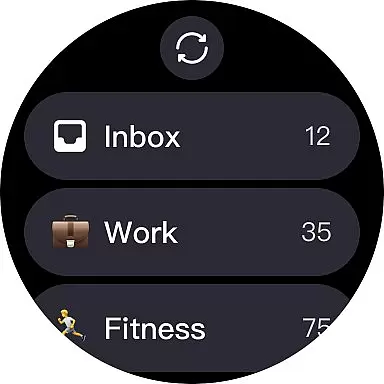
The app's design emphasizes real-time updates, meaning any changes made on your phone are instantly reflected on your smartwatch. This feature allows you to receive notifications and reminders directly on your wrist, ensuring you never miss an important task or event. The ability to view and manage tasks from your watch face enhances convenience and accessibility.
Furthermore, TickTick's companion app integration extends beyond just Wear OS. It supports a wide range of platforms including web, iOS, Mac, and PC, providing a unified experience no matter where you are. This cross-platform compatibility ensures that whether you're at home, in the office, or traveling, your productivity remains uninterrupted.
By leveraging TickTick's comprehensive companion app integration, users can enjoy a streamlined and efficient task management system that adapts to their dynamic lifestyles. This level of connectivity not only boosts productivity but also offers peace of mind knowing that your data is always within reach.
Device compatibility is a key factor when choosing a task management app for your Wear OS device. TickTick stands out by ensuring broad compatibility with various Wear OS watches, allowing users to access their tasks and notes effortlessly. This compatibility ensures that regardless of your specific device model, you can rely on TickTick to keep you organized.
TickTick has been optimized to work smoothly on Wear OS, providing a user-friendly interface that mirrors the functionality found on its mobile and web versions. Users can easily navigate through their lists, set reminders, and even add new tasks using voice commands or quick taps on their watch screen. This intuitive interaction makes managing daily activities more convenient and less time-consuming.
In addition to supporting Wear OS, TickTick also integrates with other popular operating systems such as Android, iOS, and desktop platforms. This extensive device compatibility means that whether you're switching between devices or sharing information with team members, TickTick maintains consistency and reliability across all platforms.
Ultimately, TickTick's commitment to Wear OS and device compatibility empowers users to stay productive and organized without being constrained by their hardware choices. By offering a versatile and adaptive solution, TickTick ensures that your task management needs are met seamlessly, enhancing both personal and professional efficiency.
User-friendly interface
Cross-platform syncing
Powerful task management
Effective Pomodoro timer
Comprehensive collaboration tools
Limited free features
Premium subscription required
Occasional sync delays
Complexity for new users
Third-party integrations limited

"PER27 Galaxy Digital" is a digital Wear OS watch face designed by PERSONA
 4.10
4.10
A heartwarming Christmas scene featuring a cute image of Santa and Rudolf
4.4
Authentic military-tactical design with ZULU time! Realistic and functional!
3.80
Find EV charging stations
4.30
The #1 source of faces for your smartwatch!
4.00
Professional weather radar and more
3.90
Fitbit is dedicated to helping people lead healthier, more active lives.
4.10
Start and succeed with PAP
4.10
From periods to pregnancy & perimenopause, Flo helps you track it all. Try now.
4.70
Deck out your Wear OS Watch face with a beautifully decorated pine wreath!
4.50
Digital watch face with big numbers and many customization for Wear OS devices
4.40
Bold weather Digital watchface with forecast & optional animated background
4.40
A customizable Christmas watch face for Wear OS with a countdown.
4.20
Snowflake Rose Gold Watch Face - Digital, modern, & sleek with GYRO effect.
4.10
A digital watch face that celebrates Christmas.
4.00
Christmas and New Year - Themed Watchface
4.4
Precision analog watch face with 7 complications and style options
4.3
Simple Analog-Digital Watchface For Wear OS 3.0 and Up Smartwatches
4.4
Fitness interactive virtual pet super fighter boy watch face
4.5


User Reviews