
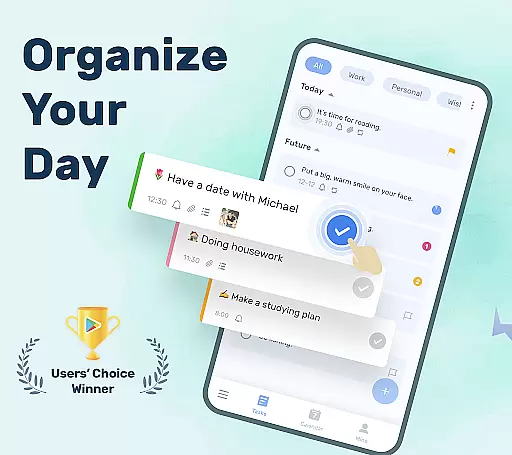
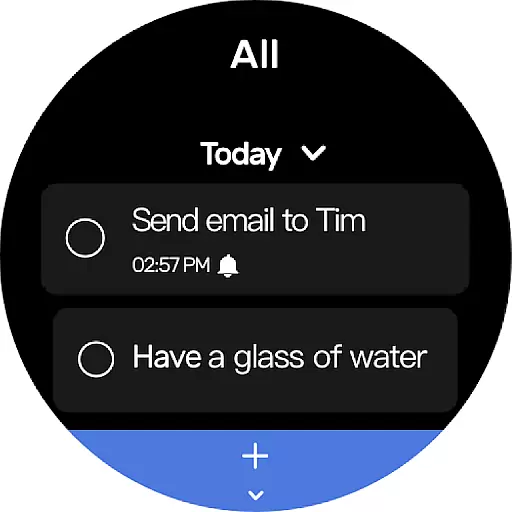
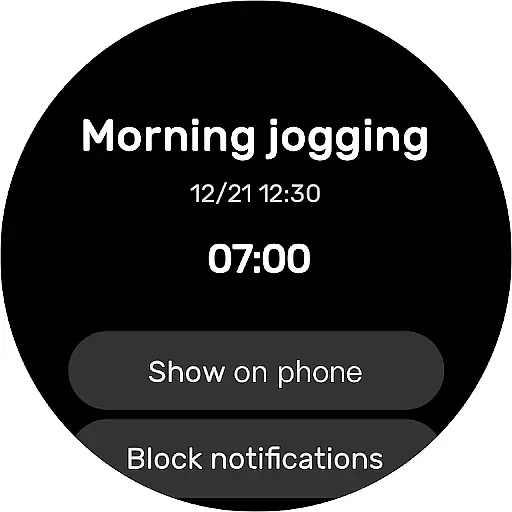
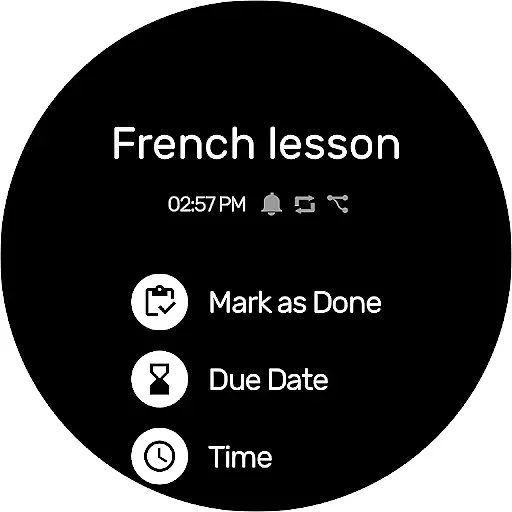
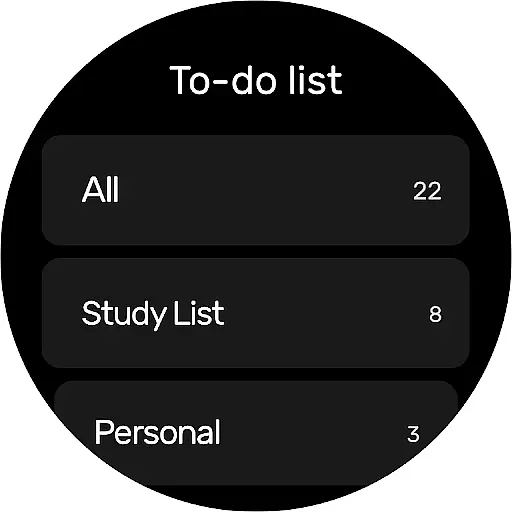
To-Do List is a comprehensive task management application designed specifically for Android Wear devices. This app allows users to efficiently organize their daily tasks, set important reminders, and manage their schedules with ease. With its intuitive interface and robust features, it serves as an essential tool for productivity enthusiasts.
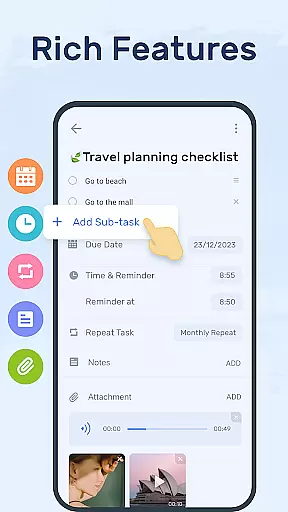
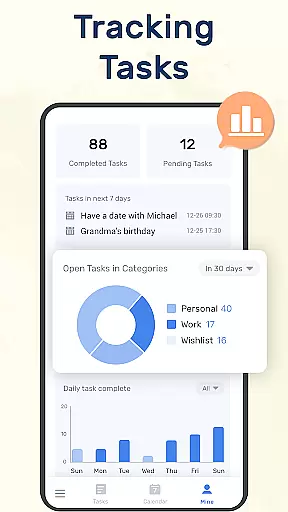
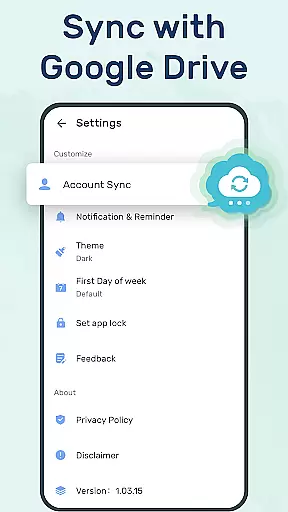
The application offers multiple ways to categorize and prioritize tasks, including color-coded themes, sub-task organization, and calendar views. Users can sync their data across devices through Google Drive, ensuring they never lose important information. Whether for work, study, or personal life, To-Do List provides a reliable solution for managing all types of schedules and planners.
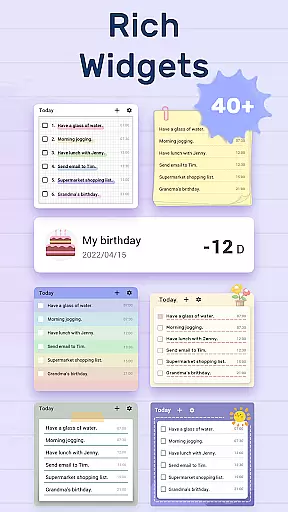
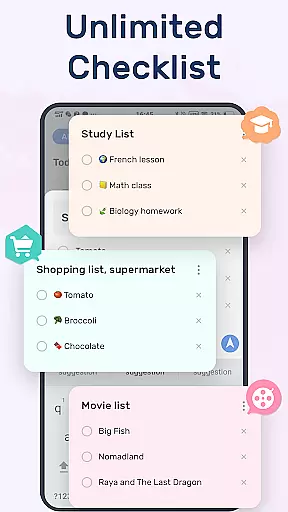
To-Do List stands out with its rich feature set tailored for efficient task management. The app provides beautiful and easy-to-use themes that make organizing tasks visually appealing and straightforward. Users can create multiple task lists in just a few steps, making it simple to keep track of various projects.
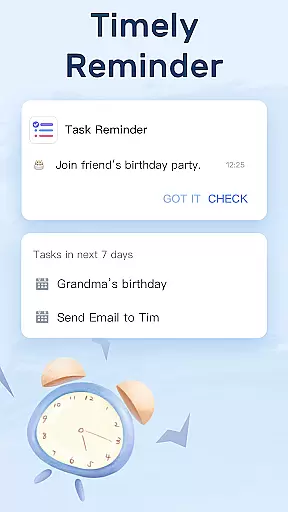
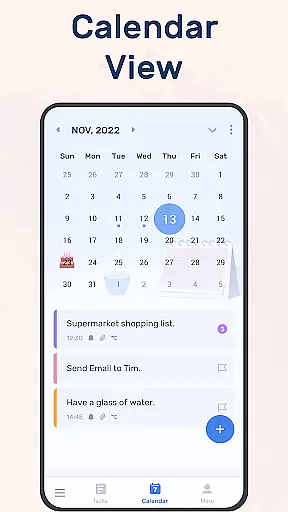
One of the key highlights is the ability to set reminders with alarms, ensuring users never miss crucial deadlines. The app supports recurring reminders for regular tasks, simplifying long-term planning. Additionally, the calendar view offers a comprehensive overview of daily, weekly, and monthly tasks, helping users maintain a clear perspective on their schedules.
For users of wearable devices, having a reliable companion app is essential. To-Do List offers seamless integration with Wear OS devices, ensuring that your tasks and schedules are always synchronized. This means you can conveniently access your to-do lists directly from your smartwatch.
The companion app functionality extends beyond simple synchronization. It allows for real-time updates, so any changes made on one device are immediately reflected on the other. Whether you're adding a new task or marking one as complete, the information is updated across all linked devices without delay.
This level of integration provides peace of mind, knowing that you won't miss important reminders or deadlines. With To-Do List's companion app, you have the flexibility to manage your daily planners and receive task reminders no matter where you are or what device you have at hand.
To-Do List is designed to be fully compatible with Wear OS, Googleu2019s platform for smartwatches. This compatibility ensures that users can enjoy a seamless experience when managing their tasks on the go. The app takes advantage of the unique features offered by Wear OS, such as voice commands and quick glance notifications.
Device compatibility is not just about operating systems; it's also about user interface design. To-Do List has been optimized for the smaller screen sizes of wearable technology, providing an intuitive and easy-to-navigate interface. Users can interact with their to-do lists using minimal taps, which is crucial when accessing information on a watch face.
Moreover, this app supports various models within the Wear OS ecosystem, making it versatile for different hardware specifications. By prioritizing Wear OS and device compatibility, To-Do List guarantees that whether you're using a fitness tracker or a full-featured smartwatch, your task management will be smooth and efficient.
User-friendly interface
Syncs across devices
Customizable themes
Recurring reminders
Comprehensive calendar view
Limited offline functionality
Requires multiple permissions
No voice command support
Ads in free version
Occasional syncing issues

WTW M17 is a premium and luxurious hybrid watch face
 4.70
4.70
an Analog Watch Face for winter season with freeze winter background for Wear OS
4.0
Wear Os Watch Face - Animated Snow Effect & Magic Spark - 6 Scenes
4.10
Digital watch face. For Wear OS devices.
4.40
Structured watch face with seven complications and modular UI elements
3.90
Period, ovulation & pregnancy tracker. Fertility insights & menstrual calendar.
4.90
Real-time weather radar with temperatures, warnings, hurricanes, and widgets
4.80
Stylish, Energizing and Modern Watch Face crafted by Dominus Mathias.
4.50
Back up your contacts & access them anywhere
4.30
Hyperlocal rain alerts by MyRadar using patent-pending technology, radar & more
4.80
Reliable phone calls with spam protection, caller ID and more helpful features
4.40
A white realistic classic analog watch face with many customization options.
4.40
Christmas watch face. For Wear OS devices.
4.30
Locate your family members by GPS phone location tracker everywhere and anytime
4.30
Elegant animated Christmas tree with multiple customization options
4.20
A full-featured Amazon Alexa voice assistant that can show you things.
3.70
Precision analog watch face with 7 complications and style options
4.1
Minimalistic design modern digital watch face.
4.3
Hybrid Vibrant Health Watch Face for Wear OS
4.4


User Reviews