


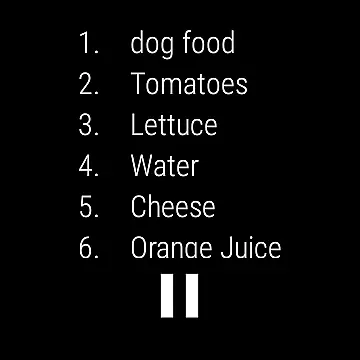
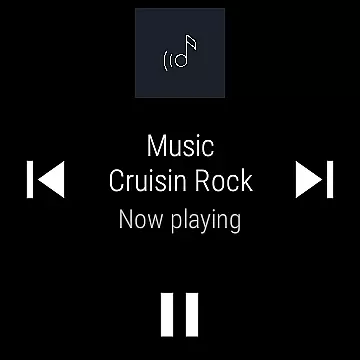
Ultimate Alexa Voice Assistant is a comprehensive voice assistant application that integrates Amazon Alexa's voice service, offering users an interactive experience through both audio and visual feedback. The app supports Display Card technology, similar to the Amazon Echo Show, allowing users to view weather forecasts, news headlines, to-do lists, and more on their devices. Compatible with both smartphones and Wear OS watches, it provides versatile access points including voice activation through the 'Alexa' wake word, Google Assistant commands, or even setting it as the default assistant for continuous wake word listening.
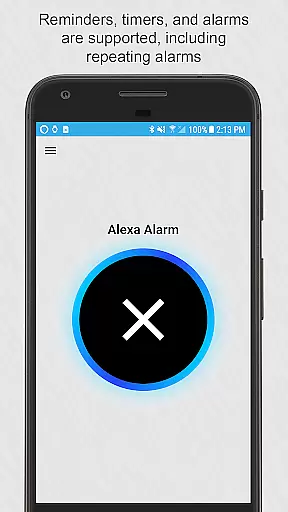
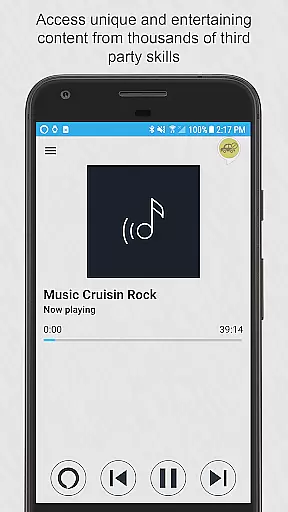
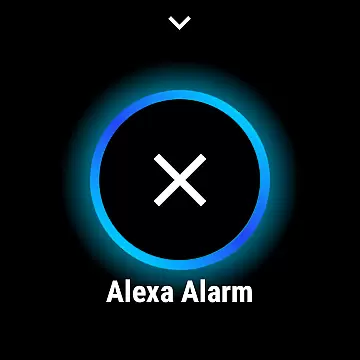
The app's functionality extends beyond basic voice commands, enabling users to make phone calls, send messages, control smart home devices, and access local information such as business listings and restaurant details. It also supports playback of locally stored music and audio files, sets reminders and alarms, and offers integration with third-party skills for expanded capabilities. With options to customize Alexa's voice and choose when the app listens and responds, Ultimate Alexa ensures personalized and controlled user experiences.
For users seeking hands-free convenience, the Pro version unlocks additional features like shaking to activate Alexa and utilizing the Bixby button on Samsung devices to summon Alexa. Whether managing daily tasks, staying informed, or controlling smart devices, Ultimate Alexa Voice Assistant serves as a powerful tool for enhancing productivity and simplifying life through voice-activated assistance.
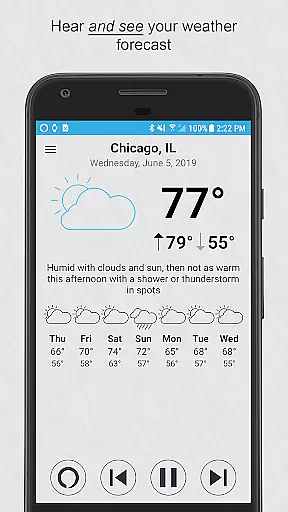
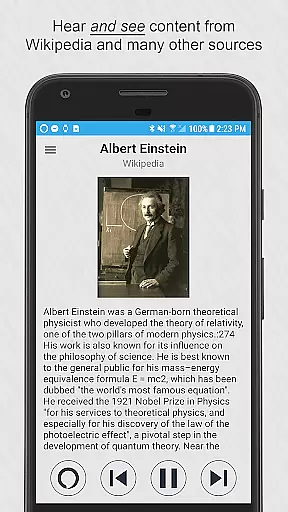
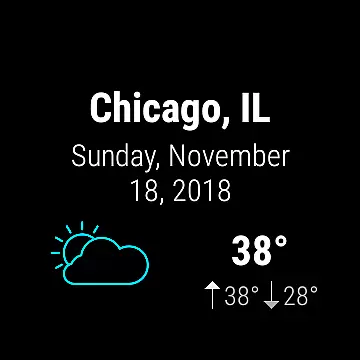
Ultimate Alexa Voice Assistant stands out with its robust feature set tailored for seamless voice interaction. One of its key highlights is the support for Alexa's Display Card technology, which enriches user interactions by providing visual content alongside voice responses. This includes detailed weather forecasts, news summaries, and interactive lists, making information consumption more engaging and efficient.
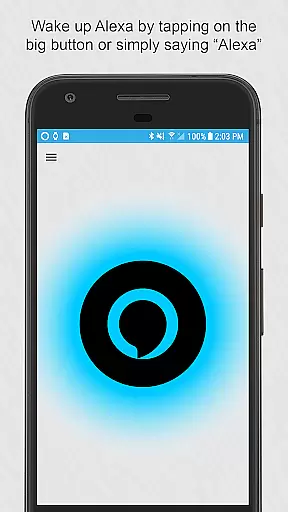
The app offers multiple activation methods, ensuring accessibility and convenience. Users can activate Alexa via the wake word, tapping the app's interface, using the notification area, resizing widgets, or integrating with Google Assistant. For those who prefer a dedicated assistant, setting Ultimate Alexa as the default assistant enables constant wake word listening and activation through the home button. Additionally, the Pro version introduces innovative activation methods such as shaking the device or repurposing the Bixby button on Samsung devices.
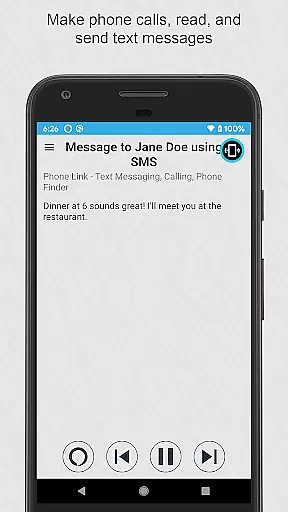
Beyond activation flexibility, Ultimate Alexa excels in functional diversity. It supports making calls, sending texts across various messaging platforms, controlling smart home devices, accessing local information, and playing locally stored media. The ability to customize Alexa's voice and manage listening preferences adds another layer of personalization. These features collectively empower users to streamline daily activities, stay connected, and enjoy a truly hands-free digital assistant experience.
Companion app integration is essential for wearable devices to extend their functionality through a paired smartphone. Ultimate Alexa Voice Assistant excels in this area by offering seamless connectivity between Wear OS devices and Android phones. This ensures that users can access the full range of Alexa's capabilities, such as voice commands, smart home controls, and information retrieval, directly from their wrist.
The app allows for real-time data sharing between the phone and watch, ensuring that notifications, weather updates, and reminders are always synchronized. For watches without built-in speakers, the connected phone's speaker is utilized, maintaining the voice assistant experience without interruption. This creates a cohesive ecosystem where the user can interact with Alexa regardless of the device in hand.
Furthermore, Ultimate Alexa supports various activation methods, including voice wake words, tapping the app's button, or using the Google Assistant to launch it. These options provide flexibility and ease of use, adapting to different user preferences and situations. The availability of a resizable widget and notification area activation enhances accessibility, making sure that help is just a touch or a voice command away.
Device compatibility is crucial for any application targeting the Android Wear platform, and Ultimate Alexa Voice Assistant offers extensive support for both smartphones and Wear OS watches. By ensuring that the app functions smoothly across different devices, it provides a consistent user experience whether accessed from a phone or a smartwatch. This compatibility extends to critical features like voice recognition, display cards, and audio playback, which adapt to the limitations and strengths of each form factor.
For users with Samsung devices featuring a Bixby button, the Pro version of Ultimate Alexa enables repurposing this button to invoke Alexa instead. This level of integration demonstrates the app's commitment to maximizing the utility of existing hardware features. Additionally, the app accommodates devices without native Alexa support, effectively turning them into fully functional voice assistant platforms.
Despite some restrictions imposed by Amazon on music playback, Ultimate Alexa manages to deliver a versatile experience by supporting locally stored music and third-party skills. This approach highlights the app's ability to navigate platform limitations while still providing valuable functionality. With comprehensive support for every Alexa feature Amazon allows, the app ensures that Wear OS users do not miss out on the benefits of voice-activated assistance.
User-friendly interface
Versatile activation options
Comprehensive smart home integration
Customizable voice settings
Visual display card support
Limited music streaming services
Pro version requires purchase
Accessibility service dependency
Regional restrictions on calling
Device compatibility variations

Rose gold watch face with festive lights & customizable features.
 4.60
4.60
Precision analog watch face with 7 complications and style options
4.4
Artistic Digital Watchface
4.5
Authentic military-tactical design with ZULU time! Realistic and functional!
3.80
Locate your family members by GPS phone location tracker everywhere and anytime
4.30
The ultimate destination for kids ages 3-8 to explore the Marvel Universe!
4.30
To-Do List: daily schedule planner, task organizer, to do reminder app, calendar
4.60
The Chevron App allows you to pay for fuel from the comfort of your car!
4.80
Bold weather Digital watchface with forecast & optional animated background
4.40
Real-time weather radar with temperatures, warnings, hurricanes, and widgets
4.80
Gym & home workout plans with strength training, exercise tracking, HIIT & more.
4.60
Highly customizable hybrid watch face for Wear OS, perfect for everyday use.
4.60
Elegant animated Christmas tree with multiple customization options
4.20
Snowflake Rose Gold Watch Face - Digital, modern, & sleek with GYRO effect.
4.10
Embrace the festive spirit with our Christmas Countdown watchface for Wear OS
4.10
A digital watch face that celebrates Christmas.
4.00
Viewer for Wyze/Yi/Eufy/Arlo/ONVIF/RTSP/P2P IP cams w/ adv. features & DIY DVR
4.00
A Wintery Snow Globe on Your Wrist; now celebrating Christmas!
4.5
Contemporary digital watch face with five complications
4.3


User Reviews