
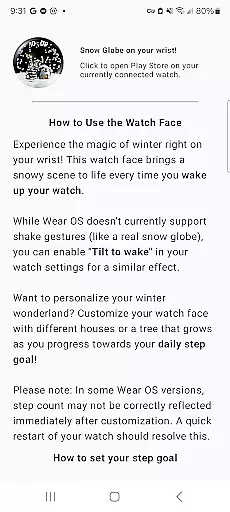
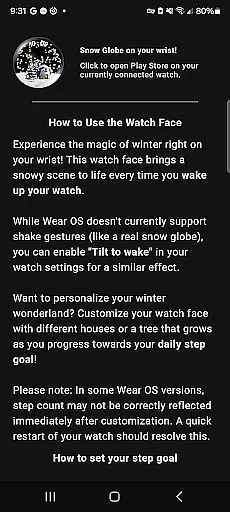
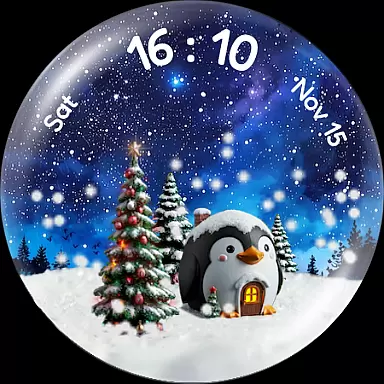
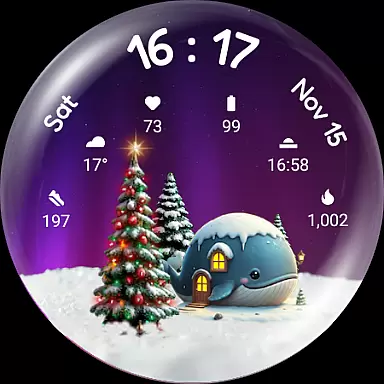
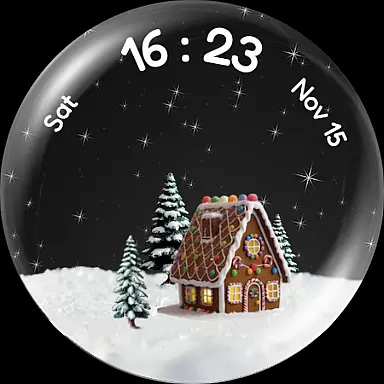
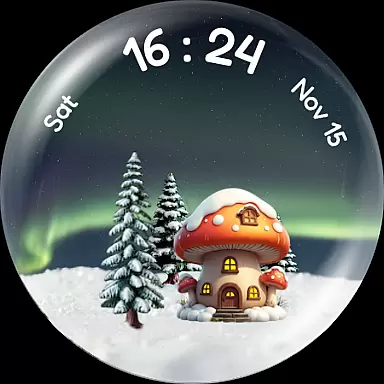
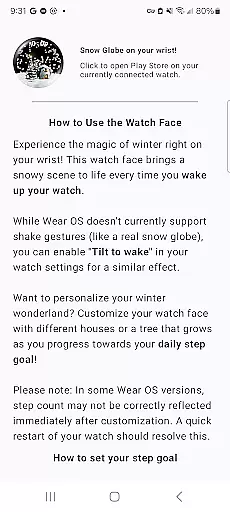
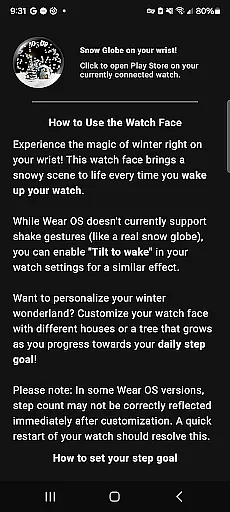
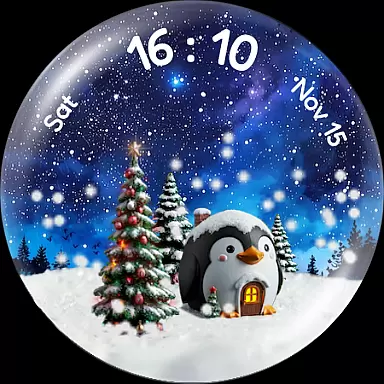
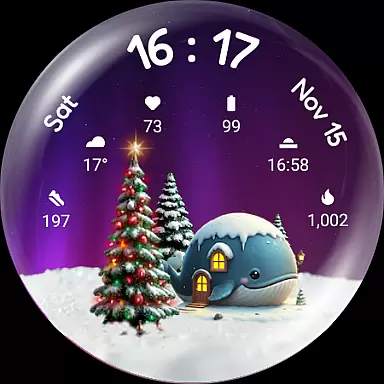
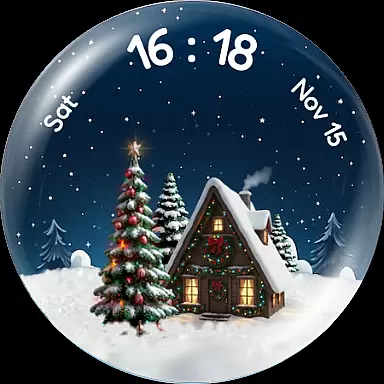
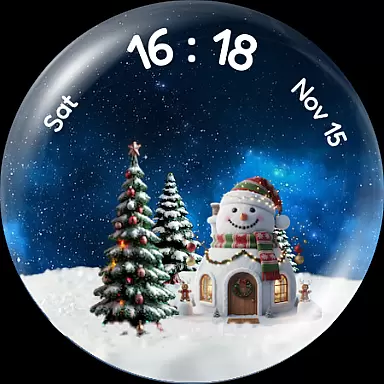
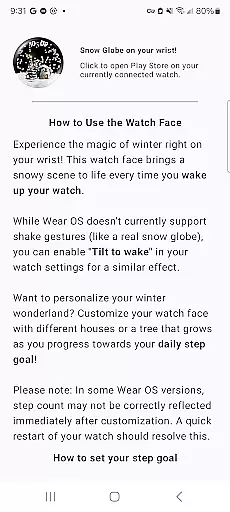
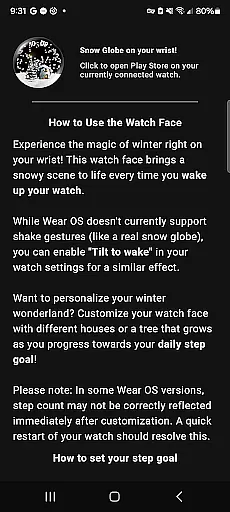
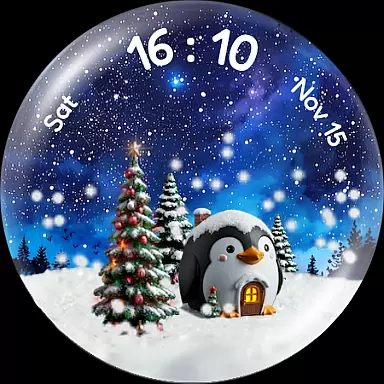
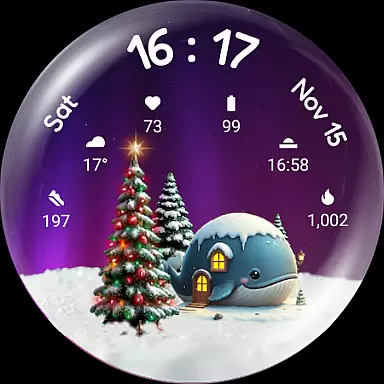
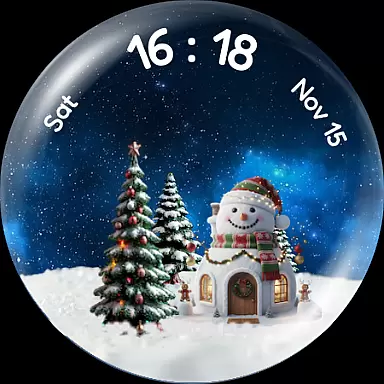
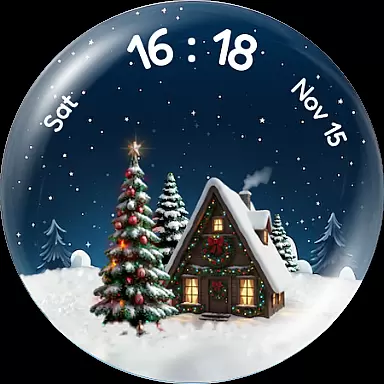
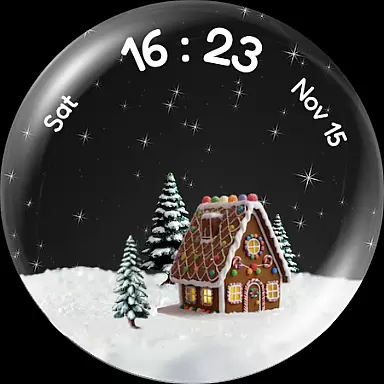
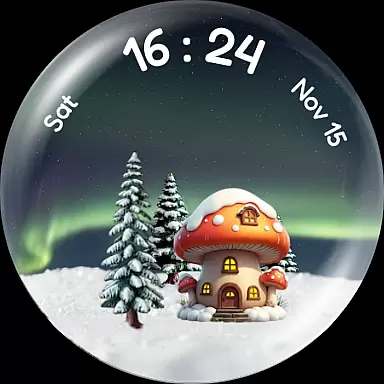
Christmas Snow Globe WatchFace brings the enchanting charm of winter festivities to your smartwatch. This Wear OS application features a captivating snow globe animation that creates a magical holiday atmosphere right on your wrist. With customizable backgrounds and interactive elements, it offers users a delightful way to personalize their watch faces.
The app goes beyond mere aesthetics by incorporating practical functionalities. Users can access important information through six complication slots while enjoying the thematic design. The unique step-tracking feature encourages an active lifestyle by rewarding users with a flourishing virtual Christmas tree as they achieve their fitness goals.
One of the standout features of Christmas Snow Globe WatchFace is its mesmerizing snowfall animation that activates every time you wake your watch. For added magic, enabling 'Tilt to wake' creates a shake-to-snow effect. The app also offers stunning night sky backgrounds, ranging from auroras to starlit scenes, allowing for deeper personalization.
Beyond its visual appeal, the app includes charming houses and animal-themed designs to populate your snow globe. Your daily activity influences the appearance of a Christmas tree, which grows and lights up as you reach your step goals. With support for Wear OS 4+ and six customizable complication slots, this watch face combines beauty with functionality seamlessly.
Companion app integration is crucial for a seamless wearable experience. The Christmas Snow Globe WatchFace excels in this area by providing a dedicated mobile application.
This companion app serves as the control center for your watch face, allowing you to easily configure settings and personalize your snow globe. You can choose from various charming houses and adjust the mesmerizing snow animation to match your preferences.
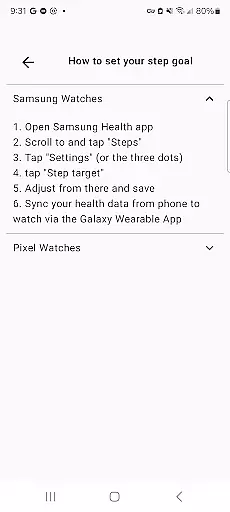
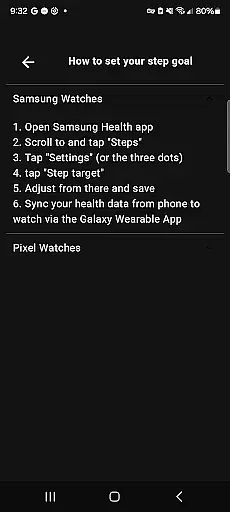
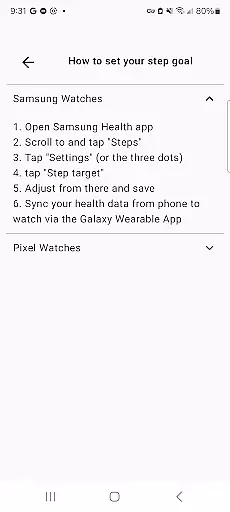
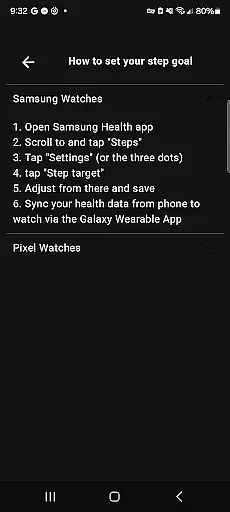
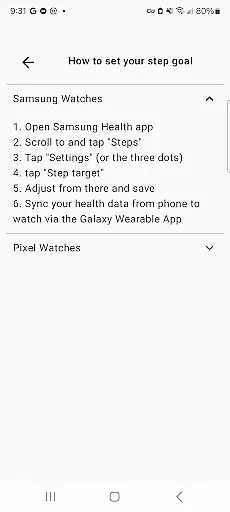
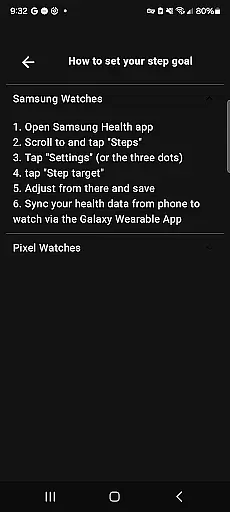
One of the standout features enabled by the companion app is the step-tracking functionality. By setting a personal daily step goal, you can watch your Christmas tree grow and illuminate as you achieve your fitness targets.
The integration ensures that all your customizations and progress are synchronized between your phone and watch, creating a cohesive and engaging user experience across devices.
Device compatibility is essential for ensuring that your watch face functions optimally on your specific device. The Christmas Snow Globe WatchFace is designed to work seamlessly with Wear OS 4 and above.
This compatibility ensures that users can enjoy the full range of features without worrying about performance issues. The watch face takes advantage of the latest Wear OS capabilities, including advanced animations and complication support.
With six custom complication slots, users can access important information like heart rate, weather, and steps directly from their watch face. This level of integration enhances the overall utility of the watch face.
Whether you're using a modern smartwatch or an older model, the Christmas Snow Globe WatchFace provides a consistent and reliable experience, making it a versatile choice for Wear OS users.
Beautiful snow globe animation
Customizable backgrounds
Motivational step tracker
Six complication slots
Festive holiday theme
Limited to Wear OS
Requires companion app
May drain battery
Premium features cost extra
Complex setup process

Precision analog watch face with 7 complications and style options
 4.0
4.0
A modern premium sporty hybrid watch face for Wear OS by Ballozi
4.70
Be an elegant and classy secret agent, with this carefully detailed watch face
4.70
Bold, Modern Hybrid Watch Face for Wear OS. 10 Colors, Rich Info Display.
4.30
Hyperlocal rain alerts by MyRadar using patent-pending technology, radar & more
4.80
Connect to your Bluelink equipped Hyundai vehicle from your smartphone.
4.50
Get helpful reminders, take progress photos and find answers to your questions.
3.90
Stay in touch with your friends and family using LINE!
3.40
Premium hybrid watch face with many customizations for Wear OS devices.
4.40
Digital, flexibly customizable watch face. For Wear OS 5.0, API 34+ and later.
5.00
Period, ovulation & pregnancy tracker. Fertility insights & menstrual calendar.
4.90
WTW M17 is a premium and luxurious hybrid watch face
4.70
Monitor health with the stress test and pulse checker in the heart rate app.
4.60
Nutrition, Macro tracker: Food, fitness & healthy diet tracking for weight loss
4.60
Watch face for Wear OS.
4.20
Wear Os Watch Face - Animated Snow Effect & Magic Spark - 6 Scenes
4.10
A digital watch face that celebrates Christmas.
4.00
Professional weather radar and more
3.90
Christmas and New Year - Themed Watchface
4.0


User Reviews