
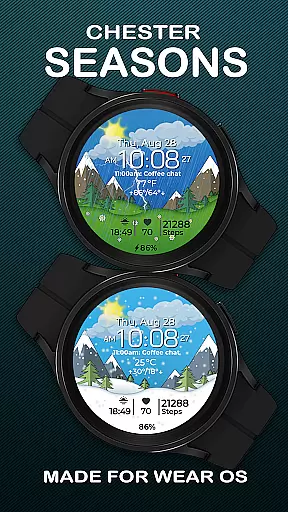
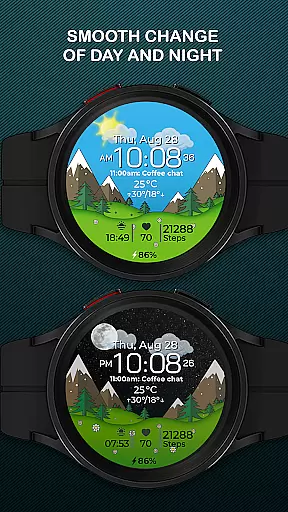
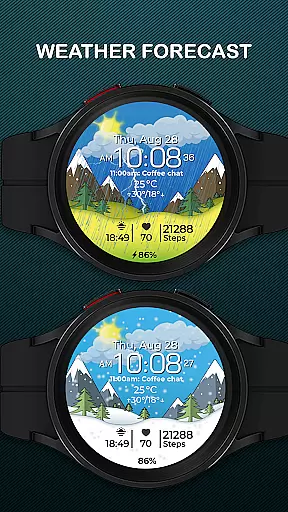
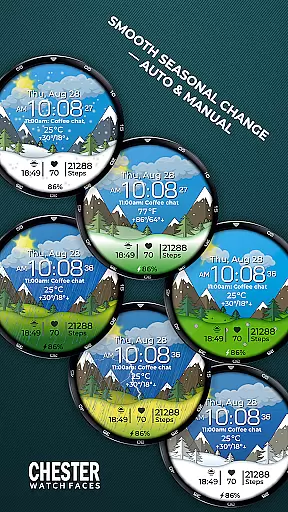
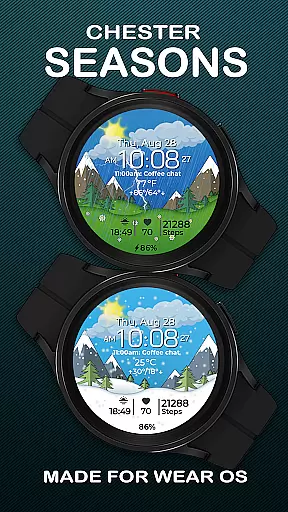
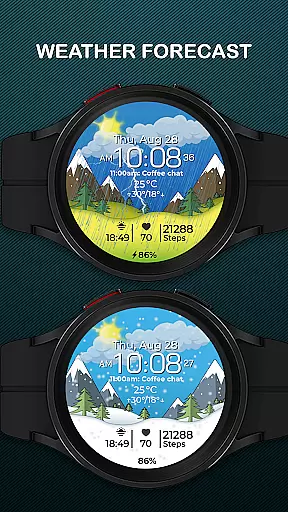
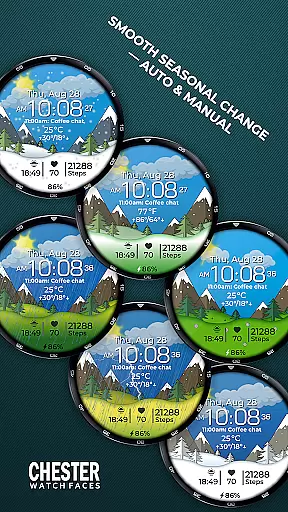
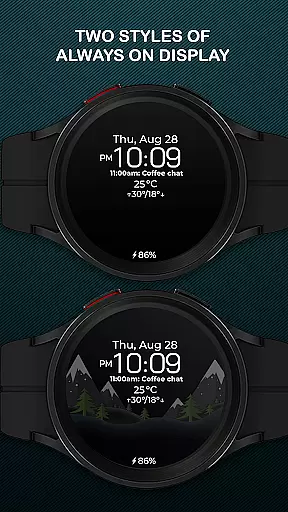
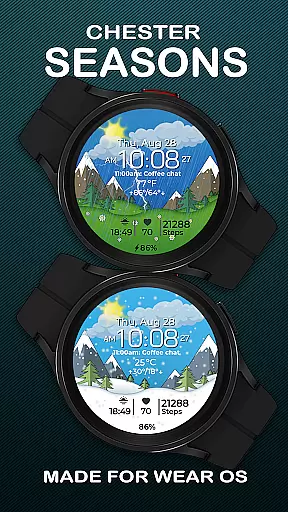
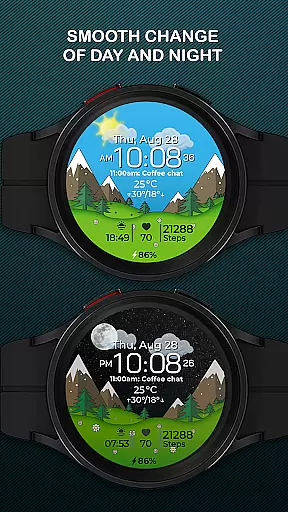
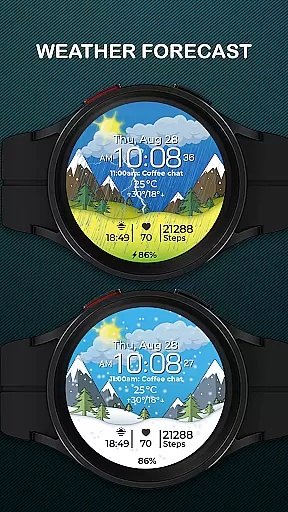
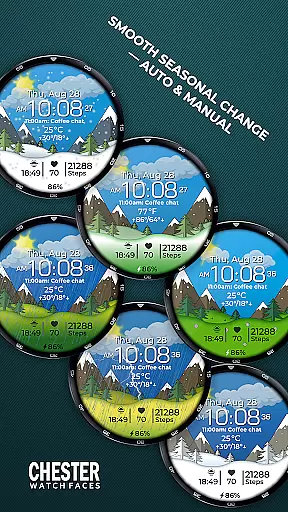
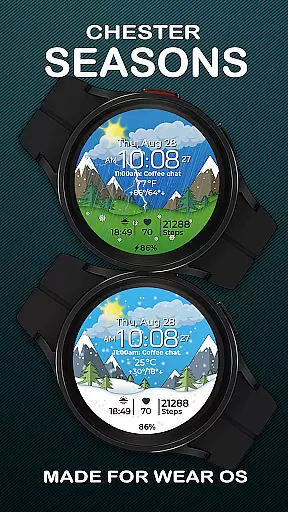
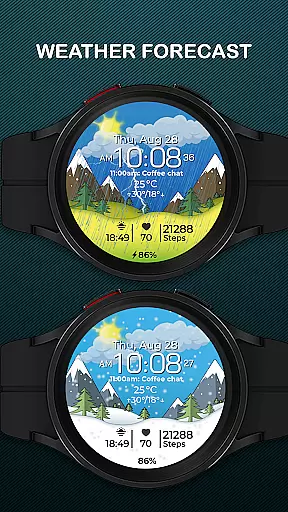
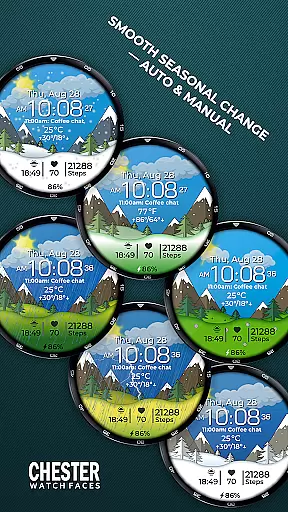
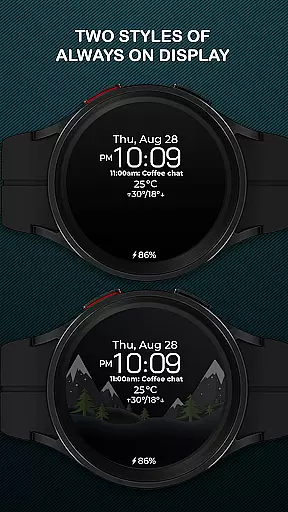
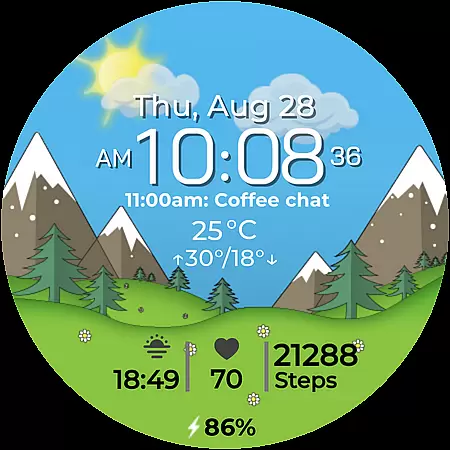
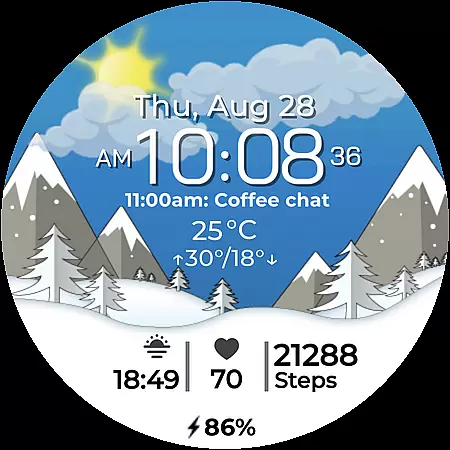
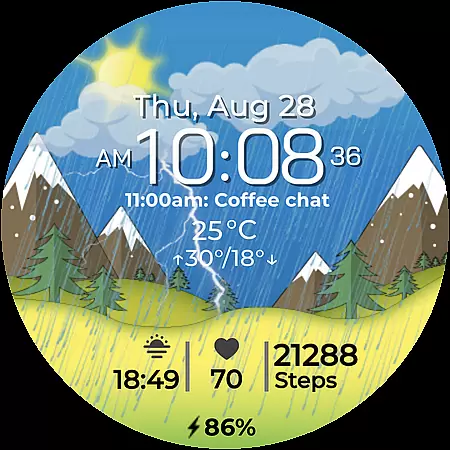
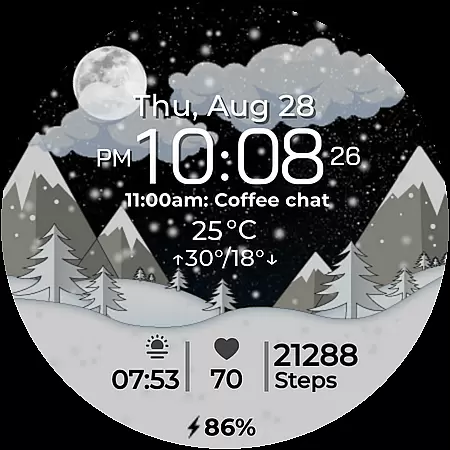
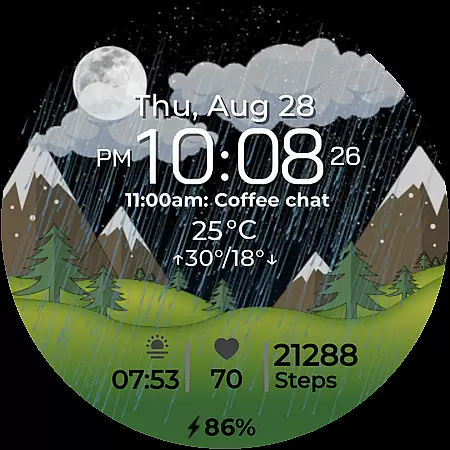
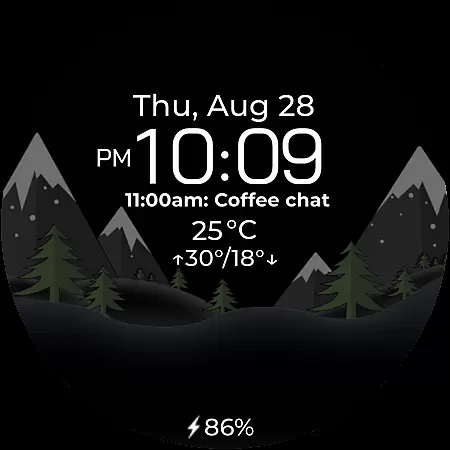
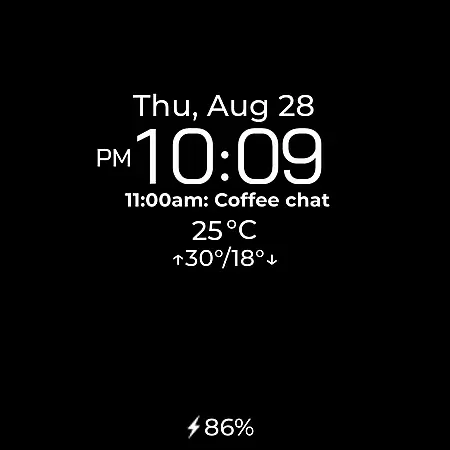
Chester Seasons is a dynamic and stylish watch face for Wear OS devices, designed to bring both functionality and aesthetic appeal to your smartwatch. This app stands out with its rich customization options, interactive features, and beautiful seasonal animations.
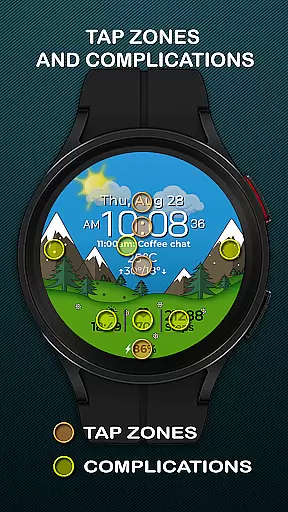
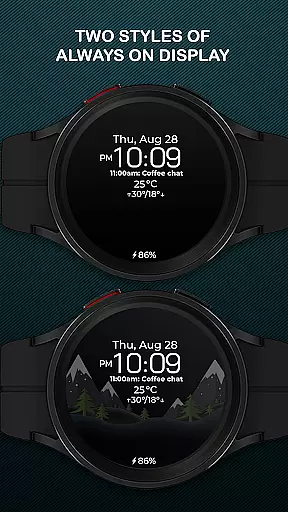
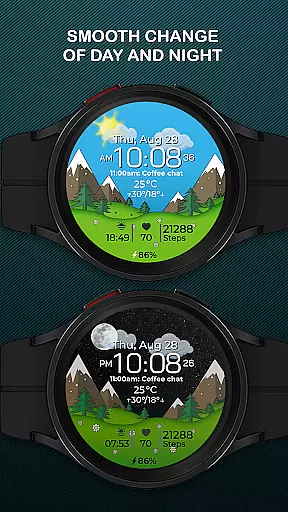
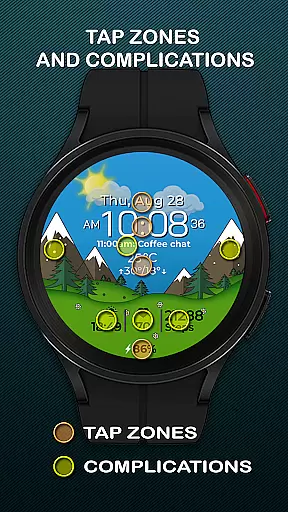
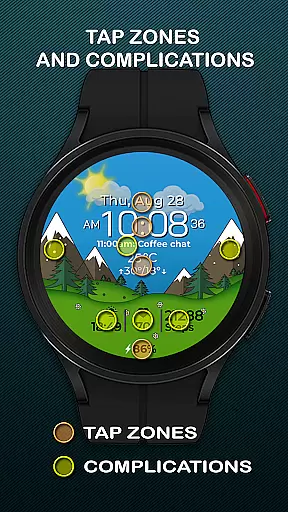
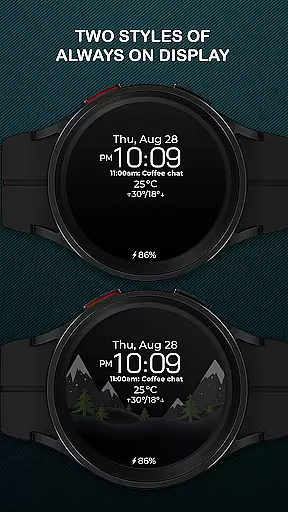
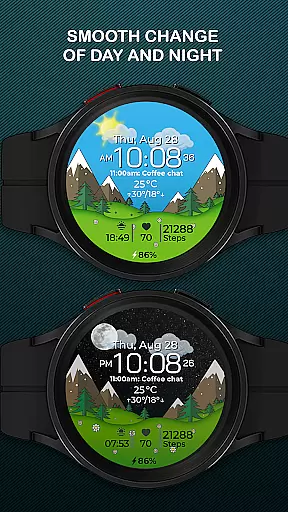
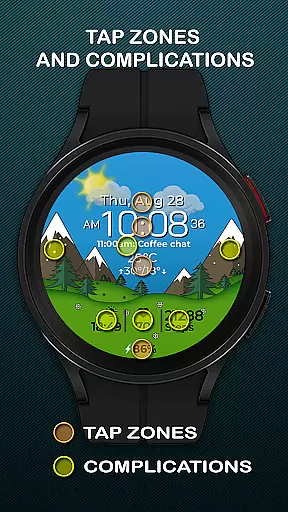
The watch face displays essential information such as time, date, weather, and battery level while offering interactive tap zones and complications that allow users to personalize their experience. Its smooth day-night transitions and seasonal changes make it an ideal choice for users who want their smartwatch to adapt to their lifestyle and environment seamlessly.
Chester Seasons offers a comprehensive set of features that cater to both utility and personalization. The app provides a clear time display alongside essential details like date, weather, and battery status, ensuring users have all critical information at a glance.
One of the standout aspects is its customization capability. With four selectable complications, three quick access zones for apps and workouts, and interactive tap zones, users can tailor the watch face to suit their preferences. Additionally, the automatic seasonal transitions and day-night cycles provide a visually engaging experience that evolves throughout the year.
For devices running on Wear OS API 30+, Chester Seasons ensures compatibility and optimal performance, making it a reliable choice for enhancing your smartwatch's functionality and appearance.
Companion app integration is essential for a seamless wearable experience. Chester Seasons watch face excels in this area by offering users the ability to customize and control their watch face directly from their smartphone. This ensures that all features, such as weather display and seasonal changes, are easily accessible and adjustable according to personal preferences.
The level of synchronization between the companion app and the watch face allows for real-time updates and modifications. Users can choose which complications to display, set preferred units for temperature, and even manually change the background according to the season they wish to highlight. This deep integration enhances user engagement and satisfaction.
By leveraging the companion app, users benefit from an intuitive interface that simplifies the management of various settings without needing to interact with the watch directly. This not only saves time but also enrichens the overall utility of the smartwatch, making it a more versatile accessory tailored to individual lifestyles.
Ensuring broad device compatibility is crucial for any Wear OS application. Chester Seasons boasts extensive support across multiple devices running Wear OS API 30 and above, including popular models like Google Pixel Watch and Samsung Galaxy Watch series. This wide-ranging compatibility guarantees that a diverse user base can enjoy the stylish and functional design of this watch face.
However, it's important to note that certain advanced features may not be available on devices operating below Wear OS API 34. For instance, weather display and manual background changes for seasons are exclusive to newer versions. Despite these limitations, the core functionalities remain robust and reliable across supported devices.
This commitment to compatibility underscores Chester Seasons' dedication to inclusivity and accessibility. By accommodating a variety of devices, the watch face becomes a dynamic accessory adaptable to different technological environments while maintaining its core appeal of beautiful animations and useful information at a glance.
Highly customizable
Interactive features
Beautiful animations
Rich complications
Seasonal transitions
No rectangular support
Limited old OS
Weather dependency
Premium feel
Complex settings

Christmas watch face. For Wear OS devices.
 4.30
4.30
an Analog Watch Face for winter season with freeze winter background for Wear OS
4.5
Embrace the festive spirit with our Christmas Countdown watchface for Wear OS
4.10
A heartwarming Christmas scene featuring a cute image of Santa and Rudolf
4.0
Period, ovulation & pregnancy tracker. Fertility insights & menstrual calendar.
4.90
Reliable phone calls with spam protection, caller ID and more helpful features
4.40
Get helpful reminders, take progress photos and find answers to your questions.
3.90
Funny animated watch face for Thanksgiving
4.3
Premium hybrid watch face with many customizations for Wear OS devices.
4.40
Diet tracker for weight loss - track calories, food and macros. Simple and easy!
4.70
Gym & home workout plans with strength training, exercise tracking, HIIT & more.
4.60
Deck out your Wear OS Watch face with a beautifully decorated pine wreath!
4.50
Beautiful artistic animated digital watch face, with a customizable layout!
4.40
Snowflake Rose Gold Watch Face - Digital, modern, & sleek with GYRO effect.
4.10
Christmas is near, let's count together the days left until Santa comes
4.4
A Wintery Snow Globe on Your Wrist; now celebrating Christmas!
4.2
Contemporary digital watch face with five complications
4.2
Simple Analog-Digital Watchface For Wear OS 3.0 and Up Smartwatches
4.2
Sleek, highly customizable watch face inspired by Galaxy Watch Circle Dashboard.
4.1


User Reviews