
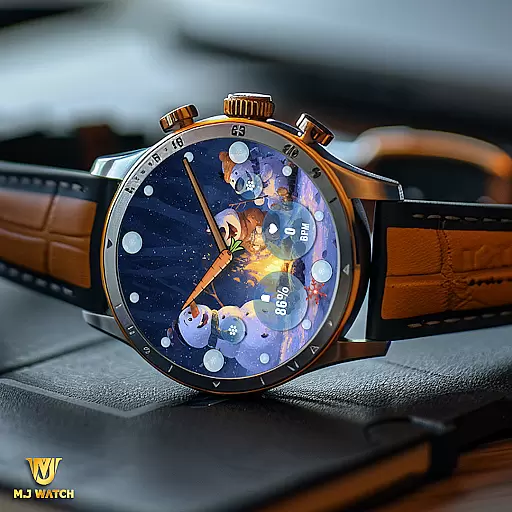
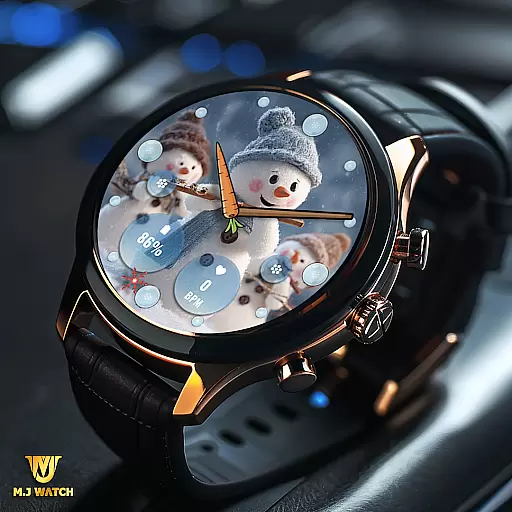
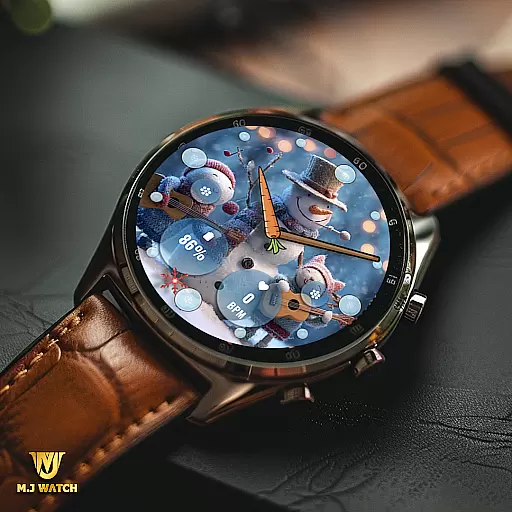
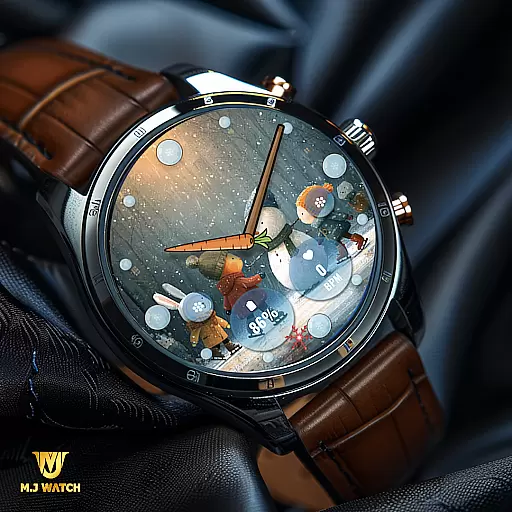
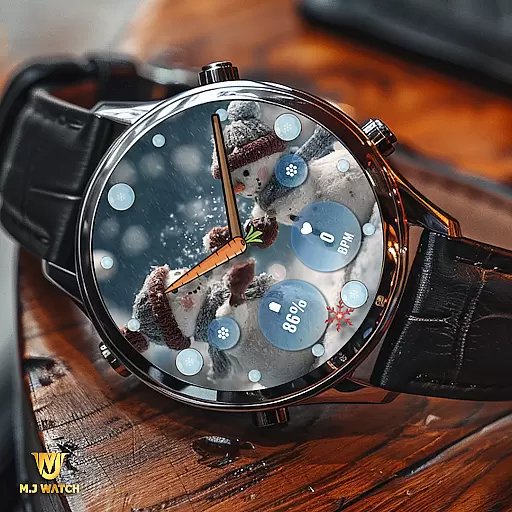
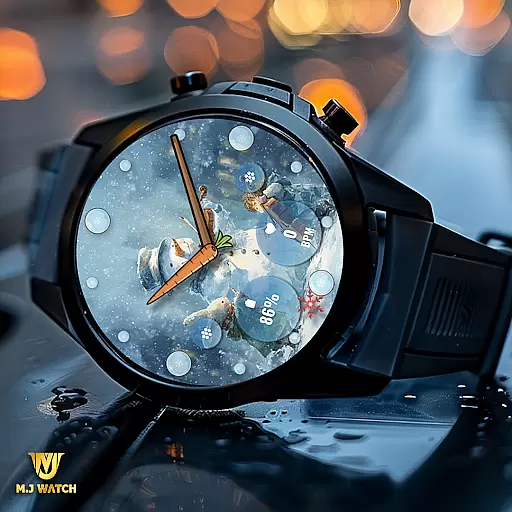
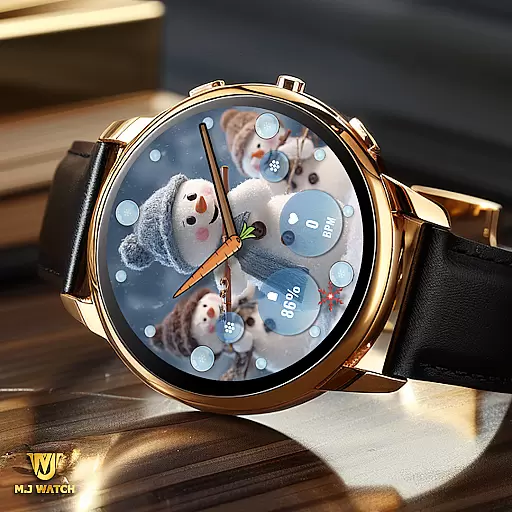
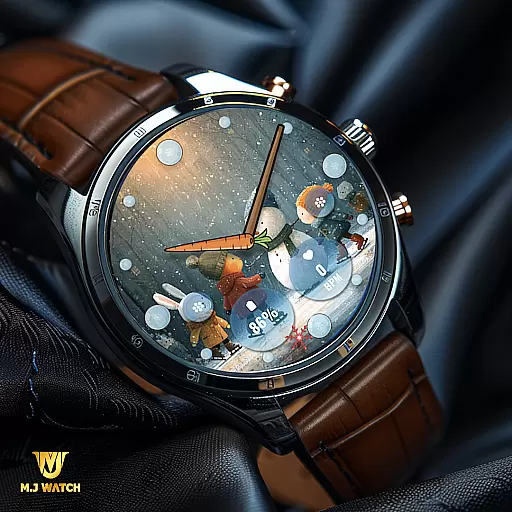
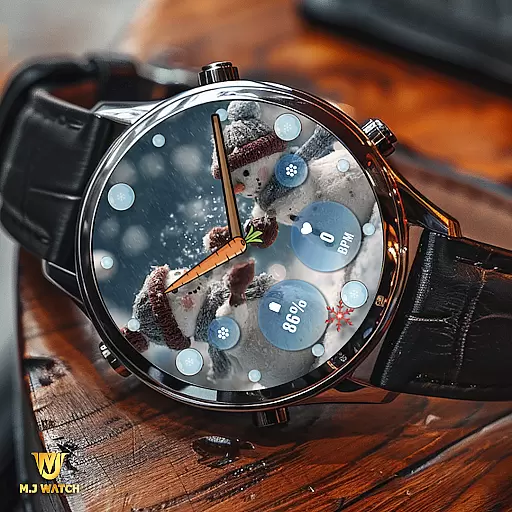
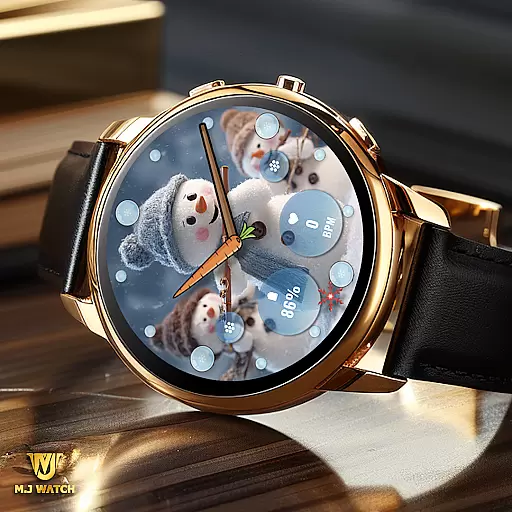
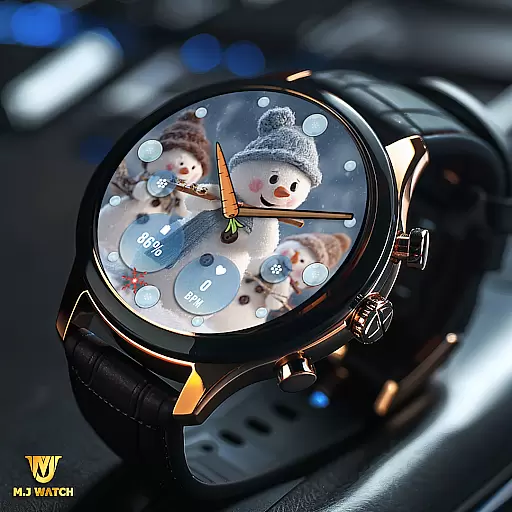
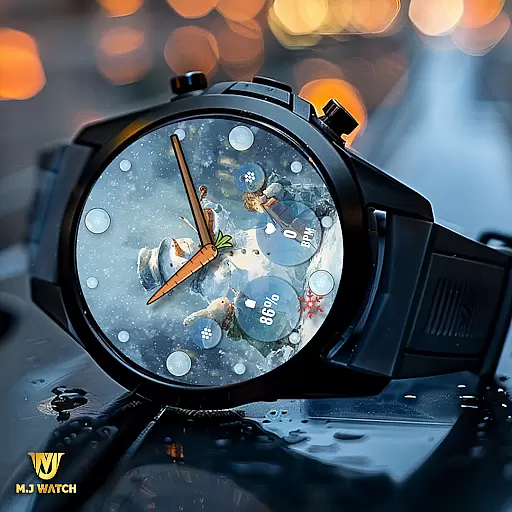
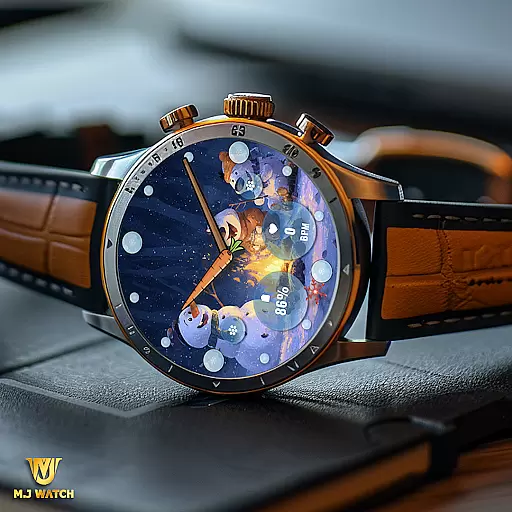
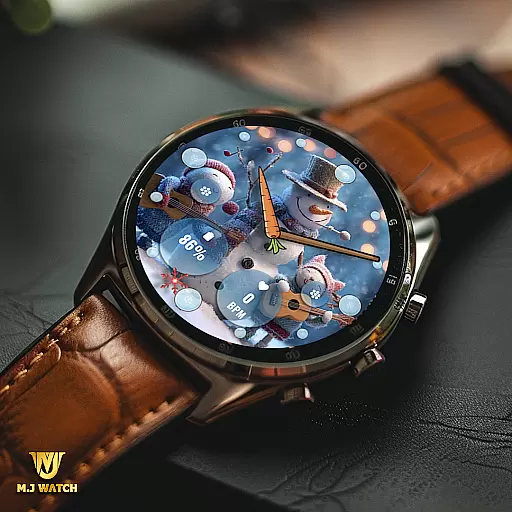
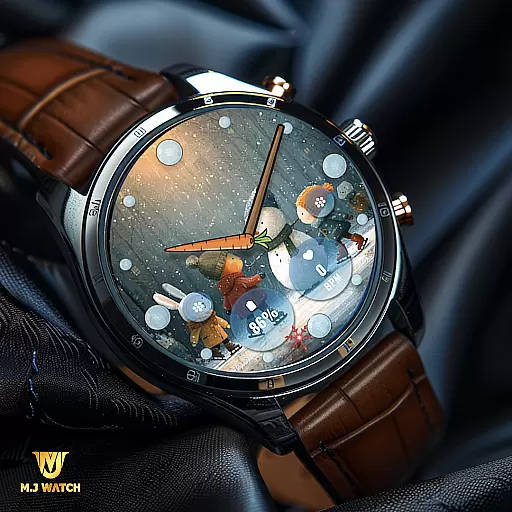
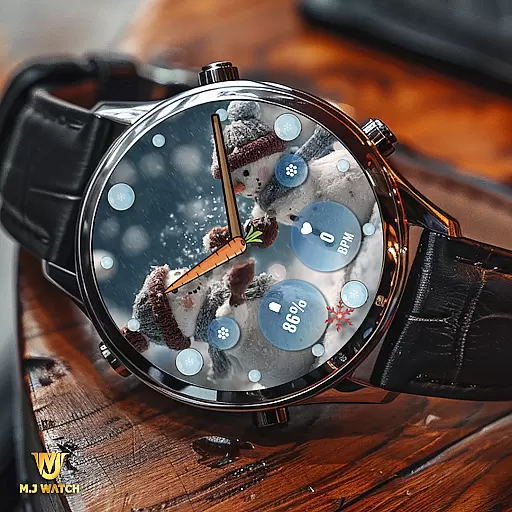
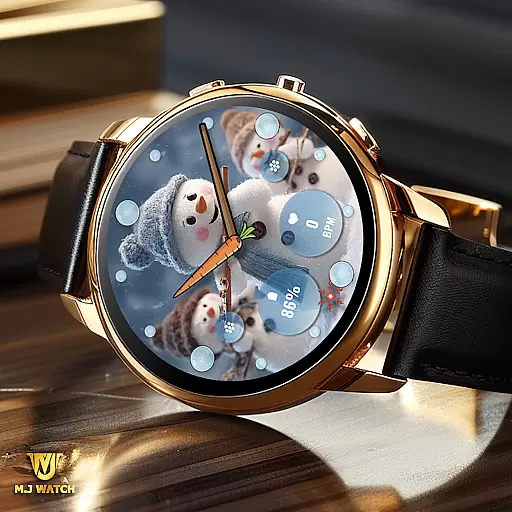
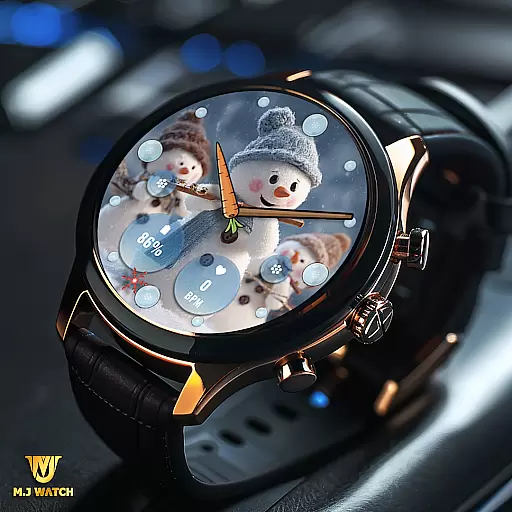
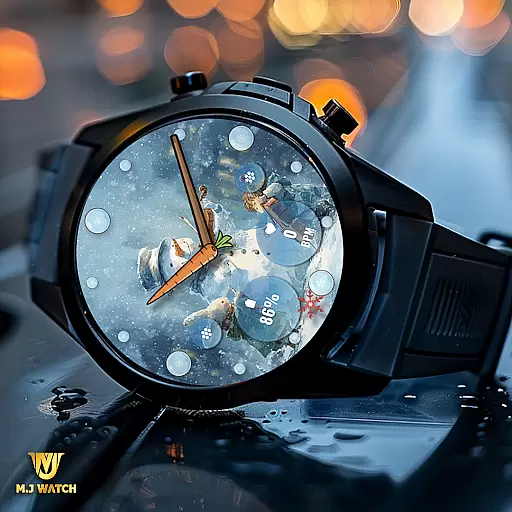
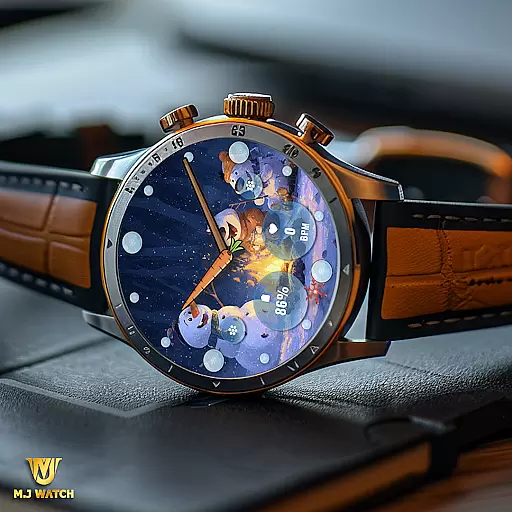
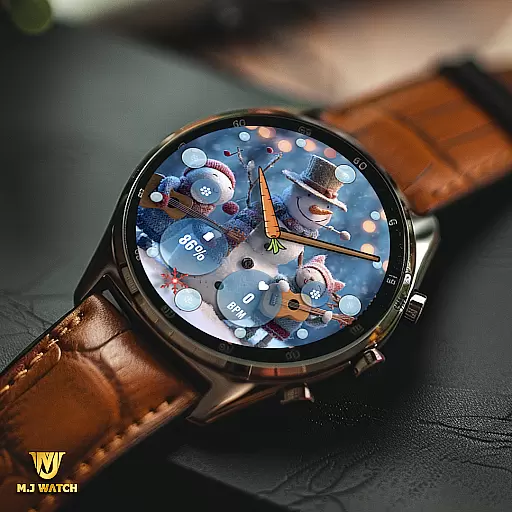
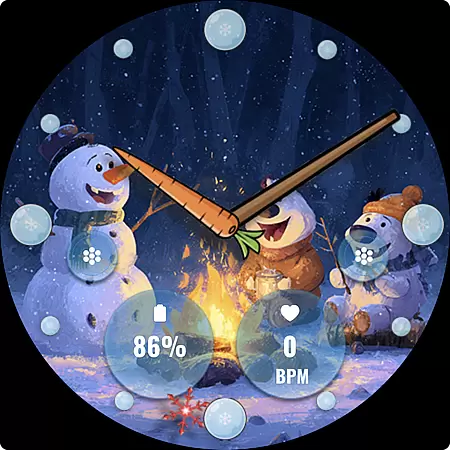
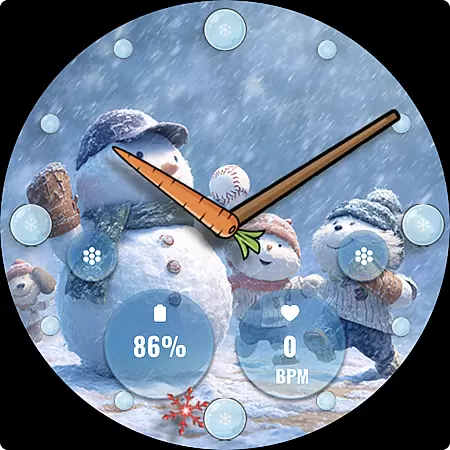
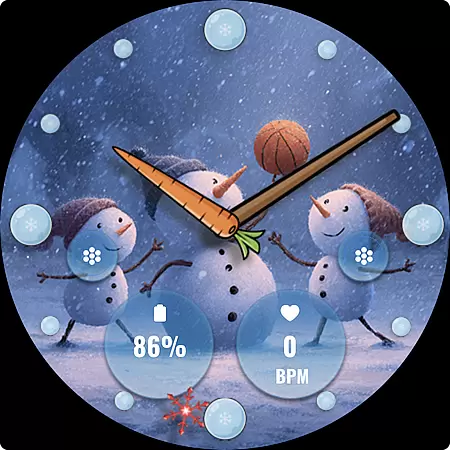
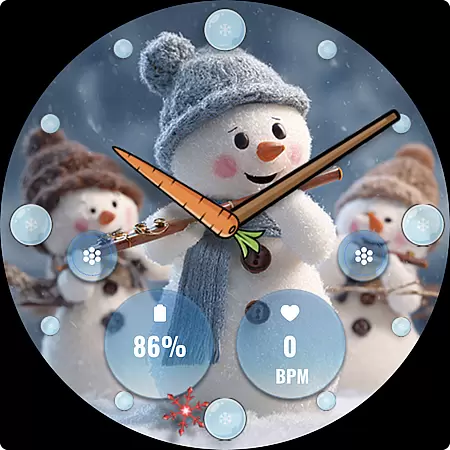
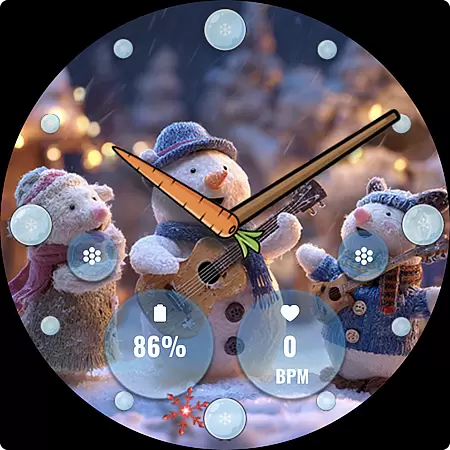
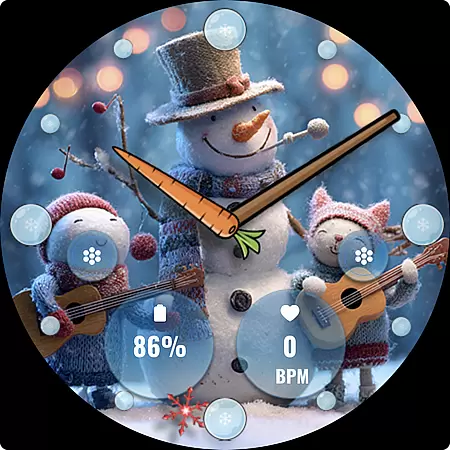
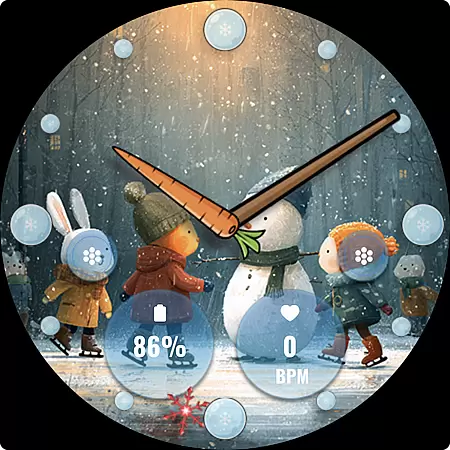
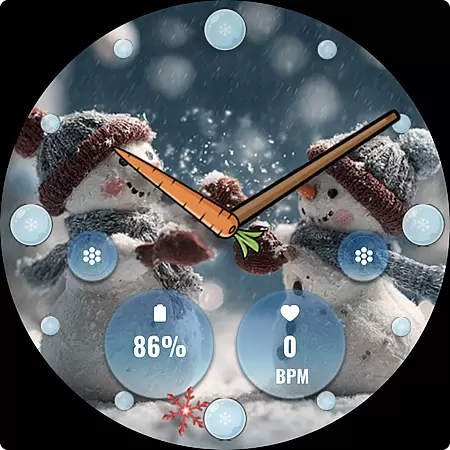
FLW105 Snowman Freeze Winter is a specially designed watch face for Wear OS devices, offering users an engaging winter-themed experience. The watch face features an ice freeze background with charming snowman illustrations, making it perfect for the holiday season.
The app provides complete analog watch functionality with hour, minute, and second hands. It also includes two customizable complications that allow users to display preferred information directly on their watch face. Additionally, users can personalize their experience with two custom shortcuts and choose from ten unique winter-themed images.
This watch face is ideal for those who want both style and functionality on their smartwatch during the winter months. With easy customization options, users can tailor the appearance to match their preferences while enjoying essential timekeeping features.
FLW105 offers a rich set of features that enhance the Wear OS user experience. The analog watch hands provide precise timekeeping, while the customizable complications enable users to display relevant information such as weather, calendar events, or fitness data.
Two custom shortcuts allow quick access to frequently used functions like starting a workout or setting an alarm. Users can choose from ten different winter-themed backgrounds featuring delightful snowman illustrations, creating a personalized look for their smartwatch.
The intuitive customization process makes it easy to modify settings - simply press and hold the watch face, then tap Customize to adjust images or complication settings. This combination of aesthetic appeal and practical functionality sets FLW105 apart from standard watch faces.
For FLW105 Snowman Freeze Winter, seamless companion app integration is crucial for an enhanced user experience. This feature allows users to sync and manage their watch face settings directly from their smartphone. By using the companion app, users can easily customize complications, shortcuts, and background images without needing to interact with the watch interface directly.
The level of synchronization offered ensures that all preferences set in the companion app reflect immediately on the wearable device. This includes adjustments to the analog watch hands, selection of information displayed through custom complications, and configuration of shortcut actions. Such a streamlined approach simplifies the personalization process, making it accessible even for users who may not be tech-savvy.
Furthermore, the companion app provides notifications and updates regarding new features or winter-themed images, ensuring users always have fresh content. This connectivity not only enhances usability but also keeps the user engaged by offering regular updates and customization options that cater to individual tastes and needs.
FLW105 Snowman Freeze Winter boasts extensive compatibility with various Wear OS devices, ensuring a broad user base can enjoy its features. The design accommodates different screen sizes and resolutions, providing crisp and clear visuals regardless of the device specifications. This adaptability is vital for maintaining consistent performance across multiple smartwatch models.
In addition to supporting diverse hardware, this watch face integrates smoothly with the core functionalities of Wear OS. Users benefit from stable performance as it leverages the system's capabilities to deliver real-time updates and interactive elements like customizable complications and shortcuts. These integrations are optimized to work without draining battery life excessively, striking a balance between functionality and efficiency.
Moreover, rigorous testing ensures that FLW105 remains compatible with future updates to Wear OS, safeguarding user investment in this seasonal watch face. By prioritizing compatibility and optimization, FLW105 delivers a reliable and visually appealing experience that meets the dynamic needs of modern smartwatch users.
Customizable complications
Winter-themed design
Easy personalization
Multiple background options
Intuitive controls
Limited to Wear OS
Seasonal appeal only
Few shortcut options
No digital mode
Battery intensive

"PER27 Galaxy Digital" is a digital Wear OS watch face designed by PERSONA
 4.10
4.10
Calming & relaxing sounds for sleeping and stress relief. Stay focused all day!
4.20
Rose gold watch face with festive lights & customizable features.
4.60
MyNISSAN® lets you remotely control your car from your phone.*
4.50
Analog watch face with 8 complications and expedition styling
4.5
Get helpful reminders, take progress photos and find answers to your questions.
3.90
Start and succeed with PAP
4.10
Toyota app currently supports 2010 or newer vehicles (2018 or newer for Hawaii).
4.50
Download full tracks, listen to music offline, make unlimited playlists.
4.80
Diet tracker for weight loss - track calories, food and macros. Simple and easy!
4.70
The most customizable minimal watch face. For Wear OS 5.0, API 34+ and later
4.70
Nutrition, Macro tracker: Food, fitness & healthy diet tracking for weight loss
4.60
Gym & home workout plans with strength training, exercise tracking, HIIT & more.
4.60
Watch face for Wear OS.
4.20
Snowflake Rose Gold Watch Face - Digital, modern, & sleek with GYRO effect.
4.10
A digital watch face that celebrates Christmas.
4.00
Your local weather forecast, storm tracker, radar maps & live weather news
3.40
Stylish digital watch face for Wear OS devices with customizable features
4.2
Minimalistic design modern digital watch face.
4.0


User Reviews