
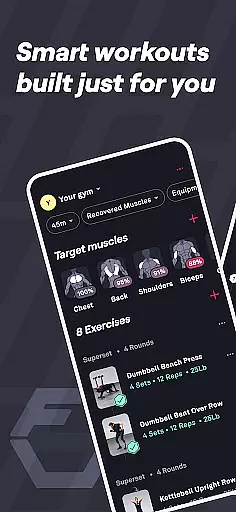
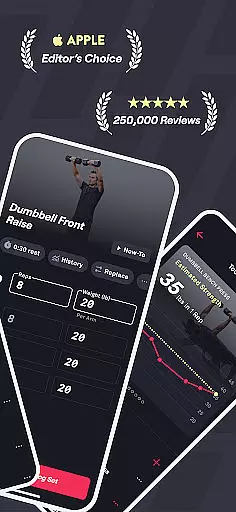
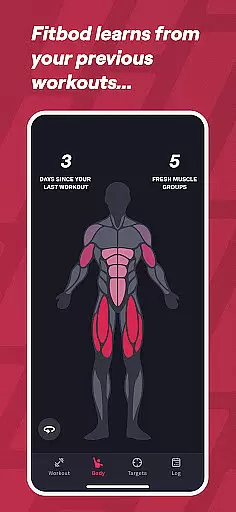
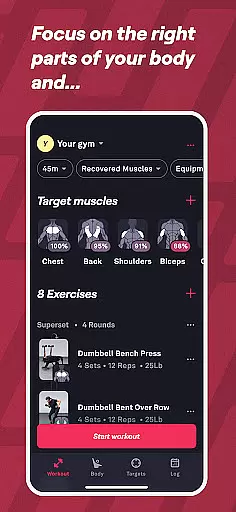
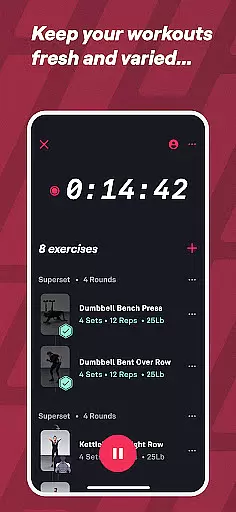
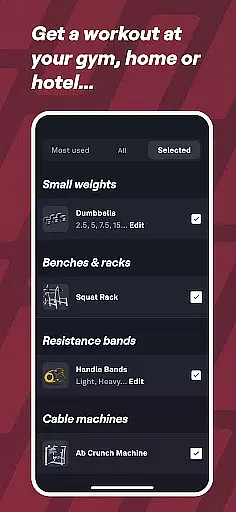
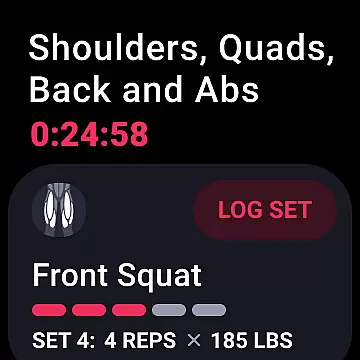
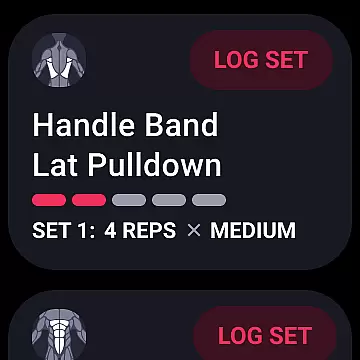
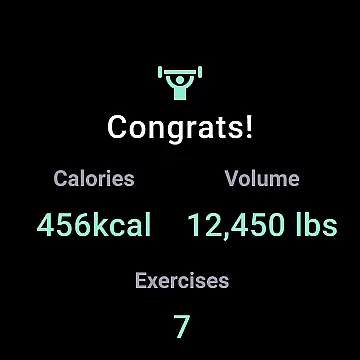
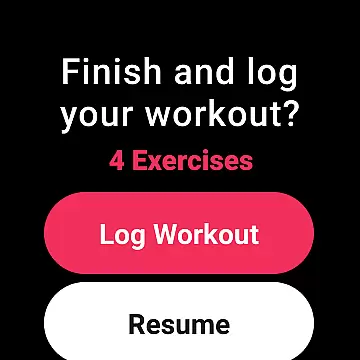
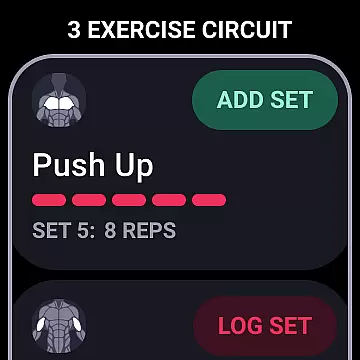
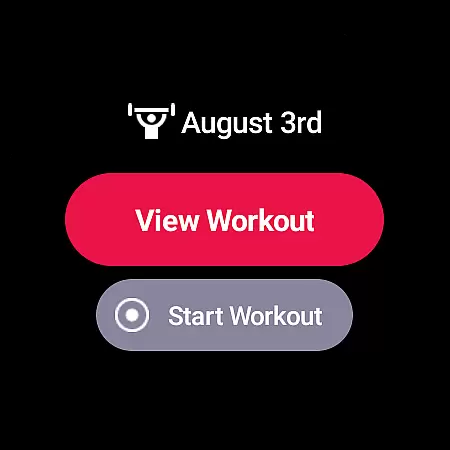
Fitbod is a cutting-edge fitness application designed specifically for Android Wear users who want to maximize their workout efficiency. This AI-powered personal trainer creates tailored workout plans based on your fitness level, available equipment, and specific goals. Whether you're working out at home or in the gym, Fitbod adapts to your environment and provides optimized routines that evolve with your progress.
The app's strength lies in its ability to learn from your performance and preferences, continually refining its recommendations. With over 1000 exercises, detailed instructional videos, and comprehensive tracking features, Fitbod ensures you maintain proper form while monitoring your progress. Its integration with Wear OS makes accessing your workouts seamless, providing quick access through the Tile feature. This combination of personalized planning and wearable technology makes Fitbod an essential tool for serious fitness enthusiasts.
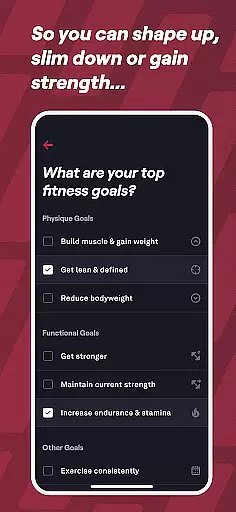
Fitbod distinguishes itself through its sophisticated AI-driven workout generation system. The application analyzes multiple factors including your current fitness level, available equipment, and personal goals to create truly customized workout plans. Each session is designed using non-linear periodization techniques, ensuring optimal progression regardless of your starting point - whether beginner or advanced athlete.
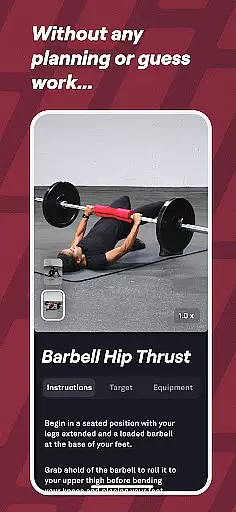
The app's extensive exercise library contains over 1000 movements, each accompanied by high-resolution multi-angle videos and detailed instructions. Fitbod's adaptive learning system refines its recommendations based on your feedback and performance modifications. Advanced tracking features monitor both your workouts and recovery metrics, while the integration with Wear OS allows for convenient access to your routines directly from your smartwatch. Additionally, users can benefit from professional trainer support via email for any strength training inquiries.
Companion app integration is essential for users who want a seamless experience between their mobile devices and wearable technology. Fitbod excels in this area by ensuring that its workout planning and tracking capabilities are fully accessible on Wear OS. This means you can easily view and start your personalized workouts directly from your smartwatch, making it convenient to stay on track with your fitness goals without needing to carry your phone.
The app's deep integration with Wear OS provides quick access to your workout plans through the Tile feature. This allows users to start their exercise routines with minimal effort, which is particularly beneficial when you're at the gym or prefer not to interrupt your workout flow by handling your phone. The ability to sync data between devices ensures that all your progress, preferences, and workout modifications are up-to-date across platforms.
By leveraging companion app integration, Fitbod enhances user engagement and adherence to fitness routines. Having real-time access to AI-generated workout recommendations and performance tracking on your wrist motivates users to maintain consistency in their training. This cohesive ecosystem not only simplifies navigation but also enriches the overall user experience, making fitness management more intuitive and efficient.
Device compatibility is a critical factor for apps designed to work with wearable technology like Wear OS. Fitbod ensures broad compatibility, allowing users to utilize its comprehensive features regardless of their specific device model. Whether you own a newer smartwatch or an older version, Fitbod optimizes its performance to deliver consistent functionality and user experience across various devices.
The app supports high-resolution, multi-angle videos and detailed exercise instructions, which are crucial for performing exercises correctly and safely. These resources are accessible directly from your Wear OS device, providing visual guidance and step-by-step instructions tailored to each workout session. Such accessibility empowers users to perform complex movements confidently, knowing they have accurate references at their fingertips.
Moreover, Fitbod's adaptive AI learns from user interactions and preferences, further enhancing device compatibility by customizing content delivery based on individual usage patterns. This personalized approach ensures that every user receives optimal support, whether they rely solely on their smartwatch for workouts or use it as a supplementary tool alongside their mobile device. By prioritizing Wear OS and device compatibility, Fitbod delivers a versatile and reliable fitness solution adaptable to diverse technological setups.
Personalized AI training
Extensive exercise library
Wear OS integration
Progress tracking tools
Professional trainer support
Subscription required
Limited free features
Occasional learning curve
Premium content locked
Device compatibility issues

Gym Log & Workout Tracker | Fitness Journal, Training & Weight Lifting Planner
 4.90
4.90
Wear Os Watch Face - Animated Snow Effect & Christmas Lights
4.0
Christmas - Festive - Christmas Village - Winter - Christmas lights
5.00
Stunning modern digital watch face with 7 complications and strong contrast
4.1
Period, ovulation & pregnancy tracker. Fertility insights & menstrual calendar.
4.90
Stay in touch with your friends and family using LINE!
3.40
Fast and smart typing with Emojis, GIFs, and more
4.50
Simple, helpful messaging by Google
4.60
Download full tracks, listen to music offline, make unlimited playlists.
4.80
Digital, flexibly customizable watch face. For Wear OS 5.0, API 34+ and later.
5.00
A white realistic classic analog watch face with many customization options.
4.40
Bold, Modern Hybrid Watch Face for Wear OS. 10 Colors, Rich Info Display.
4.30
Calming & relaxing sounds for sleeping and stress relief. Stay focused all day!
4.20
Let's celebrate Thanksgiving - Wear Os watch face
4.20
"PER27 Galaxy Digital" is a digital Wear OS watch face designed by PERSONA
4.10
Daily Weather forecast with 15 weather images for Day & Night plus Big Bold time
4.10
Get helpful reminders, take progress photos and find answers to your questions.
3.90
Watch the sharpness of the sky on your wrist..
3.70
Christmas and New Year - Themed Watchface
4.2


User Reviews