
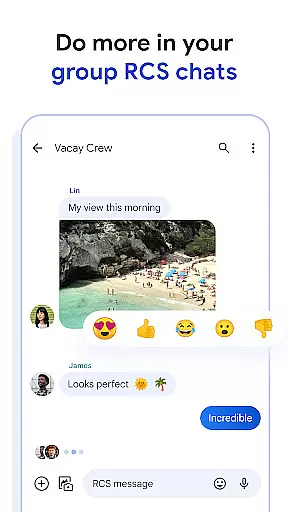
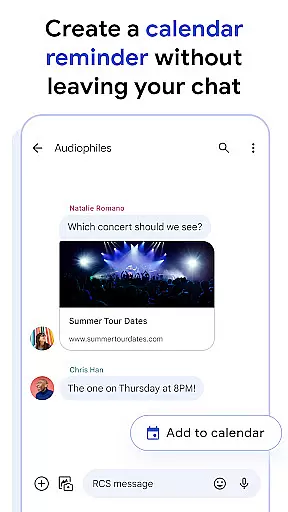
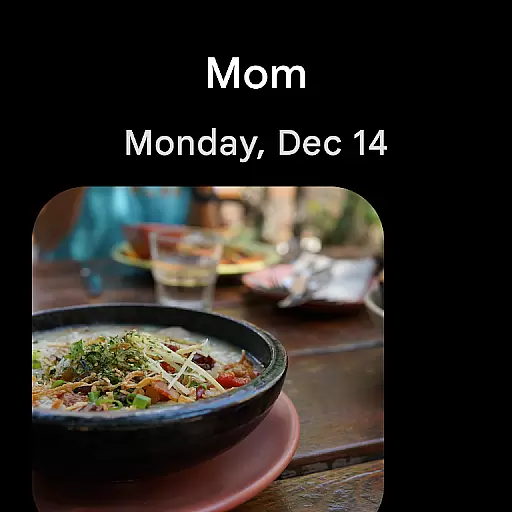
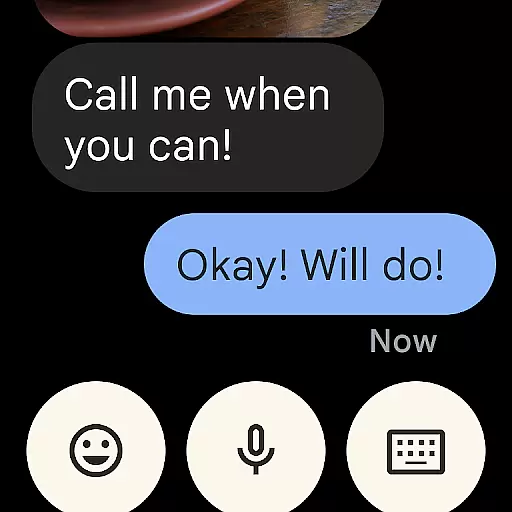
Google Messages is the official messaging app from Google, designed to enhance communication for Android users. This app goes beyond traditional SMS by incorporating Rich Communication Services (RCS), which allows users to send high-resolution photos and videos, engage in dynamic group chats, and connect seamlessly with iPhone users. With features like custom chat bubble colors, AI-powered message suggestions, and end-to-end encryption, Google Messages offers a richer, safer, and more expressive messaging experience.
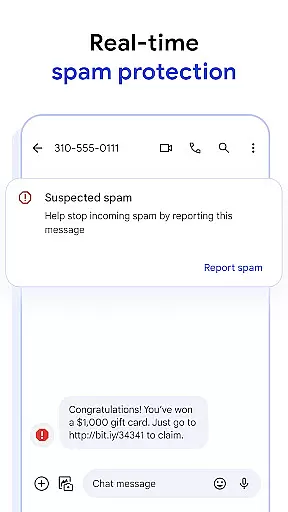
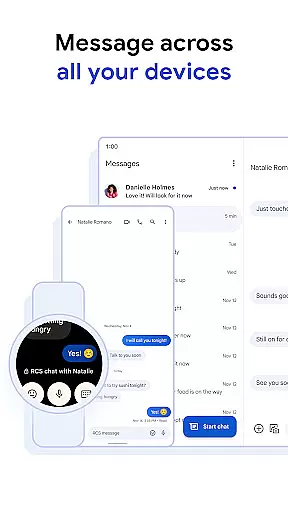
The app also supports cross-device functionality, enabling users to start conversations on their phone and continue them on a tablet or computer. Available on Wear OS, Google Messages ensures that you stay connected no matter where you are. Whether you're looking to personalize your chats or enjoy advanced spam protection, this app provides a comprehensive solution for modern messaging needs.
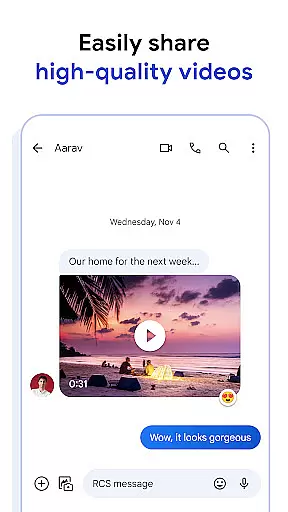
Google Messages stands out with its innovative features tailored to improve user interaction. The integration of RCS technology enables high-quality media sharing and real-time typing indicators, making conversations more engaging. Users can customize their chat experience with unique features such as personalized chat bubble colors and fun selfie GIFs, adding a personal touch to every conversation.
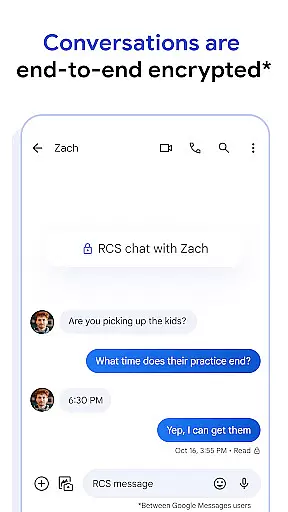
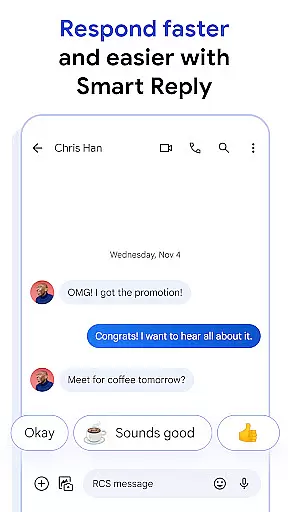
Privacy is a top priority, with end-to-end encryption ensuring that messages and attachments remain secure between Google Messages users. Additionally, the app leverages AI to assist users in crafting the perfect message through Magic Compose suggestions. Its seamless cross-device functionality allows users to transition effortlessly between their phone, tablet, and computer, while availability on Wear OS ensures constant connectivity. These features collectively make Google Messages a versatile and indispensable tool for contemporary communication.
Companion app integration is a crucial feature for wearable devices, ensuring seamless connectivity between the primary device and its wearable counterpart. Google Messages excels in this area by providing users with a unified messaging experience across multiple devices.
The app allows you to start a conversation on your smartphone and continue it effortlessly on a tablet, computer, or even a Wear OS device. This cross-device functionality ensures that users are not tethered to a single device and can transition smoothly between devices based on their current needs and preferences.
By leveraging companion app integration, Google Messages ensures that all your conversations are synchronized in real-time. Whether you're at home using your tablet or on the go with just your smartwatch, you won't miss a beat. This synchronization enhances productivity and convenience, making communication more flexible and accessible than ever before.
Device compatibility is essential for any application designed to work across various platforms, especially when it comes to wearable technology like Wear OS. Google Messages has been optimized to function seamlessly on Wear OS devices, offering users an uninterrupted messaging experience.
The app supports a wide range of Wear OS devices, ensuring that regardless of your choice of smartwatch, you can enjoy the benefits of Google Messages. This broad compatibility means that whether you own a popular model or a niche device, you can expect consistent performance and reliability.
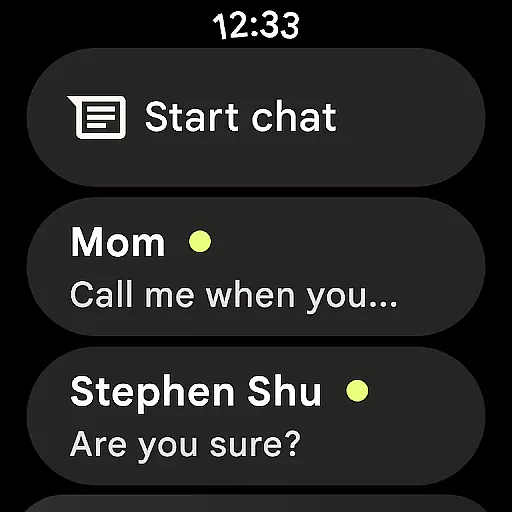
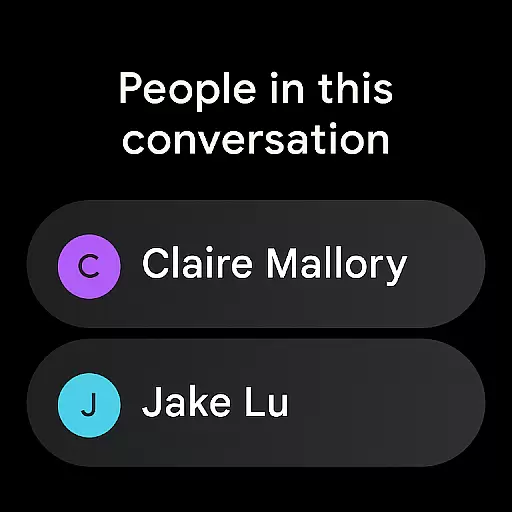
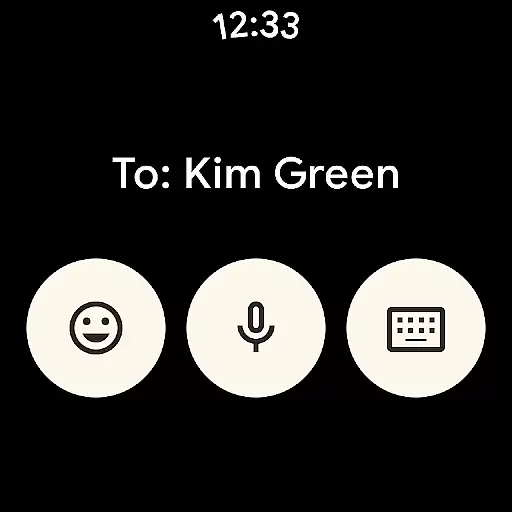
In addition to supporting multiple devices, Google Messages also offers features tailored specifically for Wear OS. These include simplified navigation and quick access to essential functions, allowing users to send and receive messages efficiently without needing to take out their phones. This level of optimization underscores Google's commitment to delivering a superior user experience across all compatible devices.
Enhanced media sharing
End-to-end encryption
Cross-device support
AI-powered suggestions
Customizable chat options
Limited RCS availability
Device compatibility issues
Beta testing required
Data plan necessary
Market feature variance

"PER27 Galaxy Digital" is a digital Wear OS watch face designed by PERSONA
 4.10
4.10
A customizable Christmas watch face for Wear OS with a countdown.
4.20
Christmas Theme Watch Face for Wear Os
5.00
Wear Os Watch Face - Animated Snow Effect & Magic Spark - 6 Scenes
4.10
A modern premium sporty hybrid watch face for Wear OS by Ballozi
4.70
Hyper-Realistic Airplane Dashboard Watch Face With 10 Skins and Custom AOD
4.00
Retro digital watch face with customizable colors and a unique lighting effect
4.60
A modern hybrid informative watch face for Wear OS designed by BALLOZI
4.80
Connect, create, and collaborate with Gmail, part of Google Workspace.
4.10
WTW M17 is a premium and luxurious hybrid watch face
4.70
Easy Voice Recorder is your everyday companion to record important moments.
4.70
Be an elegant and classy secret agent, with this carefully detailed watch face
4.70
Kia Access makes getting your vehicle information easier than ever
4.60
Deck out your Wear OS Watch face with a beautifully decorated pine wreath!
4.50
Embrace the holiday spirit with this magical animated watch face!
4.40
Embrace the festive spirit with our Christmas Countdown watchface for Wear OS
4.10
Structured watch face with seven complications and modular UI elements
3.90
A watch face that fuses motorsport precision with contemporary smartwatch design
4.5
Hybrid Vibrant Health Watch Face for Wear OS
4.0


User Reviews