
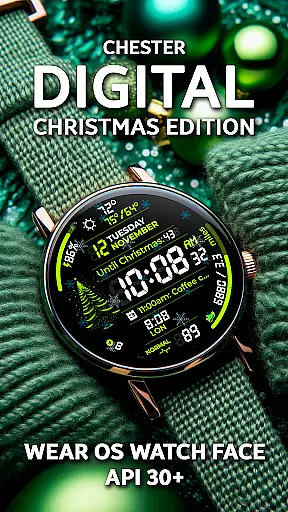
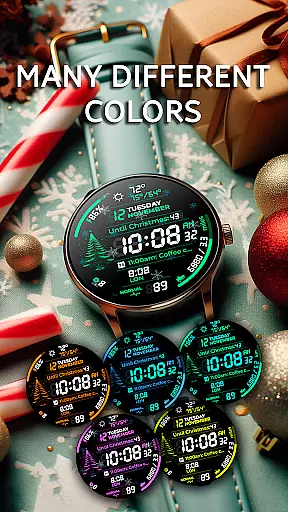
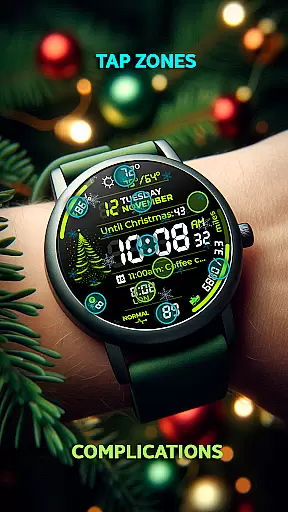
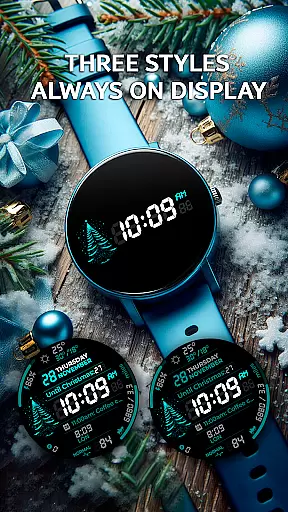
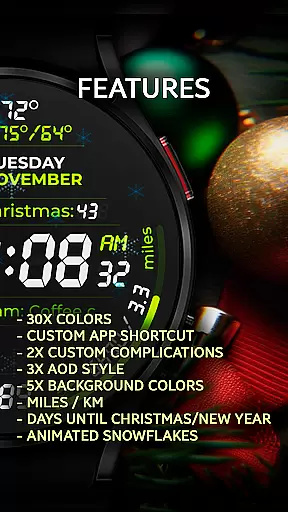
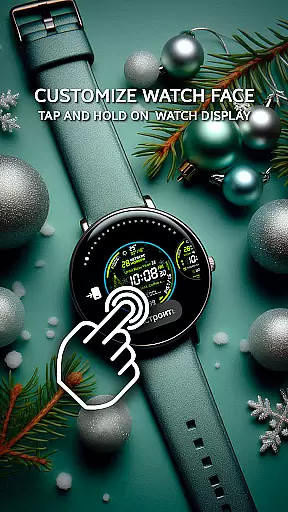
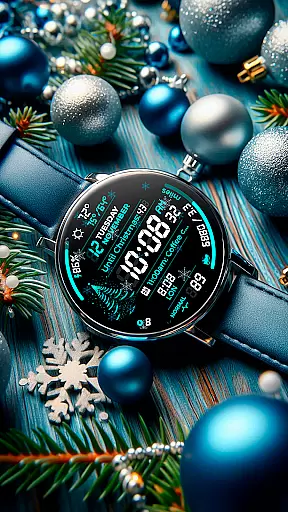
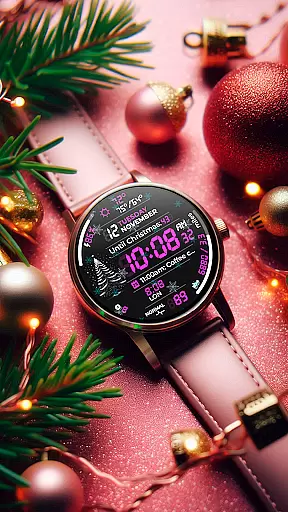
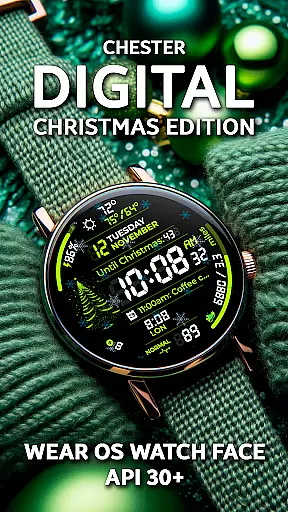
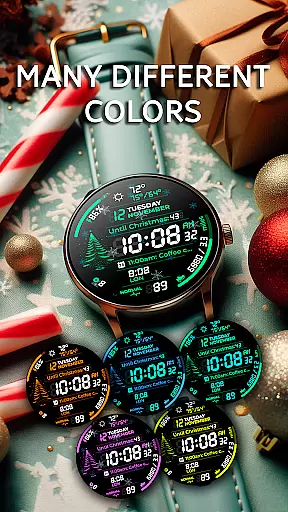
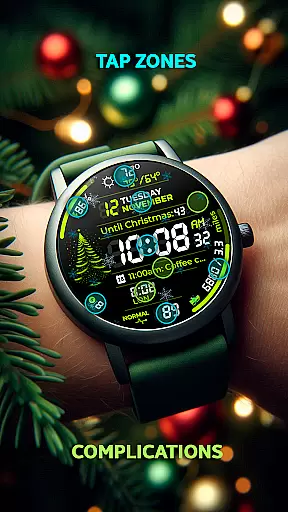
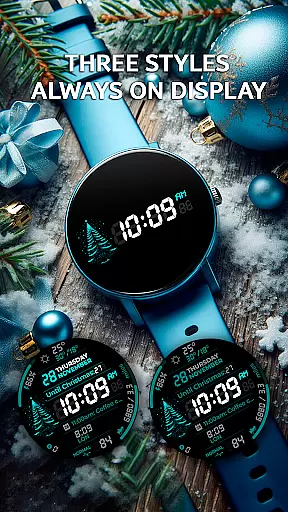
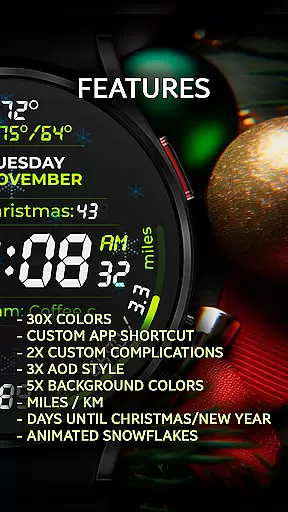
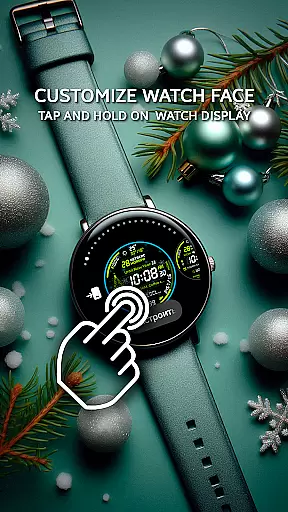
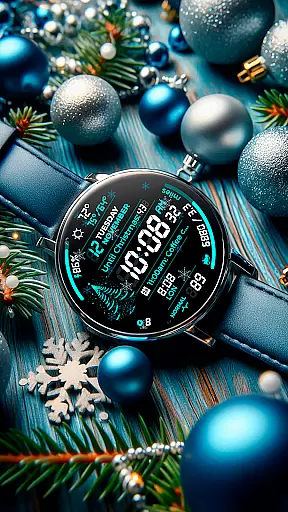
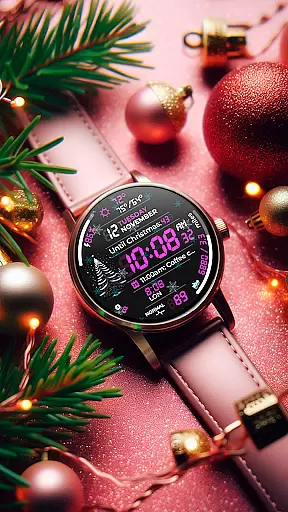
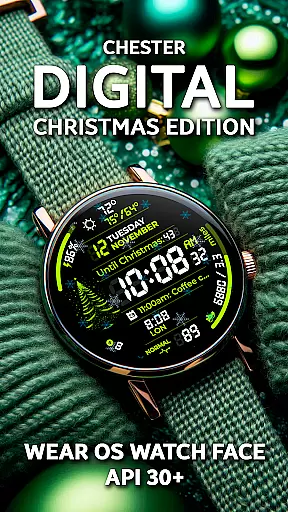
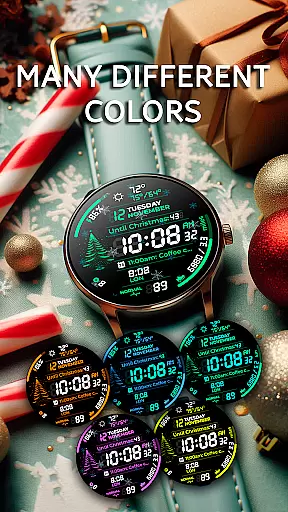
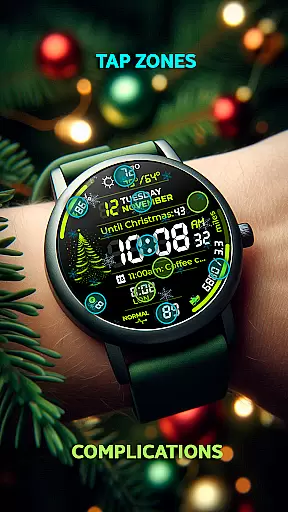
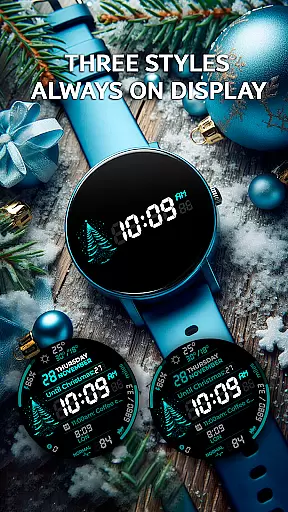
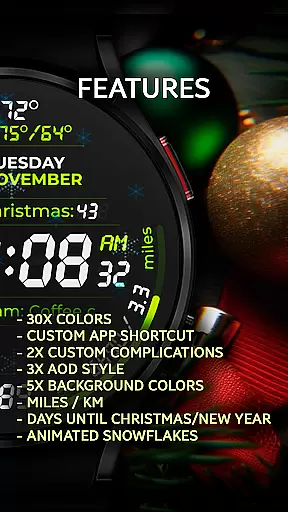
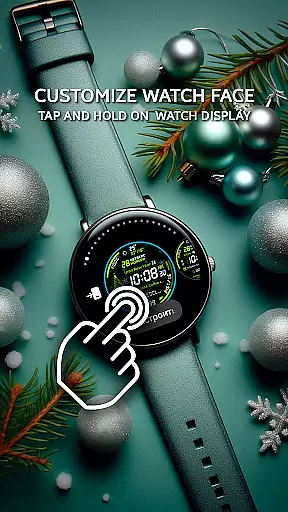
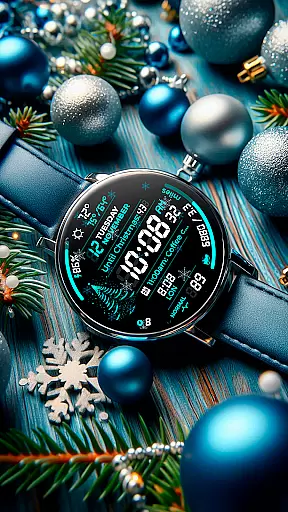
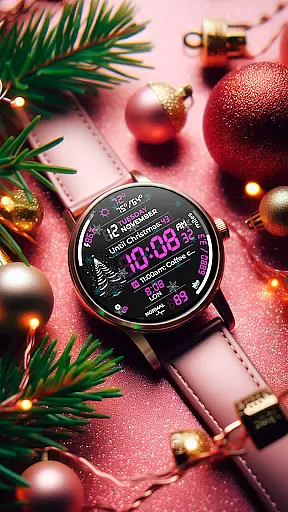
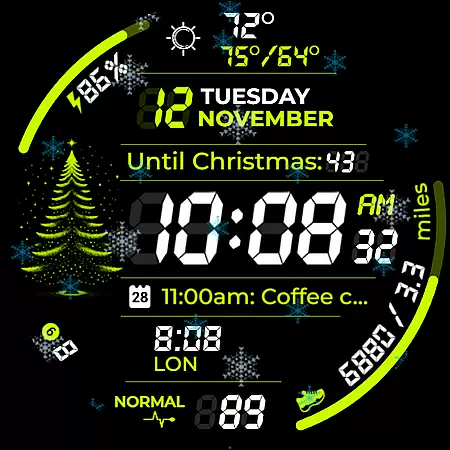
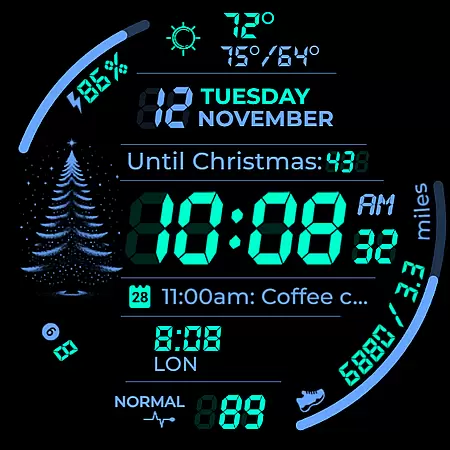
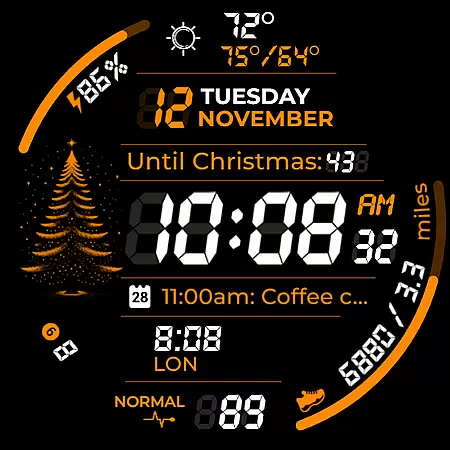
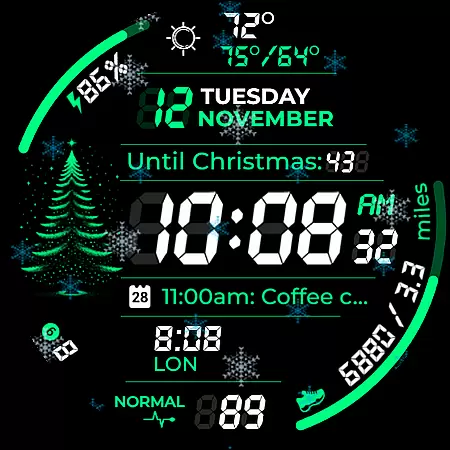
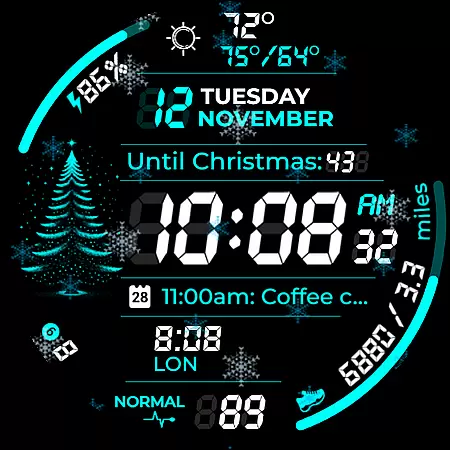
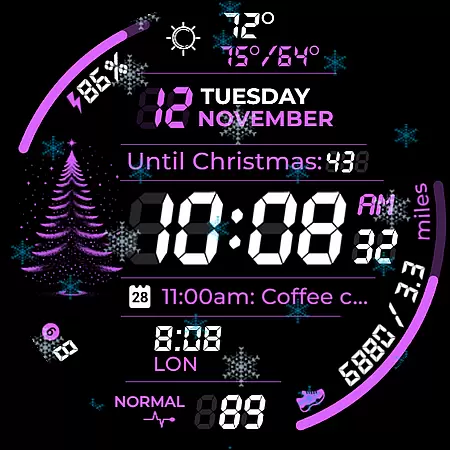
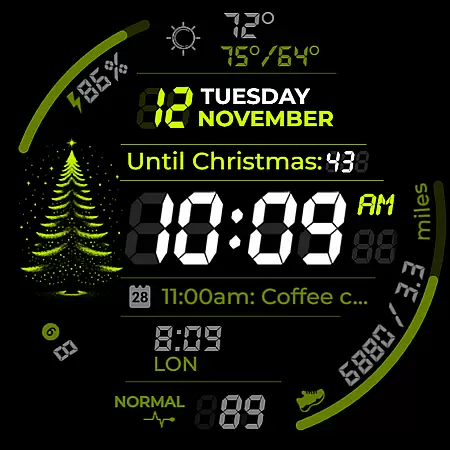
Chester Digital: Christmas is a festive watch face designed specifically for Wear OS devices, offering users a customizable and interactive holiday experience. With 30 vibrant color schemes, app shortcuts, and complication zones, this watch face allows you to personalize your device like never before.
Key features include Always-On Display styles, background color options, distance tracking, and interactive tap zones. It also provides weekly and yearly tracking, full calendar reminders, weather updates, and even a countdown to Christmas or New Year. The delightful snowflake animation adds a touch of holiday cheer while the unread notifications counter keeps you informed.
Ideal for users with Wear OS API 30+ devices such as Google Pixel Watch and Galaxy Watches, Chester Digital: Christmas blends style, functionality, and festive spirit, making it the perfect accessory for the holiday season.
This watch face stands out with its extensive customization options. Users can choose from 30 unique color schemes and five different background colors, ensuring their watch matches their personal style. The inclusion of app shortcuts and two complication zones allows quick access to frequently used functions and personalized information displays.
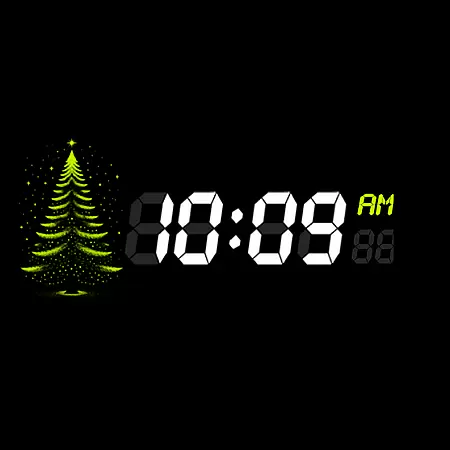
Functionality is further enhanced with three Always-On Display styles, keeping essential information visible at all times. Distance tracking in miles or kilometers caters to fitness enthusiasts and travelers alike. Interactive tap zones provide instant access to important features directly on the screen, while weekly and yearly tracking helps users stay organized.
The integration of full calendar reminders and weather updates ensures seamless planning and preparedness. The countdown to Christmas or New Year adds excitement, and the snowflake animation brings the holiday spirit to life. Additionally, the unread notifications counter keeps users connected without being overwhelmed.
Companion app integration is essential for a seamless wearable experience. Chester Digital: Christmas watch face offers robust companion app features that enhance its functionality. The app provides users with easy access to customization options directly from their mobile device.
This integration allows for real-time synchronization of settings between the smartphone and the Wear OS device. Users can effortlessly adjust color schemes, background options, and other display preferences through the companion app. This ensures that personalization remains consistent across devices.
The companion app also enables quick access to important features like calendar events, weather updates, and notification management. These functions are synchronized instantly with the watch face, providing users with up-to-date information at a glance. This level of integration significantly improves the overall user experience.
Furthermore, the companion app serves as a central hub for managing all aspects of the watch face. From installing new features to troubleshooting common issues, users can conveniently handle everything through this integrated system. This comprehensive approach to companion app integration sets Chester Digital: Christmas apart in the Android Wear ecosystem.
Device compatibility is crucial for ensuring optimal performance across different Wear OS devices. Chester Digital: Christmas watch face is designed to work seamlessly with all Wear OS API 30+ devices, including popular models like Google Pixel Watch and Galaxy Watch series. This broad compatibility ensures that users can enjoy the festive experience regardless of their specific device.
The watch face has been optimized for round displays, providing perfect visual alignment and functionality. While not suitable for rectangular watches, the design maintains consistent quality across various screen sizes and resolutions. This careful attention to compatibility details guarantees an excellent user experience on supported devices.
Advanced features like Always-On Display styles and interactive tap zones have been specifically engineered to work with modern Wear OS hardware. The implementation takes advantage of each device's capabilities while maintaining consistent performance standards. This approach ensures that users can access all features without worrying about technical limitations.
Regular updates and testing against new Wear OS versions help maintain compatibility with evolving device specifications. The development team actively monitors changes in the Android Wear ecosystem to ensure continued support for current and future devices. This commitment to compatibility makes Chester Digital: Christmas a reliable choice for holiday-themed watch faces.
Highly customizable
Festive animations
Useful complications
Always-On Display
Weather integration
No rectangular support
Limited compatibility
Premium features
Battery intensive
Complex setup

Christmas watch face. For Wear OS devices.
 4.30
4.30
Embrace the festive spirit with our Christmas Countdown watchface for Wear OS
4.10
Fitness interactive virtual pet super fighter boy watch face
4.4
The #1 source of faces for your smartwatch!
4.00
Bold weather Digital watchface with forecast & optional animated background
4.40
Minimalistic design modern digital watch face.
4.1
Simple, helpful messaging by Google
4.60
Want to take charge of your health? Let Google Fit help you reach your goals.
3.50
Spam call blocker and caller ID for automatic call protection!
4.40
Christmas Theme Watch Face for Wear Os
5.00
Diet tracker for weight loss - track calories, food and macros. Simple and easy!
4.70
Be an elegant and classy secret agent, with this carefully detailed watch face
4.70
The most customizable hybrid watch face. For Wear OS 5.0, API 34+ and later
4.70
A realistic hybrid watch face with many customization options.
4.60
MyNISSAN® lets you remotely control your car from your phone.*
4.50
Bold, Modern Hybrid Watch Face for Wear OS. 10 Colors, Rich Info Display.
4.30
Calming & relaxing sounds for sleeping and stress relief. Stay focused all day!
4.20
Structured watch face with seven complications and modular UI elements
3.90
Sleek, highly customizable watch face inspired by Galaxy Watch Circle Dashboard.
4.2


User Reviews