
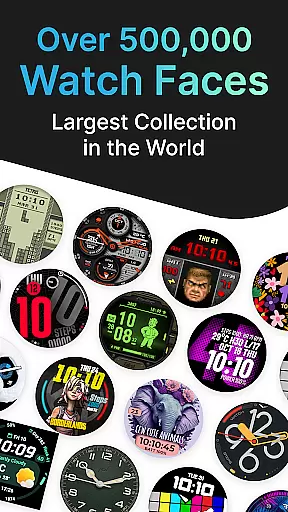
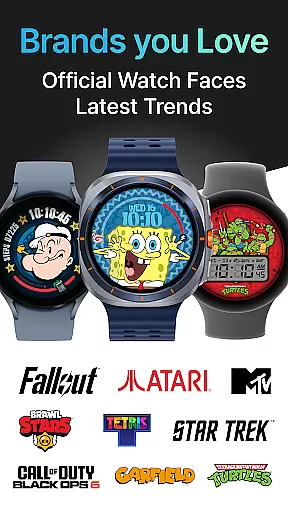
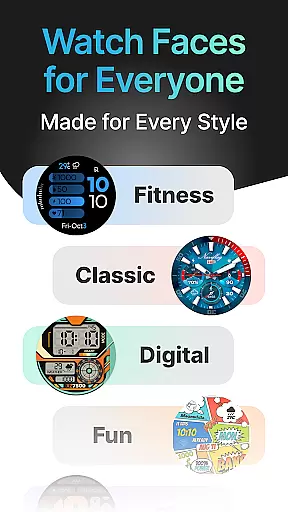
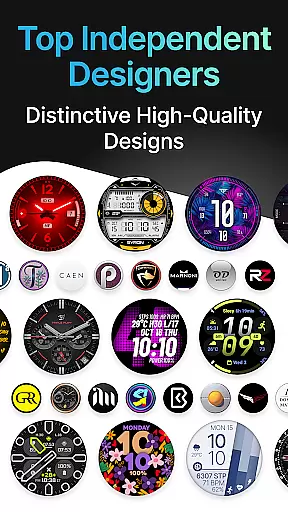
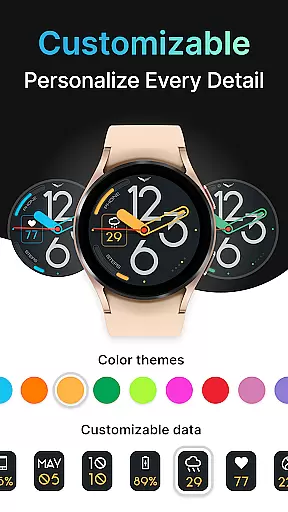
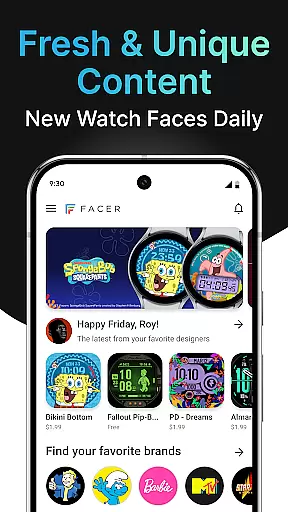
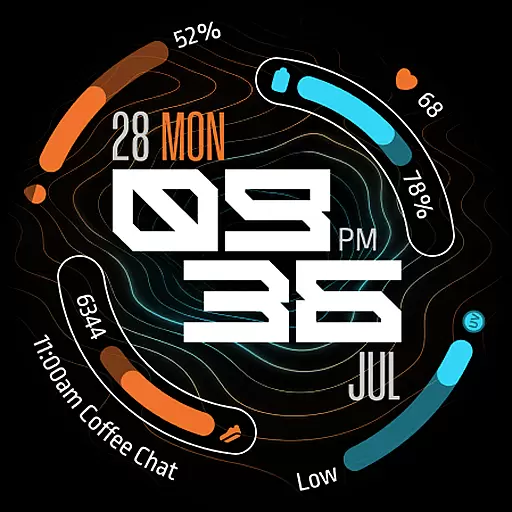
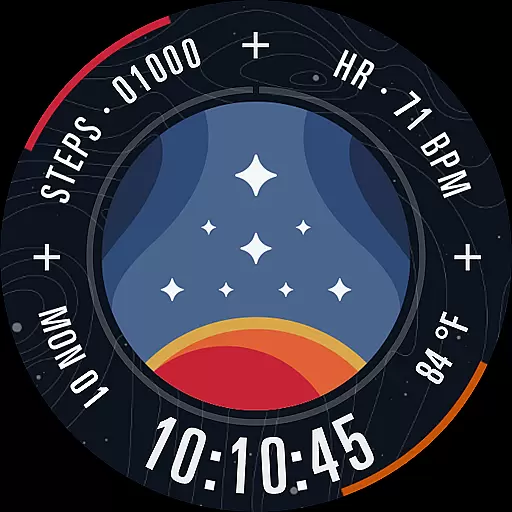
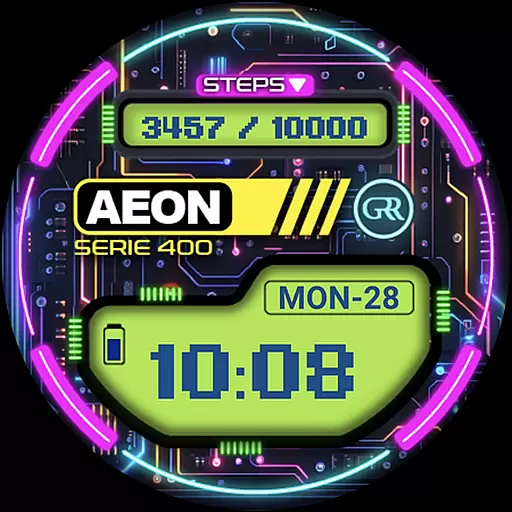
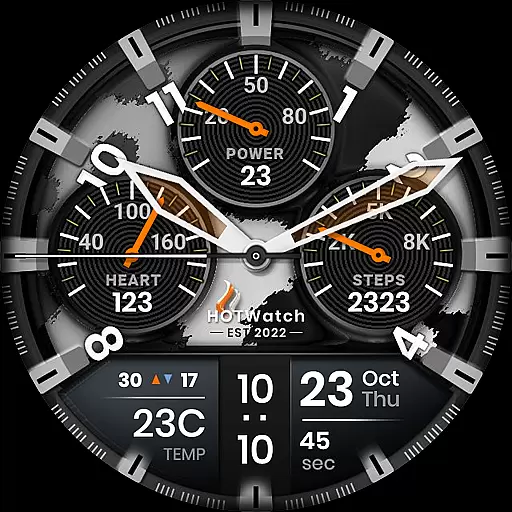
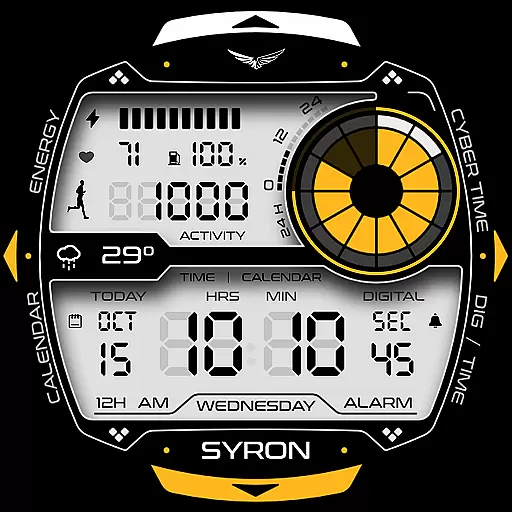
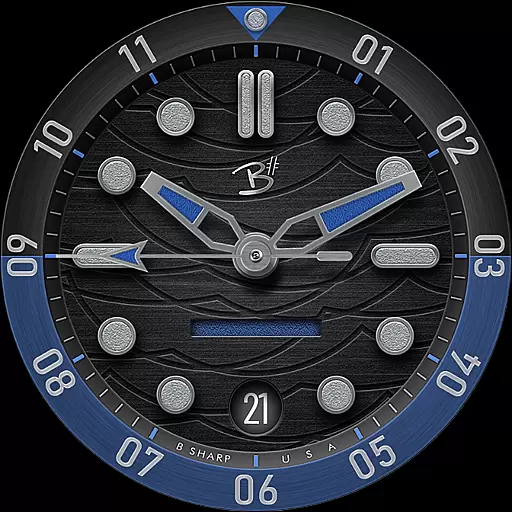
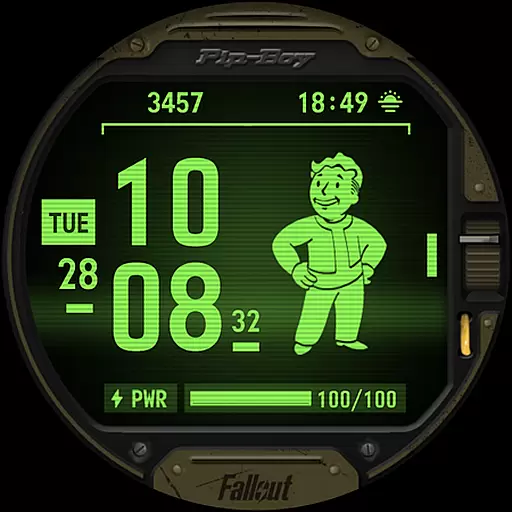
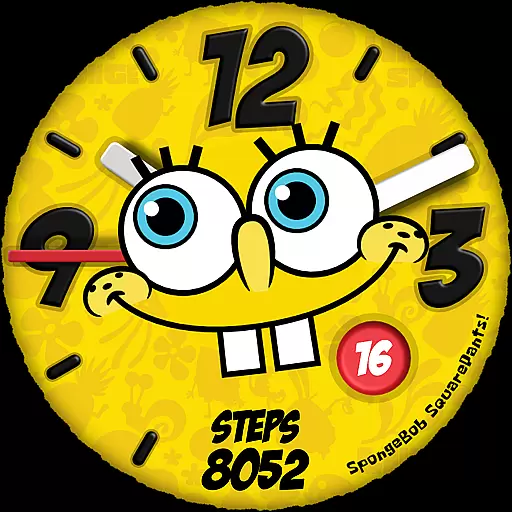
Facer Watch Faces is the ultimate customization tool for your smartwatch, offering over 500,000 free and premium watch faces from leading brands and independent artists. Whether you're looking to personalize your style or explore designs from talented creators, Facer provides endless options. Compatible with Wear OS, Tizen, Apple Watch, and more, this app ensures your watch face adapts seamlessly across devices.
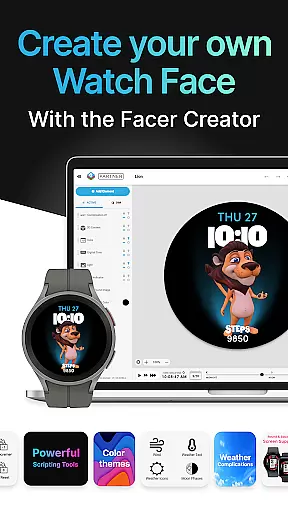
With features like Facer Creator, users can design their own watch faces and share them with a global community. The app supports all major smartwatches, including Samsung Galaxy Watches, Google Pixel Watches, and other Wear OS models. By integrating fitness, weather, and health data, Facer enhances both aesthetics and functionality, making it an essential tool for smartwatch enthusiasts.
Facer Watch Faces stands out with its extensive catalog of customizable designs and powerful creation tools. Users can choose from thousands of pre-made faces or create their own using the web-based Facer Creator editor. This flexibility allows for complete personalization, whether you're designing for fun or professional purposes.
The app also integrates seamlessly with various smartwatch platforms, ensuring cross-device compatibility. With support for fitness trackers, weather updates, and health metrics, Facer goes beyond aesthetics by providing practical utility. Additionally, partnerships with top brands like Tetris™ and Star Trek bring exclusive designs to users, enhancing the overall experience.
Companion app integration is essential for ensuring seamless functionality between a smartwatch and its corresponding mobile application. Facer excels in this area by providing users with an intuitive setup process that requires installing the app on both their phone and smartwatch.
The app ensures that any watch face selected through the mobile application is accurately reflected on the paired wearable device. This synchronization allows users to browse and apply new designs effortlessly, maintaining consistency across devices.
For users, this means they can customize their smartwatch faces from the convenience of their phone, knowing that changes will be immediately mirrored on their wearable. This feature enhances user experience by simplifying the customization process.
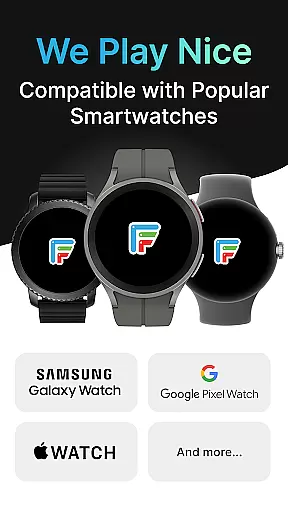
Facer's companion app integration extends support to multiple platforms including Wear OS, Tizen, and Apple Watch, making it versatile and widely accessible. This cross-platform compatibility ensures that users can enjoy a unified experience regardless of their chosen smartwatch ecosystem.
Device compatibility is a critical factor when choosing a smartwatch customization app. Facer demonstrates exceptional versatility by supporting a wide range of devices running on different operating systems, particularly focusing on Wear OS.
The app maintains compatibility with legacy versions of Wear OS while embracing newer iterations such as Wear OS 6. This comprehensive support ensures that users with older devices can still access Facer's extensive library of watch faces without facing obsolescence.
For Samsung Galaxy Watch users transitioning to Wear OS, Facer provides uninterrupted service across various models including Watch4 through Watch8 series. The app also caters to other popular brands like Google Pixel Watch, OnePlus, Oppo, Mobvoi Ticwatch, and many more.
This broad compatibility spectrum allows Facer to reach a wider audience, accommodating diverse smartwatch models from leading manufacturers. Users benefit from having access to premium customization options regardless of their specific device choice or operating system version.
User-friendly interface
Extensive design library
Cross-platform compatibility
Customizable watch faces
Active community support
Premium subscription required
Some features are device-specific
Occasional syncing issues
Limited free options
Health data permissions needed

Christmas Theme Watch Face for Wear Os
 5.00
5.00
Fitness interactive virtual pet super fighter boy watch face
4.0
Gym & home workout plans with strength training, exercise tracking, HIIT & more.
4.60
To-Do List: daily schedule planner, task organizer, to do reminder app, calendar
4.60
Period, ovulation & pregnancy tracker. Fertility insights & menstrual calendar.
4.90
Funny animated watch face for Thanksgiving
4.5
A modern hybrid informative watch face for Wear OS designed by BALLOZI
4.80
Animated video-game inspired “secret agent” simulation, right on your wrist!
4.20
Simple, helpful messaging by Google
4.60
Christmas - Festive - Christmas Village - Winter - Christmas lights
5.00
Beautiful, colorful and practical watch face. For Wear OS devices.
5.00
Real-time results, stats, schedules and player profiles for all leagues
4.60
Current temperature, weather hourly, weather radar by the weather forecast app
4.40
Beautiful artistic animated digital watch face, with a customizable layout!
4.40
Get helpful reminders, take progress photos and find answers to your questions.
3.90
Watch face designed for Thanksgiving Day. 7 Background Styles included.
3.20
Stunning modern digital watch face with 7 complications and strong contrast
4.4
Simple Analog-Digital Watchface For Wear OS 3.0 and Up Smartwatches
4.4
Sleek, highly customizable watch face inspired by Galaxy Watch Circle Dashboard.
4.1


User Reviews