
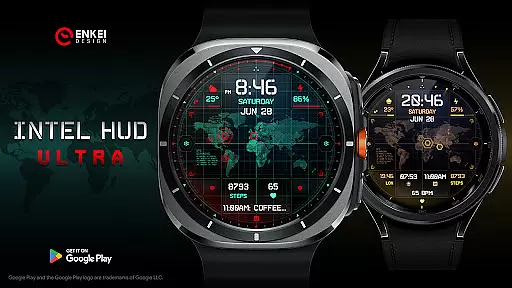
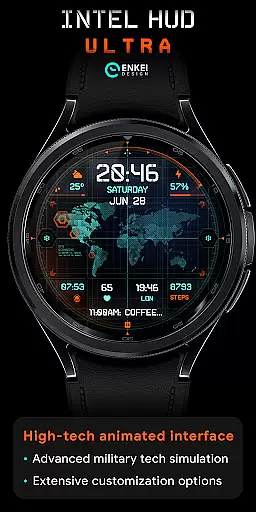
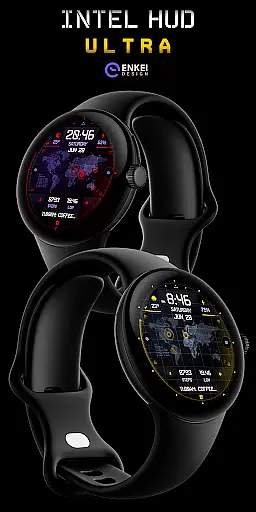
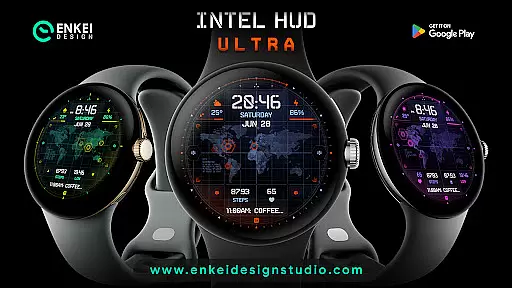
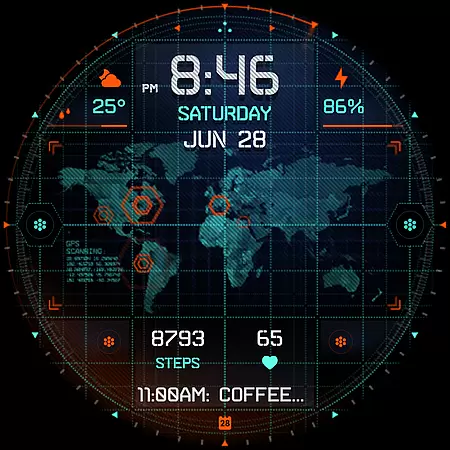
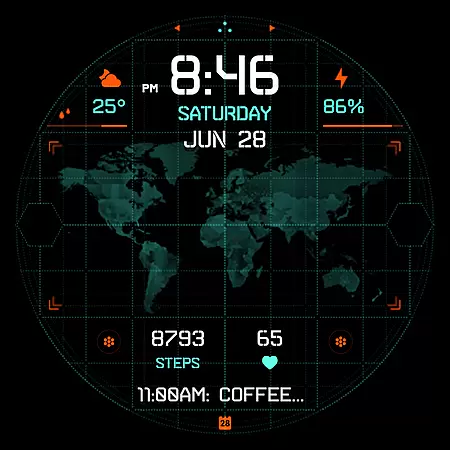
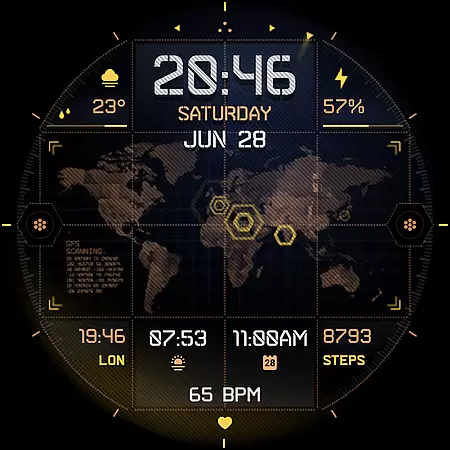
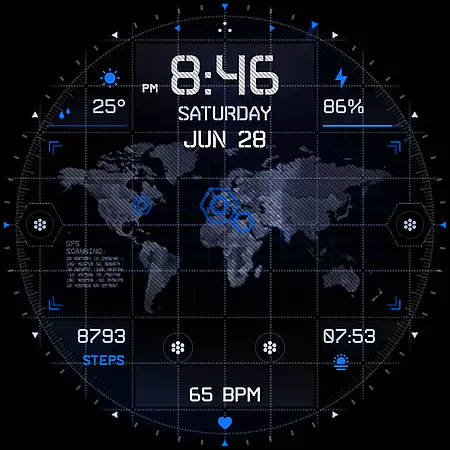
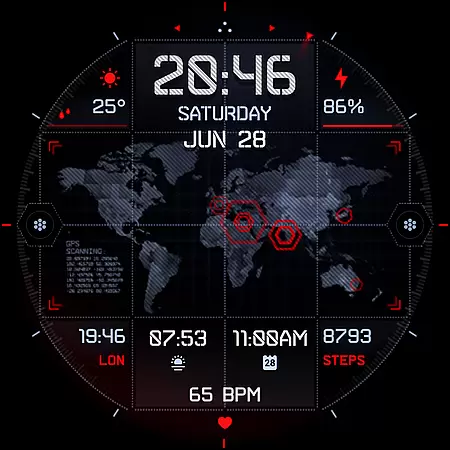
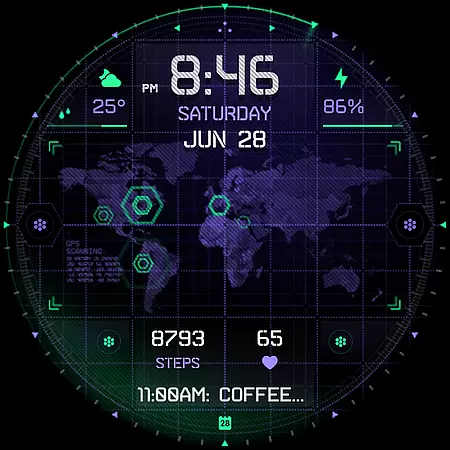
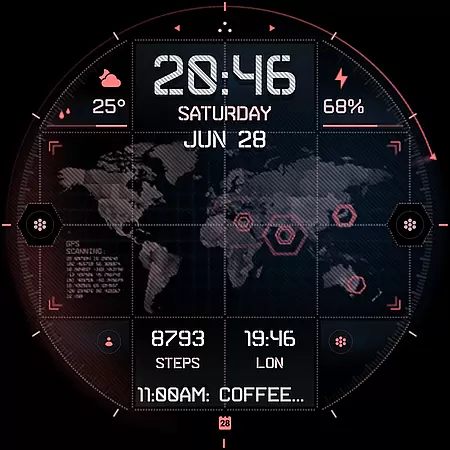
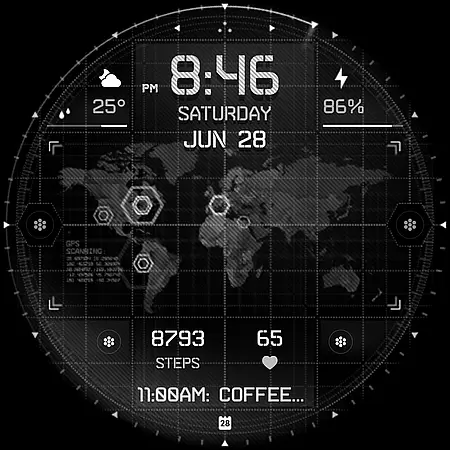
INTEL HUD Ultra is a high-tech digital watch face designed for smartwatches running Wear OS 5.0 and newer versions. This advanced watch face combines military-inspired design with cutting-edge technology, offering users an animated interface that's optimized for performance while minimizing battery consumption. The customizable layout allows users to create their ideal style by adjusting indicators, shortcuts, colors, and other visual elements.
This digital watch face stands out with its extensive customization options and useful features powered by Watch Face Format. Users can personalize everything from clock display to app shortcuts, making it a versatile tool for both functionality and style. Whether you need quick access to weather information or want to track your fitness metrics, INTEL HUD Ultra provides a comprehensive solution for smartwatch users seeking a customizable and high-performance watch face.
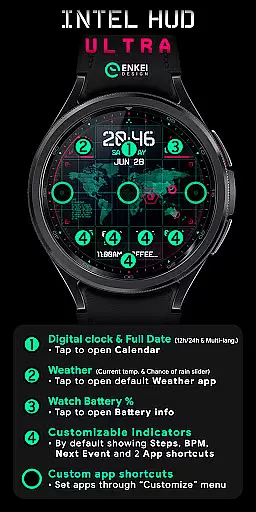
INTEL HUD Ultra offers an impressive array of features that cater to tech-savvy smartwatch users. The digital clock supports both 12-hour and 24-hour formats and provides quick access to the calendar app. Weather information including current temperature and chance of rain percentage is readily available, while battery percentage display helps users monitor their device's power status.
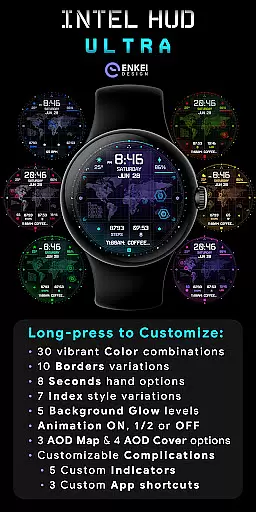
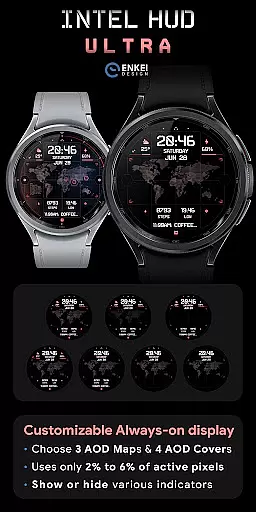
One of the standout features is the extensive customization options. Users can personalize four short-text indicators, one long-text indicator, and three app shortcuts. The always-on display (AOD) is both battery-efficient and customizable, using only 2-6% active pixels. A long-press on the watch face opens a comprehensive customize menu with options for color schemes, borders, seconds display, index styles, background glow, animation settings, and more.
The watch face also includes practical features like step tracking, heart rate monitoring, and next event display. These features are complemented by various tap-to-open functionalities that provide quick access to essential apps. With its combination of aesthetic appeal, performance optimization, and extensive personalization options, INTEL HUD Ultra sets a new standard for smartwatch interfaces.
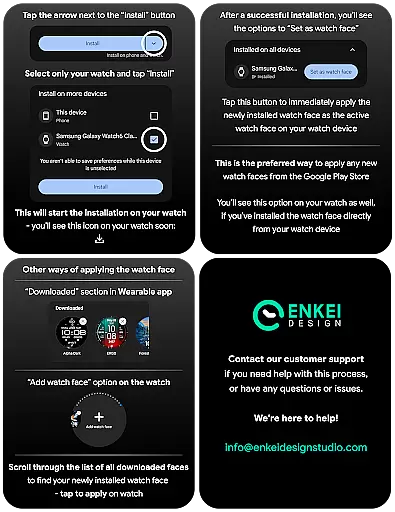
Companion app integration is essential for smartwatch applications as it ensures seamless synchronization between the watch and its paired mobile device. INTEL HUD Ultra excels in this area by providing a dedicated phone companion app that facilitates direct installation to the watch device.
The companion app serves as more than just an installer; it enhances user experience by allowing efficient data transfer and management. Users can easily customize settings, receive updates, and manage features directly from their smartphones.
This integration offers practical benefits such as simplified setup processes and centralized control. By handling complex operations through the mobile app, INTEL HUD Ultra maintains optimal performance on the watch itself, ensuring minimal battery consumption while maximizing functionality.
Device compatibility is crucial for Wear OS applications, determining which smartwatches can effectively run the software. INTEL HUD Ultra is specifically optimized for devices running Wear OS 5.0 and newer versions (API 34+), guaranteeing enhanced performance across supported models.
The application leverages the latest Wear OS features to deliver advanced customization options and useful functionalities. This includes extensive color combinations, border variations, and animation controls that work seamlessly with compatible devices.
By focusing on modern Wear OS versions, INTEL HUD Ultra ensures users benefit from improved security protocols, updated interface elements, and better overall system integration. This strategic compatibility decision helps maintain high standards of quality and reliability for end-users.
Highly customizable
Battery efficient
Military-inspired design
Performance optimized
Extensive features
Wear OS 5.0+ only
Complex setup
Premium price
Limited compatibility
Steep learning curve

Christmas watch face. For Wear OS devices.
 4.30
4.30
Embrace the holiday spirit with this magical animated watch face!
4.40
Digital, flexibly customizable watch face. For Wear OS 5.0, API 34+ and later.
5.00
sleep, alarm, snoring, stress, healing, focus, sound therapy, circadian rhythm
4.10
Your second brain for organizing your life: to-do, calendar, reminder.
4.70
Find EV charging stations
4.30
The Chevron App allows you to pay for fuel from the comfort of your car!
4.80
Simple, helpful messaging by Google
4.60
Fitbit is dedicated to helping people lead healthier, more active lives.
4.10
Christmas - Festive - Christmas Village - Winter - Christmas lights
5.00
Deck out your Wear OS Watch face with a beautifully decorated pine wreath!
4.50
Connect to your Bluelink equipped Hyundai vehicle from your smartphone.
4.50
Reliable phone calls with spam protection, caller ID and more helpful features
4.40
Watch face for Wear OS.
4.20
Let's celebrate Thanksgiving - Wear Os watch face
4.20
Professional weather radar and more
3.90
Stay in touch with your friends and family using LINE!
3.40
Simple Analog-Digital Watchface For Wear OS 3.0 and Up Smartwatches
4.4
Funny animated watch face for Thanksgiving
4.1


User Reviews