

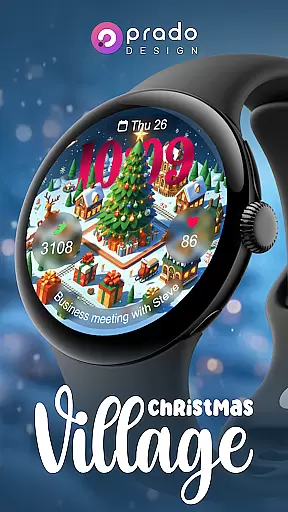
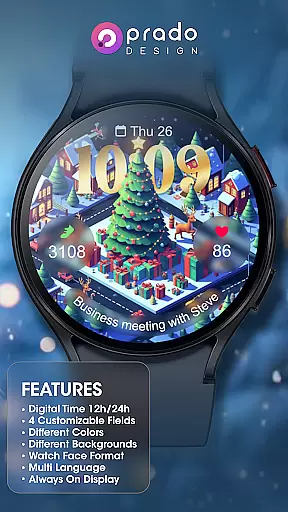
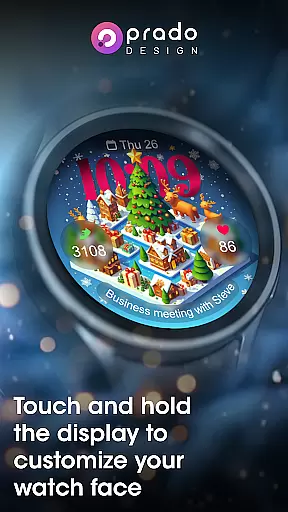
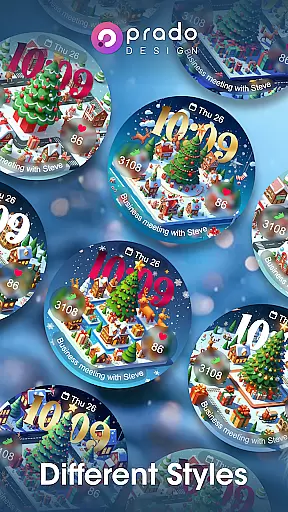

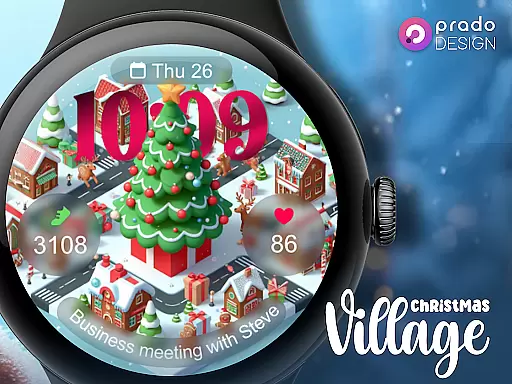
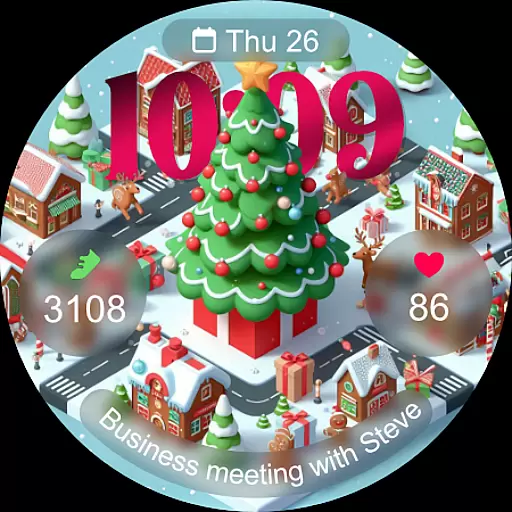
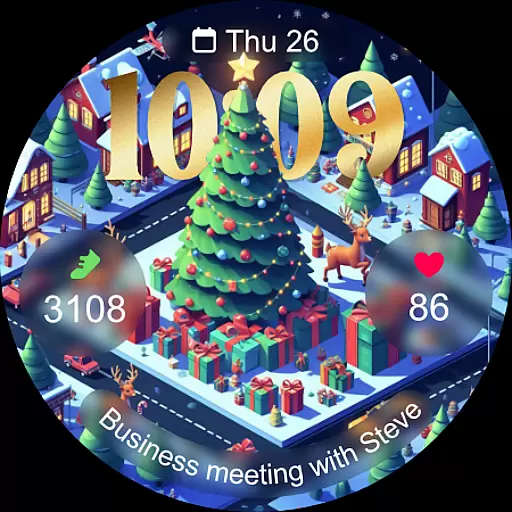
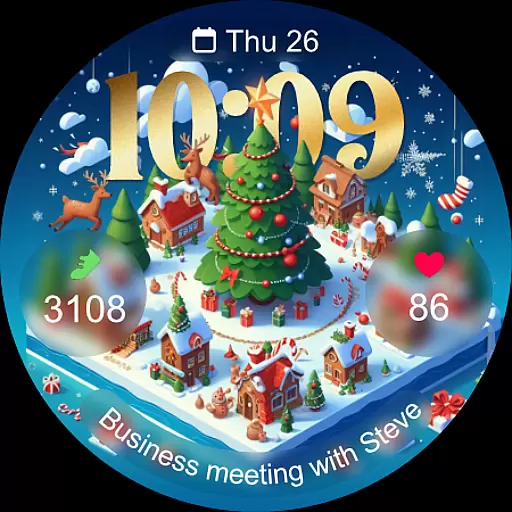
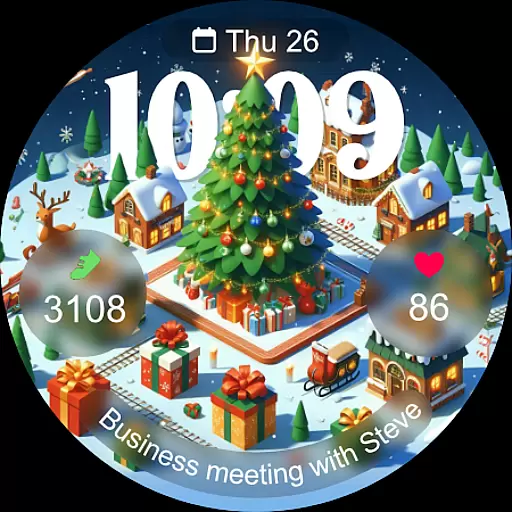
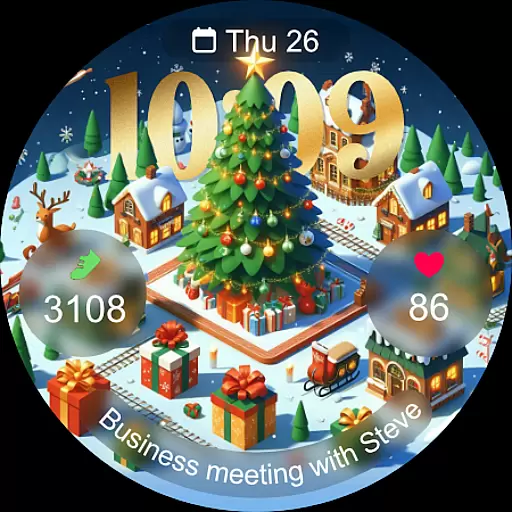
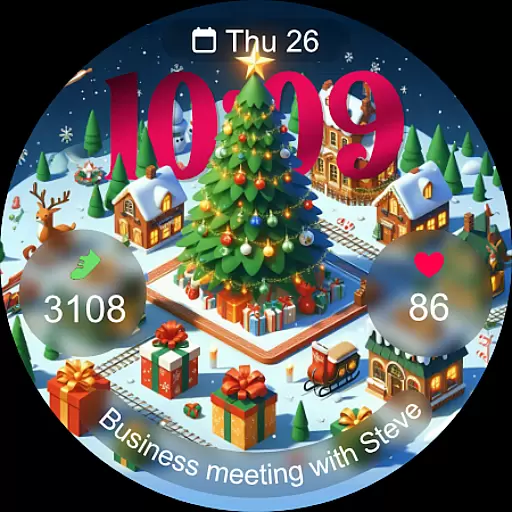
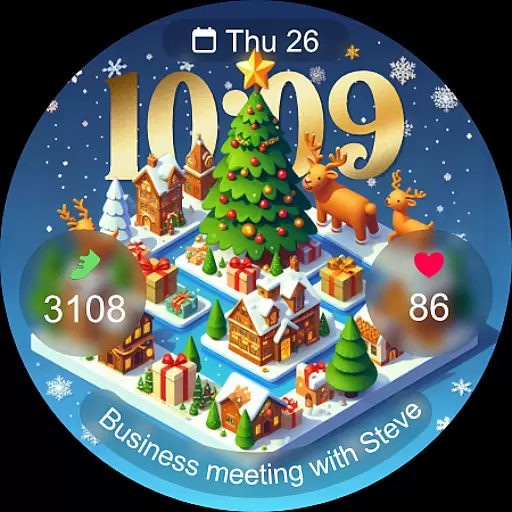
Christmas Village is a festive watch face app designed specifically for Wear OS devices, offering users a perfect way to celebrate the holiday season right on their smartwatches. The app provides an engaging and customizable experience with its unique Christmas-themed design.
This watch face stands out with features like 12h/24h time display based on phone settings, four customizable fields, and various color options. Users can enjoy different characters, multiple language support, and an Always On Display function. To ensure full functionality, users need to manually enable sensor permissions and allow data complications.
Whether you're looking to add some holiday cheer or want a functional yet stylish watch face, Christmas Village delivers both aesthetics and utility, making it an ideal choice for the Christmas season.
Christmas Village offers a rich set of features that enhance the Wear OS user experience during the festive period. One notable feature is its ability to display time in either 12-hour or 24-hour format depending on your phone's settings, ensuring convenience and familiarity.
The app includes four customizable fields, allowing users to tailor the watch face to their preferences. With options for different colors and characters, personalization is at the forefront. Additionally, the multi-language support ensures accessibility for a global audience, while the Always On Display feature keeps essential information visible at all times.
To maximize functionality, users are encouraged to enable sensor permissions and receive complication data. Weather complications can be set up using recommended apps like Weather Complications or SimpleWeather, further enriching the user experience with real-time updates.
For Christmas Village, companion app integration is crucial for enhancing the smartwatch experience. This feature ensures that data and settings from your phone are seamlessly transferred to your wearable device.
The watch face supports 12h/24h time formats based on your phone settings, and includes four customizable fields. Users can personalize their watch faces with different colors, characters, and languages, ensuring a unique and tailored appearance.
To fully utilize all functionalities, users must manually enable sensor permissions and allow the reception of complication data. This allows for real-time updates and interactions between the smartphone and the watch face.
By integrating with weather apps like Weather Complications and SimpleWeather, Christmas Village provides dynamic and location-based content, making it not just festive but also functional and up-to-date.
Christmas Village is specifically designed for Wear OS devices, ensuring optimal performance and compatibility. This exclusivity guarantees that users will enjoy a seamless experience tailored to the capabilities of Wear OS.
One common issue users might encounter is the 'Your devices are not compatible' message. To resolve this, users should access the Play Store via a browser to download the necessary updates or configurations needed for compatibility.
The application offers an array of features including Always On Display, multiple language support, and customizable watch face formats. These are optimized for Wear OS, providing users with both aesthetic appeal and practical utility.
For those looking to enhance their Christmas season, this watch face delivers festivity and functionality, perfectly aligned with the advanced features of Wear OS devices.
Festive Design
Customizable Fields
Multi-Language Support
Always On Display
Wear OS Compatible
Wear OS Only
Manual Permissions
Weather Setup Needed
Limited Customization
No iOS Support

Christmas watch face. For Wear OS devices.
 4.30
4.30
Simple Analog-Digital Watchface For Wear OS 3.0 and Up Smartwatches
4.2
Kia Access makes getting your vehicle information easier than ever
4.60
Nutrition, Macro tracker: Food, fitness & healthy diet tracking for weight loss
4.60
To-Do List: daily schedule planner, task organizer, to do reminder app, calendar
4.60
Reliable phone calls with spam protection, caller ID and more helpful features
4.40
Stylish, Energizing and Modern Watch Face crafted by Dominus Mathias.
4.50
A modern hybrid informative watch face for Wear OS designed by BALLOZI
4.80
Hybrid watch face for Wear OS with customizable complications by Matteo Dini MD
4.70
Beautiful, colorful and practical watch face. For Wear OS devices.
5.00
The most customizable hybrid watch face. For Wear OS 5.0, API 34+ and later
4.70
Rose gold watch face with festive lights & customizable features.
4.60
Connect to your Bluelink equipped Hyundai vehicle from your smartphone.
4.50
Snowflake Rose Gold Watch Face - Digital, modern, & sleek with GYRO effect.
4.10
sleep, alarm, snoring, stress, healing, focus, sound therapy, circadian rhythm
4.10
Viewer for Wyze/Yi/Eufy/Arlo/ONVIF/RTSP/P2P IP cams w/ adv. features & DIY DVR
4.00
Get helpful reminders, take progress photos and find answers to your questions.
3.90
Contemporary digital watch face with five complications
4.3
3 Complications. All shadow on/off. 30 Themes color palette...
4.4


User Reviews