
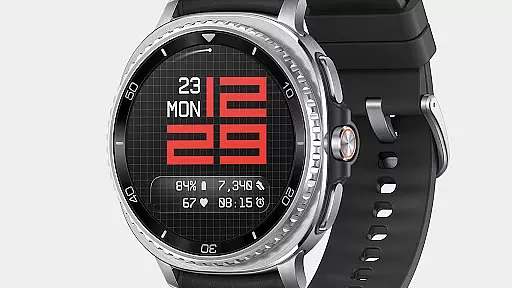
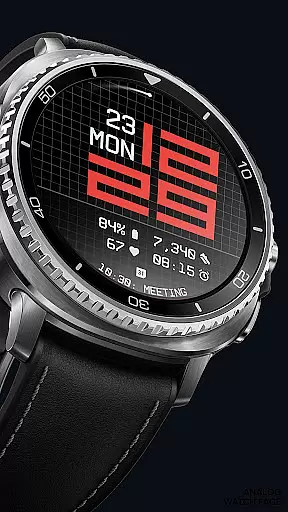
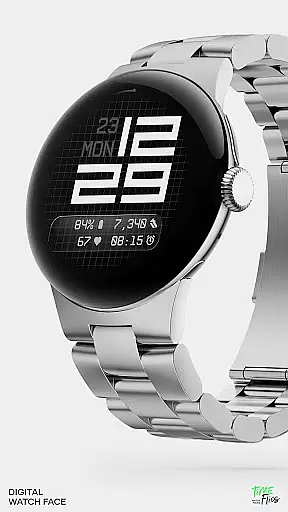
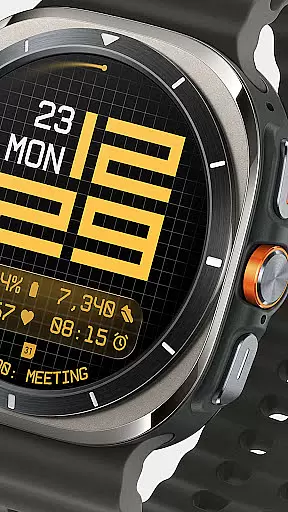
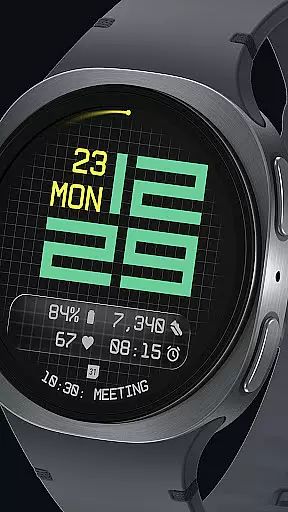
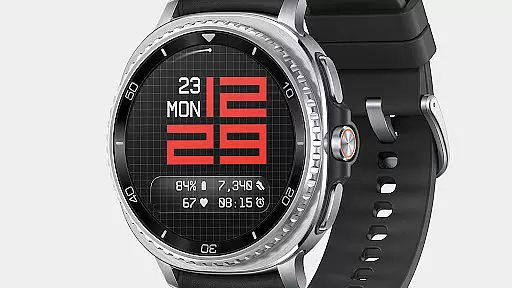
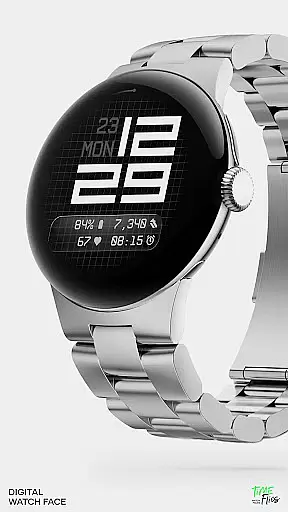
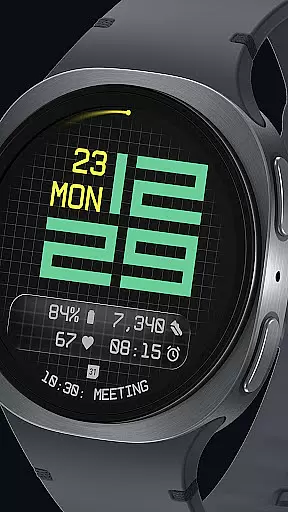
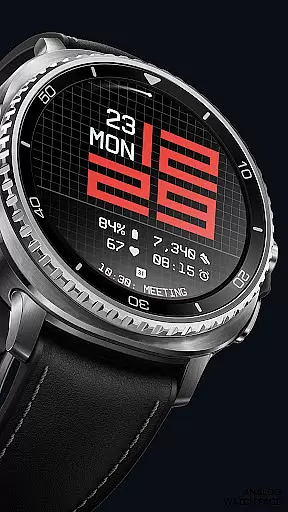
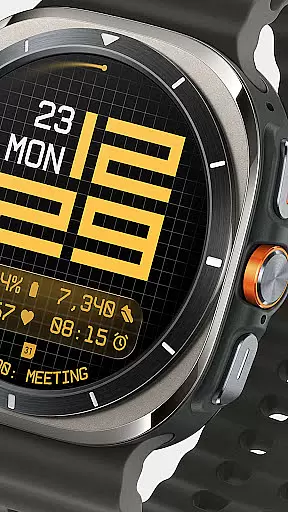
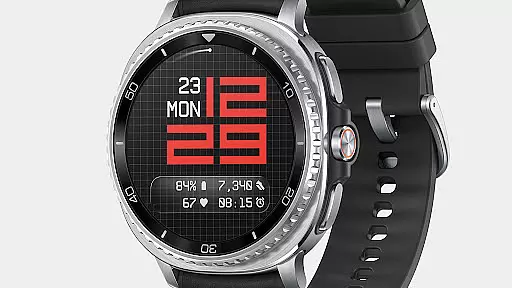
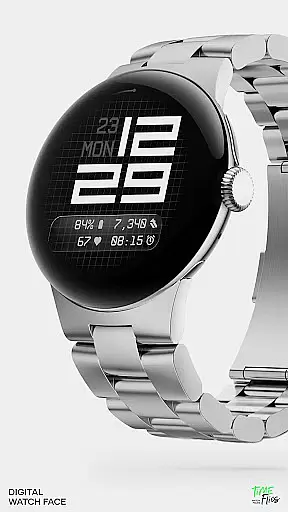
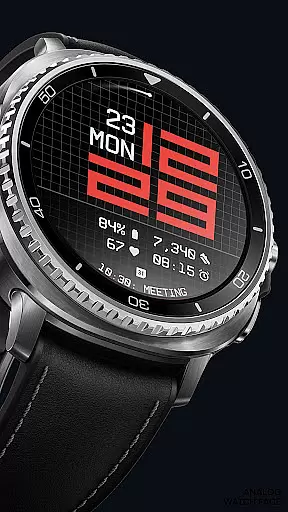
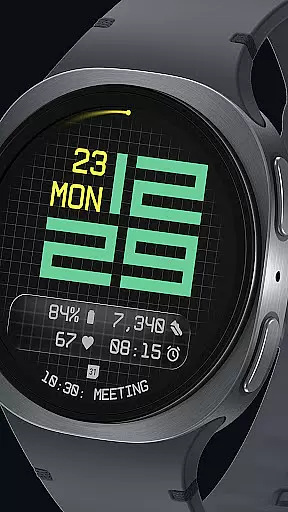

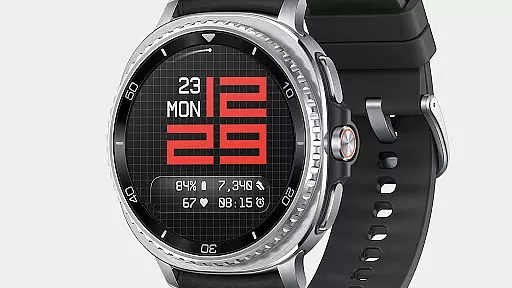
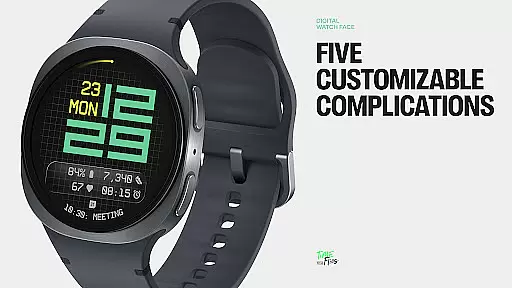
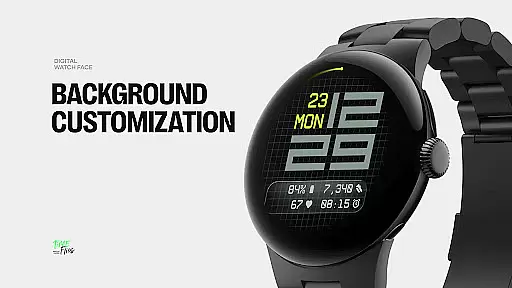
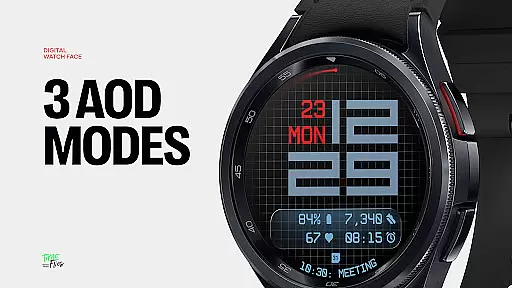
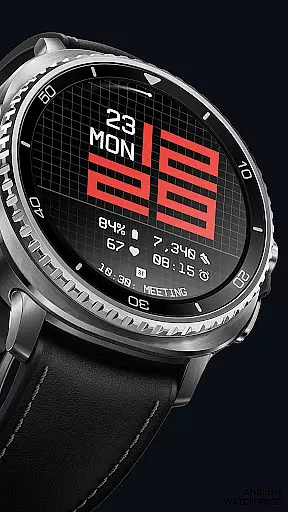
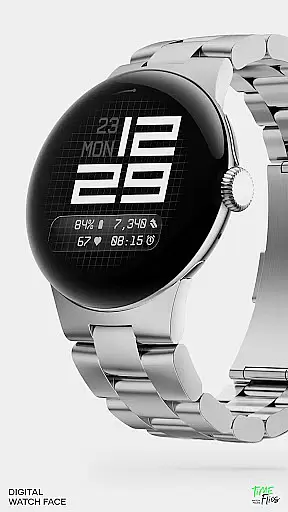
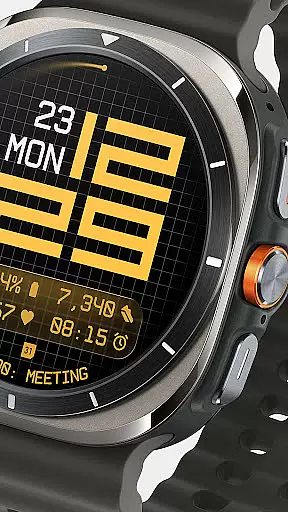
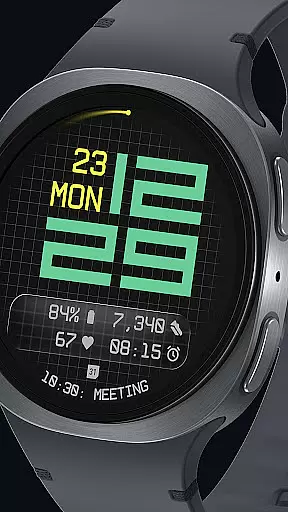
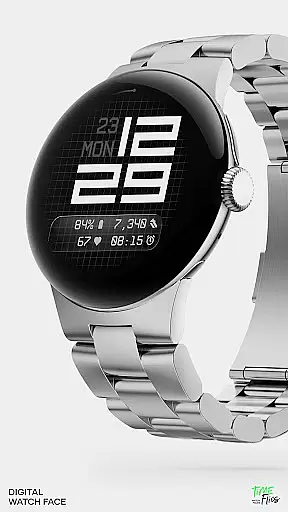
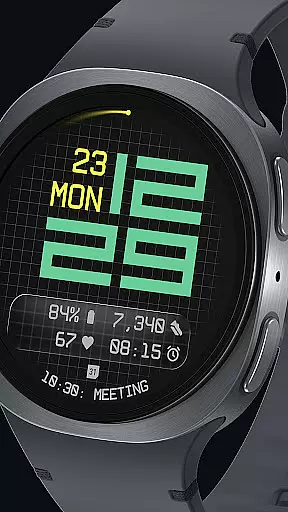
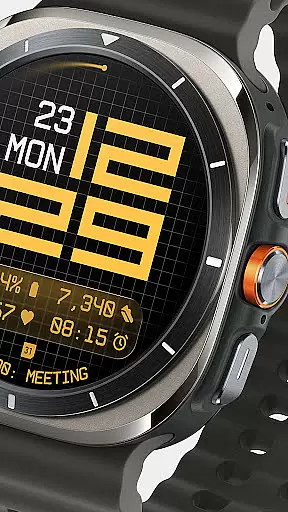
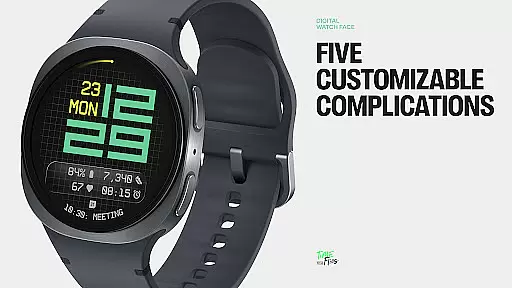
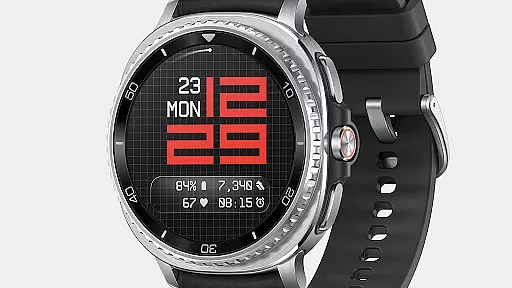
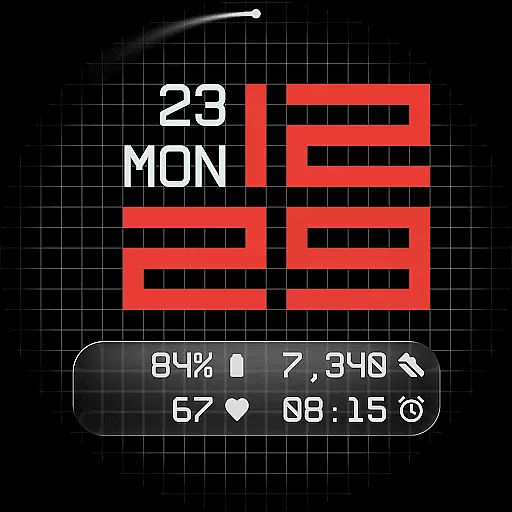
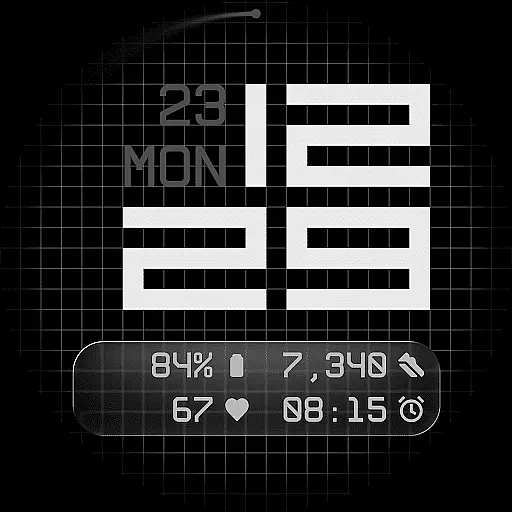
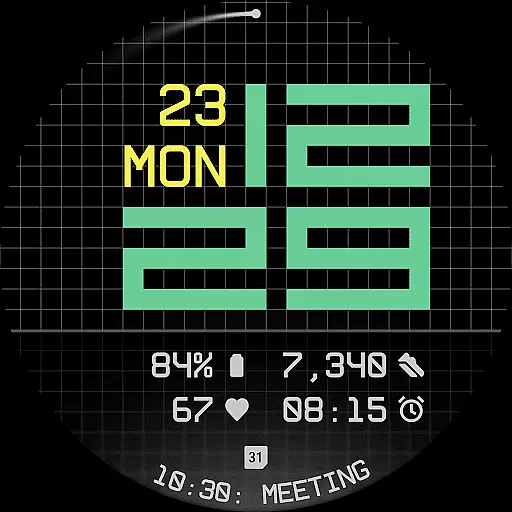
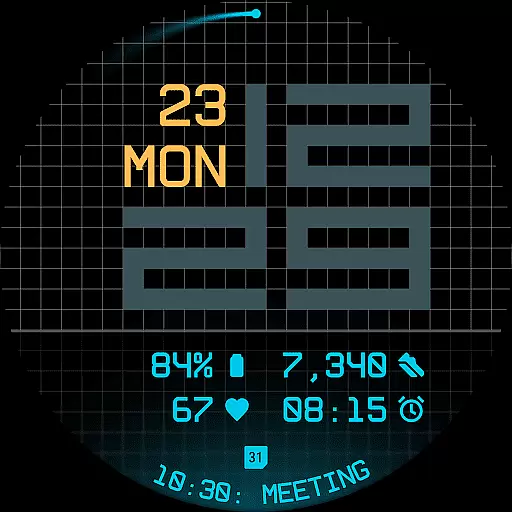
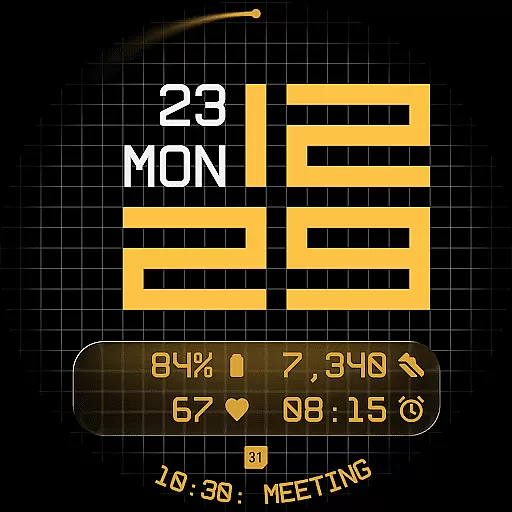
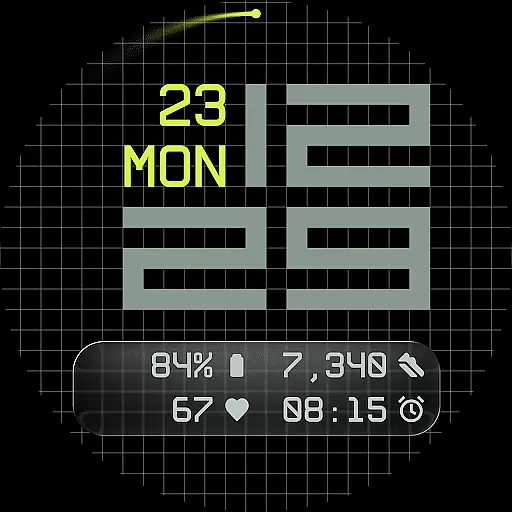
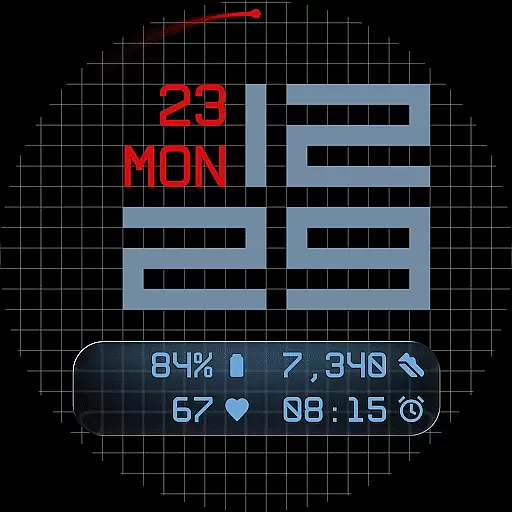
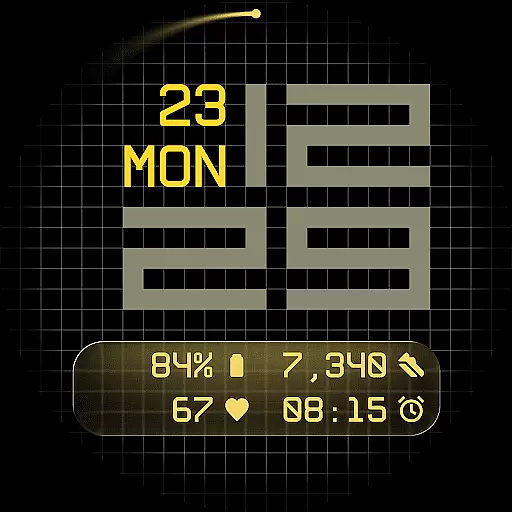
Fast Lane Watch Face is a contemporary digital watch face designed for Wear OS smartwatches, blending typographic clarity with modern aesthetics. The time display adopts a modular numerical structure inspired by automotive instrument panels, offering users a functional yet stylish experience.
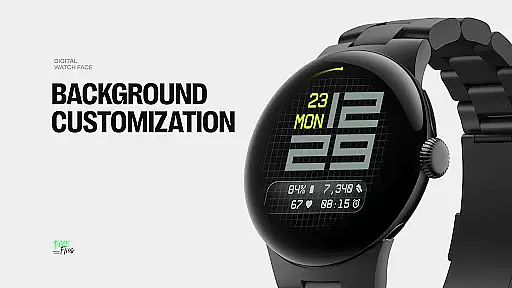
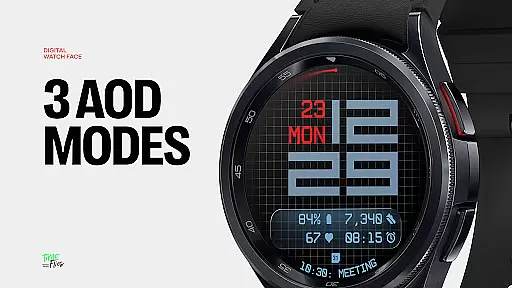
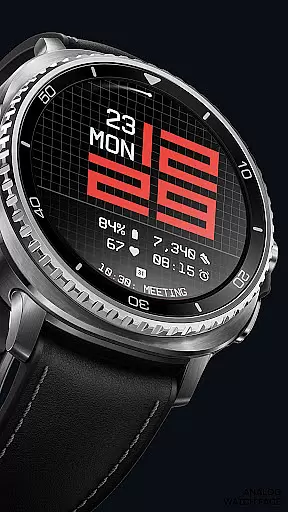
Built on a refined grid system, the design incorporates multiple customizable layers and complications. Users can choose from various display styles including minimal grid, blurred accents, or translucent UI-inspired glass islands. With support for five complications, day-date integration, 30 color themes, and three Always-On Display modes, Fast Lane ensures both configurability and visual coherence while maintaining optimal performance through the Watch Face File Format.
Fast Lane Watch Face stands out with its highly configurable UI layers and contemporary design elements. The time display uses structured typography that balances speed and precision, making it not only visually appealing but also easy to read at a glance.
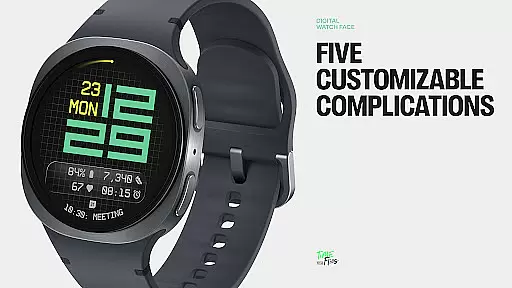
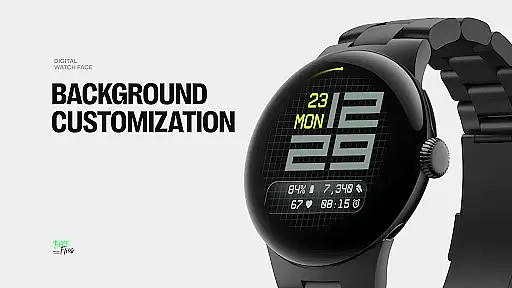
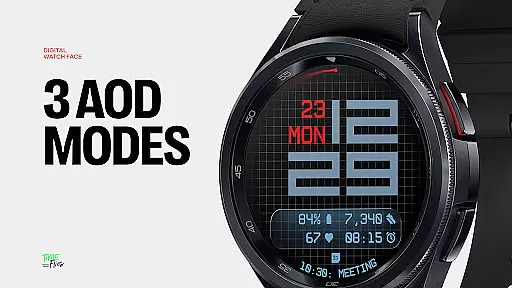
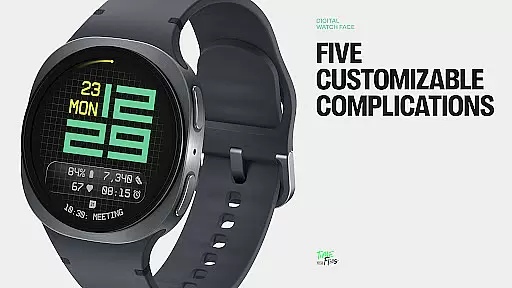
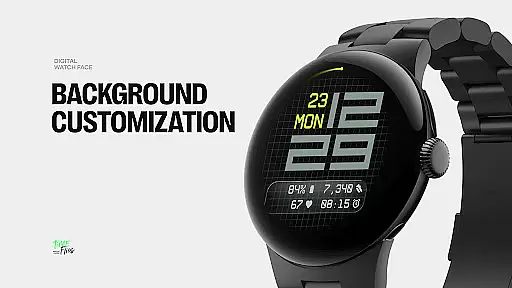
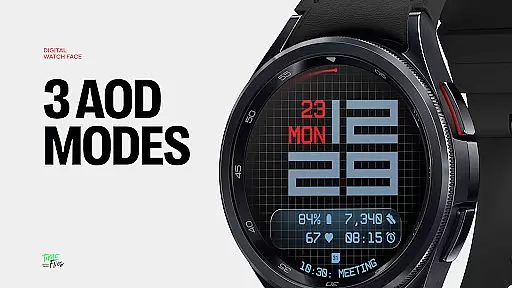
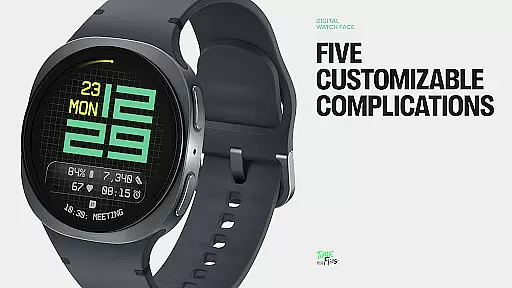
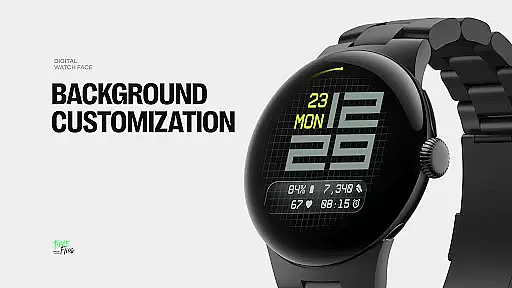
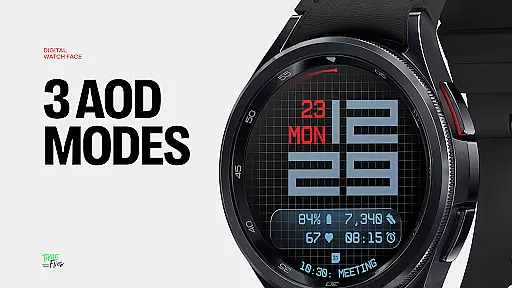
The watch face offers three distinct background options - stylized grid, softly blurred segment, or translucent UI plate - allowing users to personalize their viewing experience. With five available complications, including four short-text slots and one long-text slot, users can maximize information density without cluttering the interface. Additional features like built-in day-date display, optional seconds indicator, and three energy-efficient Always-On Display modes further enhance usability. The inclusion of 30 color themes ensures adaptability across devices and lighting conditions.
For added convenience, the Android Companion App lets users browse and install new styles directly, ensuring their Wear OS device remains personalized and up-to-date.
Companion app integration is a crucial feature for Android Wear applications as it enhances the overall user experience by providing additional functionalities through a paired mobile application. For Fast Lane Watch Face, this integration allows users to access an extended set of features that are not directly available on the watch face itself.
The Time Flies companion app serves as a control center where users can browse the full collection of watch faces, receive timely updates, and effortlessly install new styles. This seamless connection between the wearable and its companion app ensures that users can personalize their Wear OS experience with ease and convenience.
By utilizing the companion app, users gain the ability to fine-tune their watch face settings, explore a wide palette of 30 color themes, and choose from different Always-On Display modes without the constraints of the watch's smaller interface. This results in a more versatile and personalized wearable experience tailored to individual preferences.
Ensuring compatibility with Wear OS and various devices is essential for any Android Wear application. Fast Lane Watch Face has been meticulously crafted to operate smoothly across all Wear OS-powered smartwatches, delivering a consistent performance regardless of the device.
This compatibility is achieved through the use of the Watch Face File Format, which optimizes both performance and energy efficiency. Users can expect a battery-friendly experience due to the optimization efforts embedded within the design of Fast Lane, making it reliable for everyday use.
Moreover, the availability of five complications, modular UI layers, and contemporary time display offers flexibility and functionality that cater to different user needs. Whether it's for accessing calendar events or monitoring fitness goals, Fast Lane Watch Face remains highly configurable while maintaining visual coherence across multiple platforms.
Highly customizable
Modern aesthetic design
Optimized performance
Multiple display options
Wide color palette
Complicated setup
Limited widget support
Requires companion app
Battery intensive
Premium cost

Rose gold watch face with festive lights & customizable features.
 4.60
4.60
Easy Voice Recorder is your everyday companion to record important moments.
4.70
Digital watch face. For Wear OS devices.
4.40
Structured watch face with seven complications and modular UI elements
3.90
Kia Access makes getting your vehicle information easier than ever
4.60
Funny animated watch face for Thanksgiving
4.3
Stylish, Energizing and Modern Watch Face crafted by Dominus Mathias.
4.50
Viewer for Wyze/Yi/Eufy/Arlo/ONVIF/RTSP/P2P IP cams w/ adv. features & DIY DVR
4.00
Fitbit is dedicated to helping people lead healthier, more active lives.
4.10
Period, ovulation & pregnancy tracker. Fertility insights & menstrual calendar.
4.90
Hyperlocal rain alerts by MyRadar using patent-pending technology, radar & more
4.80
Bold weather Digital watchface with forecast & optional animated background
4.40
Christmas watch face. For Wear OS devices.
4.30
Animated Watch Face and Customizable with 24 Backgrounds. Perfect for Christmas!
3.90
Watch the sharpness of the sky on your wrist..
3.70
A heartwarming Christmas scene featuring a cute image of Santa and Rudolf
4.0
Sleek, highly customizable watch face inspired by Galaxy Watch Circle Dashboard.
4.0
3 Complications. All shadow on/off. 30 Themes color palette...
4.5
Minimalistic design modern digital watch face.
4.0


User Reviews