
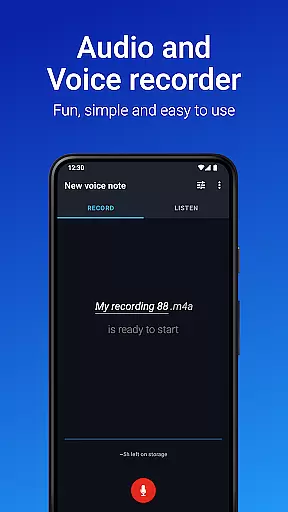
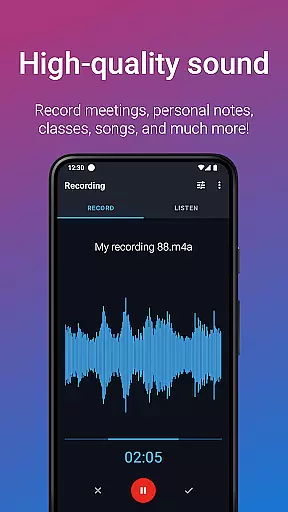
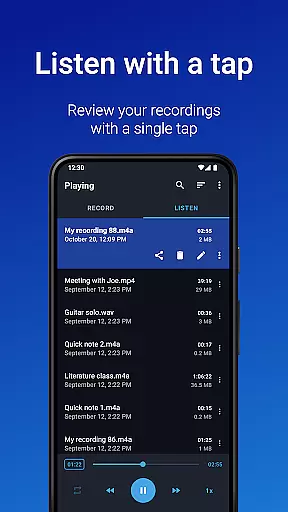
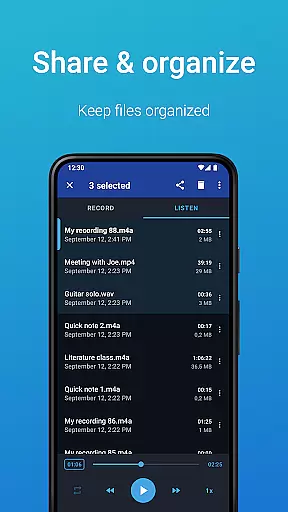
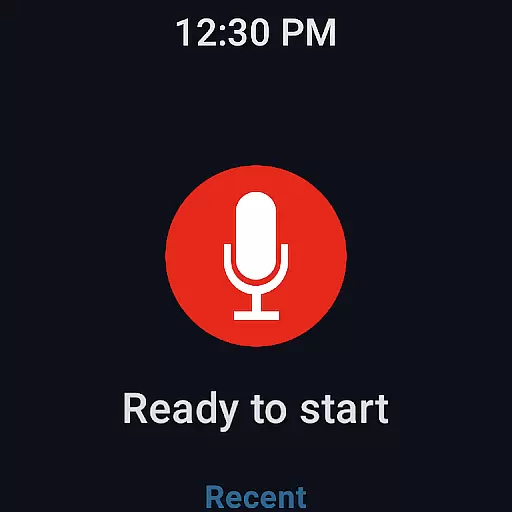
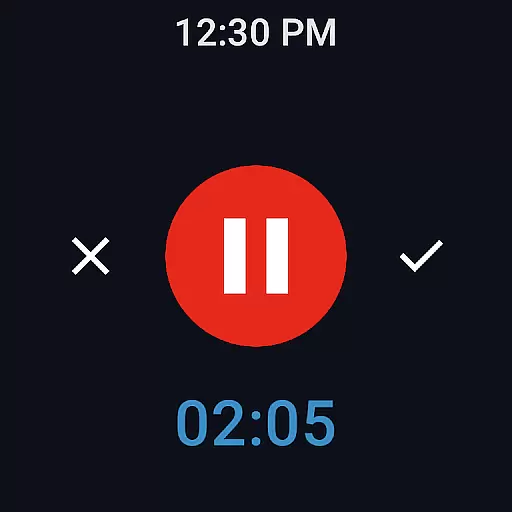
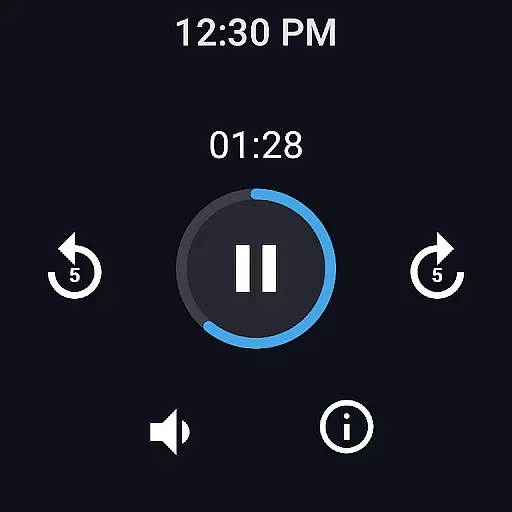
Easy Voice Recorder is a versatile audio recording application designed for Android devices, including smartwatches. It allows users to capture high-quality recordings of meetings, lectures, music, and more without any time restrictions. The app offers multiple formats such as PCM, MP4, and AMR, ensuring flexibility in storage and quality.
With its user-friendly interface, Easy Voice Recorder caters to various user groups. Students can benefit from clear lecture recordings that can be played back at adjustable speeds. Business professionals can record interviews and meetings directly from their devices and share them effortlessly via email or messaging apps. Musicians will appreciate the fine-tuning options for capturing melodies and rehearsals.
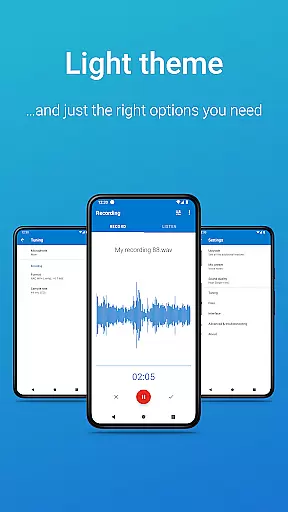
The app also supports Wear OS, enabling users to start recordings from their smartwatches. Additional features include light and dark themes, powerful widgets, and shortcuts for quick access. For those seeking advanced functionalities, the Pro version offers cloud uploads, MP3 recording, Bluetooth microphone support, and editing capabilities.
Easy Voice Recorder stands out with its comprehensive feature set tailored to meet diverse recording needs. One of its key strengths is the ability to record in various formats, including high-quality PCM and MP4, as well as space-saving AMR. This versatility ensures users can choose the best format based on their specific requirements.
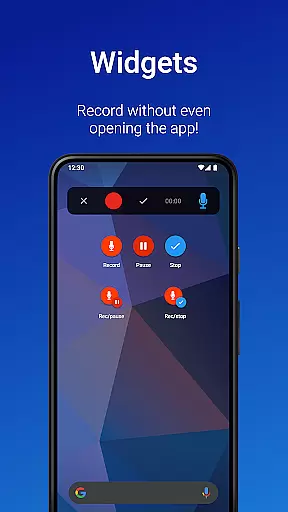
The app provides intuitive tools for managing recordings efficiently. Users can quickly initiate new recordings through widgets and shortcuts, even when the app runs in the background. Sharing options are abundant, allowing seamless distribution of recordings via email or favorite messaging apps. Moreover, recordings can be set as ringtones, adding a personalized touch to device customization.
For enhanced convenience, Easy Voice Recorder integrates with Wear OS, enabling smartwatch-based recording initiation. The Pro version extends functionality further by offering automatic cloud uploads to Google Drive or Dropbox, additional recording formats like MP3 and FLAC, and advanced editing features such as trimming and folder organization. These robust features make it an indispensable tool for both casual and professional users.
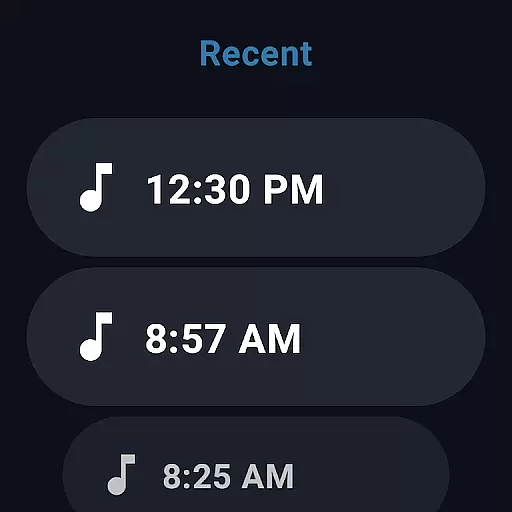
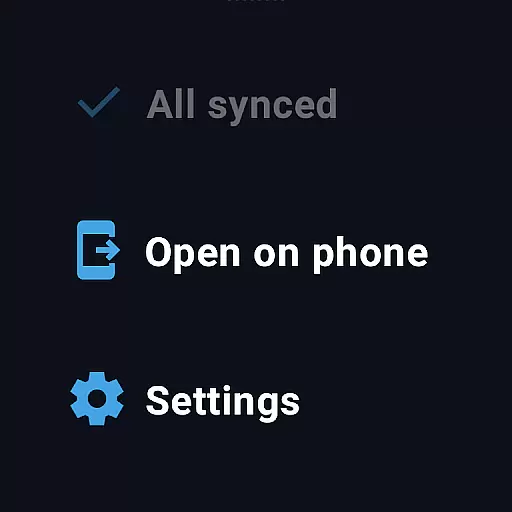
Companion app integration is essential for a seamless wearable experience. Easy Voice Recorder excels in this area by offering robust connectivity between your mobile devices and Wear OS smartwatches. The app allows users to start, stop, and manage recordings directly from their watch interface.
The synchronization feature ensures that all recordings are automatically backed up to the paired smartphone. This creates a reliable backup system and enables easy sharing of files across devices. Users can also access advanced settings and preferences directly from their phone, which then reflects on the wearable app.
This integration extends beyond just basic recording functions. With support for various audio formats and quality settings, users can maintain consistent recording standards across devices. The ability to control recordings through notifications adds another layer of convenience for power users.
For professionals who need to record meetings or interviews, this companion app functionality provides peace of mind. Knowing that their recordings are safely stored and easily accessible across devices enhances productivity and ensures no important information is lost during transitions between devices.
Device compatibility is crucial for wearable applications, and Easy Voice Recorder demonstrates excellent support for Wear OS devices. The application is optimized to work seamlessly across different Android versions and smartwatch models, ensuring broad accessibility for users regardless of their device choice.
The app's compatibility extends to various hardware specifications, maintaining consistent performance whether running on older models or the latest Wear OS devices. This universal approach allows users to enjoy high-quality voice recording without worrying about technical limitations or compatibility issues.
Beyond basic compatibility, the app offers specialized features for wearable devices. These include dedicated watch tiles for quick access, background recording capabilities, and optimized battery consumption specifically designed for smartwatch use. The user interface is thoughtfully adapted for smaller screens while maintaining full functionality.
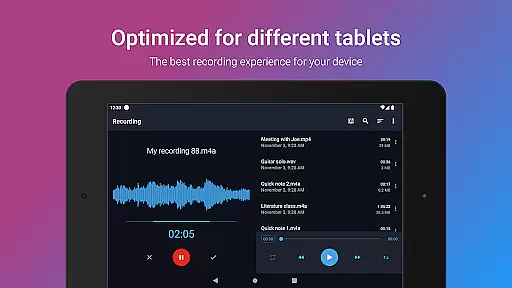
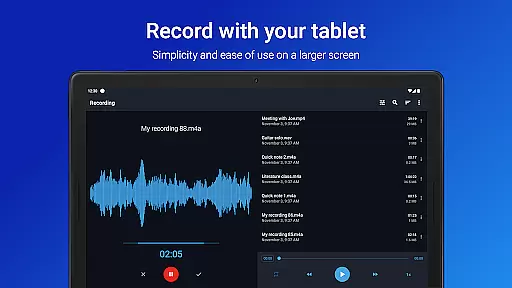
Furthermore, the application supports cross-device operations, enabling users to switch between their phone and smartwatch effortlessly. This comprehensive compatibility approach ensures that whether you're using an Android phone, tablet, or Wear OS device, Easy Voice Recorder maintains its core functionality while adapting to each platform's unique capabilities.
User-friendly interface
Multiple recording formats
Wear OS integration
Background recording
Quick sharing options
Limited free features
No call recording
Pro version costs extra
Interface could be outdated
Occasional bugs reported

Christmas - Festive - Christmas Village - Winter - Christmas lights
 5.00
5.00
Precision analog watch face with 7 complications and style options
4.0
Current temperature, weather hourly, weather radar by the weather forecast app
4.40
Ideal for surviving in the wasteland left after nuclear fallout
4.50
Connect to your Bluelink equipped Hyundai vehicle from your smartphone.
4.50
Period, ovulation & pregnancy tracker. Fertility insights & menstrual calendar.
4.90
Reliable phone calls with spam protection, caller ID and more helpful features
4.40
Premium hybrid watch face with many customizations for Wear OS devices.
4.40
Fitbit is dedicated to helping people lead healthier, more active lives.
4.10
Hyperlocal rain alerts by MyRadar using patent-pending technology, radar & more
4.80
The most customizable hybrid watch face. For Wear OS 5.0, API 34+ and later
4.70
Walking app for weight loss: walk & step tracker, pedometer, indoor treadmill
4.60
Calming & relaxing sounds for sleeping and stress relief. Stay focused all day!
4.20
A customizable Christmas watch face for Wear OS with a countdown.
4.20
Wear Os Watch Face - Animated Snow Effect & Magic Spark - 6 Scenes
4.10
Authentic military-tactical design with ZULU time! Realistic and functional!
3.80
an Analog Watch Face for winter season with freeze winter background for Wear OS
4.3
3 Complications. All shadow on/off. 30 Themes color palette...
4.0
Minimalistic design modern digital watch face.
4.0


User Reviews