
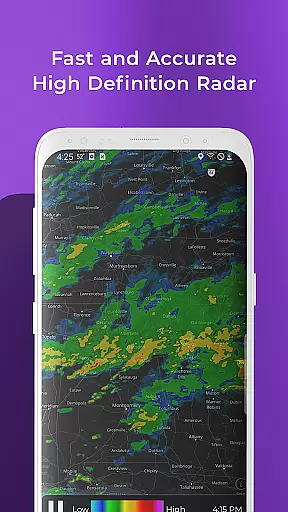
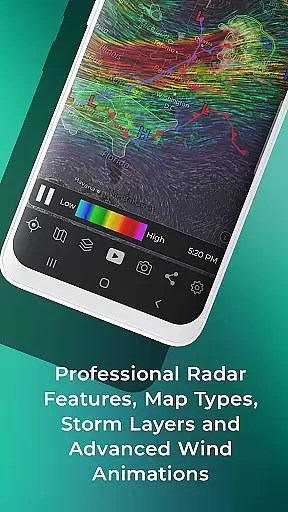
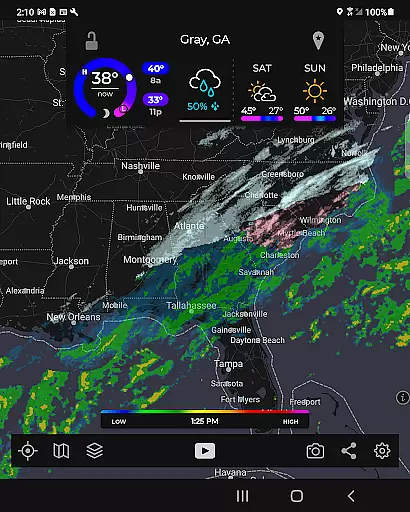
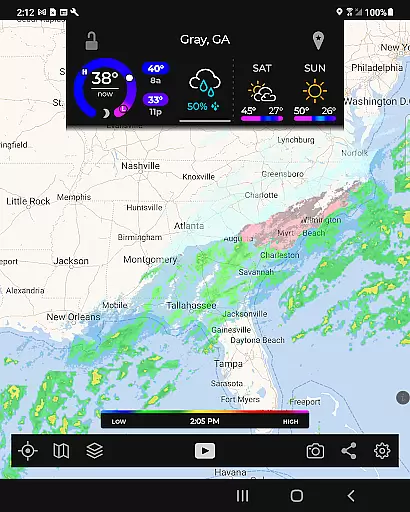
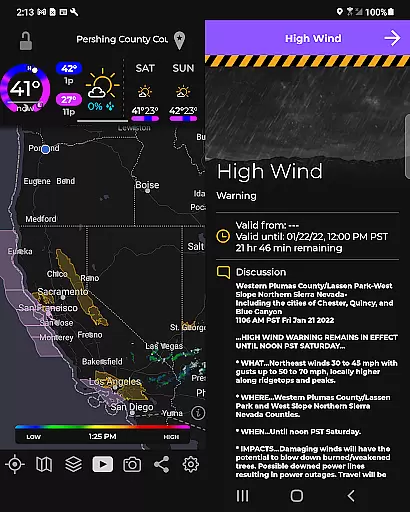
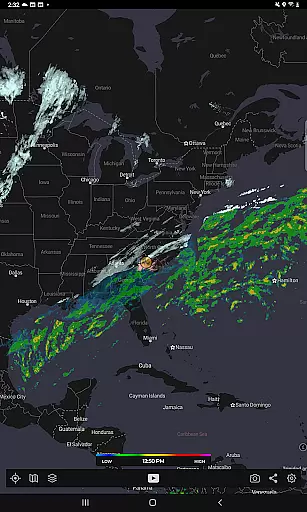
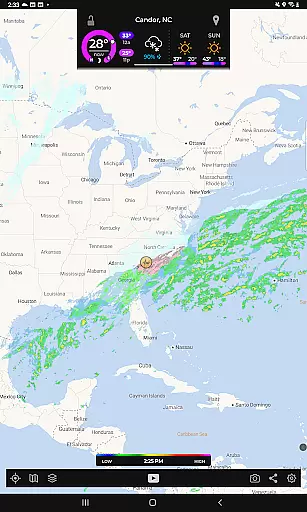
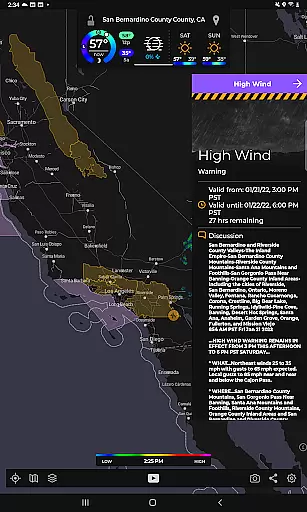
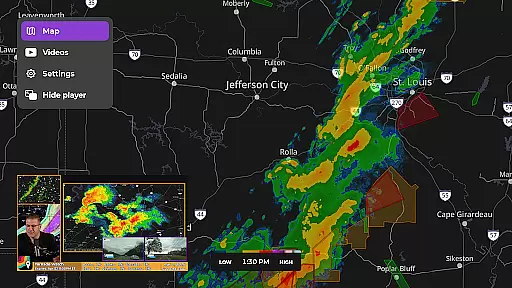
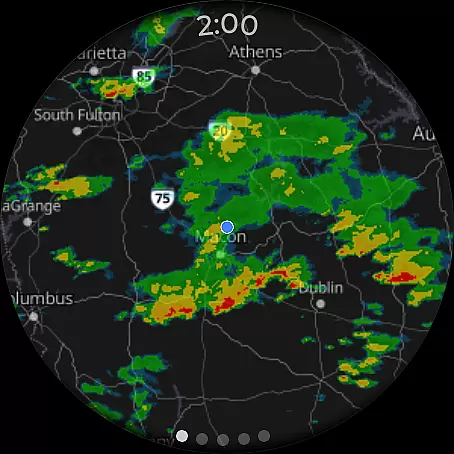
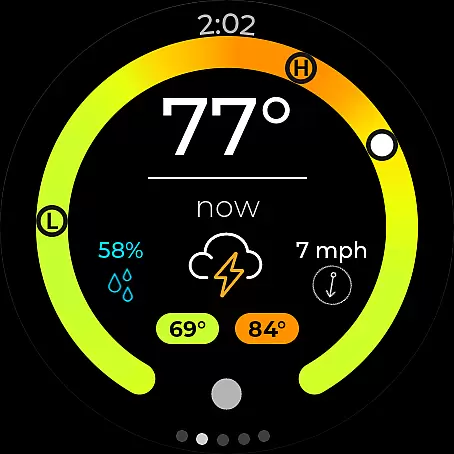
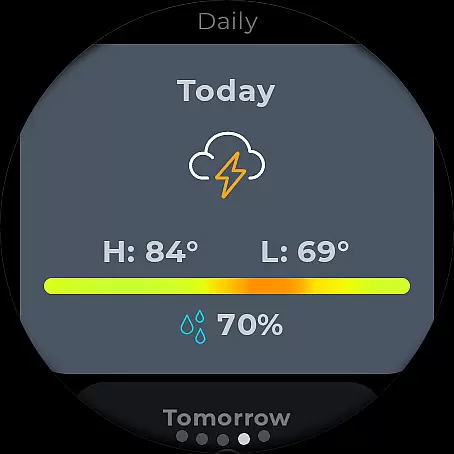
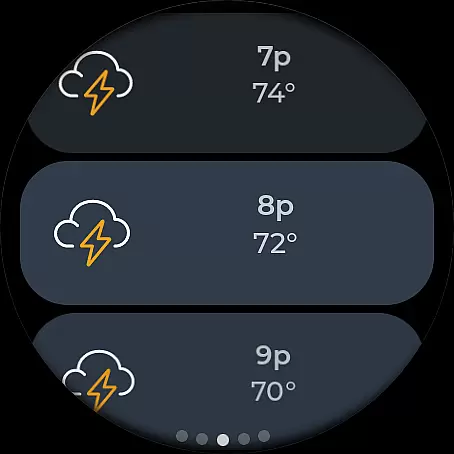
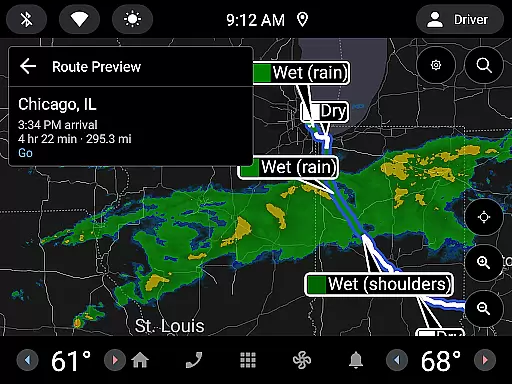
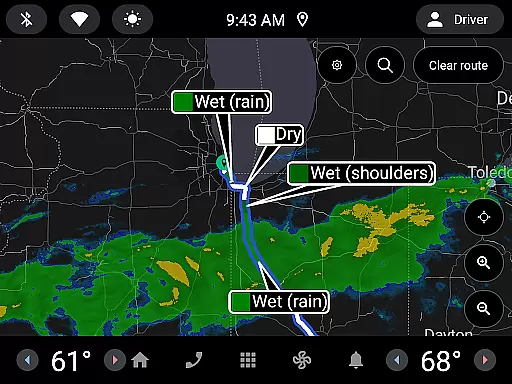
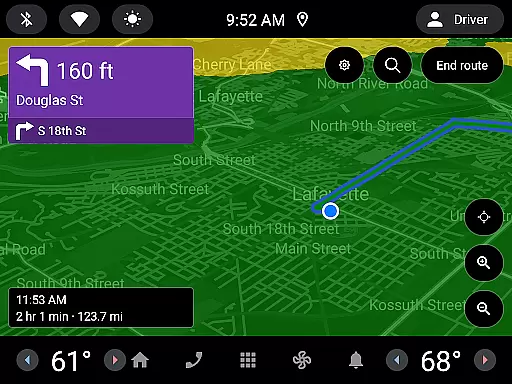
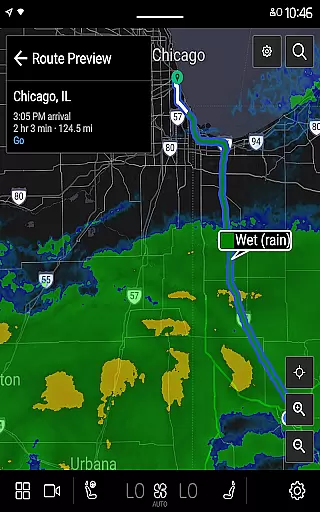
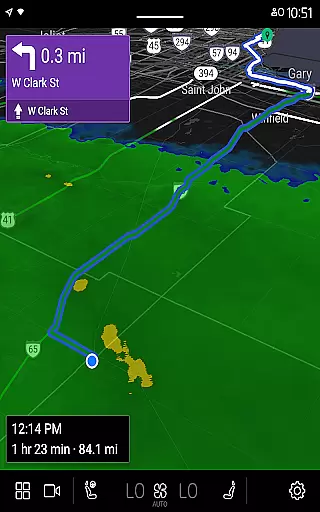
MyRadar Weather Radar is a powerful weather application designed specifically for Android Wear devices, providing users with instant access to crucial weather information directly from their smartwatch. The app's core functionality revolves around its animated live radar feature, which displays real-time weather conditions around the user's current location. This allows for quick assessment of approaching weather patterns, making it an essential tool for those on-the-go.
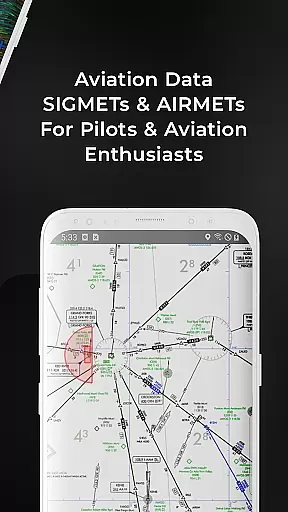
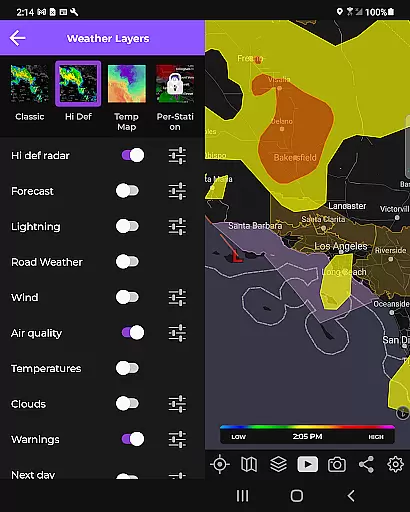
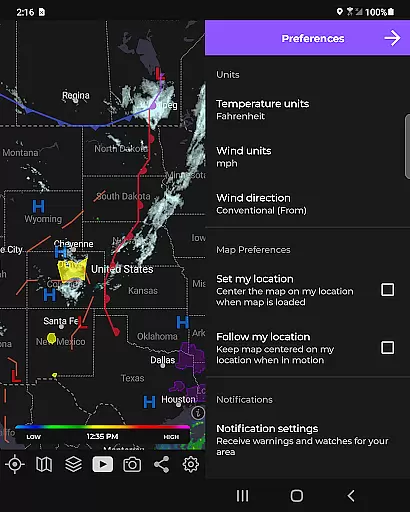
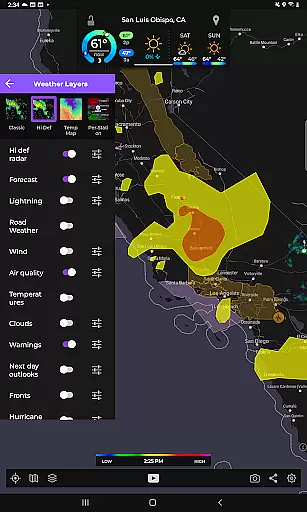
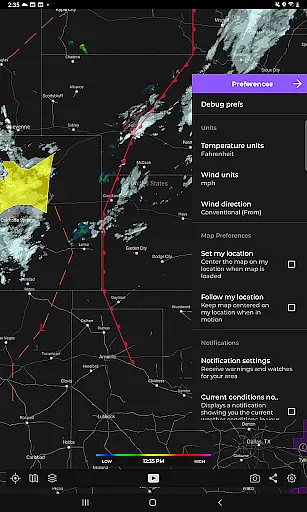
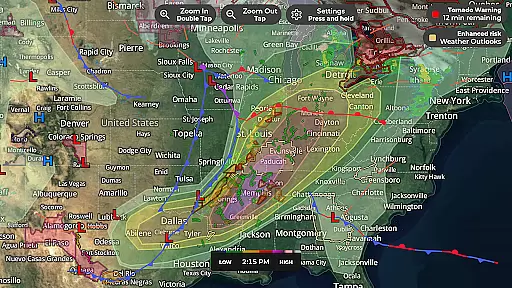
In addition to basic radar, MyRadar offers an array of advanced data layers that can be overlaid on interactive maps. These include visual representations of wind patterns, earthquake activity, hurricane tracking, and wildfire updates. Users can customize these layers to suit their specific needs, ensuring they stay informed about relevant environmental events. With alert capabilities for severe weather conditions, including tornadoes and tropical storms, MyRadar ensures users are always prepared for what lies ahead.
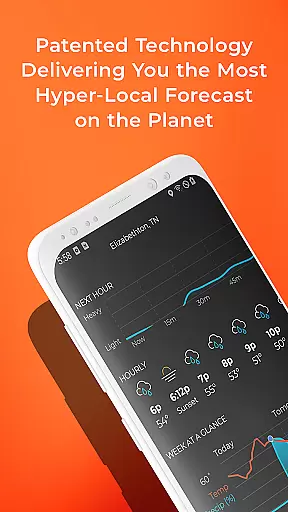
One of MyRadar's standout features is its ability to provide hyper-local rain alerts through a patent-pending process. This industry-leading technology predicts rainfall up to an hour in advance, notifying users down to the minute when rain will reach their location. Such precision saves users valuable time by eliminating the need for constant app checks while offering detailed insights into rain intensity and duration.
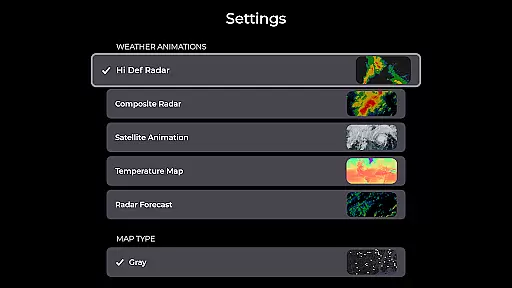
The app utilizes a custom mapping system optimized for device GPUs, resulting in fast and smooth map navigation. With standard pinch/zoom functionality, users can explore weather patterns across the globe seamlessly. For enthusiasts seeking more detailed analysis, a premium upgrade unlocks advanced features such as real-time hurricane tracking and professional radar packs, allowing selection of specific radar stations and tilt angles.
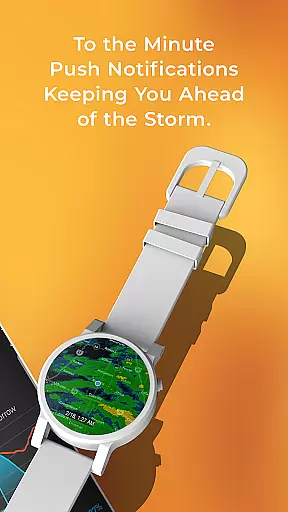
Designed with wearables in mind, MyRadar extends its utility to Wear OS devices, integrating easily readable tiles for radar and current conditions onto smartwatches. This makes it incredibly convenient for users to check weather updates without needing to pull out their phones, enhancing accessibility and convenience during outdoor activities or daily commutes.
Companion app integration is essential for wearable devices to function seamlessly with their smartphone counterparts. MyRadar Weather Radar excels in this area by offering a Wear OS application that works in tandem with its mobile version. This allows users to access weather information directly from their smartwatches without needing to carry their phones.
The Wear OS app provides tiles for both radar and current conditions, ensuring that users have quick access to critical weather updates. With just a glance at their wrist, users can stay informed about incoming weather patterns and make timely decisions regarding their activities or travel plans.
This companion app setup enhances user convenience significantly. By synchronizing data between the phone and smartwatch versions of MyRadar, it ensures that all devices display consistent and up-to-date weather information. Users benefit from having continuous access to vital weather data, whether they are on a run, commuting, or simply away from their phones.
Overall, MyRadar's companion app integration exemplifies how wearable technology can extend the functionality of mobile applications, providing users with added flexibility and immediacy in accessing important information.
Device compatibility is crucial for any application targeting multiple platforms, including wearables. MyRadar Weather Radar addresses this need effectively by ensuring broad compatibility with various Wear OS devices. This means that regardless of the specific smartwatch model a user owns, they can likely utilize MyRadaru2019s features without issue.
The app leverages the capabilities of Wear OS to deliver an optimized experience tailored for smaller screens and touch-based interactions. Its design takes full advantage of the platform's strengths, such as intuitive navigation and quick access to key functionalities like radar views and current weather conditions.
By focusing on Wear OS/device compatibility, MyRadar ensures that its advanced weather tracking features are accessible to a wide audience. Whether users are using a Samsung Galaxy Watch, Fossil Gen 5, or other Wear OS-compatible devices, they can rely on MyRadar for accurate and timely weather updates.
This commitment to compatibility not only expands the reach of MyRadar but also reinforces its reputation as a versatile and reliable weather solution across different types of devices, enhancing overall user satisfaction and engagement.
Real-time weather updates
Customizable data layers
Hyper-local rain alerts
Advanced radar options
Wear OS compatibility
Premium features costly
Occasional GPS inaccuracies
Heavy battery consumption
Complex for beginners
Limited offline functionality

Walking app for weight loss: walk & step tracker, pedometer, indoor treadmill
 4.60
4.60
Embrace the holiday spirit with this magical animated watch face!
4.40
an Analog Watch Face for winter season with freeze winter background for Wear OS
4.3
Snowflake Rose Gold Watch Face - Digital, modern, & sleek with GYRO effect.
4.10
A full-featured Amazon Alexa voice assistant that can show you things.
3.70
Watch face for Wear OS.
4.20
Digital, flexibly customizable watch face. For Wear OS 5.0, API 34+ and later.
5.00
The #1 source of faces for your smartwatch!
4.00
Toyota app currently supports 2010 or newer vehicles (2018 or newer for Hawaii).
4.50
The most customizable hybrid watch face. For Wear OS 5.0, API 34+ and later
4.70
Digital watch face with big numbers and many customization for Wear OS devices
4.40
The ultimate destination for kids ages 3-8 to explore the Marvel Universe!
4.30
Calming & relaxing sounds for sleeping and stress relief. Stay focused all day!
4.20
A customizable Christmas watch face for Wear OS with a countdown.
4.20
Elegant animated Christmas tree with multiple customization options
4.20
Daily Weather forecast with 15 weather images for Day & Night plus Big Bold time
4.10
Connect, create, and collaborate with Gmail, part of Google Workspace.
4.10
A digital watch face that celebrates Christmas.
4.00
A Wintery Snow Globe on Your Wrist; now celebrating Christmas!
4.2


User Reviews