
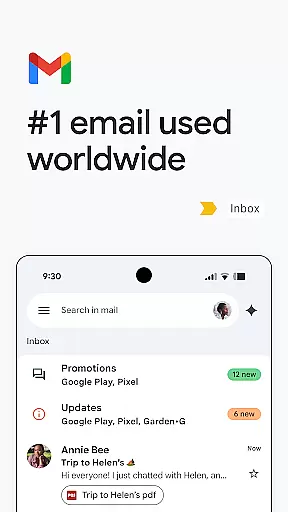
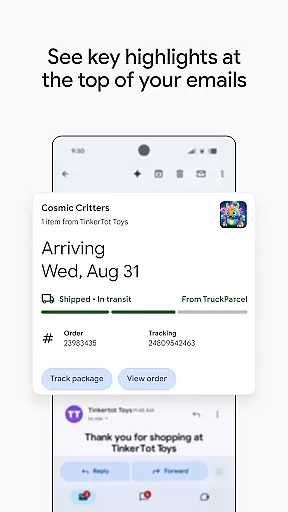
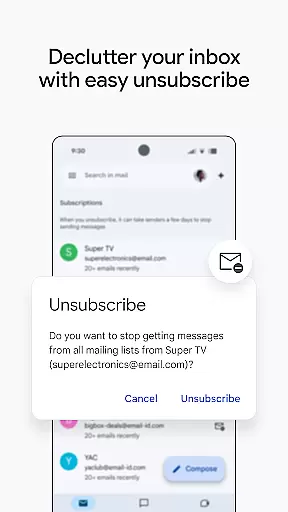
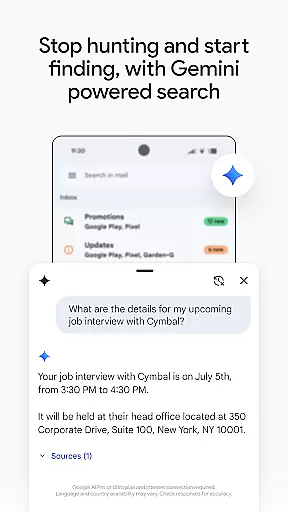
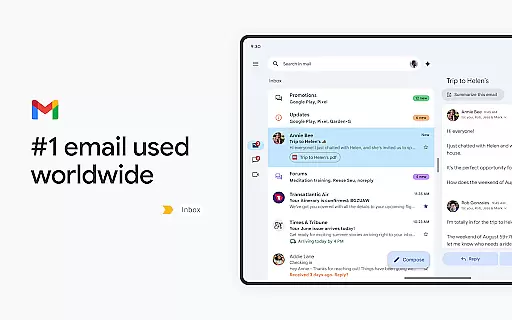
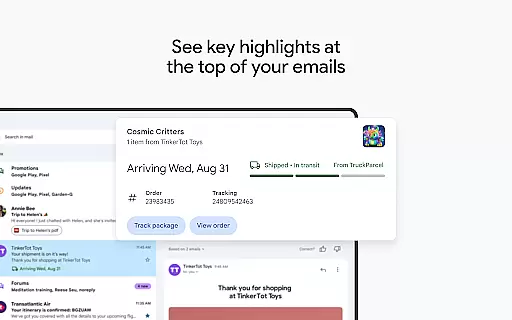
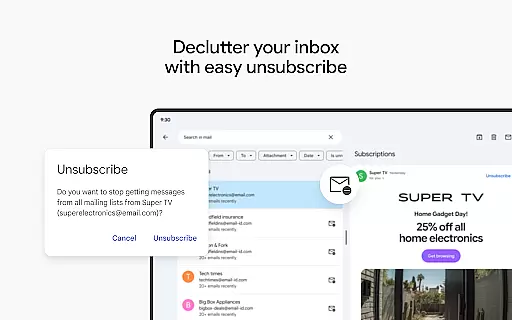
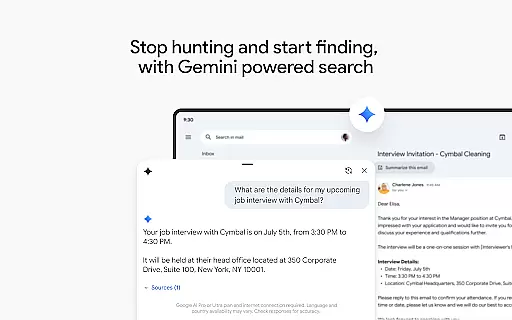
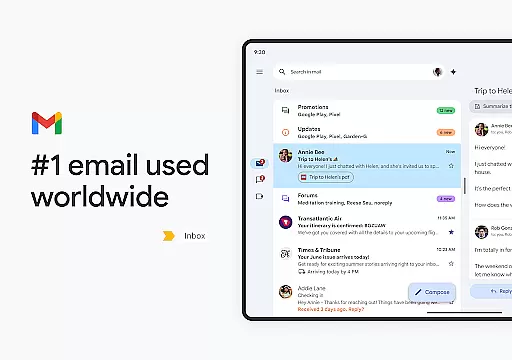
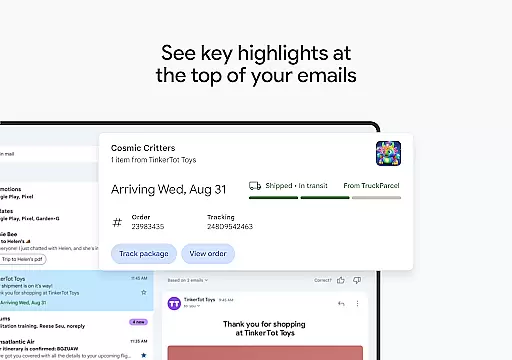
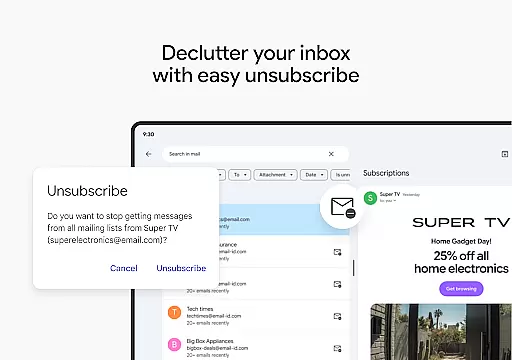
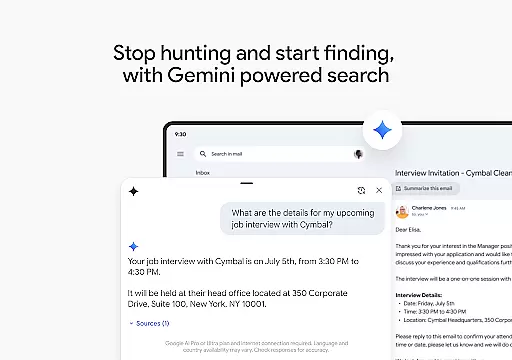
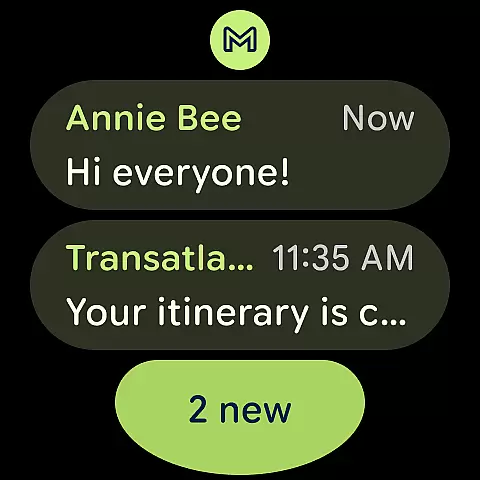
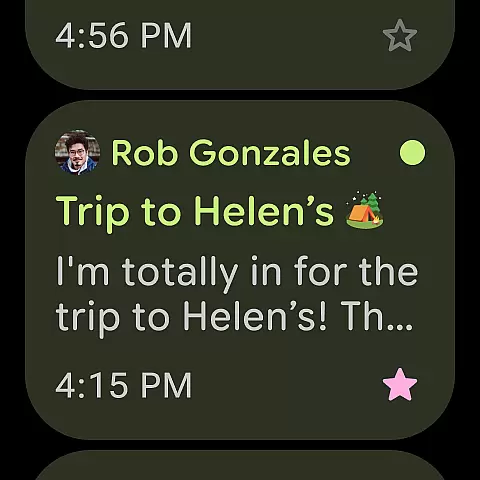
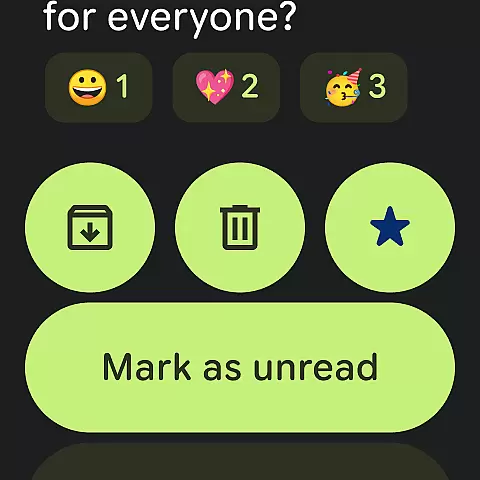
Gmail is the official email application from Google, designed to bring a seamless and secure emailing experience to Android devices. It offers advanced features such as multiple account support, powerful search capabilities, and enhanced security measures that block over 99.9% of spam and phishing attempts. With the integration of Google AI, Gmail provides users with smart writing assistance, efficient inbox organization, and quick access to important details through summary cards.
Available not only on Android phones and tablets but also on Wear OS, Gmail ensures you stay connected and productive even when you're on the go. The app's ability to integrate with other Google services like Google Calendar and Google Drive makes it an indispensable tool for both personal and professional use. Whether you need to manage multiple email accounts or require enterprise-grade security, Gmail delivers a comprehensive solution tailored to meet diverse user needs.
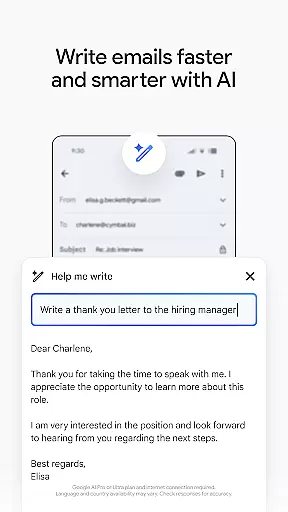
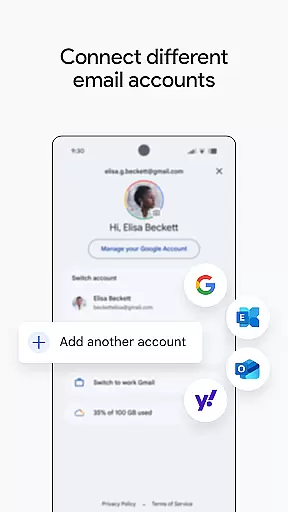
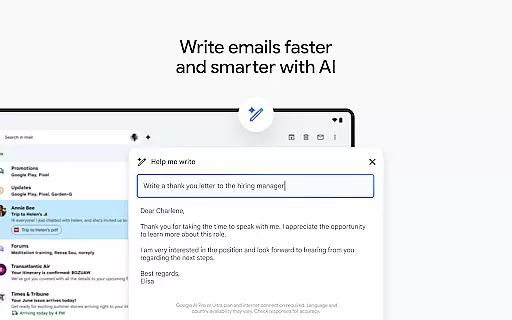
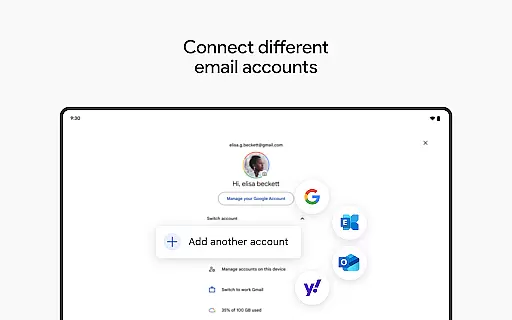
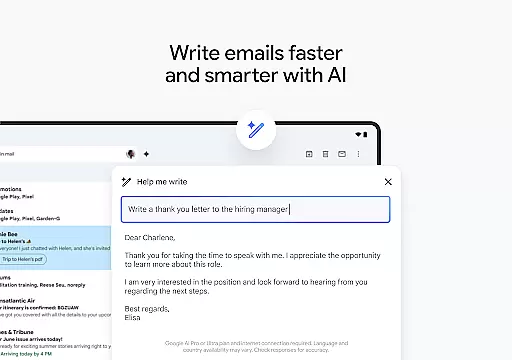
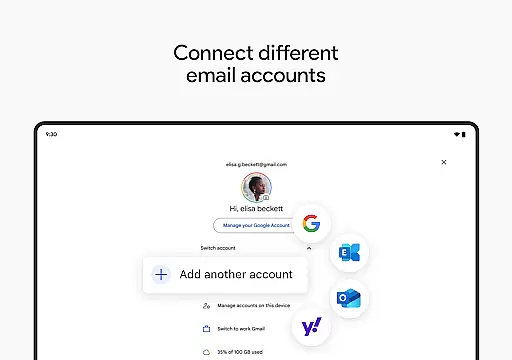
Gmail stands out with its robust feature set that caters to both individual and business users. One of its key strengths is the integration of Google AI, which powers features like 'Help me write' and contextual Smart Reply, enabling users to compose emails faster and more efficiently. The app also supports multiple accounts from different email providers, allowing for easy switching and management of various inboxes from a single interface.
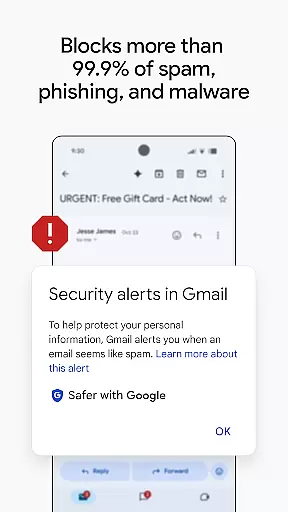
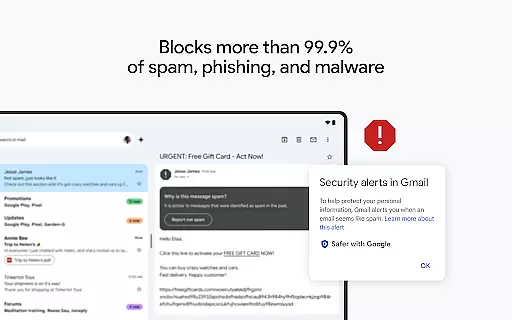
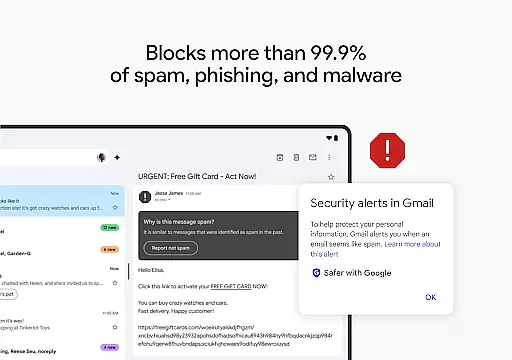
Security is another area where Gmail excels. It automatically blocks more than 99.9% of spam, phishing, and malware, ensuring your inbox remains safe. Additionally, Gmail's powerful search functionality, enhanced by AI, helps users quickly find specific emails or details from attached documents. For professionals, Gmail's part in Google Workspace means seamless collaboration through integrated tools like Google Meet, Chat, and Calendar, all accessible without leaving the app.
Companion app integration is essential for a seamless experience across multiple devices. Gmail excels in this area by offering robust synchronization capabilities between your Android device and Wear OS smartwatch.
The app ensures that all your emails, labels, and folders are consistently updated across devices. This means you can start composing an email on your phone and continue editing it on your watch without missing a beat.
Gmail's companion app integration extends to its support for multiple accounts from different email providers. Whether you're managing personal or work emails, the transition between accounts is smooth and efficient, providing a unified inbox experience.
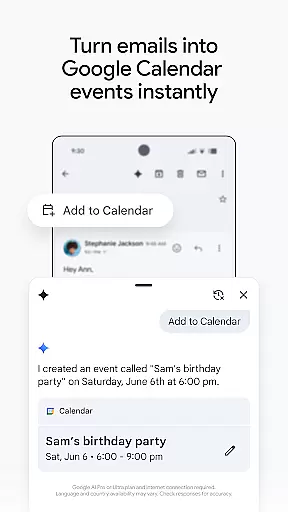
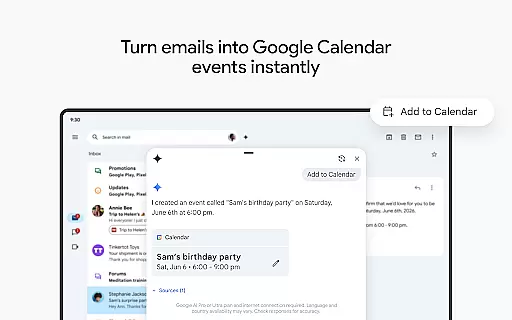
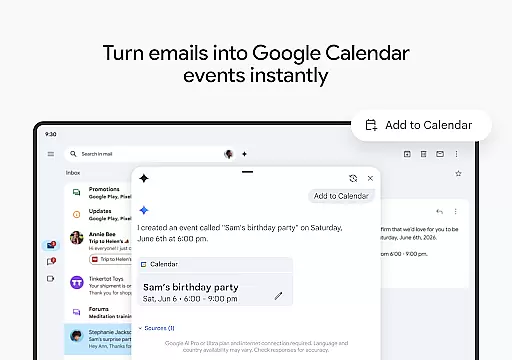
With real-time notifications and the ability to manage emails directly from your wrist, Gmail's Wear OS compatibility enhances productivity. The 'Add to Calendar' feature powered by Gemini further streamlines your workflow, allowing instant creation of Google Calendar invites right from your inbox.
Device compatibility is crucial for ensuring that applications like Gmail function optimally on Wear OS devices. Gmail is designed to offer a comprehensive and user-friendly experience on smartwatches running Wear OS.
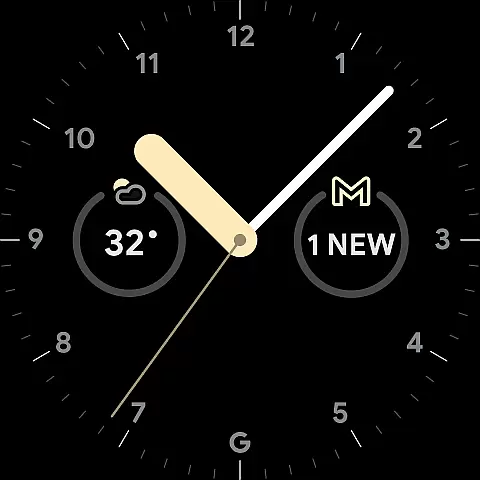
The Gmail app on Wear OS provides quick access to your most important emails through complications and tiles. These features allow users to get an overview of their inbox at a glance, making it easier to stay updated without needing to pull out their phone.
Gmail supports various functionalities tailored for smaller screens, such as voice commands and simplified navigation menus. This makes interacting with your emails effortless, even when you're on the go.
In addition to viewing and responding to emails, Gmail's Wear OS compatibility includes advanced features like AI-powered writing assistance and contextual Smart Reply. These tools help users compose messages quickly and efficiently, maintaining productivity regardless of the device they are using.
Advanced AI-powered features
Multi-account support
Robust security measures
Seamless Google service integration
Efficient search functionality
Limited offline functionality
Occasional sync issues
AI features require subscription
Interface can be complex
Privacy concerns with data

Beautiful artistic animated digital watch face, with a customizable layout!
 4.40
4.40
3 Complications. All shadow on/off. 30 Themes color palette...
4.5
Your second brain for organizing your life: to-do, calendar, reminder.
4.70
Real-time weather radar with temperatures, warnings, hurricanes, and widgets
4.80
A modern hybrid informative watch face for Wear OS designed by BALLOZI
4.80
Premium hybrid watch face with many customizations for Wear OS devices.
4.40
Track your active life in one place and share the journey with friends.
4.40
Start and succeed with PAP
4.10
Download full tracks, listen to music offline, make unlimited playlists.
4.80
The Chevron App allows you to pay for fuel from the comfort of your car!
4.80
Easy Voice Recorder is your everyday companion to record important moments.
4.70
Rose gold watch face with festive lights & customizable features.
4.60
Daily Weather forecast with 15 weather images for Day & Night plus Big Bold time
4.10
Professional weather radar and more
3.90
Watch the sharpness of the sky on your wrist..
3.70
Want to take charge of your health? Let Google Fit help you reach your goals.
3.50
Contemporary digital watch face with five complications
4.1
Sleek, highly customizable watch face inspired by Galaxy Watch Circle Dashboard.
4.3
Minimalistic design modern digital watch face.
4.0


User Reviews