
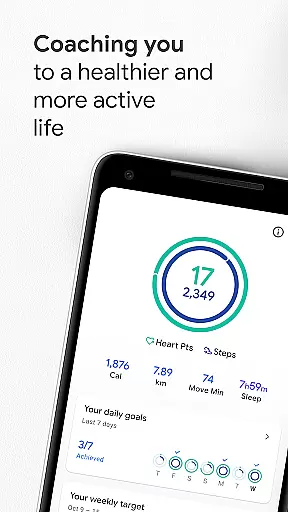
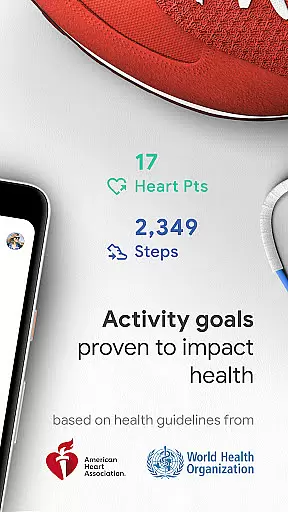
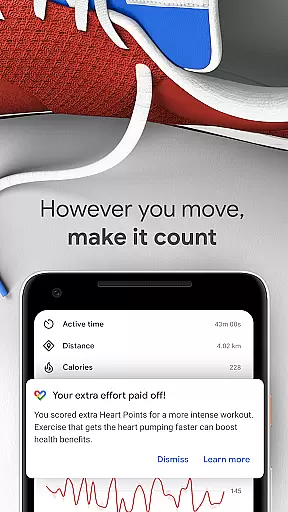
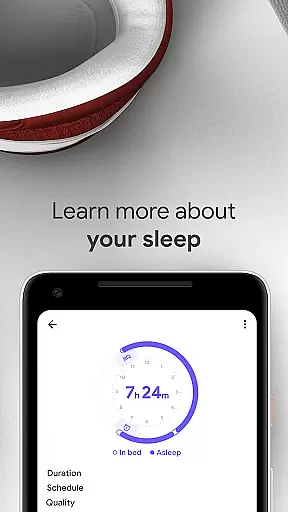
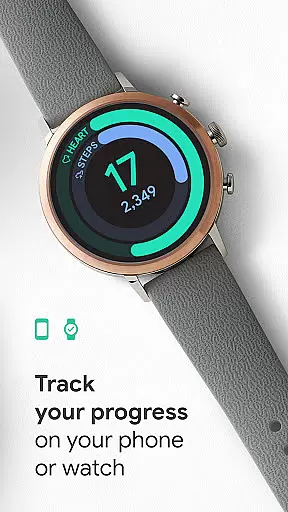
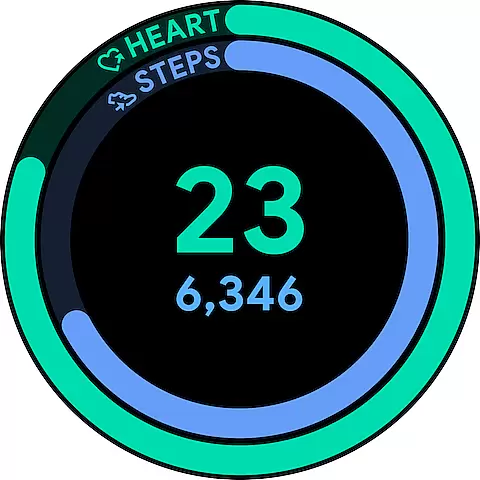
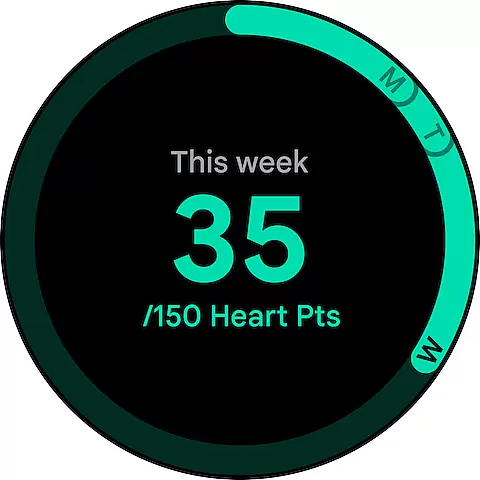
Google Fit is a comprehensive health and fitness application designed to help users lead a healthier, more active lifestyle. Developed in collaboration with the World Health Organization (WHO) and the American Heart Association (AHA), it introduces Heart Points - an innovative activity goal system that promotes heart health through moderate to intense physical activities. Whether you're walking your dog or running, each minute of activity earns you points, encouraging at least 30 minutes of brisk walking five days a week.
The app goes beyond just tracking steps; it monitors workouts from your phone or Wear OS smartwatch, providing real-time stats for runs, walks, and bike rides. Google Fit automatically detects various activities throughout the day, ensuring every move counts towards your daily goals. With integration capabilities with numerous third-party apps and devices, users can enjoy a holistic view of their health data, making it easier than ever to maintain an active lifestyle.
Google Fit stands out with its unique features tailored to enhance user engagement and health awareness. The Heart Points system is a standout feature, offering personalized insights into how different activities contribute to cardiovascular health. By leveraging the sensors on Android phones and Wear OS smartwatches, the app delivers precise tracking of speed, pace, and routes during workouts.
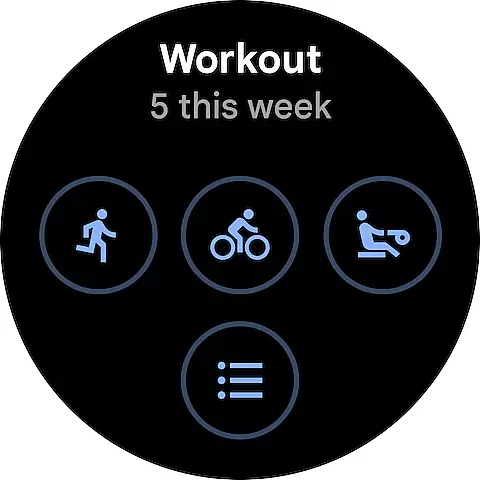
Another key feature is the automatic activity detection which records any form of movement, whether it's walking, running, or cycling, and adds these to the user's activity journal. Users can also manually select specific workouts such as pilates or rowing, allowing them to earn additional Heart Points. Furthermore, the integration with popular health apps and devices provides a seamless experience, consolidating all health metrics in one place. This interconnected ecosystem not only simplifies tracking but also motivates users by showcasing their progress across multiple platforms.
Companion app integration is a crucial feature for wearable devices as it ensures seamless synchronization between the main application and its wearable counterpart. Google Fit excels in this area by providing real-time data sharing between your Android phone and Wear OS smartwatch.
The app uses your device's sensors to track activities accurately. Whether you're walking, running, or cycling, Google Fit automatically detects these activities and updates your fitness journal accordingly. This ensures that all your movements are recorded and credited properly, regardless of which device you're using.
Users benefit from this integration through instant insights during workouts. For example, when going for a run, you can view real-time stats such as speed, pace, and route directly on your smartwatch. This allows for a more engaging and informed exercise experience without needing to carry your phone.
Furthermore, Google Fit supports connections with various third-party apps and devices, offering a comprehensive view of your health data. By integrating with popular services like Lifesum, Nike+, and Strava, it provides a holistic approach to tracking your wellness journey, ensuring you never lose sight of your progress.
Device compatibility is essential for ensuring that an application functions optimally across different platforms. Google Fit offers extensive support for Wear OS devices, making it a versatile choice for users who rely on smartwatches for their fitness tracking needs.
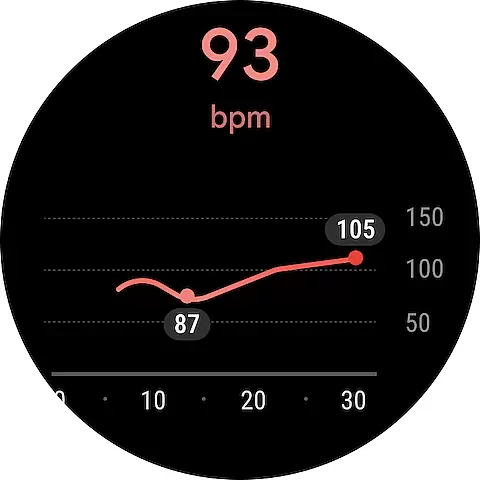
The app leverages the advanced sensors found in Wear OS devices to provide accurate health metrics. Features such as heart rate monitoring, step counting, and activity detection are powered by these sensors, delivering precise data that helps users make informed decisions about their health.
One significant advantage of Google Fit's compatibility is the ability to customize your experience. Users can add widgets to their Android home screen or set up tiles and complications on their Wear OS watch face. These features allow quick access to daily stats, enhancing convenience and usability.
Additionally, Google Fit's design prioritizes user engagement by offering a variety of workout options and goal settings. Whether you prefer paced walking, pilates, or spinning, the app adapts to your preferences and tracks your Heart Points effectively. This flexibility ensures that users remain motivated and committed to achieving their fitness goals.
User-friendly interface
Comprehensive health tracking
Integration with multiple devices
Real-time workout stats
Heart Points motivation system
Limited iOS functionality
Requires constant syncing
Battery consumption concerns
Occasional data inaccuracies
Premium features locked behind subscription

Christmas is near, let's count together the days left until Santa comes
 4.1
4.1
Wear Os Watch Face - Animated Snow Effect & Magic Spark - 6 Scenes
4.10
Beautiful, colorful and practical watch face. For Wear OS devices.
5.00
The most customizable minimal watch face. For Wear OS 5.0, API 34+ and later
4.70
Connect to your Bluelink equipped Hyundai vehicle from your smartphone.
4.50
Period, ovulation & pregnancy tracker. Fertility insights & menstrual calendar.
4.90
The most customizable hybrid watch face. For Wear OS 5.0, API 34+ and later
4.70
Hyper-Realistic Airplane Dashboard Watch Face With 10 Skins and Custom AOD
4.00
From periods to pregnancy & perimenopause, Flo helps you track it all. Try now.
4.70
A modern hybrid informative watch face for Wear OS designed by BALLOZI
4.80
WTW M17 is a premium and luxurious hybrid watch face
4.70
Your second brain for organizing your life: to-do, calendar, reminder.
4.70
Kia Access makes getting your vehicle information easier than ever
4.60
Digital watch face. For Wear OS devices.
4.40
The ultimate destination for kids ages 3-8 to explore the Marvel Universe!
4.30
"PER27 Galaxy Digital" is a digital Wear OS watch face designed by PERSONA
4.10
Daily Weather forecast with 15 weather images for Day & Night plus Big Bold time
4.10
Professional weather radar and more
3.90
A Wintery Snow Globe on Your Wrist; now celebrating Christmas!
4.2


User Reviews