
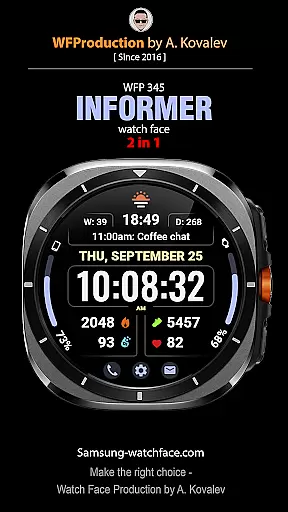
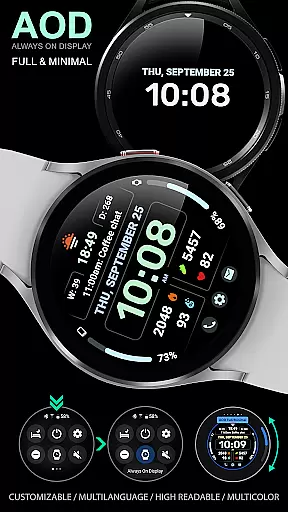
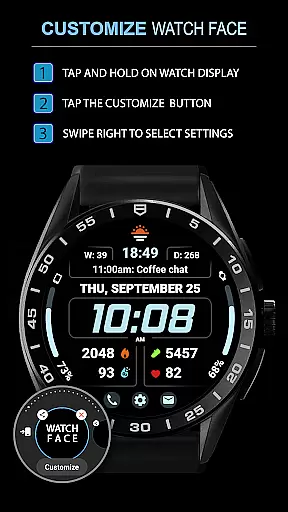
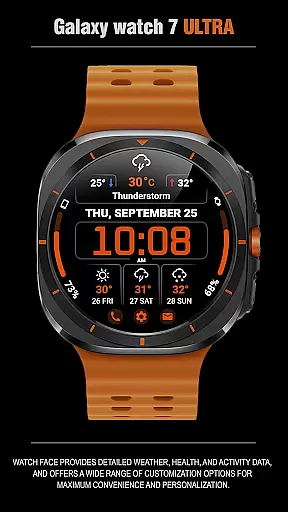
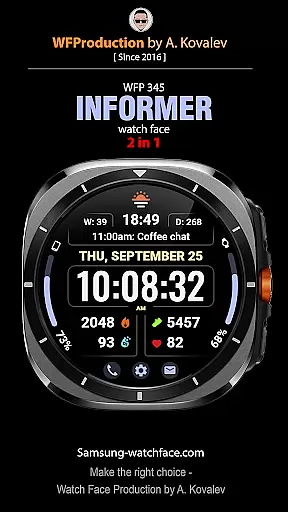
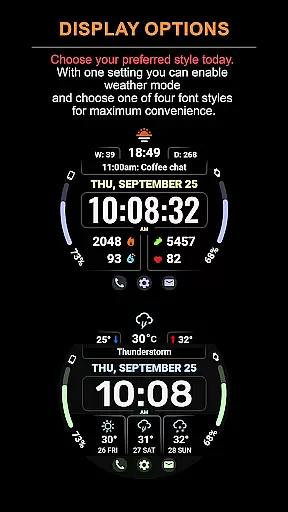
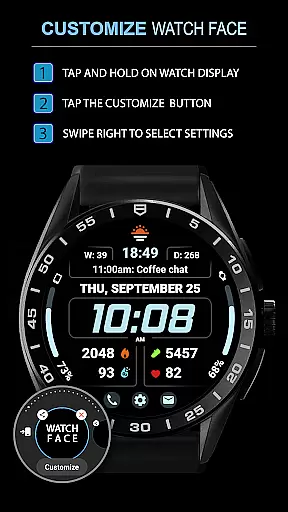
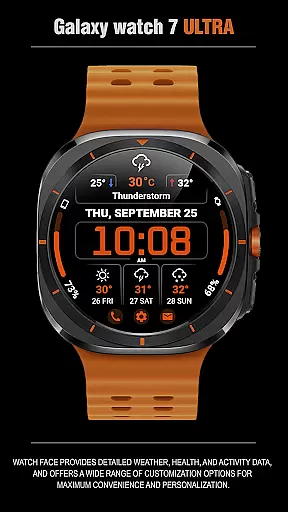
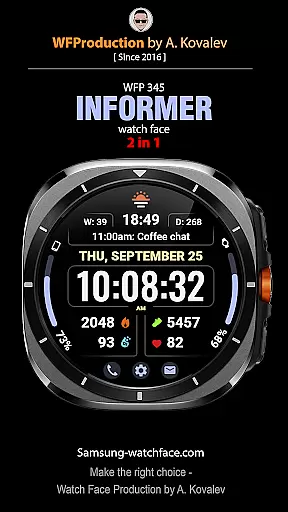
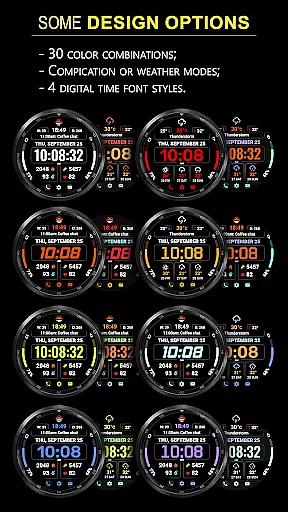
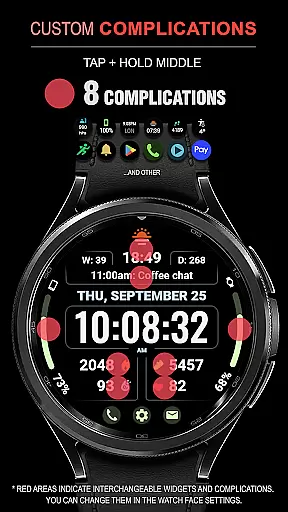
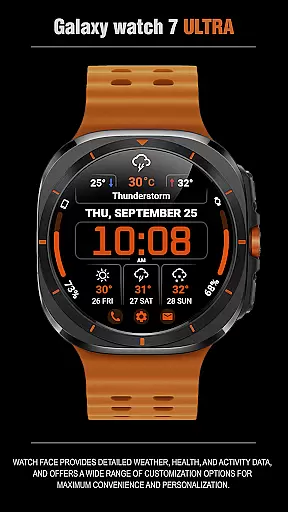
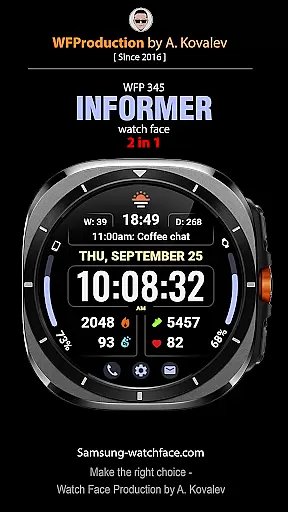
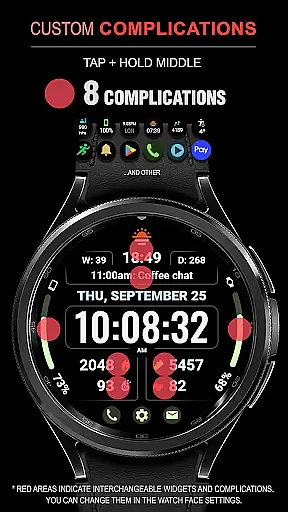
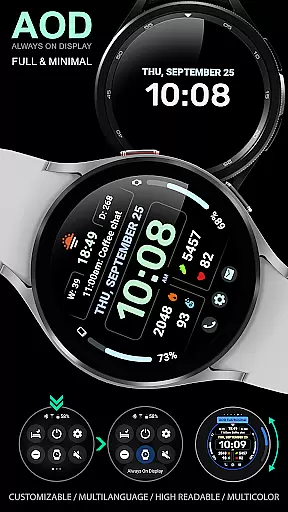
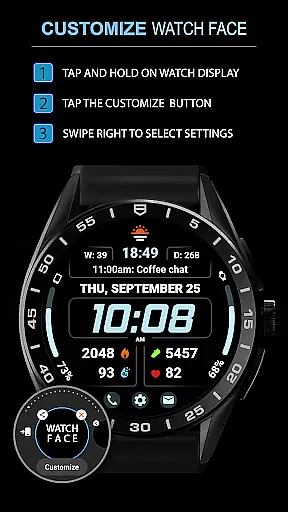
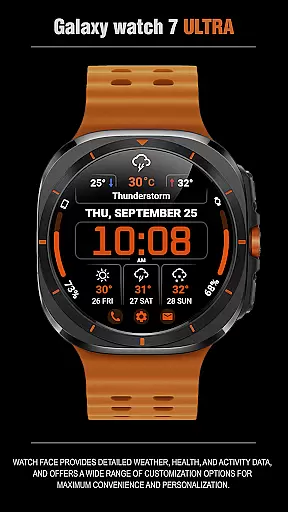
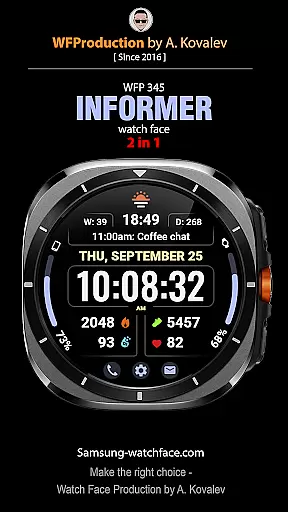
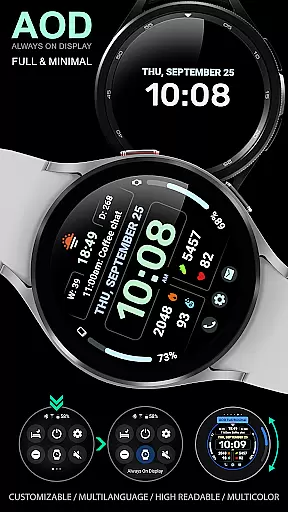
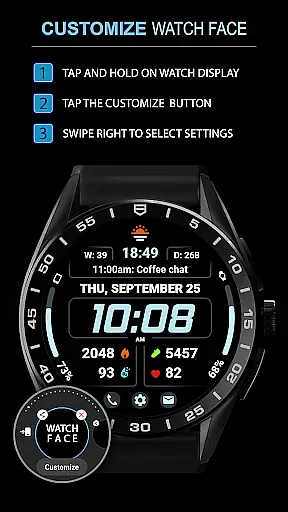
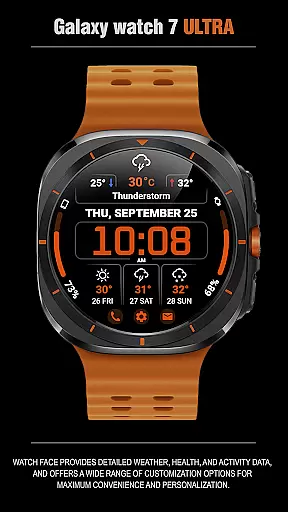
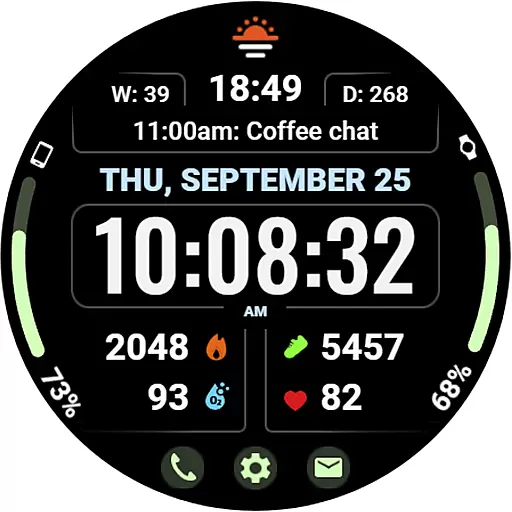
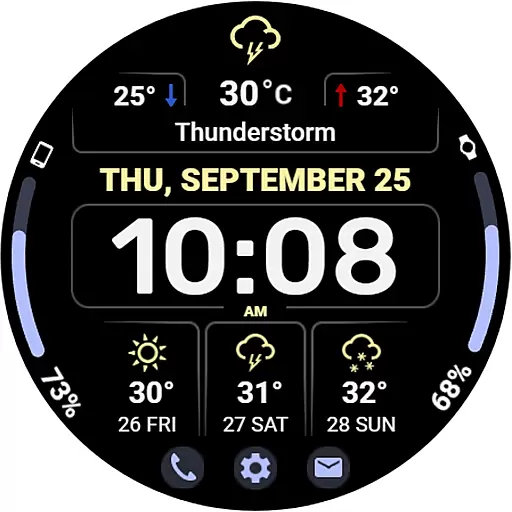
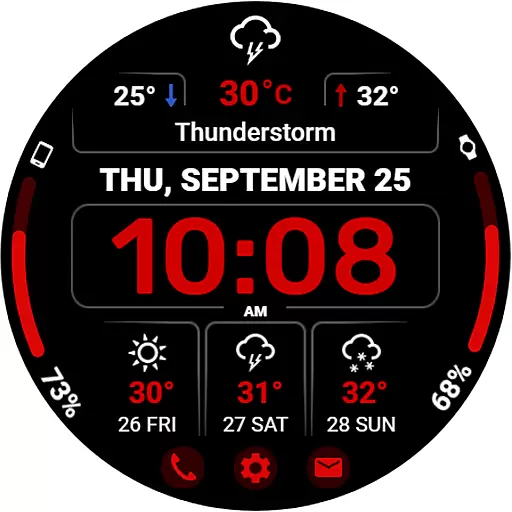
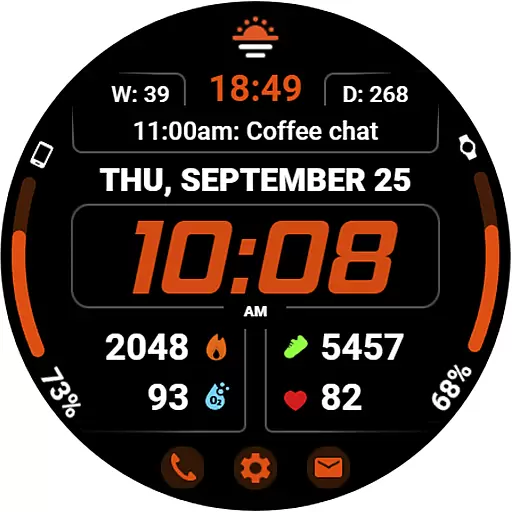
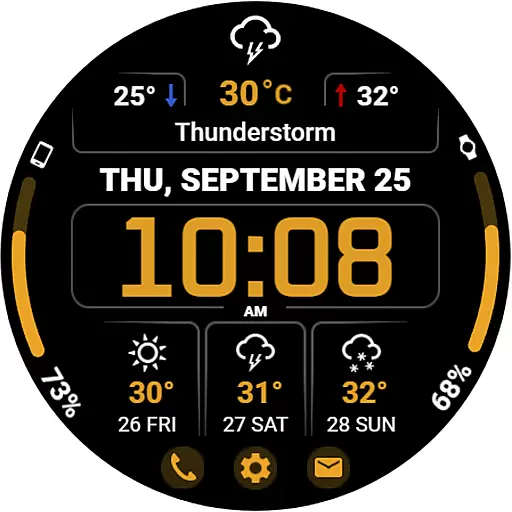
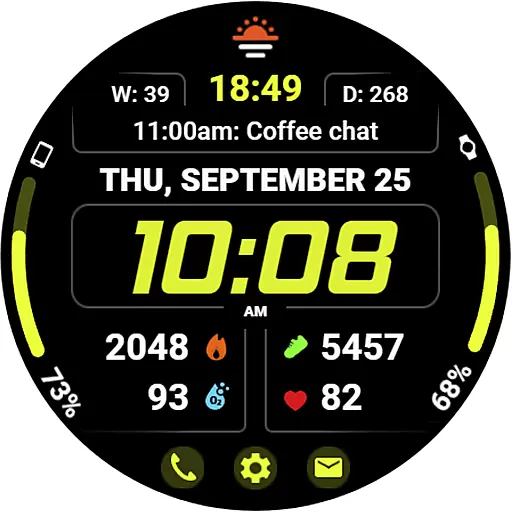
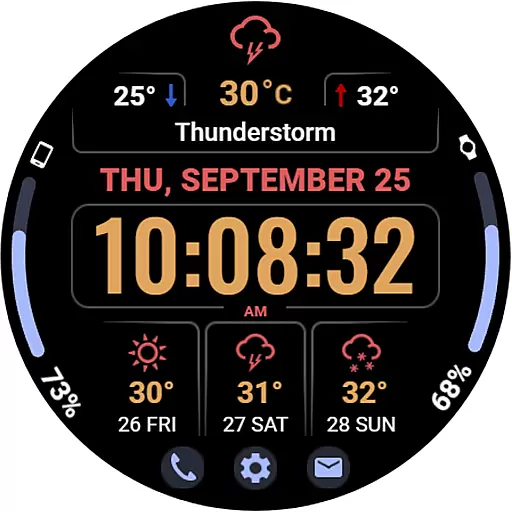
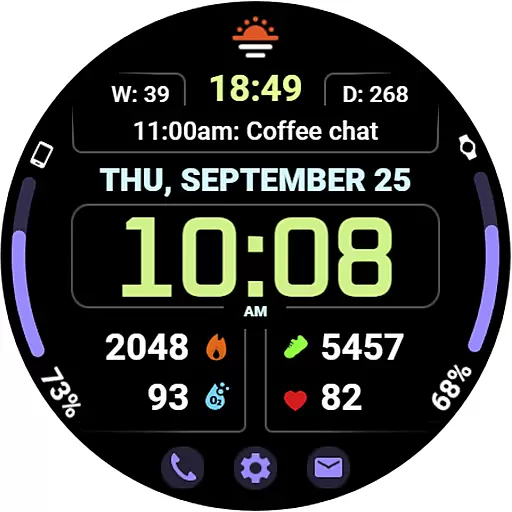
WFP 345 Informer watch face is a feature-rich Android Wear application that combines style and functionality. It offers users detailed weather forecasts, health tracking, and activity monitoring while providing extensive customization options for a personalized experience. With support for multiple complications, various color schemes, and high-resolution display optimization, this watch face ensures both aesthetic appeal and practical utility on your smartwatch.
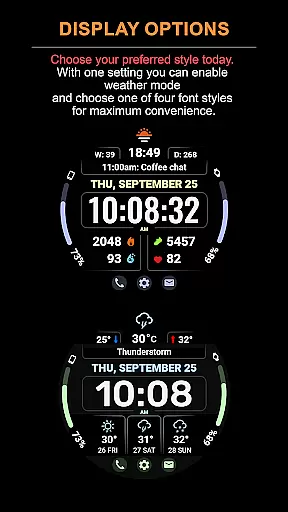
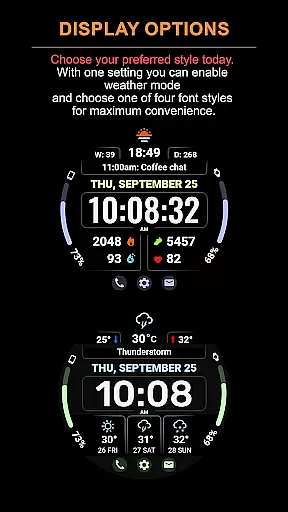
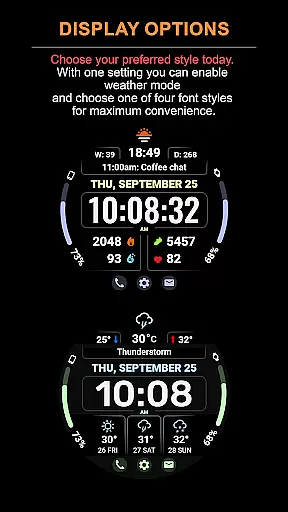
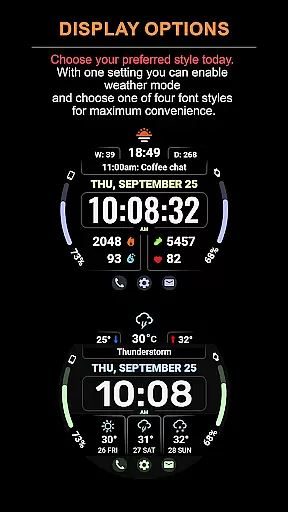
The app stands out with its dual-mode feature that allows switching between detailed complications and an extended weather forecast view. Whether you need to monitor your daily fitness goals or stay updated on upcoming weather conditions, WFP 345 caters to diverse user needs. Its low battery consumption and customizable Always-On Display (AOD) mode make it an ideal choice for users seeking both performance and personalization in a watch face.
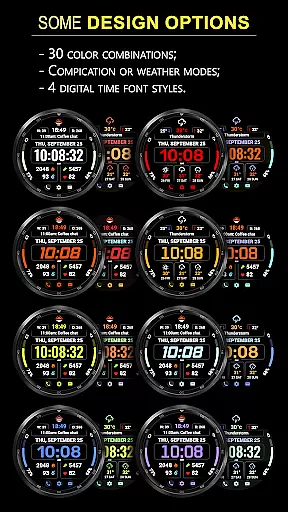
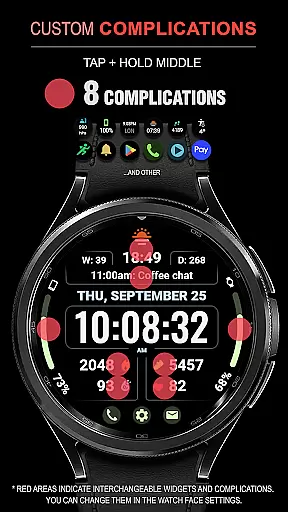
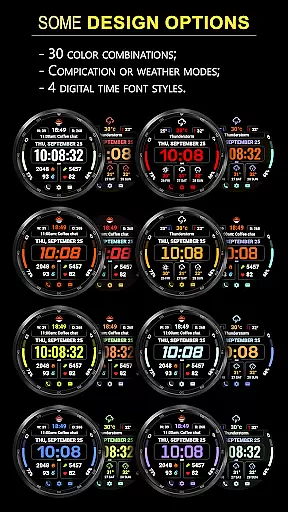
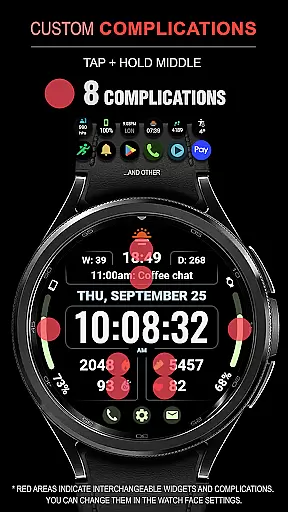
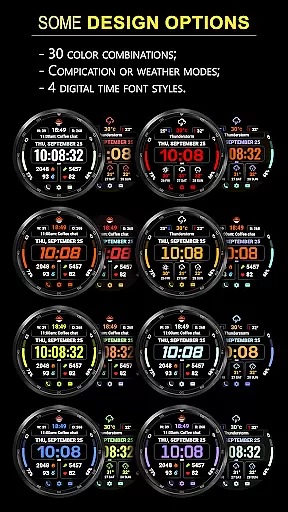
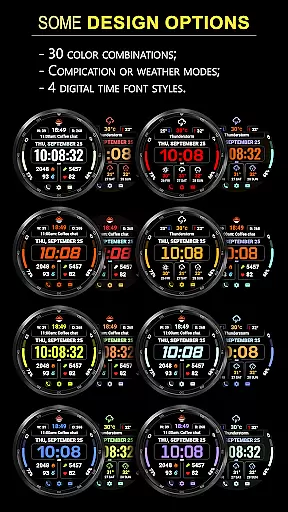
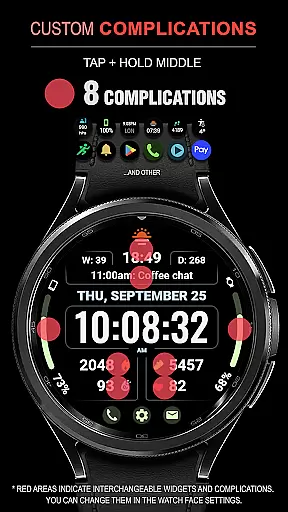
WFP 345 Informer watch face boasts an impressive array of features designed to enhance user convenience and device personalization. With 8 selectable complications, users can access critical information at a glance, such as weather updates, health metrics, and more. The inclusion of 30 color options and 4 time font styles ensures that the watch face matches individual preferences while maintaining clarity and readability.
A unique aspect of this app is its dual-mode functionality, offering users the flexibility to switch between detailed complications and a comprehensive 3-day weather forecast. This feature is complemented by additional tools like temperature displays, quick-access buttons, and multilingual support. Optimized for high resolution and minimal battery usage, the app delivers a seamless experience without compromising device performance, making it a top choice for Android Wear users.
Companion app integration is essential for a seamless wearable experience. The WFP 345 Informer watch face excels in this area by offering users comprehensive features that sync effortlessly with their smartphones.
This application provides detailed weather forecasts, health metrics, and activity tracking, all of which are accessible directly from the user's wrist. By connecting to the companion app, users can receive real-time updates and notifications, ensuring they stay informed throughout the day.
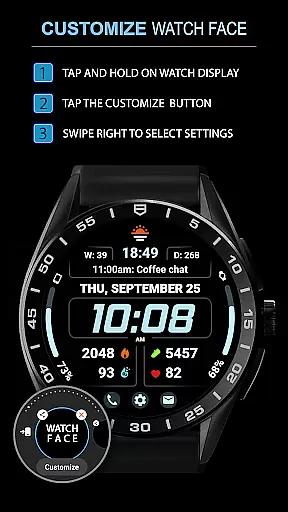
The level of customization available through the companion app is impressive. Users can choose between different modes, such as weather forecasting or displaying complications, tailoring the watch face to their specific needs and preferences. This flexibility enhances the overall utility of the smartwatch.
Furthermore, the integration supports quick access buttons and multilingual options, making it not only highly functional but also user-friendly. These features collectively ensure that users enjoy a personalized and efficient wearable experience.
Ensuring compatibility across various Wear OS devices is crucial for any watch face application. The WFP 345 Informer boasts extensive compatibility, functioning smoothly on a wide range of smartwatches running Wear OS.
This compatibility is evident in its high-resolution display and optimized performance. Regardless of the device, users can expect sharp visuals and minimal battery consumption, thanks to the application's high optimization standards.
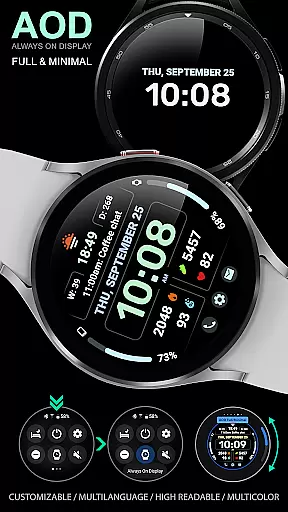
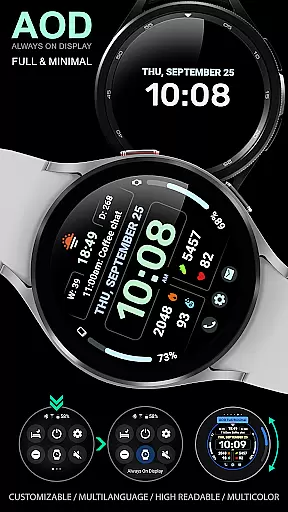
In addition to supporting multiple devices, the WFP 345 Informer offers features like Always-On Display (AOD) mode, which can be customized according to user preferences. This ensures that users have a consistent experience, whether they are using a Samsung, Fossil, or any other Wear OS device.
Overall, the emphasis on compatibility and optimization means that users can enjoy a versatile and reliable watch face experience, enhancing both the functionality and aesthetic appeal of their smartwatches.
Highly customizable
Accurate weather data
Low battery usage
Stylish design options
User-friendly interface
Complications hidden in Weather Mode
Limited widget functionality
Requires setup for full features
Premium features need purchase
Complex for beginners

Fitness interactive virtual pet super fighter boy watch face
 4.4
4.4
Nutrition, Macro tracker: Food, fitness & healthy diet tracking for weight loss
4.60
Locate your family members by GPS phone location tracker everywhere and anytime
4.30
To-Do List: daily schedule planner, task organizer, to do reminder app, calendar
4.60
The Chevron App allows you to pay for fuel from the comfort of your car!
4.80
Retro digital watch face with customizable colors and a unique lighting effect
4.60
A white realistic classic analog watch face with many customization options.
4.40
Track your active life in one place and share the journey with friends.
4.40
Start and succeed with PAP
4.10
WTW M17 is a premium and luxurious hybrid watch face
4.70
Rose gold watch face with festive lights & customizable features.
4.60
Current temperature, weather hourly, weather radar by the weather forecast app
4.40
Digital watch face with big numbers and many customization for Wear OS devices
4.40
sleep, alarm, snoring, stress, healing, focus, sound therapy, circadian rhythm
4.10
The #1 source of faces for your smartwatch!
4.00
Animated Watch Face and Customizable with 24 Backgrounds. Perfect for Christmas!
3.90
Your local weather forecast, storm tracker, radar maps & live weather news
3.40
Christmas and New Year - Themed Watchface
4.3
Stylish digital watch face for Wear OS devices with customizable features
4.4


User Reviews