
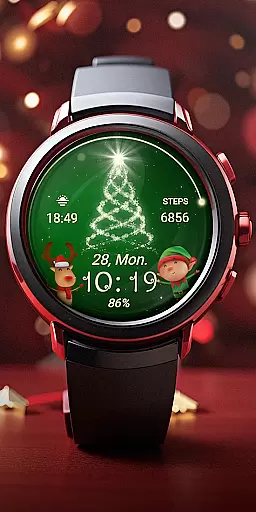
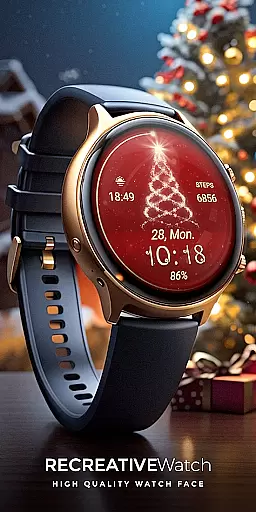
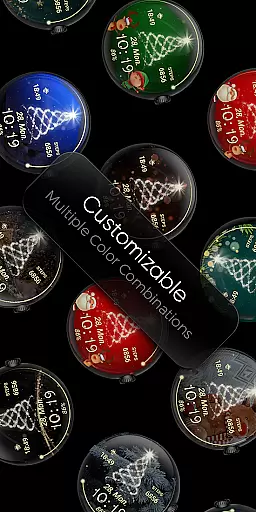
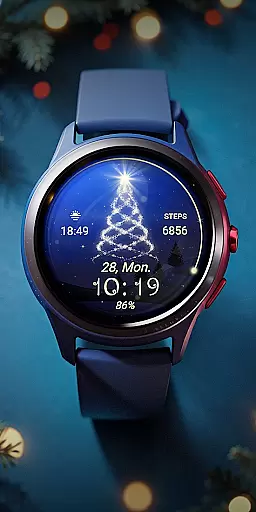
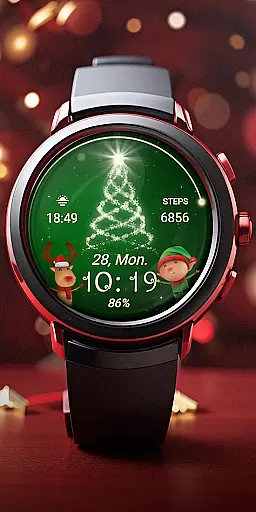
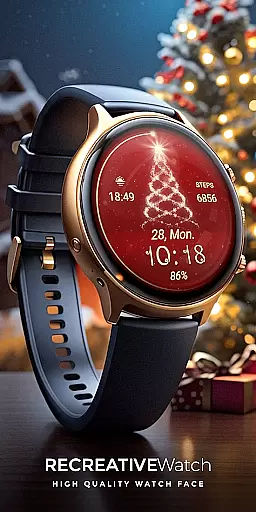
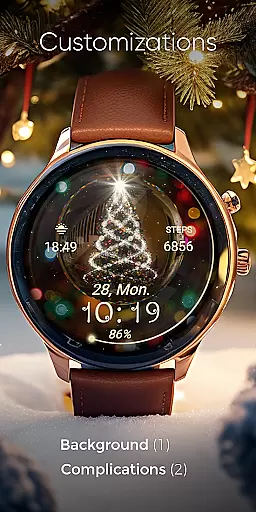
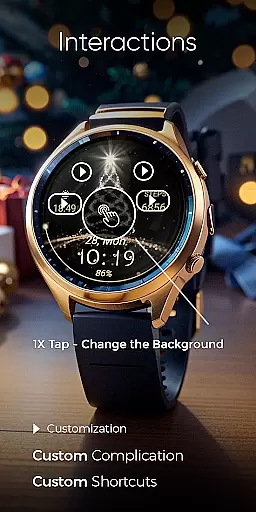
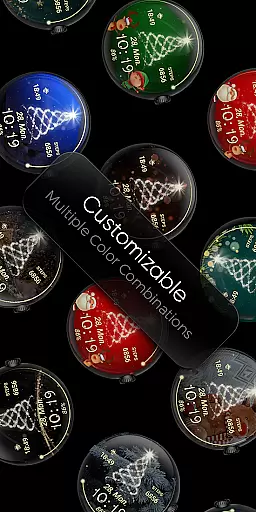
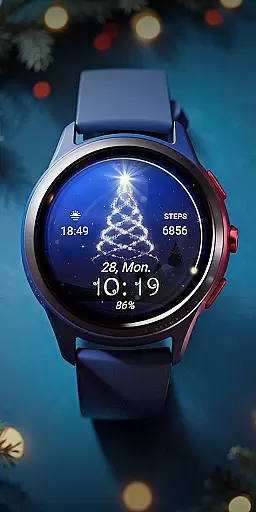
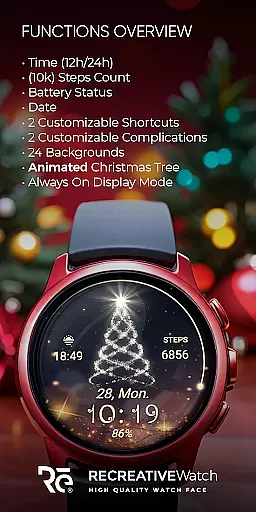
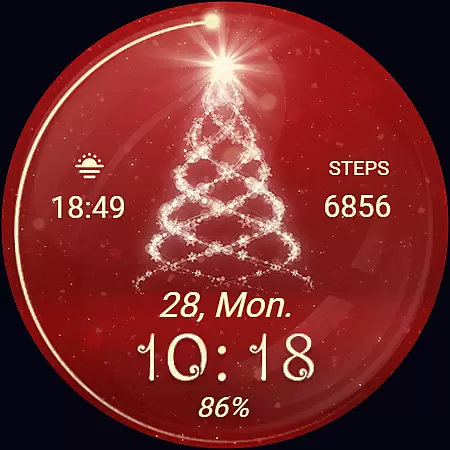
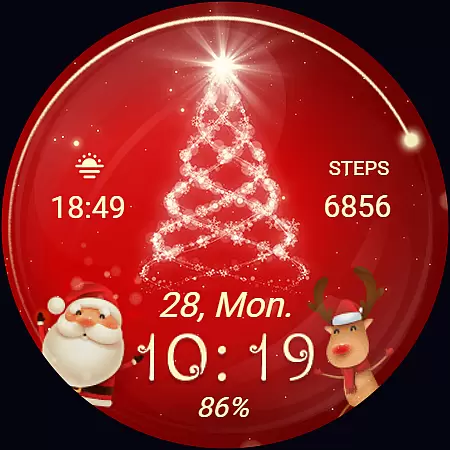
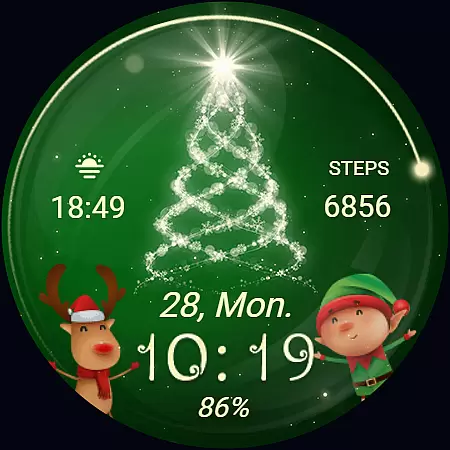
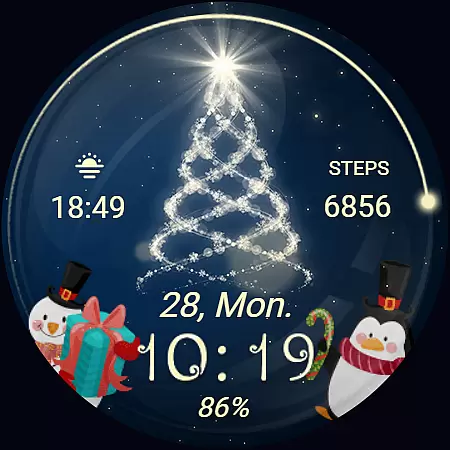
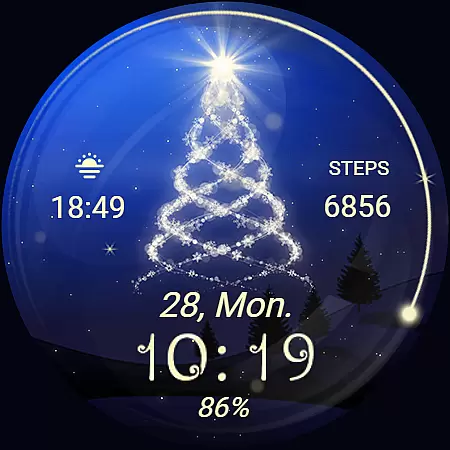
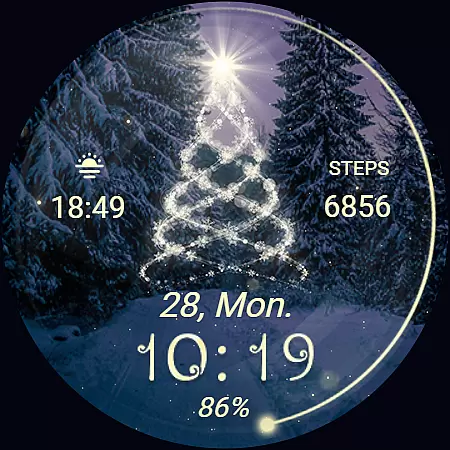
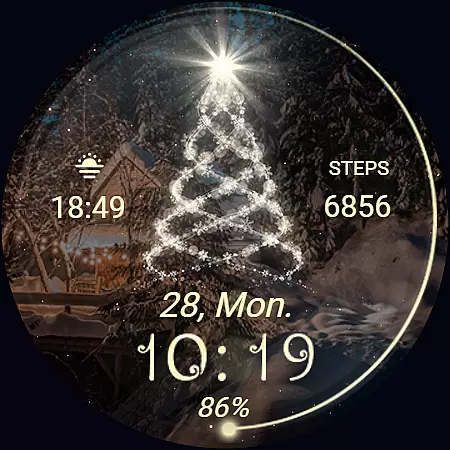
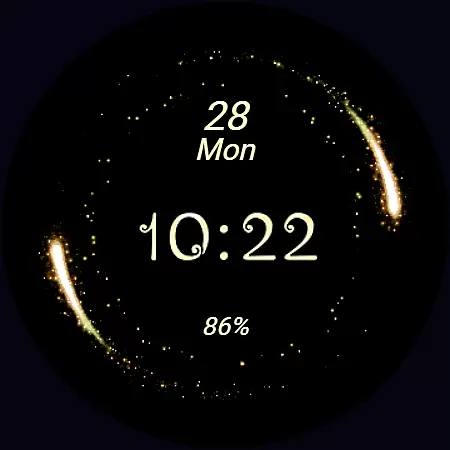
Christmas Spirit is a festive-themed watch face designed specifically for Wear OS devices. This application brings holiday cheer to your smartwatch with its vibrant and customizable features.
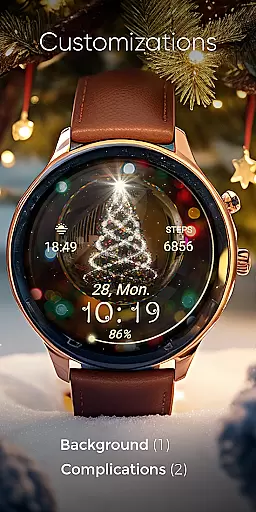
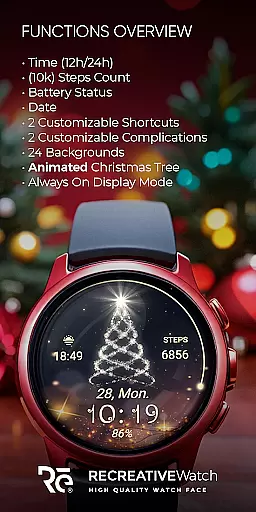
The watch face displays digital time in 12/24hr format, date, battery status, and step count. It also boasts an animated Christmas tree and snowfall effect, along with 24 unique colorful backgrounds to choose from. Users can personalize their experience further with two customizable shortcuts and complications.
Perfect for the holiday season, Christmas Spirit adds a joyful touch to your smartwatch while providing essential information at a glance. Compatible with API level 33+ devices including Google Pixel and Galaxy Watches, this app ensures that your device stands out during the festive period.
Christmas Spirit offers a rich set of features that cater to both functionality and personalization. The watch face supports Always ON Display with changeable colors, ensuring visibility and battery efficiency.
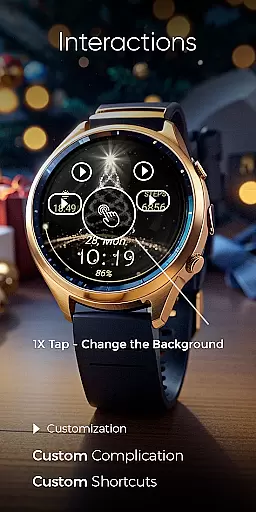
With 24 different backgrounds and an animated Christmas tree, users can enjoy a variety of visual themes. The customization options allow users to tailor the display to their preferences by setting up shortcuts and complications with any data they desire.
Additionally, the phone app facilitates easy installation and navigation to the watch face on your Wear OS device. Although it contains ads, the core experience remains focused on delivering a delightful and personalized wearable experience.
Companion app integration is essential for ensuring seamless functionality between wearable devices and smartphones. Christmas Spirit offers a dedicated mobile application that simplifies the installation process of its Wear OS watch face, making it easier for users to locate and activate the festive design on their smartwatches.
The phone app serves as a bridge, enabling users to access advanced customization options directly from their mobile device. This includes the ability to choose from 24 unique backgrounds and customize complications, allowing for a personalized touch that enhances the overall user experience.
While the mobile app contains advertisements, it ensures that the core functionality remains uninterrupted. Users can enjoy the benefits of an easy-to-navigate interface that facilitates quick adjustments without compromising the performance of their wearable technology.
Ensuring broad device compatibility is crucial for any Wear OS application. Christmas Spirit is designed to work seamlessly with API level 33+ devices, including popular models like Google Pixel, Galaxy Watch 4, 5, 6, and other Wear OS smartwatches.
This wide compatibility range guarantees that most Wear OS users can enjoy the animated Christmas tree and customizable features without worrying about technical limitations. The application supports essential functions such as digital time display in both 12/24hr formats, date, battery status, and step count tracking.
For optimal battery performance, users are advised to disable the Always On Display mode. This feature, while visually appealing, can impact battery life. By following this recommendation, users can maintain their device's efficiency while still enjoying the festive charm of the Christmas Spirit watch face.
Customizable backgrounds
Animated Christmas tree
Always ON Display support
Step count tracking
Vibrant holiday theme
Contains ads in phone app
Limited to Wear OS
Battery usage concerns
No automatic application
Holiday-specific design

Walking app for weight loss: walk & step tracker, pedometer, indoor treadmill
 4.60
4.60
Wear Os Watch Face - Animated Snow Effect & Magic Spark - 6 Scenes
4.10
Watch face designed for Thanksgiving Day. 7 Background Styles included.
3.20
The #1 source of faces for your smartwatch!
4.00
Get helpful reminders, take progress photos and find answers to your questions.
3.90
Retro digital watch face with customizable colors and a unique lighting effect
4.60
Viewer for Wyze/Yi/Eufy/Arlo/ONVIF/RTSP/P2P IP cams w/ adv. features & DIY DVR
4.00
A realistic hybrid watch face with many customization options.
4.60
Control your Samsung Smart TVs, appliances, and SmartThings-compatible devices
4.60
Digital, flexibly customizable watch face. For Wear OS 5.0, API 34+ and later.
5.00
WTW M17 is a premium and luxurious hybrid watch face
4.70
Simple, helpful messaging by Google
4.60
Digital watch face. For Wear OS devices.
4.40
Calming & relaxing sounds for sleeping and stress relief. Stay focused all day!
4.20
Animated video-game inspired “secret agent” simulation, right on your wrist!
4.20
Embrace the festive spirit with our Christmas Countdown watchface for Wear OS
4.10
sleep, alarm, snoring, stress, healing, focus, sound therapy, circadian rhythm
4.10
A Wintery Snow Globe on Your Wrist; now celebrating Christmas!
4.0
Funny animated watch face for Thanksgiving
4.0


User Reviews