
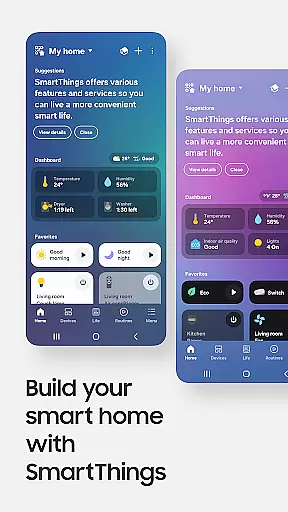
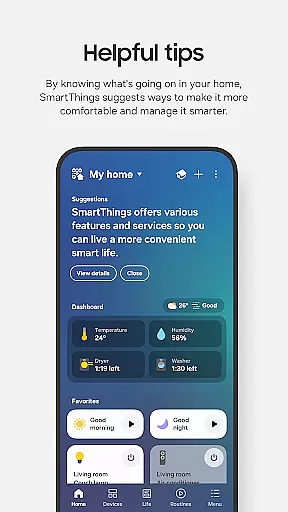
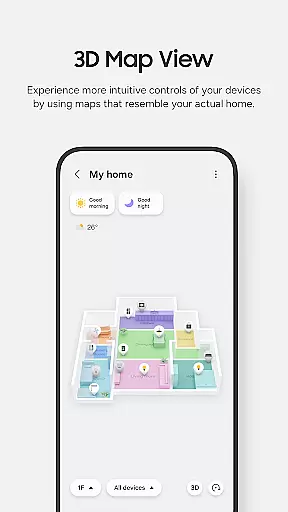
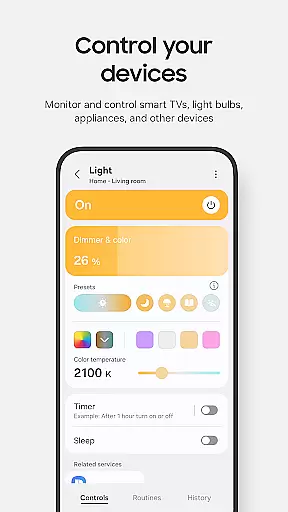
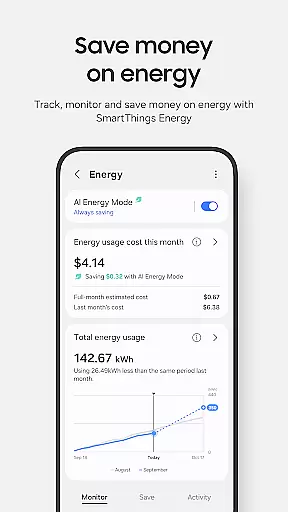
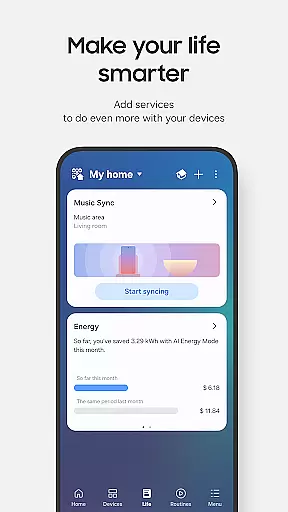
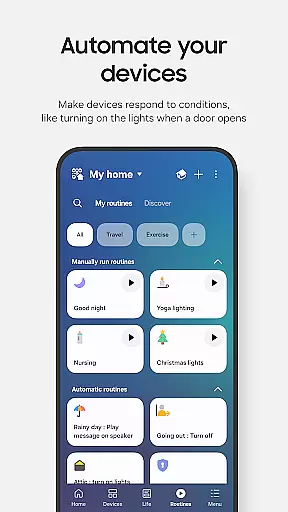
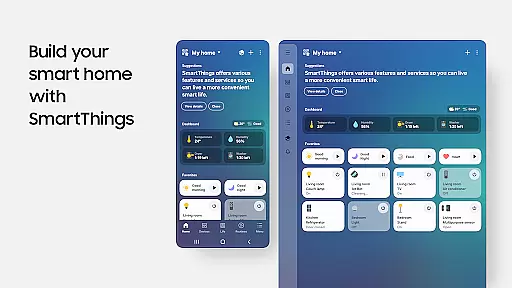
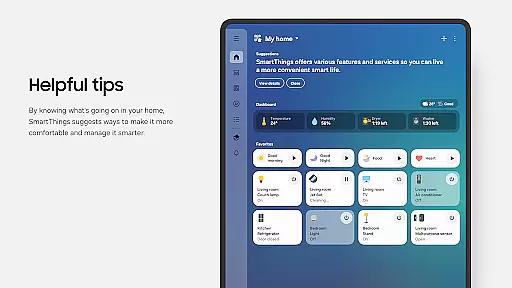
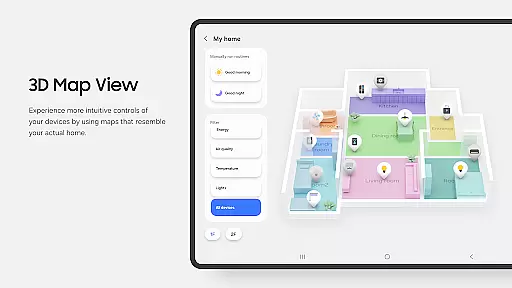
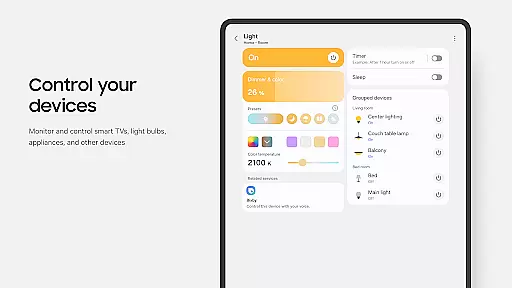
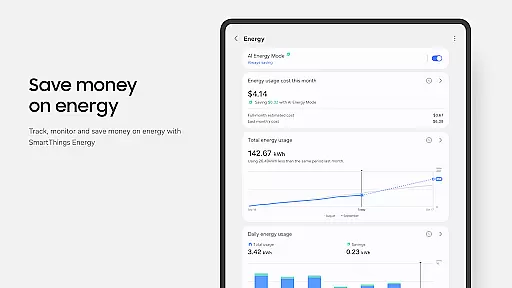
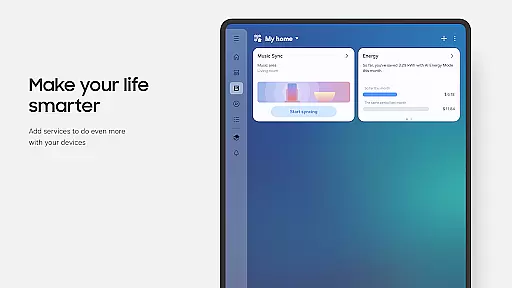
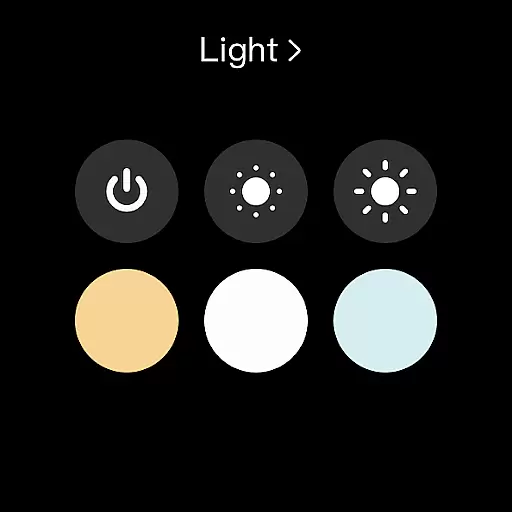
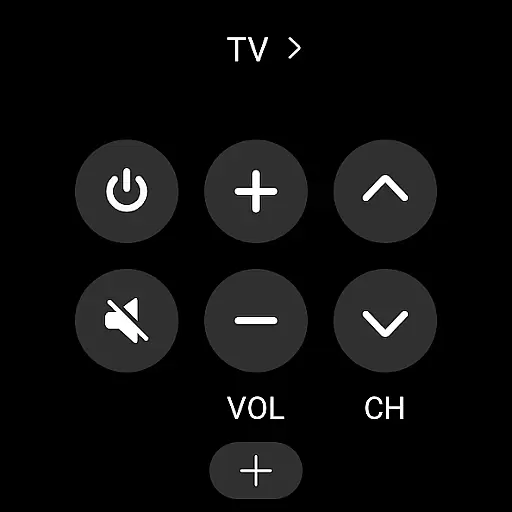
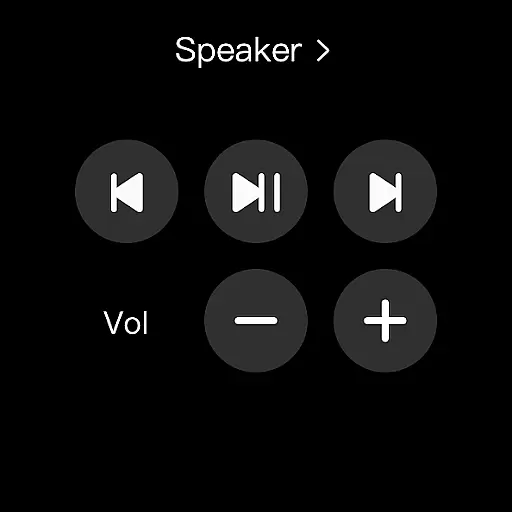
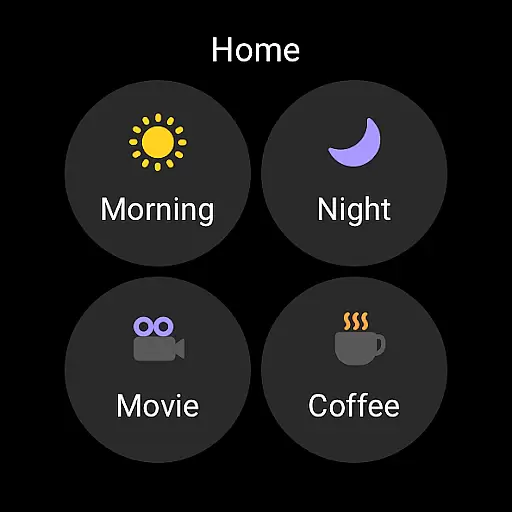
SmartThings is a comprehensive smart home management application that allows users to connect, monitor, and control multiple smart devices from various brands in one place. The app supports Samsung Smart TVs, smart appliances, and integrates with popular brands like Ring, Nest, and Philips Hue.
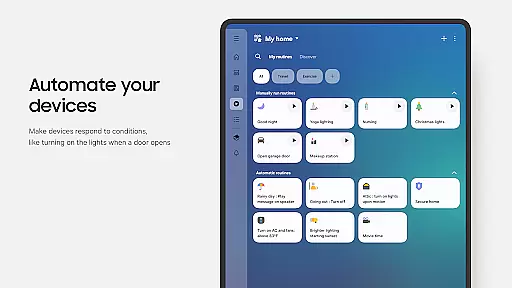
With its intuitive interface, SmartThings enables users to create automated routines based on time, weather, or device status, ensuring smooth operation of their smart home environment. The app also provides voice control compatibility with Alexa, Bixby, and Google Assistant, making it versatile for different user preferences.
Whether you're at home or away, SmartThings offers peace of mind by allowing remote monitoring and control of your smart devices. It's an essential tool for managing modern smart homes efficiently.
SmartThings stands out with its extensive compatibility across hundreds of smart home brands, offering a centralized control hub for all your devices. The app's routine-building feature lets users automate their home operations based on specific triggers like time or weather conditions.
One of the key innovations is the ability to share control with other users, which is perfect for families or shared living spaces. Automated notifications keep users informed about the status of their devices, enhancing security and convenience.
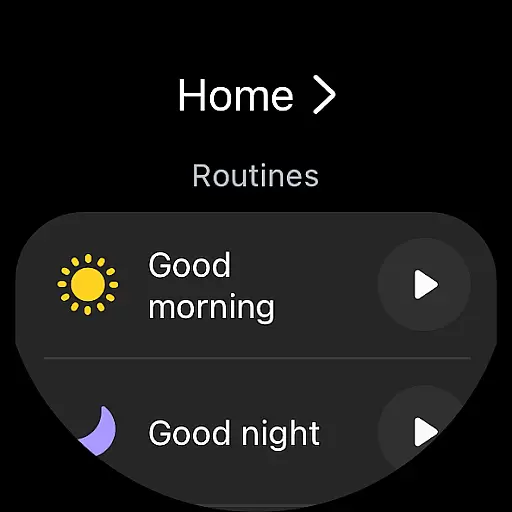
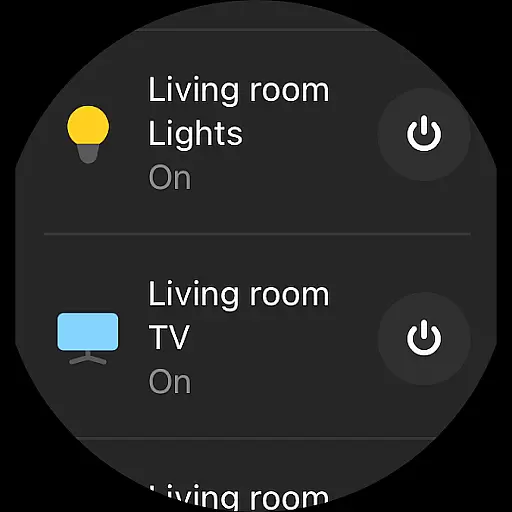
The app also extends its functionality to Wear OS-based watches, providing quick access to routines and device controls directly from your wrist. This seamless integration across devices demonstrates SmartThings' commitment to a connected smart home ecosystem.
Companion app integration is essential for a seamless smart home experience. SmartThings excels in this area by allowing users to control various smart devices from different brands all within one unified application. This eliminates the need to switch between multiple apps, streamlining the management of your smart home ecosystem.
The app supports Samsung smart TVs, smart appliances, and even third-party products like Ring, Nest, and Philips Hue. By integrating these devices into a single platform, SmartThings ensures that users can easily manage their routines, receive notifications, and monitor device statuses without any hassle. This centralized control enhances user convenience and saves time.
SmartThings also offers compatibility with voice assistants such as Alexa, Bixby, and Google Assistant. This feature allows users to execute commands hands-free, making daily tasks more efficient. Whether you're adjusting the thermostat or checking security cameras, SmartThings provides a cohesive and integrated solution that simplifies smart home management.
Device compatibility is crucial for ensuring that your smart home app functions well across various platforms. SmartThings offers robust support for Wear OS-based watches, enabling users to access key features directly from their wrists. This compatibility extends the convenience of smart home control beyond smartphones, providing quick access to routines and device controls.
By adding SmartThings tiles on your watch face, you can effortlessly interact with your smart home devices. The app's complications allow direct entry into its services, offering functionalities like routine execution and device monitoring at a glance. This makes it easier than ever to manage your home while on the go.
However, it's important to note that SmartThings for Wear OS requires a connection to a mobile phone. While some features may be limited when used with non-Samsung devices, the overall compatibility remains strong. With optimized performance for Samsung smartphones and extended support for wearables, SmartThings ensures a versatile and reliable smart home experience across different devices.
User-friendly interface
Wide device compatibility
Voice assistant integration
Remote home monitoring
Automated routines
Limited non-Samsung support
Feature restrictions by region
Optional permissions needed
Device-specific limitations
Potential connectivity issues

Rose gold watch face with festive lights & customizable features.
 4.60
4.60
Precision analog watch face with 7 complications and style options
4.5
A Wintery Snow Globe on Your Wrist; now celebrating Christmas!
4.1
Let's celebrate Thanksgiving - Wear Os watch face
4.20
Find EV charging stations
4.30
Bold weather Digital watchface with forecast & optional animated background
4.40
A digital watch face that celebrates Christmas.
4.00
A white realistic classic analog watch face with many customization options.
4.40
Connect, create, and collaborate with Gmail, part of Google Workspace.
4.10
Monitor health with the stress test and pulse checker in the heart rate app.
4.60
Kia Access makes getting your vehicle information easier than ever
4.60
MyNISSAN® lets you remotely control your car from your phone.*
4.50
Hyper-Realistic Airplane Dashboard Watch Face With 10 Skins and Custom AOD
4.00
Get helpful reminders, take progress photos and find answers to your questions.
3.90
Authentic military-tactical design with ZULU time! Realistic and functional!
3.80
Christmas and New Year - Themed Watchface
4.2
A watch face that fuses motorsport precision with contemporary smartwatch design
4.2
Contemporary digital watch face with five complications
4.3
Minimalistic design modern digital watch face.
4.3


User Reviews